


Both KEYDIY KD-X4 and CGDI K2 now support NCF29Ax smart key chips reading and writing, key works directly on the car without further programming. What is the difference between them? Which one is right for you?
Let’s break it down so you can pick the best tool for your bench.
The Big Difference – How They Work
1. KEYDIY KD-X4 5-in-1 Key Programmer:
- Chip removal + soldering method
Need to update KD APP to the latest version.
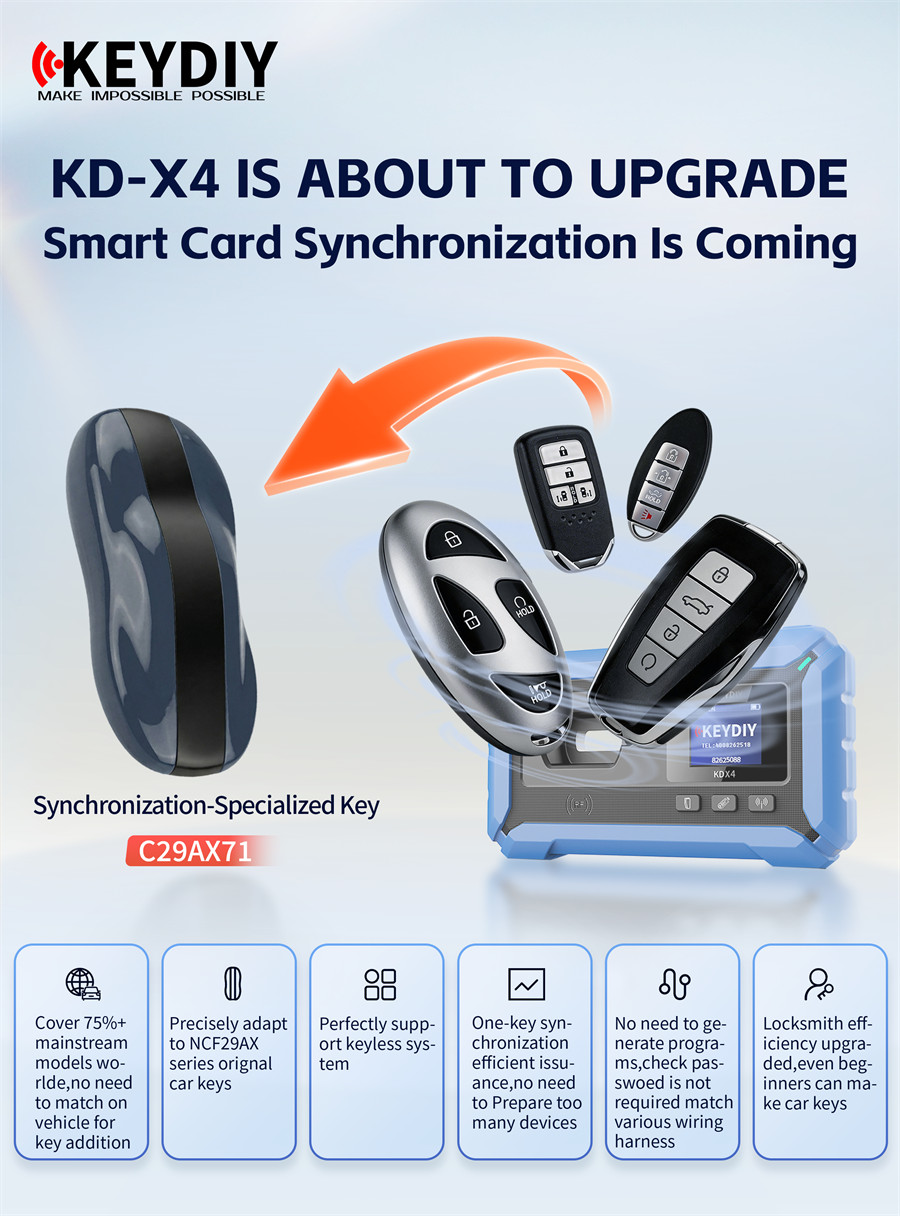
You pull the NCF29Ax chip off the original key board, solder it onto KEYDIY 13# Remote Chip Reading Adapter, read the data, then write it to KEYDIY C29AX71 Dedicated Synchronization Smart Key
- Supported chips:
NCF29A1, NCF29A2, NCF29A3, NCF29A4, NCF2953, NCF2954
- No chip removal – just wire connections.
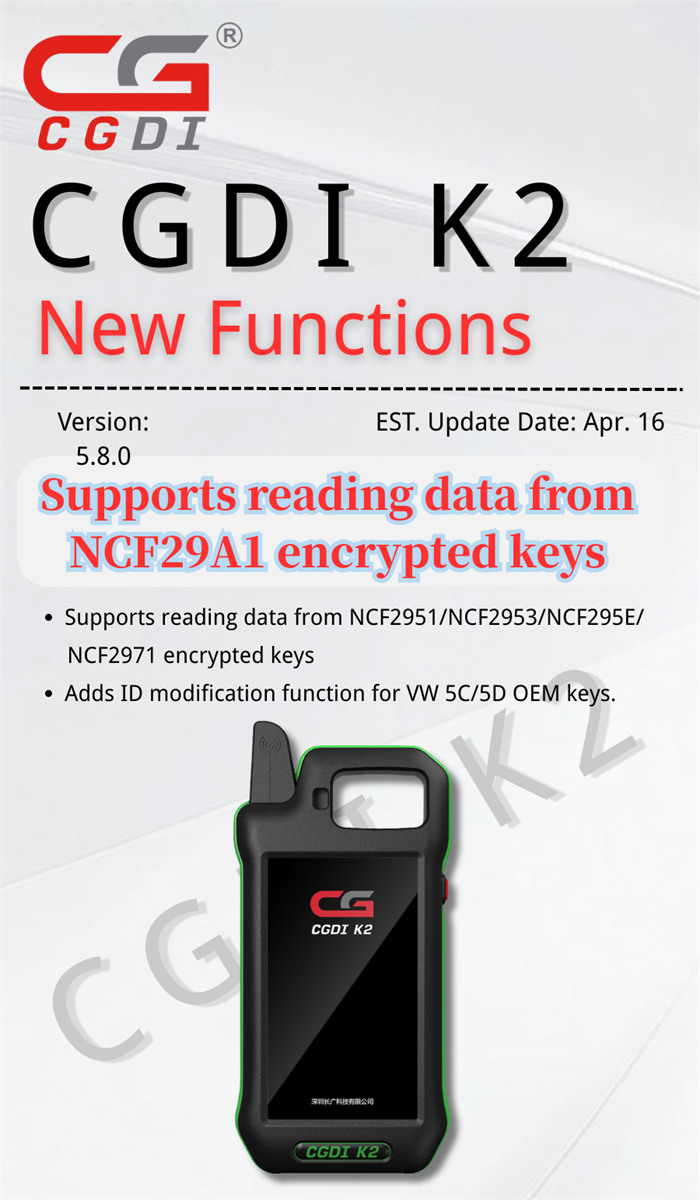
Need to update software version to V5.8.0.
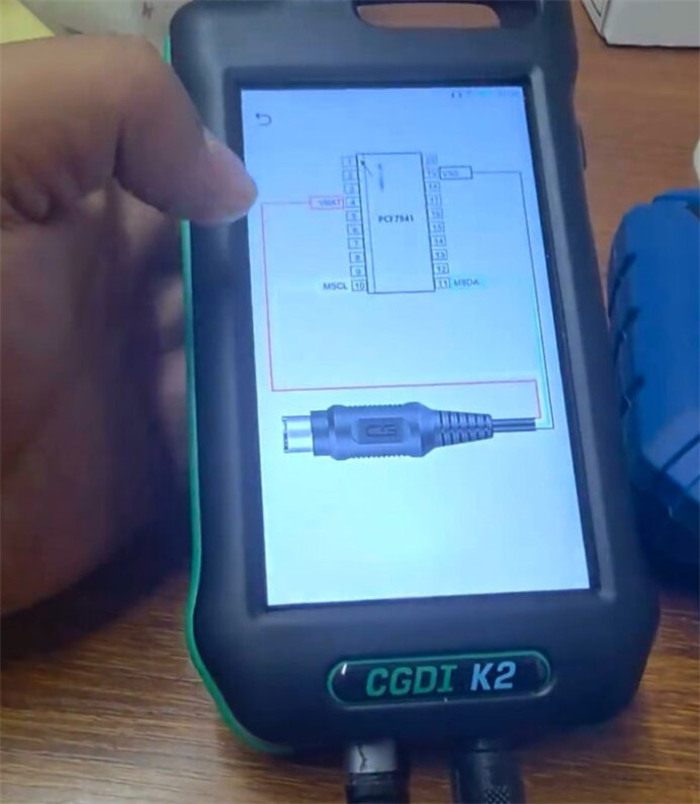
You don’t take the chip off at all. Just follow the wiring diagram on screen, clip on some test leads (the remote renew cable), and read the data straight from the board.
- Supported chips:
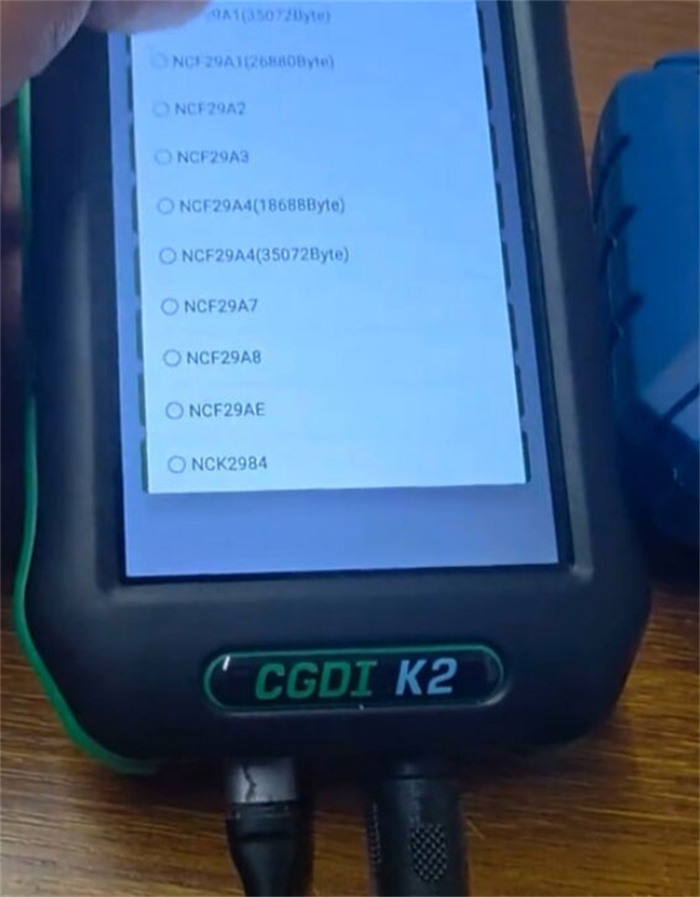
NCF29A1, NCF2951, NCF2953, NCF295E, NCF2971
Step‑by‑Step – What It Looks Like in Real Life
Option 1: KEYDIY KD-X4 Key Tool (Good for soldering pros)
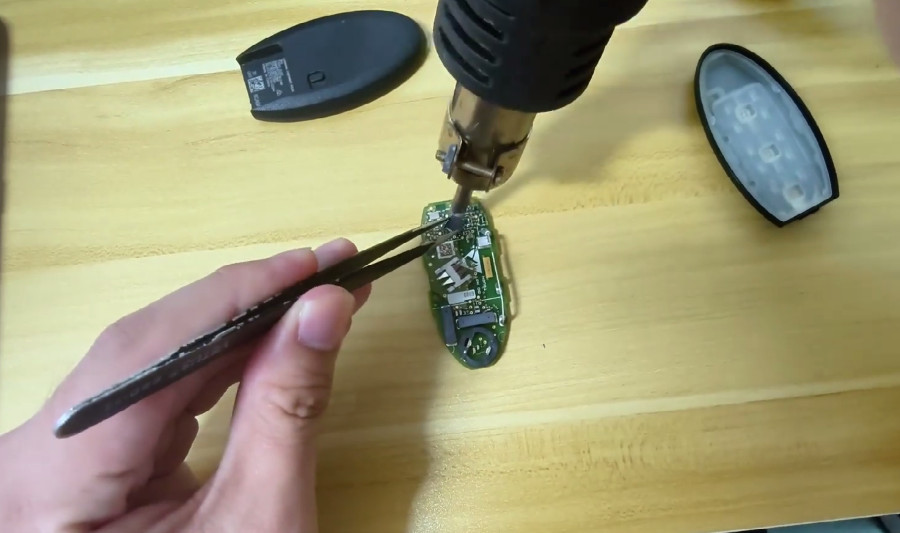
1. Pull the chip: Carefully take apart the original key and desolder the NCF29Ax chip.
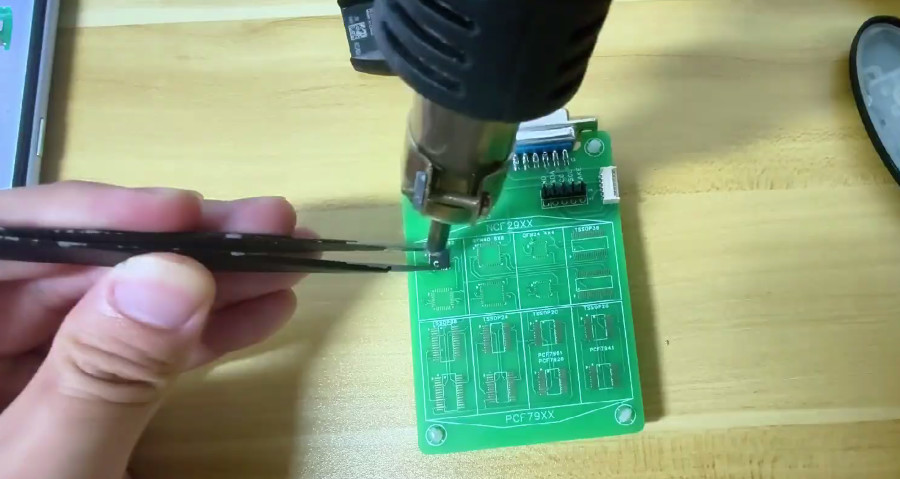
2. Solder to adapter: Put the chip on KEYDIY 13# Adapter, solder it down, and plug the board into your KD-X4.
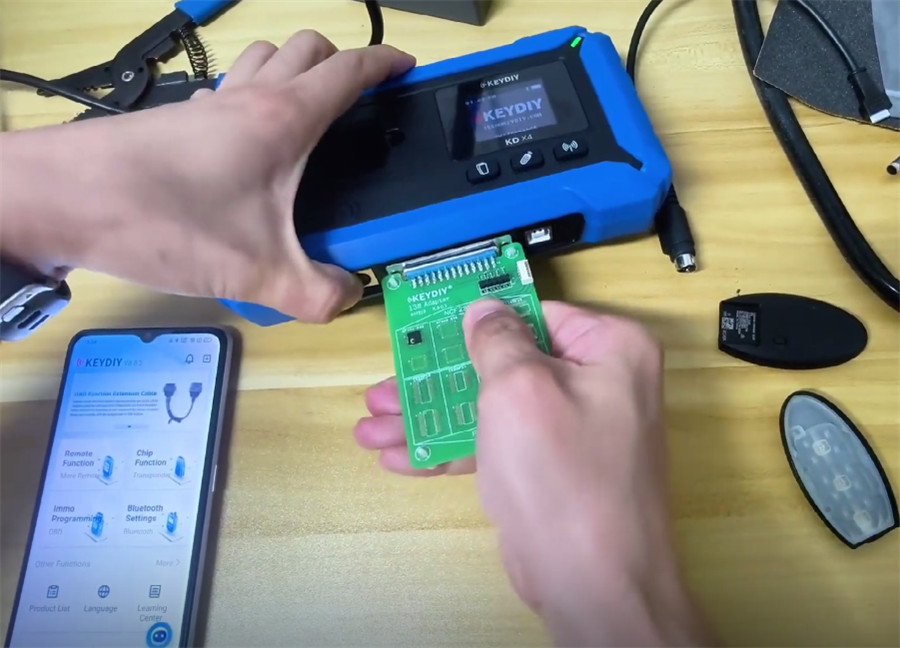
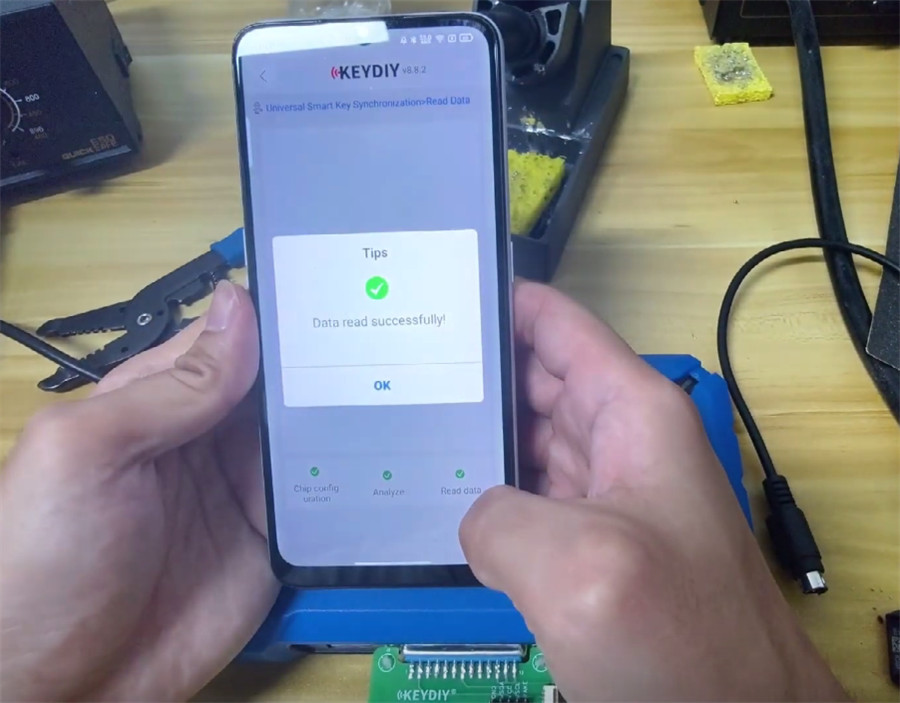
3. Read the data: Run KD App and go to Remote Function → Smart Key Clone → Universal Smart Key Synchronization.
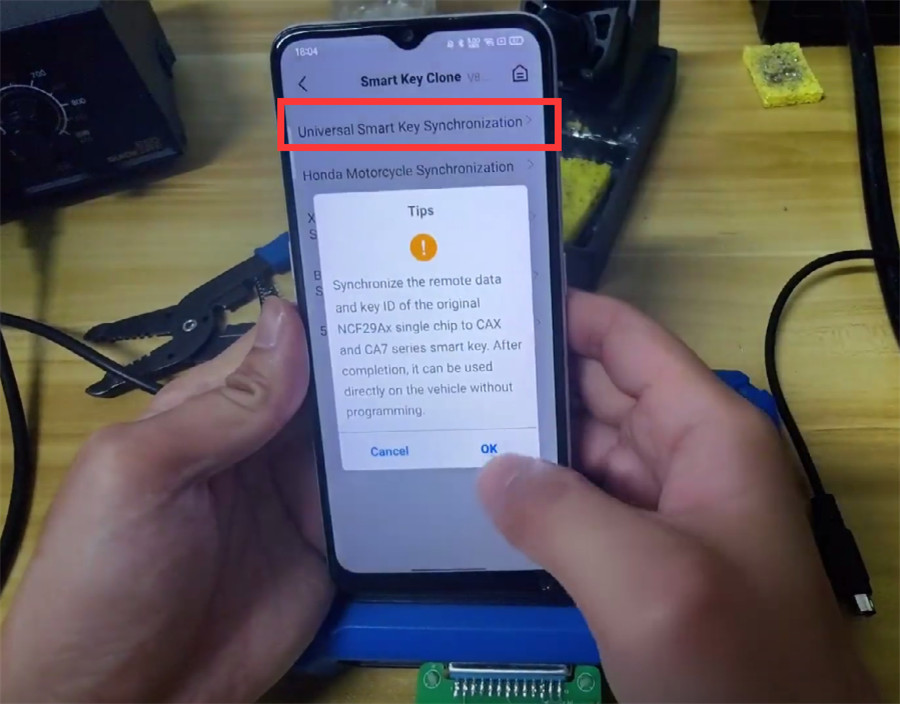
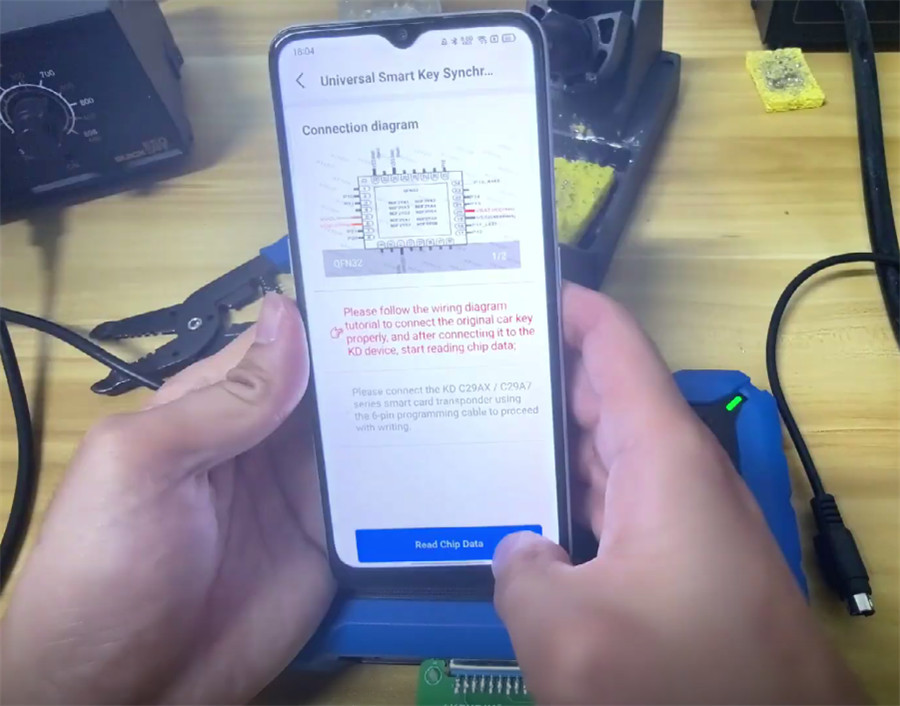
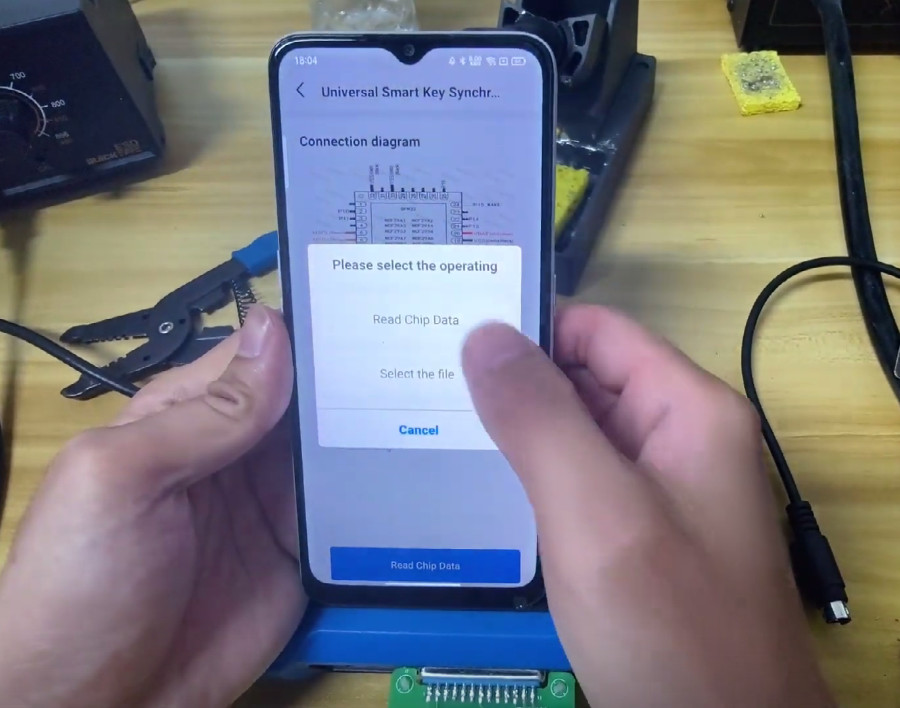
4. Write to new remote: Take the chip off the adapter, solder it back to the original key, then use the 6‑pin cable to write the data to a brand new KEYDIY C29AX71 Smart Key.
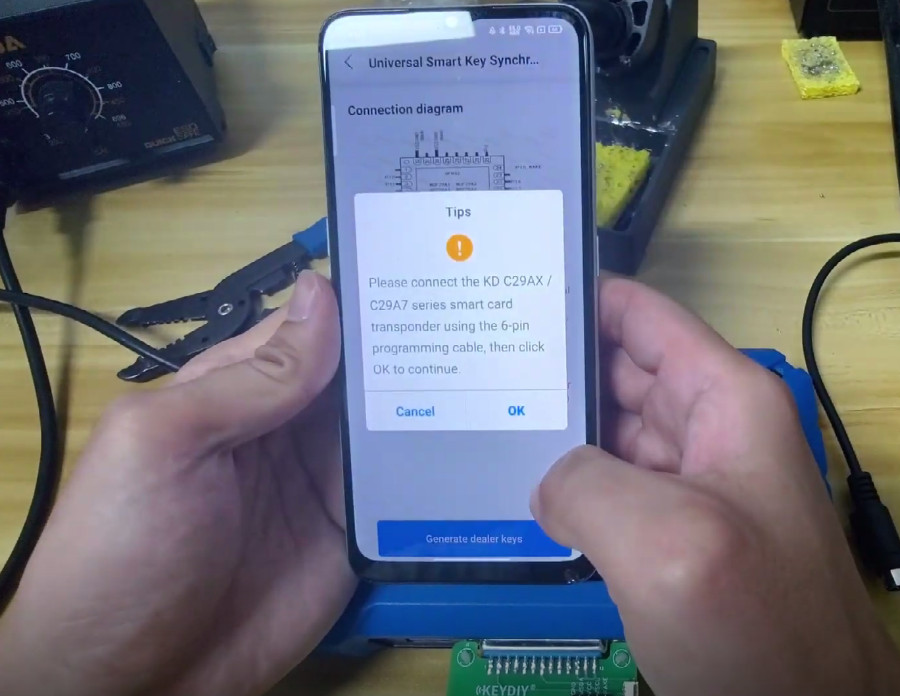
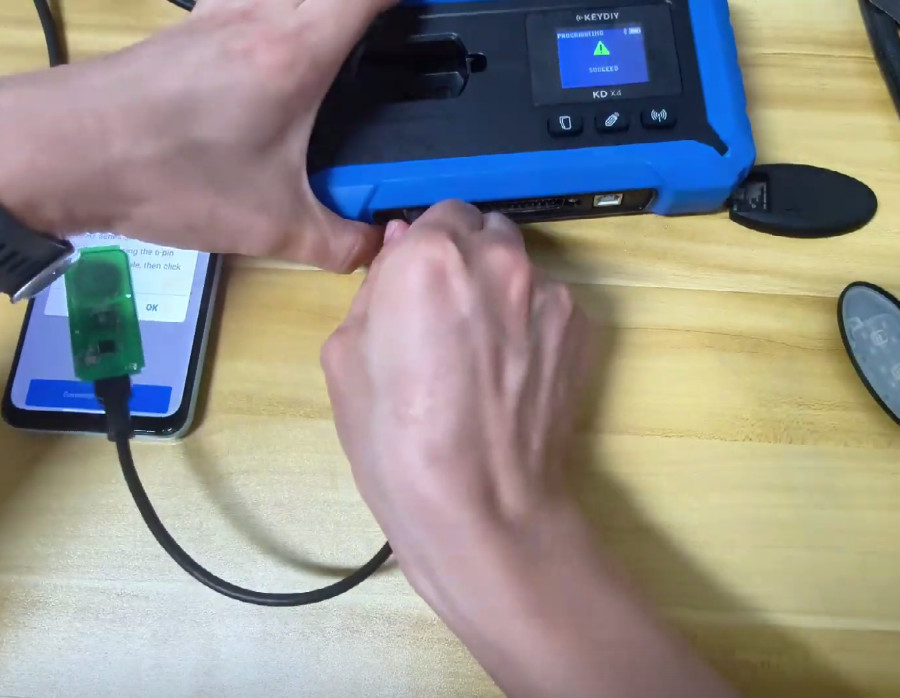
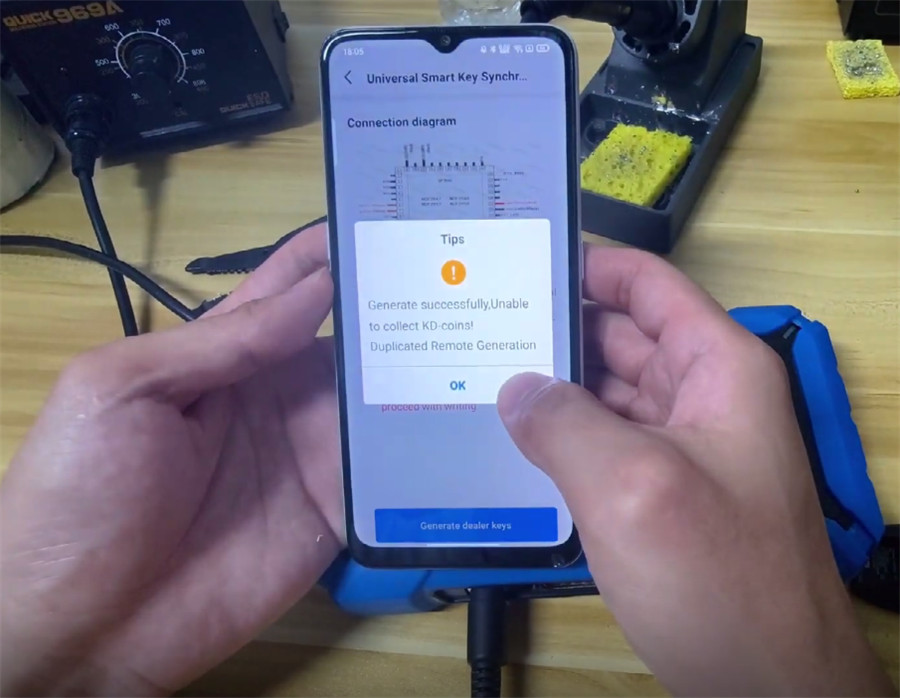
5. Finish up: Snap the shell on KD C29AX71 Smart Key. Done – no need to program it in the car.
Note: For each chip model, the chip needs to be removed to read the data. The generated key ID is the same as the original key, and both keys can be placed in the car at the same time.
Option 2: CGDI K2 Key Tool(Soldering‑free, lower risk)
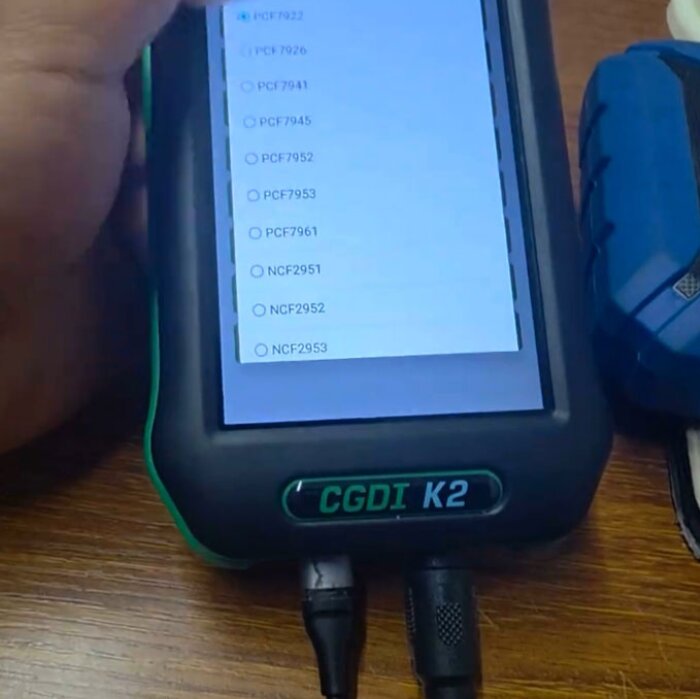
1. Connect wires: Go to NCF29Ax function in K2 menu (under MCU Programmer). The screen shows you exactly where to connect wires for your key model.
2. Attach leads: Grab the standard “Remote Renew Cable” that came with your K2. Clip onto the test points shown in the diagram. No chip removal. No soldering.
3. Read data: CGDI K2 reads the encrypted data right off the chip while it’s still on the original board.
4. Write to new key: Use that data to program a new smart key.
Which One Should You Buy or Use?
Go with KEYDIY KD-X4 Key Programmer if:
- You’re comfortable with micro‑soldering and won’t panic over tiny IC chips.
- You’re already using KD C29AX71 remote.
- You need to work on specific chips such as NCF29A2 or NCF2954 (KD highlights these).
Go with CGDI K2 Key Programmer if:
- You don’t want to risk damaging a customer’s expensive original key.
- You want a cleaner, faster workflow without breaking out the soldering iron.
- You already own a CGDI K2 – just grab the free V5.8.0 update.
- You need to read chips such asNCF2951 or NCF2971.
Final Suggestion
Both tools get the job done. You can add NCF29Ax smart keys right on your bench without touching the car. The real choice comes down to risk vs. method.
- CGDI K2 = lower risk. No heating or removing the customer’s original chip. Just follow a wiring diagram and clip on some probes.
- KD-X4 = requires full chip removal. Riskier if you’re not steady with a soldering iron, but it’s a tried‑and‑true method used by tons of pros in the KD world.