Question:
Is it possible to read and write Mercedes-Benz FBS4 DSM/DSM222 using CGDI MB?


Answer:
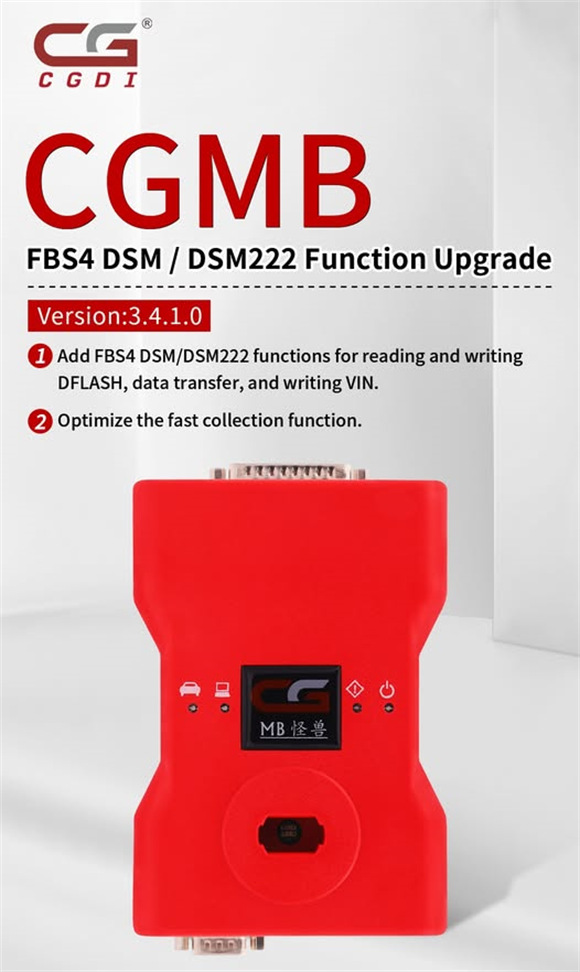
Yes. Make sure CGMB software is updated to V3.4.1.0. This version added FBS4 DSM/DSM222 functions for reading and writing DFLASH, data transfer, and writing VIN, and optimized the fast collection function.
Simple guide to read and write FBS4 DSM/DSM222 by CGDI MB:
For example: FBS4 DSM
Connect CGDI Prog MB key programmer to Benz FBS4 DSM/DSM222 correctly and PC via USB cable
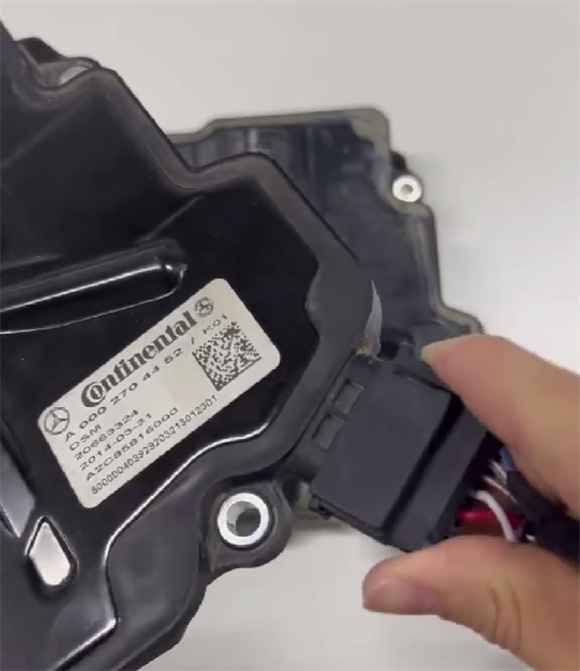
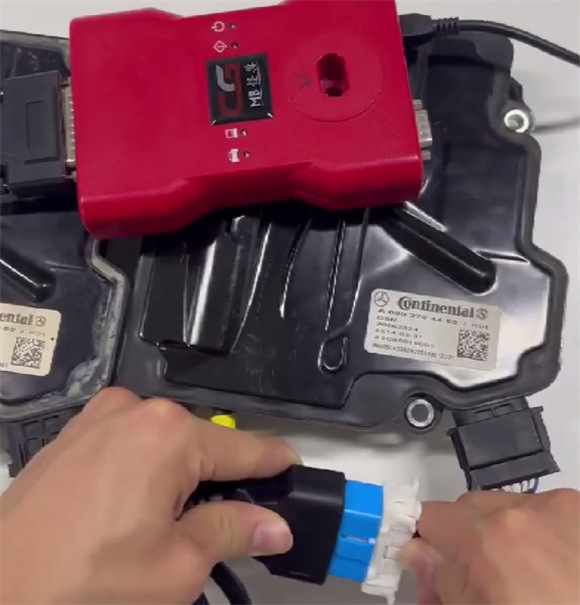
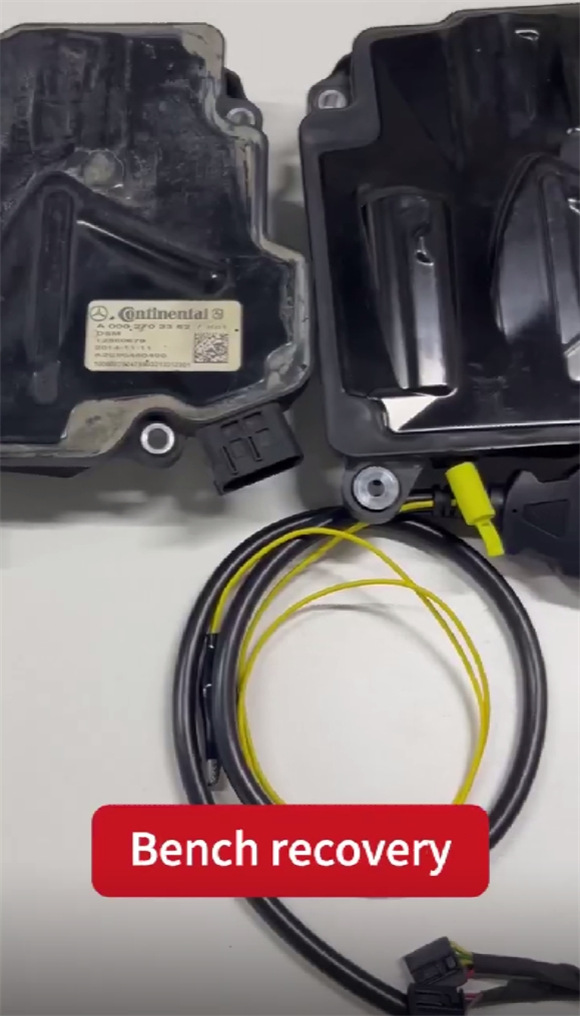
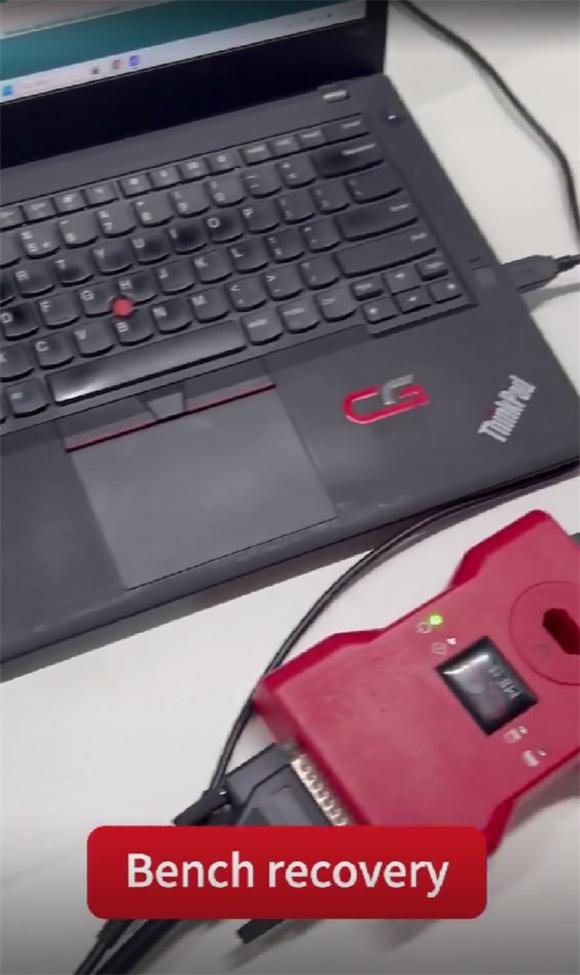
Select ISM/DSM/ESM
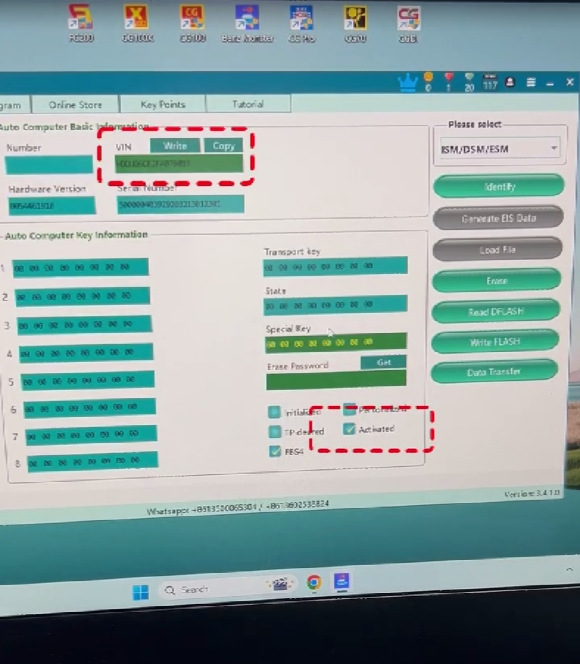
Identify vehicle and key Info (incl.VIN)
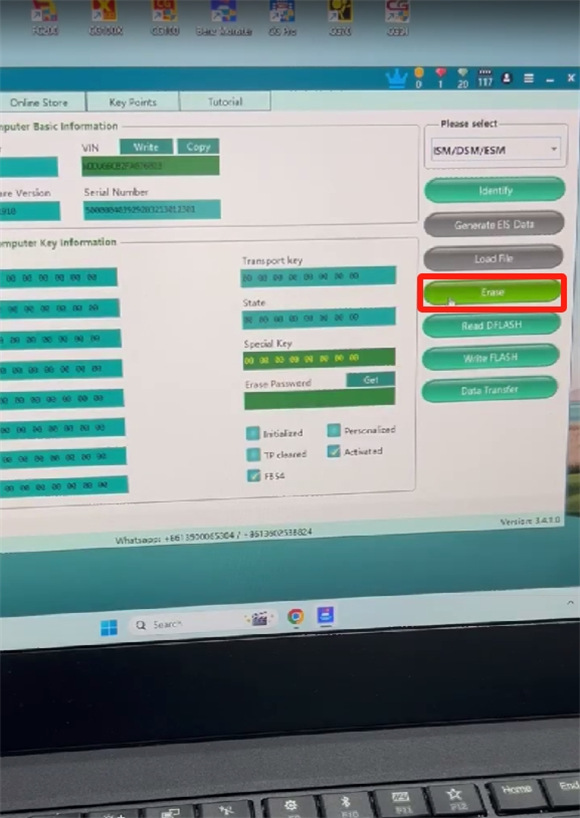
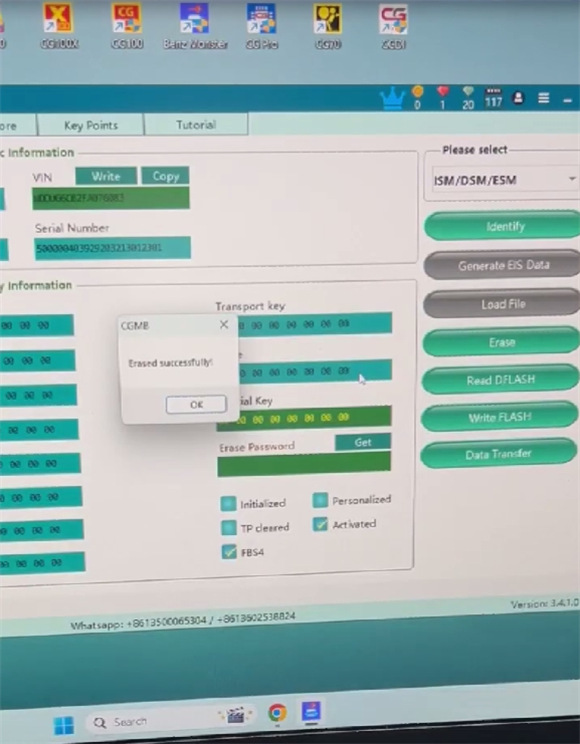
Click “Erase” to perform erasing process
Before erasing: the “Activated” status is marked
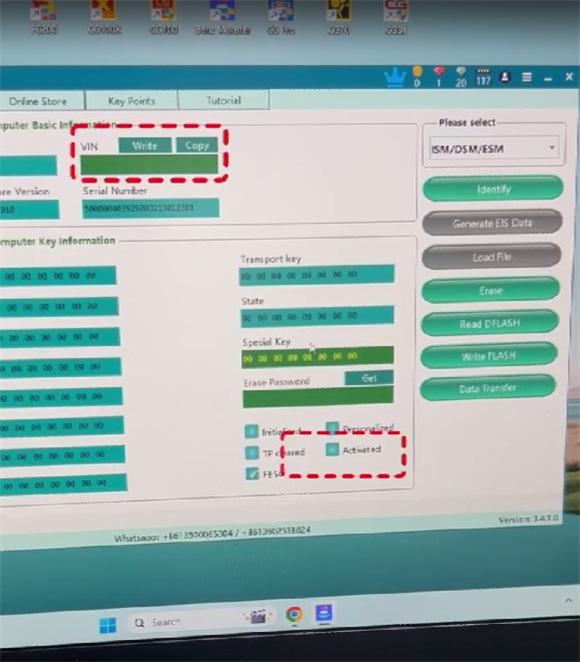
After erasing: the “Activated” status is not marked, and there is no VIN info.
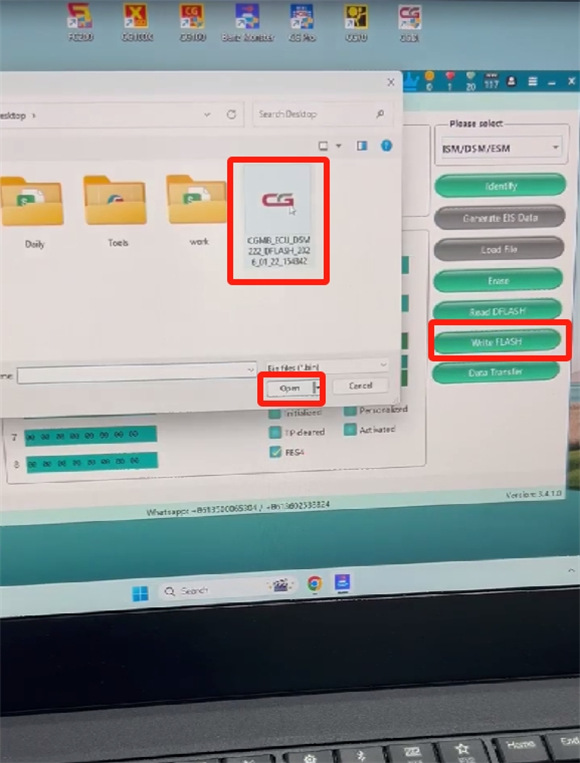
Click “Write FLASH”
Select the required file and write into the new DSM
Wait a moment until the writing process is complete
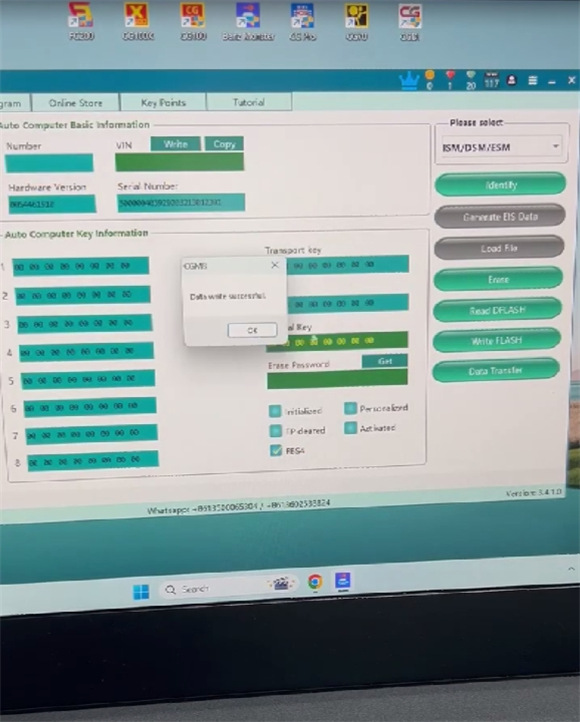
After writing, the software shows VIN info and activated status.