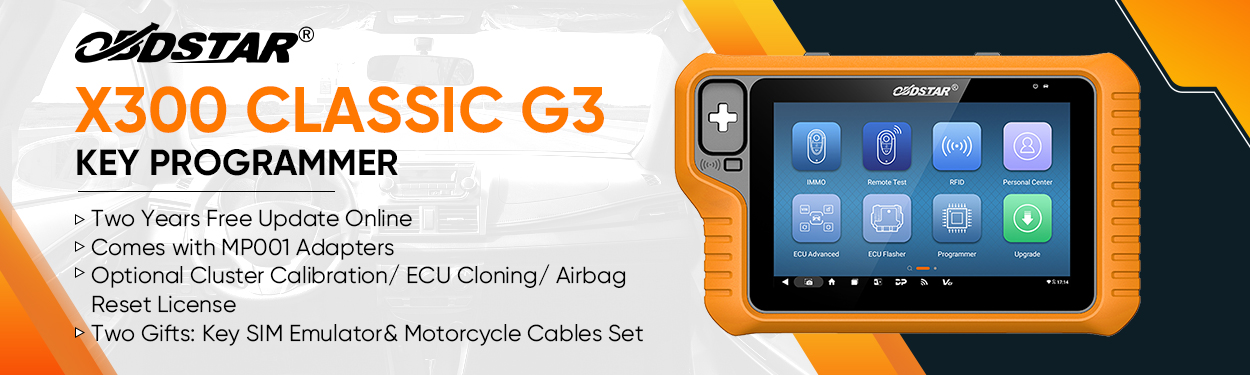
When dealing with a Toyota All Keys Lost situation, reading the immobilizer data from the Toyota Smart Key Box (SKB) is often a necessary step before programming new proximity keys. In this guide, we explain how to read Toyota Smart Key Box SKB immobilizer data using OBDSTAR X300 Classic G3 in OBD mode.
This method provides a safe and efficient way to retrieve essential IMMO data directly through the vehicle’s diagnostic port.
Step 1: Connect via OBD Mode
Connect KeyMaster G3 device to the vehicle using OBD mode.
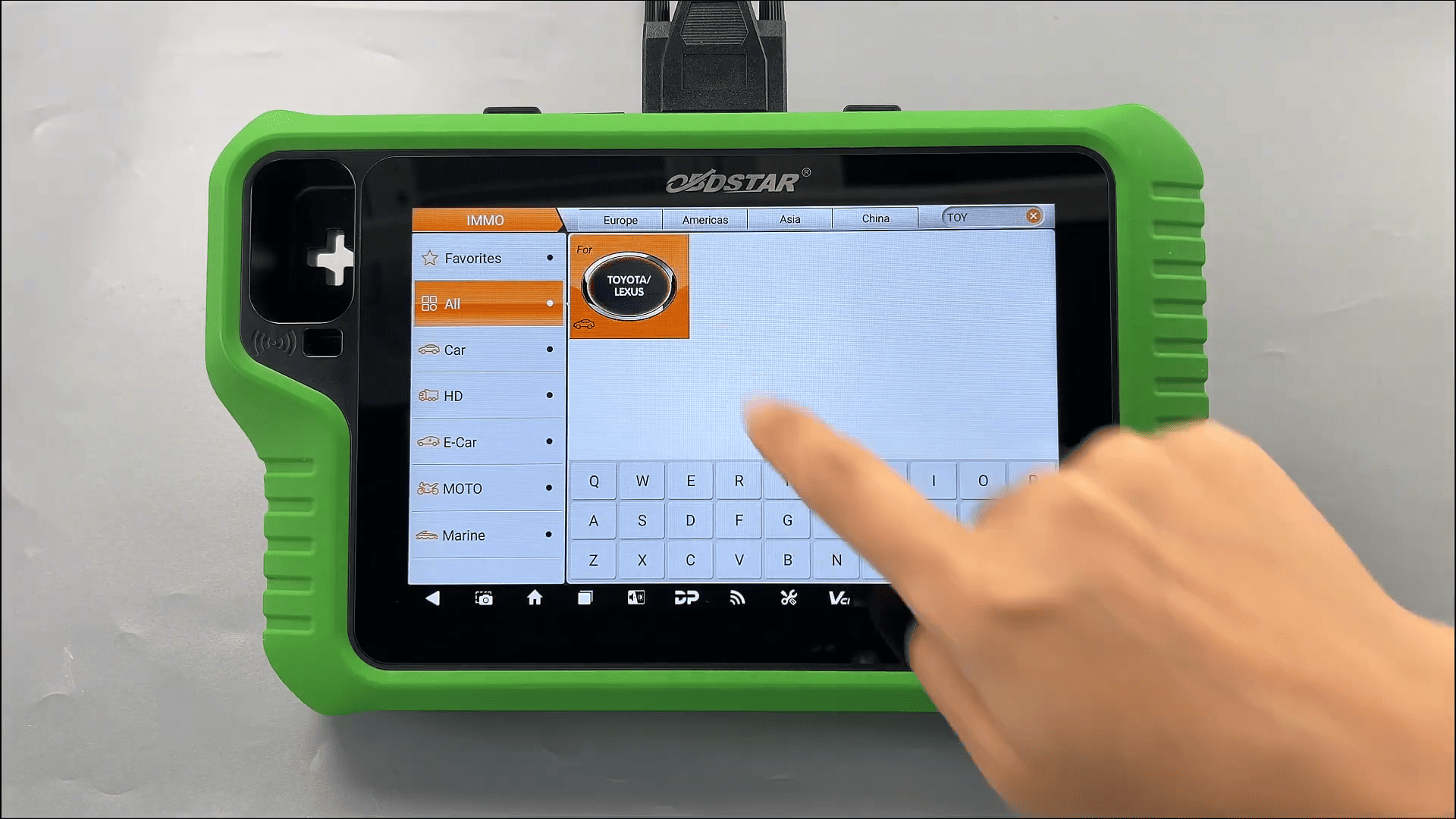
Step 2: Enter Toyota IMMO System
Select [IMMO]
Search for Toyota in the top-right corner
Step 3: Select the Correct System
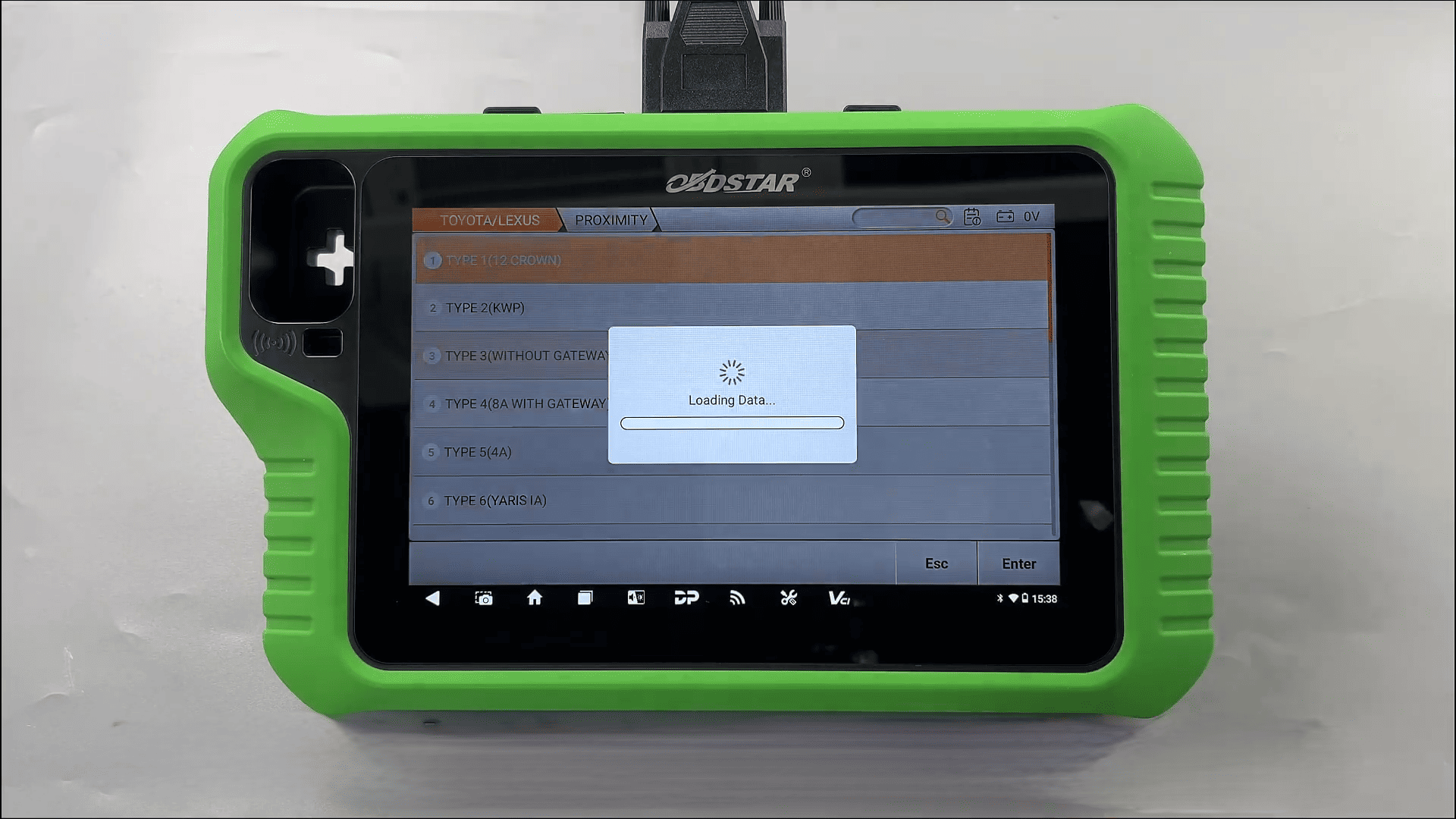
Navigate to:
Manual Select System → PROXIMITY → TYPE 3
Step 4: Review the Guide
Before operating, open the [Guide] section to review:
Function introduction
Menu descriptions
Step-by-step procedures
Important safety notes
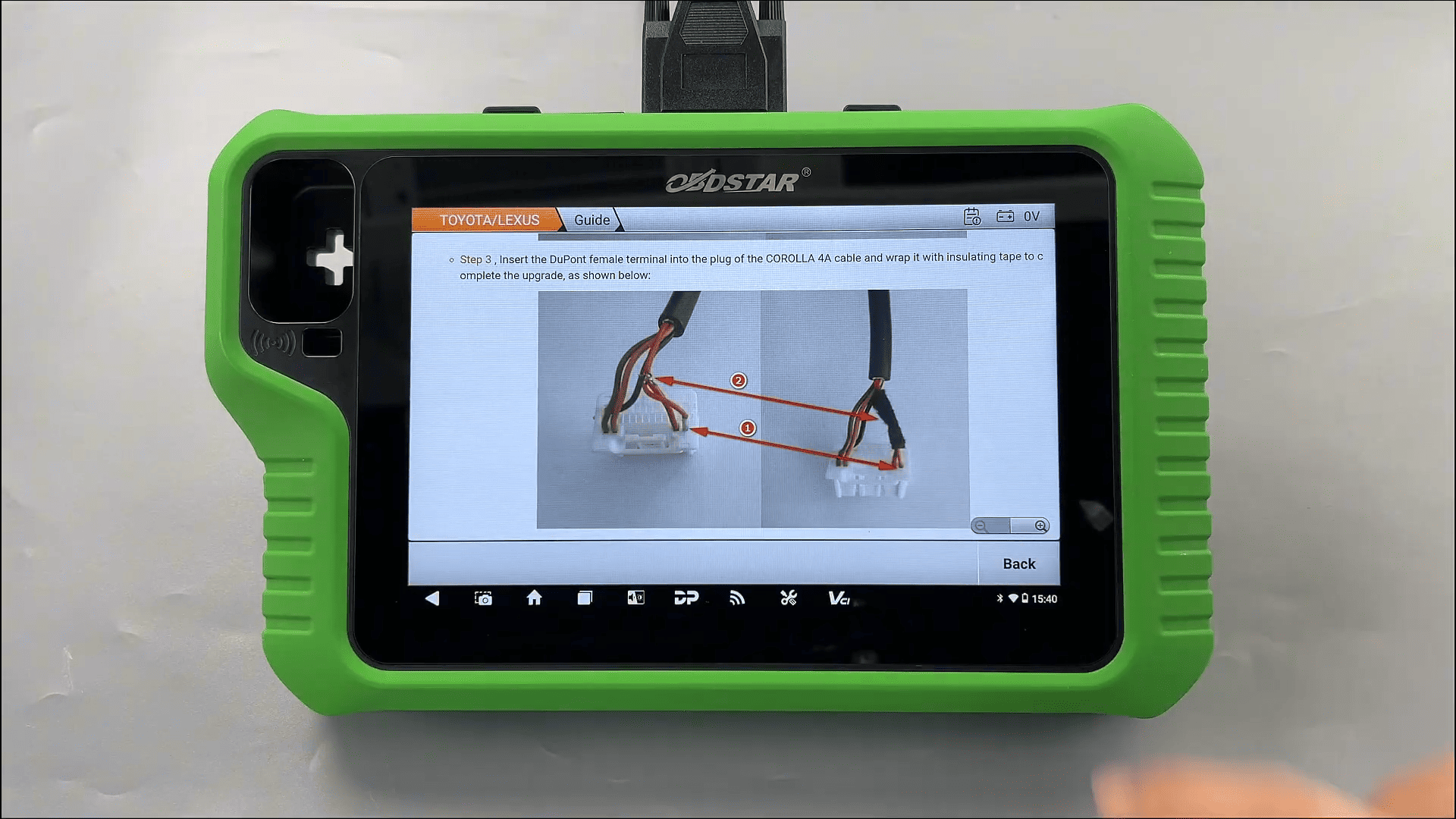
Step 5: Read Immobilizer Data
Select [Read IMMO Data]
Carefully read all safety prompts
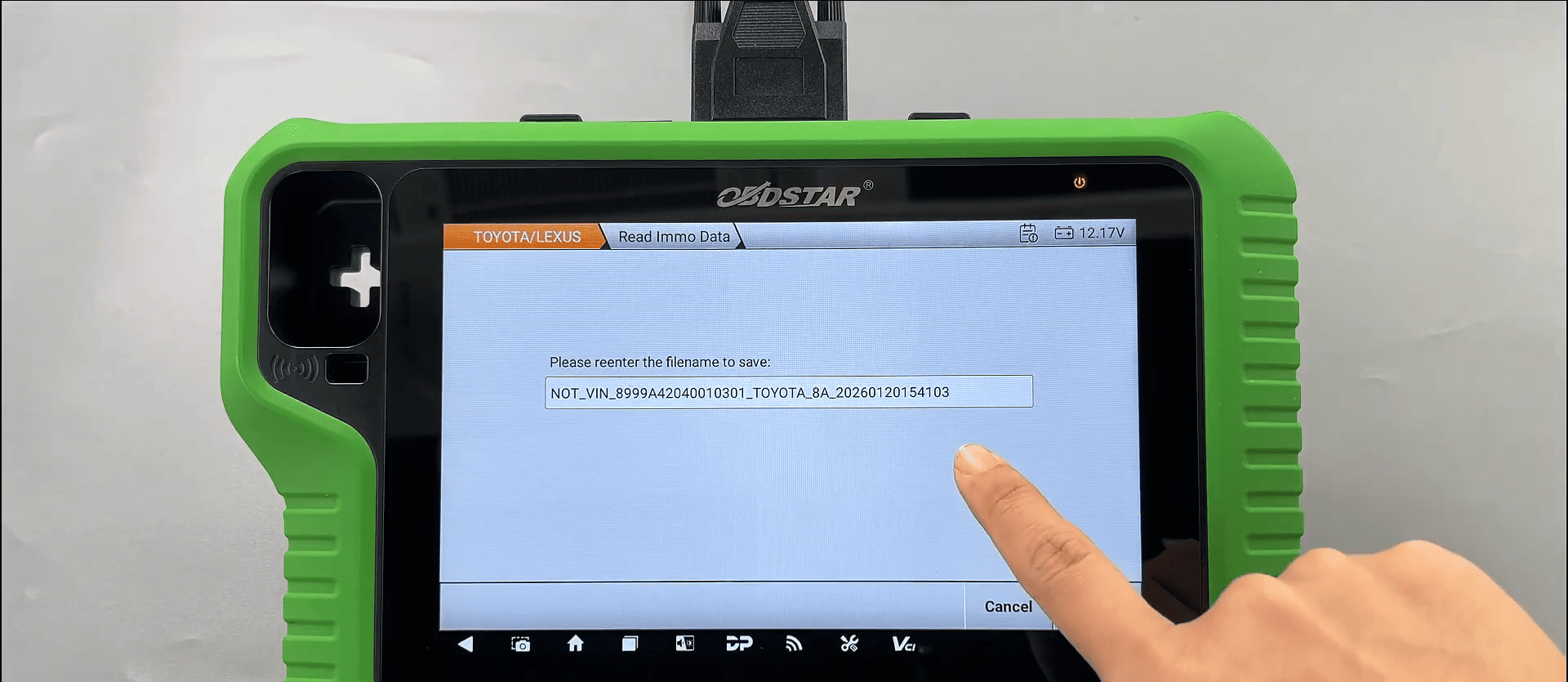
Follow on-screen instructions to save the retrieved data
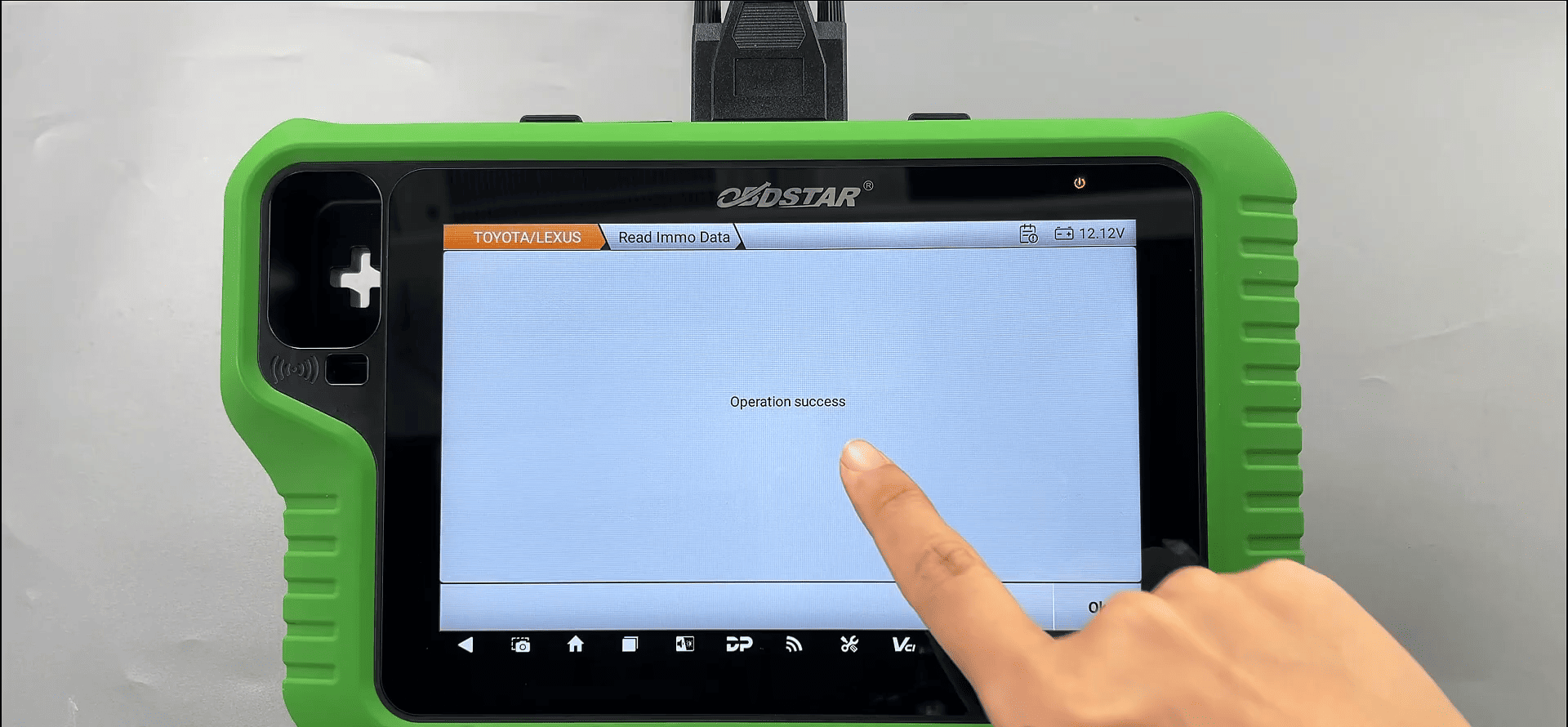
When the device displays “Operation Success”, the Toyota Smart Key Box SKB immobilizer data has been successfully read.
For professional locksmiths handling Toyota Smart Key Box SKB all keys lost scenarios, OBDSTAR G3 offers a reliable solution to read immobilizer data quickly and prepare for key programming.
Read also:
OBDSTAR X300 Classic G3 Technical Support Guidance for VCI Board Repair
OBDSTAR DC706 ECM READ AND WRITE GUIDE FOR TOYOTA DENSO