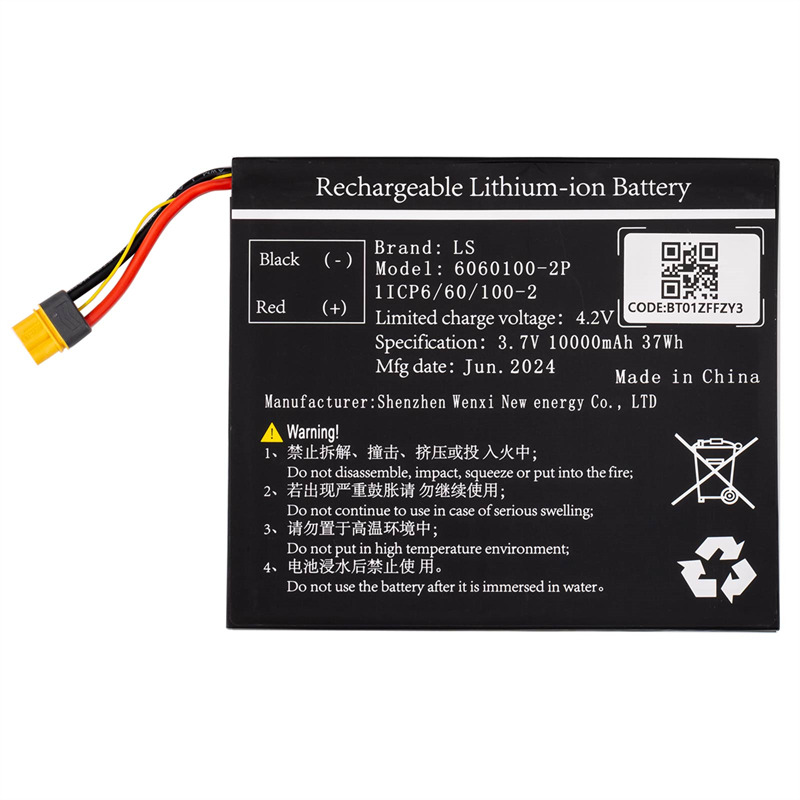
XHORSE XDKP00EN Battery is specially designed for Xhorse VVDI Key Tool Plus Full Version and VA Version.
If your original battery is damaged, the new battery can be purchased separately for replacement.
Xhorse Key Tool Plus Battery Replacement Steps:
Step 1:
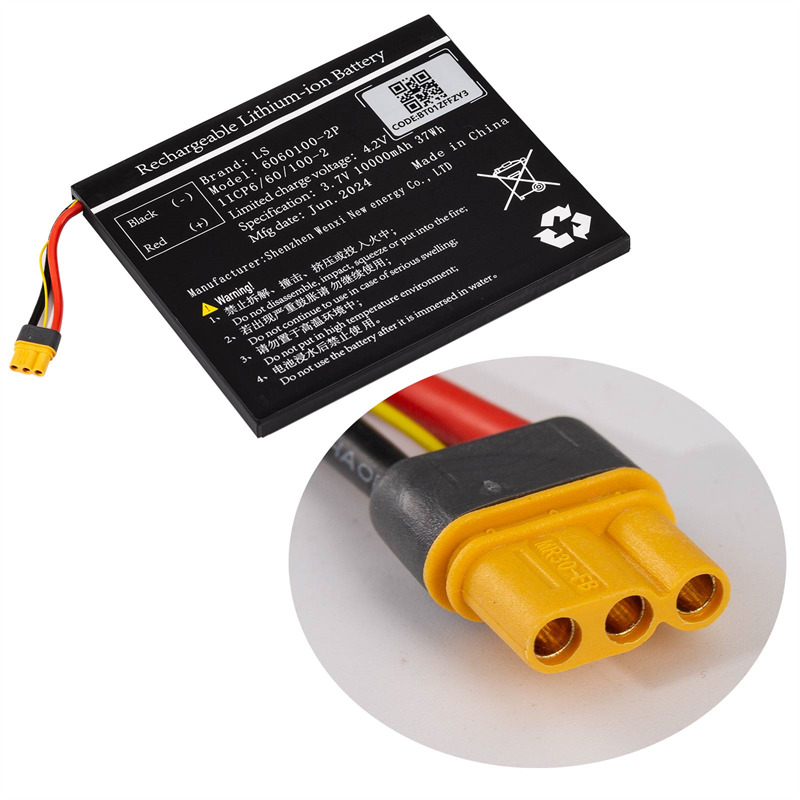
Take a picture of the label on the new battery and keep it
Install the new battery into the device
Then update the APP software version to the latest.
Step 2:
Enter VVDI Key Tool Plus main interface
Select Setting-> Battery Initialization
Enter the code on the label of the battery.
Step 3:
Follow the prompts to update
When the pop-up box prompts the battery initialization success, this means the replacement is completed.
Attention:
If you have any questions, you can contact your dealer or APP online customer service.