How to use KEYDIY KD-X4 to add a BMW BDC3 Encrypted (Mexico) key?
Here we will show the method through reading original key data, and also provide a dedicated wiring harness for reading and writing BMW data. This same harness is compatible with Volkswagen and Audi 5C/5D modules for data operations.
Preparation:
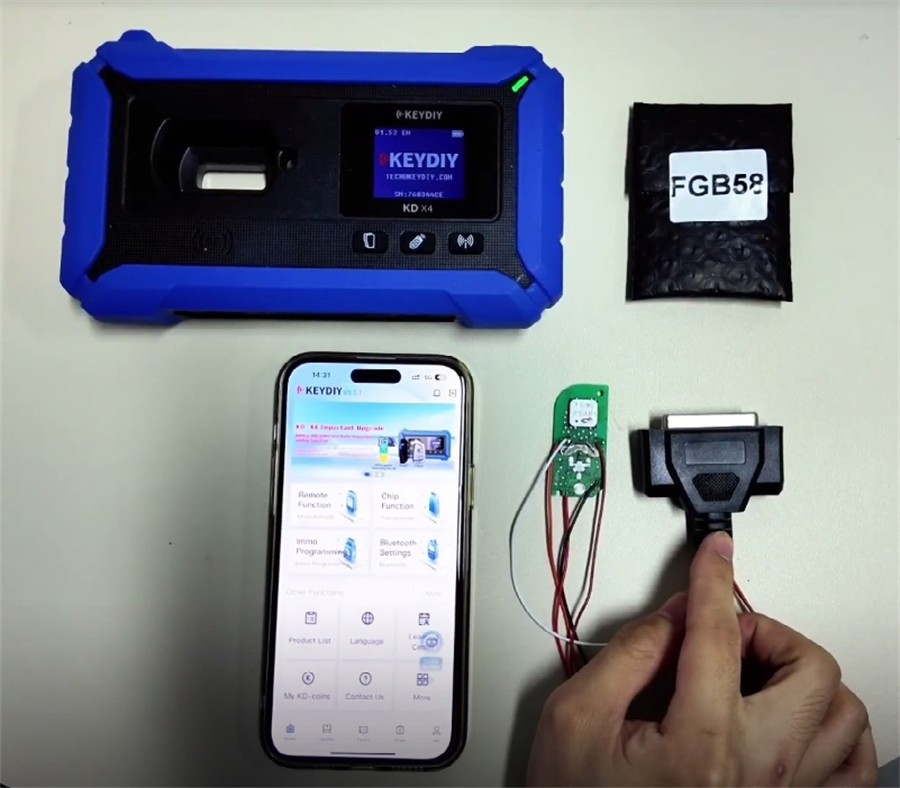
- Keydiy KD-X4 (or KD-MAX)
- Original BMW BDC3 encrypted key
- New BMW BDC3 key/KD FGB58 remote
- New dedicated wiring harness
- KD G Function license activation
Procedure Overview:
1. Read an encrypted BMW BDC3 key
2. Write the data using KD FGB58 key
Step 1: Initial Setup
Power on your KD-X4 5-in-1 key programmer
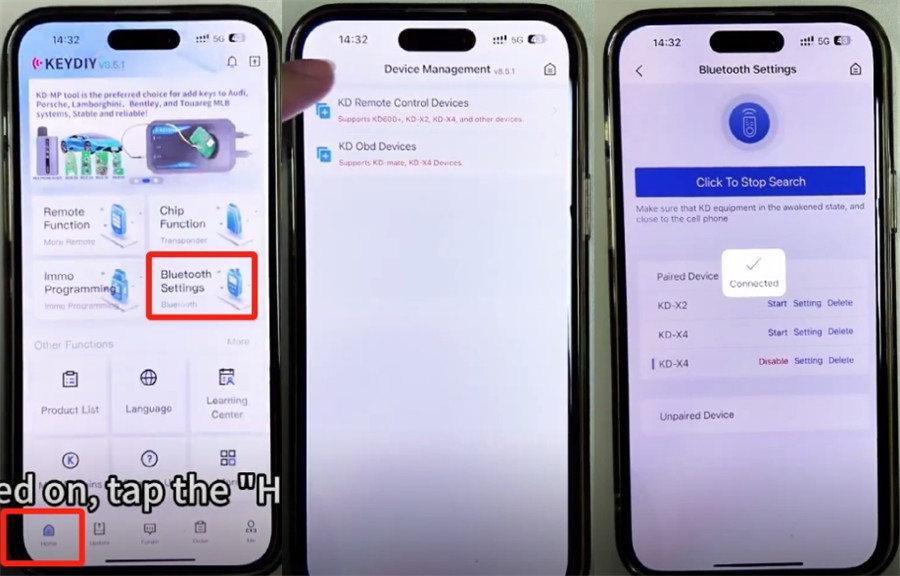
Tap the home button and connect to the device (it should connect automatically).
Path: Home -> Bluetooth Settings-> KD Remote Control Devices-> Click to Search
Important Pre-Check: Software Version
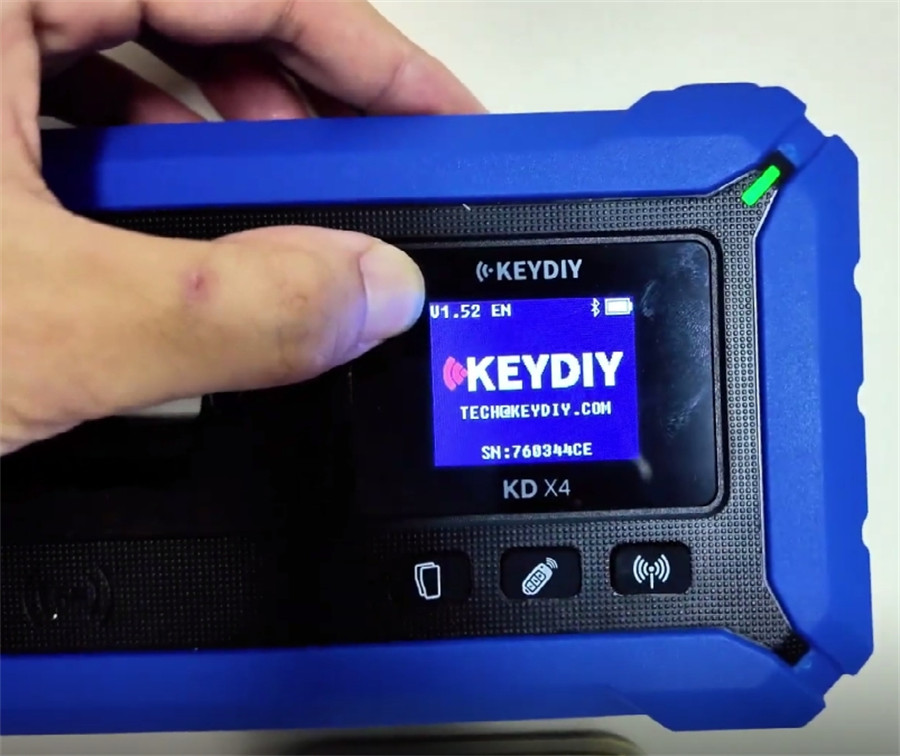
Confirm your device is running Version 1.52. Only this version supports programming encrypted BMW keys.
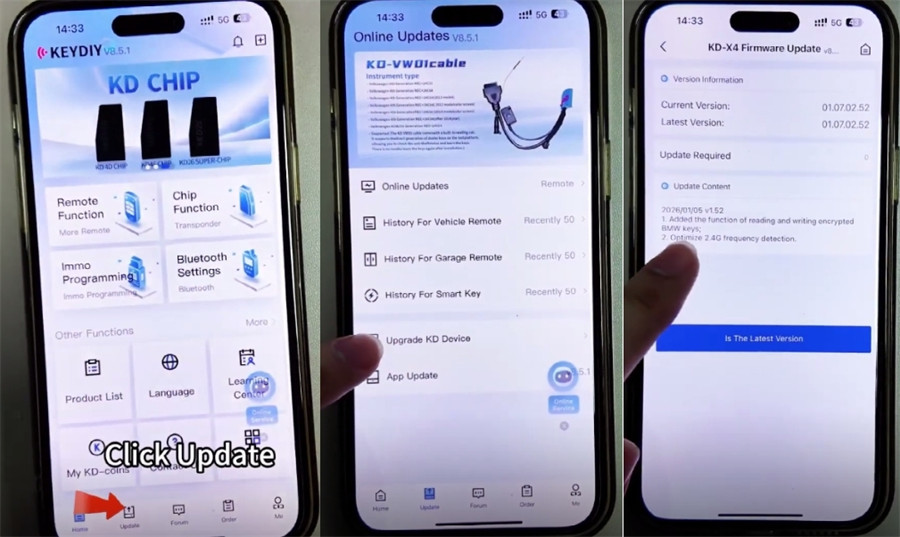
If an upgrade is needed, select “Update”-> “Upgrade KD Device” to update to V1.52, which enables the encrypted BMW key read/write function.
Step 2: Reading Key Data
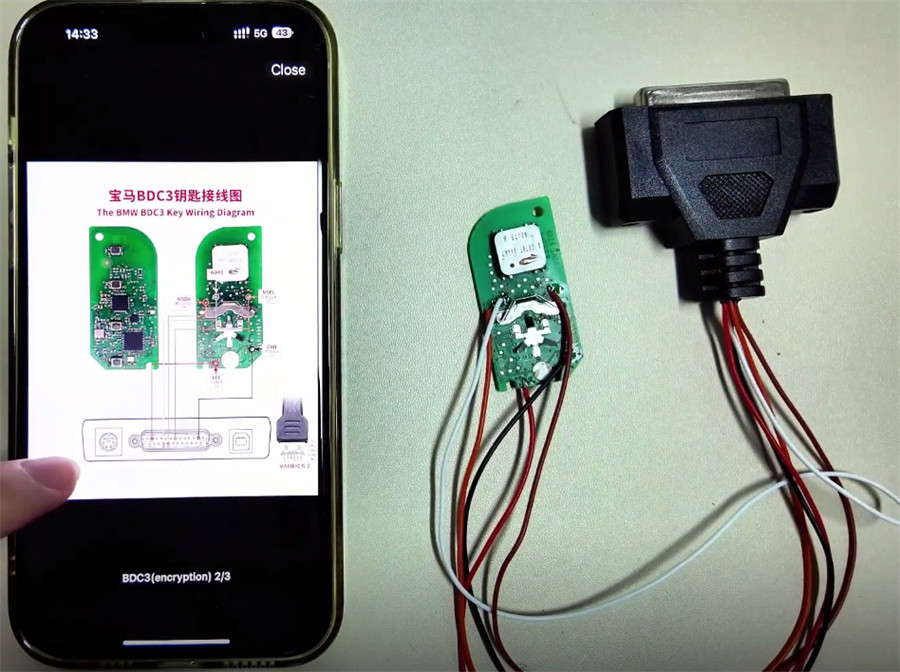
Ensure the key is correctly wired according to the diagram (a diagram will be available in the corresponding menu).
Navigate: Remote Function -> Smart Key Clone -> BMW BDC3/BCP Smart Key Clone-> G Chassis/BDC3 Clone
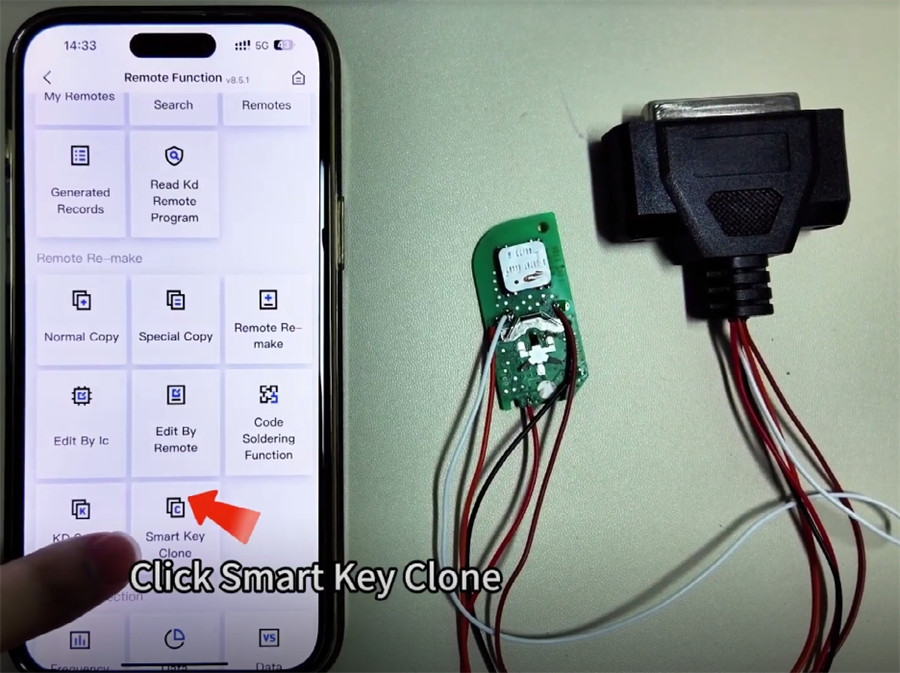
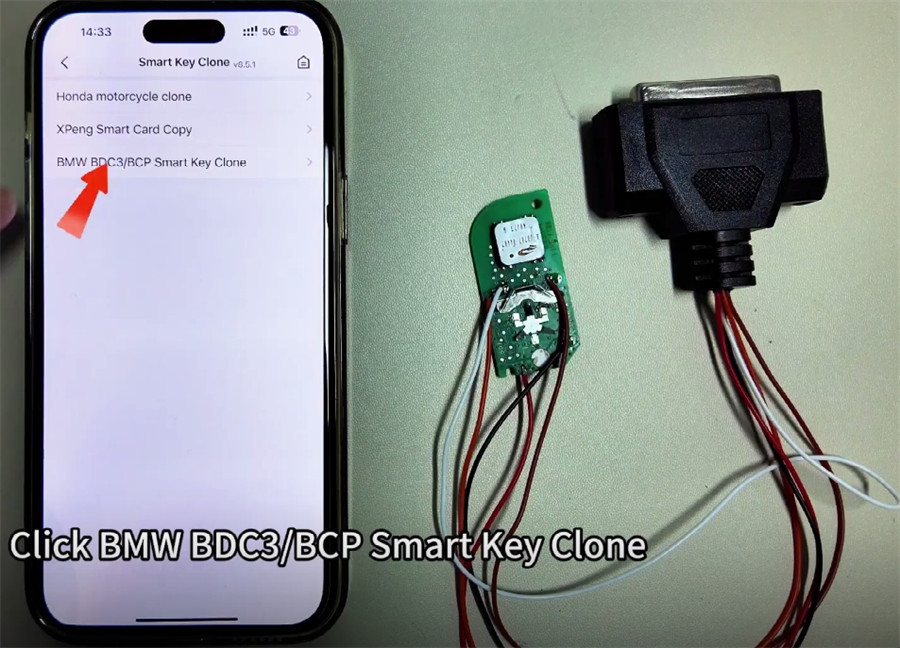
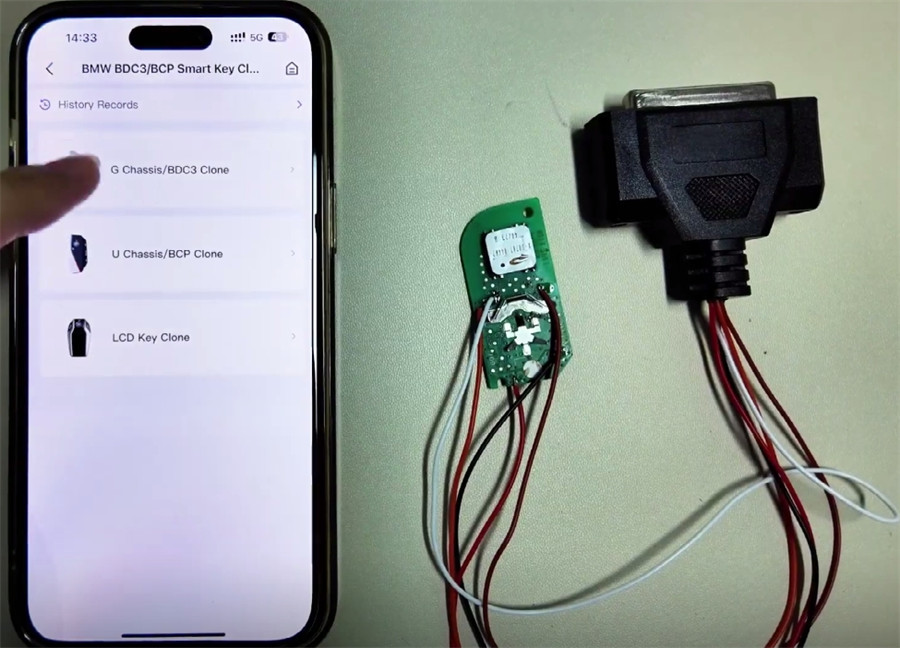
You can view the wiring diagram here.
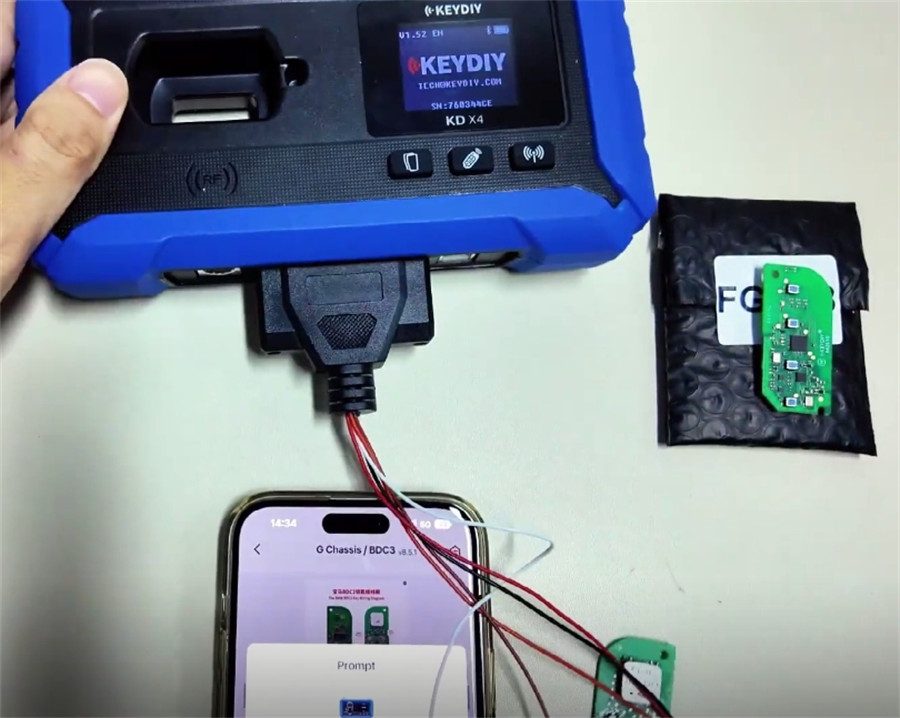
Proceed to read the data.
Once the connection is confirmed, the device will read the data.
After reading is complete, click “Save”.
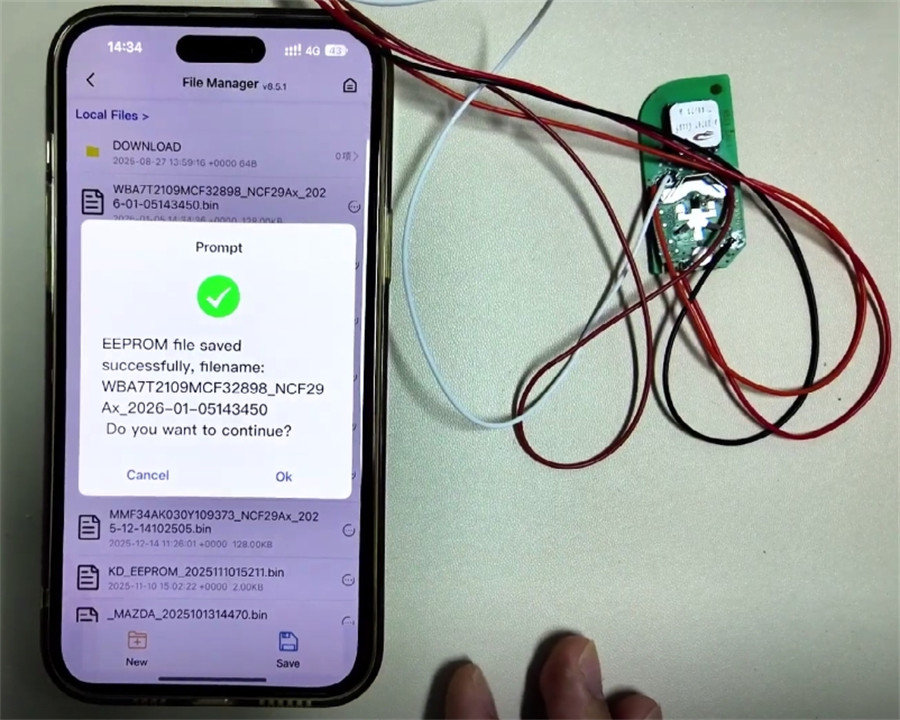
Step 3: Generating New Key
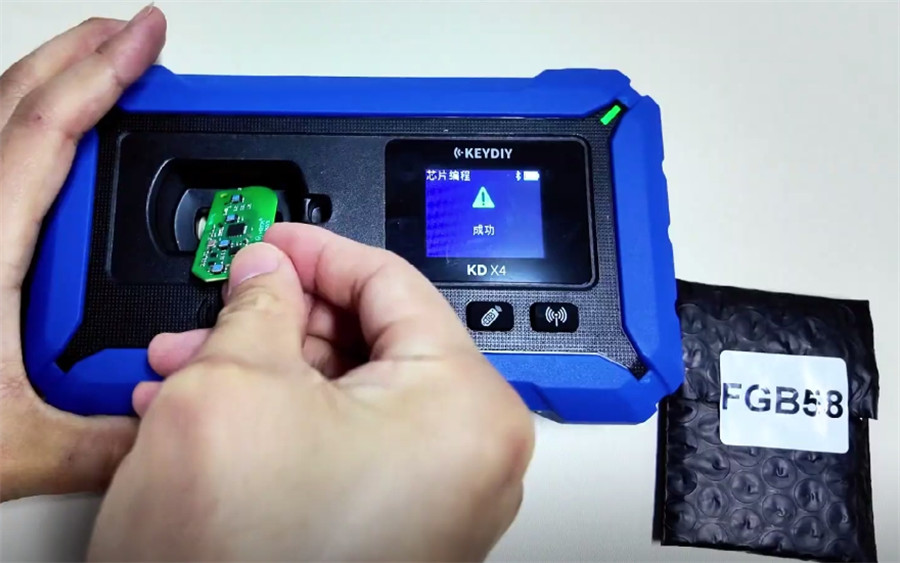
Remove the key from the harness and place it into the designated slot on the device.
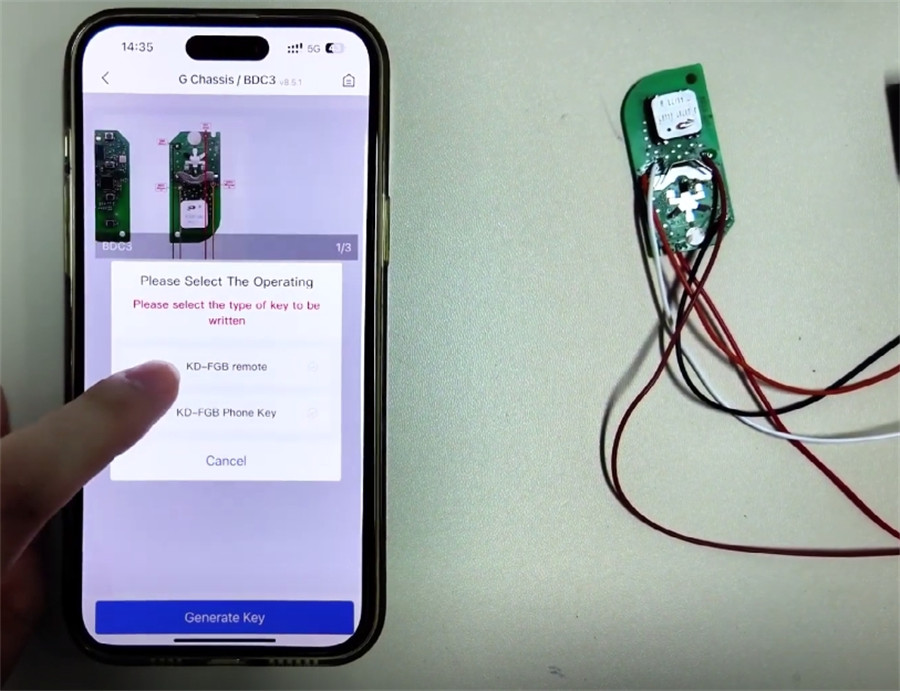
Select “KD-FGB remote” to begin wireless generation.
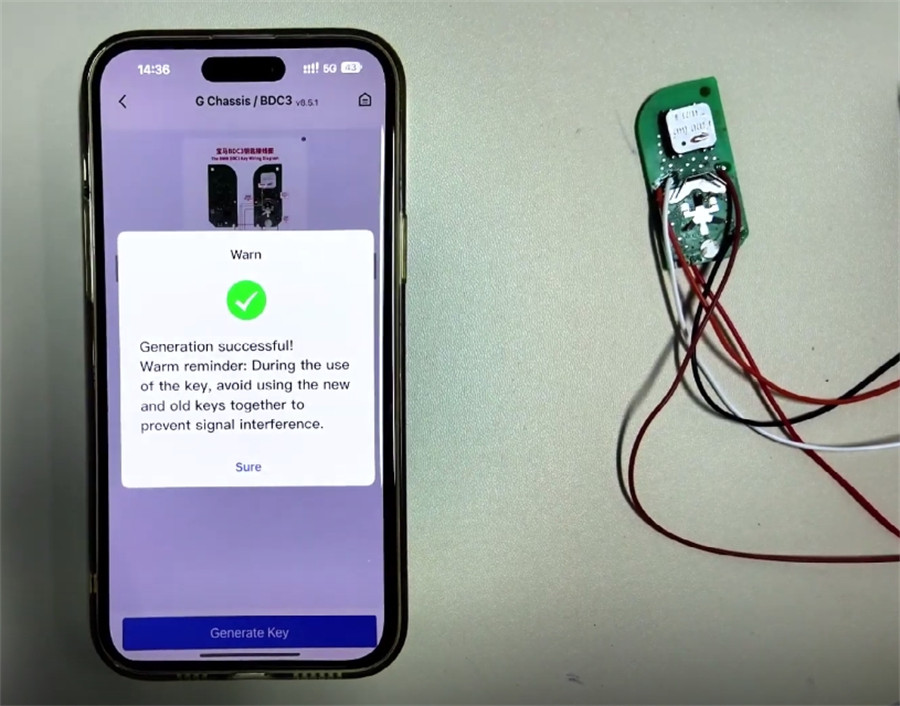
Upon seeing “Generation Successful”, the key data is ready by Keydiy KD-X4 key programmer.
Final Step: Installation & Usage
Install the newly programmed chip into an original factory key shell.
Important Usage Note:
When using the keys with the vehicle, ensure they are used separately. If both keys are present simultaneously, the “key to start” function may not work correctly.