In this guide, we demonstrate how to use KEYDIY KD-X4 to complete an all keys lost procedure on a 2018 Ford Mustang, including emergency key generation and key programming.
To perform this job using KEYDIY KD-X4, you will need:
KD-X4 key programmer device
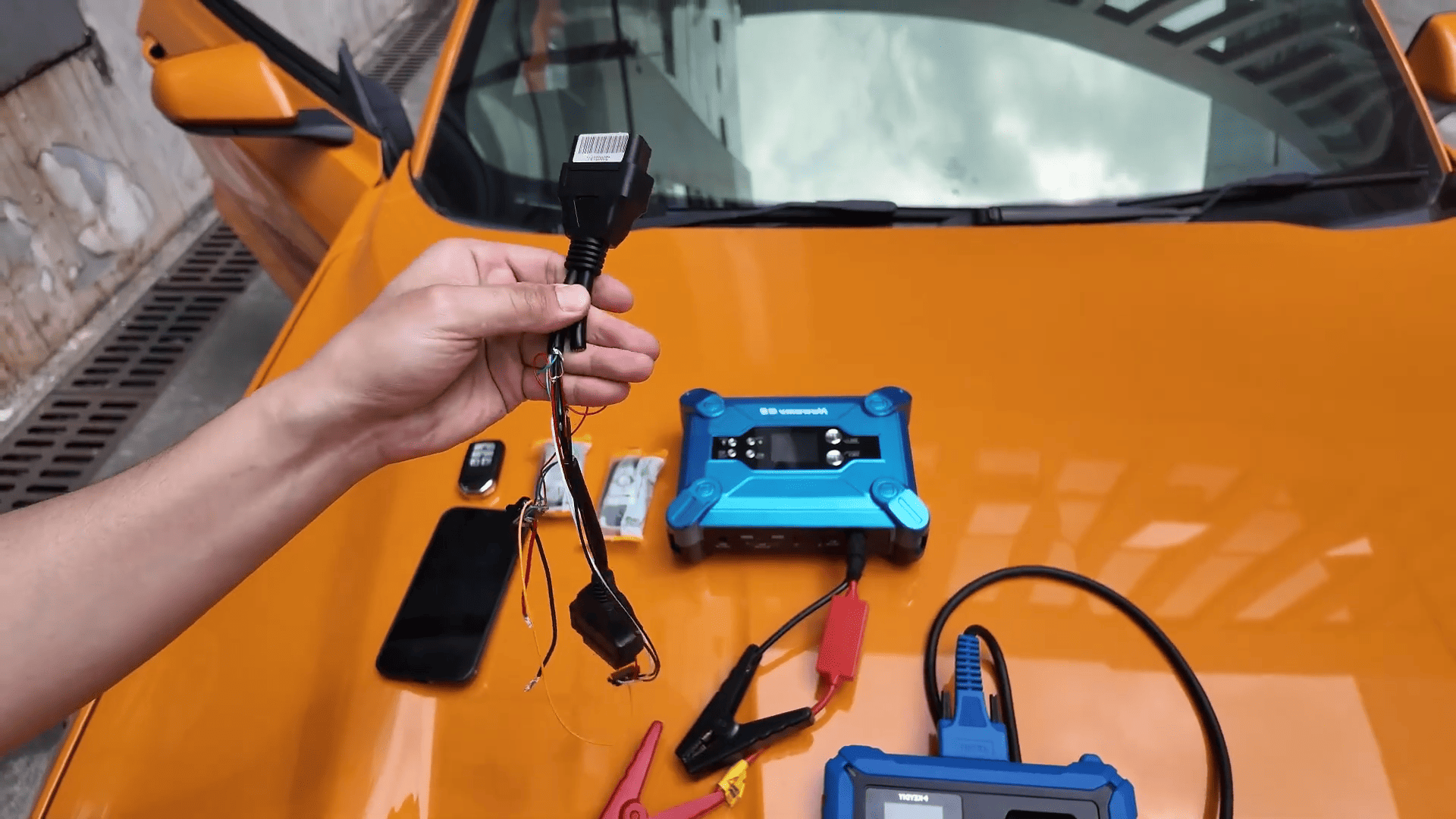
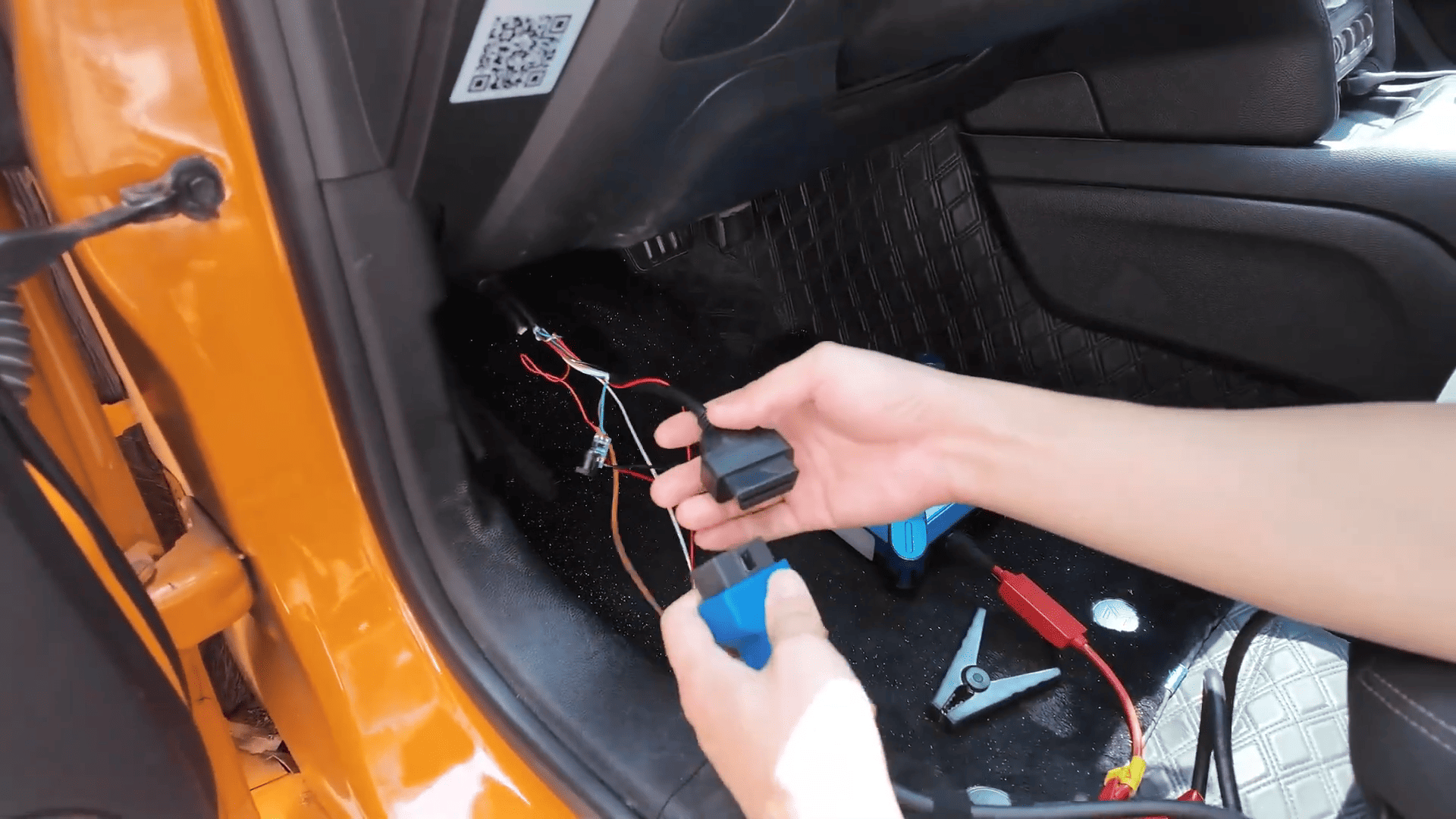
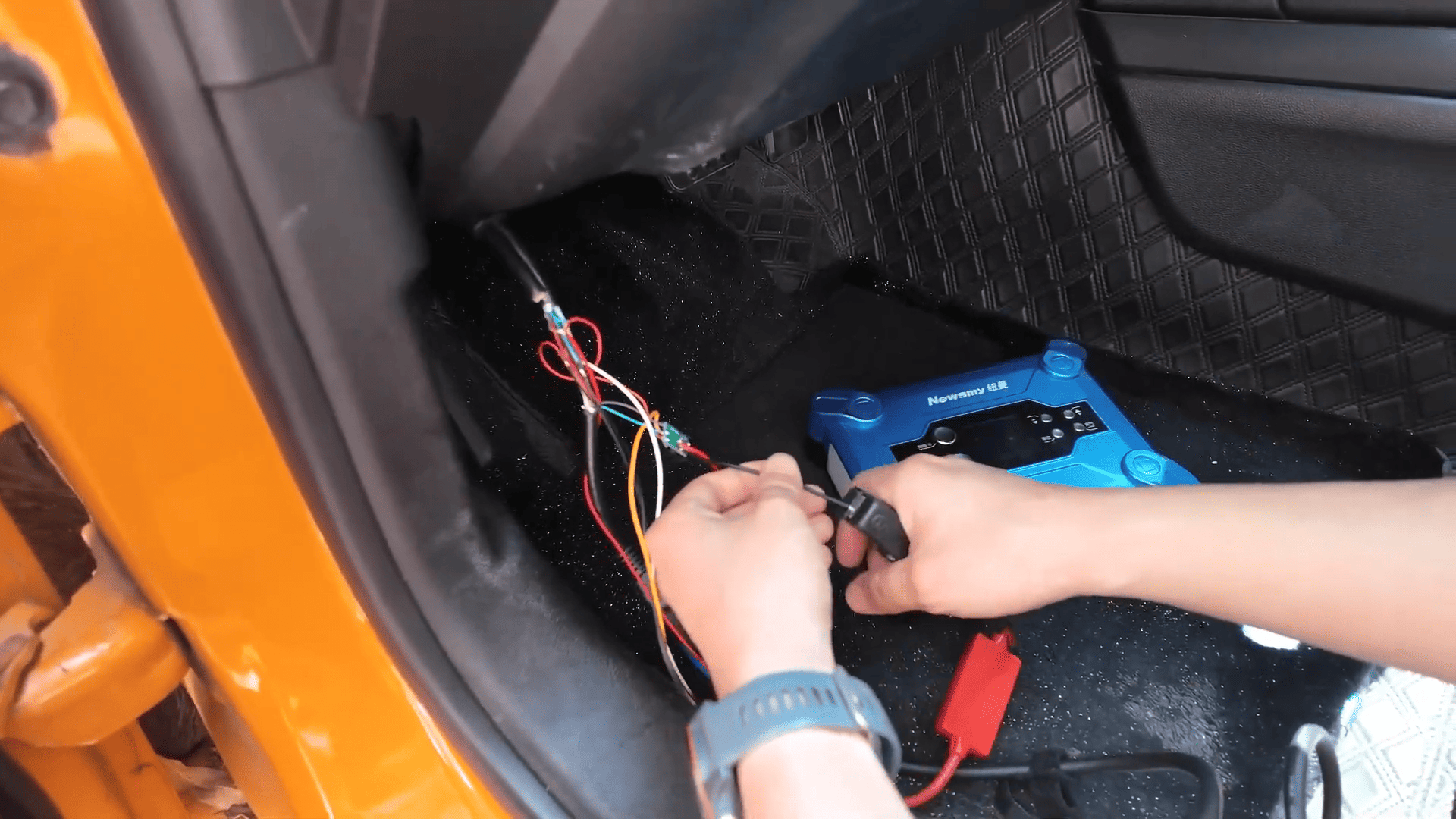
New OBD wiring harness (with external 12V power supply)
KD keys (minimum 3 keys required)
Smartphone (iPhone with KD app via Bluetooth)
KEYDIY KD-X4 Wiring and Setup
This new wiring solution replaces the traditional 8A harness and simplifies the setup process.
Steps
Step 1: Enter All Keys Lost Function
Connect KD-X4 key programmer to the vehicle via Bluetooth
Enter the test area (or official menu when released)
Select All Smart Key Lost
Step 2: Disable Anti-Theft Alarm
Lock the door as prompted
Disconnect the car battery
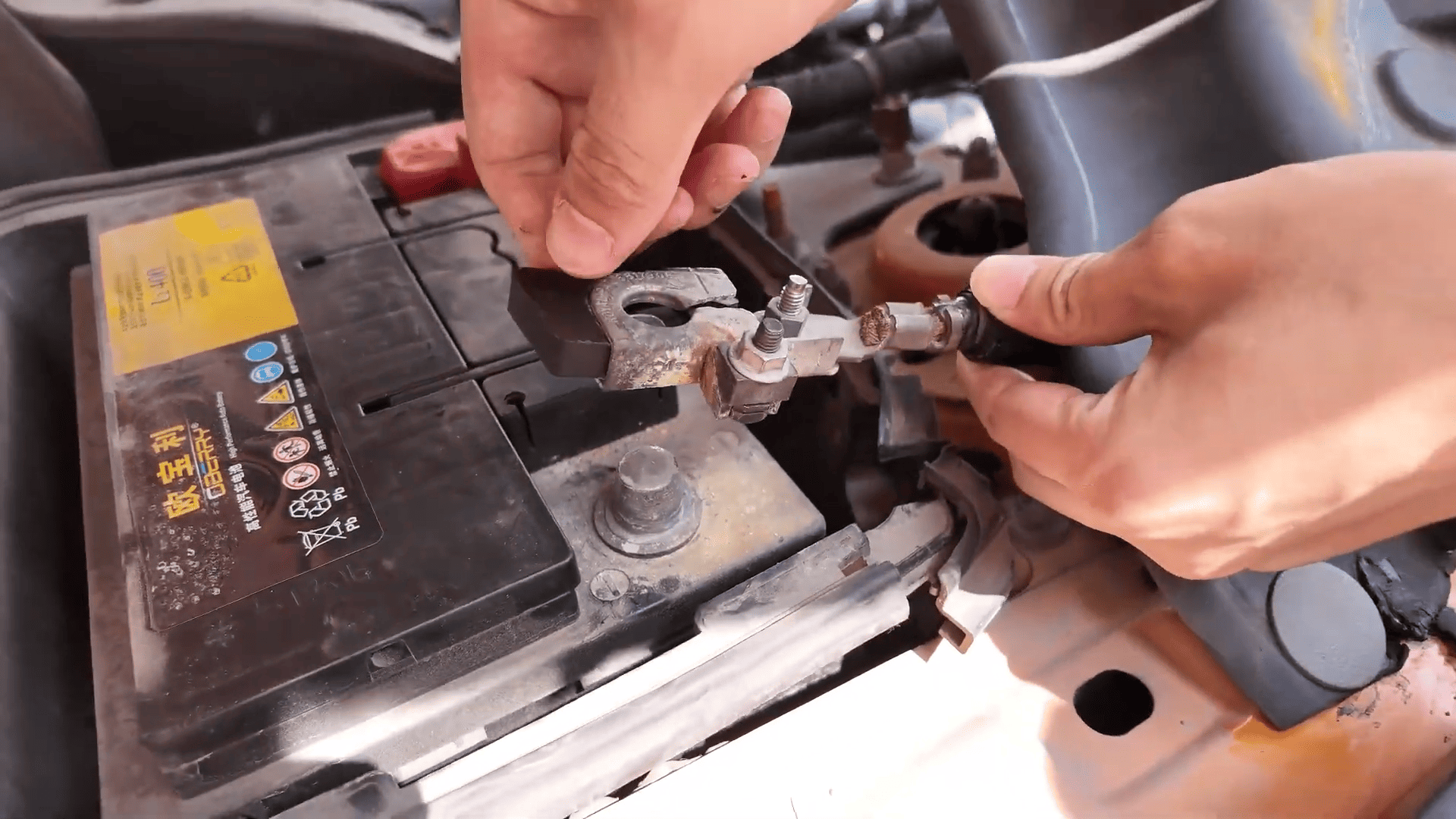
Wait 30 seconds
Reconnect the battery
Confirm the alarm is canceled
Step 3: Read Immobilizer Data
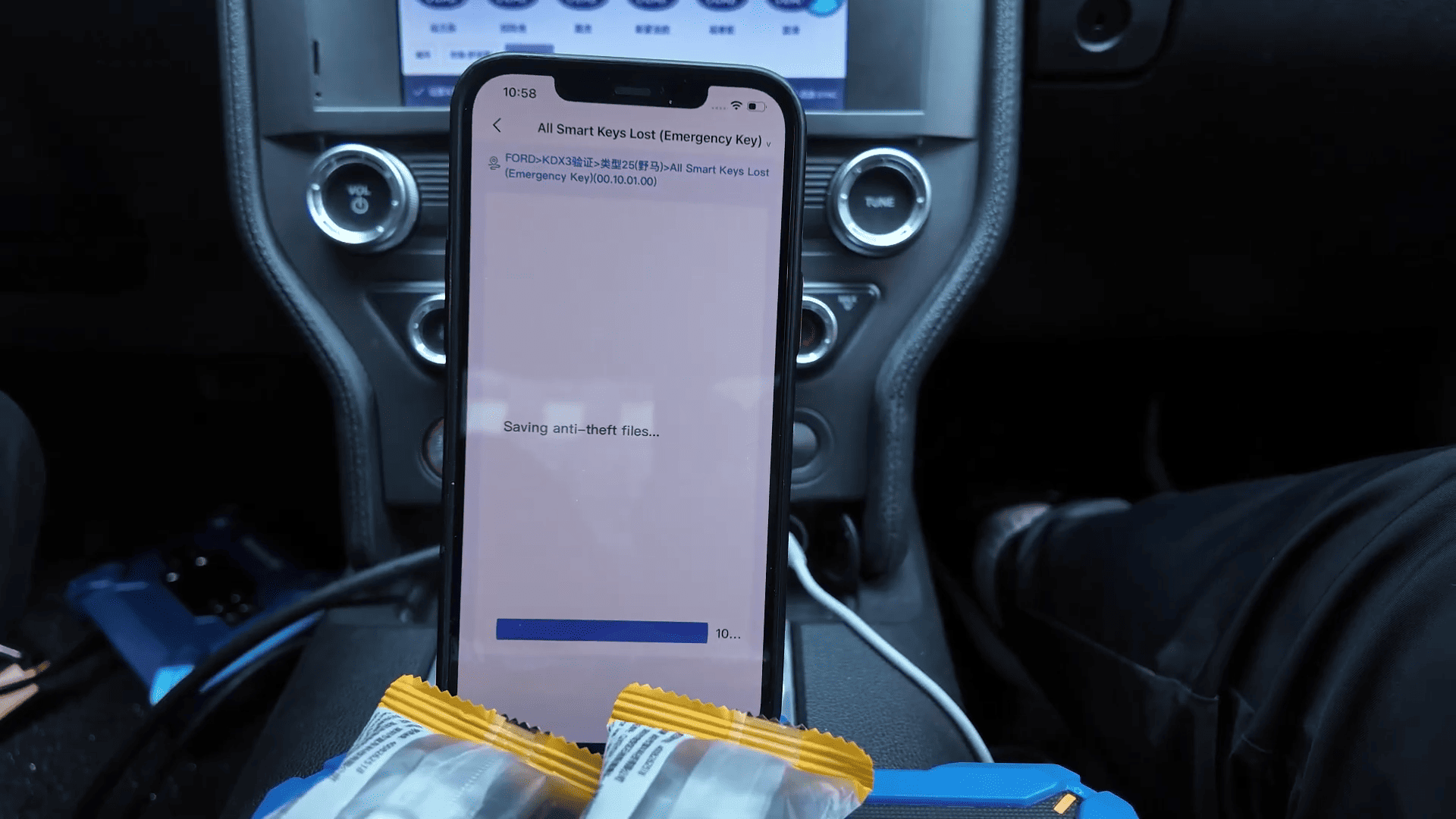
Start reading anti-theft data
Wait approximately 10 minutes
Save the data file
Step 4: Generate Emergency Key
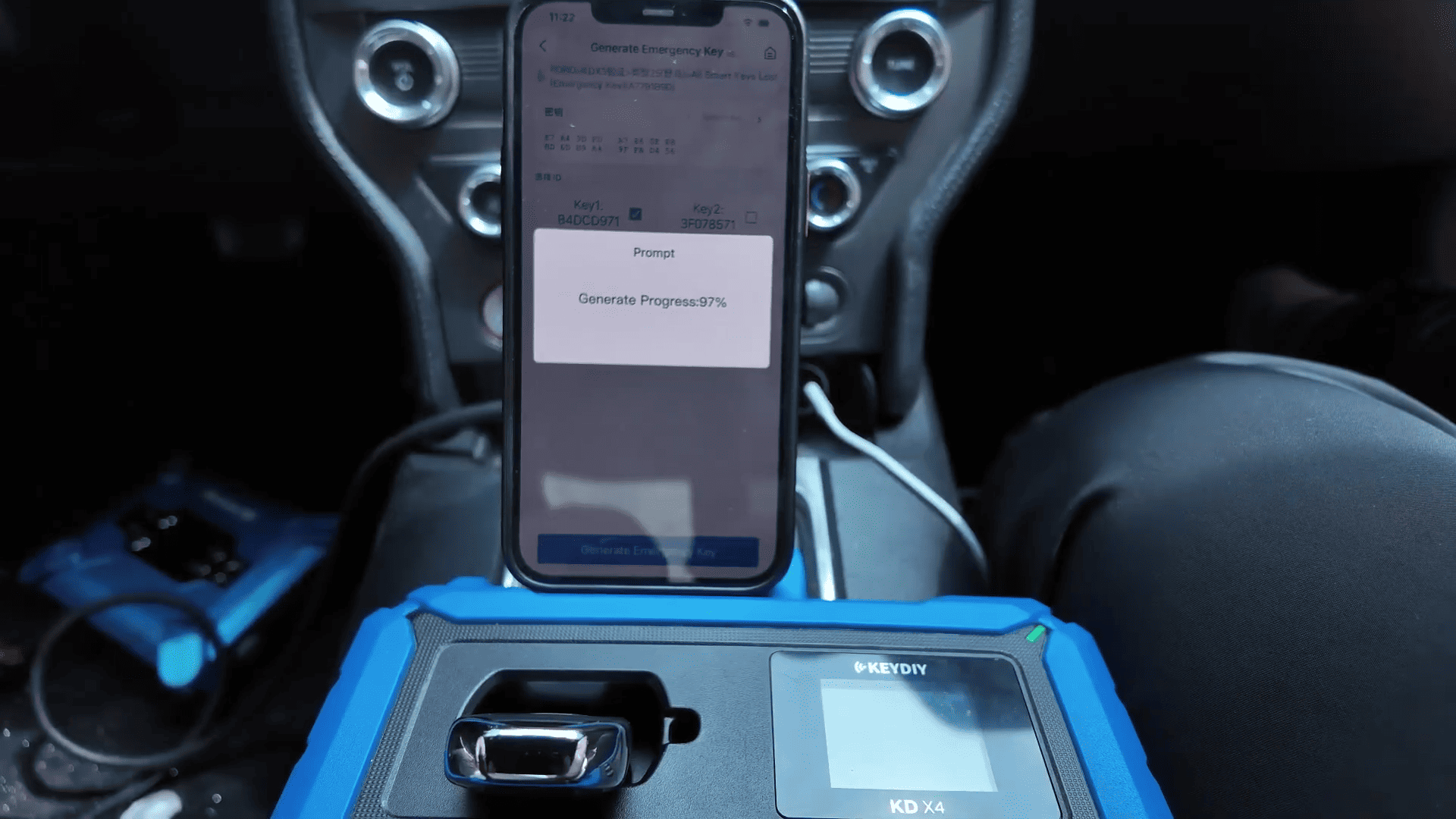
Load saved data file
Generate emergency simulated key
Place emergency key inside the vehicle
Ensure anti-theft system is disarmed
Step 5: Delete and Reprogram Keys
Delete all existing keys
Place new key in sensing area
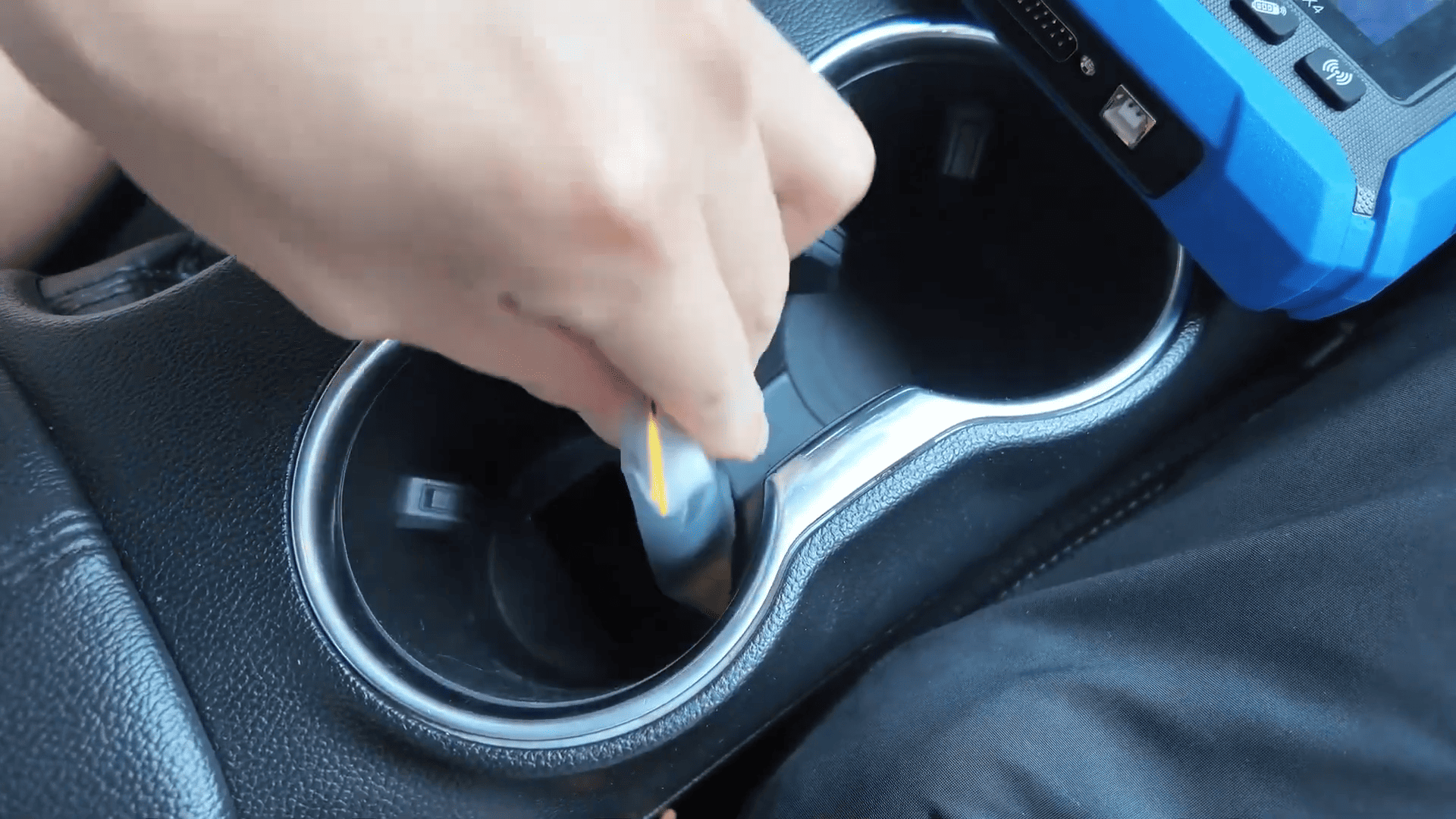
Press start button and wait 3 seconds
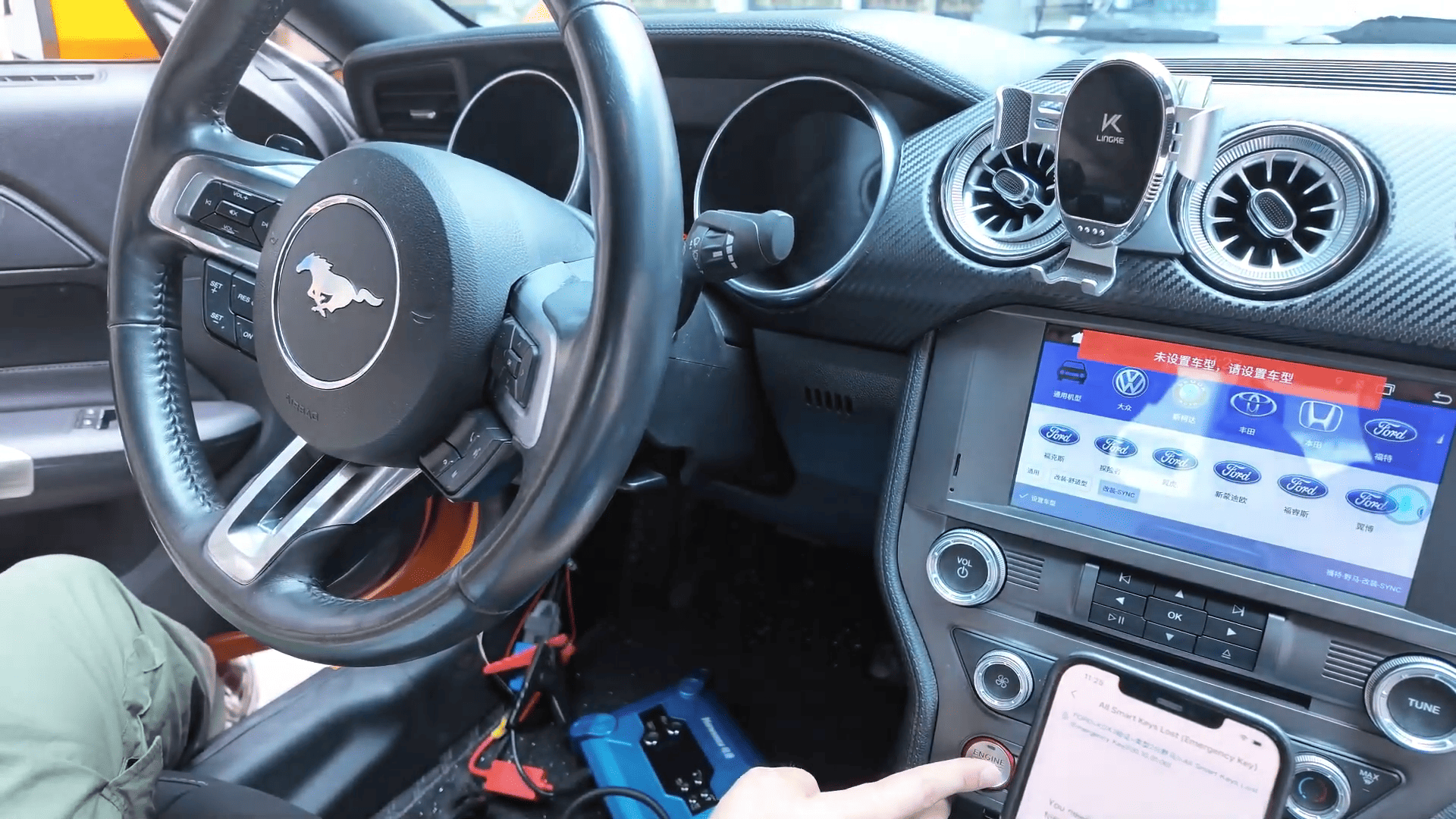
Repeat for additional keys
Tip: At least 2 keys must be programmed for successful completion.
Step 6: Test Key Functions
Test lock/unlock functions
Test engine start
All functions should work normally after programming
KD-X4 Locksmith’s Universal Tool provides a reliable and efficient solution for Ford Mustang 2018 all keys lost programming. With proper wiring, emergency key generation, and step-by-step execution, KEYDIY KD-X4 allows locksmiths to complete complex jobs with confidence.