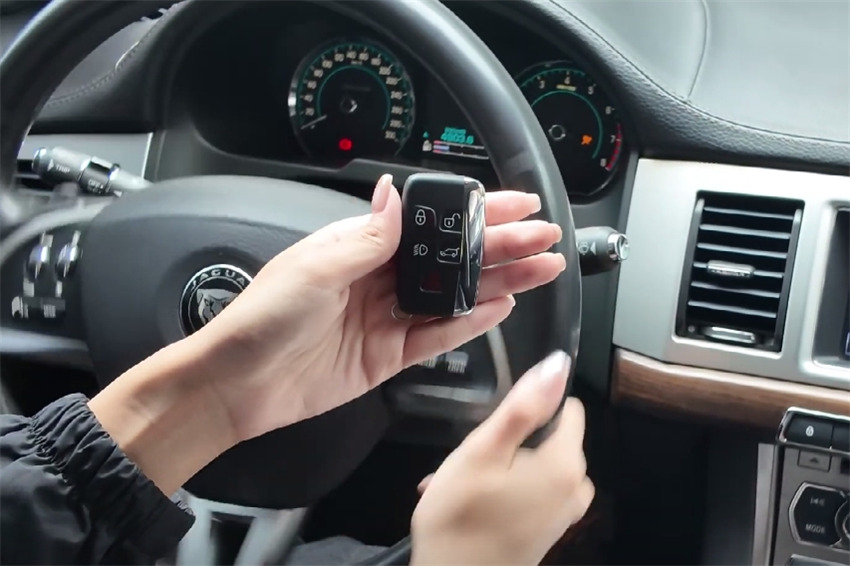
This post introduces how to add smart keys to a 2016 Jaguar XF AKL using Lonsdor K518 Pro with Lonsdor 2010-2018 JLR smart key.

Required Equipment:
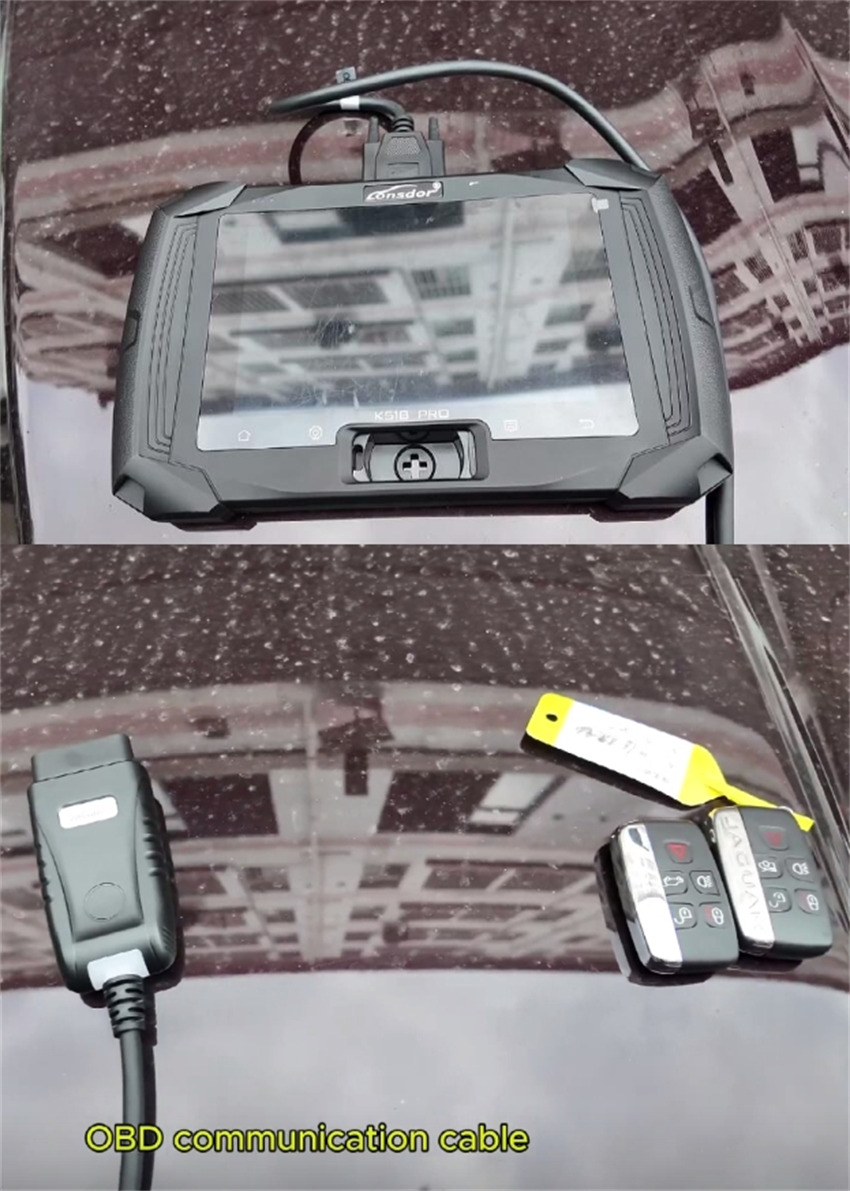
- Lonsdor K518 Pro key programmer
- OBD communication cable
- Two new Lonsdor 2010‑2018 JLR smart keys
Procedure Overview:
Direct OBD connection, no disassembly. Estimated time: 10 minutes.
Step-by-Step Instructions:
1.Connection
Connect the OBD cable to the vehicle’s OBD port.
Power on K518 Pro key programmer
2.Vehicle Selection
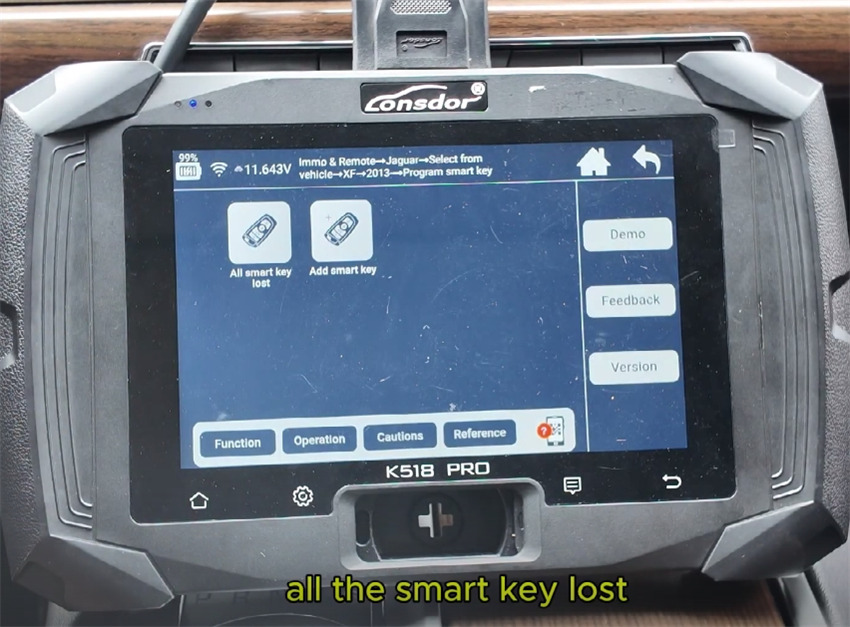
On the device, navigate: Immo & Remote → Jaguar → Select from vehicle → XF → 2013.
Choose Program Smart Key → All smart keys lost.
3. Start Programming
Confirm that two new smart keys are ready.
When prompted, turn on the hazard lights and press OK.
Ensure the ignition is off, then press OK to proceed.
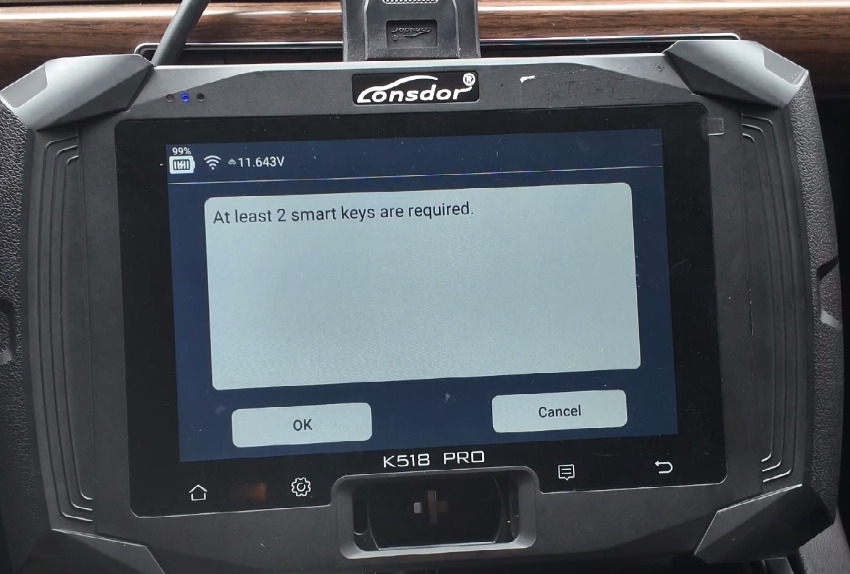
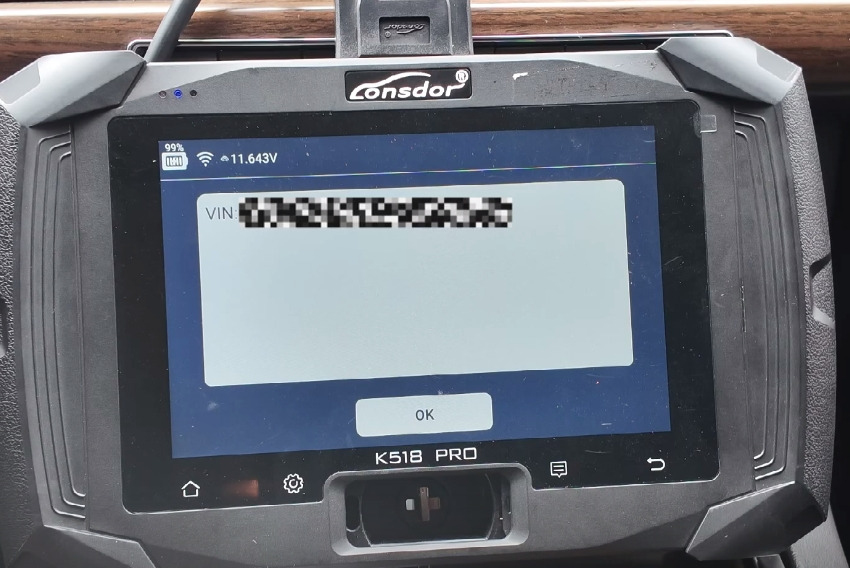
4.Read Vehicle Data
The device will automatically read the VIN.
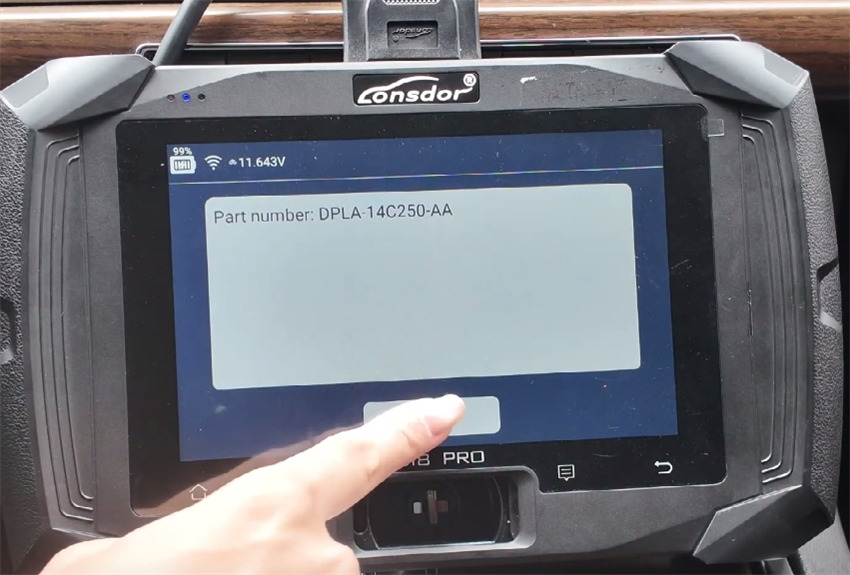
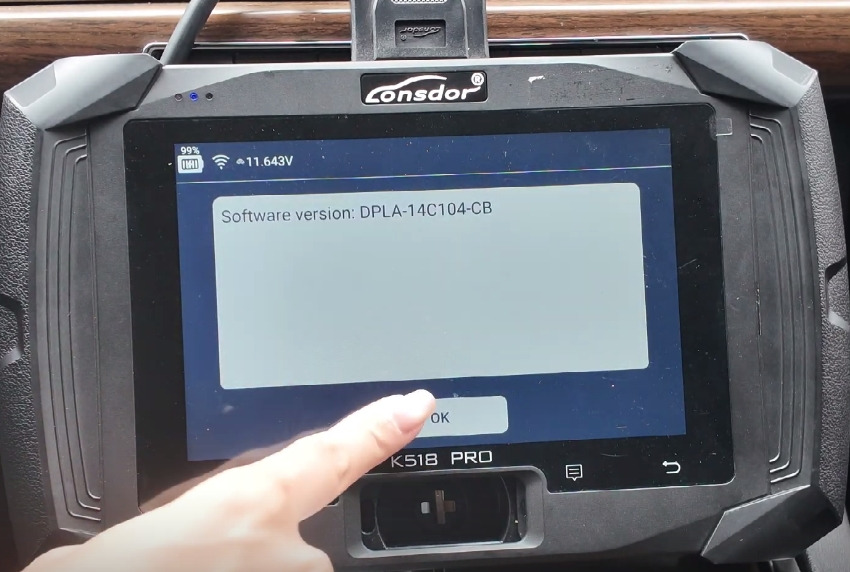
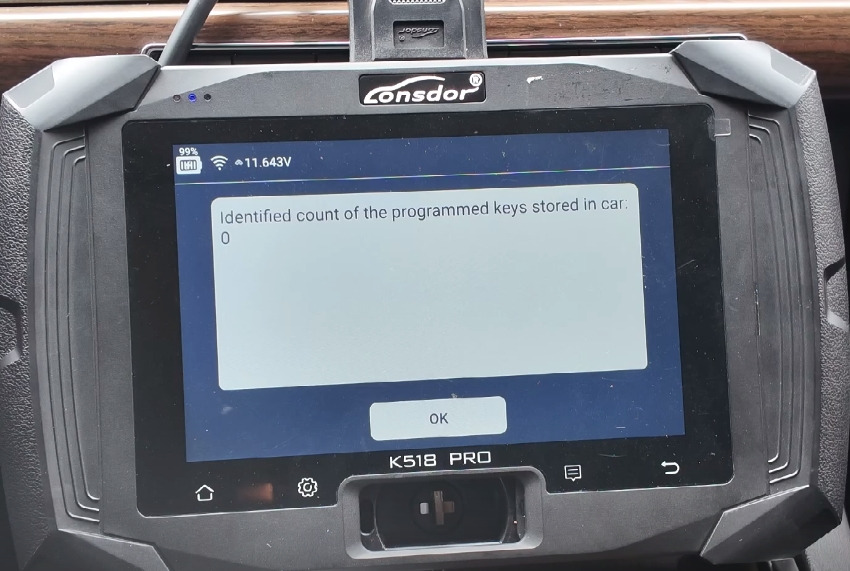
The screen will indicate 0 keys currently programmed. Press OK to continue.
5. Program the First Key
Select “Start programming new smart keys” and press OK.
Hold the first new smart key and follow the on‑screen instructions within 5 seconds.
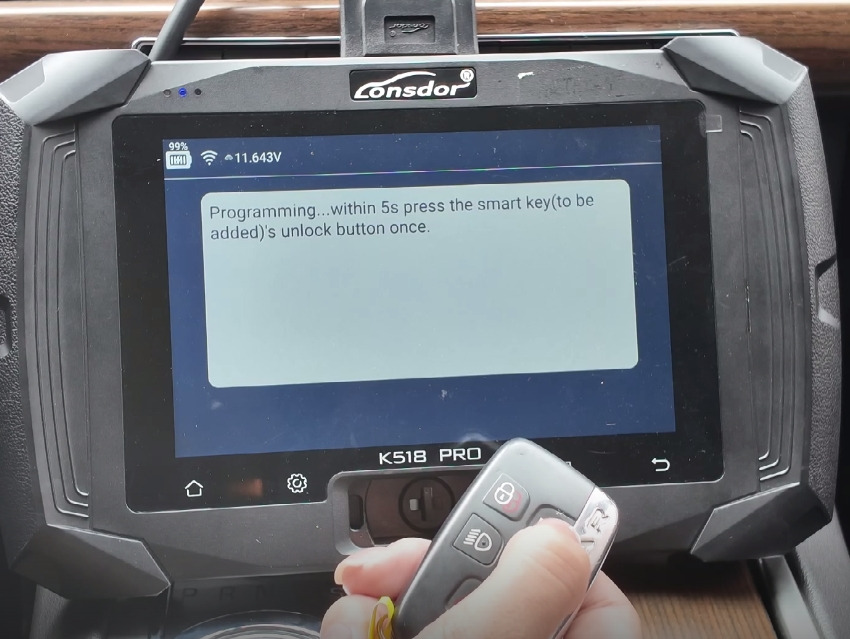
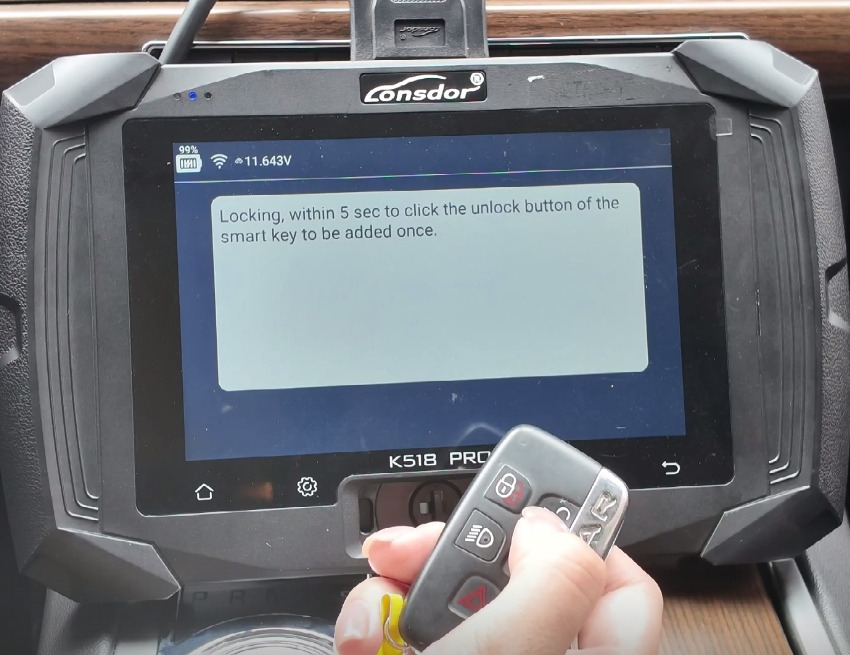
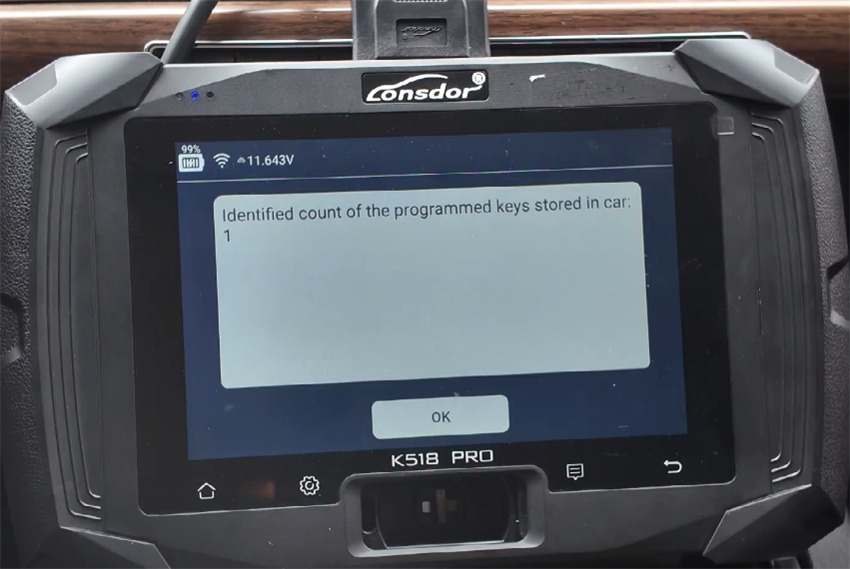
After completion, the display will show “Number of keys programmed: 1.”
6. Program the Second Key
When asked whether to program another key, press OK.
Hold the second new smart key and again follow the prompts within the allotted time.
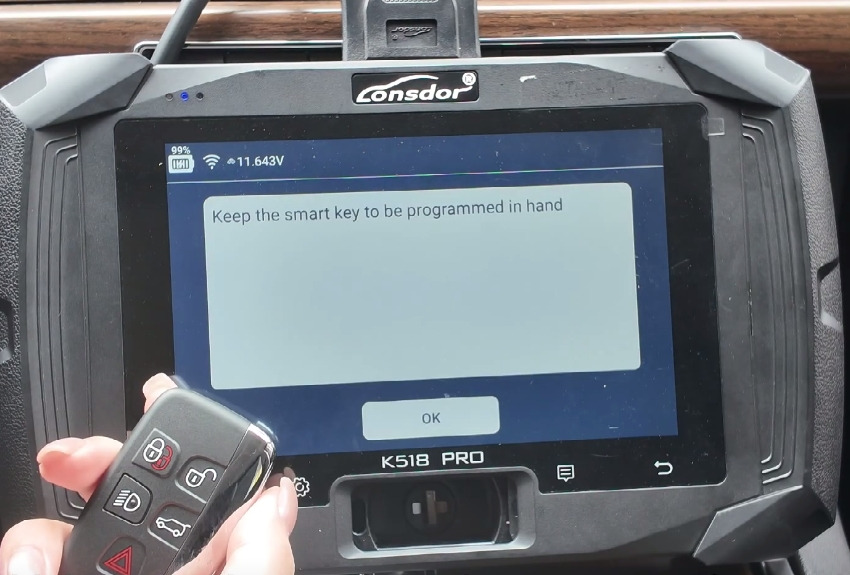
The screen will update to “Number of keys programmed: 2.”
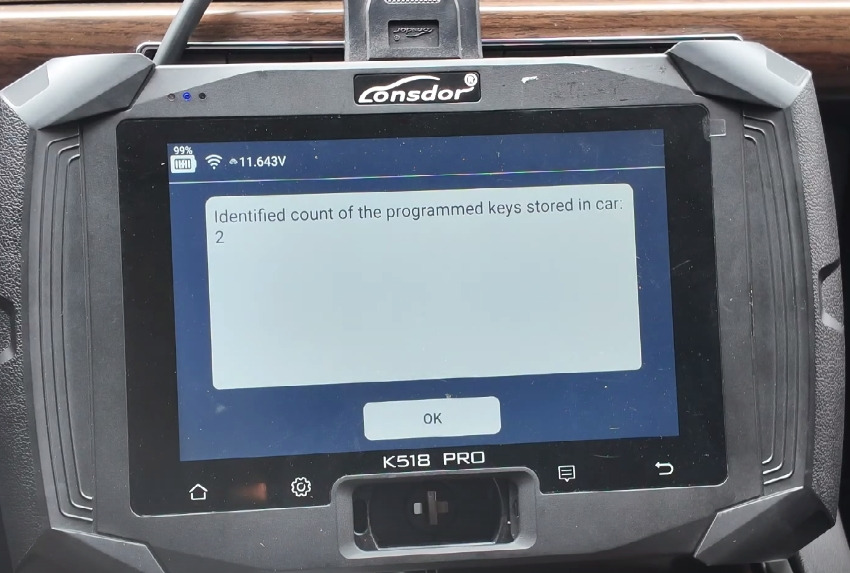
If no additional keys are needed, select “Cancel.”
7. Finish
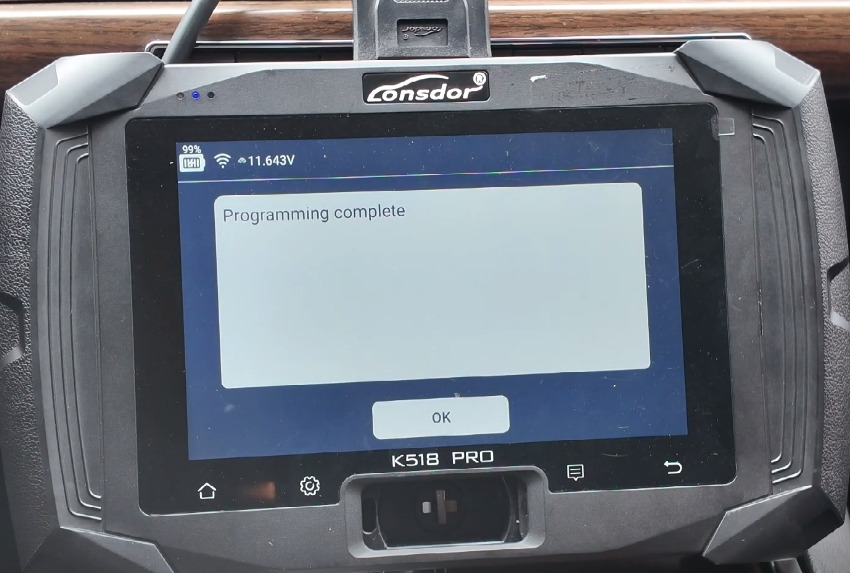
The device will show “Programming complete.” Press OK.
8. Verification
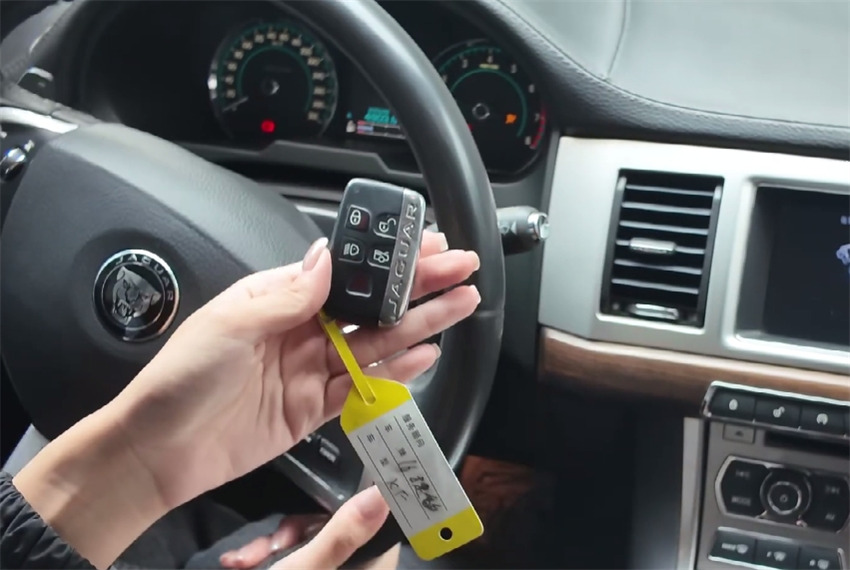
Test each key by pressing the brake pedal and then the engine start button.
Both keys should successfully start the vehicle.
Note: This process of Lonsdor K518 Pro key programmer uses a direct OBD connection and requires no vehicle disassembly, providing a fast and non‑intrusive service.