This post introduces how to add a smart key to a 2025 BMW X3 (with UWB function) using Lonsdor K518 Pro key programmer.
Tools Required:
- Lonsdor K518 Pro Full Version/FCV
- Lonsdor BMW Smart key(BM3S-02)
- Original car key
- Lonsdor BMW BDC2 / BDC3 / BCP License
- Use Lonsdor BDC03 Solder-Free Clip
Steps:
1. Preparation:
Make sure the network connection is normal.
2. Read VIN Code:
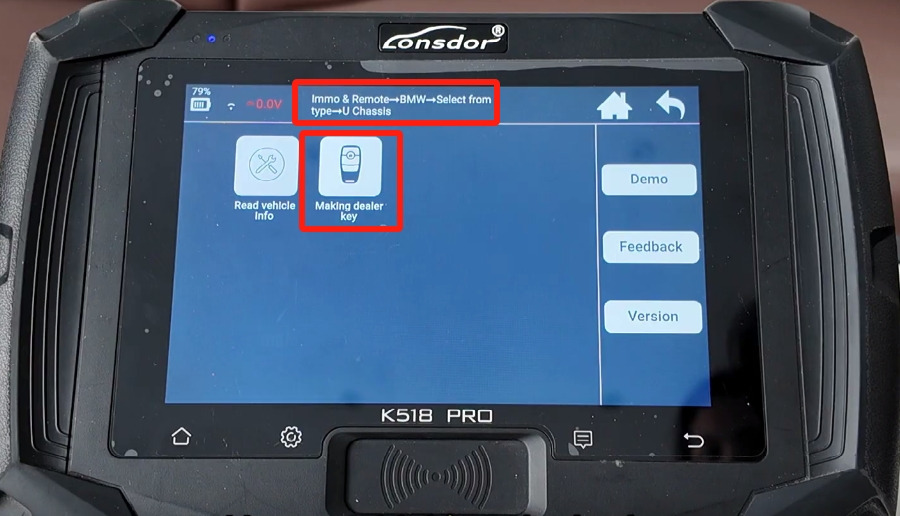
Navigate to Immo& Remote-> BMW-> Select from type-> U Chassis-> Making dealer key
Select “Read working key”
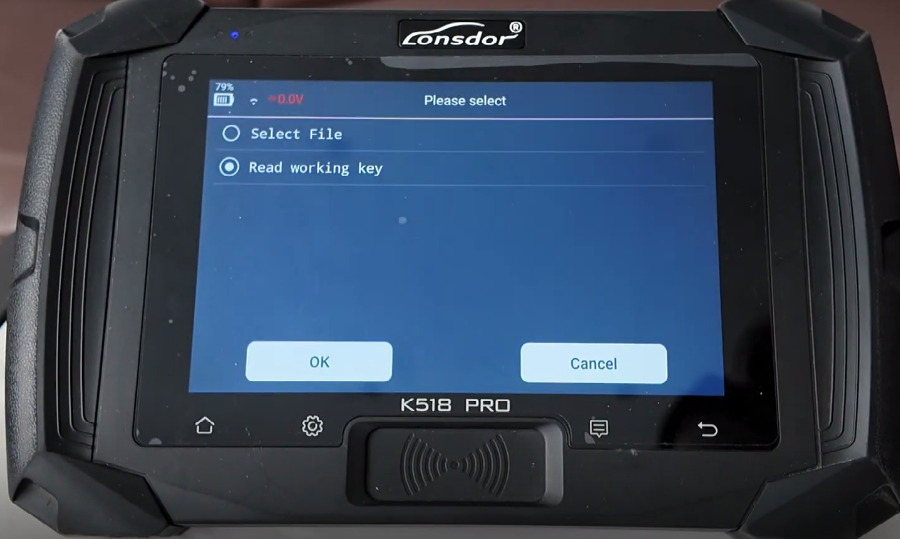
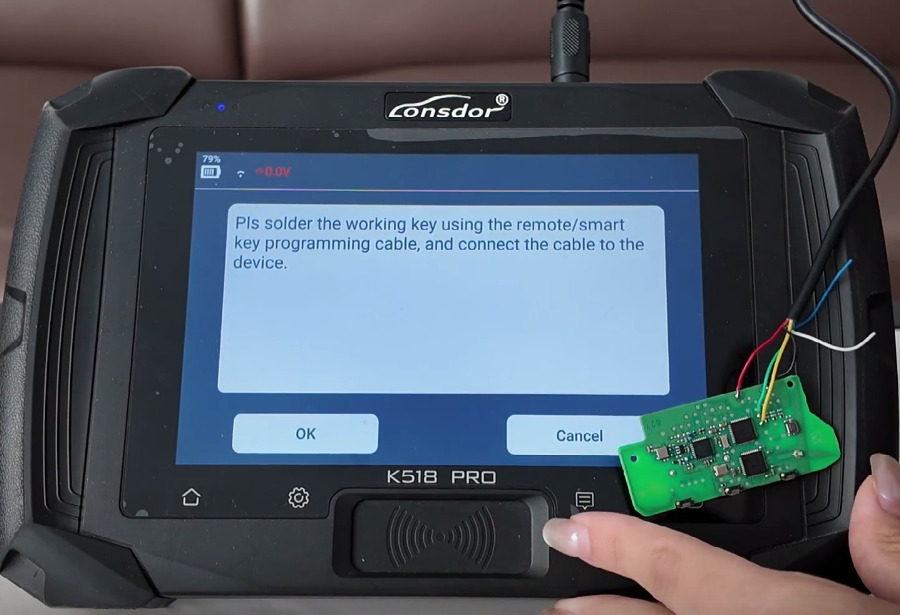
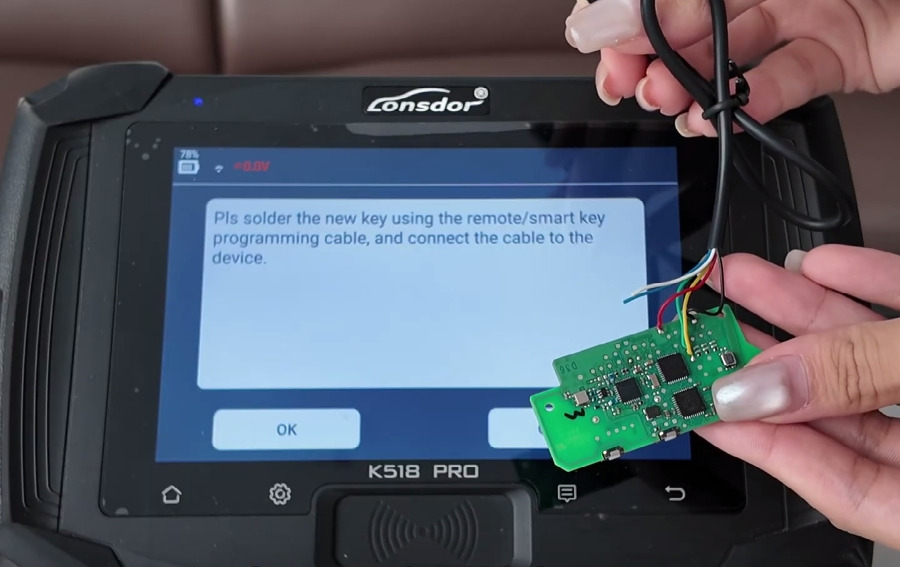
Solder the working key using the remote/smart key programming cable, and connect the cable to K518 Pro tablet
Note: Use Lonsdor BDC03 Solder-Free Clip, you can directly connects to BCP/BDC3 modules, no ECU disassembly required.
Enter the file name you want to save (e.g. BMW)
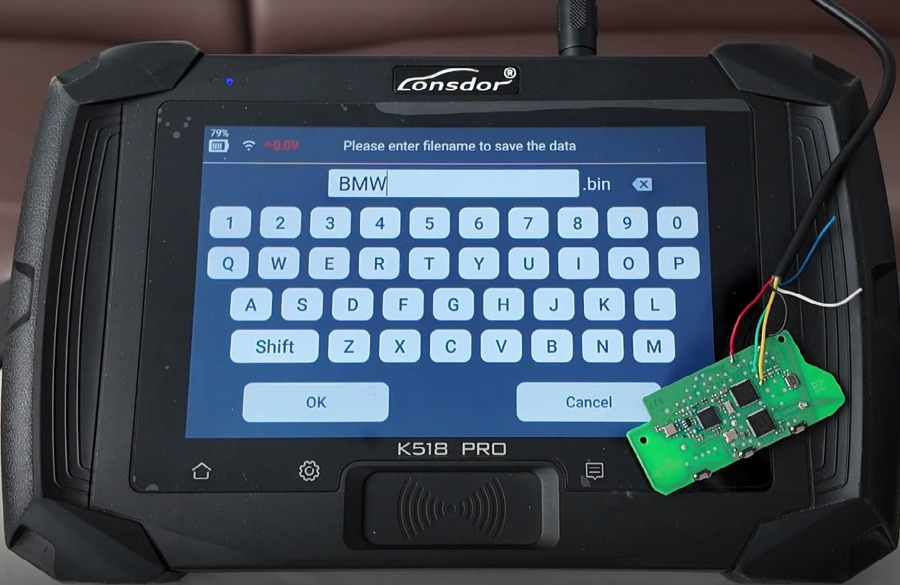
Confirm the filename
Read VIN code successfully
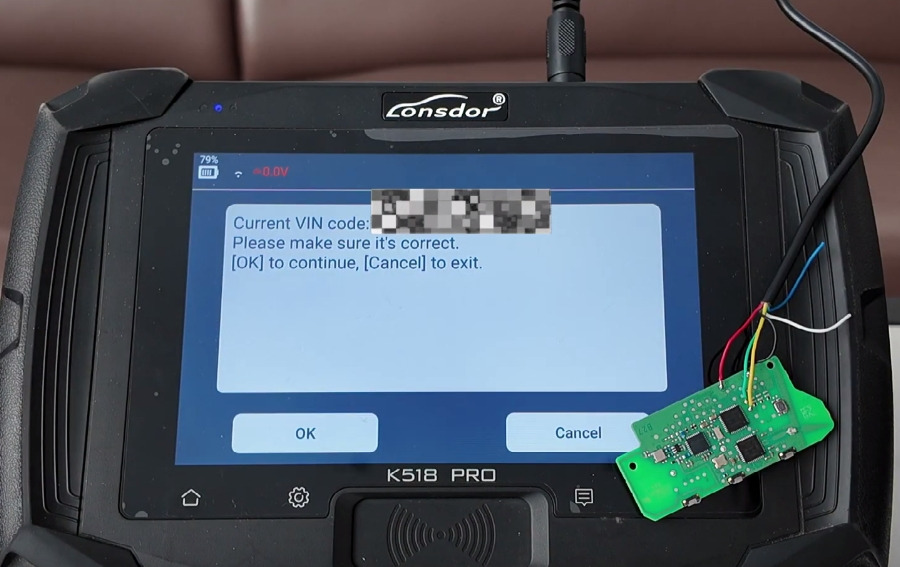
3. Program New Key:
Because the vehicle is a high-end model with UWB function, so it needs to be generated with the genuine /OEM key
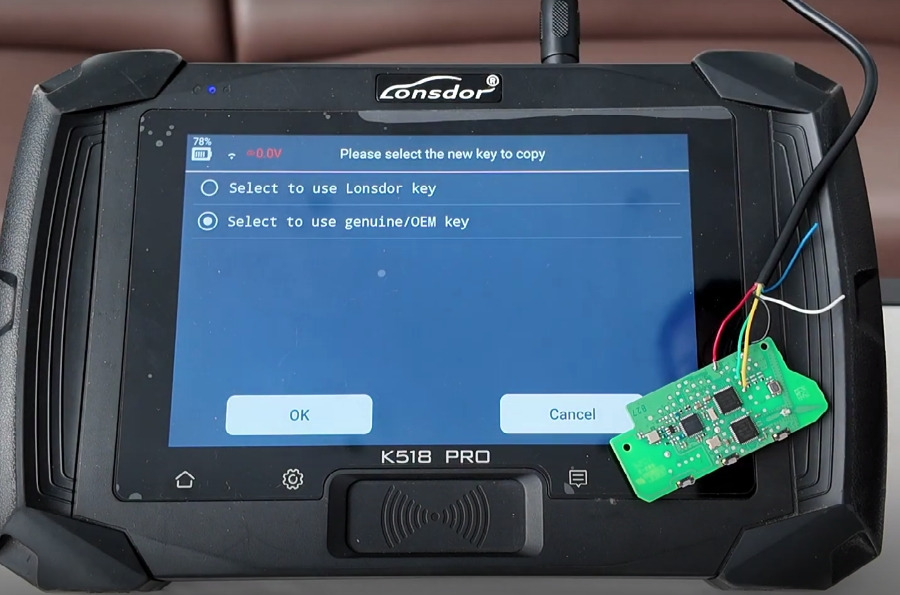
Connect the new smart key to K518 Pro as instructed
Click “OK” to begin programming.
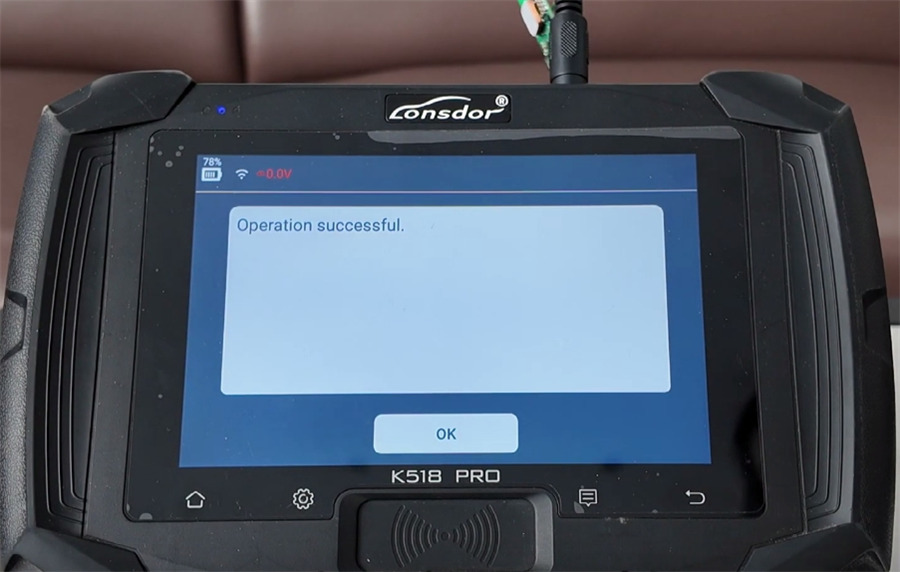
Wait for the “Operation successful” message.
4. Test functions:
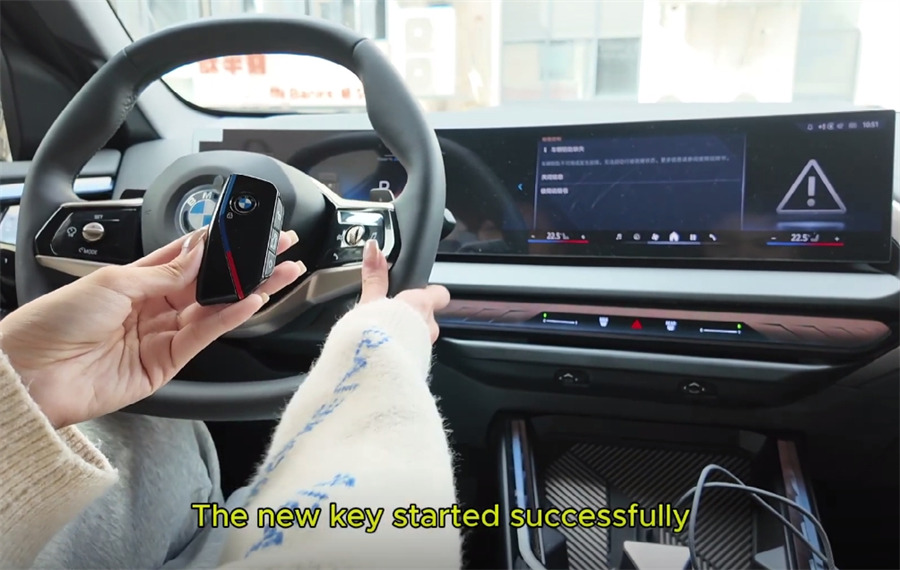
- Start Function (New Key): With the new key inside the vehicle, hitthe brake pedal and then press the engine start button. Verify the vehicle starts successfully.
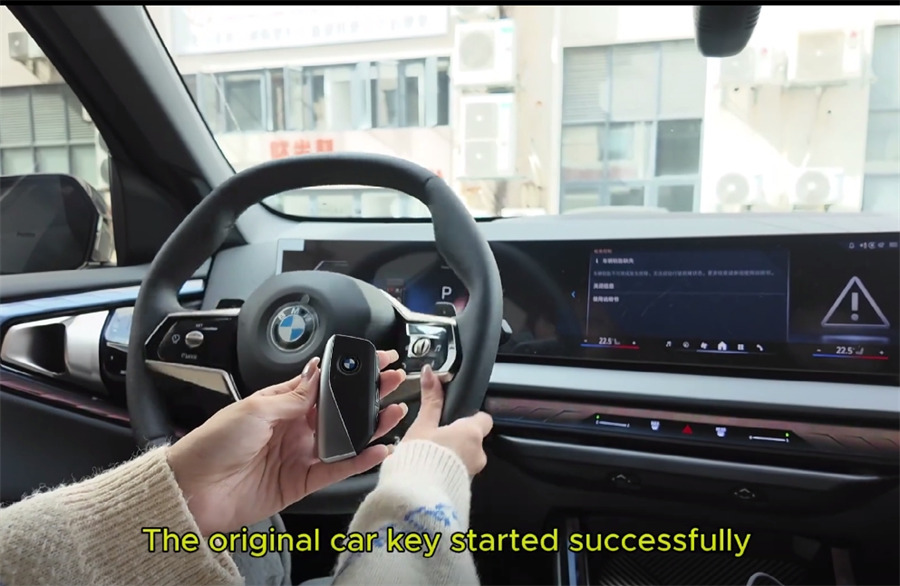
- Start Function (Original Key): Repeat the process with the original key to confirm it still starts the vehicle.
- Remote Control Test (Original Key): Use the original key’s buttons to lock and unlock the vehicle. Confirm operation.
- Remote Control Test (New Key): Use the new key’s buttons to lock and unlock the vehicle. Confirm operation.
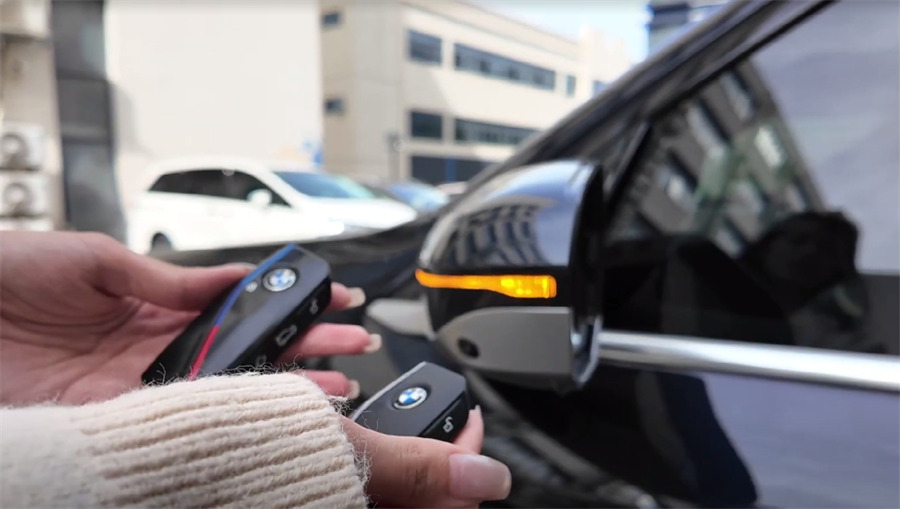
Conclusion:
The new BMW X3 (UWB) smart key has been successfully programmed by K518 Pro key programmer. Both keys now have full start and remote control functionality.