
This post demonstrates how to generate and program a new key for a 2024 Honda CRV using Lonsdor K518 Pro with HD30 smart key.
Requirement:
- Original Honda CRV key
- 2024 Honda CRV vehicle
- Lonsdor HD30 smart keys (HD30-04 and HD30-06)
- Lonsdor K518 PRO Key Programmer
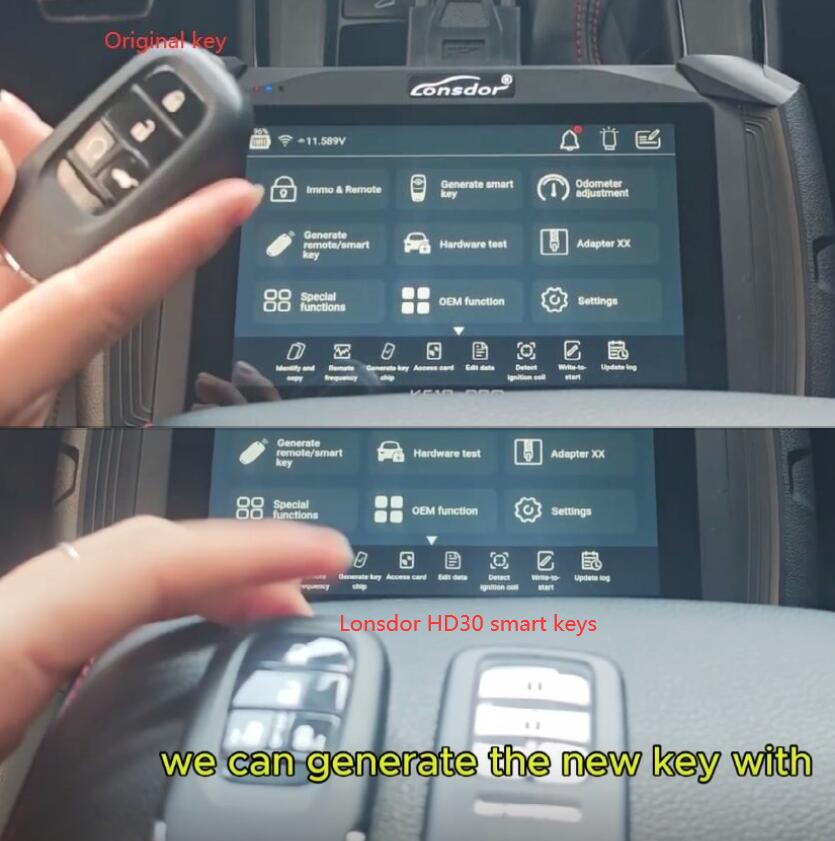
Step 1: Generate Key Blade
1. Initiate Process: Power on K518 Proand navigate to the main menu.
2. Select Vehicle: Choose “Honda” as the manufacturer, then select the specific model, “CRV”.
3. Key Source: The system will prompt for a key source. Follow the original key type to select “2022- ID4A”
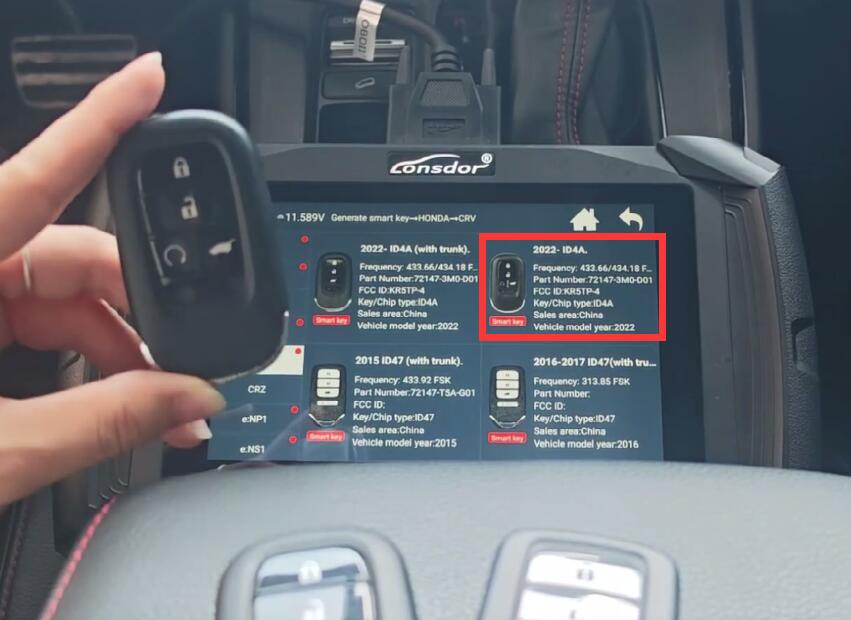
4. Select Blank: Choose the desired type of Lonsdor HD30-04 smart key.
5. Generate Key: Place the selected blank key into the designated slot. Confirm the selection to begin generating the new key blade.
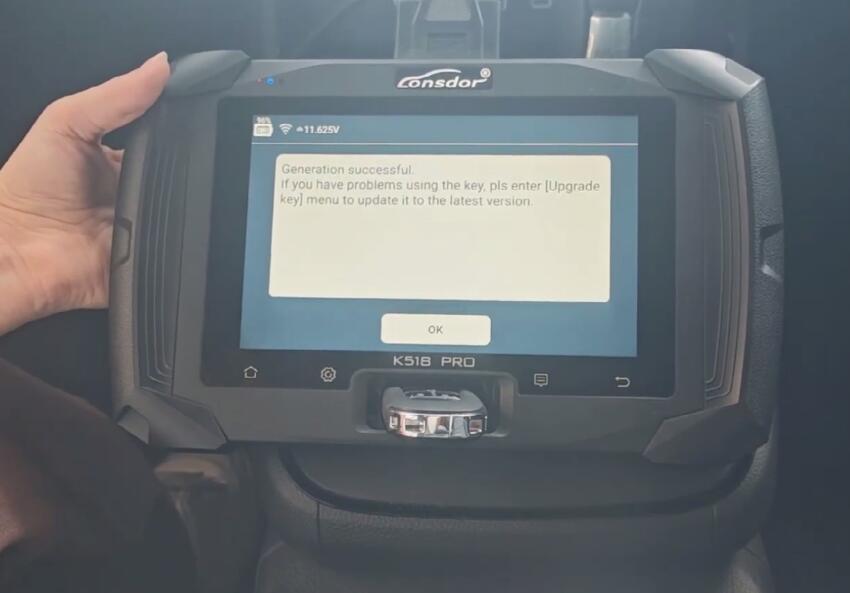
6. Verify Success: The machine will display “Generation Successful” upon completion. Repeat steps 4-5 for any additional blank keys.
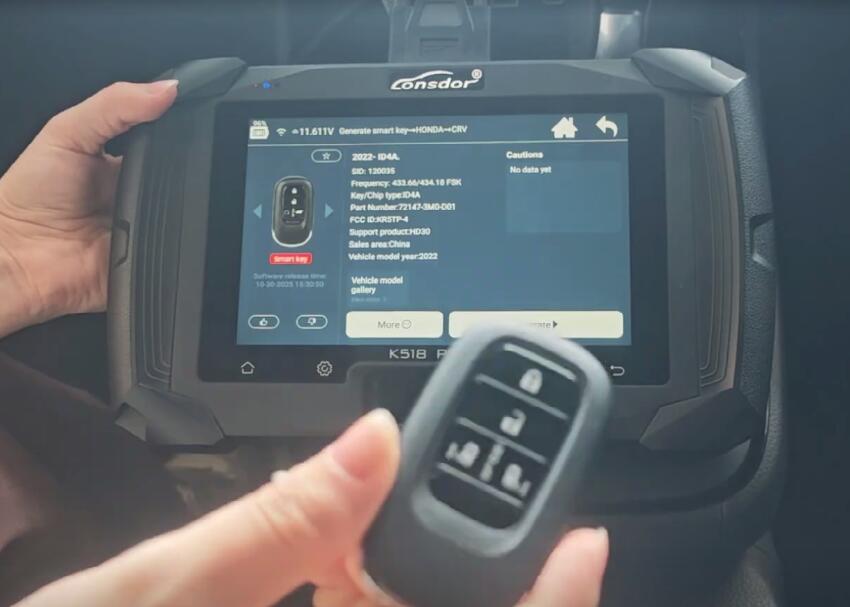
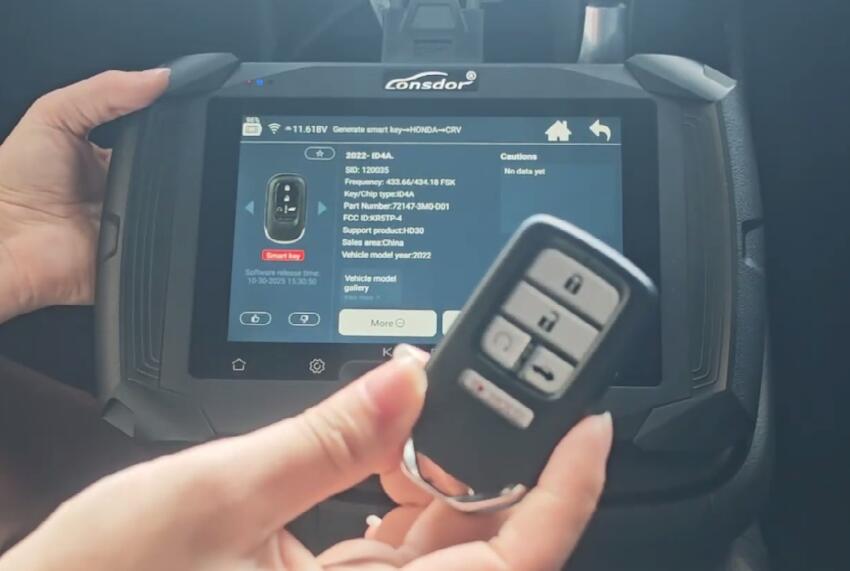
Step 2: Program Key
IMPORTANT: Ensure the vehicle battery is adequately charged before starting.
A. Program the First Two Keys
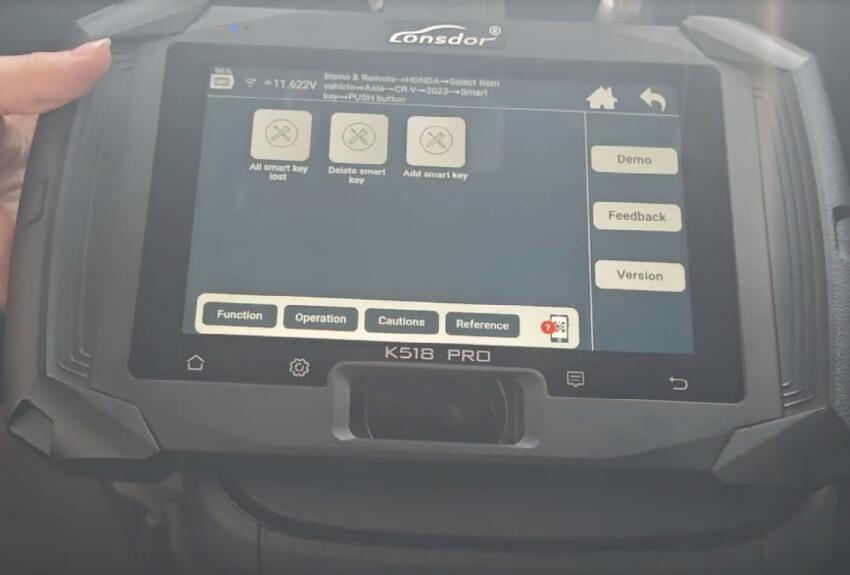
1. Select vehicle model: On the device, go back to the home screen
Select Immo & remote-> HONDA-> Select from vehicle-> Asia-> CR V-> 2023-> Smart Key-> PUSH Button-> Add smart key
2. Prepare Vehicle:
Ensure only the original, already-programmed key is inside the vehicle cabin.
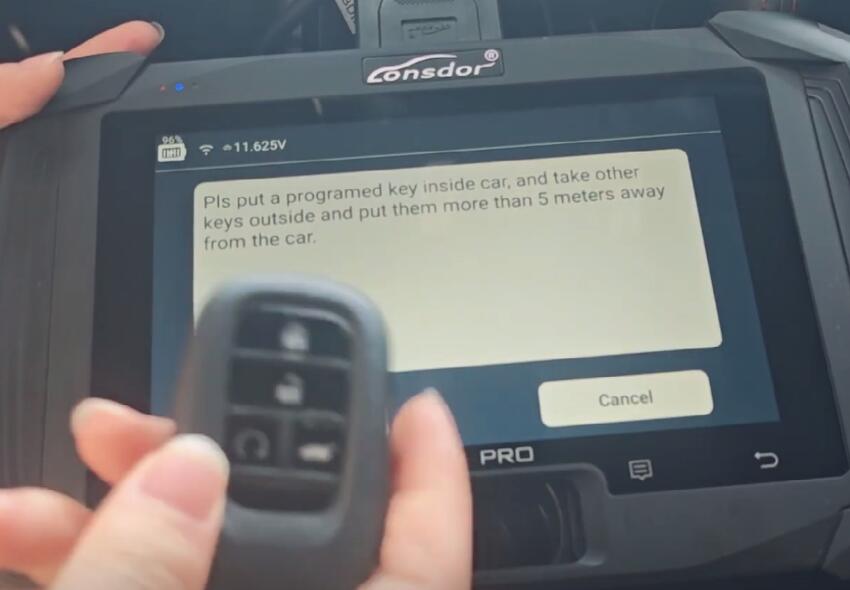
Press the vehicle’s Start button once (do not start the engine) to turn the ignition to the “ON” position.
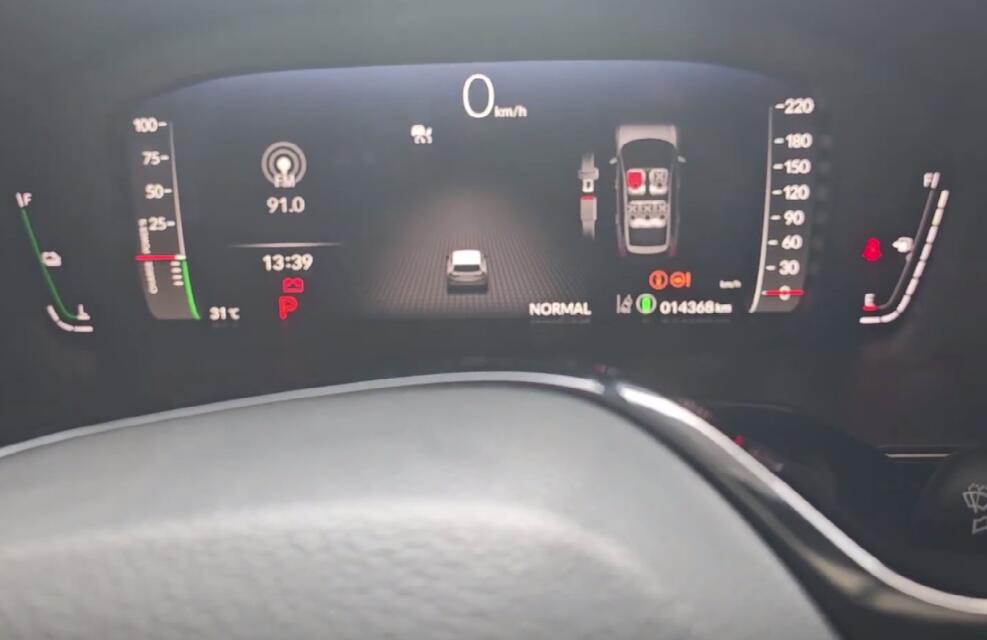
Wait a moment, then press the Start button again to turn the ignition “OFF”.
3. Initialization:
Remove ALL keys from inside the vehicle and close all doors.
On the programming device, press “OK” to continue.
4. Program First New Key:
Place the first newly-cut key inside the vehicle (e.g., on the cup holder or insert into the backup slot if equipped).
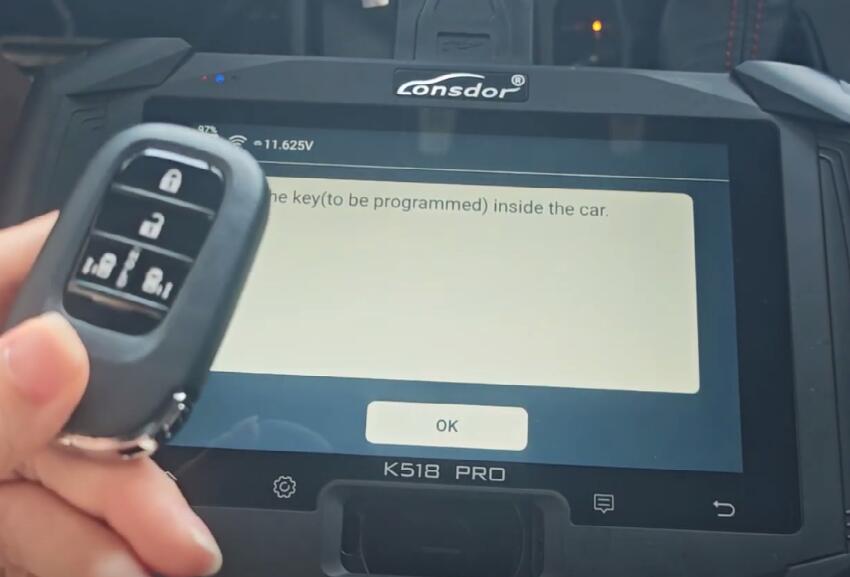
The device will instruct: “Switch ignition OFF within 15 seconds.” Press the vehicle’s Start button to cycle the ignition to “ON,” then back to “OFF” within the time limit.
Observe the vehicle’s security light on the dashboard. It should illuminate and then extinguish.
Follow the next device prompt: “Switch ignition ON within 15 seconds.” Press the Start button again to turn the ignition “ON.”
5. Completion for First Key: The device will indicate the key is being programmed. Once it shows “Programming Complete” for the first key, turn the ignition OFF. The first new key is now programmed.
6. Program Second New Key: K518 PRO Key Programmer will typically prompt to add a second key. Follow the same process using the second newly-cut key.
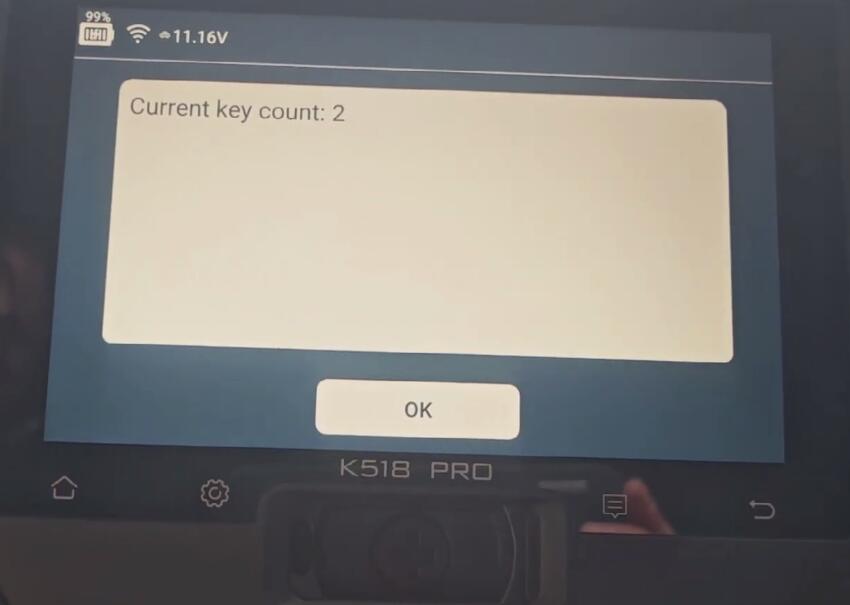
B. Program a Third Key (Optional)
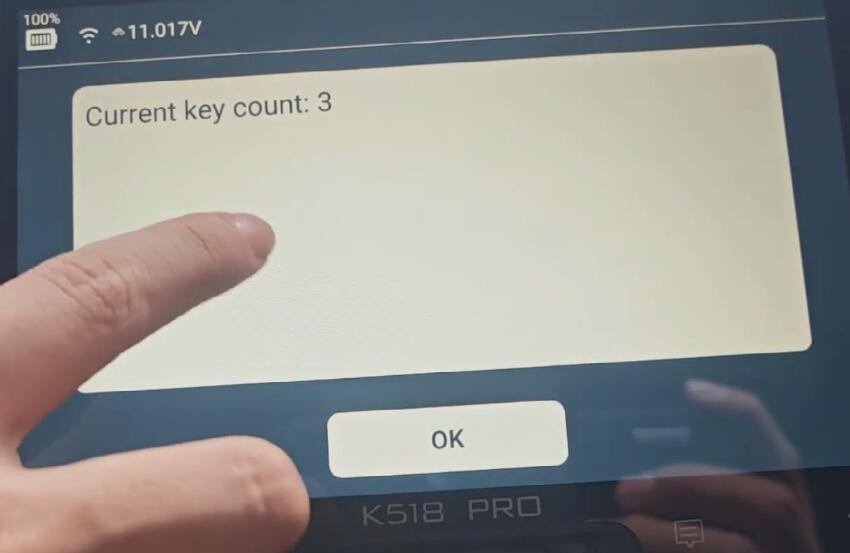
1. If adding a third key, on the device menu, select “Add Smart Key” again.
2. Turn the vehicle ignition OFF.
3. Place a new key to be programmed inside the vehicle.
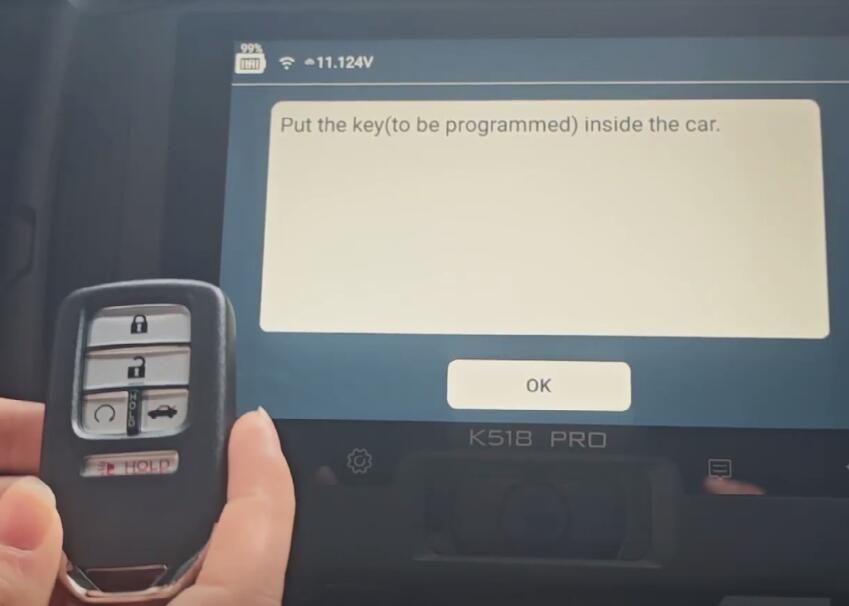
4. Press the vehicle’s Start button twice (ON then OFF).
5. On the device, press “OK.” Remove ALL keys from the vehicle.
6. Place the third new key inside the vehicle.
7. Follow the device prompts to cycle the ignition OFF and ON within specified time limits until “Programming completed” is displayed.
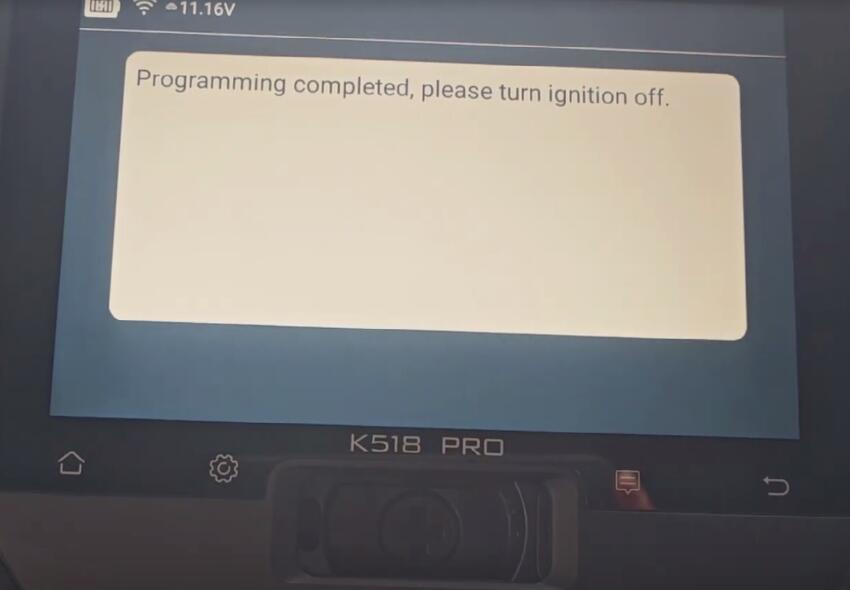
Step 3: Test Functions
Test each newly programmed key separately.
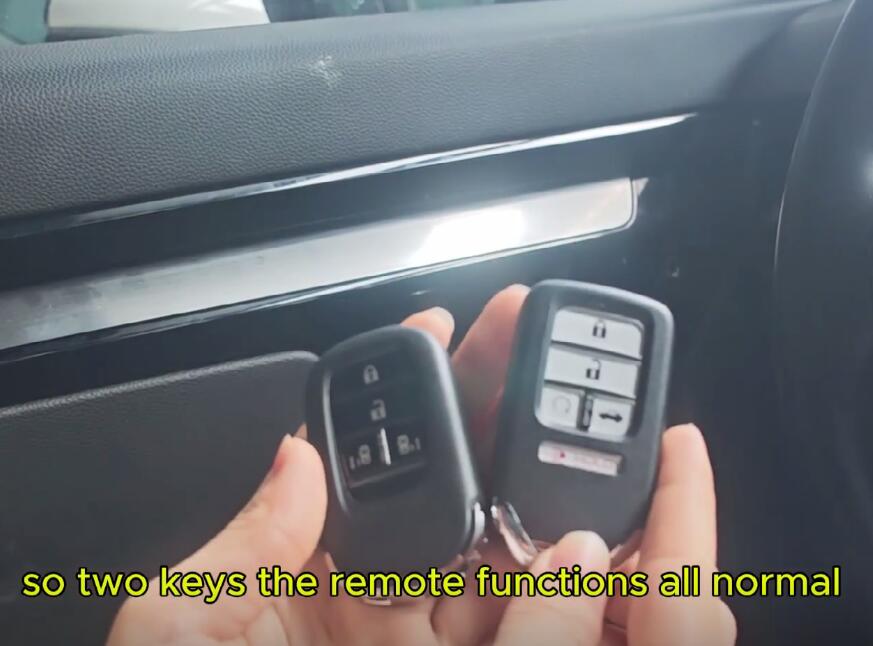
Remote Function Test:
Stand outside the vehicle with all keys away from it.
Using the new key's remote, press LOCK. Verify the vehicle locks and hazard lights flash.
Press UNLOCK. Verify the vehicle unlocks.
Smart/Start Function Test:
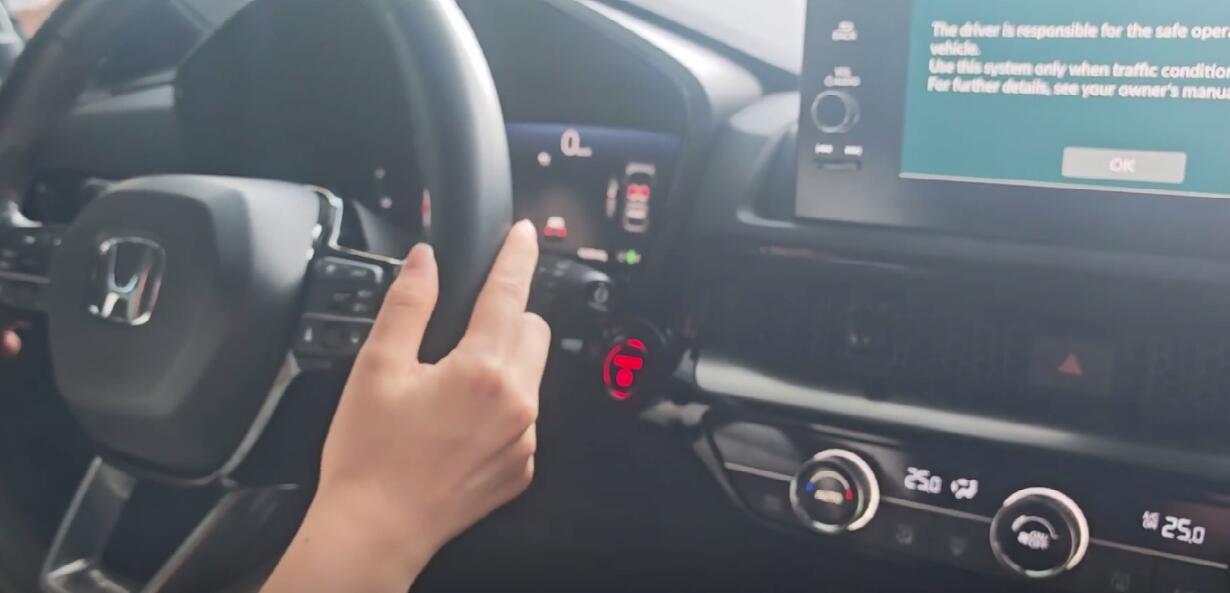
Enter the vehicle with the new key in your possession.
With your foot on the brake, press the Engine Start button. The engine should start normally.
Repeat this test for all newly programmed keys.
Conclusion:
Using the correct blank keys (Lonsdor HD30 series) and following this structured procedure allows for fast and efficient key generation and programming for the 2024 Honda CRV. Please ensure all steps are followed in the exact sequence as prompted by Lonsdor K518 Pro key programmer.