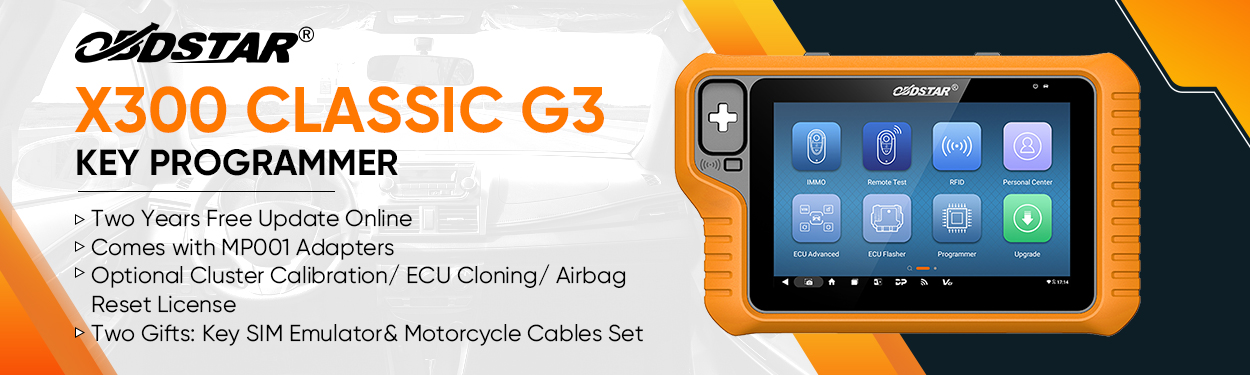
This post shows how to use OBDSTAR DC706 to read and write NISSAN BED420-400 ECM on Bench.
Preparation:
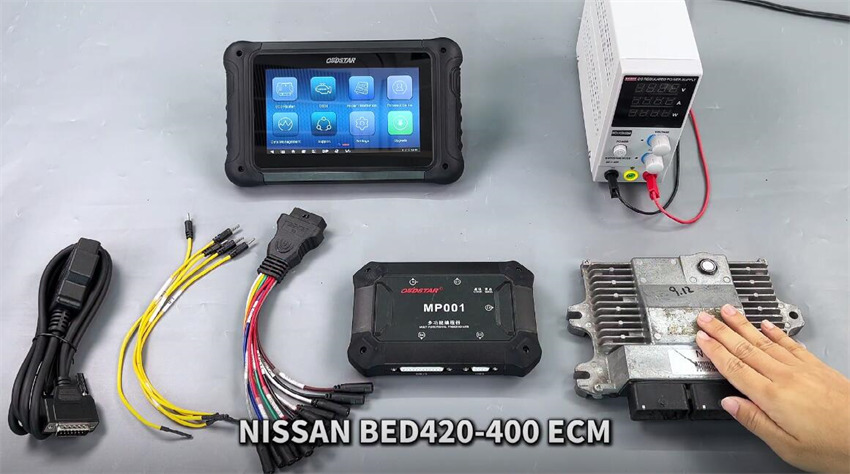
- NISSAN BED420-400 ECM
- OBDSTAR ECU Bench Jumper
- OBDSTAR MP001 Programmer
- OBDSTAR DC706 ECU Tool/X300 Classic G3 with ECU Flasher License
- Main cable
- Power supply
Procedure:
Menu Navigation Path:
Select ECU Flasher-> ECM-> ECM V32.60
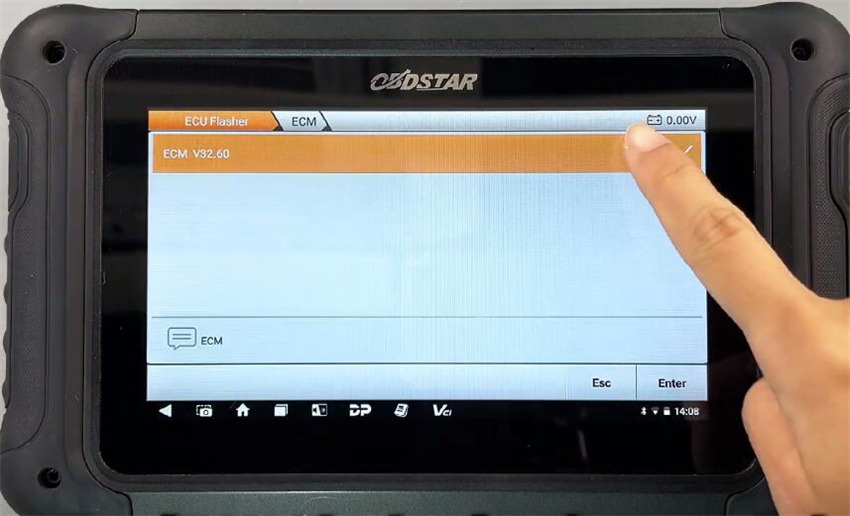
Input bed420 in the search box to find the corresponding ECM model (NISSAN HITACH BED420-400 SH725331N)
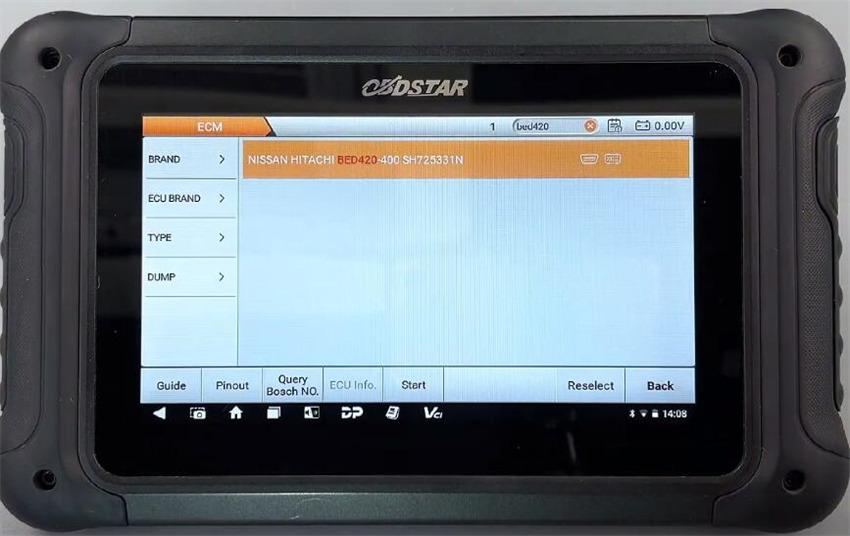
Click “Guide” to check the operation instruction and connection diagram
Follow the connector pinout to connect MP001 Programmer and Nissan ECM via ECU jumper correctly, then connect MP001 to DC706 via main cable, and supply power to device as well
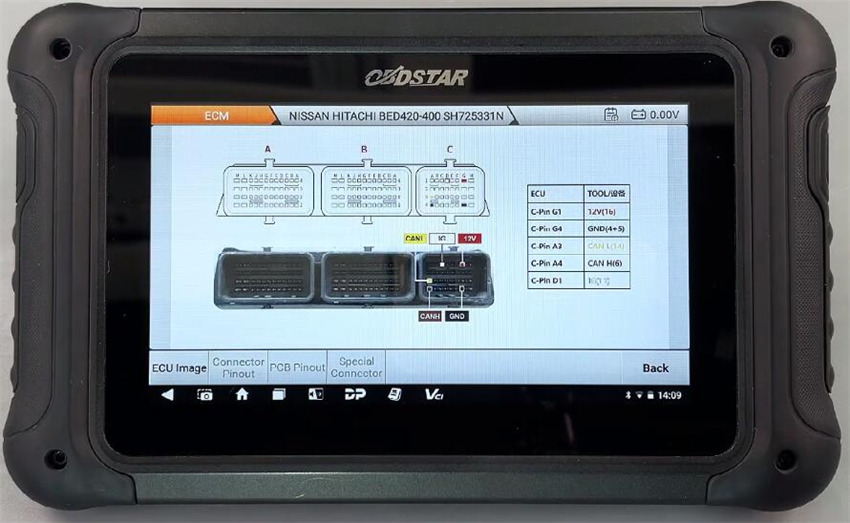
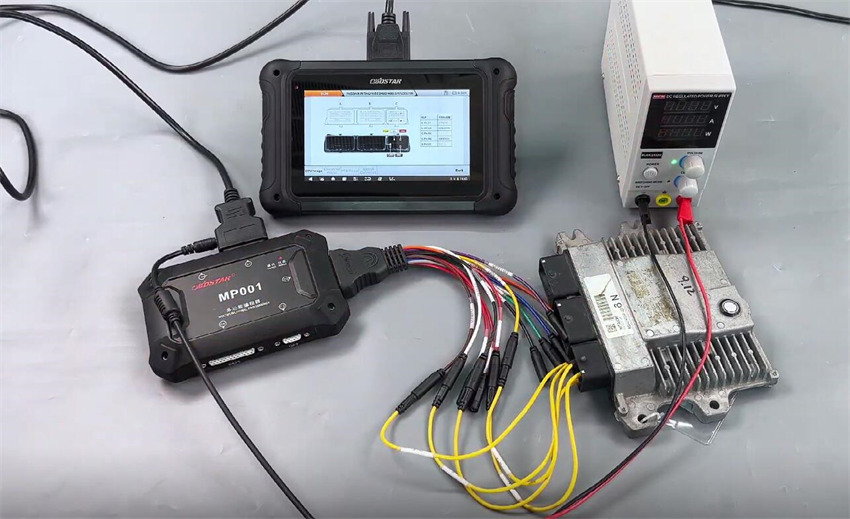
Make sure the connection is correct
Then select “BENCH” and “MP001” to perform the read and write functions
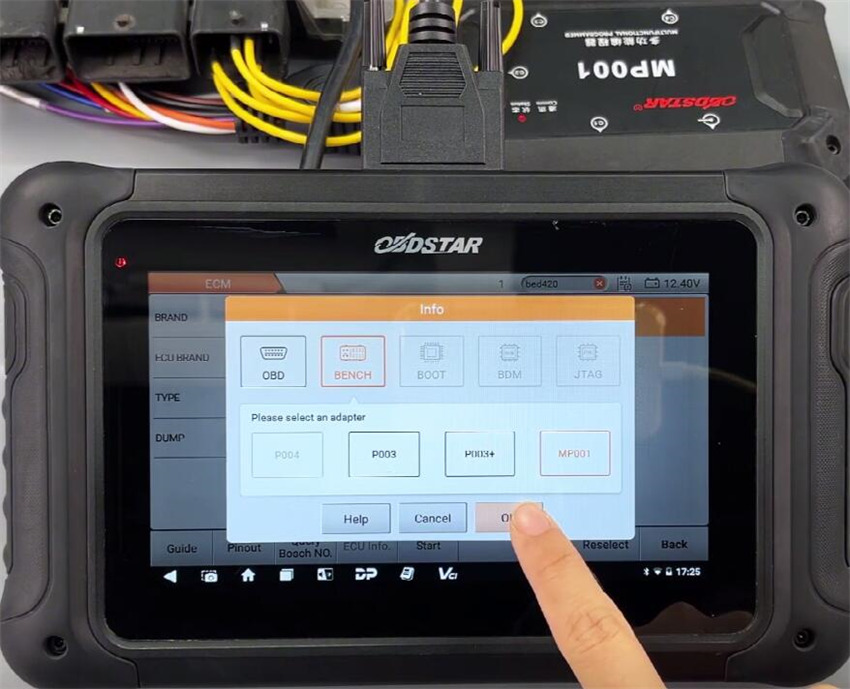
Connect ECU-OK
Read INT flash (SH725331N)- OK
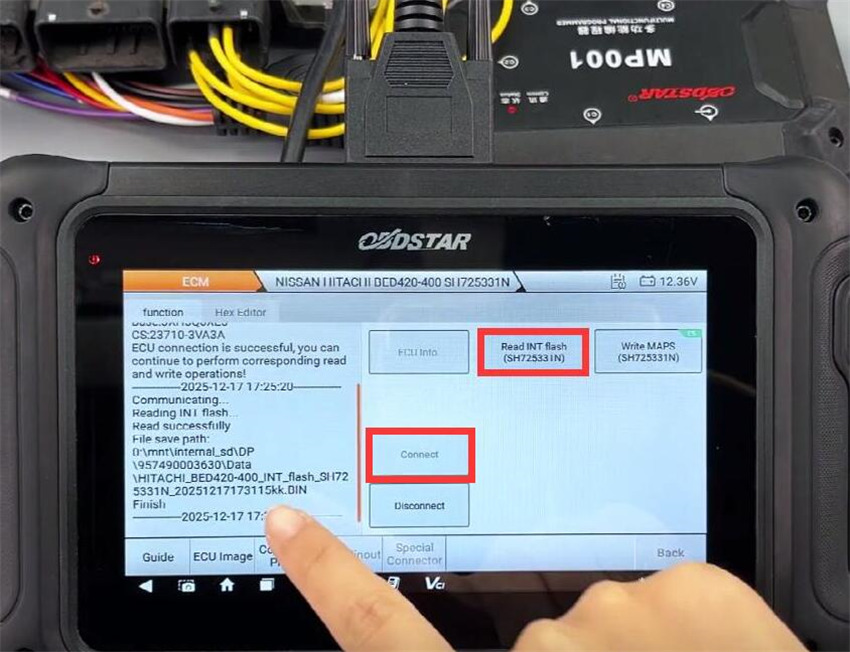
Write INT flash (SH725331N)- OK
- Load external data: original ECM INT Flash data
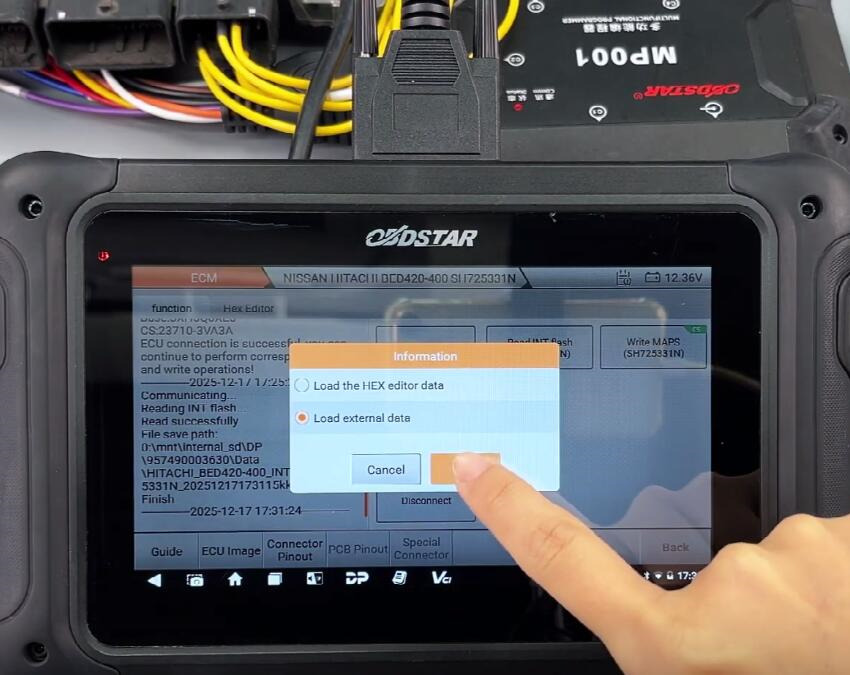
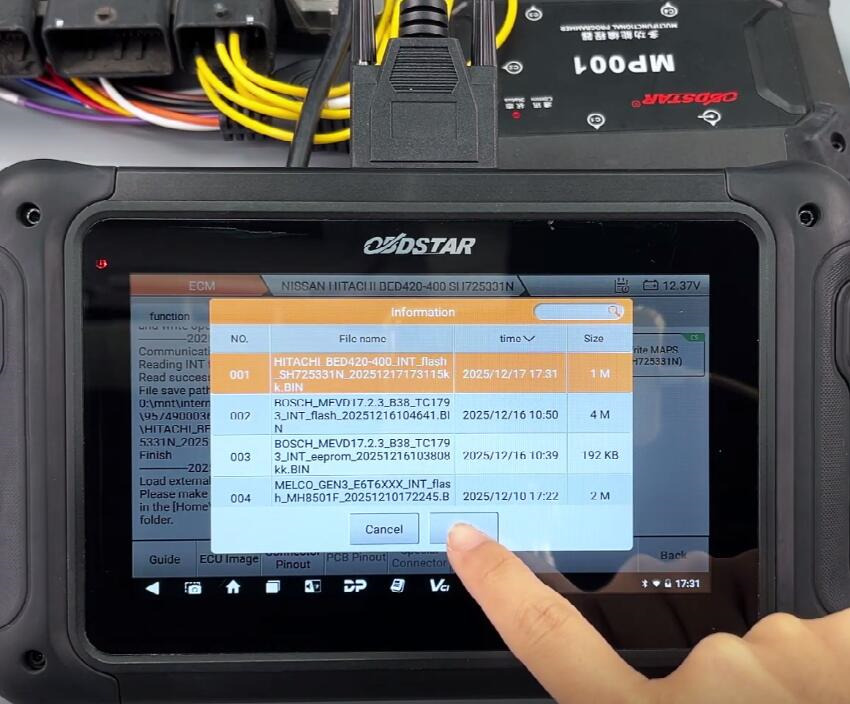
- Verify the data
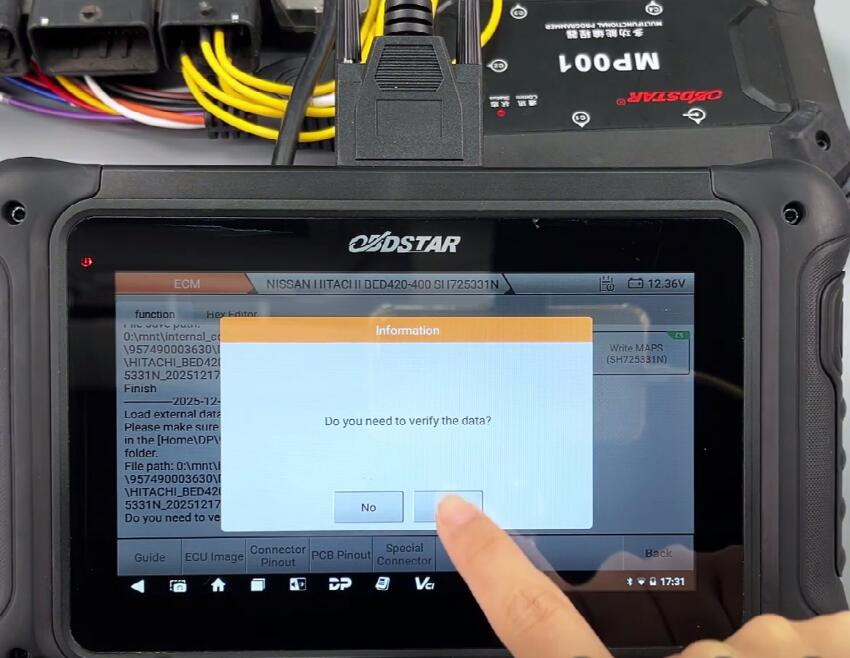
- Write data to new Nissan ECM
Finally, disconnect ECU
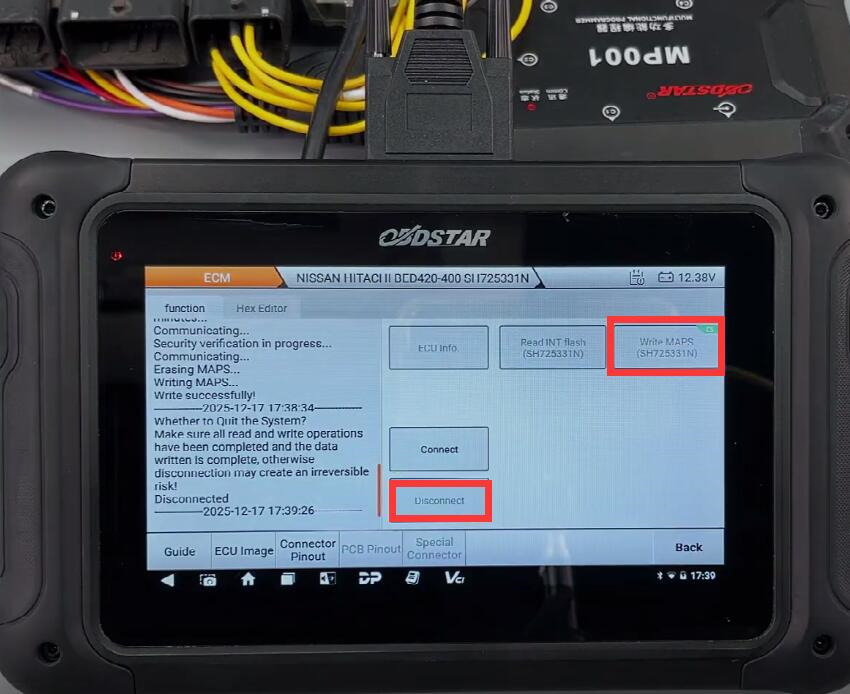
Done!
OBDSTAR DC706 ECU Tool with MP001 Programmer read and write NISSAN BED420-400 ECM on Bench successfully.