
This post demonstrates Safe BMW mileage correction with Yanhua YH35XX Programmer: Step-by-step guide to read/write 35128/35160WT chips using simulator – no red dot, professional tutorial.
1. Preparation
Remove the original EEPROM chip (usually 35128/35160WT) from the instrument cluster and solder it onto the original chip adaptor board.
2. Connect Original Chip
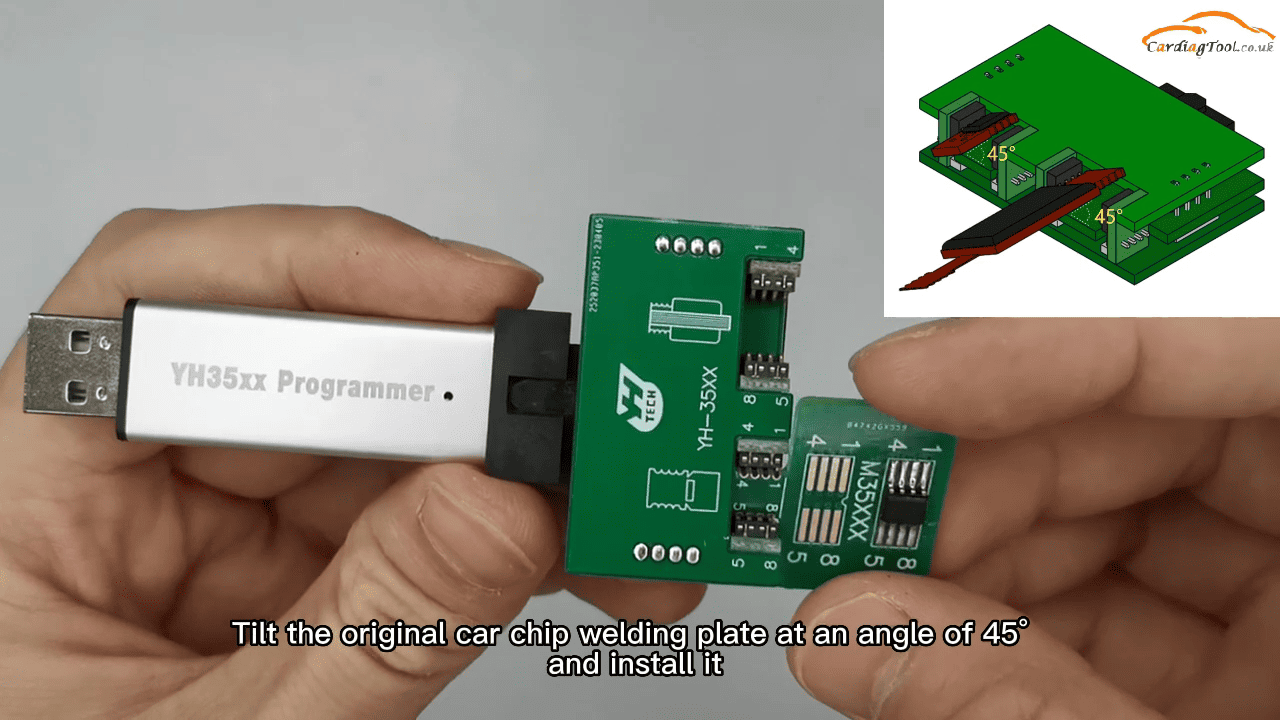
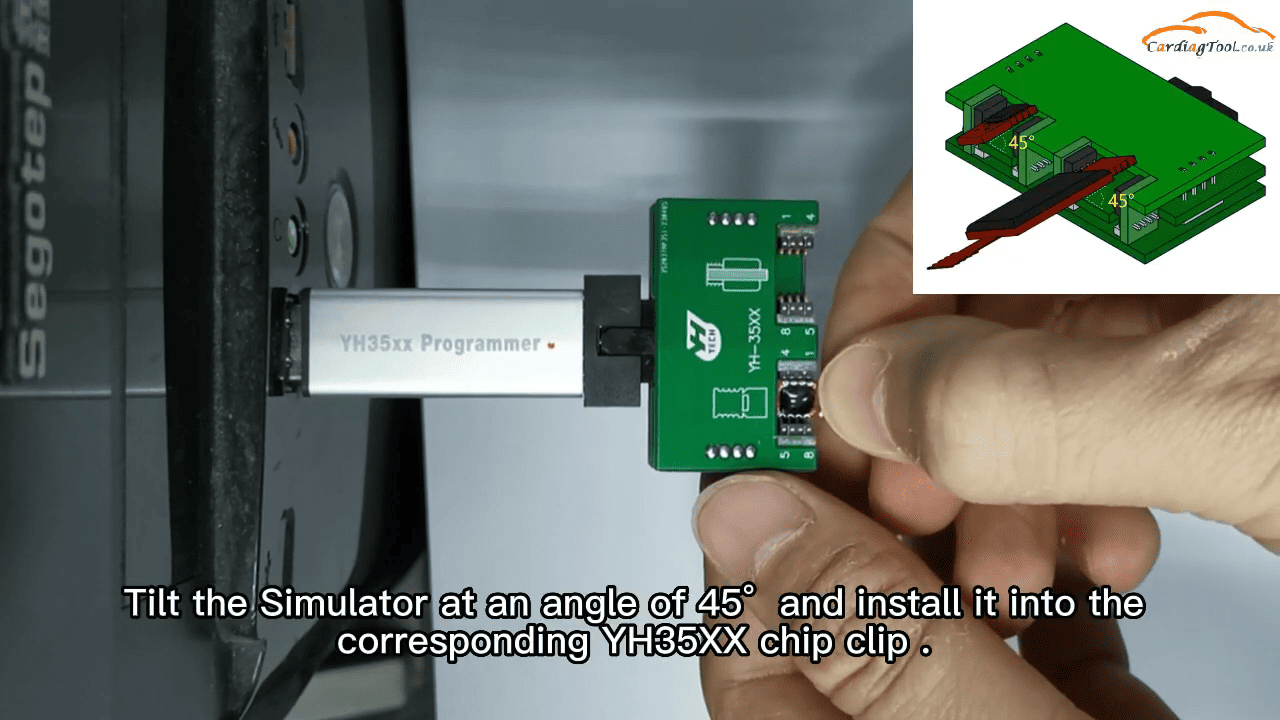
Check pin direction, tilt the adaptor board at 45° and insert it securely into the YH35XX chip clip.
3. Connect to PC and Open Software
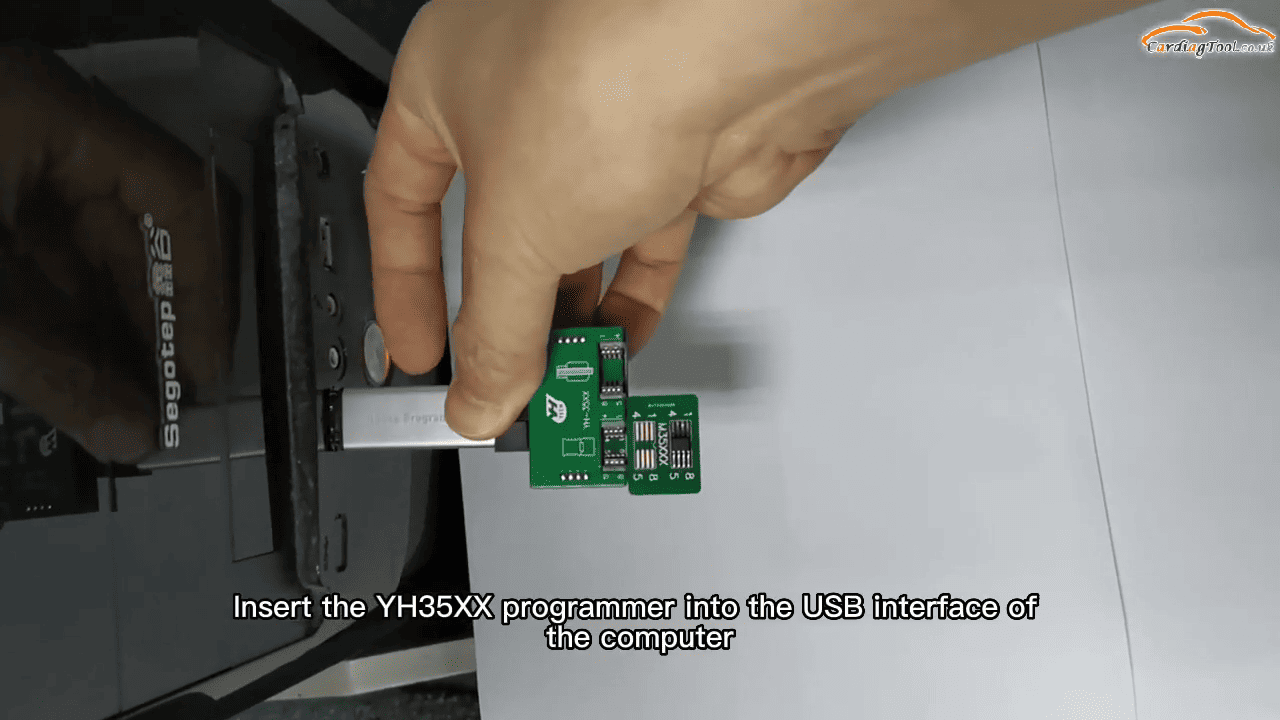
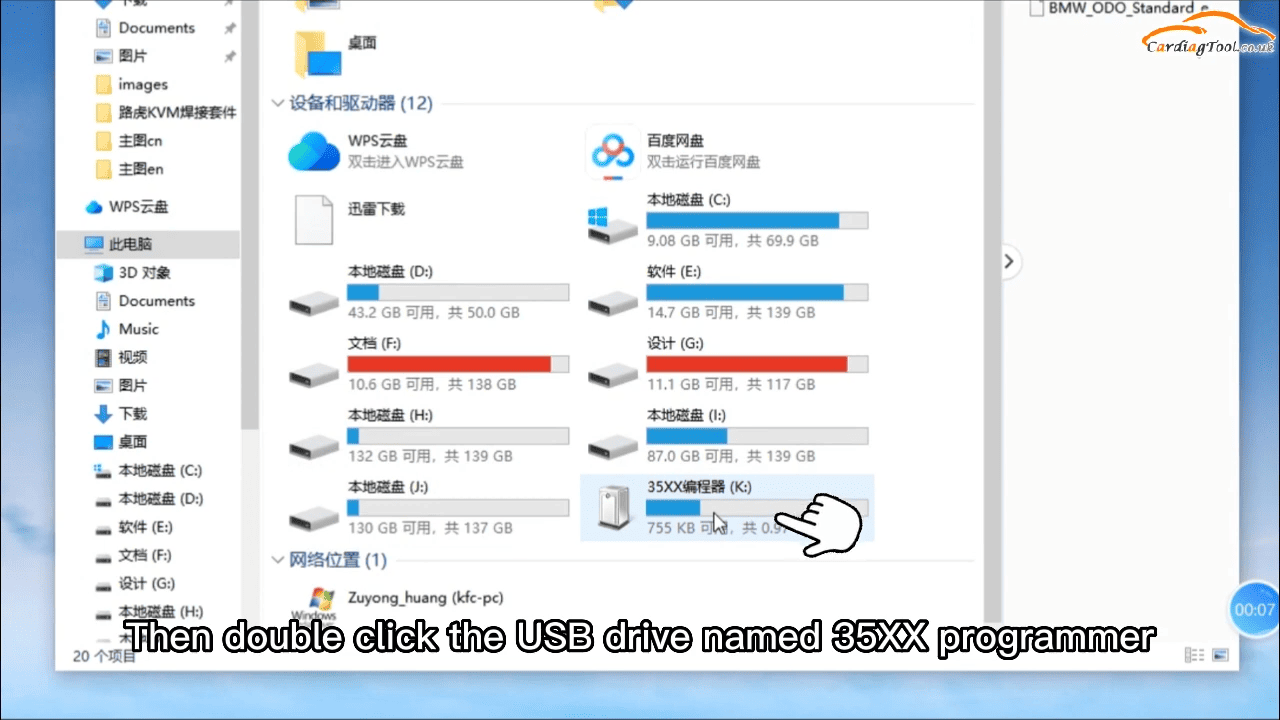
Plug the YH35XX Programmer into USB port. Open the USB drive named “35xx programmer”. Double-click to run “BMW audio standard edition.exe”.
4. Read Original Data
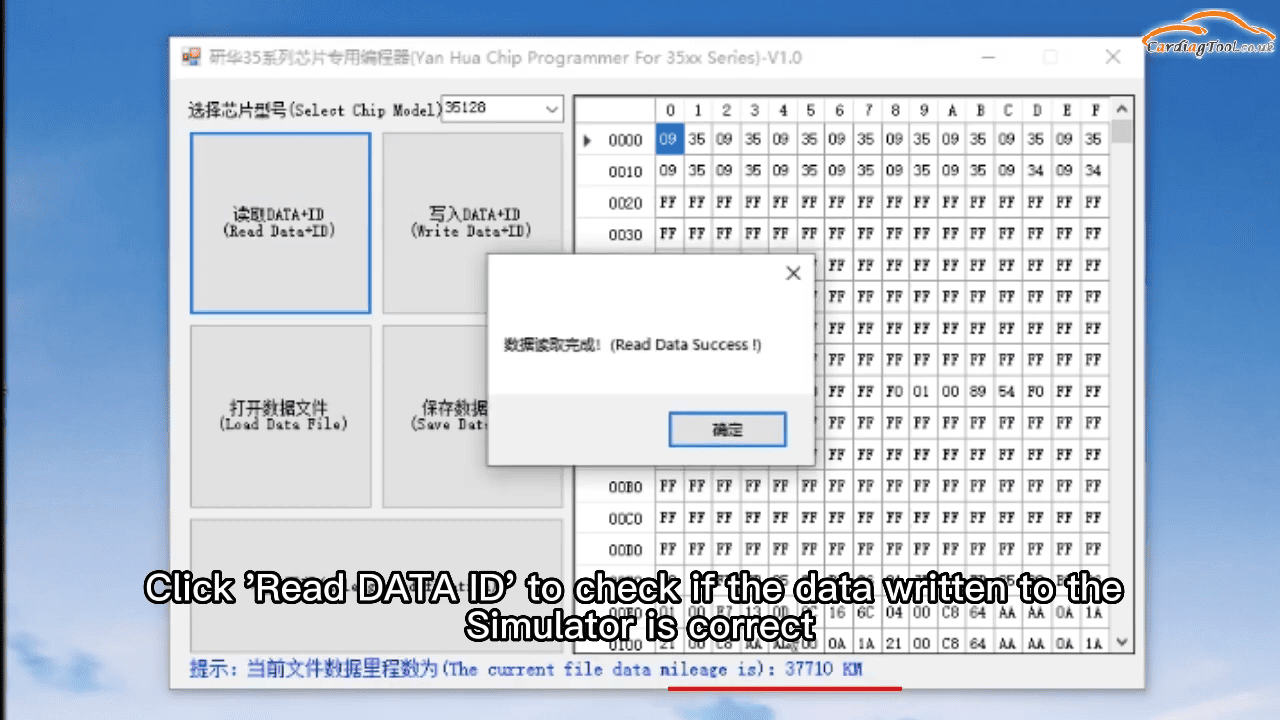
Select chip model → Click “Read DATA+ID”
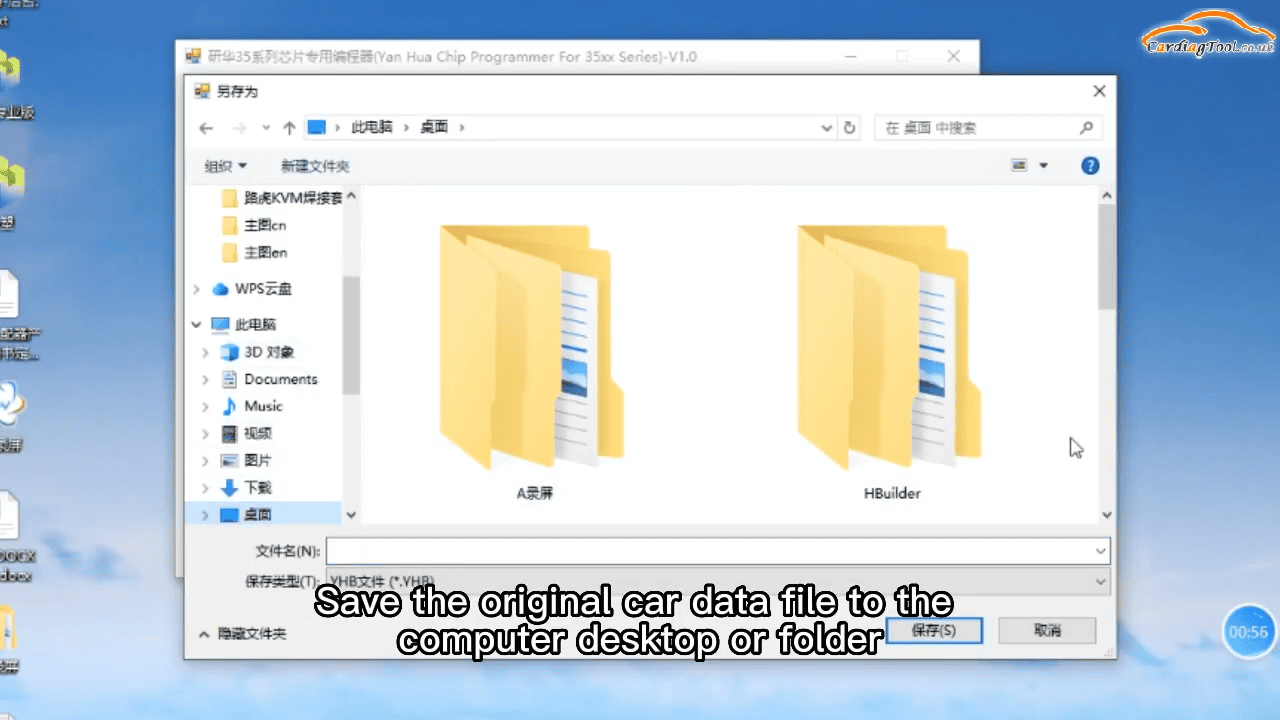
Verify the mileage matches the original → Save the data file to desktop (give it a clear name).
5. Switch to Simulator
Remove the original chip board. Insert the simulator (also at 45° angle) into the chip clip.
6. Load and Write Original Data
Click “Open Data File” and load the saved original file
Confirm mileage is correct → Click “Write DATA+ID” to write to simulator.
7. Modify Mileage
Click “Correct Mileage” → Enter desired mileage
Confirm the red prompt → Click “Write DATA+ID” again to apply the change.
8. Verify the Result
Click “Read DATA+ID” to check
Make sure the displayed mileage is now the modified value.
9. Reinstall
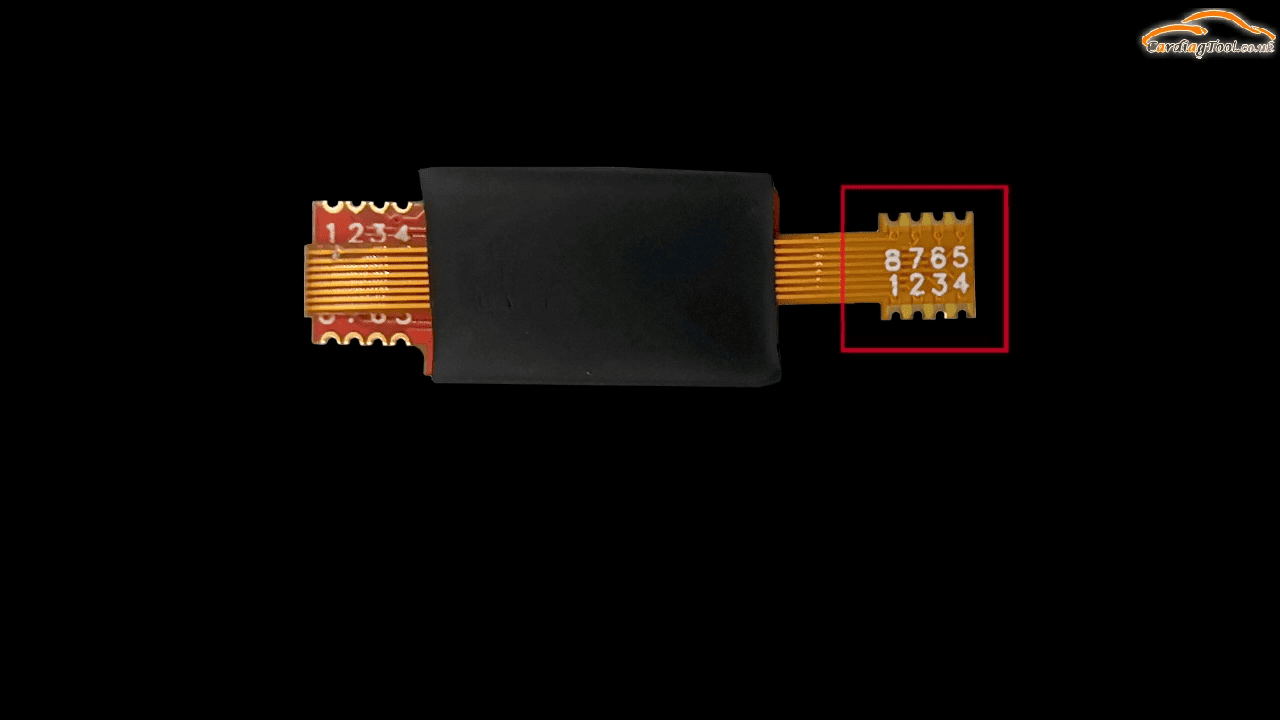
Solder the simulator back to the original chip position on the cluster (pay attention to direction).
Install the cluster back into the vehicle and verify the mileage is correct with no red dot error.
Note:
Handle soldering carefully. The simulator is usually single-use per vehicle.
The complete video guide: