
If you accidentally delete an application on your LAUNCH X431 PAD5 LINK HD, don’t worry. This guide shows you how to resolve app installation or deletion issues using APP Init on LAUNCH X-431 PAD5.
This method is simple and helps you quickly restore missing or faulty apps.
Steps:
Step 1 – Uninstall the Faulty App
Find the problematic app (e.g., X-431 HD), then long press and uninstall it.
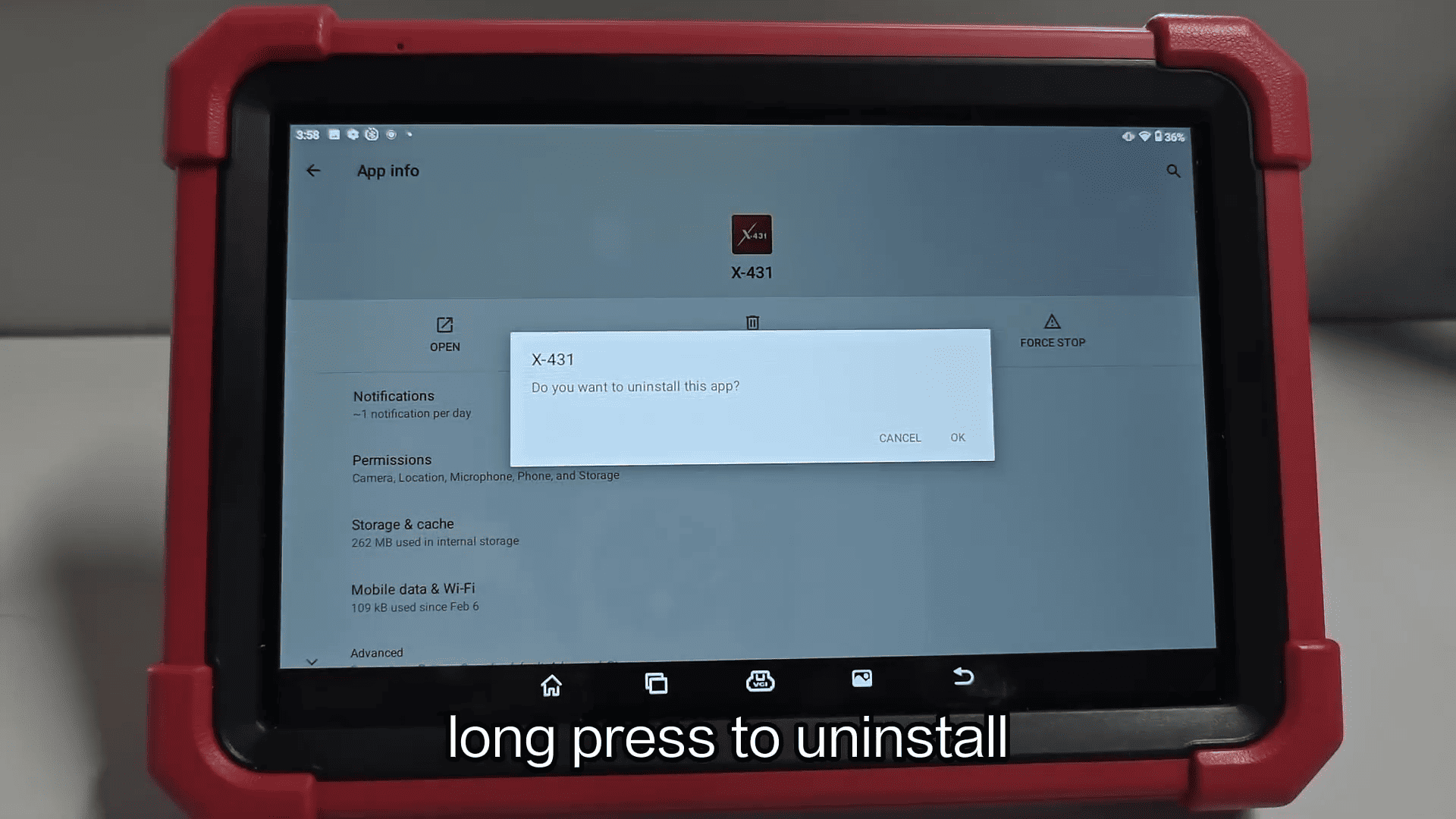
Step 2 – Delete Residual Files
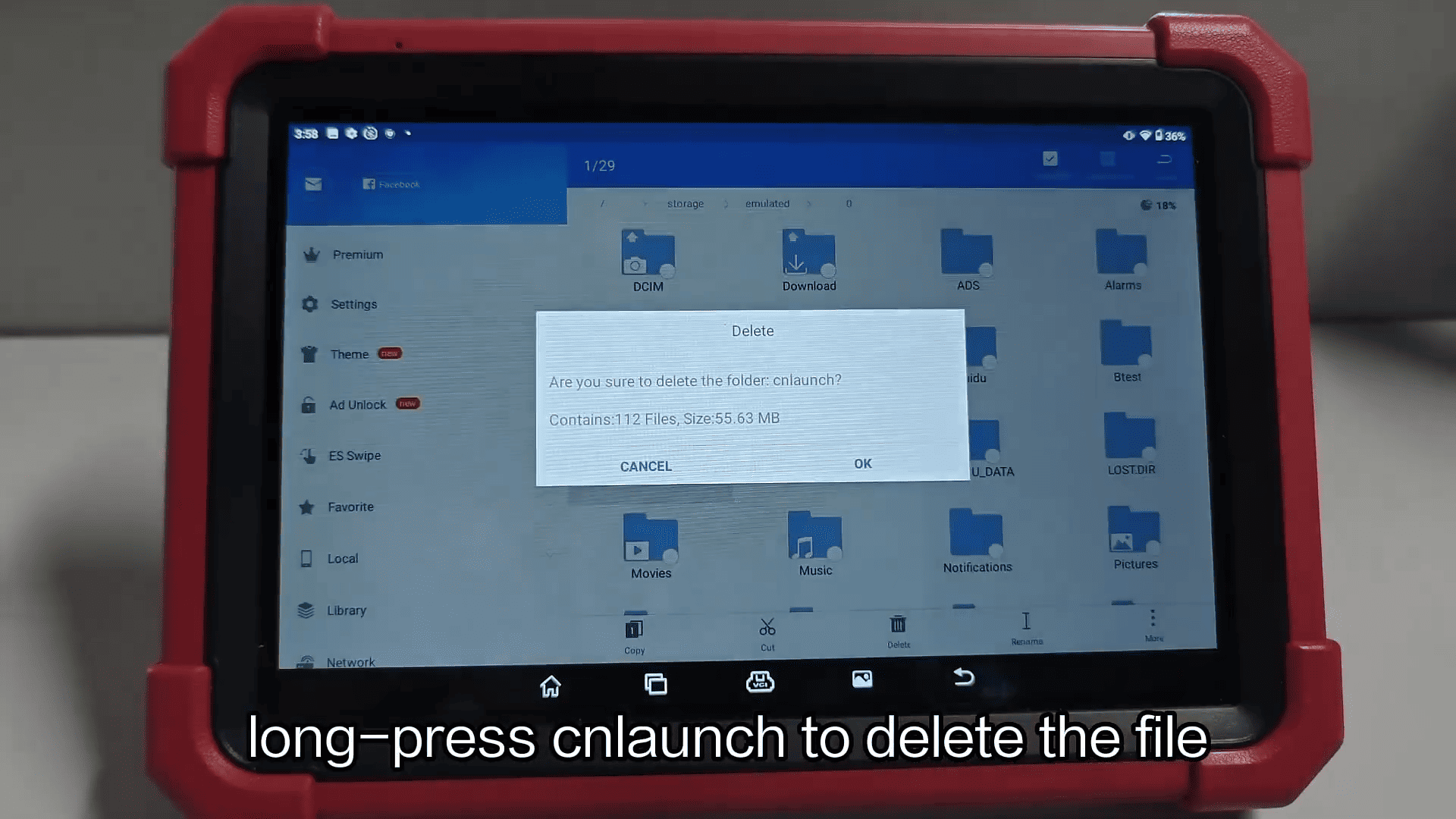
Open ES File Explorer → Select Internal Storage
Find the cnlaunch folder, then long press to delete it
Step 3 – Open APP Init
Launch the APP Init tool on your device
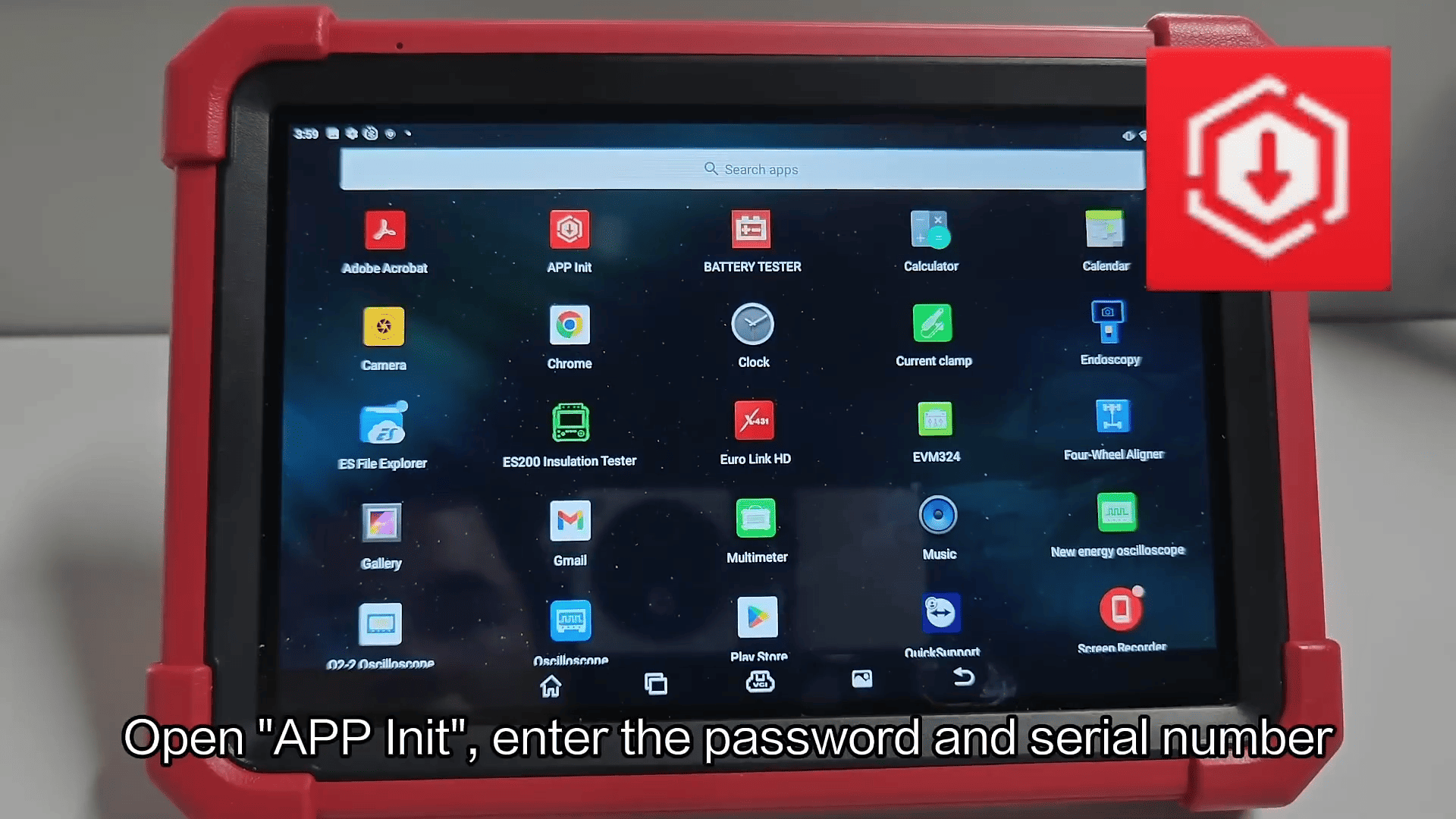
Enter the password and device serial number
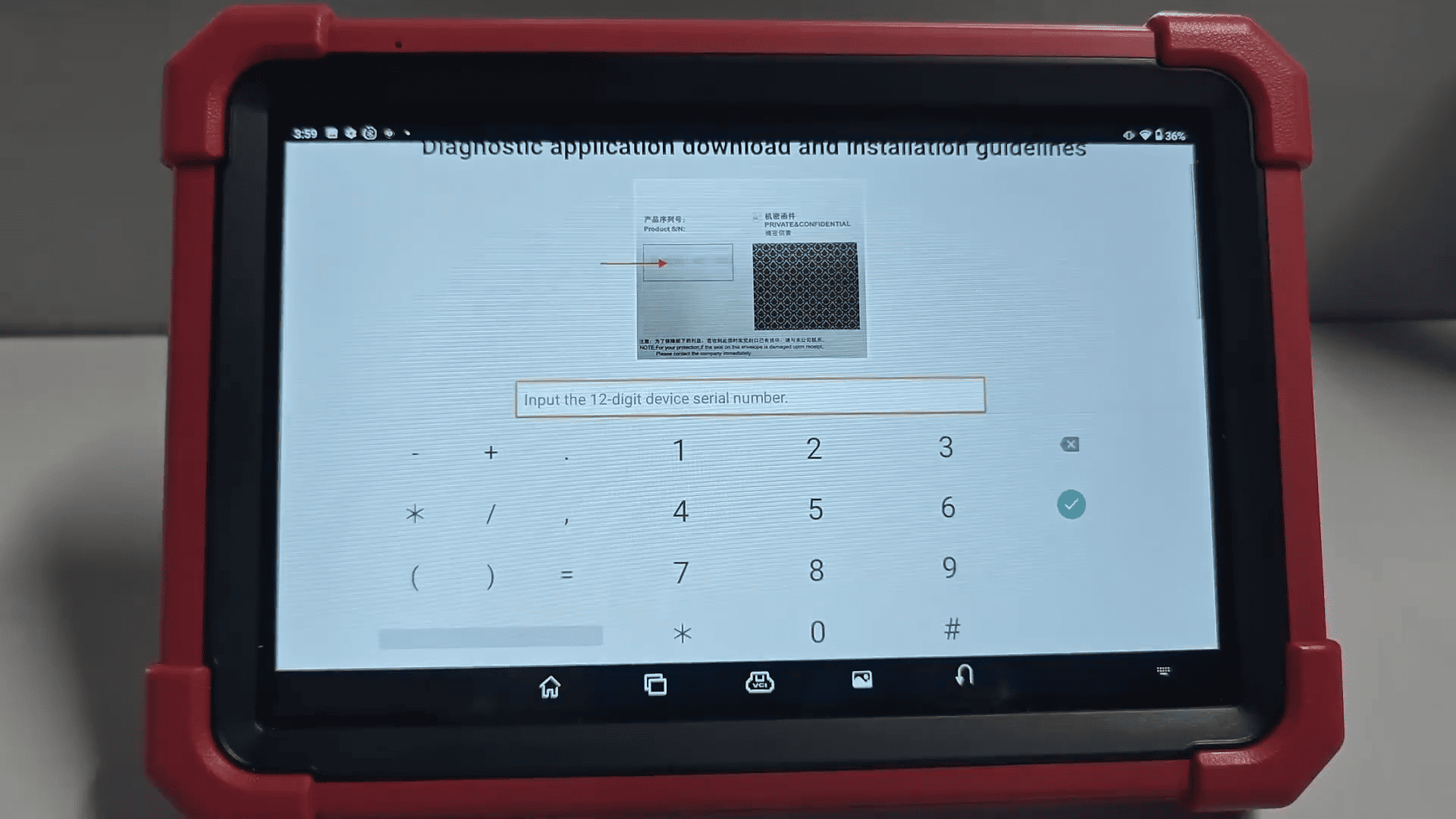
Step 4 – Download the App
Click OK to start downloading the application
Wait until the download is completed
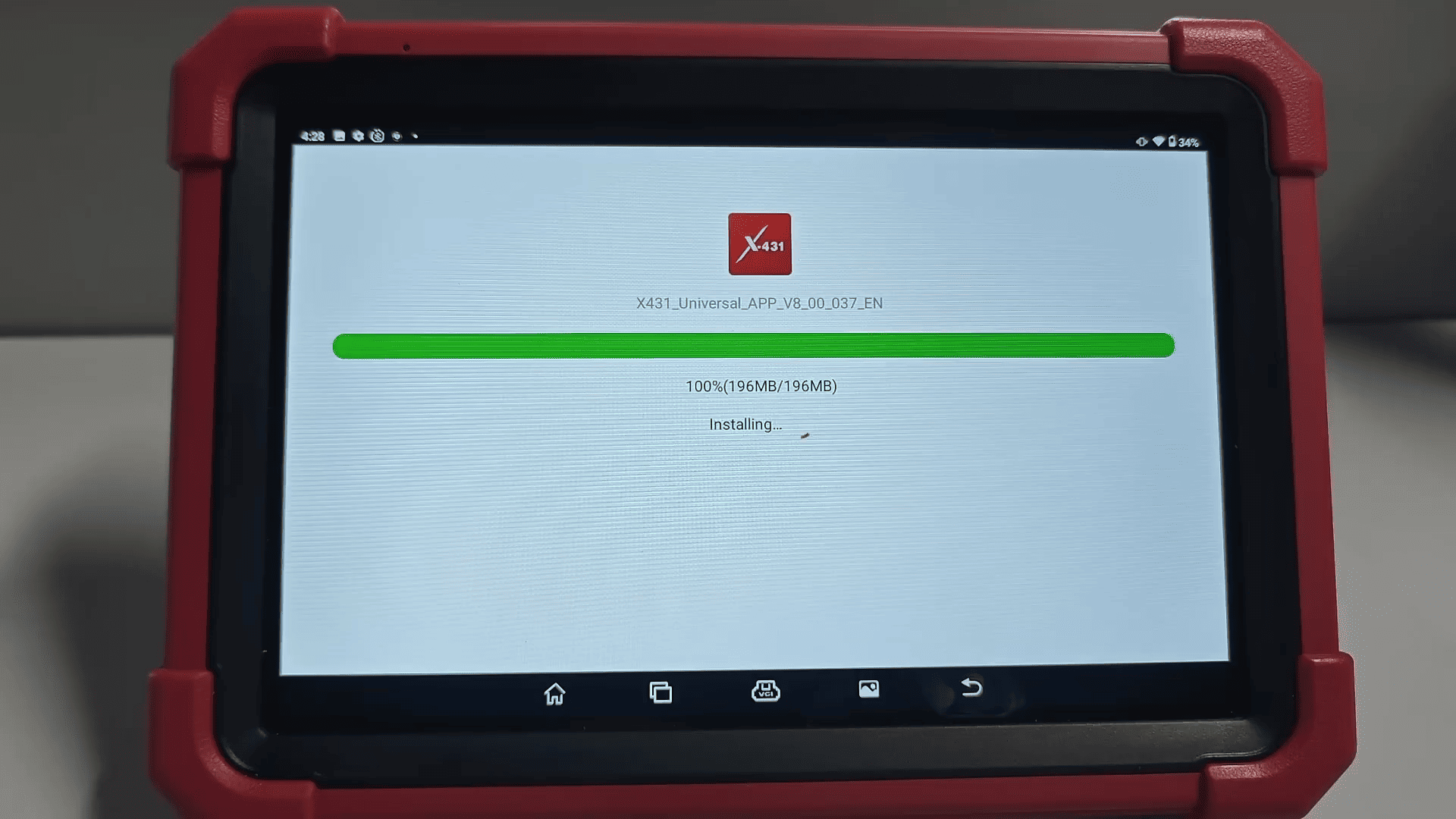
Step 5 – Reinstall and Activate
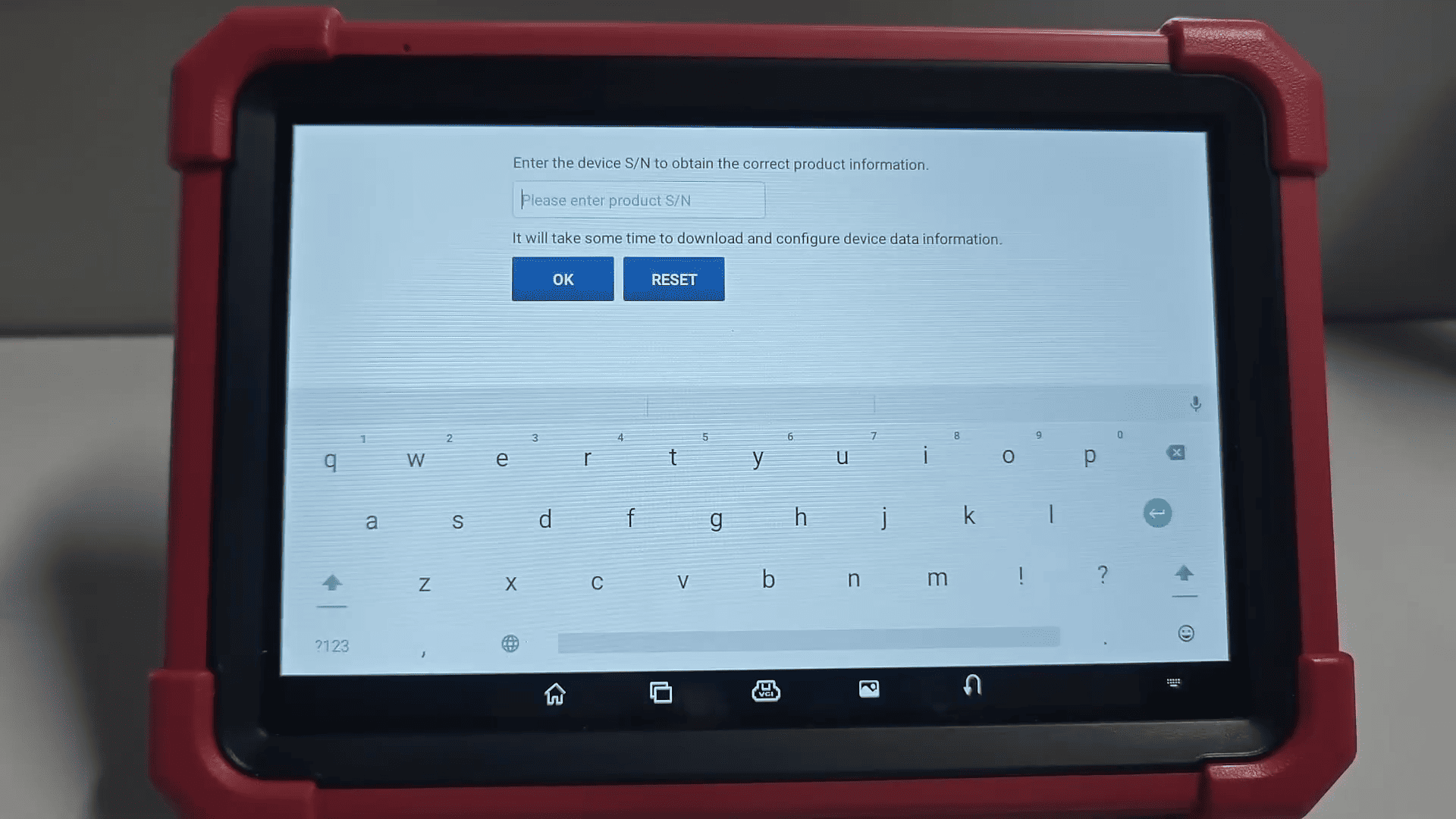
Open the newly installed app
Enter the device serial number to confirm activation
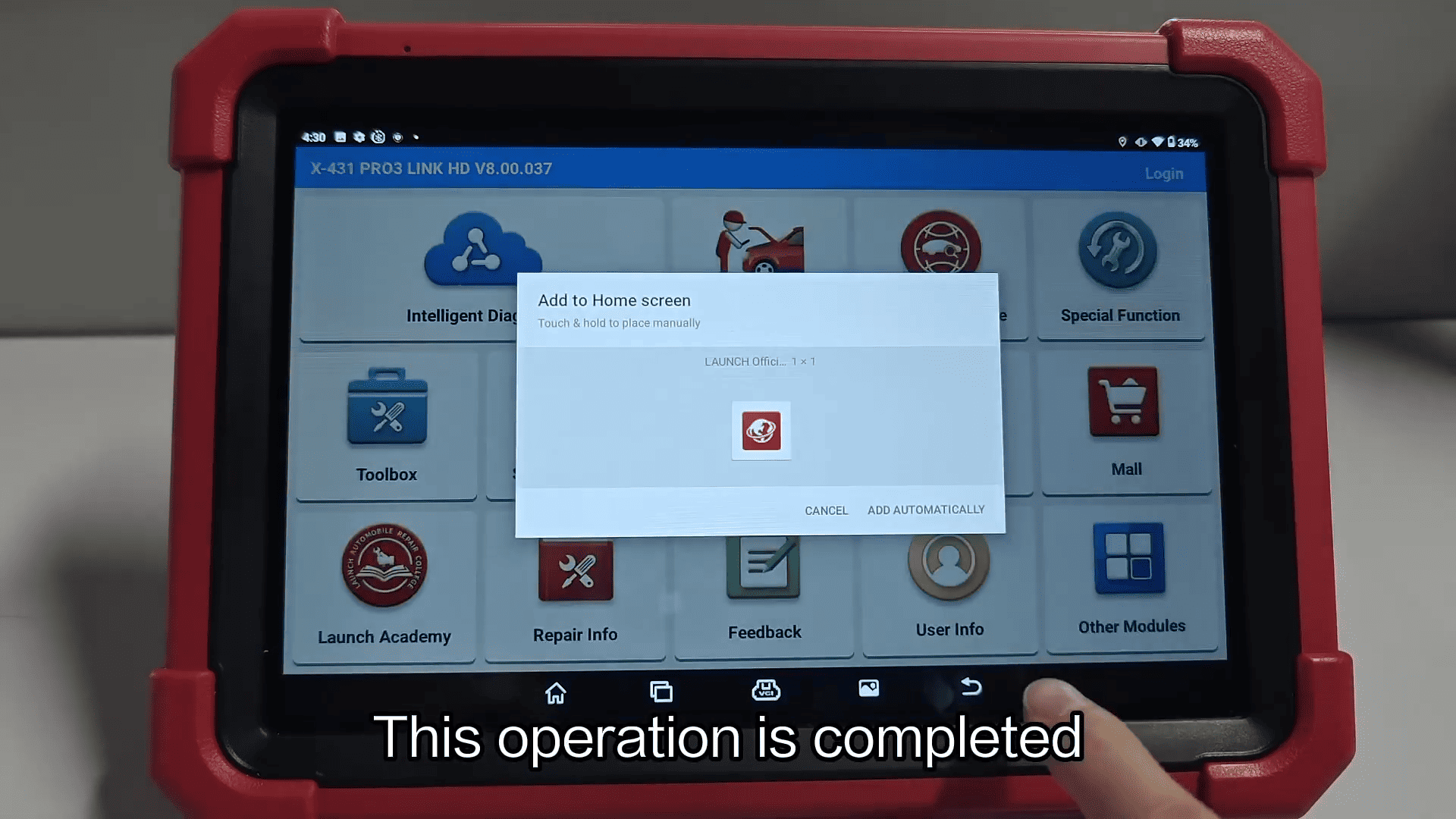
Using APP Init on LAUNCH X431 PAD V ELITE is the most effective way to fix accidental app deletion or installation issues.
By following these simple steps, you can quickly restore your apps and keep your diagnostic tool running smoothly.