LONSDOR K518 Pro key programmer allows technicians to add a new smart key to a 2023 Toyota quickly and safely through the OBD port, without deleting existing keys.
To begin Toyota smart key programming, connect the K518 Pro to the vehicle using OBD cable. Enter IMMO / Remote mode, select Toyota, choose After 2021, and then select Smart Key. Detect the current key count before proceeding.

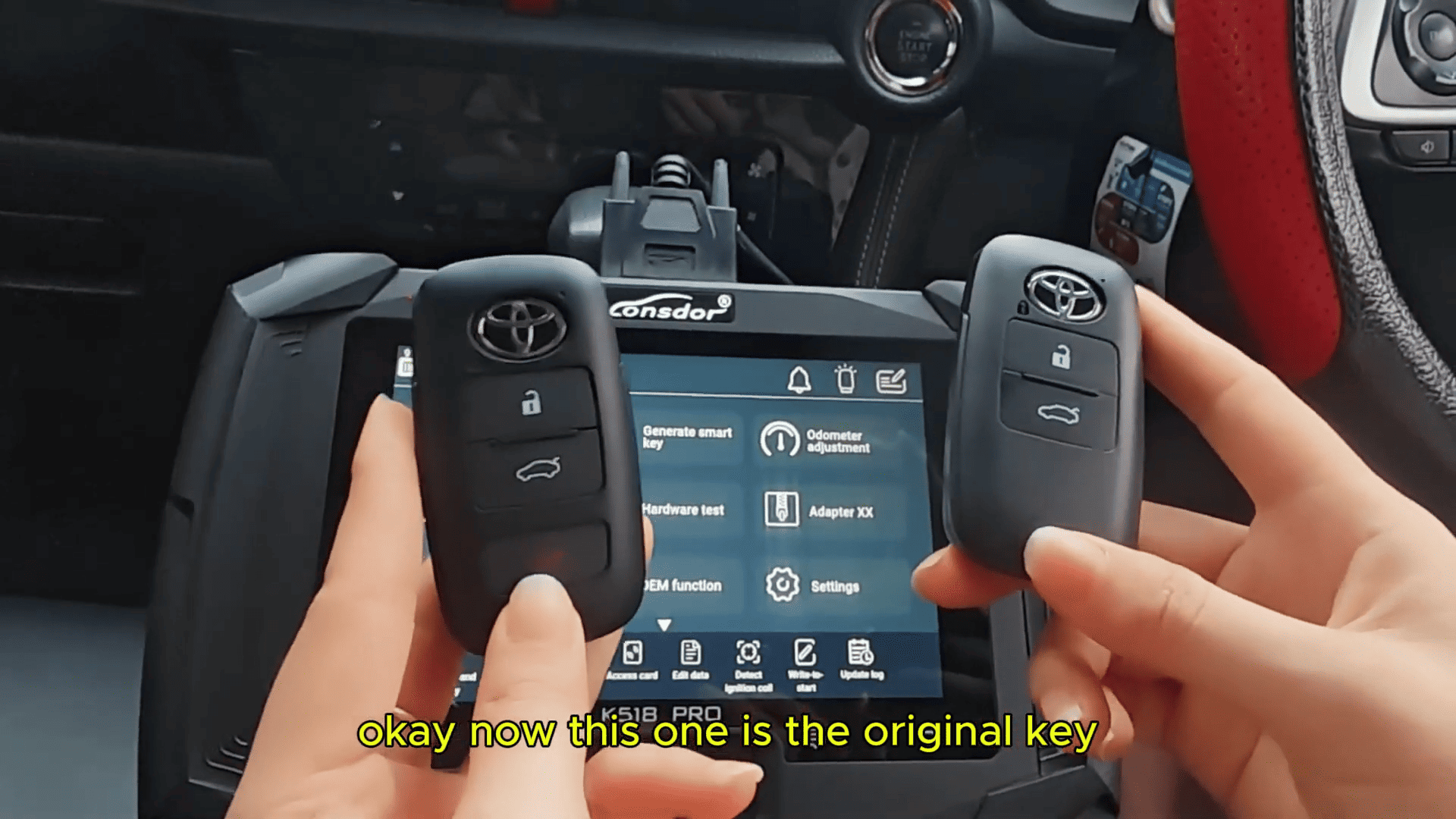
Select Add New Key, open the door, and turn the ignition ON as instructed. Hold the programming key near the ignition area until the vehicle beeps twice, then place the new smart key near the vehicle. Three beeps confirm successful programming.
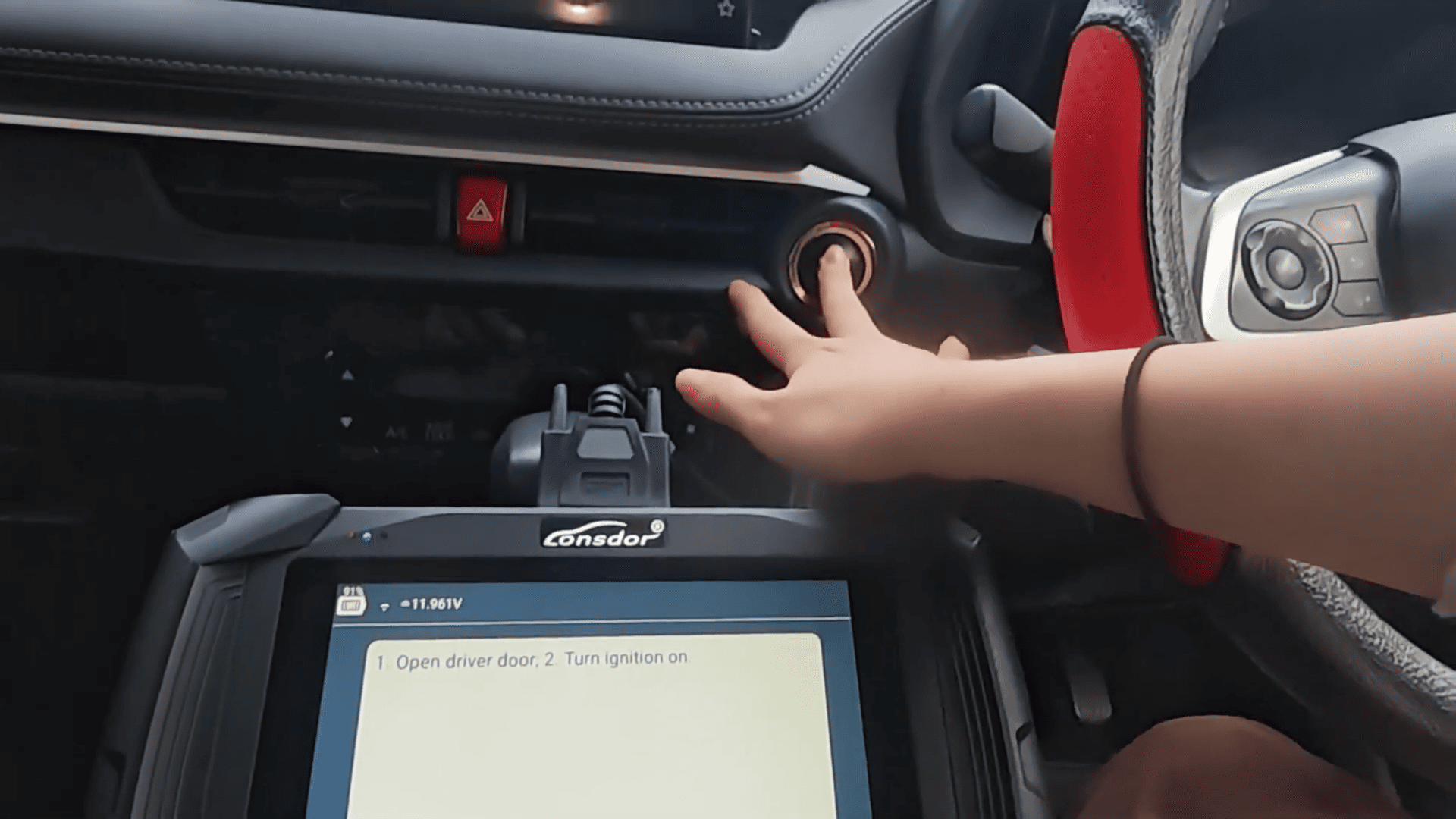
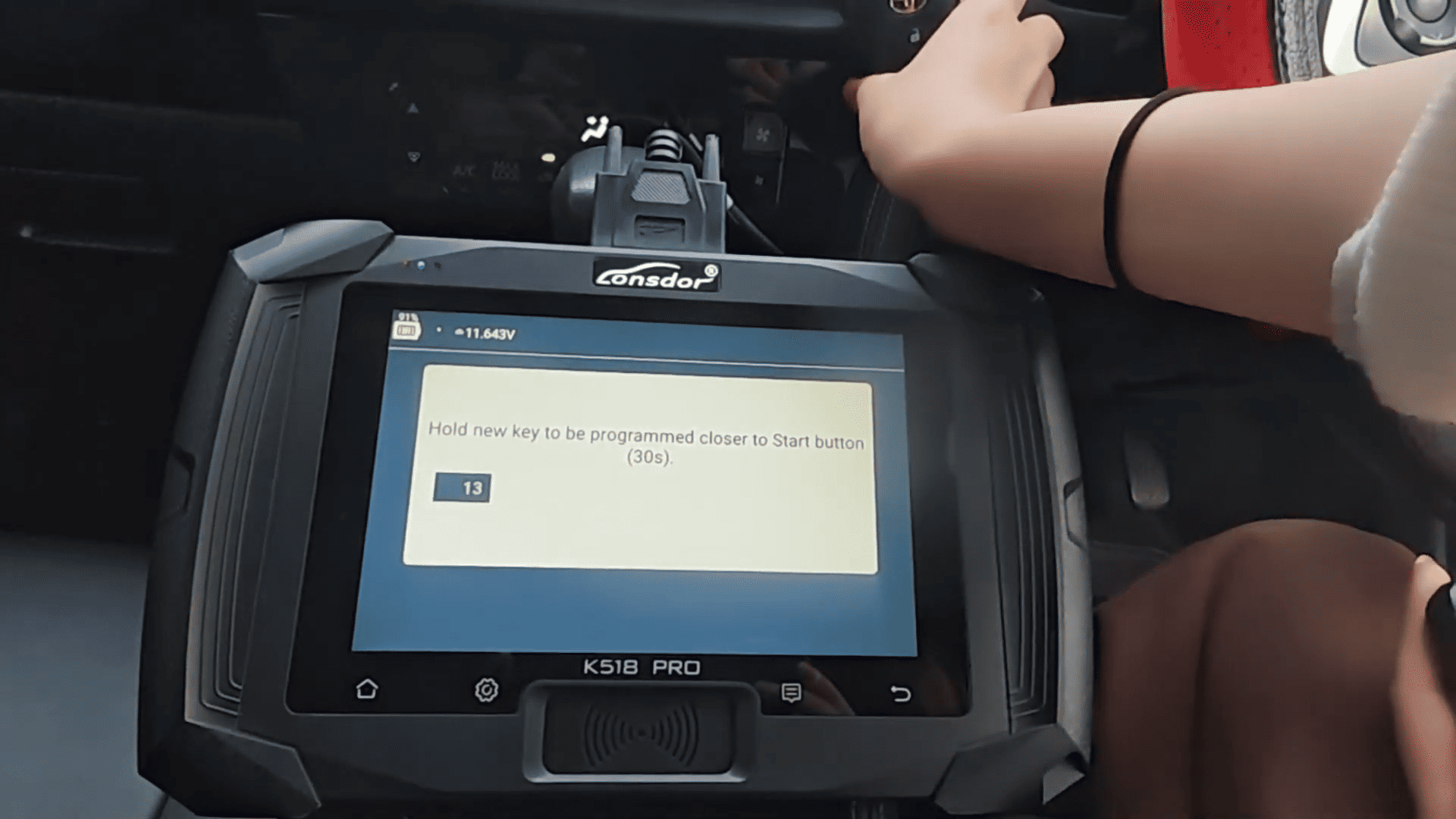
After completion, test lock, unlock, smart key detection, and engine start to ensure both the original key and the new key work correctly.
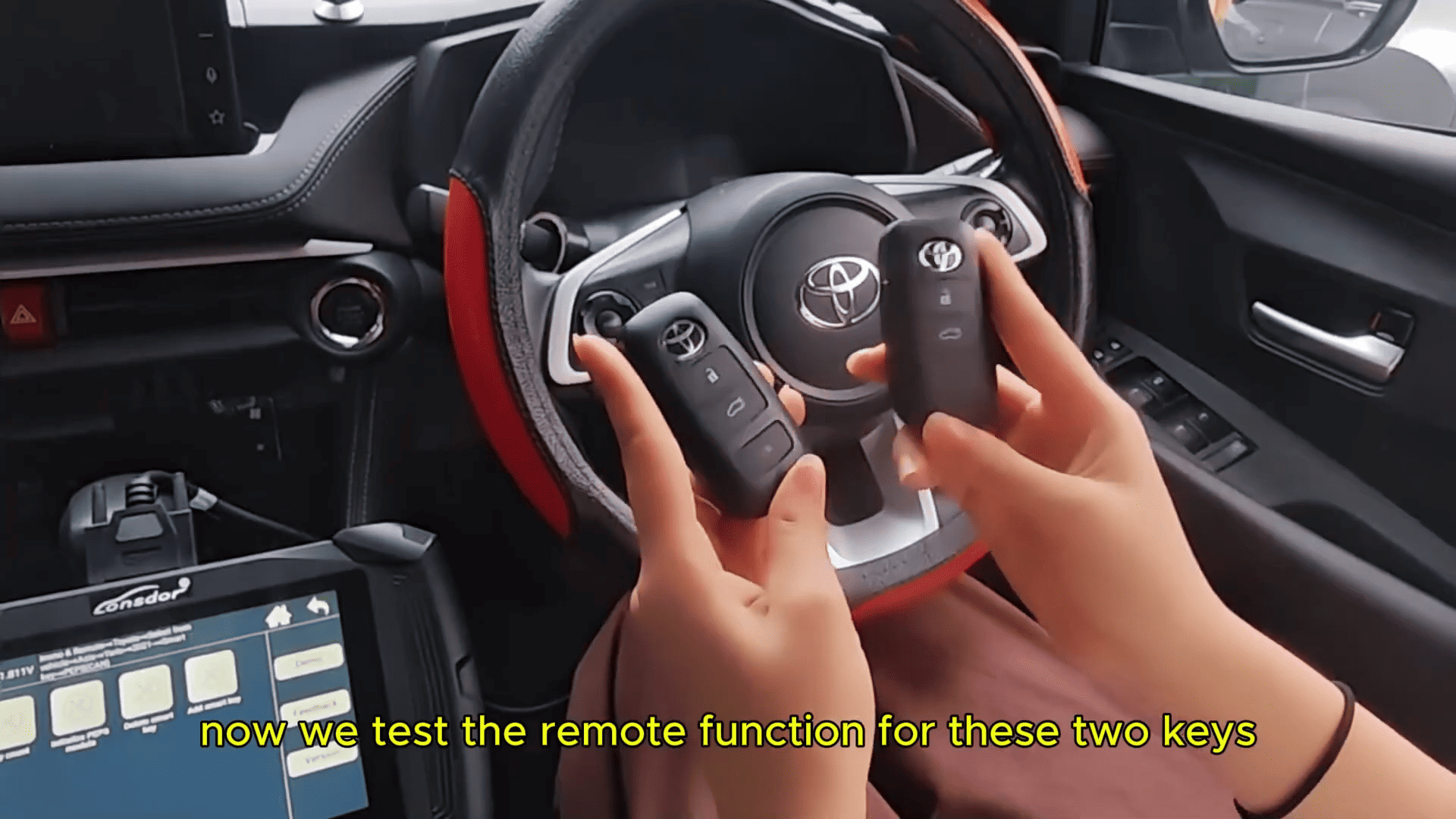
Lonsdor K518 Pro Toyota key programming solution is ideal for locksmiths and automotive technicians working with modern Toyota smart key systems.
Video guide:
Read also:
Lonsdor K518 Pro with HD30 Smart Key Program 2024 Honda CRV via OBD
http://blog.cardiagtool.co.uk/lonsdor-k518-pro-with-hd30-smart-key-program-2024-honda-crv-via-obd/
Lonsdor K518 PRO Programming BYD Destroyer 05 Smart Key
http://blog.cardiagtool.co.uk/lonsdor-k518-pro-programming-byd-destroyer-05-smart-key/