
Problem:
OBDSTAR DC706 ECU Tool cannot connect to WiFi successfully.
I tried to connect to different networks, restart, and use hotspot, but all failed.
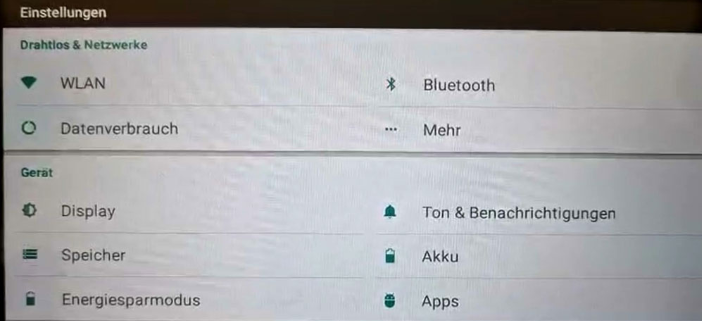
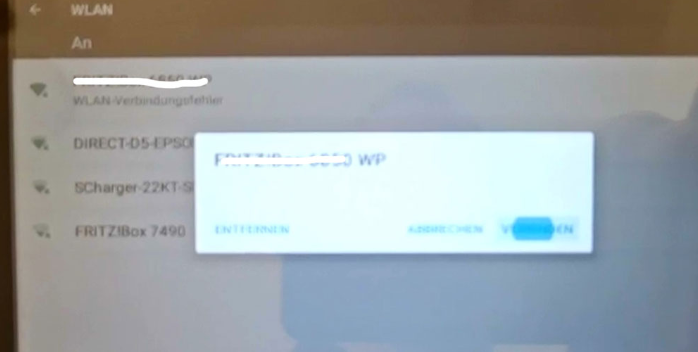
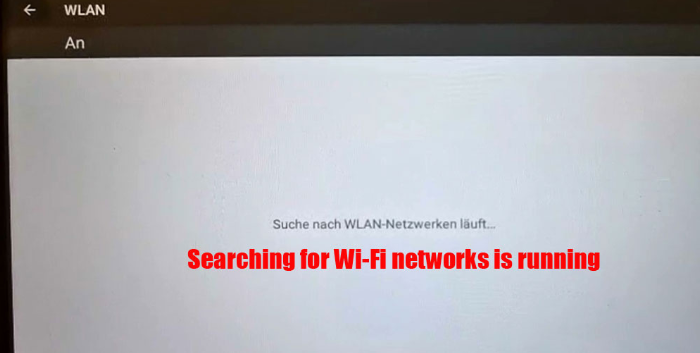
Cardiagtool.co.uk engineer offered the solution below:
1. Check the WiFi Settings and change the encryption. Try WPA/WPA2 PSK. Set the frequency band to 2.4GHZ. DC706 does not support the 5G frequency band.
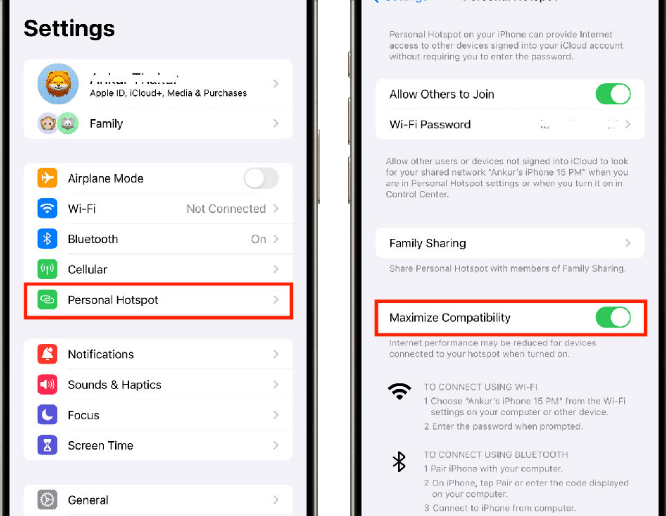
2. For iPhones, check if there is a maximum compatibility option in the phone hotspot. If there is, turn it on.
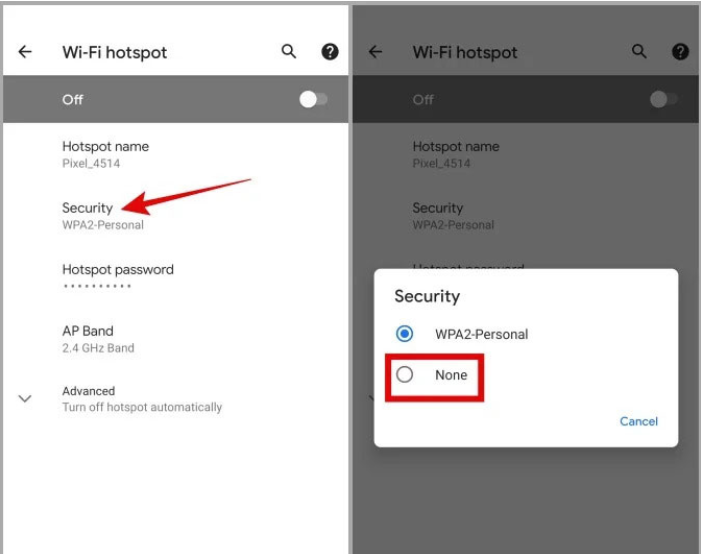
3. For Android phones, check if there is a security option. If there is, click on it and set it to [None].
Tech support:
WhatsApp: +86 150 0270 5698
Skype: cardiag.co.uk
Email: sales@CardiagTool.co.uk