

This post demonstrates how to repair Audi BMS 4N0915105F battery module using OBDSTAR X300 Classic G3.
Preparation:
- OBDSTAR G3 full version or OBDSTAR G3 with Airbag Reset License
- OBDSTAR MP001 Programmer
- Main cable and jumper wires
- High-power DC regulated power supply
- Audi BMS 4N0915105F battery module
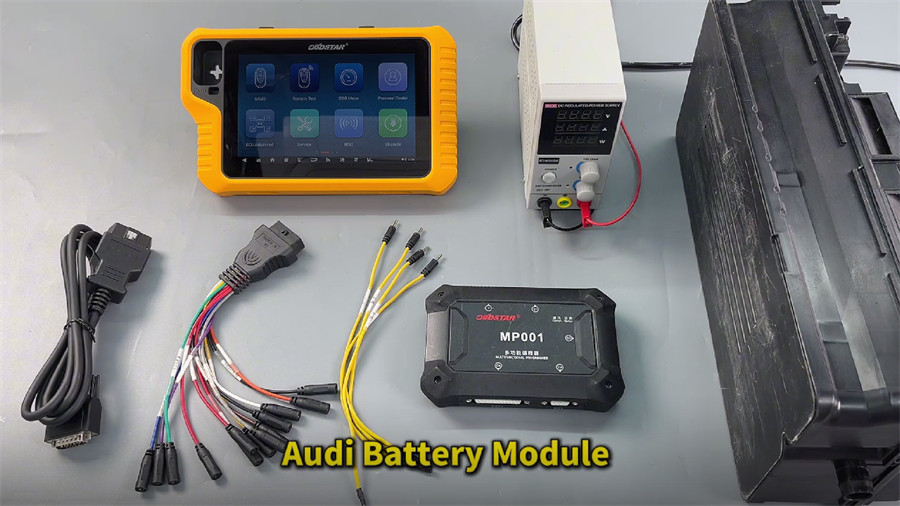
Step-by-step guide:
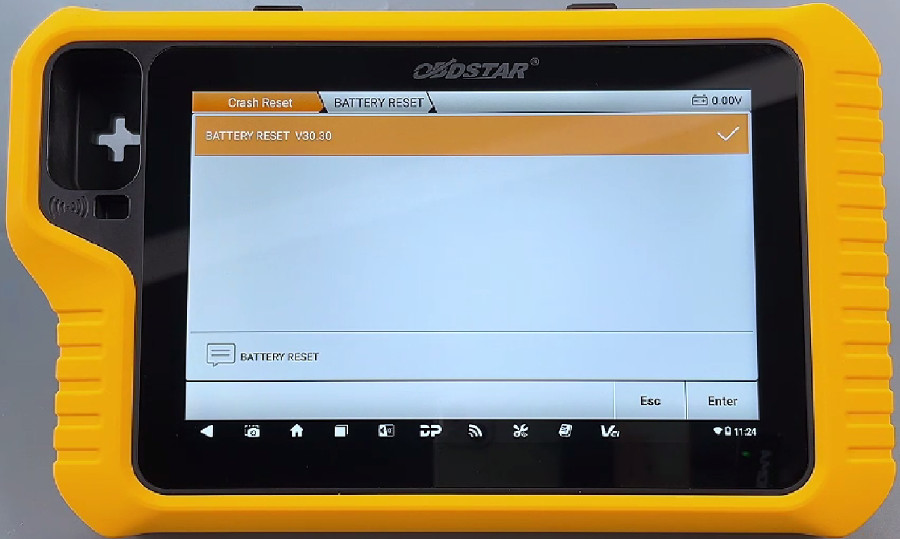
Ensure the battery reset software is updated to the latest version (e.g. V30.30)
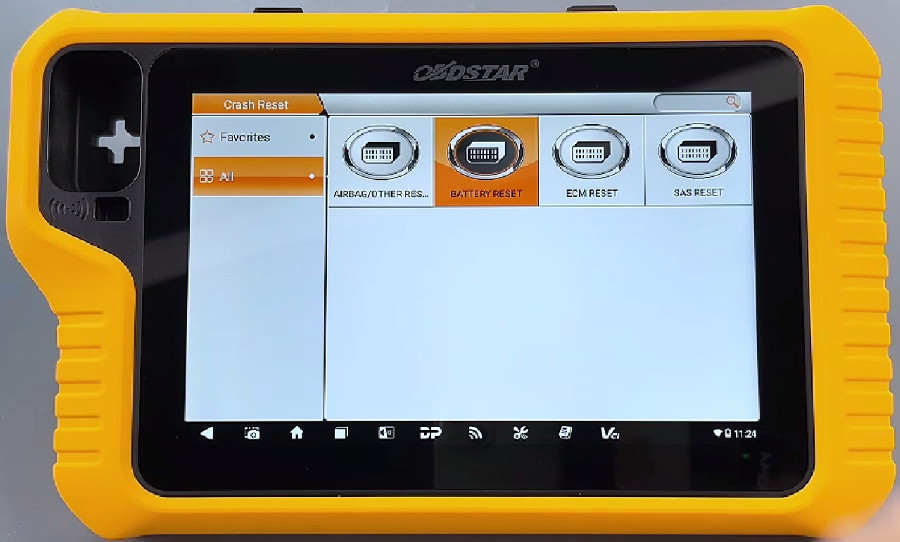
Navigate to Crash Reset-> BATTERY RESET-> BATTERY RESET V30.30
Select AUDI BMS 4N0915105F MPC5644B (48V)
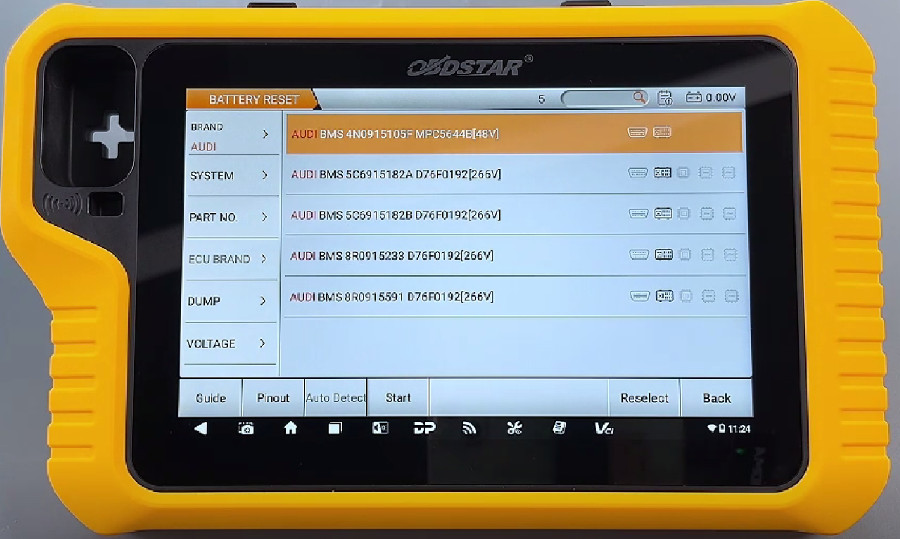
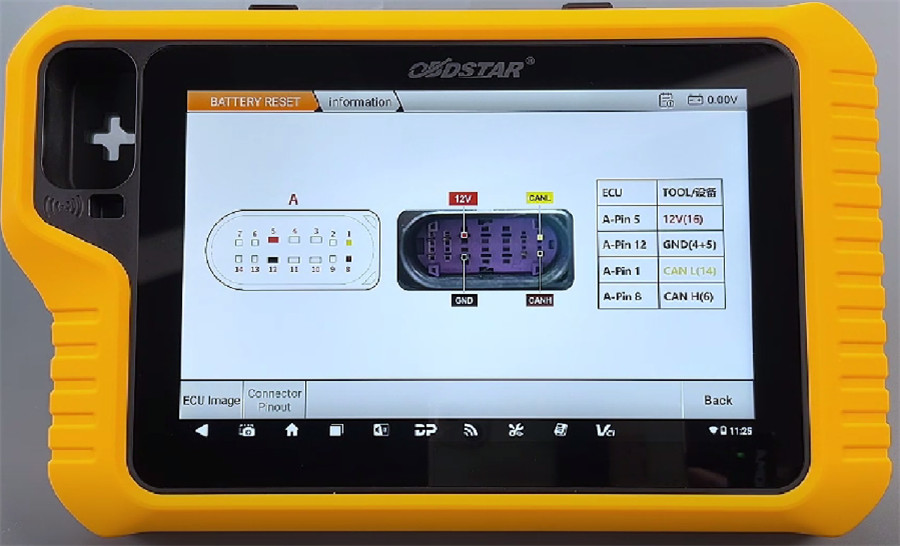
Tap [Guide] and scroll down to find the connection diagram
Tap [Pinout] to verify the module matches
Follow the pinout diagram to connect X300 Classic G3 and Audi battery module via MP001 and related cables
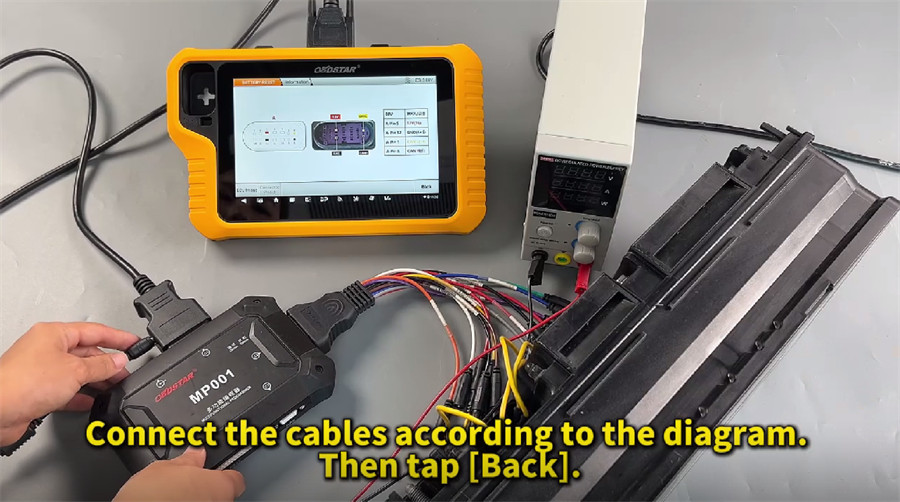
After connection, click [Start], choose [BENCH] and [MP001]
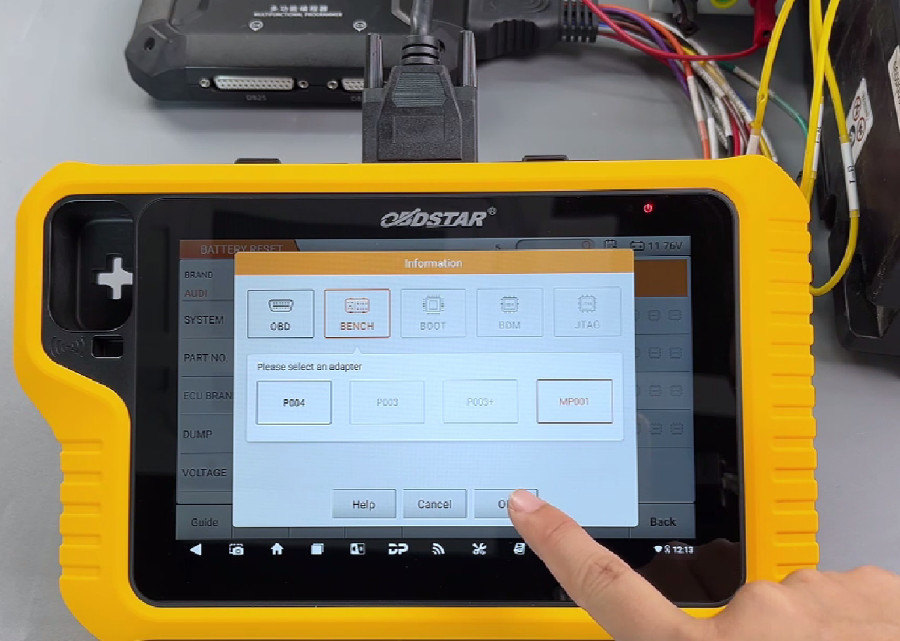
Start to perform the functions supported
- ECU Info
- Read DTC
- Erase DTC
- Erase Crash
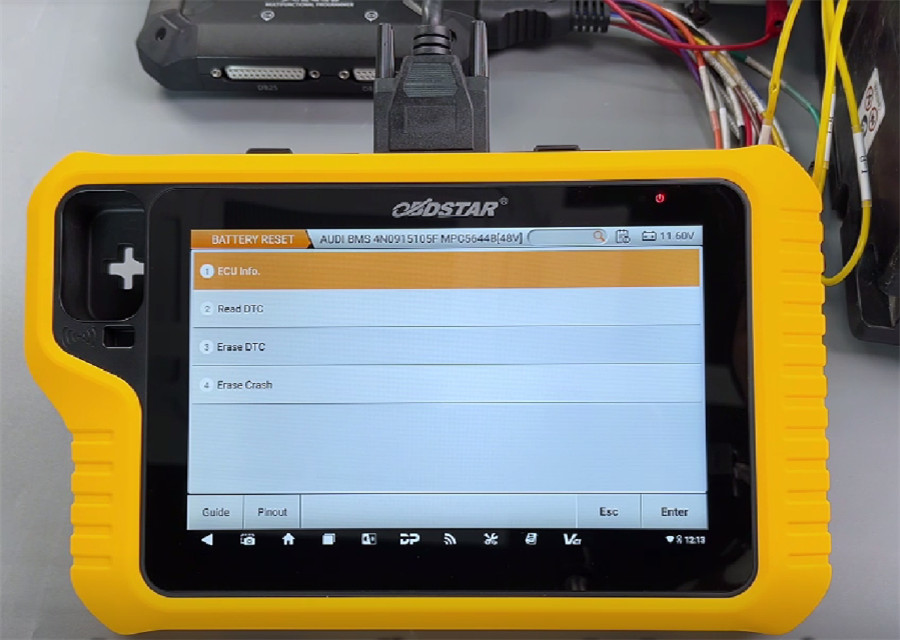
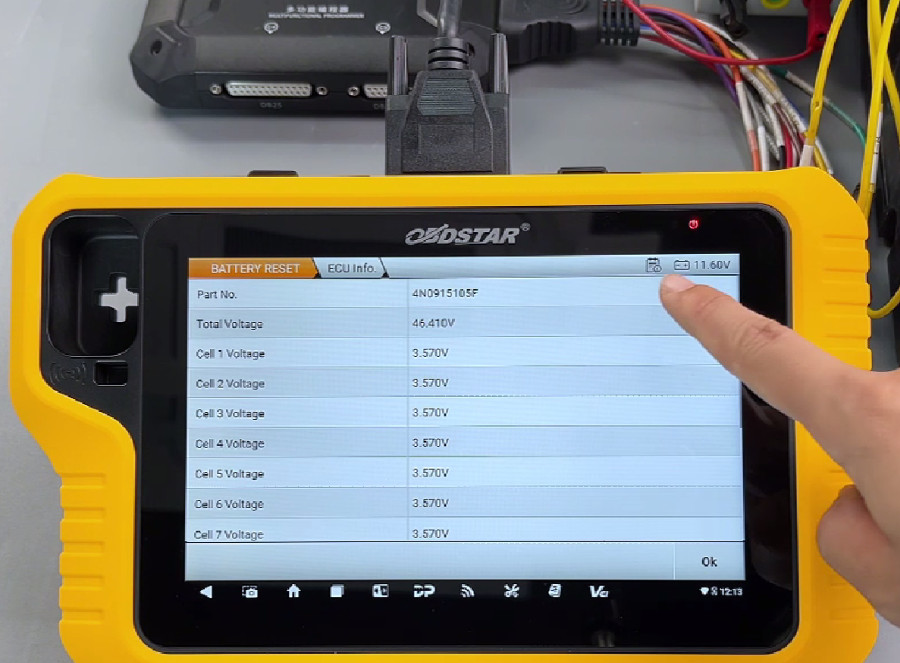
Connect the ECU information to confirm that the part number matches
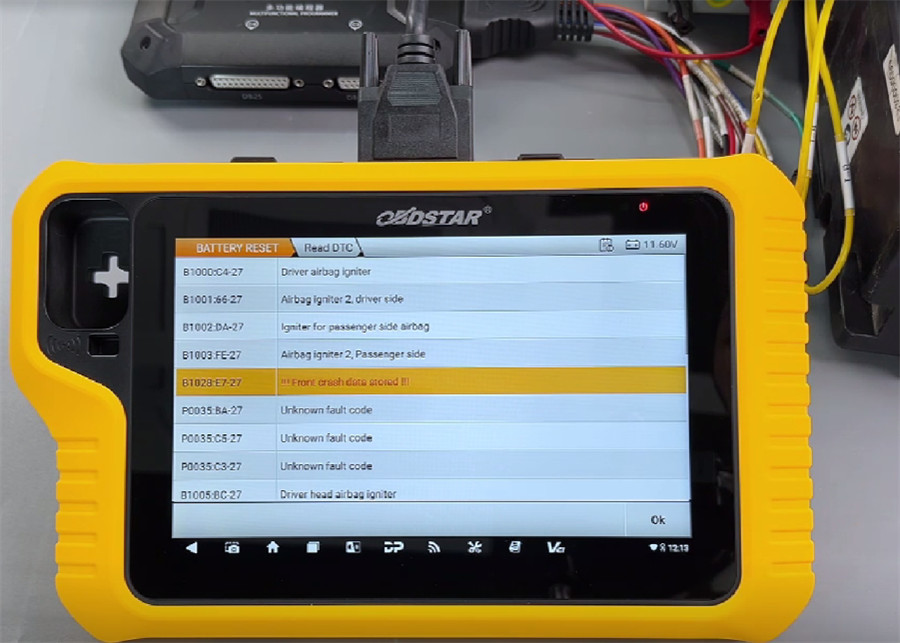
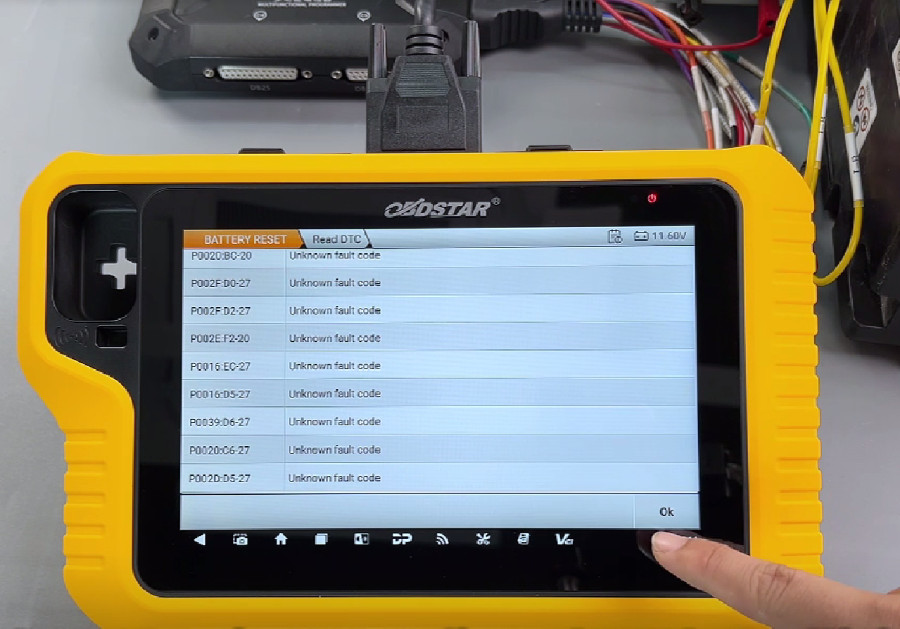
Tap [Read DTC] to confirm crash data exists
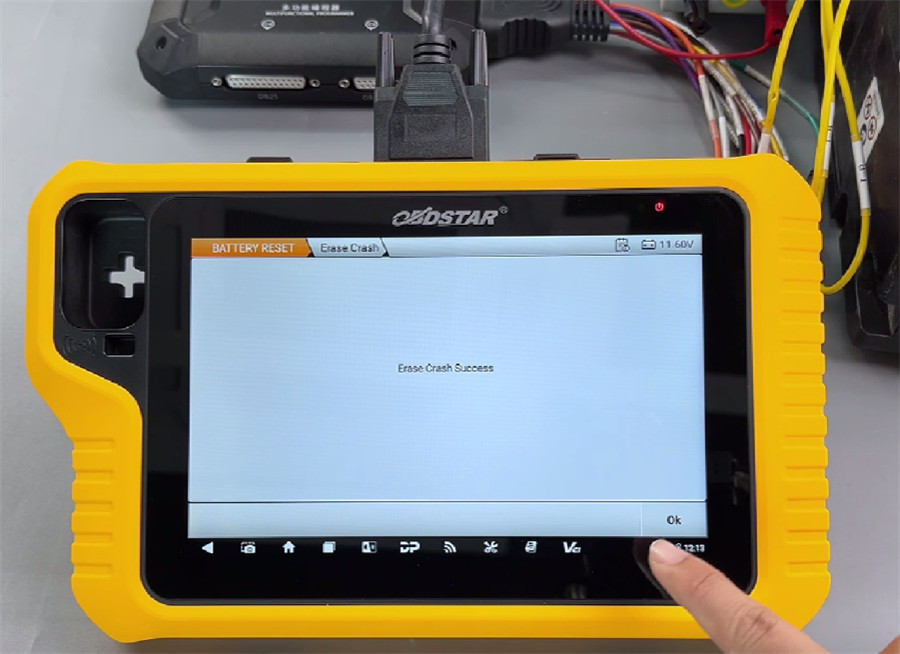
Tap [Erase crash] to clear collision history
Tap [Erase DTC] to clear DTC
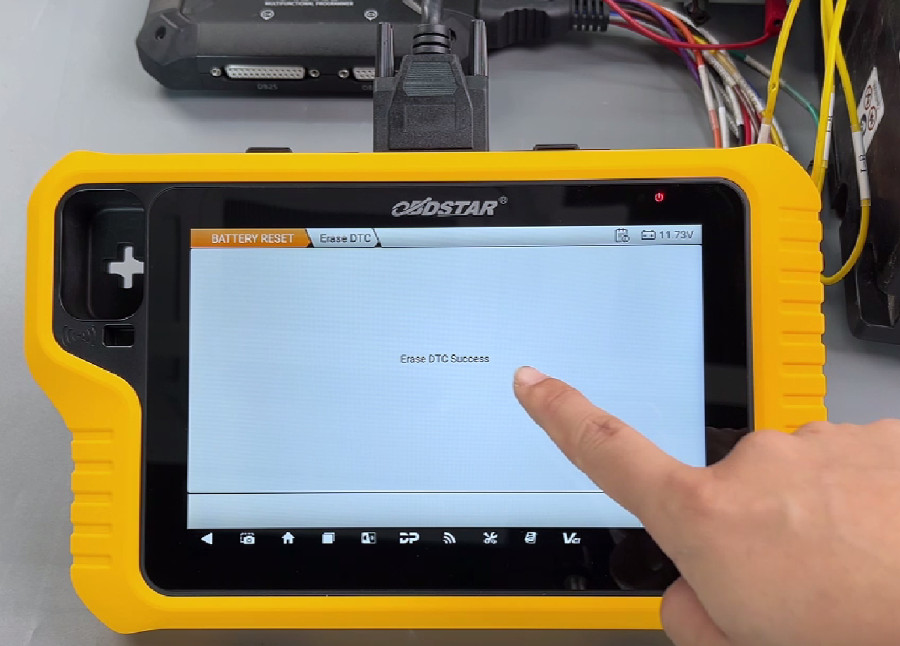
Finally, read DTC again to confirm that the collision record has been successfully cleared
Done!
OBDSTAR G3 repair AUDI BMS 4N0915105F MPC5644B (48V) battery successfully.