
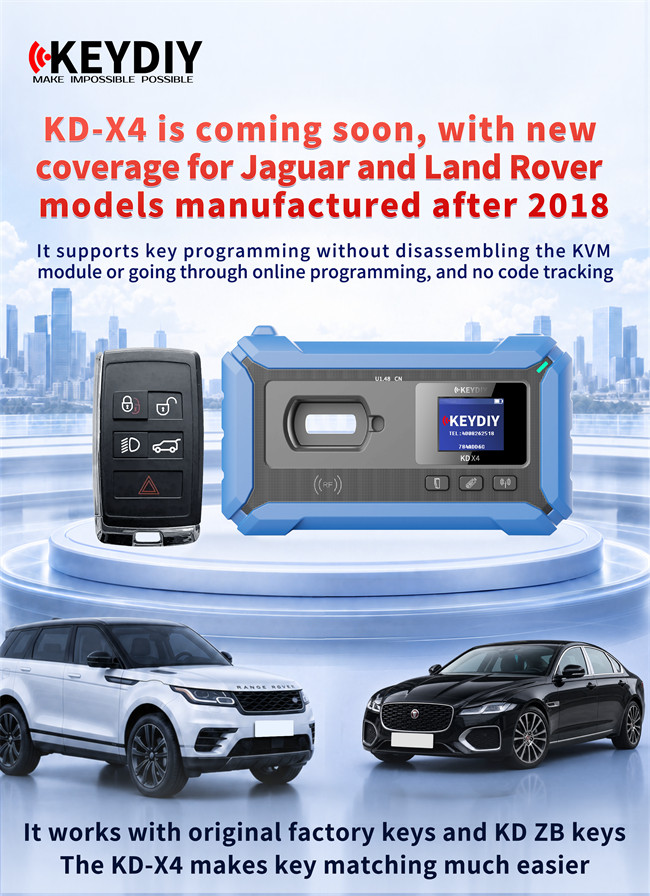
Servicing modern Jaguar and Land Rover security systems is complex. However, the upcoming update for Keydiy KD-X4 simplifies the workflow. Technicians will soon be able to duplicate post-2018 JLR smart keys without opening up the car’s physical module network.
Why This KD-X4 Update is a Game Changer:
Traditionally, duplicating a 2018+ JLR key meant dealing with the vehicle’s RFA and KVM modules, often resulting in online programming hurdles and synchronization errors. The new KD-X4 protocol bypasses these hurdles entirely. You don’t have to touch the KVM, there’s no need to program the RFA, online dealer access isn’t required, and you won’t encounter code tracking issues.
Supported Vehicles
- Range: 2018+ Jaguar and Land Rover smart keys.
- Chip Type: NXP NCF29Ax.
- Key Type: Works with original OEM keys as well as KD ZB smart keys.
How to Execute the JLR Smart Key Clone
Step 1: Prep the Original Key
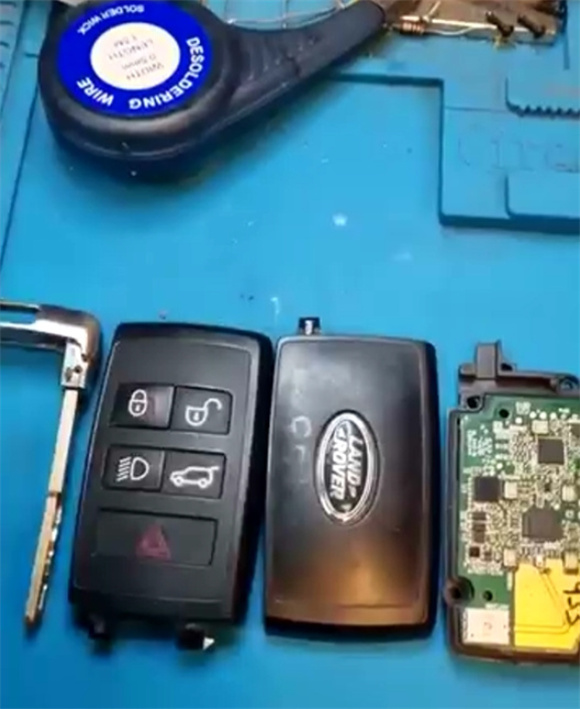
Disassemble the original, functioning JLR remote to access the board.
Step 2: Access the Synchronization Menu
In your KD application on KD-X4 key programmer, choose Land Rover Smart Key Synchronization. Select Land Rover, filter by type, click on disassemble to copy key, and choose copy smart key.
Step 3: Connect the Hardware
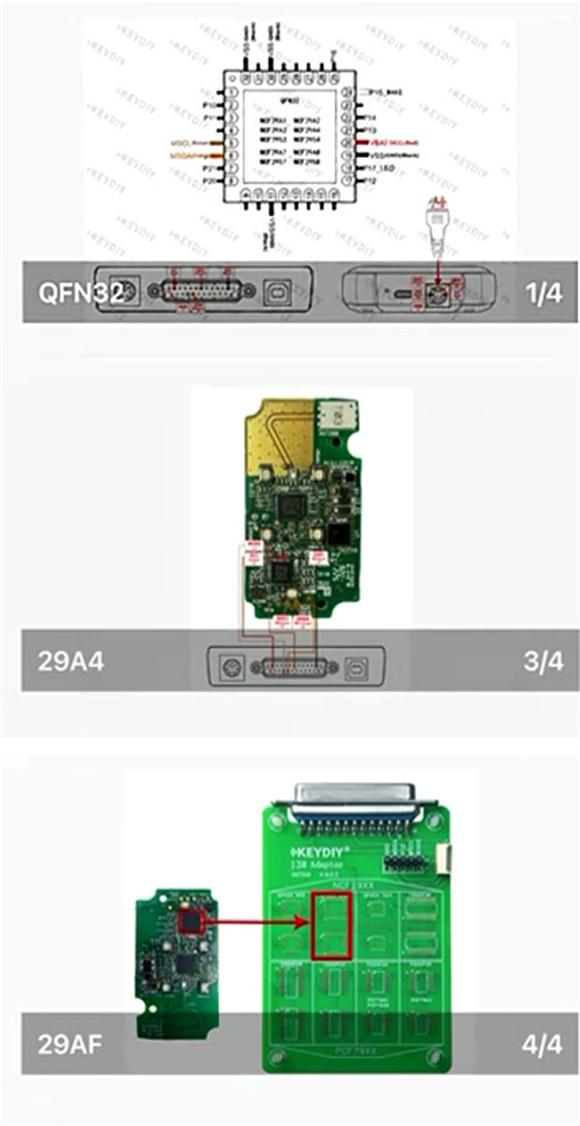
Refer to the wiring diagram shown inside the KD App. You have two options:
- Solder the wires directly onto the corresponding points on the key board.
- Desolder the NXP chip from the board and mount it on KD #13 NCF29Ax adapter.
Step 4: Read and Write the Chip Data
Perform a read command on the original chip and save the backup file. Connect your blank/new key (OEM or KD ZB) and write the saved data straight to it.