
In this post, OBDSTAR DC706 demonstrates a complete data read and write process for Toyota/Daihatsu Denso 89561-B2120 ECM, providing technicians with a practical reference for ECU cloning and data handling.
Before starting, users are advised to update the OBDSTAR DC706 software to the latest version. The required equipment includes:
OBDSTAR DC706 (or KeyMaster G3)
A high-power DC regulated power supply
Main cable
ECU clone jumper,
MP001 programmer
Toyota Denso 89561-B2120 ECM.
The operation begins by entering the ECU Flasher menu and quickly locating the correct module using the search function.
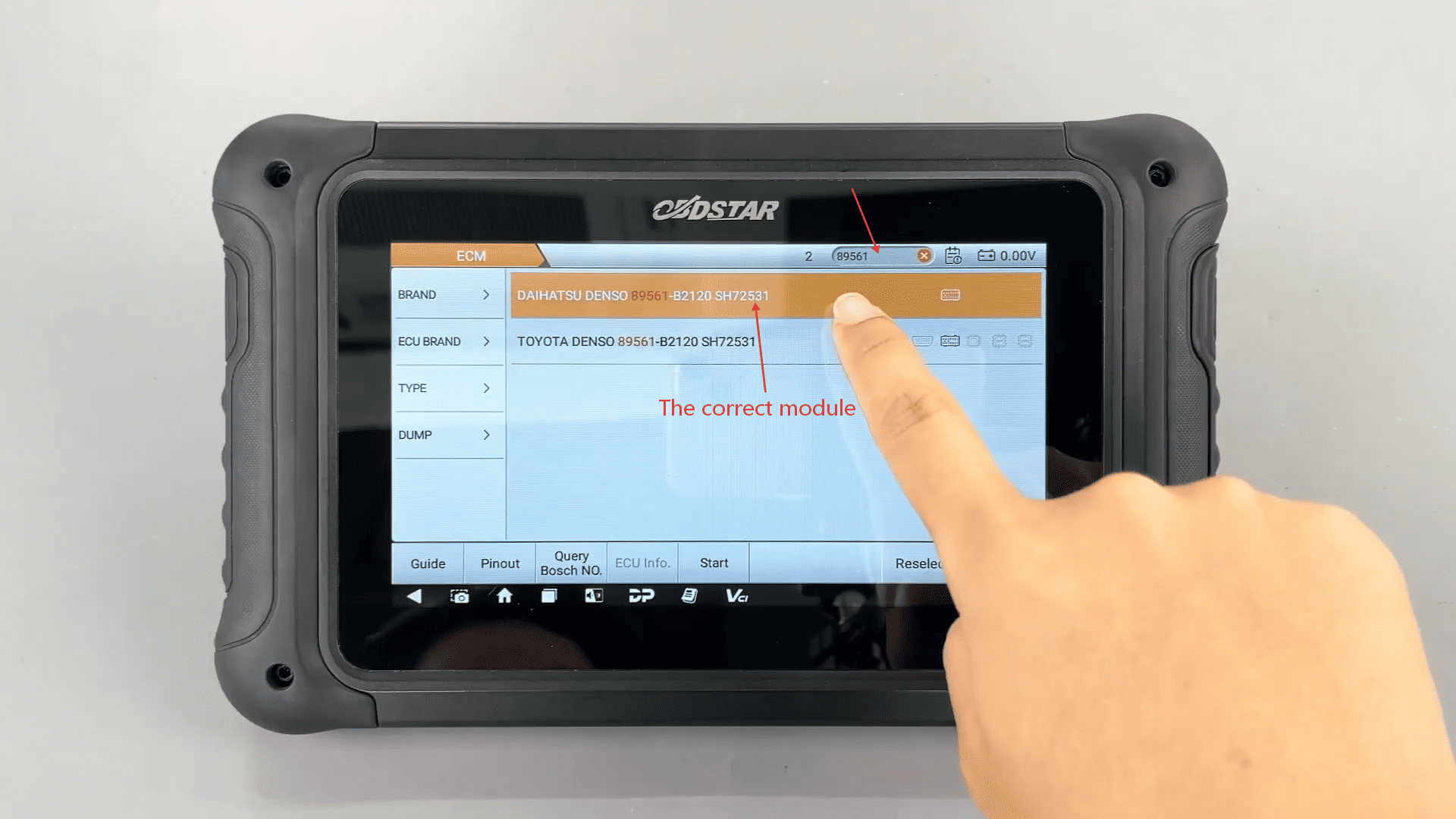
Confirm ECU model
By tapping Guide, users can review important reminders, menu descriptions, wiring instructions, and special notes to ensure a correct setup. The system also allows confirmation of the ECU model through the ECU Image feature before proceeding.
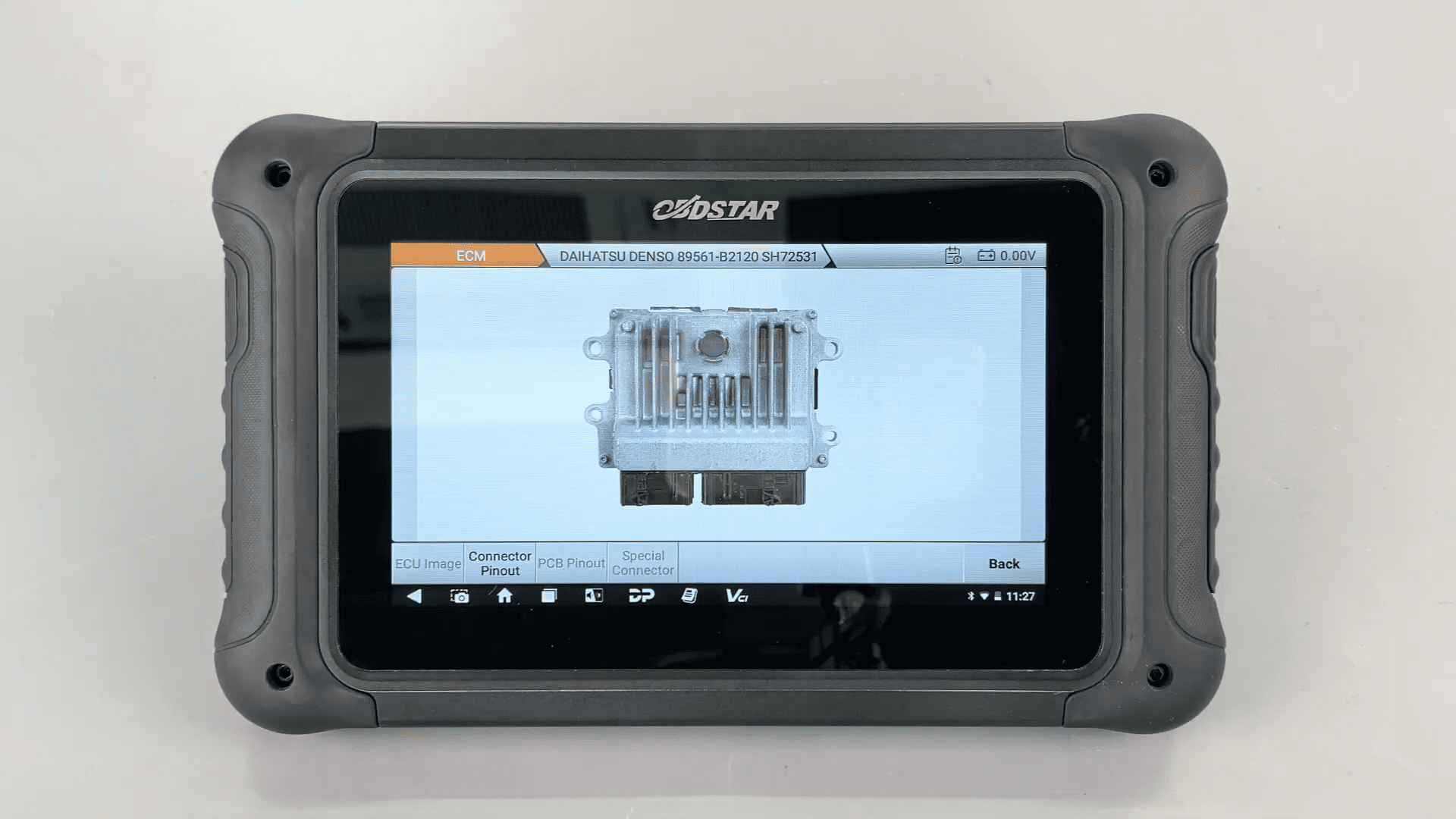
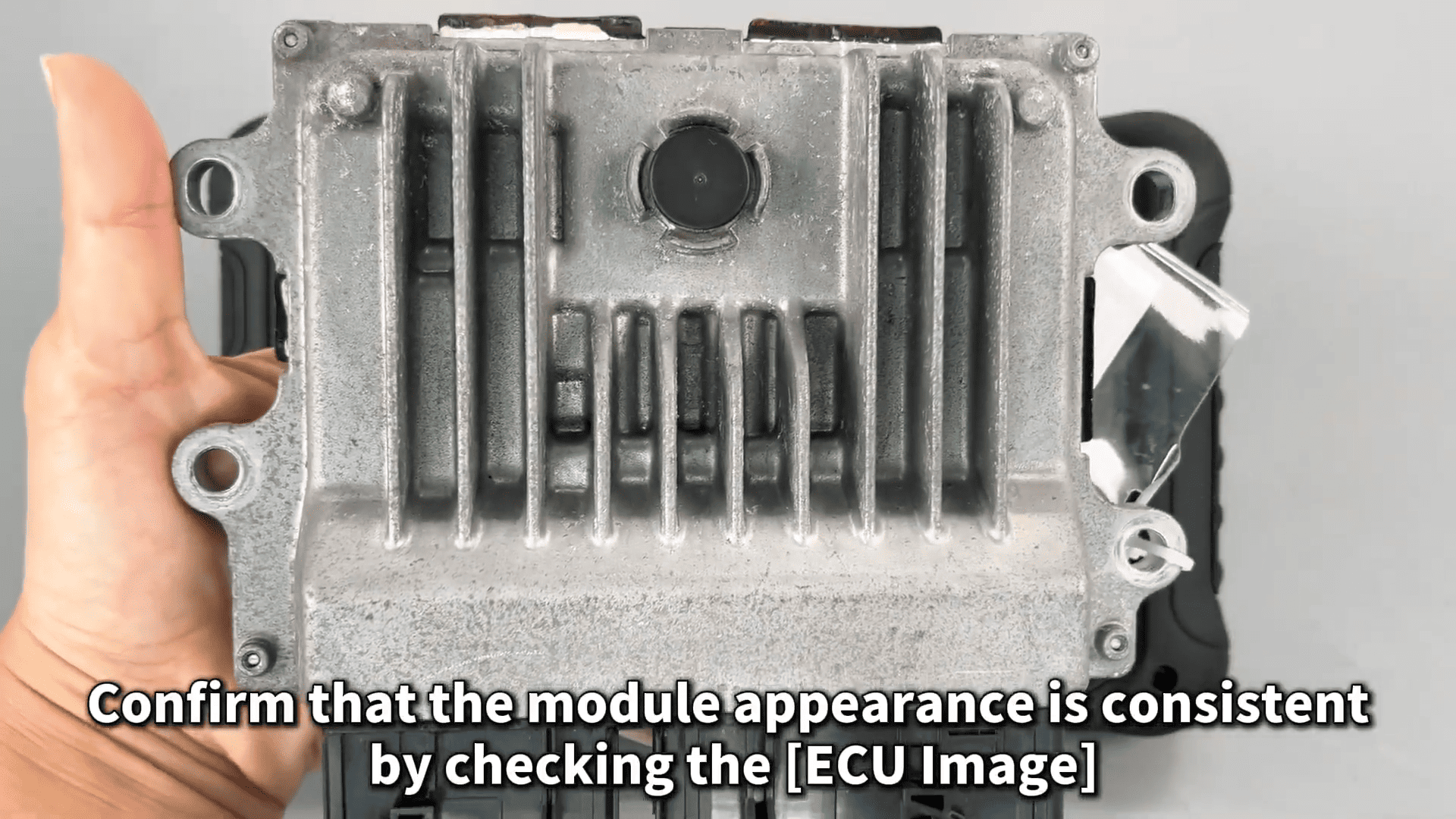
Backup data
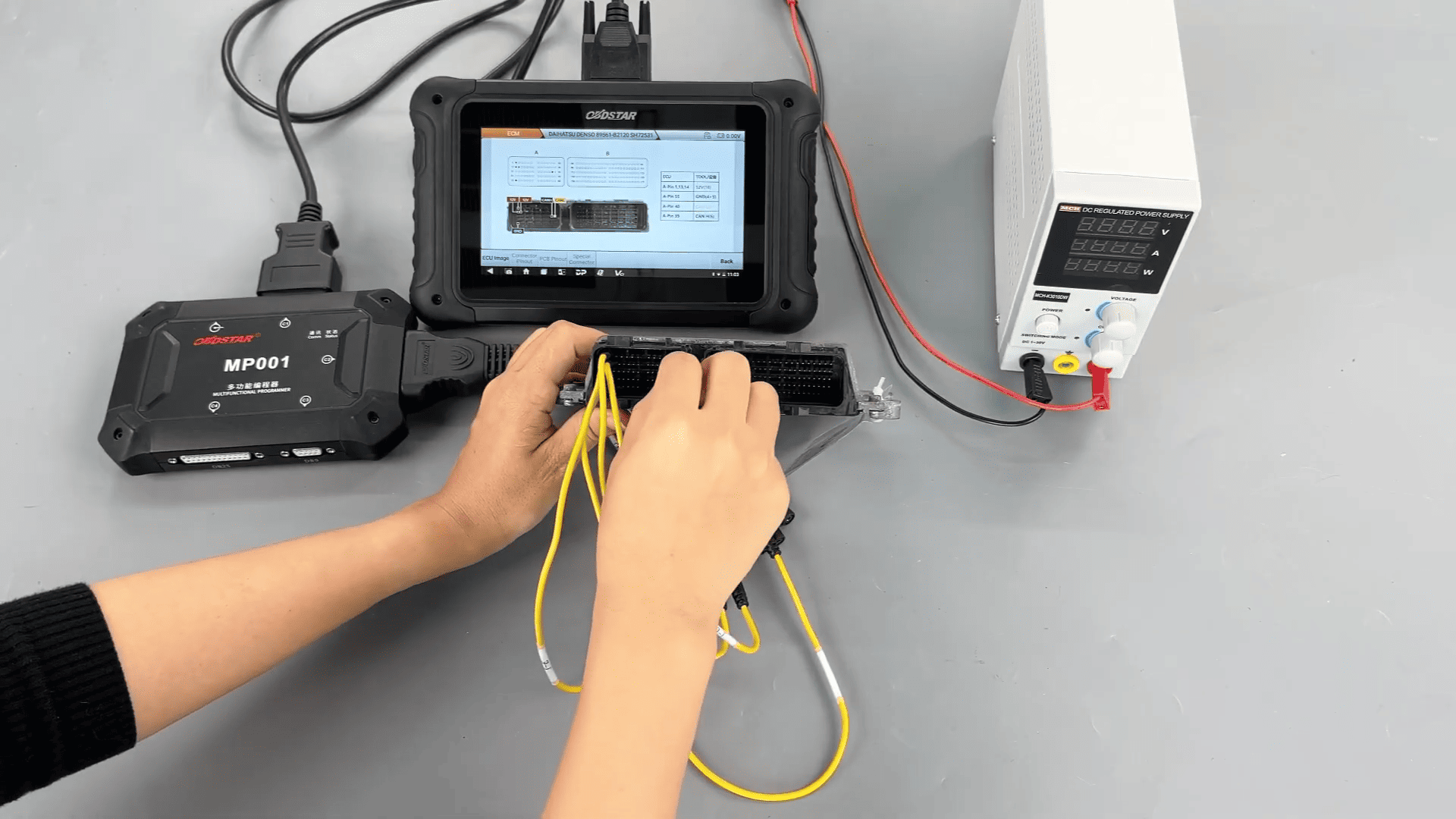
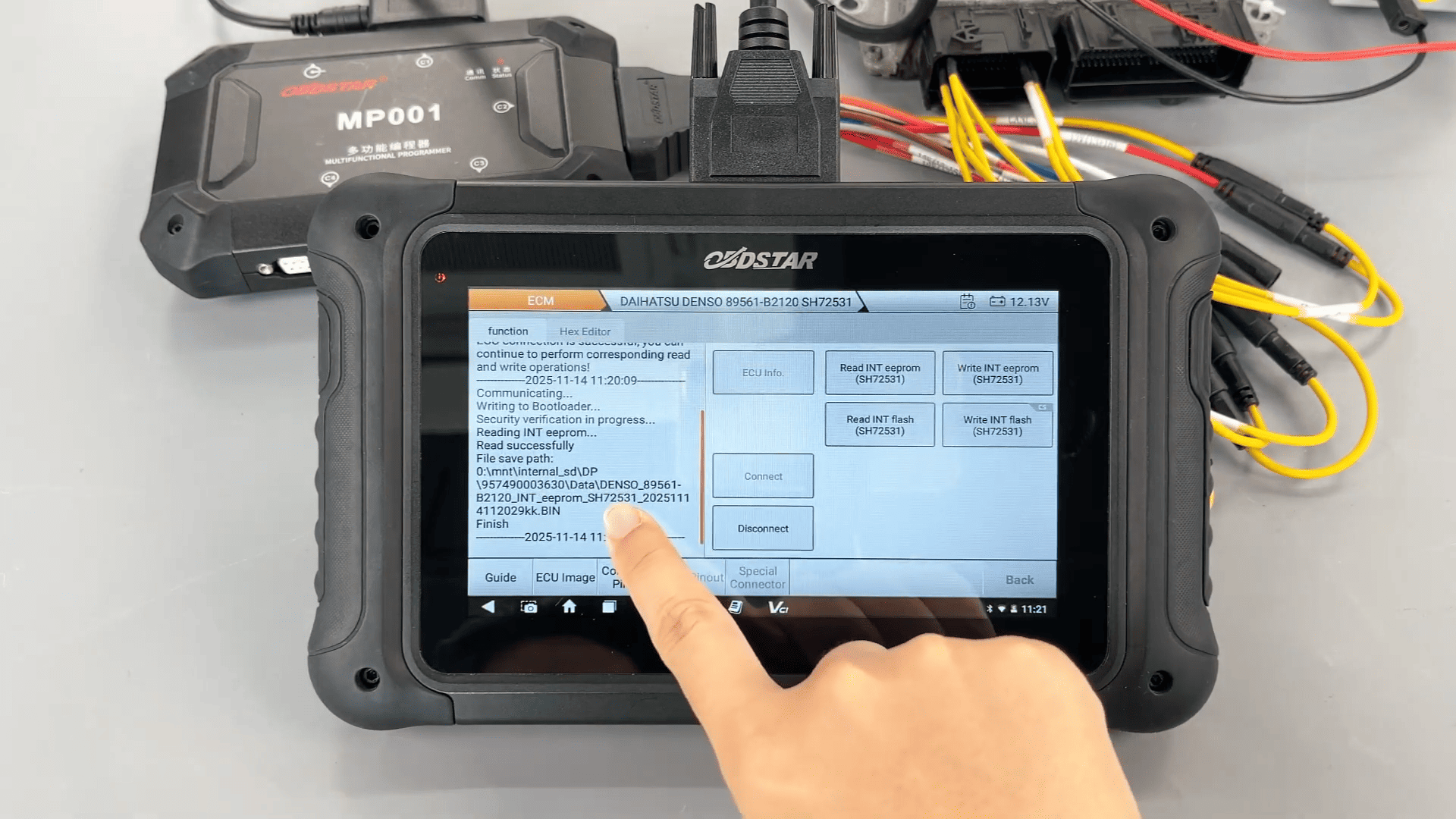
After selecting the appropriate adapter and checking the Connector Pinout, the wiring is completed according to the diagram. Once connected, DC706 programmer first backs up the original EEPROM and flash data, allowing customized file names and saving paths.
How to write data
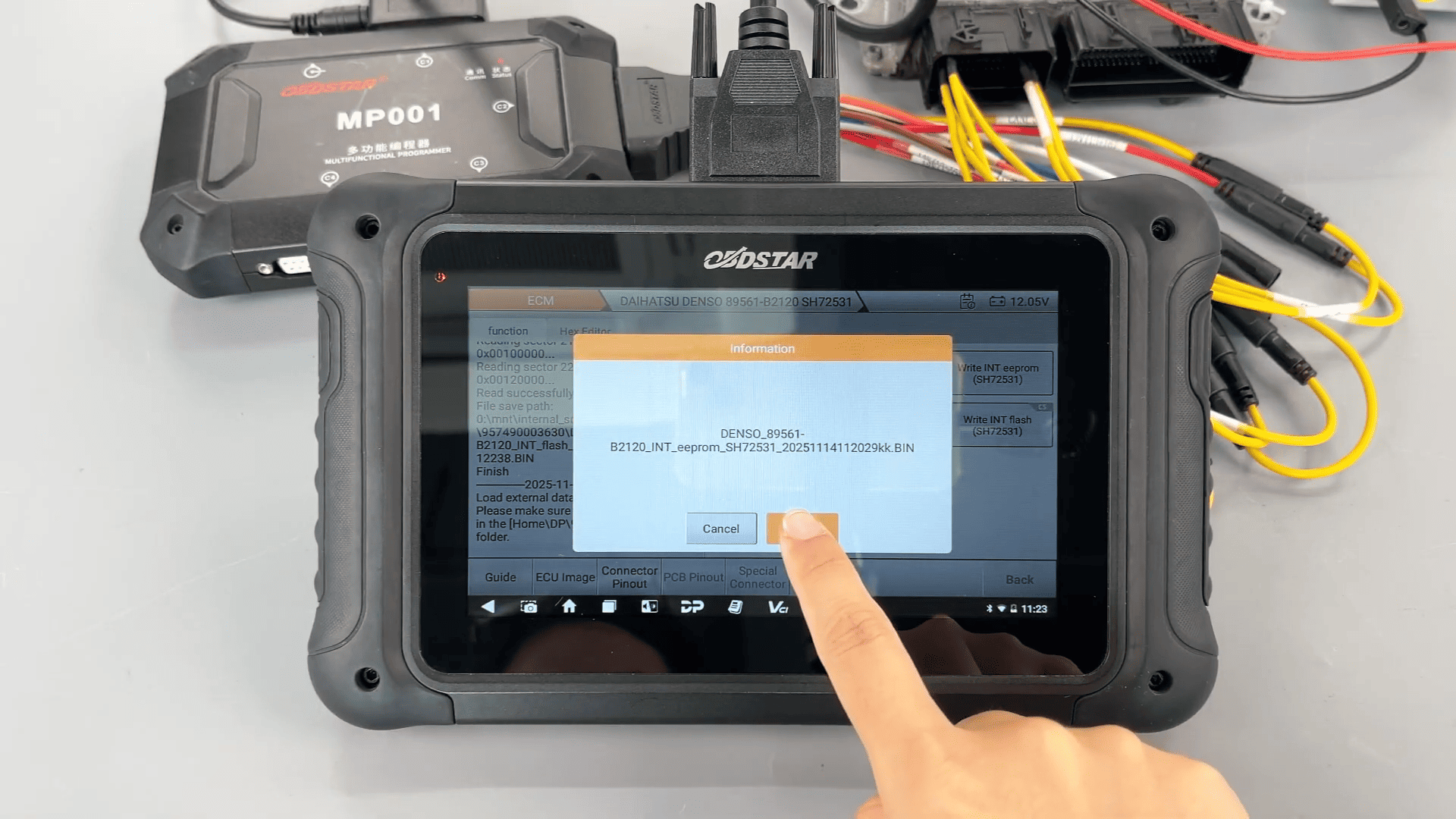
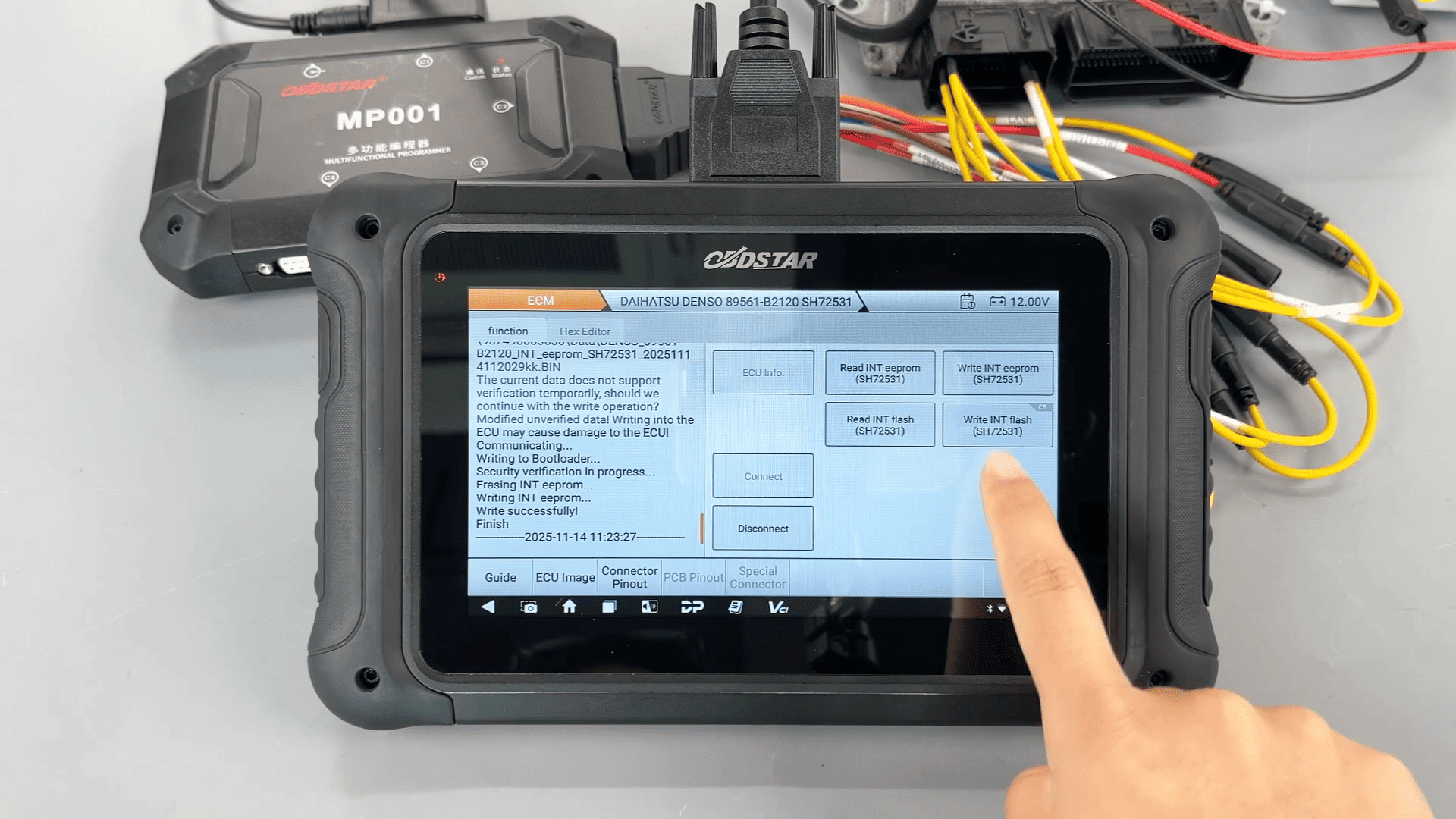
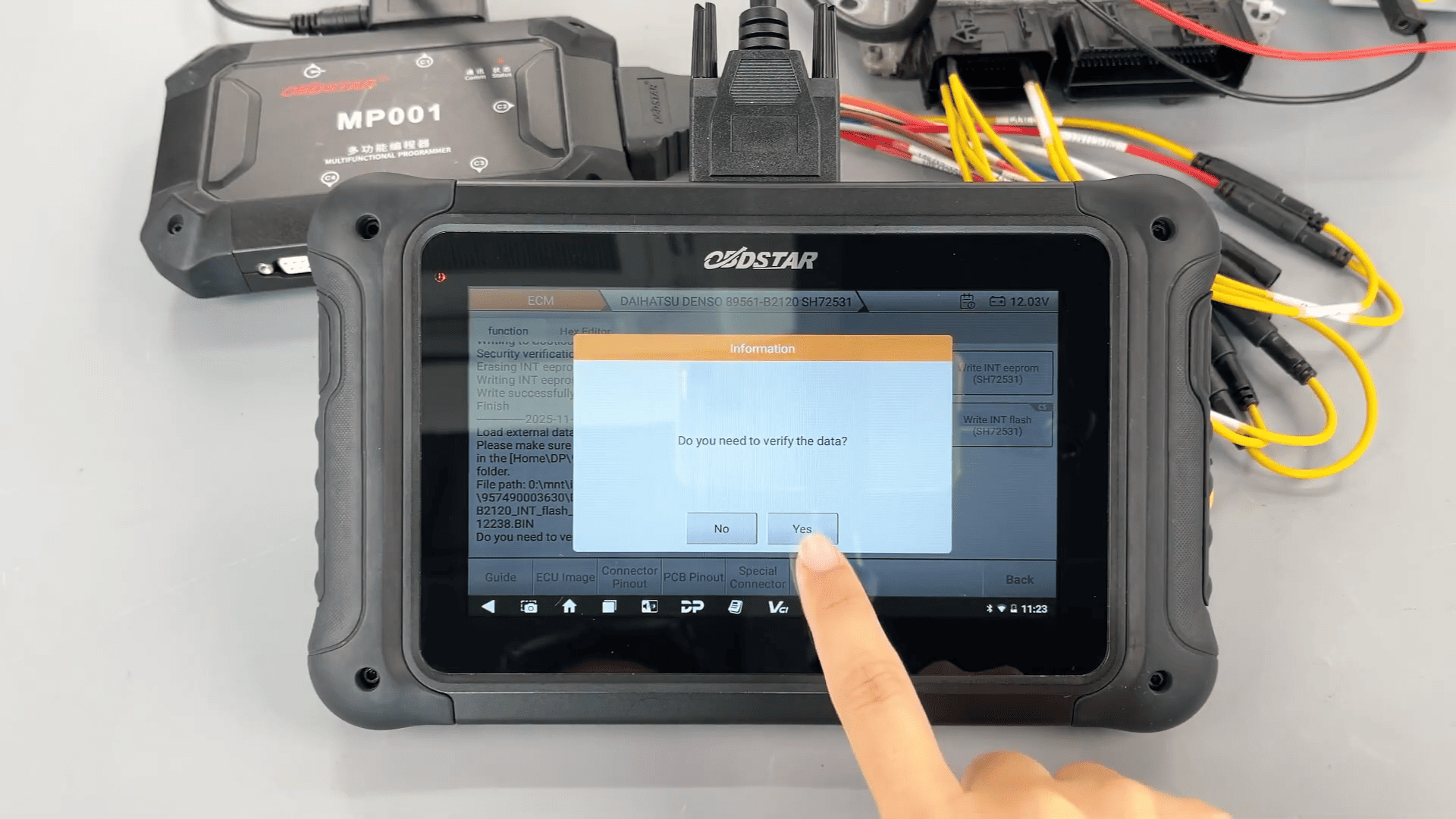
During data writing, the upgraded file management system supports filtering by name, modification time, or file size, with checksum verification clearly indicated.
Complete video guide: