


This guide explains how to replace a Nissan 07A gearbox using Yanhua ACDP2 and Yanhua module 43 by reading and writing TCM data from the original gearbox to a replacement unit. The process applies to Nissan RE7R01A transmission and follows the official ACDP workflow shown in the video.
Step 1: Prepare ACDP and Open the App
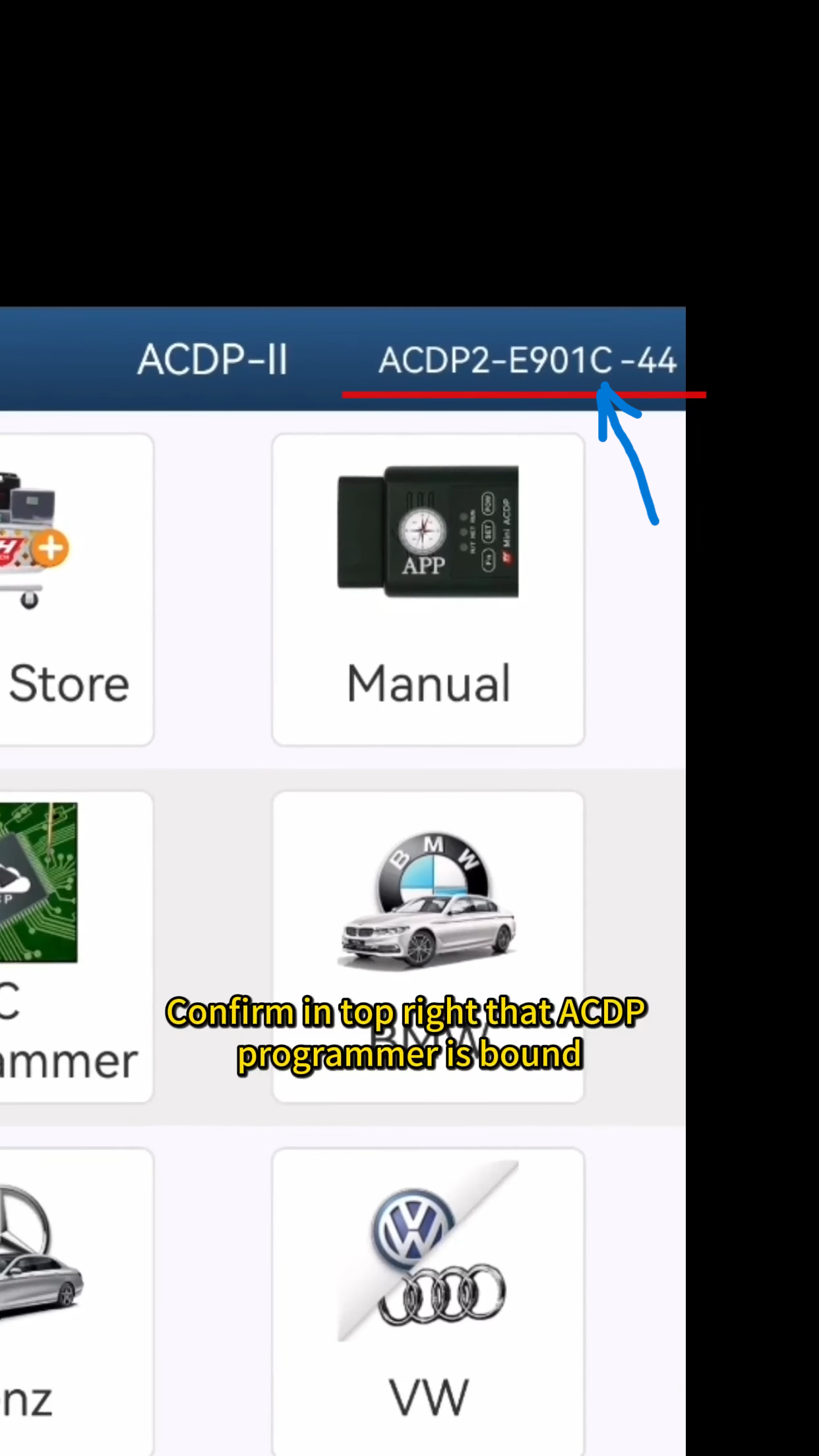
Open the ACDP app and confirm that the ACDP programmer is successfully bound to your account (check the top-right corner).
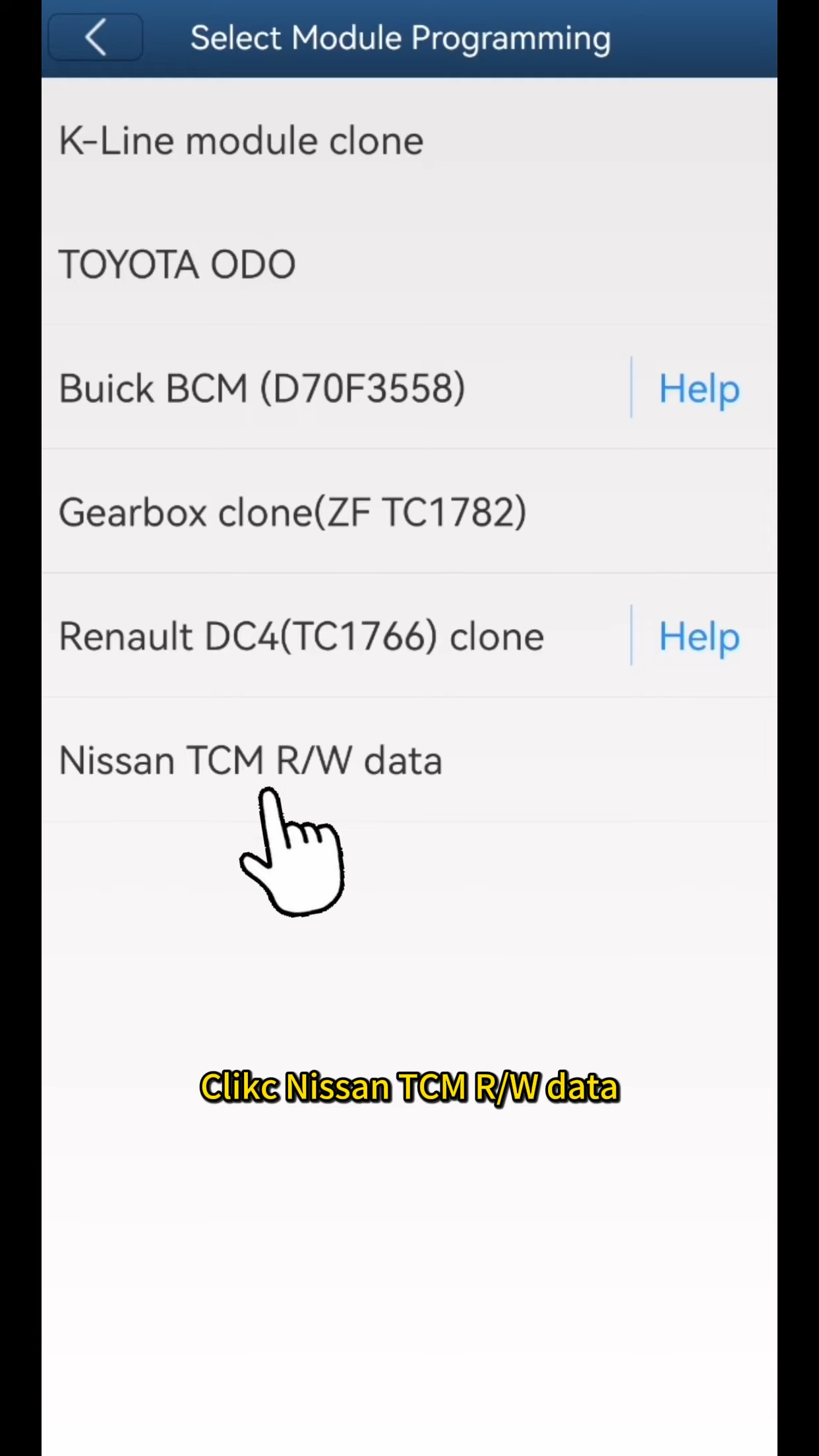
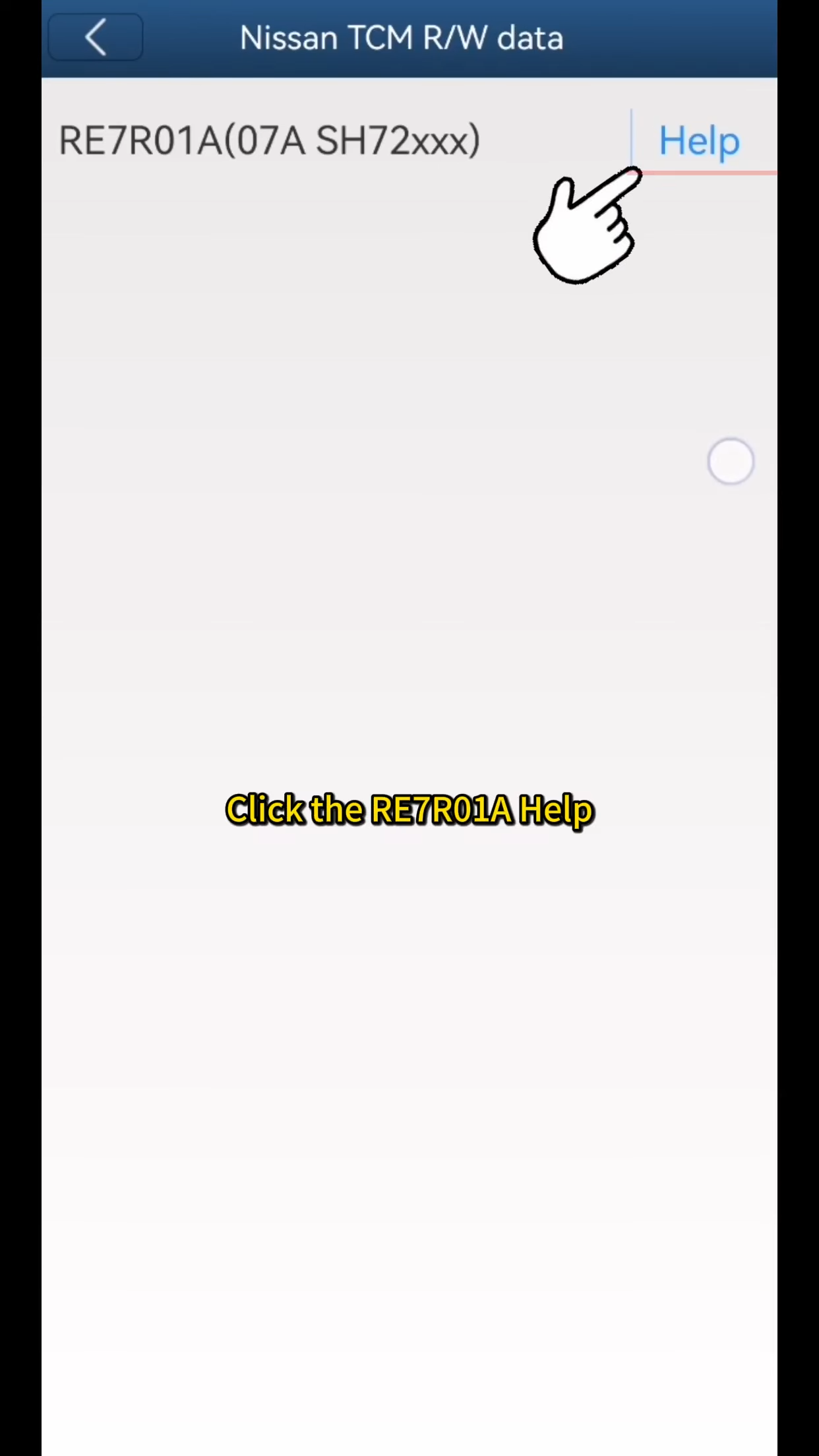
Tap Module, then select Nissan TCM R/W Data, and choose RE7R01A.
Before proceeding, open the Help documentation to confirm the correct wiring method.
Step 2: Connect to the Original Nissan 07A Gearbox
Properly connect ACDP to the original vehicle’s gearbox following the wiring guide.
Tap RE7R01A, select Identify, then click OK and Continue.
Verify the identified information carefully. Take a screenshot and save it for reference.
Step 3: Read and Back Up the Gearbox Data
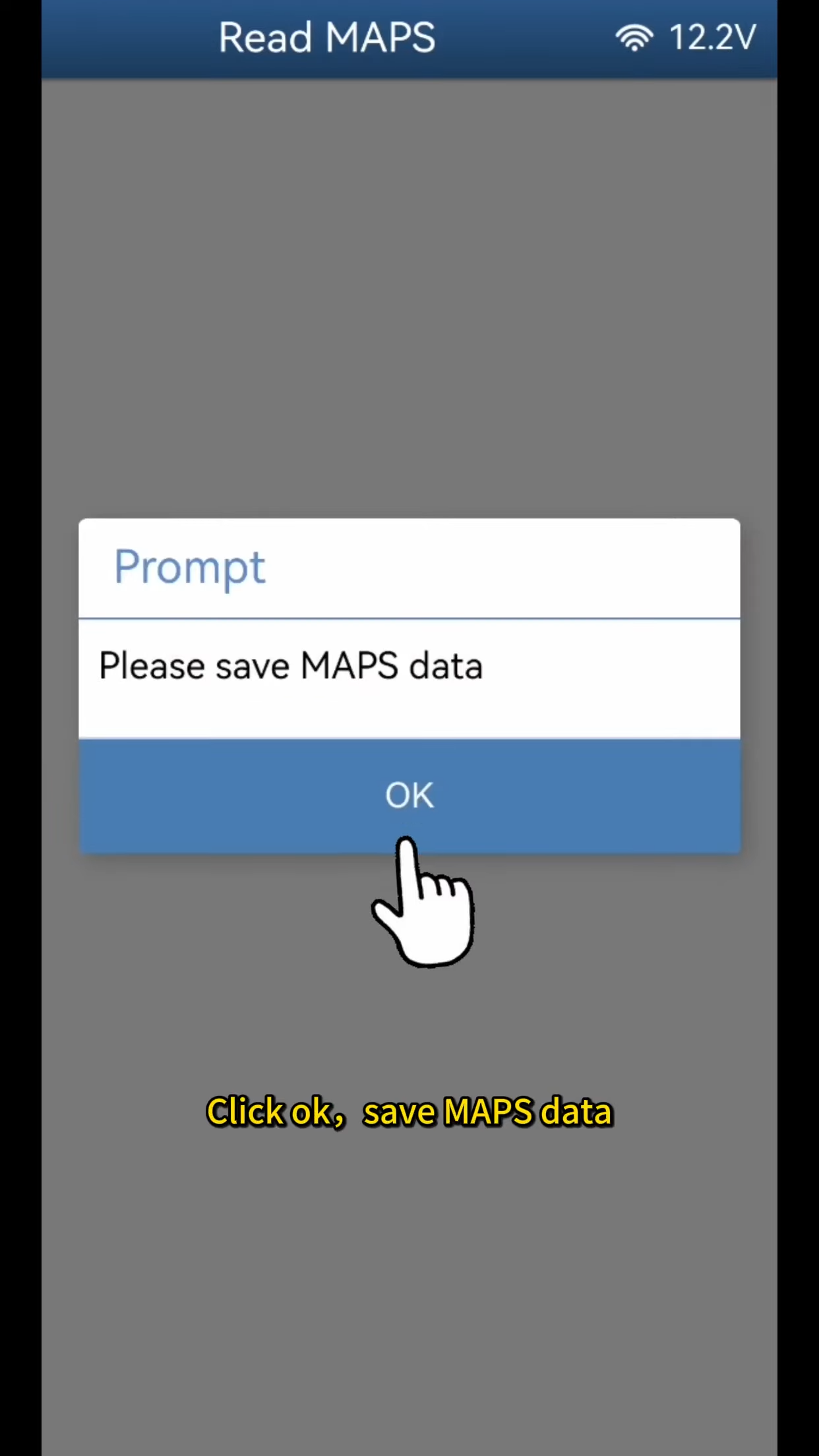
Tap Read Maps, then continue until the system starts reading chip data.
Once completed, save the data file.
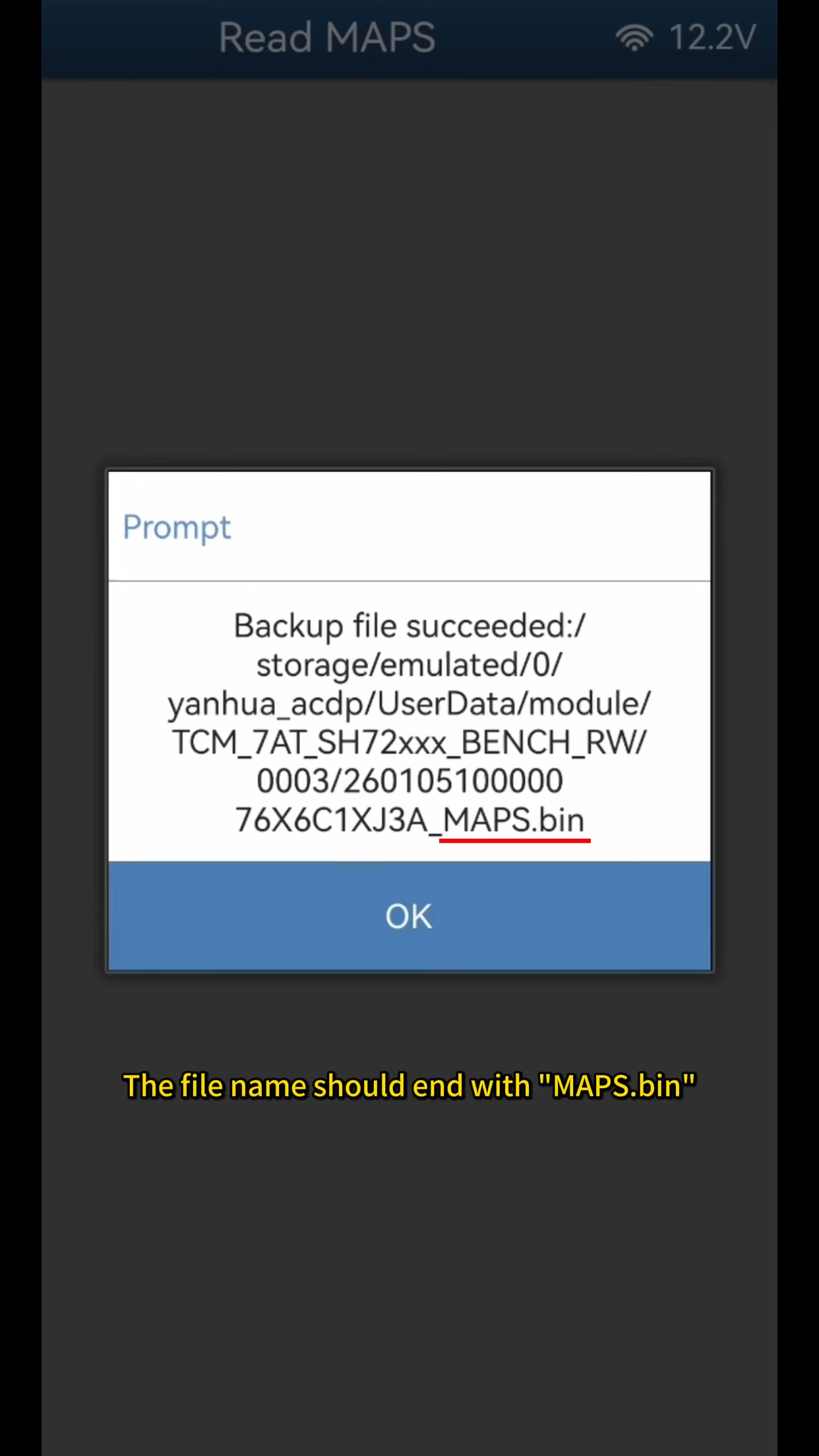
Important notes:
Record the file path, date, time, and version number
The backup file must end with “maps.bin”
This backup is critical for successful replacement.
Step 4: Connect to the Replacement Nissan 07A Gearbox
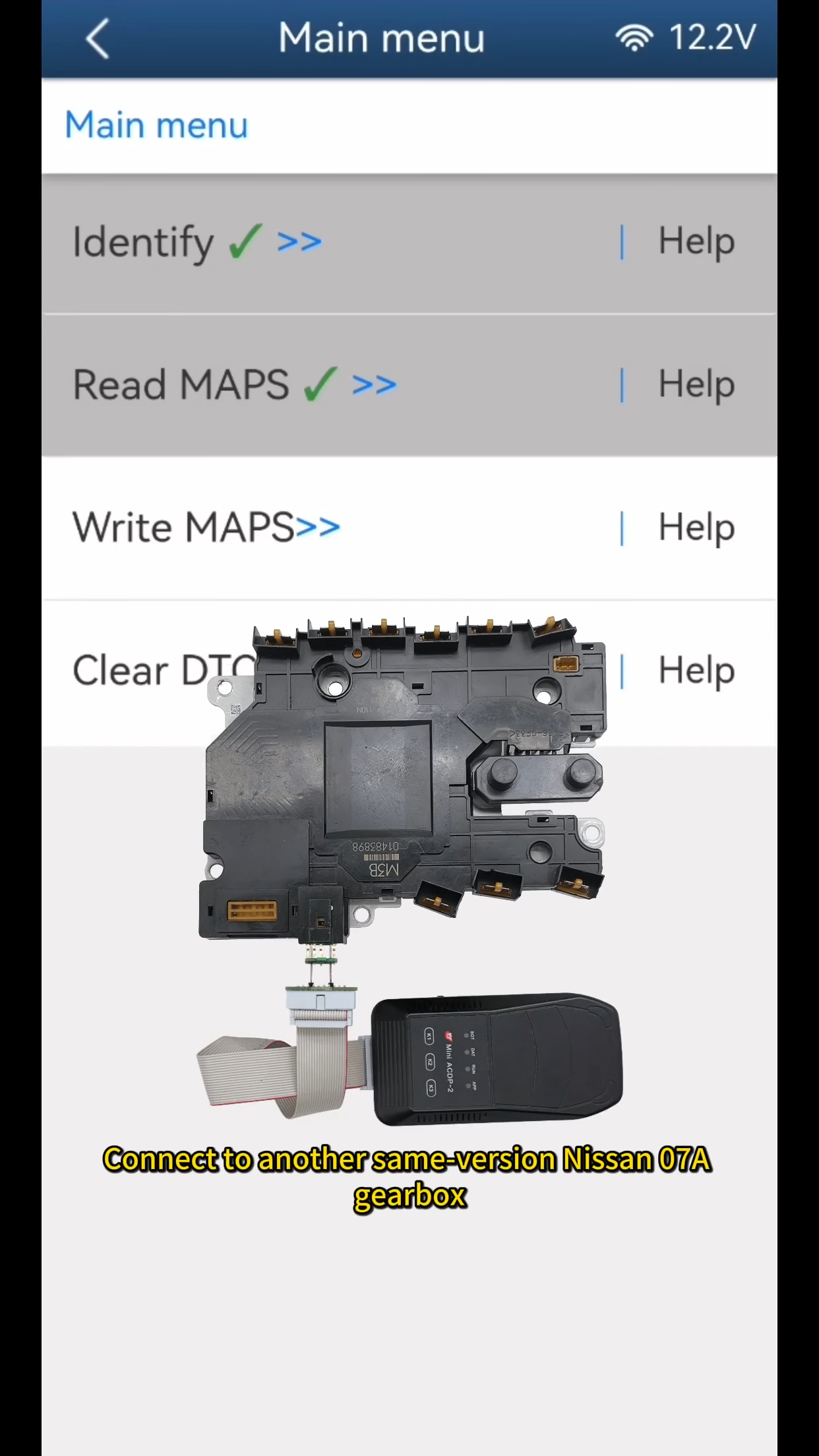
Disconnect ACDP from the original gearbox and connect it to the replacement gearbox of the same version.
Select Write Maps, confirm identification information, and continue.
Choose the correct maps.bin file based on the original backup.
Step 5 Write Data to the New Gearbox
Confirm the file information and proceed to write chip data.
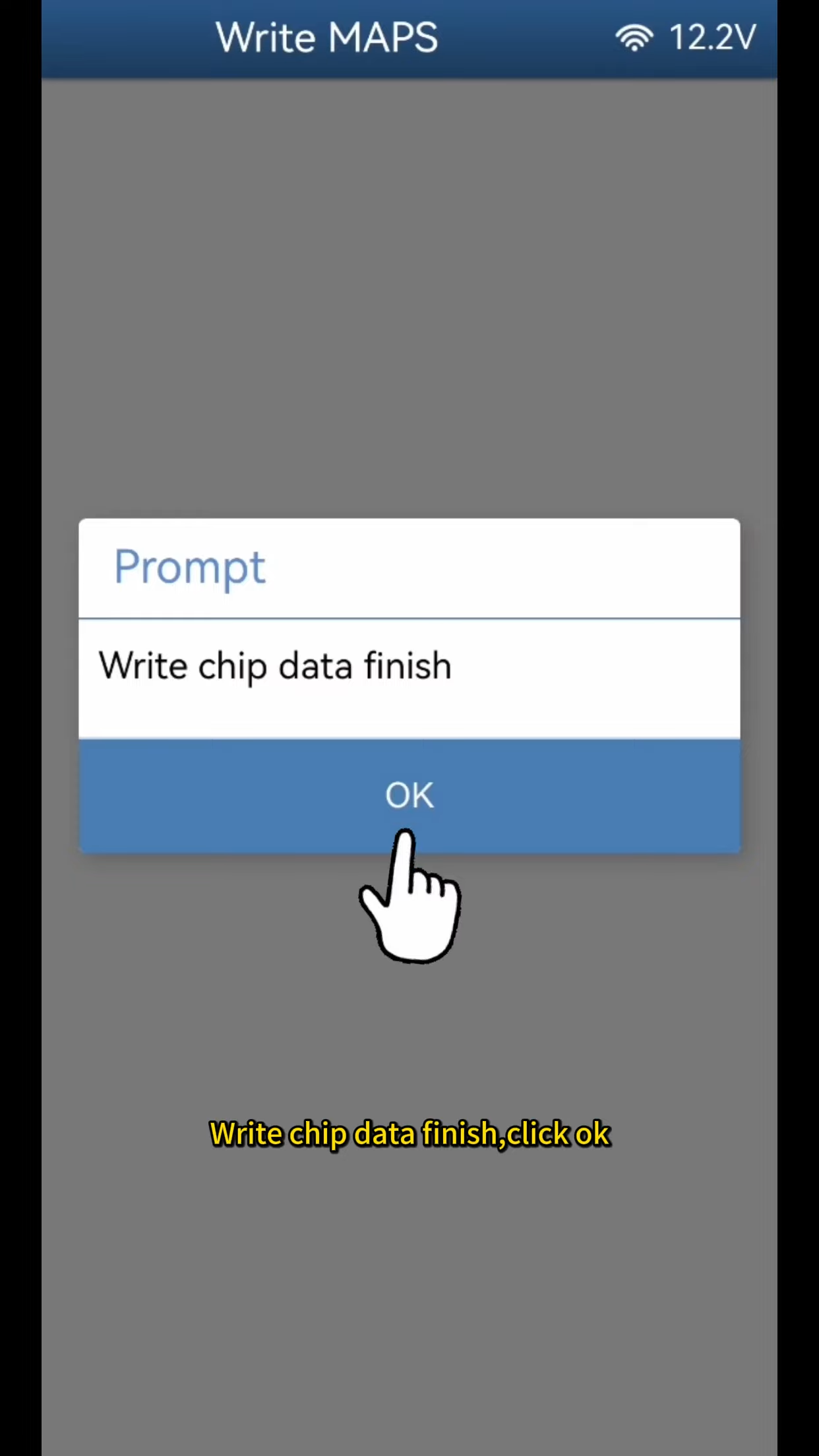
Wait until the writing process finishes and the app displays Write chip data finished.
Click OK to complete the procedure.
Video guide: