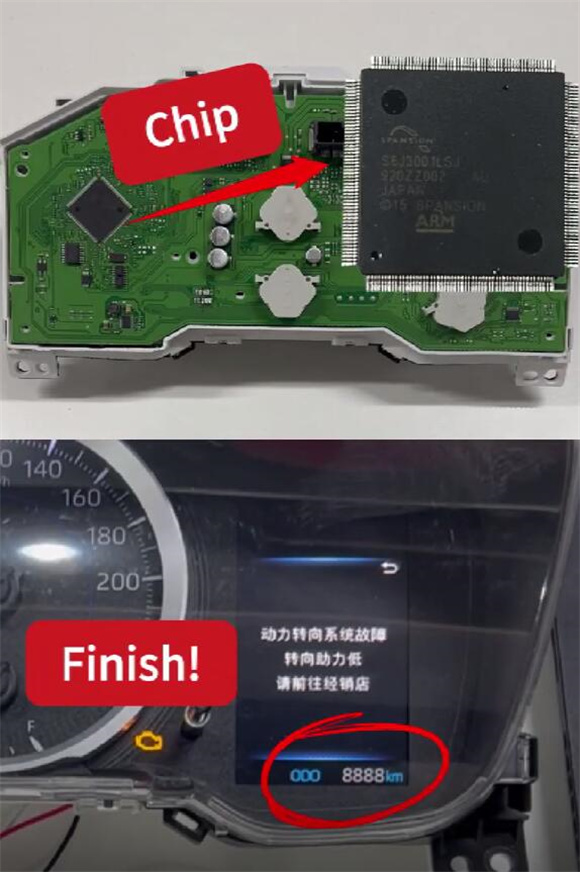

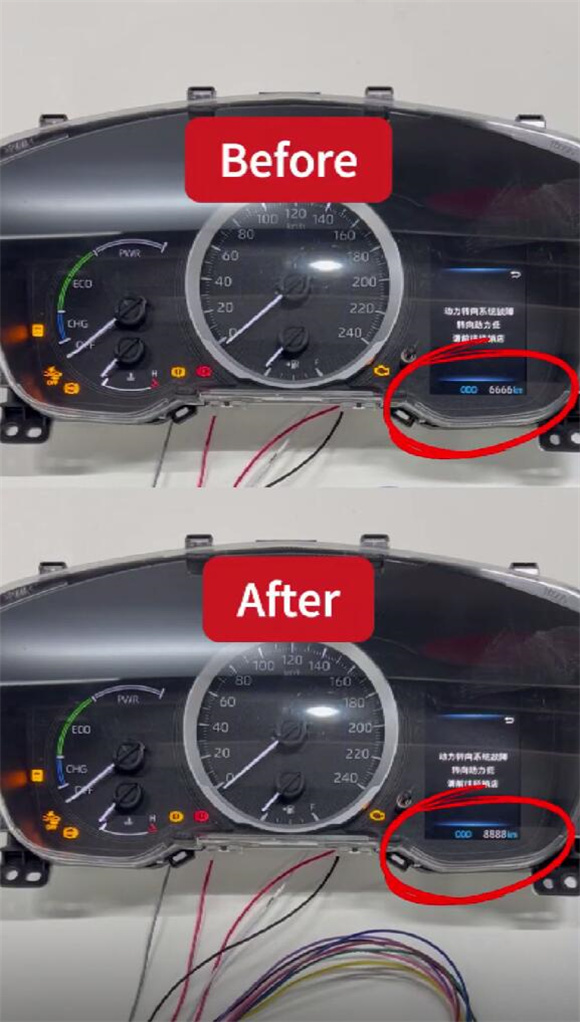
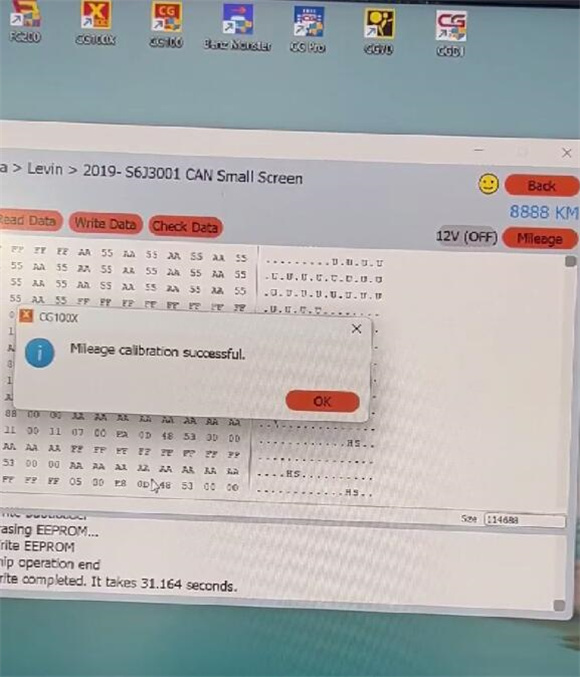
Use CGDI CG100X ECU Programmer to calibrate Toyota Levin 2019 S6J3001 mileage from 6666km to 8888km via CAN mode successfully!
Prerequisites:
CG100X with software V1.9.8.0 (Adds support for S6J3001/R7F701401/R7F701441).
Equipment:
- Toyota Levin 2019 S6J3001dashboard
- CGDICG100X with 35X-CAN Adapter and CAN Cable
- Power Supply
- USB Cable
- PC
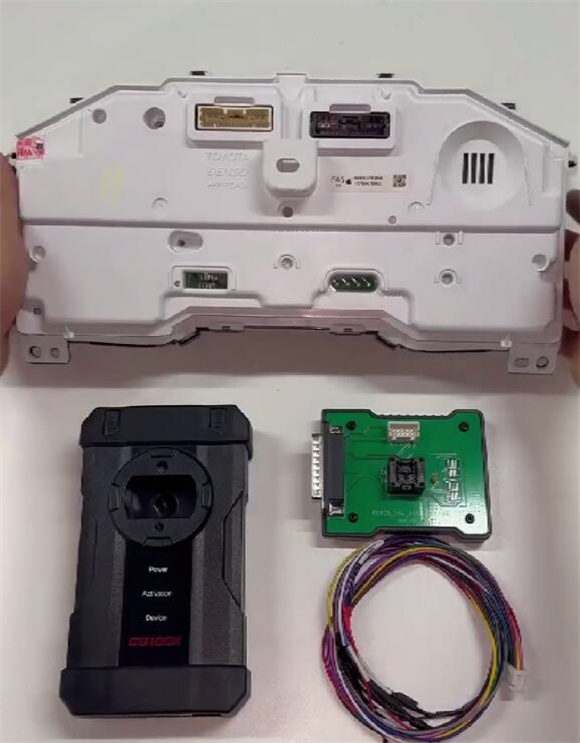
Steps:
1. Connect Hardware:
Connect CG100X to PC via USB.
In CG100X software, go to: Dashboard -> Toyota -> Levin -> 2019- S6J3001 CAN Small Screen.
Follow the provided diagram to connect CG100X to the dashboard using the 35X-CAN Adapter and CAN cable.
Attach power to CG100X.
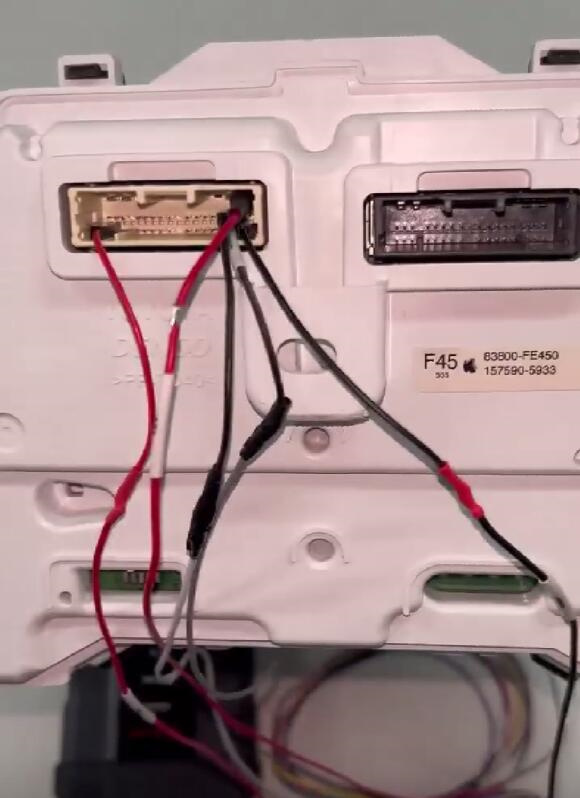
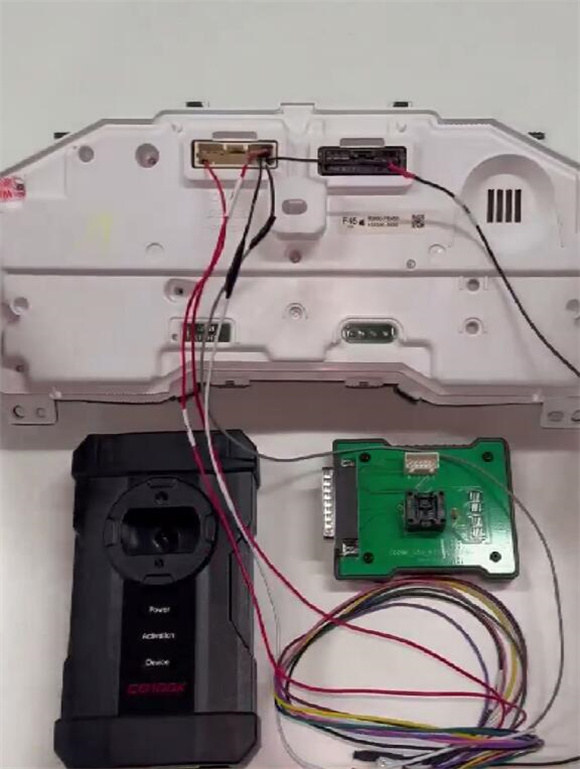
2. Perform Calibration:
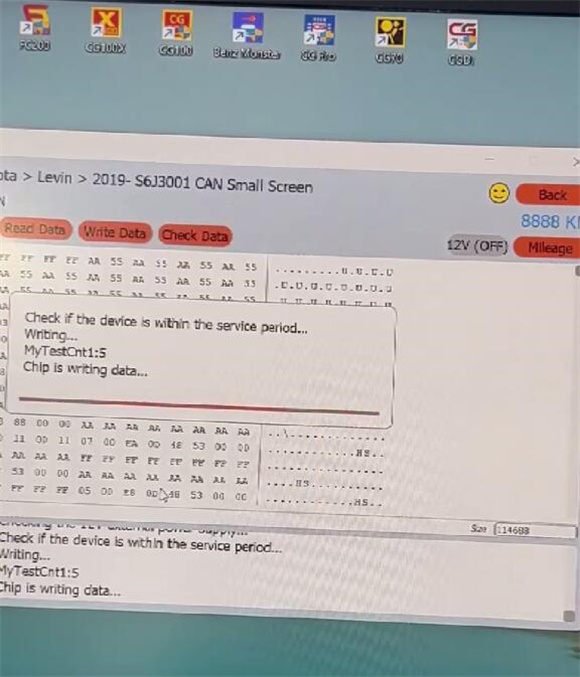
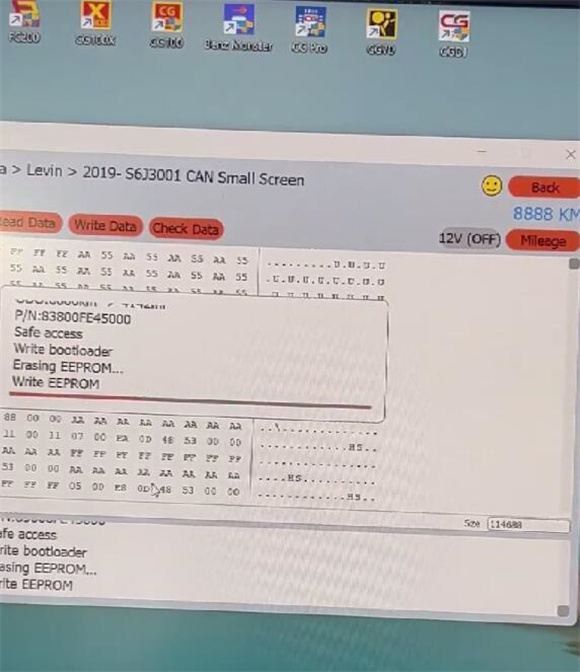
Start the mileage calibration process.
The software will show the Current Value (e.g., 6666).
Input the New Value (e.g., 8888) and confirm.
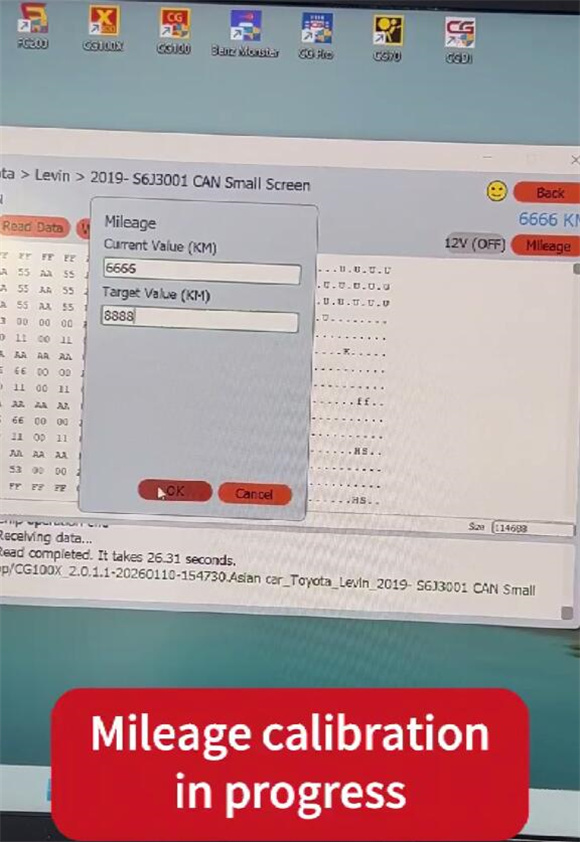
Wait for the success message.
3. Verify:
Finally, check the dashboard display is the new mileage.