
In this guide, we’ll walk through the process based on a real demonstration, ensuring you can handle CGDI K2 mileage adjustment with confidence. Whether you’re reading key data or making modifications, the CGDI K2 simplifies BMW immobilizer work.
Follow these simple steps to adjust mileage on a BMW key using CGDI K2:
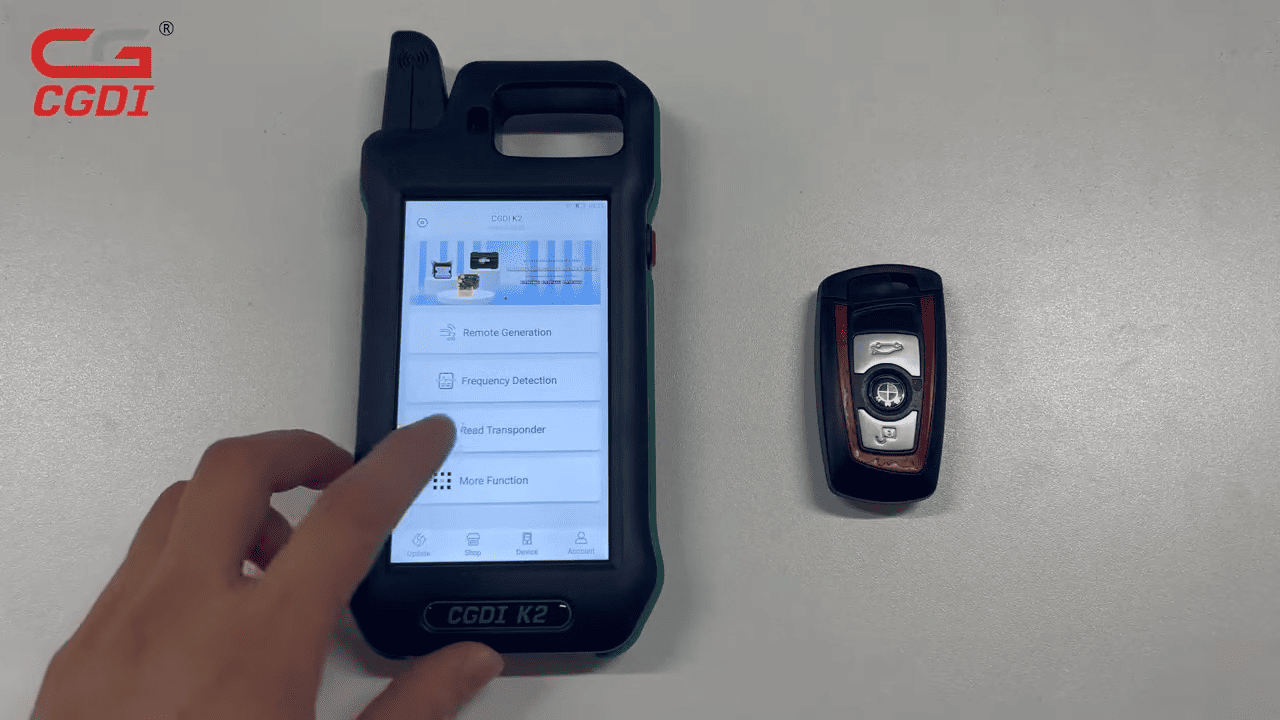
Power On the Device: Turn on your CGDI K2 and tap “Read Transponder” on the main screen.
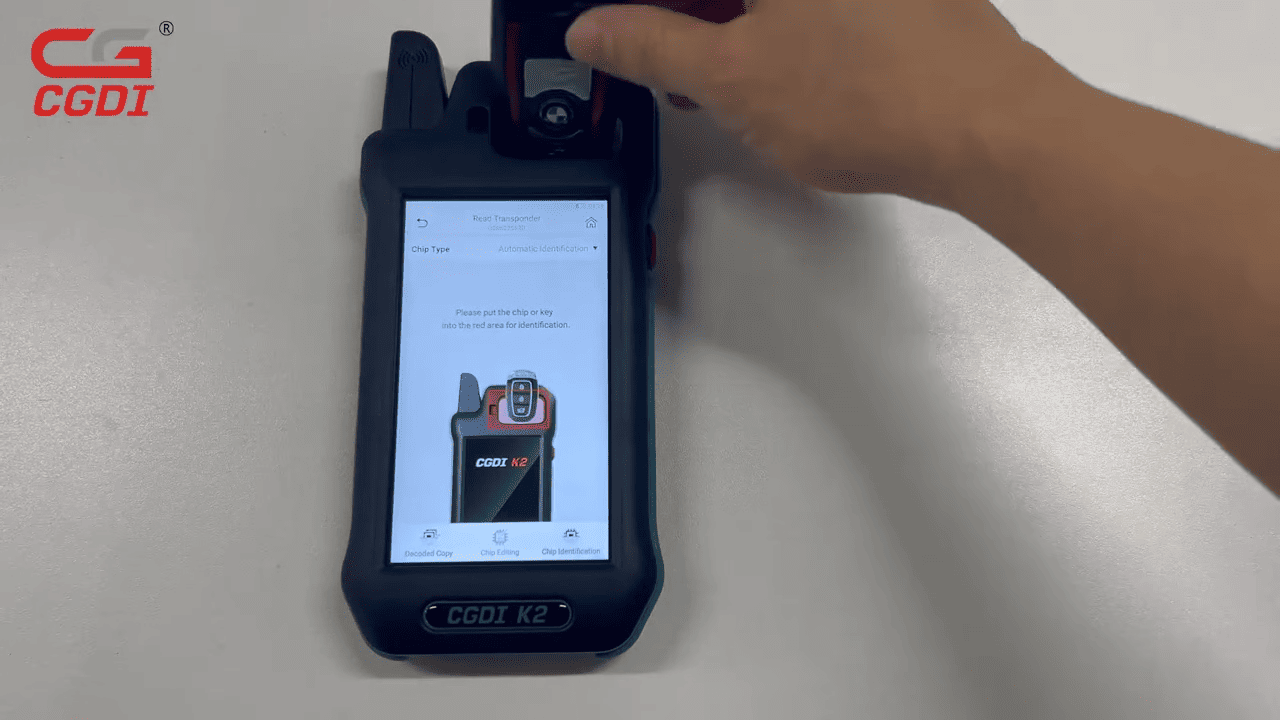
Insert the Key: Place the BMW key into the detection hole, then tap “Chip Identification.” The CGDI K2 will begin reading the key data.
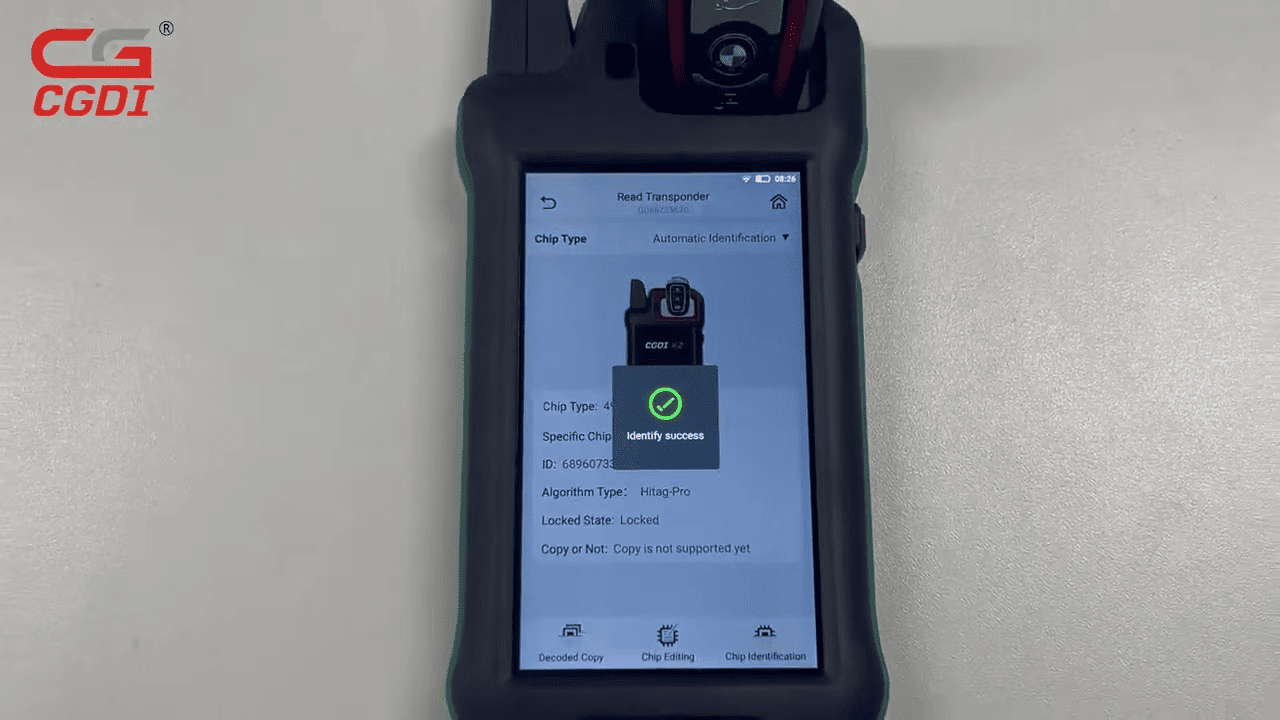
Data Reading: Wait as CGDI K2 locksmith key tool identifies the key – it should display “Identify Success” once complete.
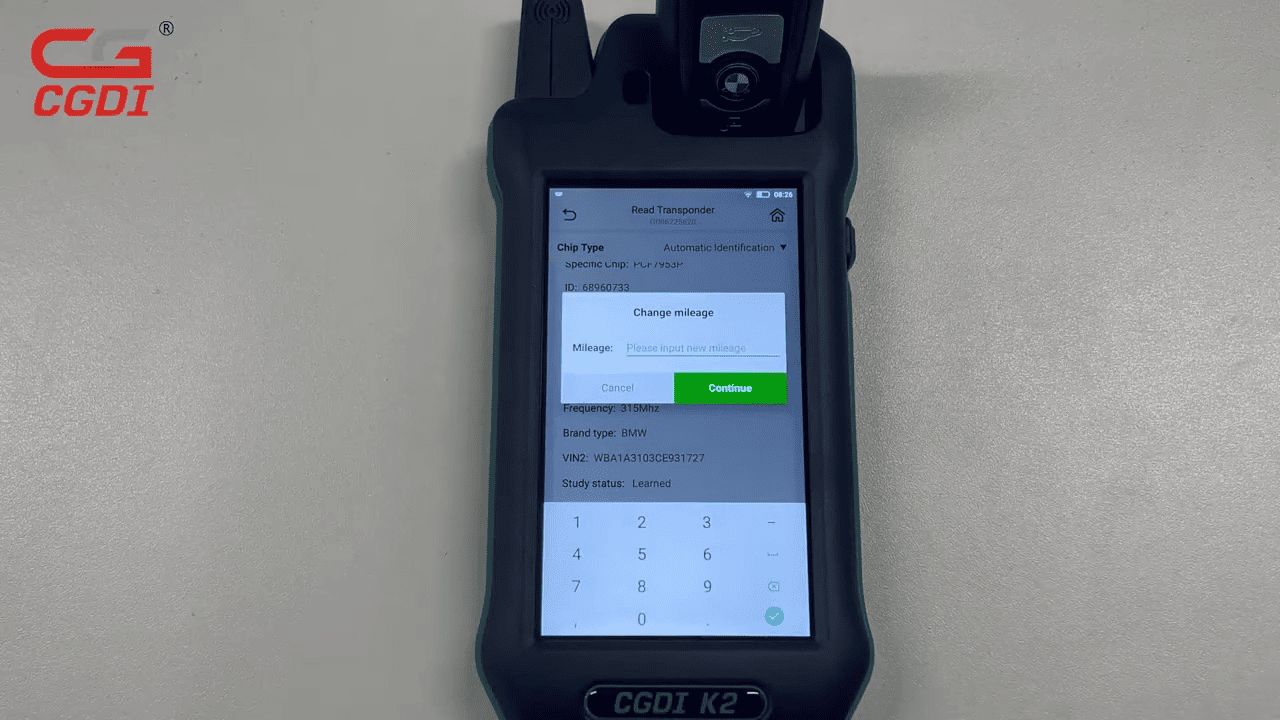
Modify Mileage: Select the mileage value you wish to adjust. Make your changes, and the CGDI K2 will process them – you’ll see “Write Successfully.”
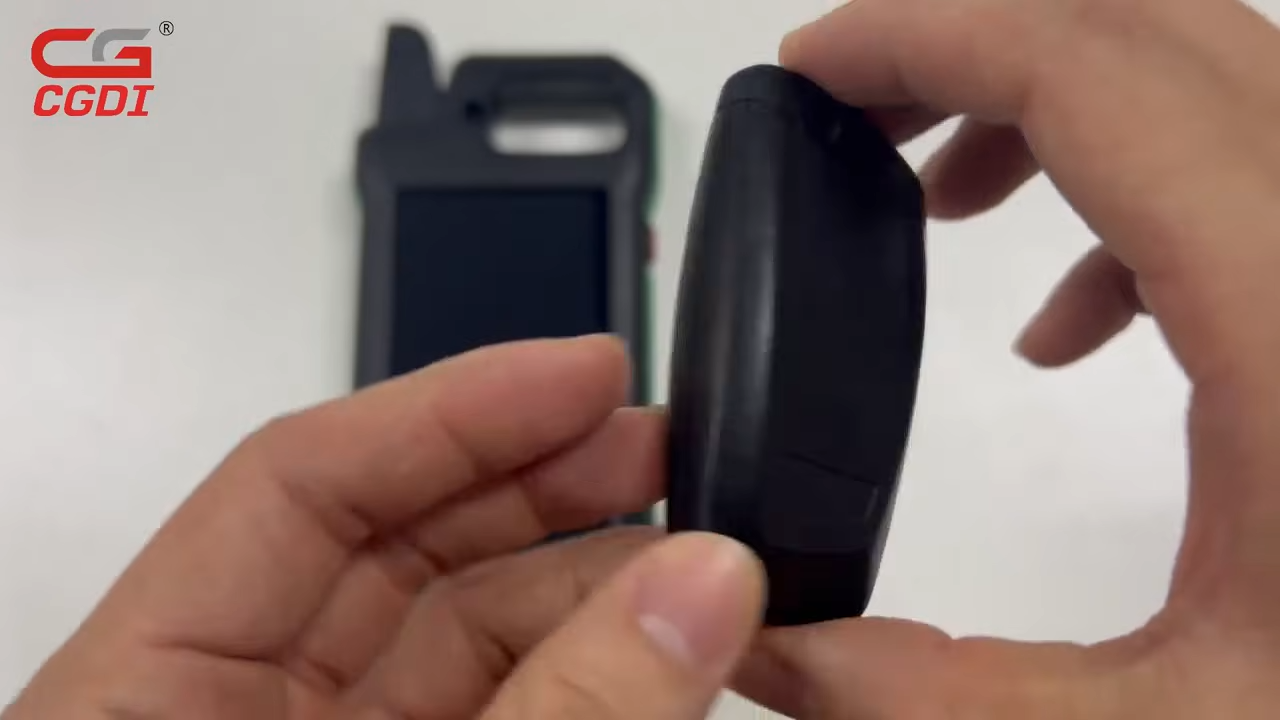
Verify Changes: Repeat the identification step to confirm. Insert the key again, tap “Chip Identification,” and check that the updated mileage is correct.
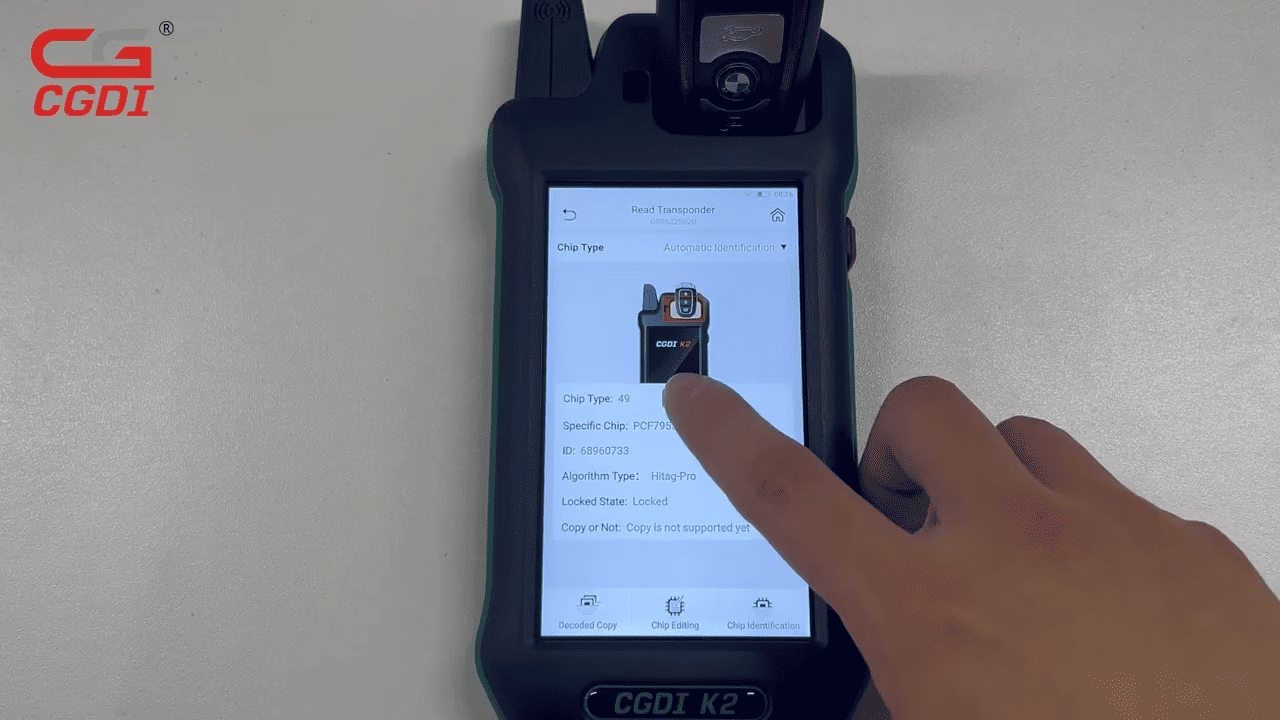
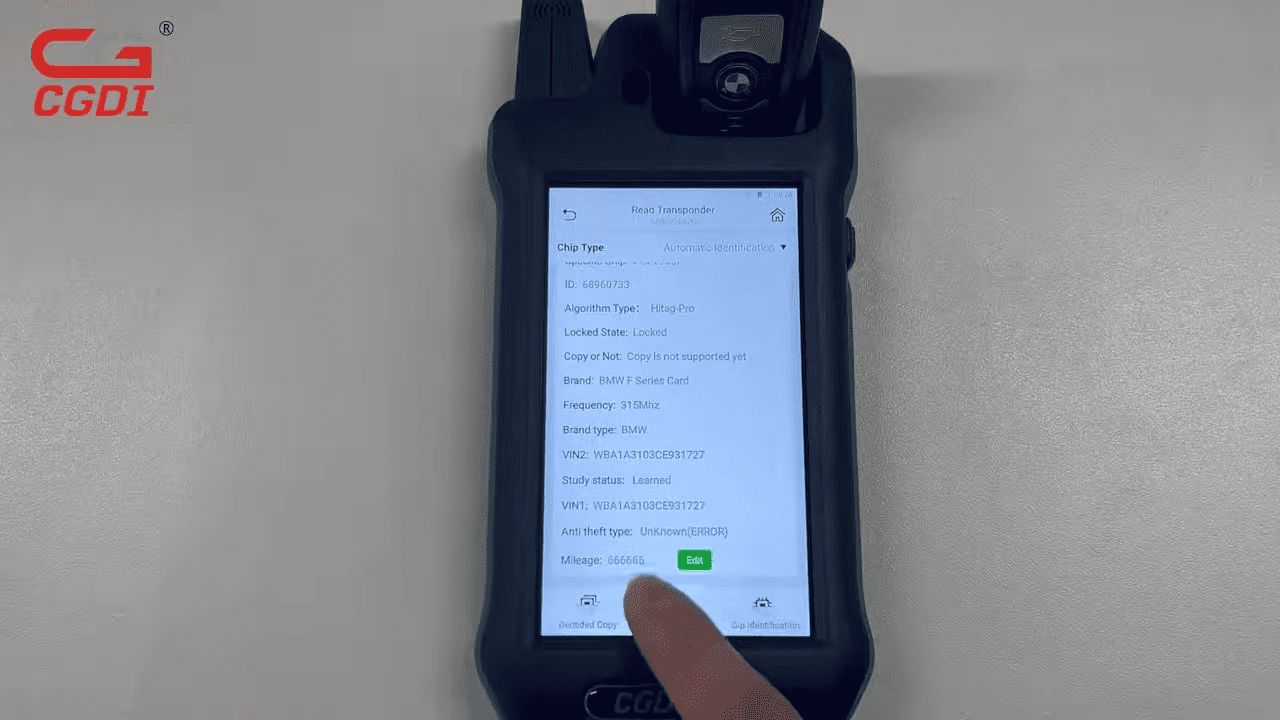
Final Test: The work is done – your BMW key now reflects the adjusted mileage, ready for use.
This CGDI K2 Remote Generator takes just a few minutes, with no complex disassembly required.