


Programming a new smart key for a 2020 Honda Accord is a straightforward process when using the professional-grade Lonsdor K518 PRO. Whether you are a locksmith or a DIY enthusiast, this guide covers the essential steps to generate and sync a new key using the OBDII port
Preparation & Requirements
Before starting, ensure you have the following items ready:
K518 Pro FCV/ K518 PRO Key Programmer
OBD Communication Cable
One Original Working Key
One New Smart Key (Lonsdor Compatible)
Step 1: Generate the Smart Key
The first phase involves preparing the new key hardware to be recognized by the vehicle.
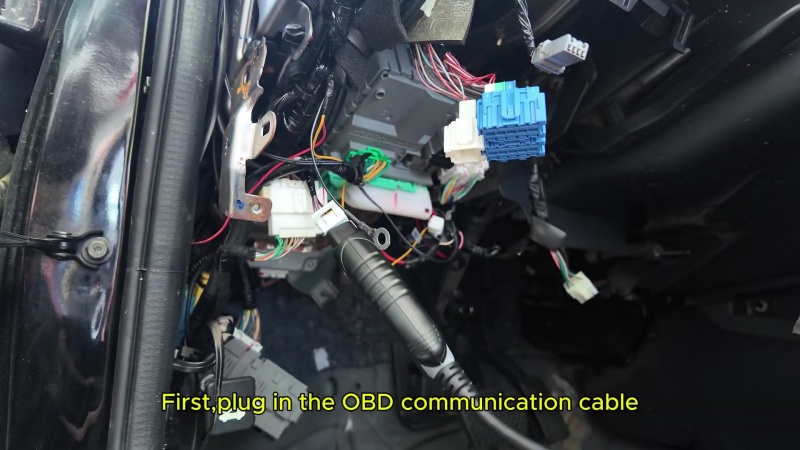
1. Hardware Connection: Plug the OBD communication cable into the vehicle’s port.
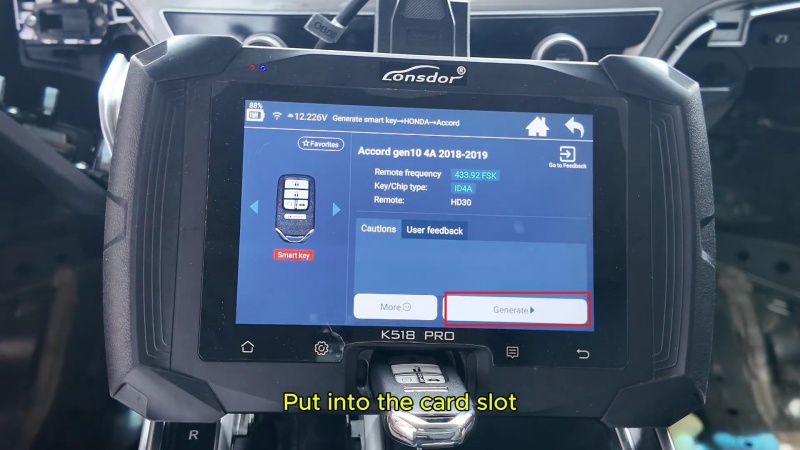
2. Navigate Menu: Select: Generate Smart Key > Honda > Accord > Accord gen10 4A 2018-2019.
3. Key Induction: Place the new Lonsdor smart key into the K518 PRO card slot.
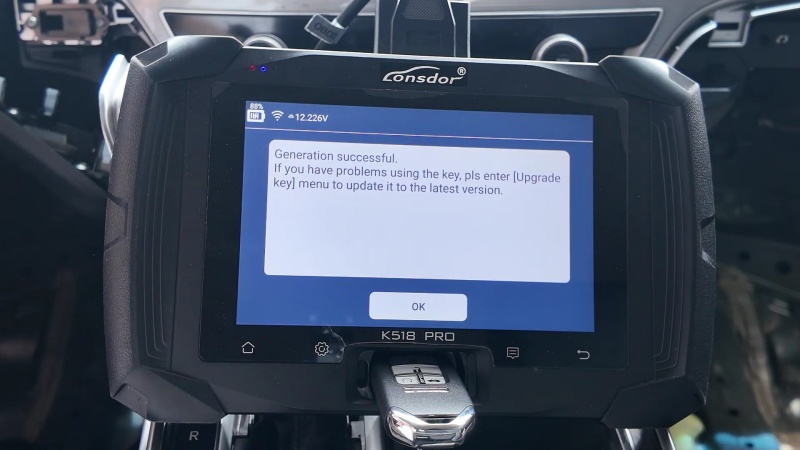
4. Execute: Click “Generate”, once the screen displays “Generate successful”, return to the main menu.
Step 2: IMMO Programming(Add Smart Key)
Now, you must link the newly generated key to the Accord’s Immobilizer (IMMO) system.
Access the Programming Menu
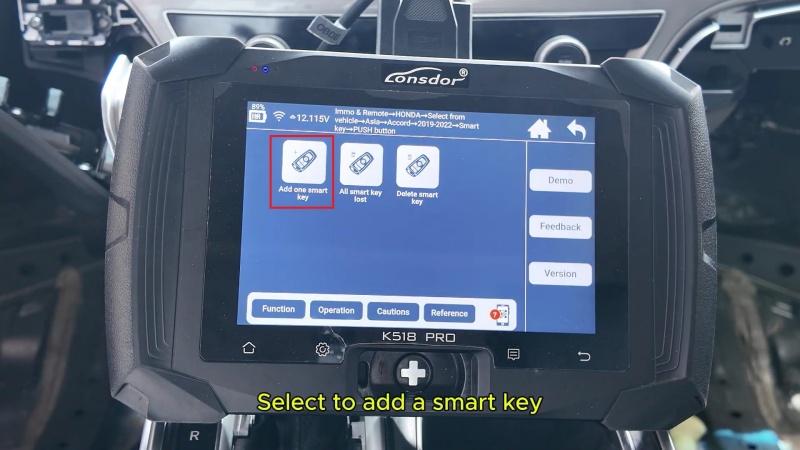
Go to: IMMO & Remote > Honda > Select form vehicle > Asia > Accord > 2019–2022 > Smart Key > Push Button > Add one smart key. Click OK to begin.
The Programming Sequence
1. Ignition On: Press the vehicle’s Start button twice to turn the ignition on.
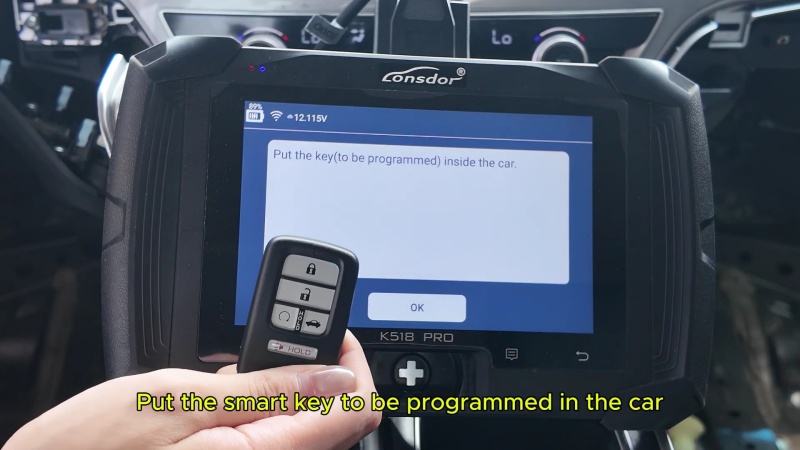
2. Original Key Induction: Place the original programmed key inside the car and remove all other keys. Click OK.
3. New Key Induction: Remove the original key and place the new smart key inside the car. Click OK.
4. Cycling Ignition: Follow the on-screen prompts to turn the ignition OFF and ON within 15 seconds for each step.
5. Final Sync: Verify that the security light on the dashboard has turned off. Turn the ignition off as the final step.
Step 3: Functional Verification
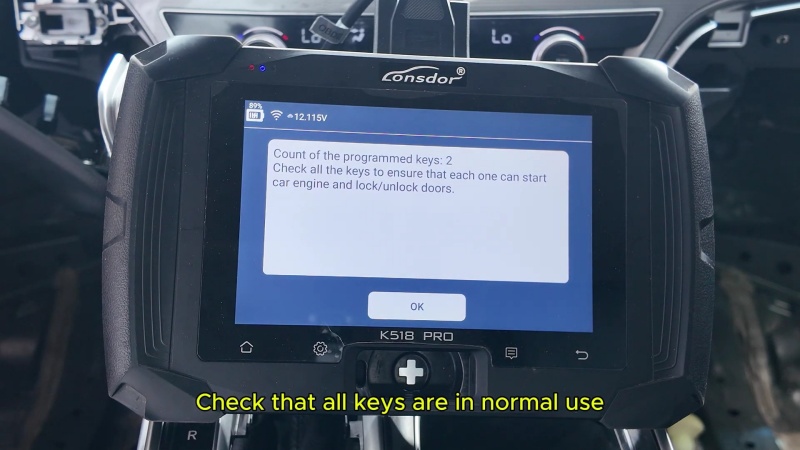
The device should display “Programming complete” and show the number of programmed keys as “2”.
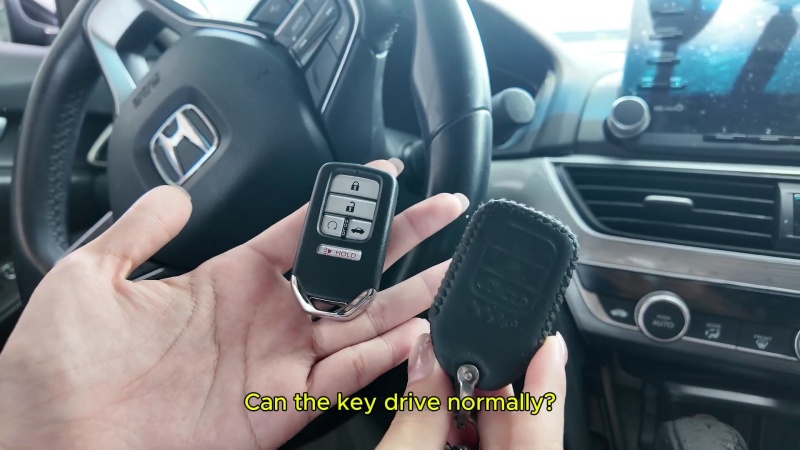
1. Engine Start Test: Step on the brake and use the new key to start the engine. Repeat this for the original key.
2. Remote Control Test: Test the Lock and Unlock buttons on both keys to ensure the remote functions are fully operational.
Get Genuine Lonsdor Tools Online
Get your Lonsdor K518 PRO and high-quality replacement keys from a trusted source. Ensure your programming is seamless every time.
Visit our shop today: Professional Car Diagnostic Tool Online Shop