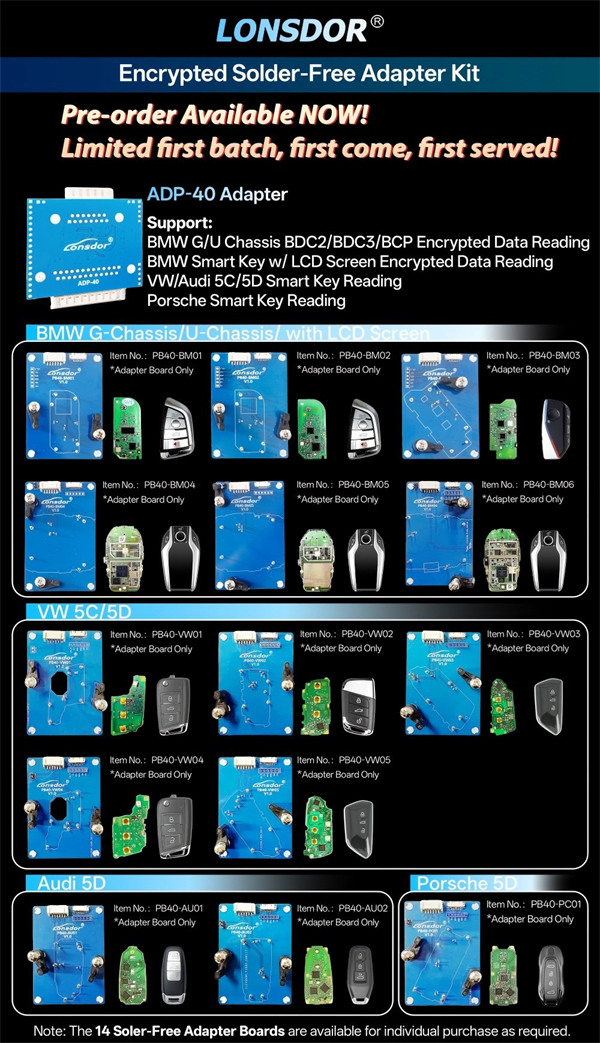
Now Lonsdor K518 Pro supports key copying for BMW G/U series (BDC2, BDC3, BCP, LCD) and VAG MQB49 5C/5D systems.
Here’s a straightforward guide to understanding licensing, credits, and hardware setup.
1. Do You Need a License?
It depends on which version of K518 Pro you own:
K518 Pro Full Version: If your annual subscription is active, you’re all set—no extra license required. If your subscription has expired, just renew it to regain access.
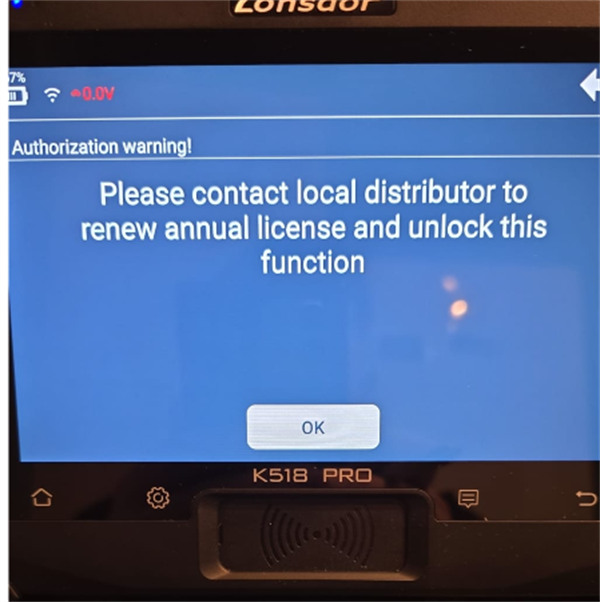
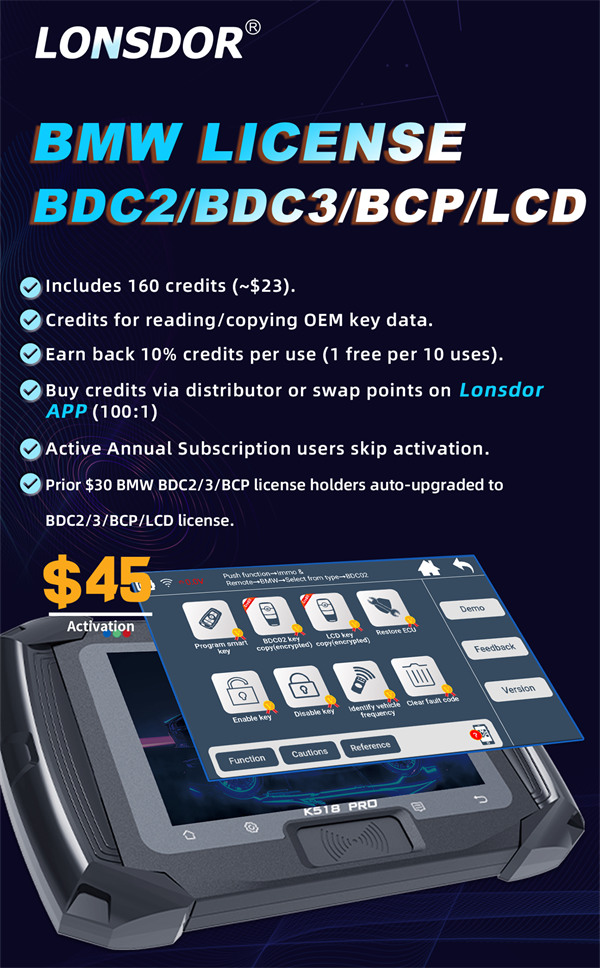
K518 Pro FCV Version: FCV users need to activate two separate licenses:
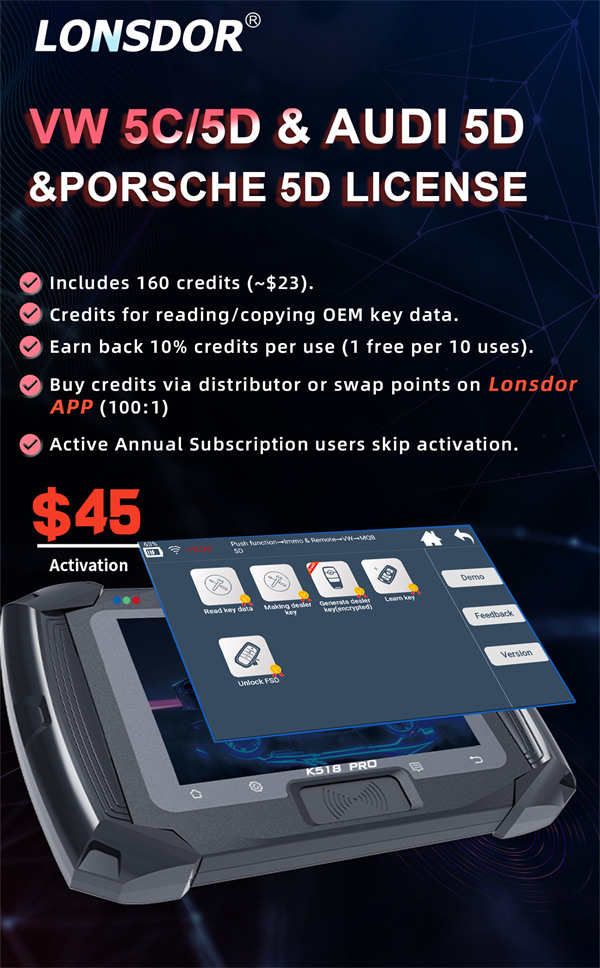
- LonsdorVAG MQB49 5C/5D License
2. How Licenses and Credits Work
Both the BMW and VAG licenses come bundled with 160 credits, worth about $23 USD. These credits are used each time you read or copy OEM key data.
Running low on credits? You can:
- Purchase them from an authorized Lonsdor distributor such as Cardiagtool
- Swap points on Lonsdor APP(100 points = 1 credit)
Bonus: After each successful job, you get 10% of your spent credits back. So roughly every tenth use is free.
Quick Tip: If you see a red credit icon next to a function in the software, that means credits are required to use it.
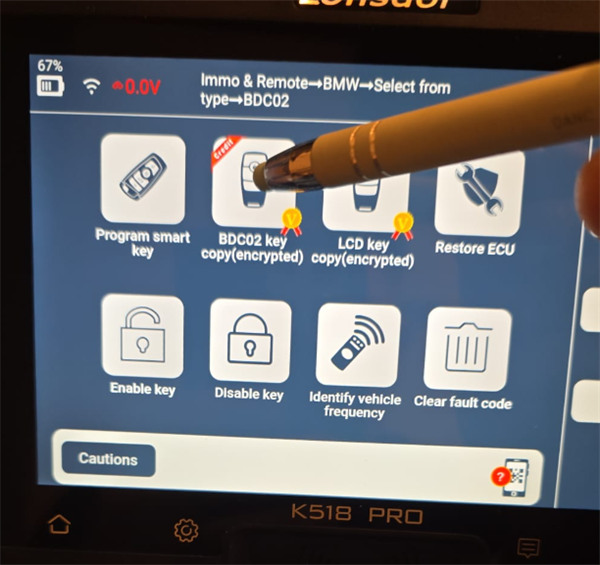
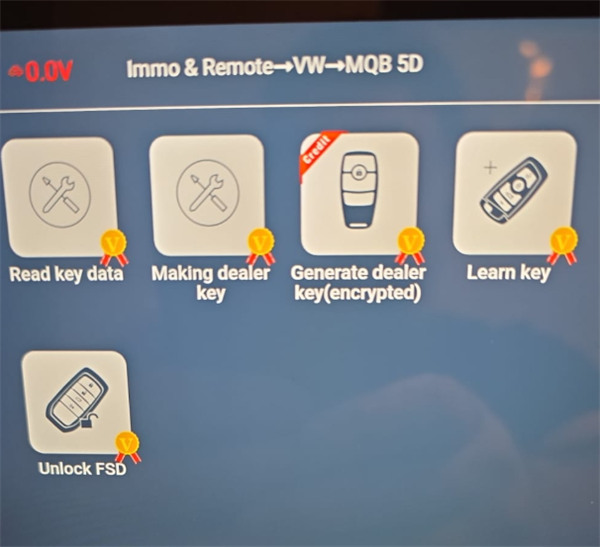
3. What About SFD Vehicles?
Lonsdor can unlock 2023 and newer VAG models SFD security gateway, but K518 Pro cannot generate the unlock code itself—you’ll need to obtain it from a third-party provider.
4. Keys and Adapters – Getting It Right
For best results: Always use original OEM keys when programming BDC2/BDC3 or MQB49 5C/5D systems.
Adapter requirements: You must use official Lonsdor hardware:
Important: Third-party clip adapters are not recognized by the K518 Pro and should be avoided.