


In this guide, we will show you how to use Lonsdor K518 Pro to program a smart key for a 2018 Land Rover via OBD, without disassembling the vehicle.
What You Need
K518 Pro device
OBD communication cable
Original car key
New smart key
Steps:
Step 1: Connect the Device
Connect K518 Pro to the vehicle using the OBD communication cable.
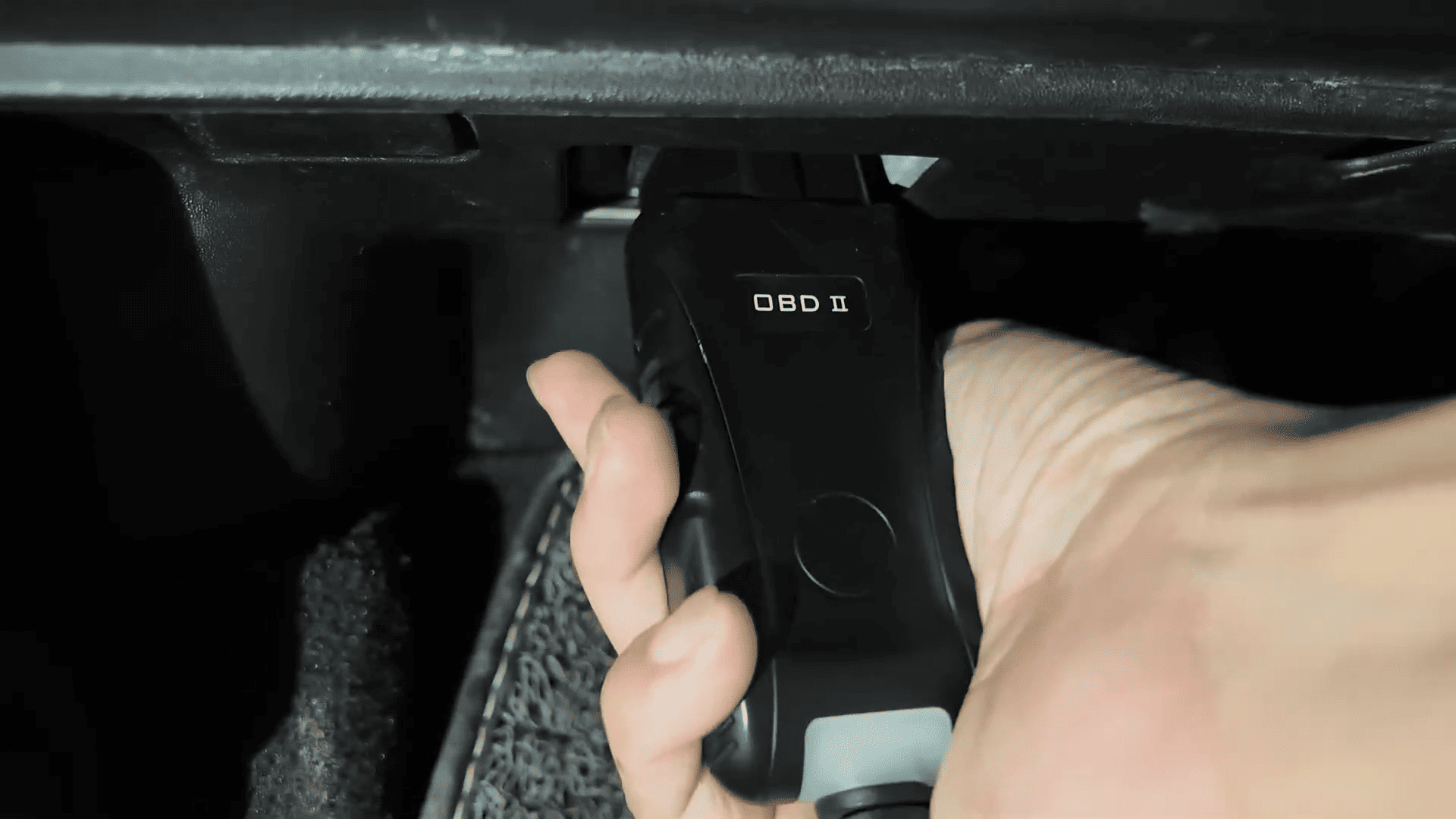
Step 2: Generate Smart Key
Enter the smart key generation menu on K518 Pro:
Select Land Rover
Choose small card frequency 433 MHz
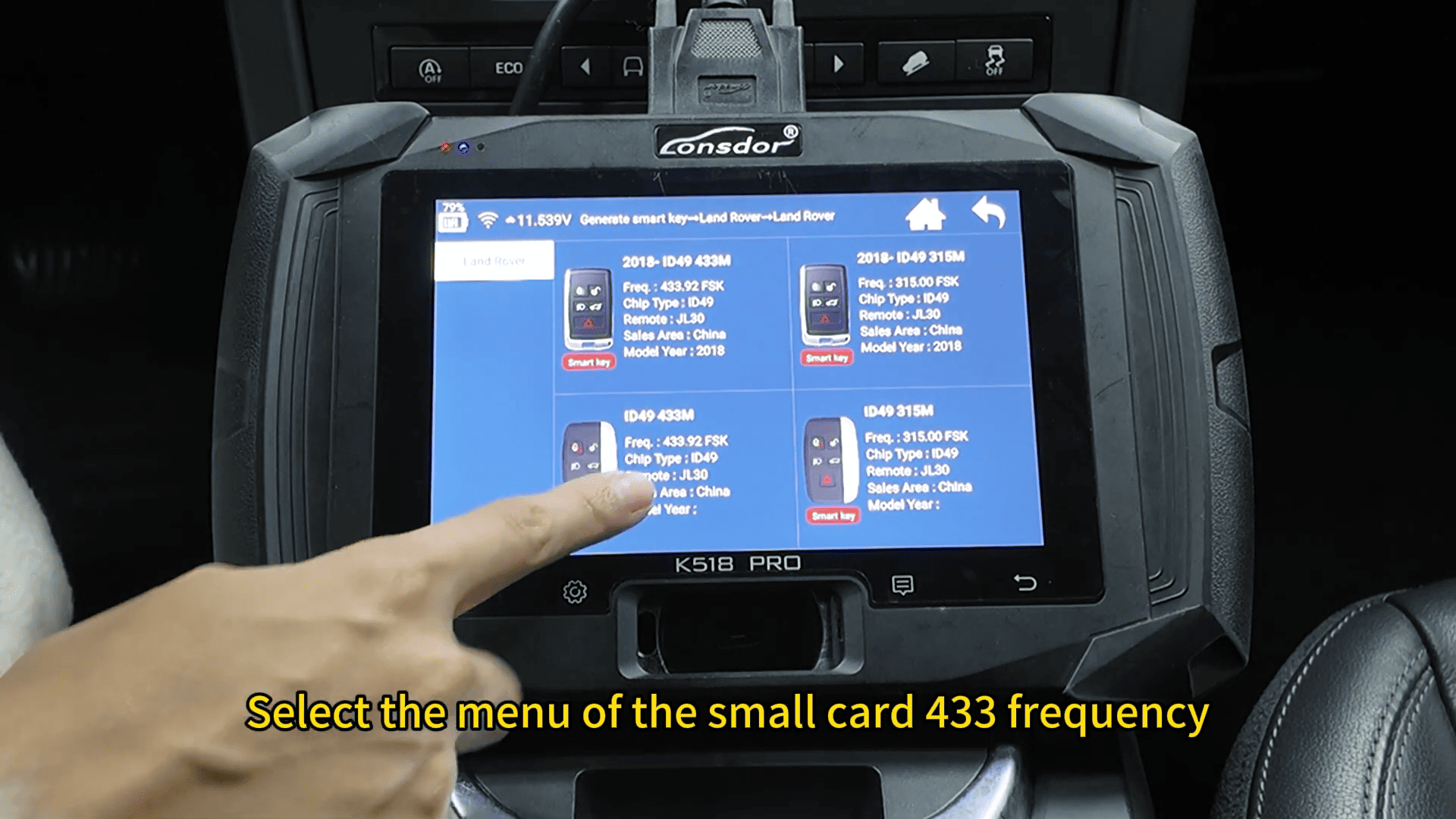
Insert the key into the card slot
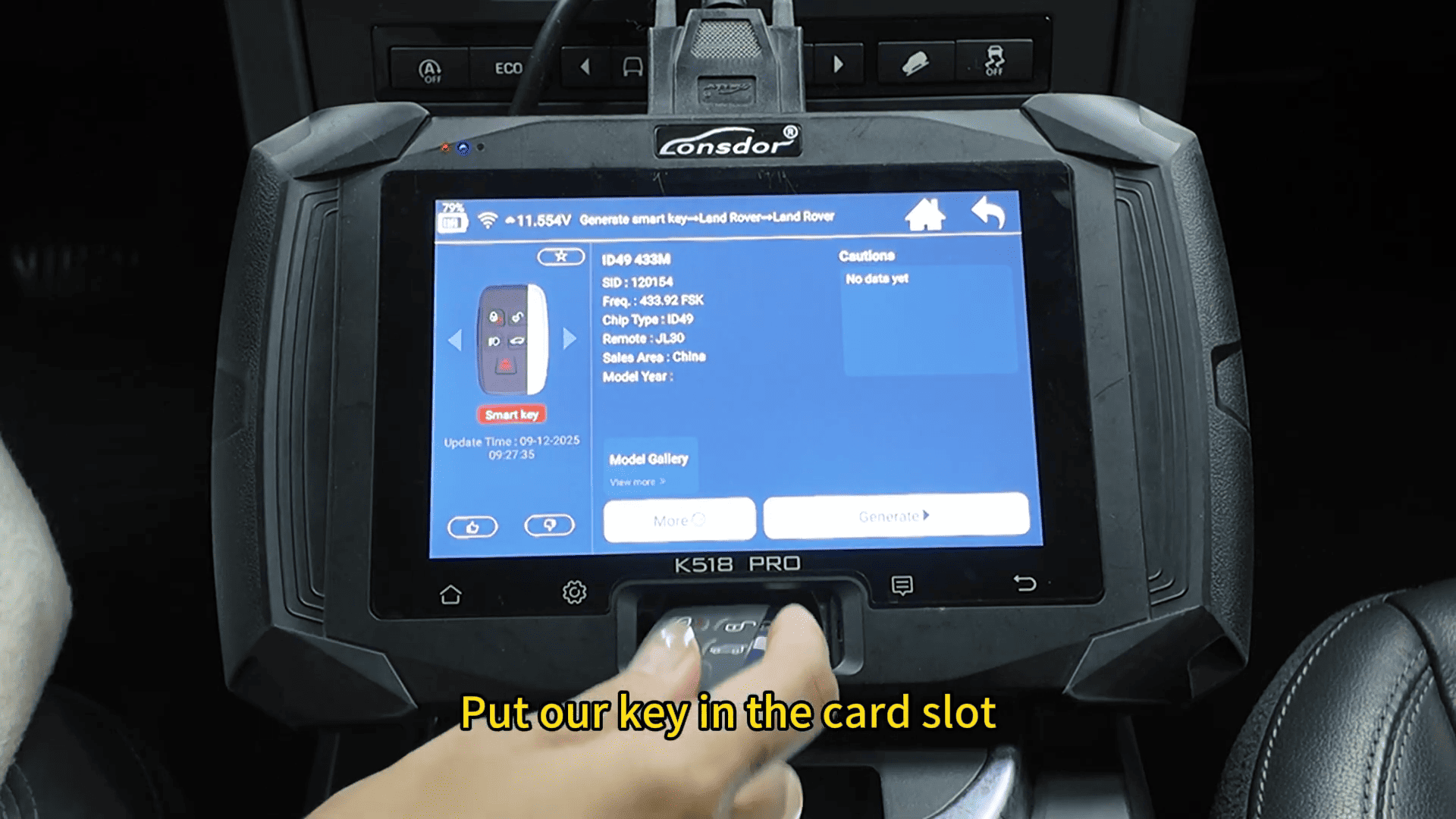
Click “Generate”
The system will show that the key has been generated successfully.
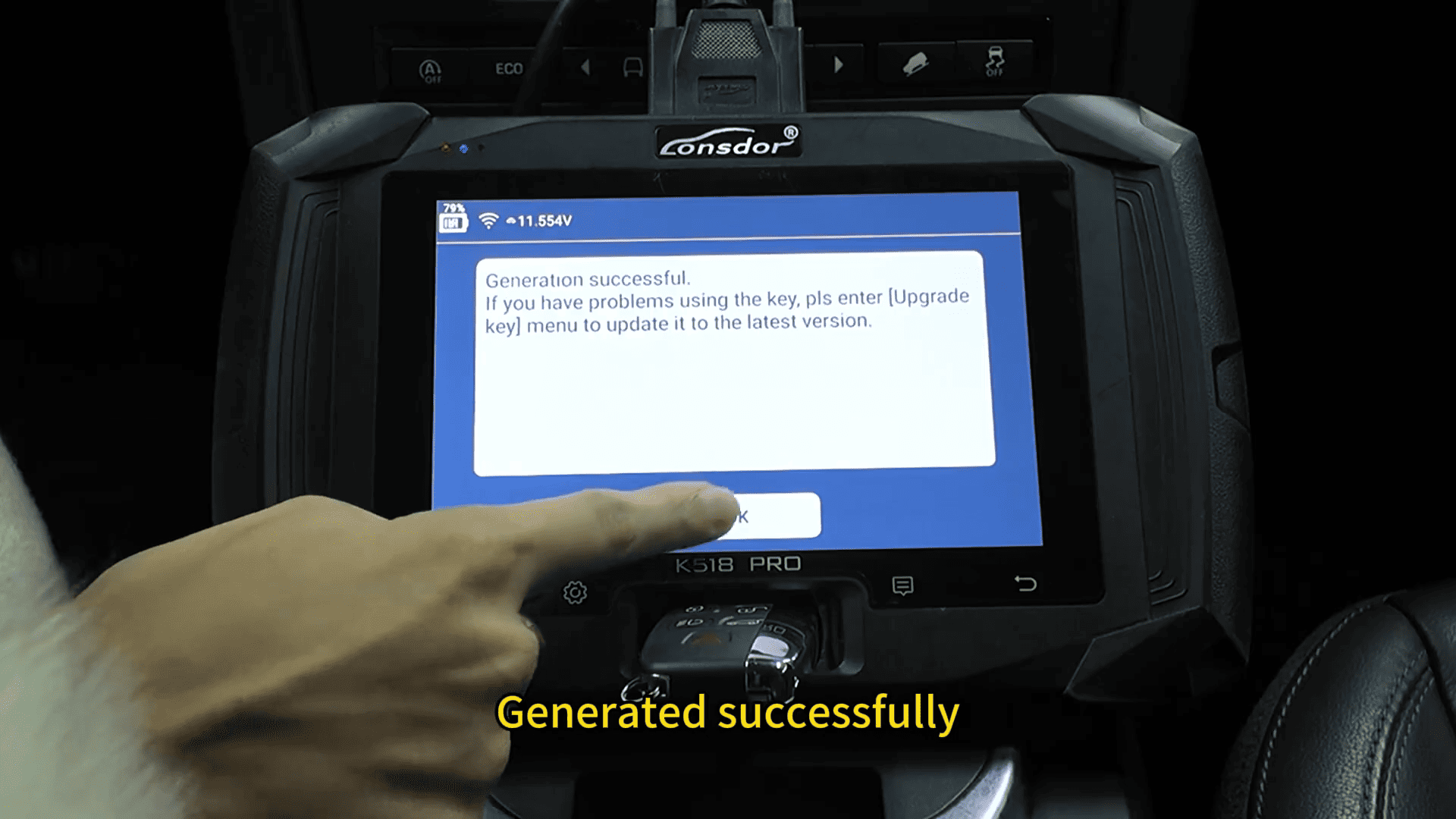
Step 3: Enter Key Programming Mode
Return to the main menu and follow:
Select IMMO & Remote
Choose Land Rover
Select model year: 2015–2018
Tap “Program Smart Key”
Choose “OBD without disassembly”
Step 4: Verify Original Key
The system will ask if there is a working key available.
Select “Yes”
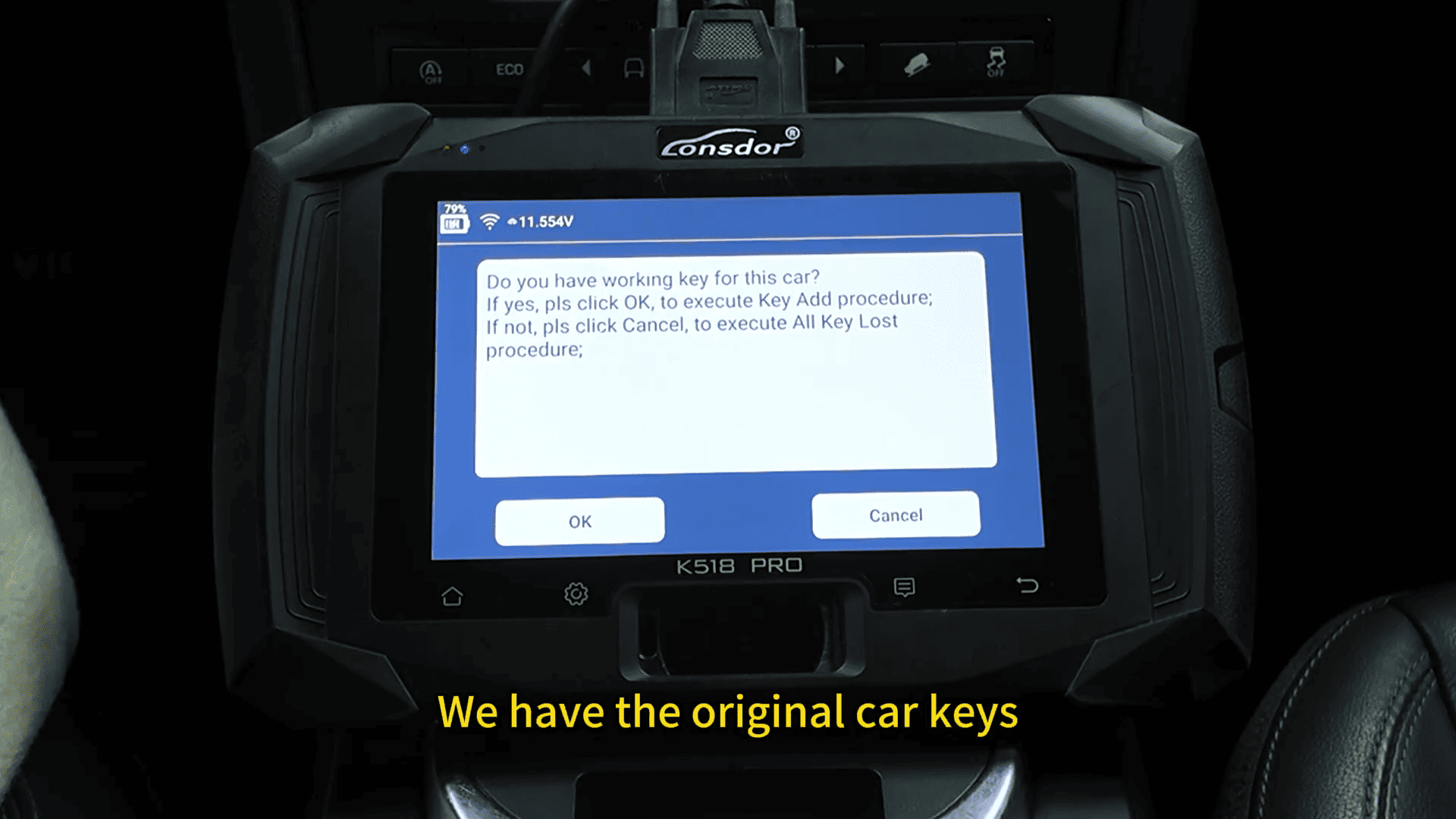
Place the original key close to the card slot
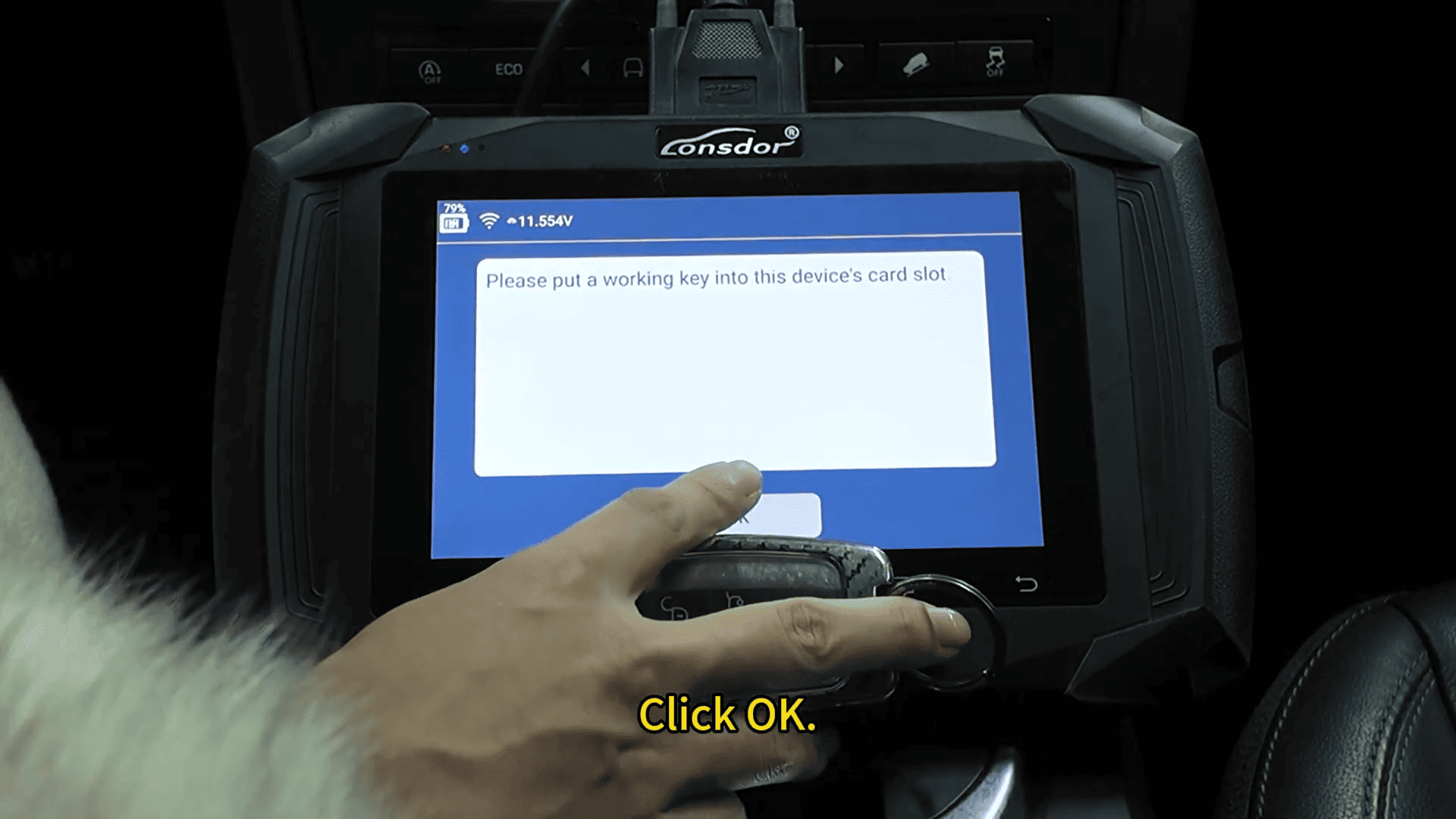
Confirm to proceed
Step 5: Program the New Key
Check current key ID position
Select a new position (e.g., Position 1)
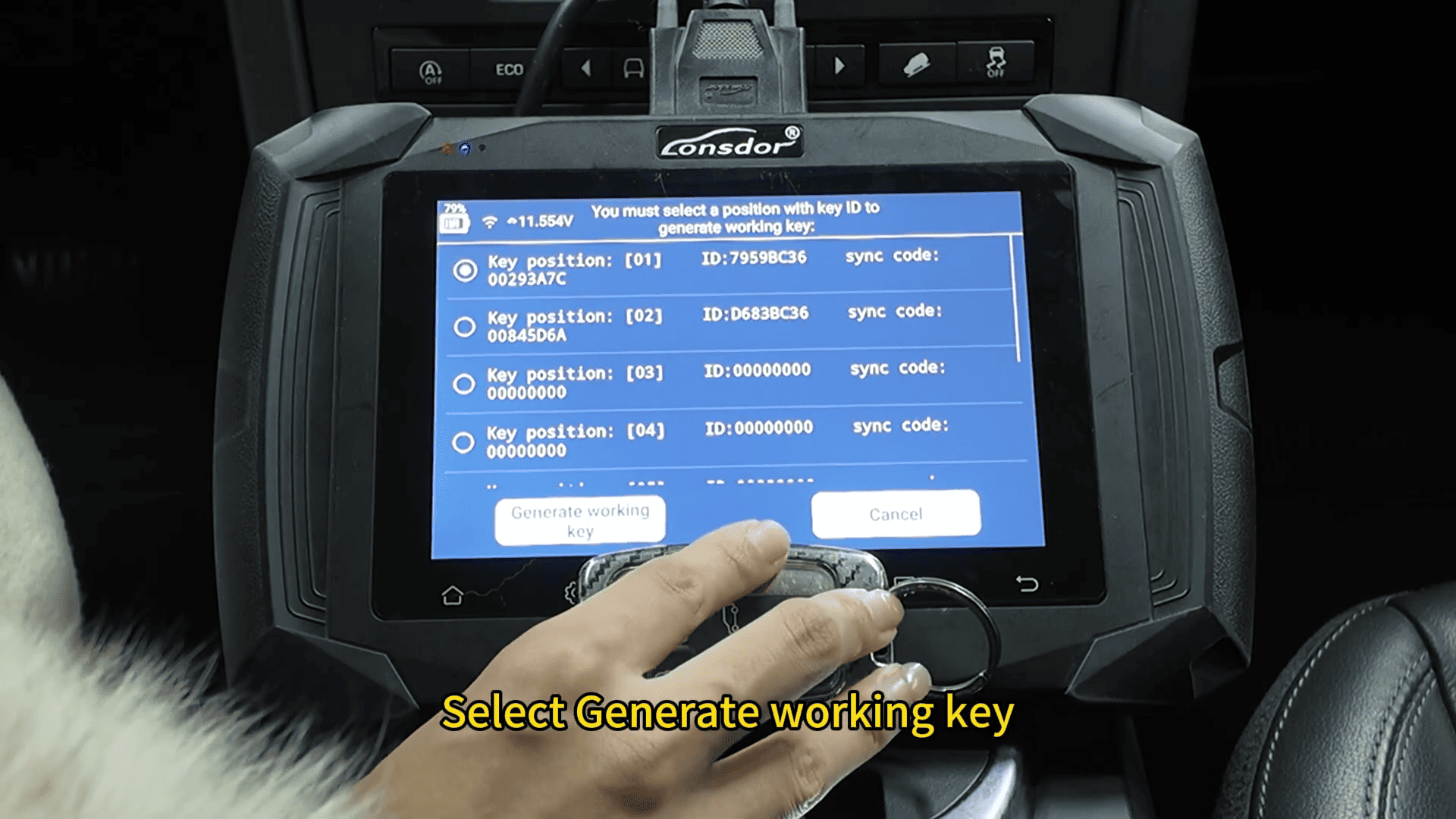
Choose “Generate Working Key”
Insert the new key into the slot
Click “OK”
The K518 Pro will read and write the key data automatically.
Step 6: Complete Programming
Once programming is successful:
If the vehicle alarm is active, press the unlock button
Choose whether to add more keys or exit
Test the New Smart Key
After programming with K518 Pro key programmer, test both keys:
Engine Start Test
Press the brake pedal
Press the start button
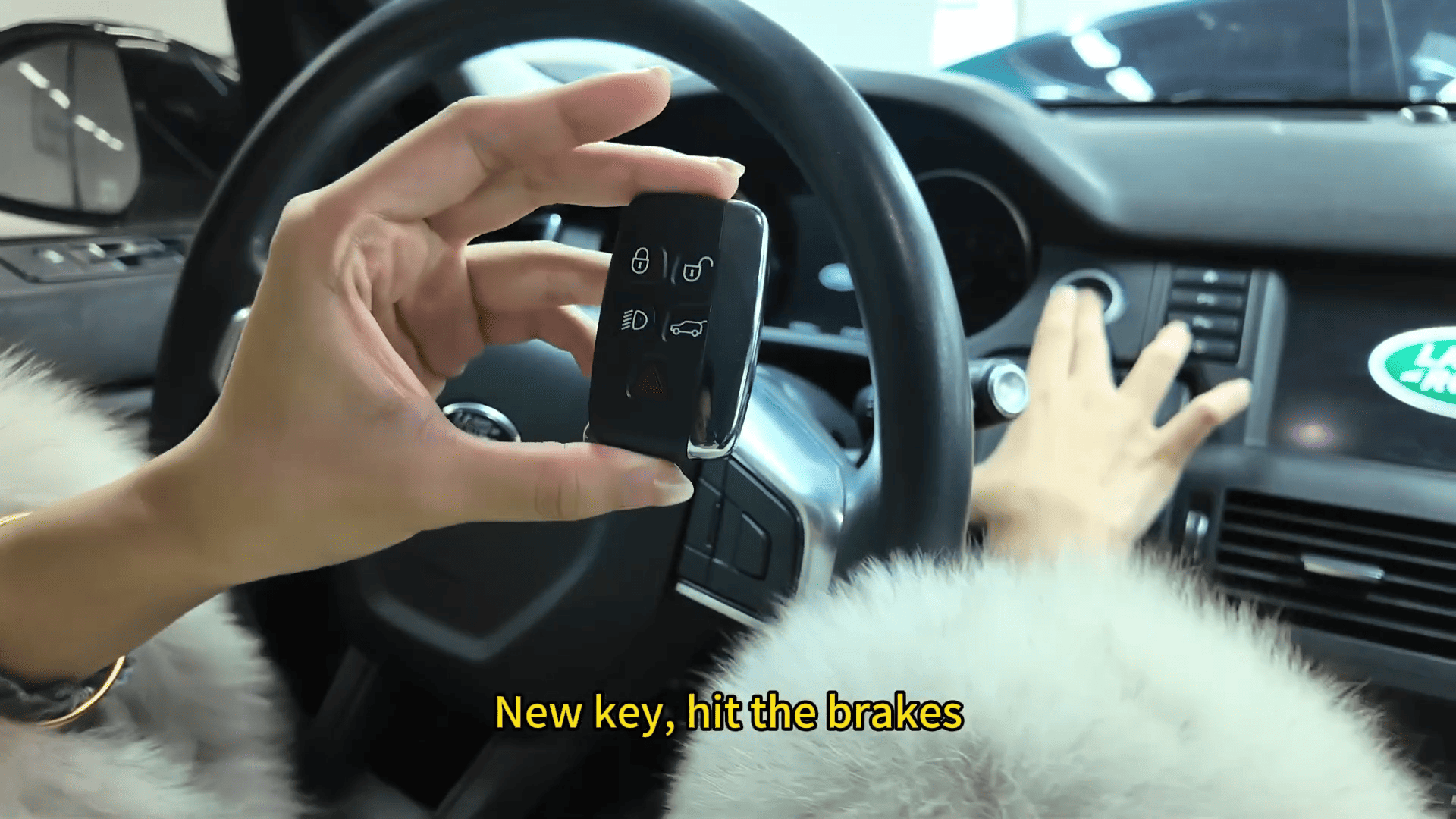
Confirm both new and original keys can start the vehicle
Remote Function Test
Lock and unlock the vehicle
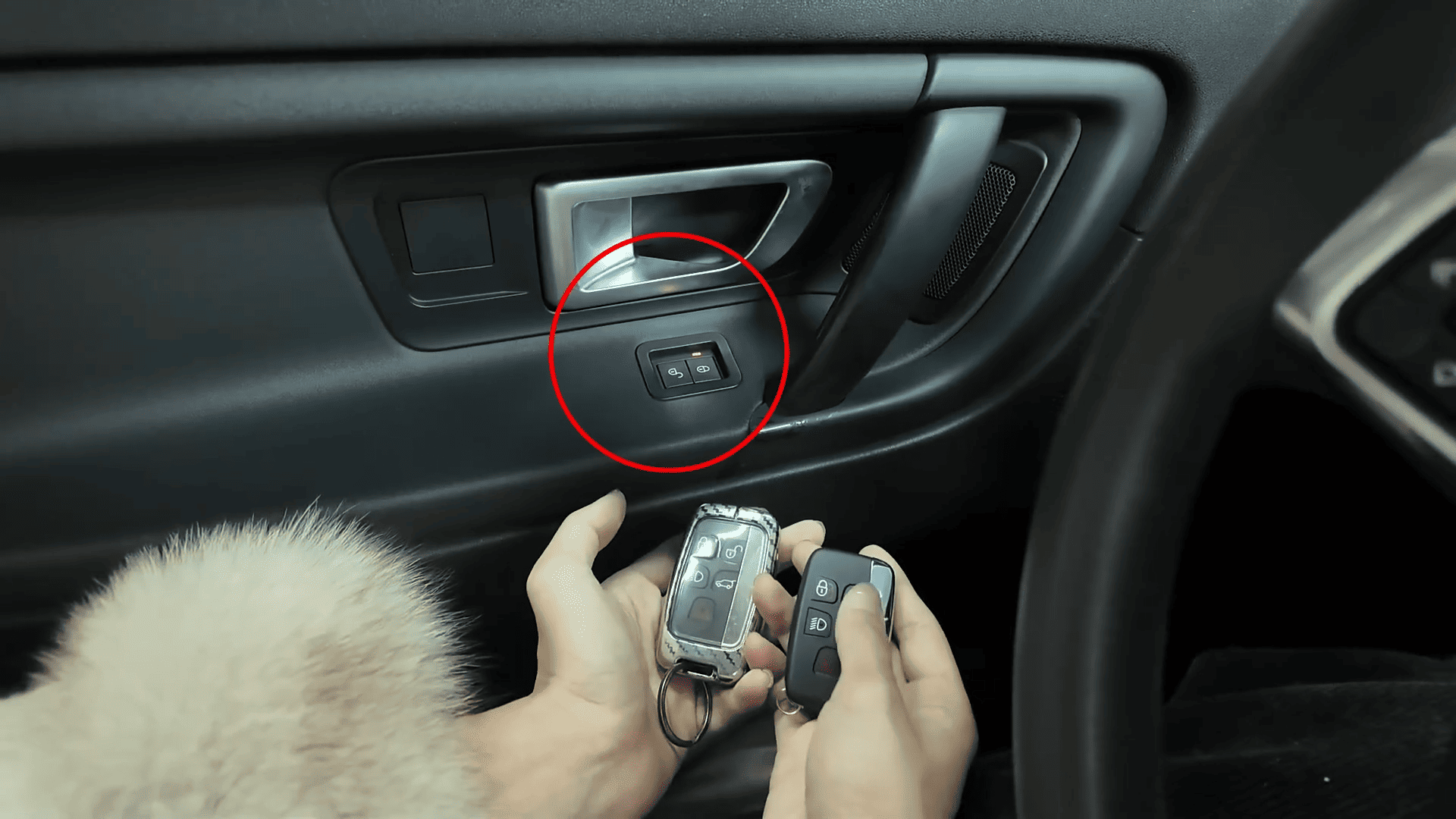
Ensure both keys work properly
Using Lonsdor K518 Pro full version, programming a 2018 Land Rover smart key becomes simple and efficient. With OBD-based operation and guided steps, K518 Pro is an excellent solution for automotive locksmiths and technicians.