Autel IM608 is a powerful tool for handling advanced immobilizer jobs. In this guide, we show how to use Autel IM608 to complete a VW CDC32 all keys lost procedure quickly and efficiently.
With Autel IM608, technicians can:
Read and backup vehicle data
Generate dealer keys
Perform key learning procedures
Handle all keys lost scenarios with high success rate
This makes Autel IM608 an essential tool for modern locksmith work.
Steps
Step 1: Connect and Enter IMMO
Connect the CDC32 cluster to IM608 Pro
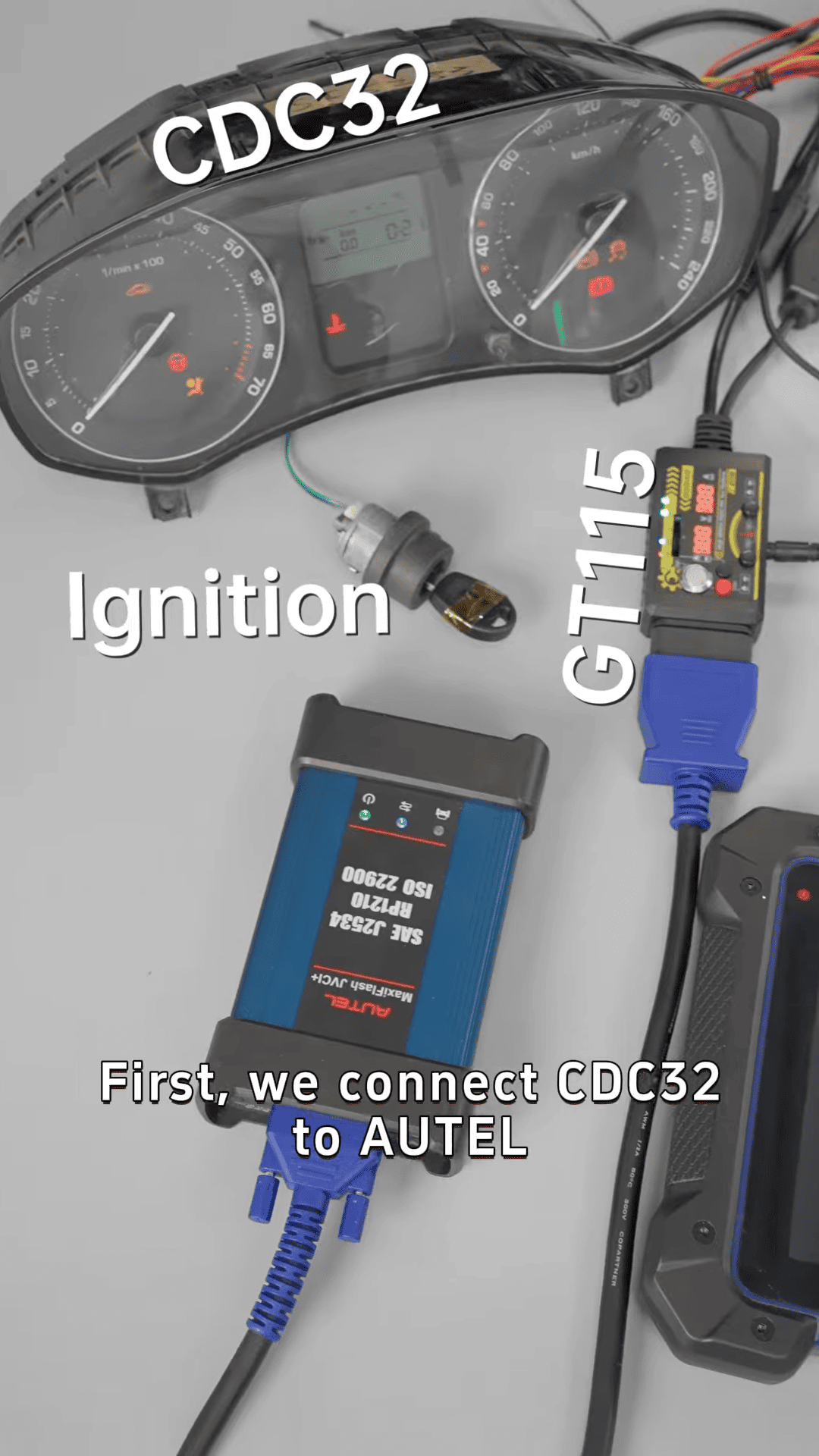
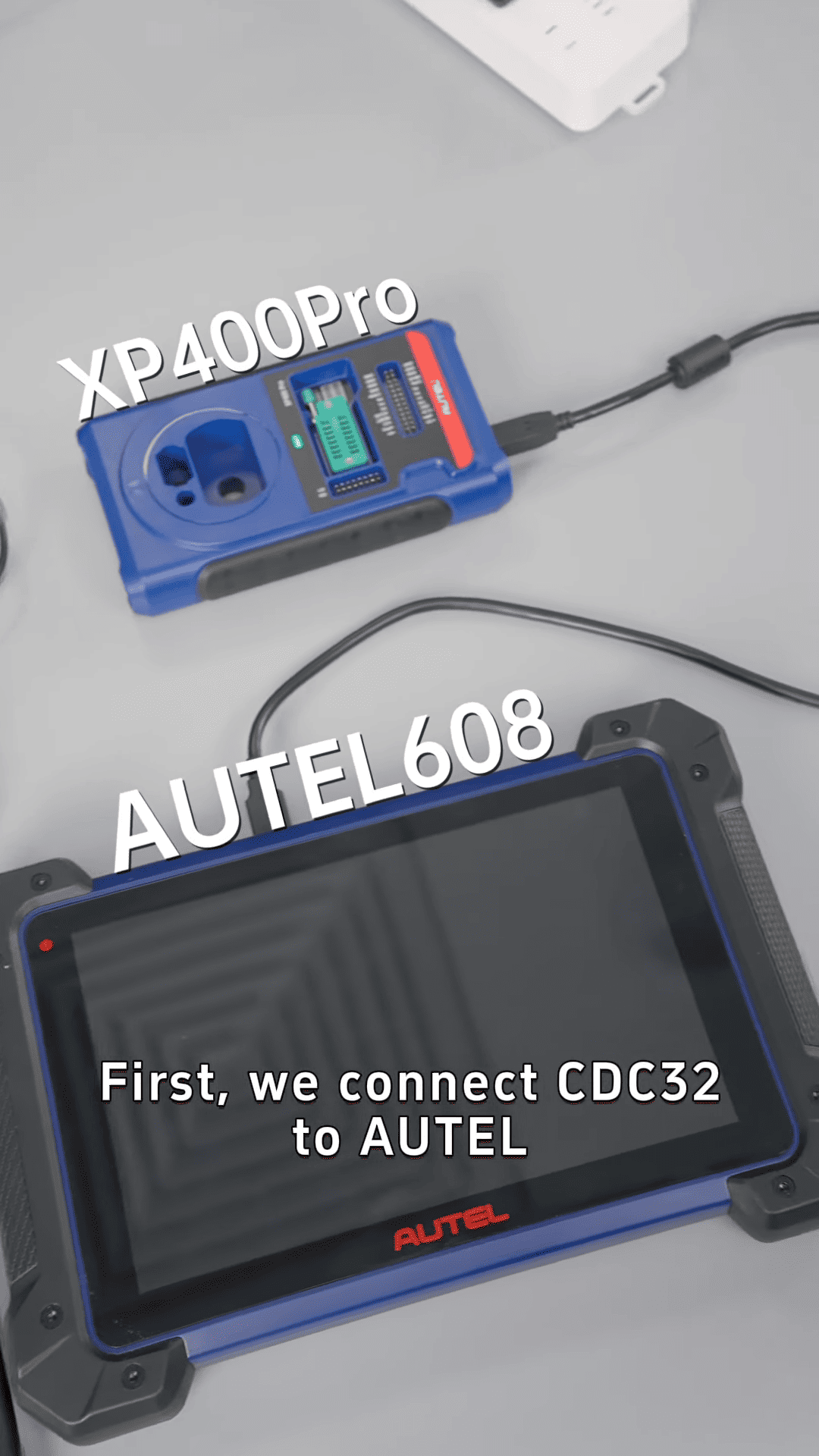
Tip: Make sure to make a mechanic key to light up the dashboard
Enter IMMO menu
Select Europe → Skoda → Smart Selection
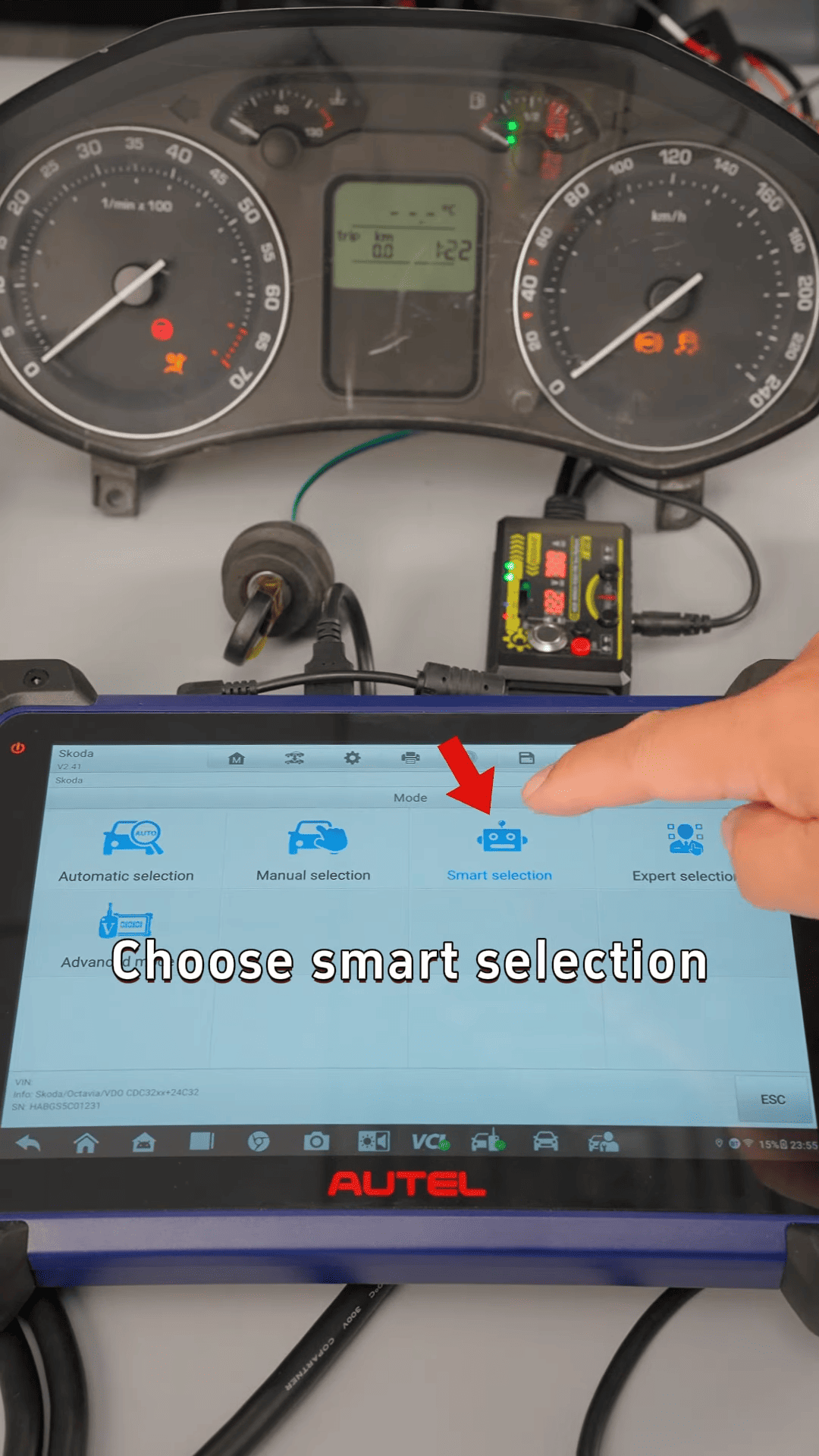
Step 2: Backup Vehicle Data
Select Backup Vehicle Data
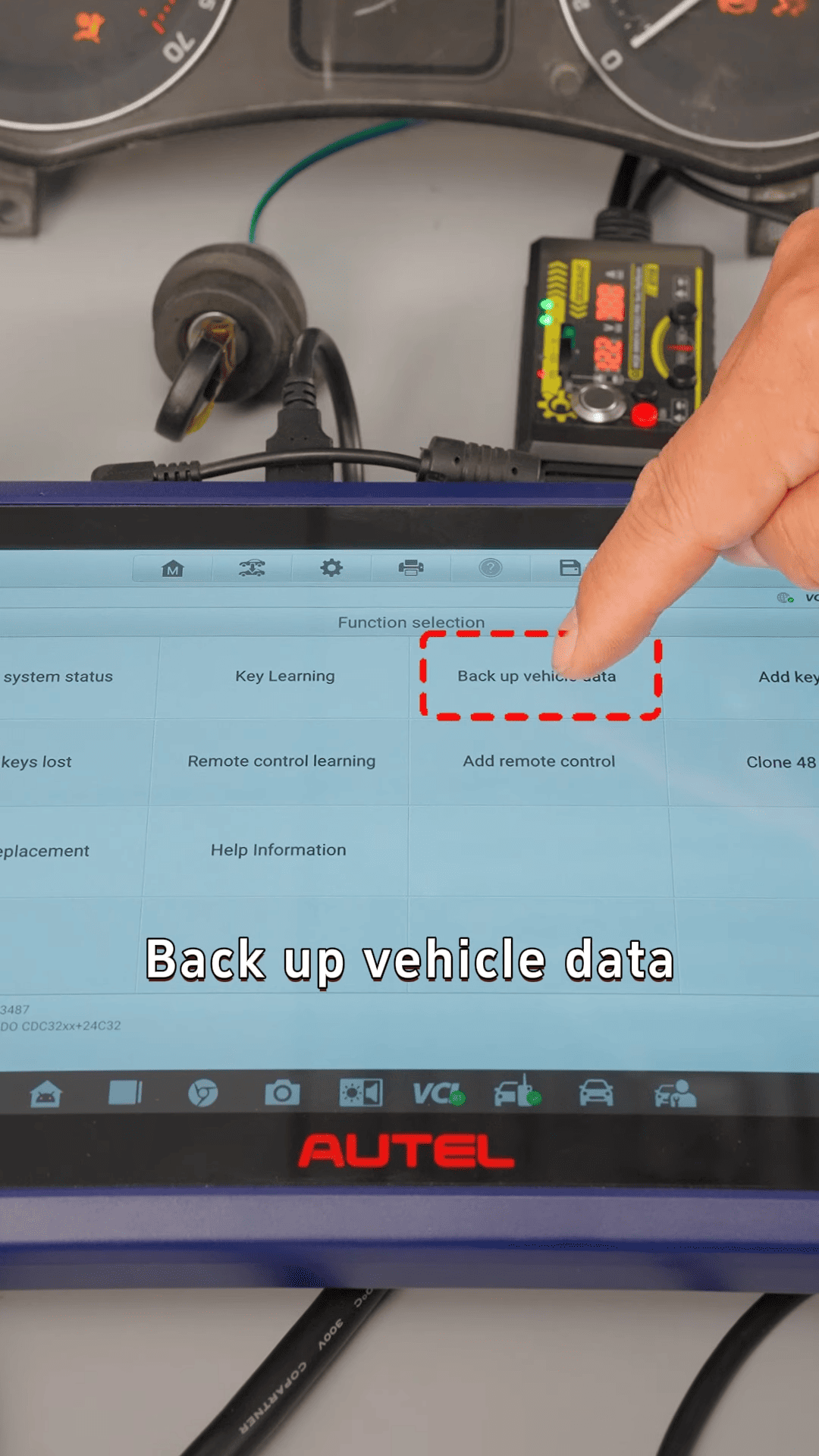
Read and save data
Follow on-screen instructions carefully
Step 3: Generate Key Data
Select Add Key
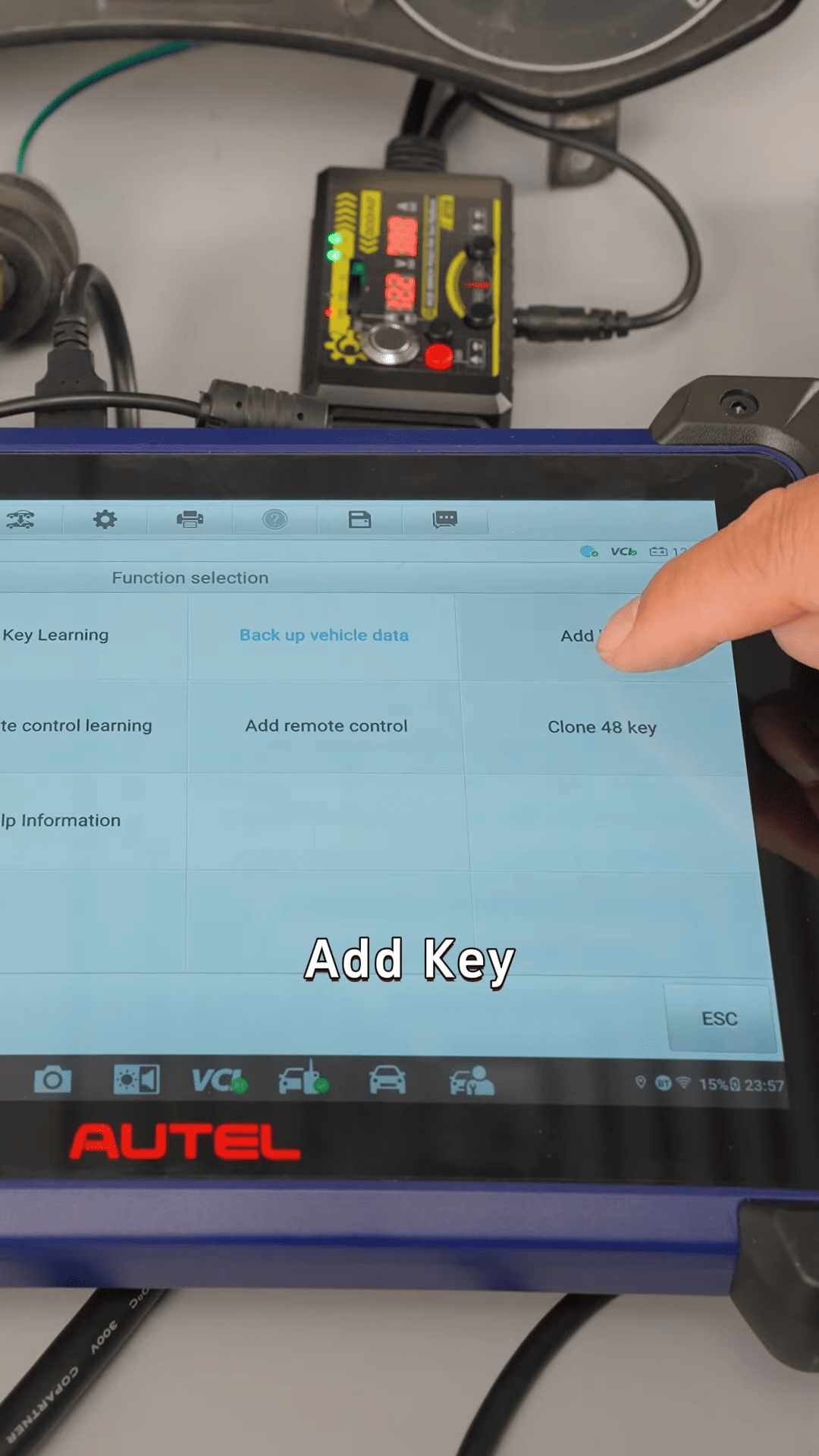
Read immobilizer data
Generate key file
Step 4: Add New Key
Remove mechanical key
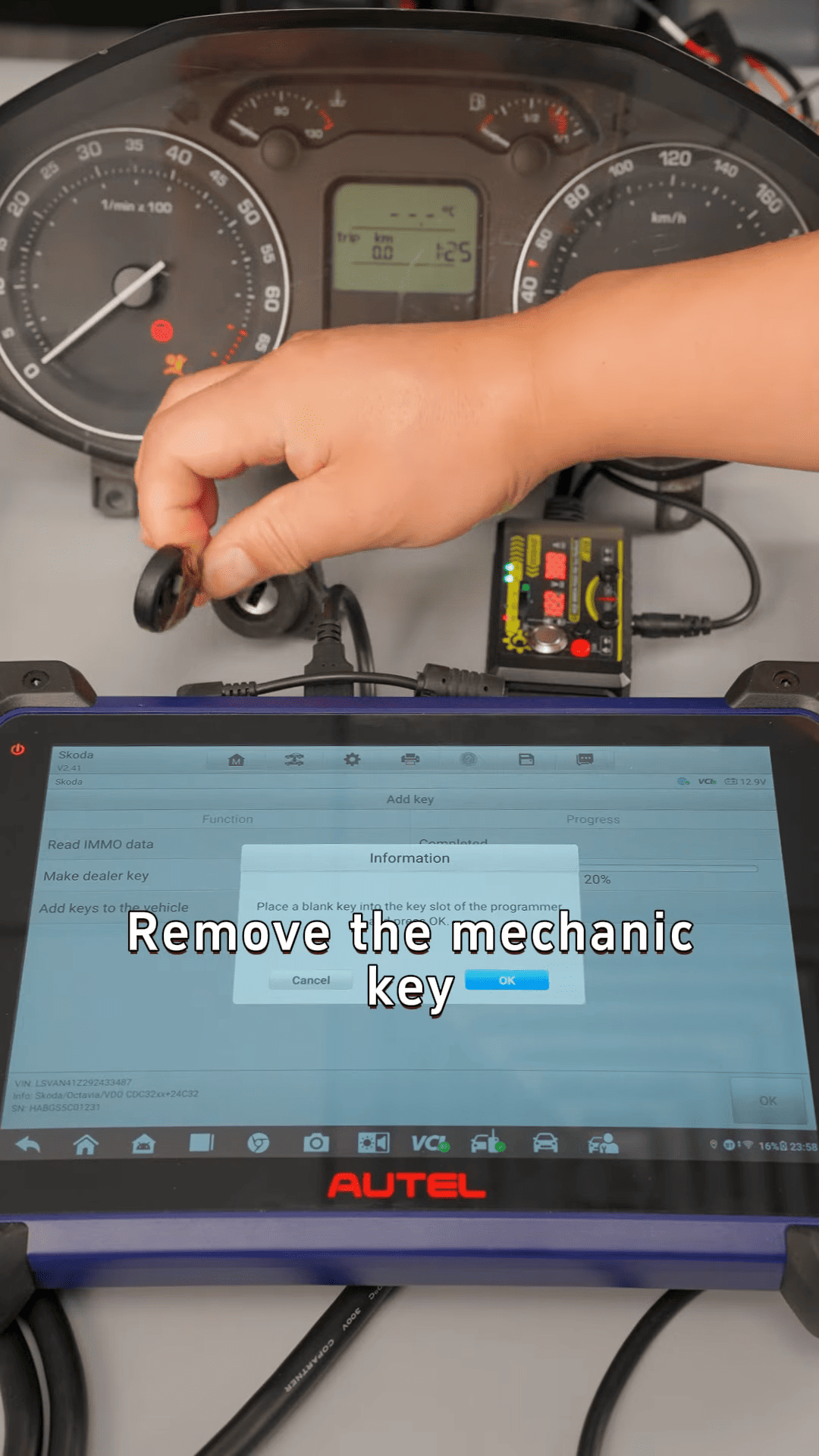
Place new key in sensing area
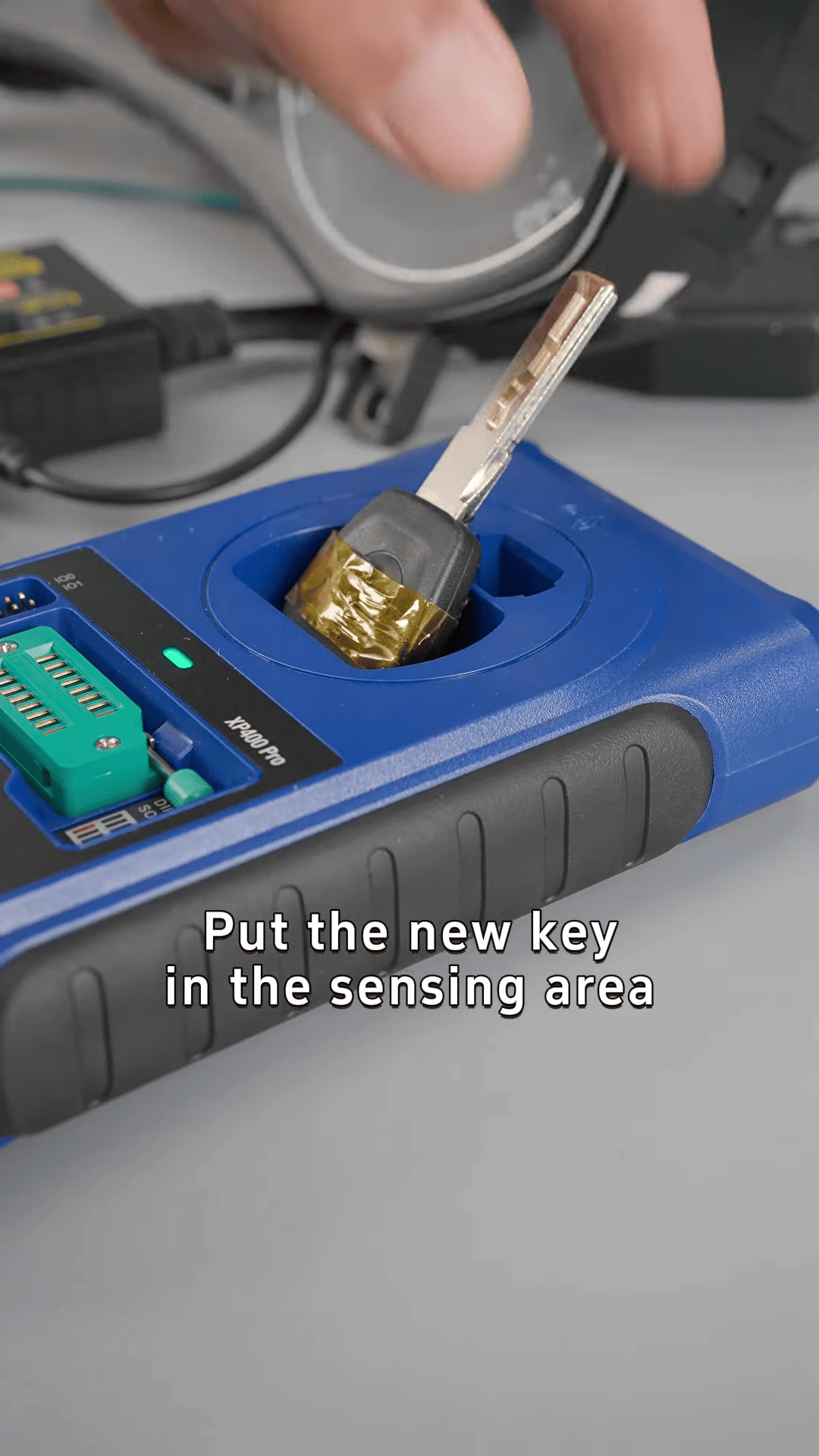
Follow prompts to complete key learning
Step 5: Test Key Function
Insert new key into ignition
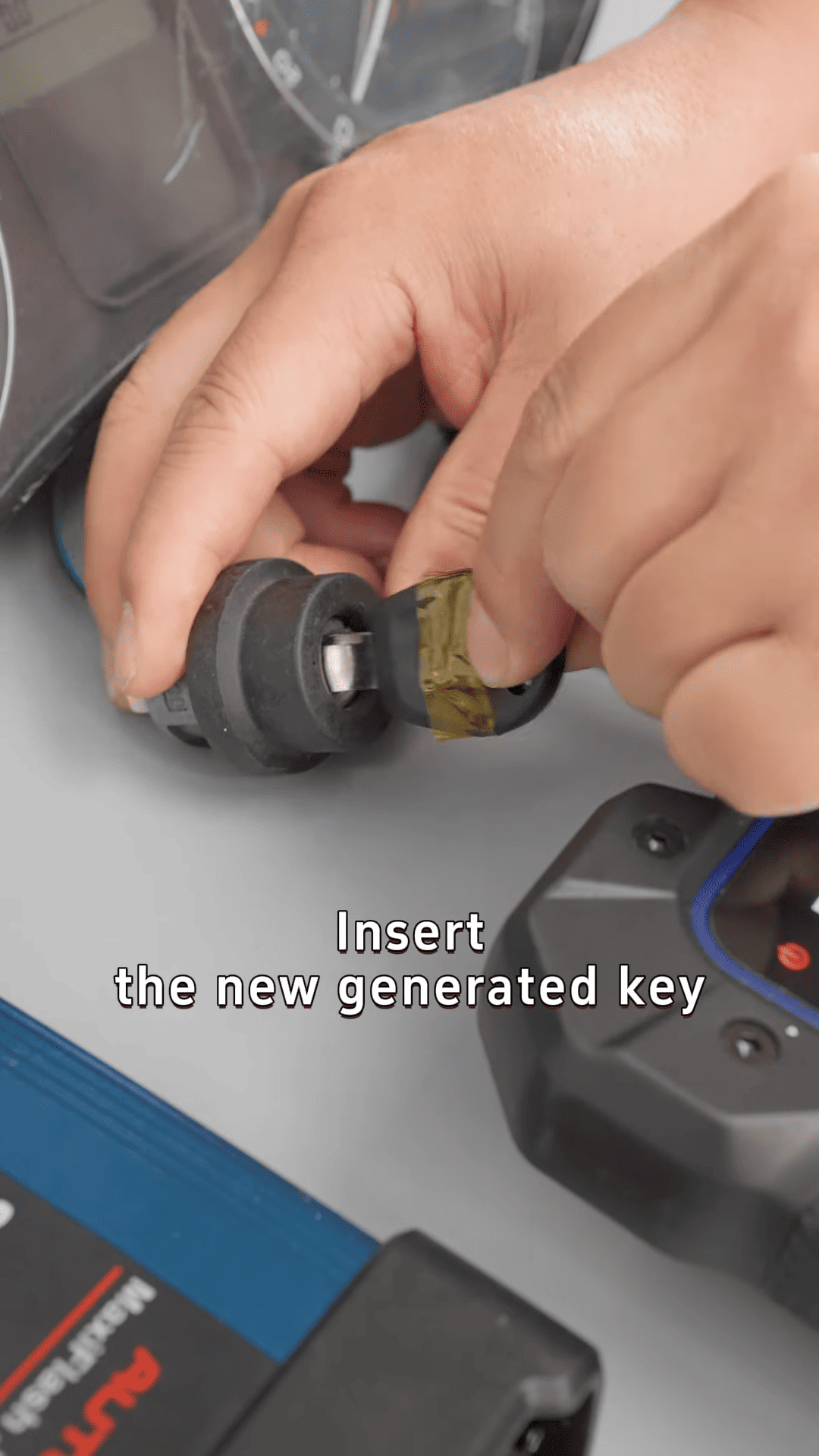
Check anti-theft indicator
图9
Confirm vehicle starts normally
Autel IM608 Pro II provides a reliable and efficient solution for VW CDC32 all keys lost programming. With step-by-step guidance and powerful IMMO functions, Autel IM608 helps locksmiths complete jobs quickly and professionally.