

Did your KEYDIY KD-X4 key programmer take a hard fall? A cracked display doesn’t mean you need to buy a brand-new programmer. Replacing the LCD is a straightforward fix that saves you money.
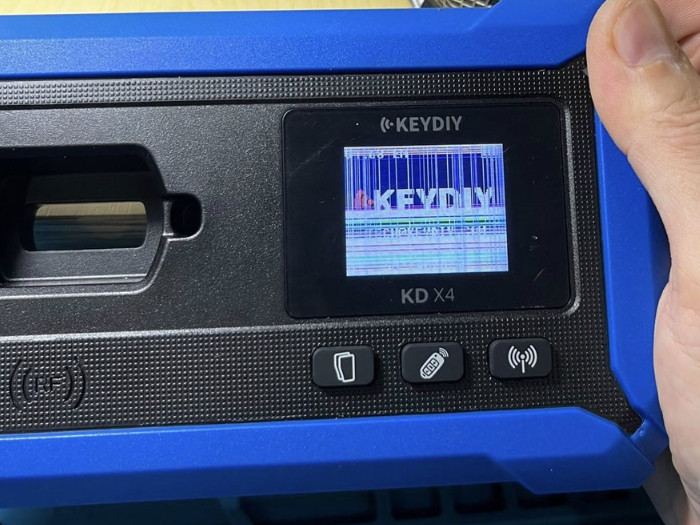
Here is your step-by-step repair guide:
1. Open the Device
Remove Screws: Start by taking out the four screws on the back of the unit.
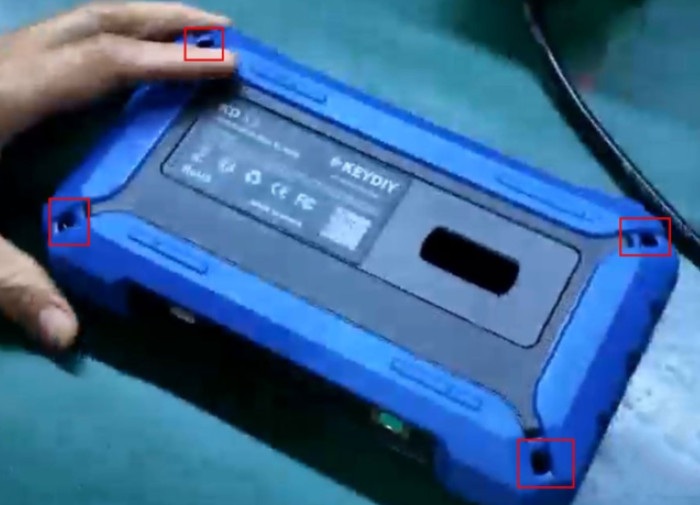
Pry it Open: Gently separate the housing along the seam and remove the back cover.
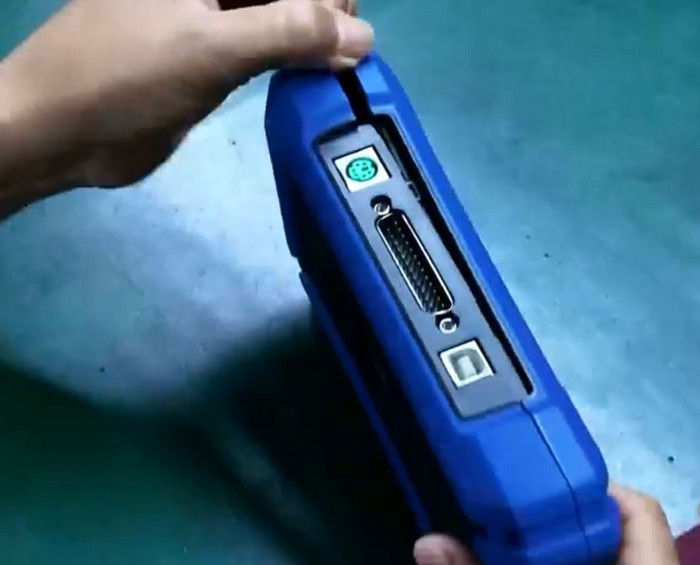
Access the Internals: Unscrew the PCB and carefully lift the inductor and induction coil to clear your workspace.
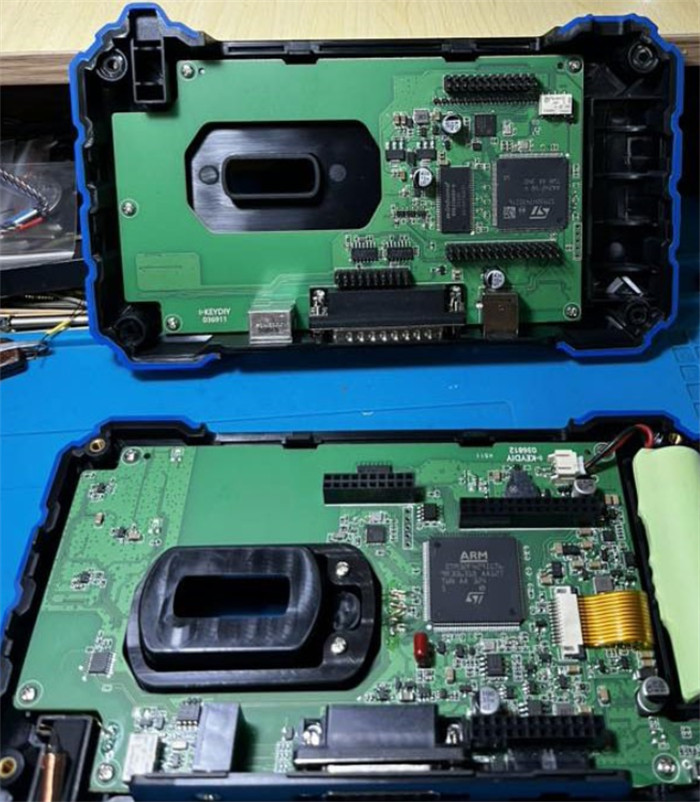
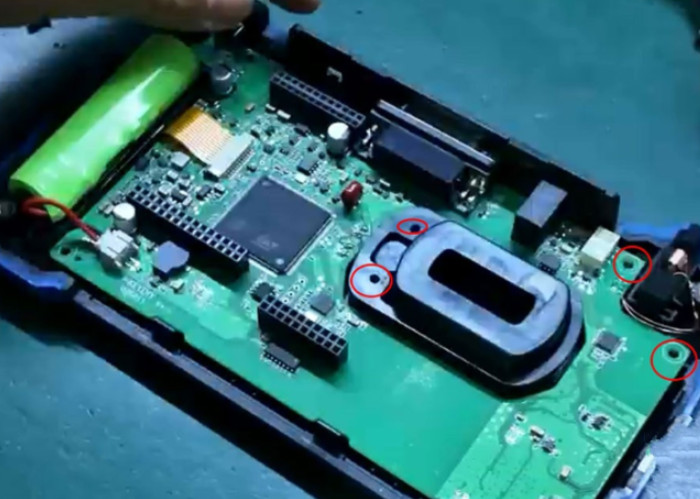
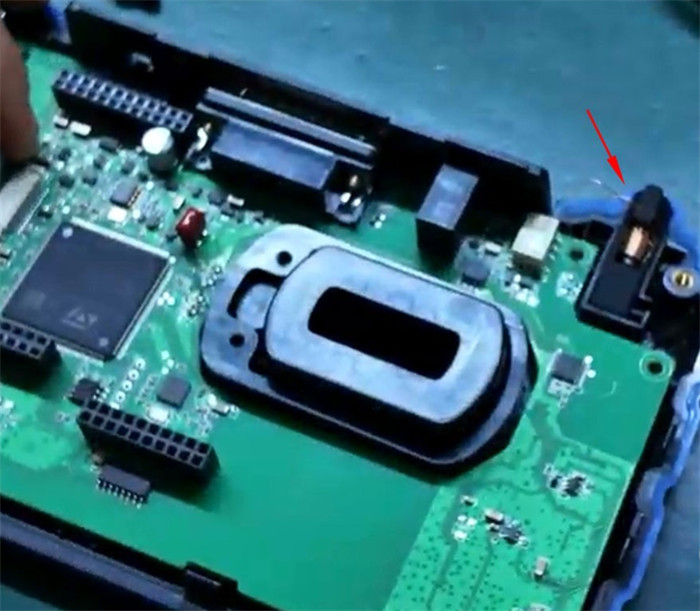
2. Out with the Old, In with the New
Disconnect: Find the gold ribbon cable. Unlock the connector latch and slide the cable out.
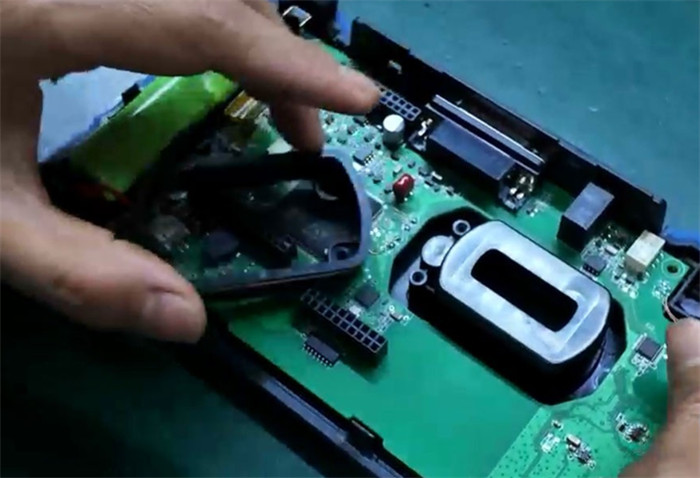
The Swap: Lift the board to reach the screen. Remove the protective film, replace the damaged LCD with a fresh one, and reapply the film.
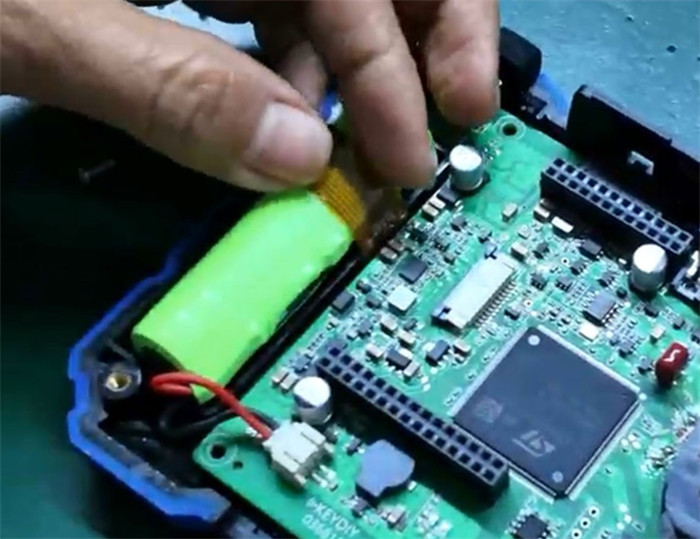
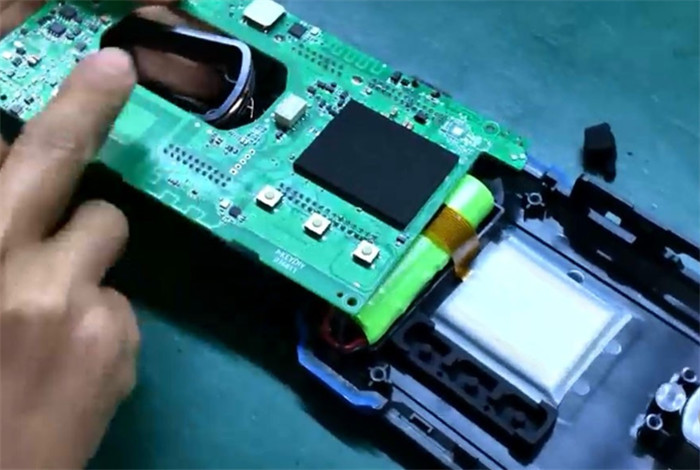
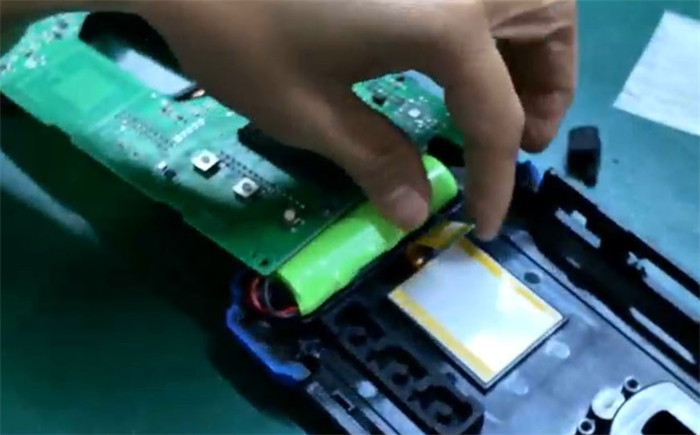
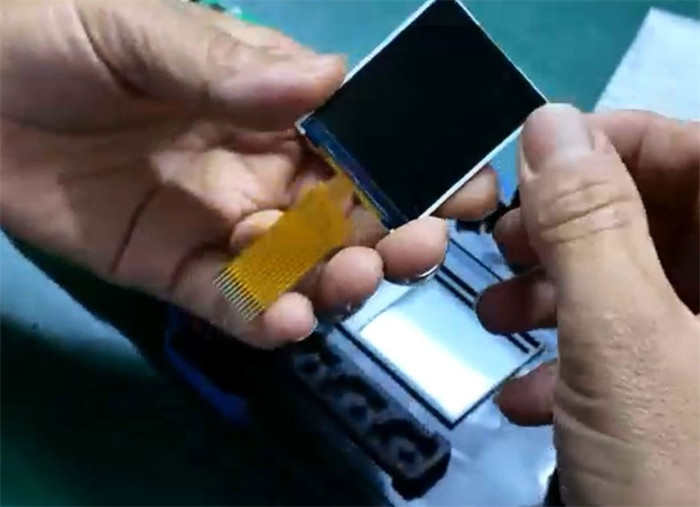
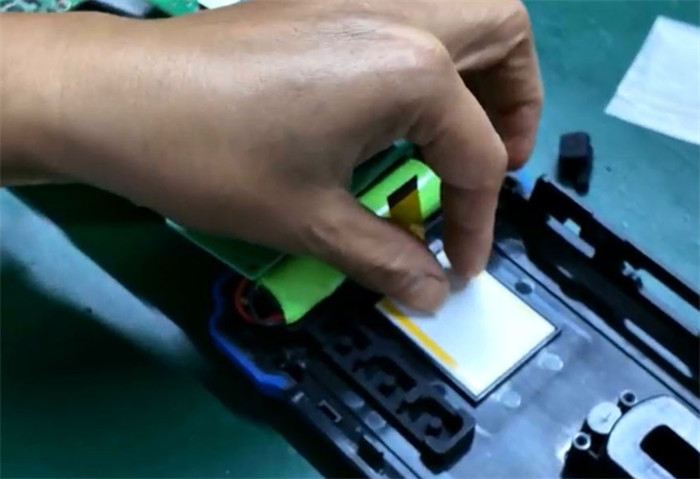
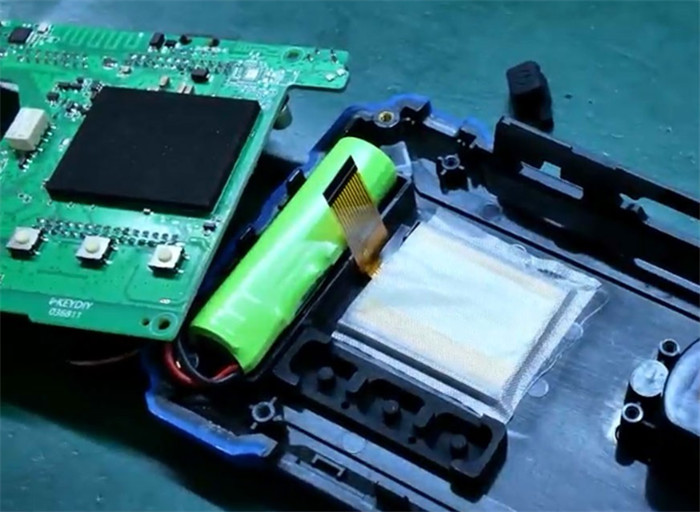
The Connection: Open the locking latch, insert the new screen’s ribbon cable, and secure the latch. Ensure the solder pads are fully covered for a solid connection.
3. Rebuild and Verify
Reset Components: Put the power button and coils back in their slots.
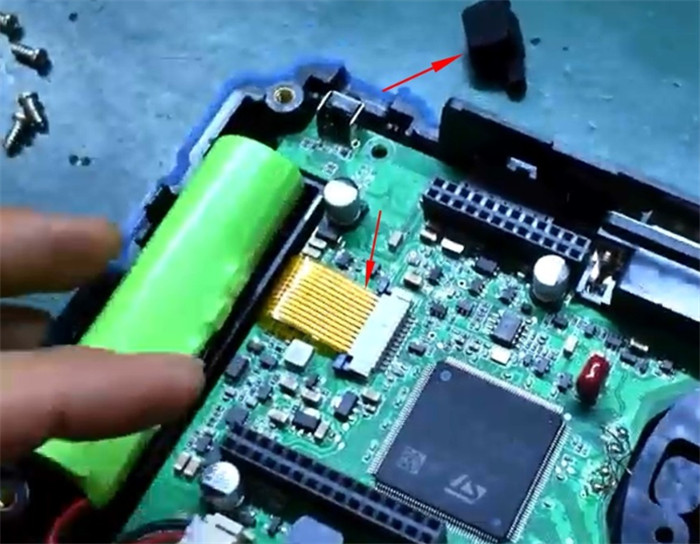
The “Moment of Truth”: Turn the device on to check the display before closing it up.
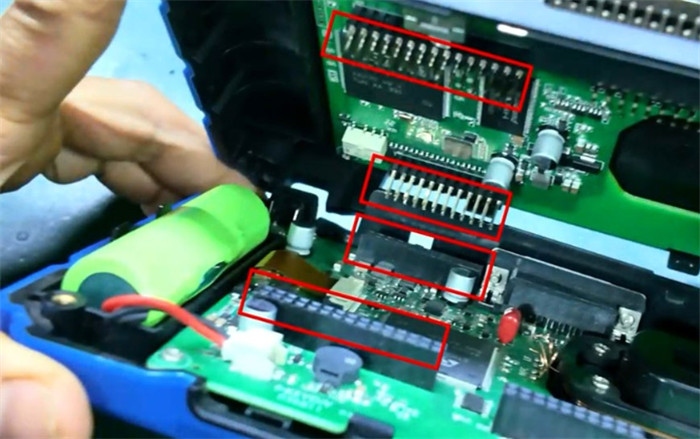
Final Assembly: Snap the casing back together, replace the exterior screws, and you’re back in business!
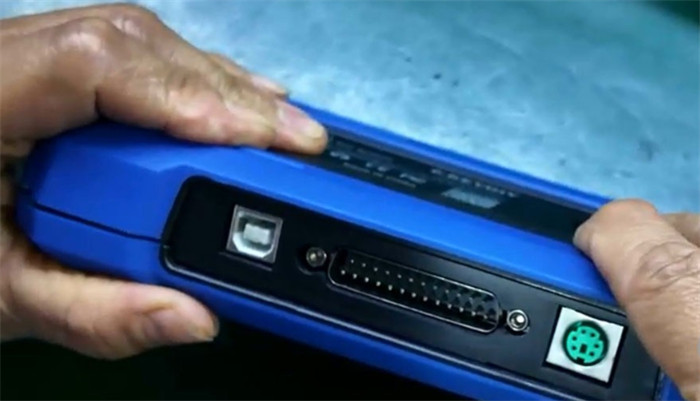
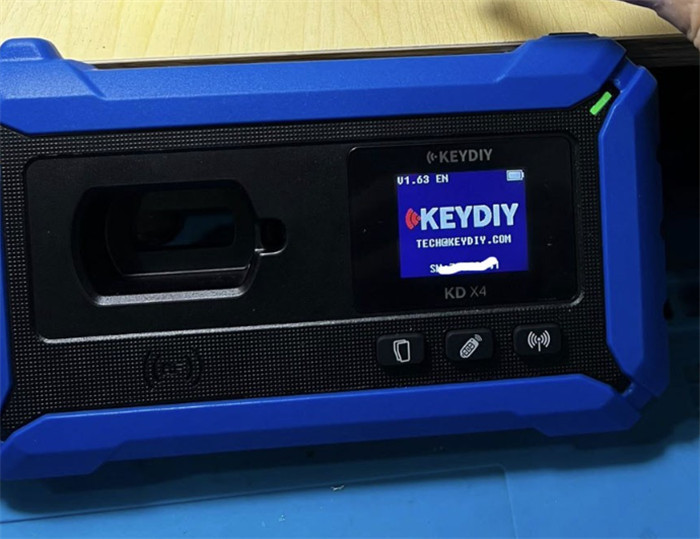
Replacing a damaged KEYDIY KD-X4 screen involves a delicate, technical procedure requiring disassembly of the device, removal of the circuit board screws, and desoldering/resoldering the screen’s ribbon cable. Please use the above method to replace screen carefully.