


Adding a spare smart key to a 2018 Toyota Corolla is straightforward with Autel IM608 II and an Autel Universal Key. The process includes identifying the original key, generating a compatible universal key, and completing the immobilizer learning procedure.
Follow the steps below.
Required Equipment
Autel IM608 PRO II
Autel J2534 VCI+
Autel Universal Key
Step 1: Identify the Original Key
Before generating a new key, read the information from the original key.
Tap to [Programmer] → [Transponder] → [Transponder Reading] → [Automatic Detection]
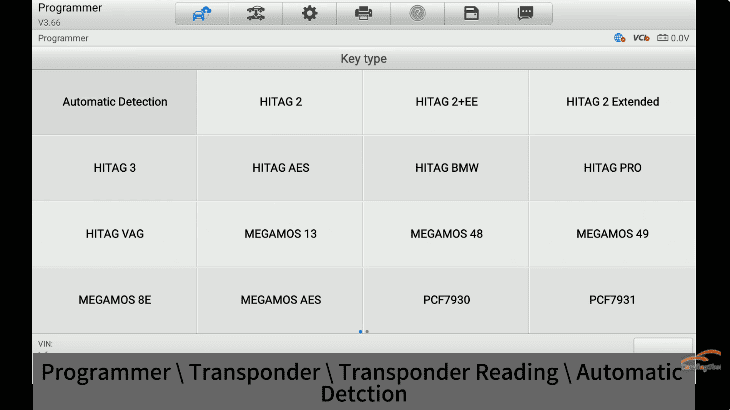
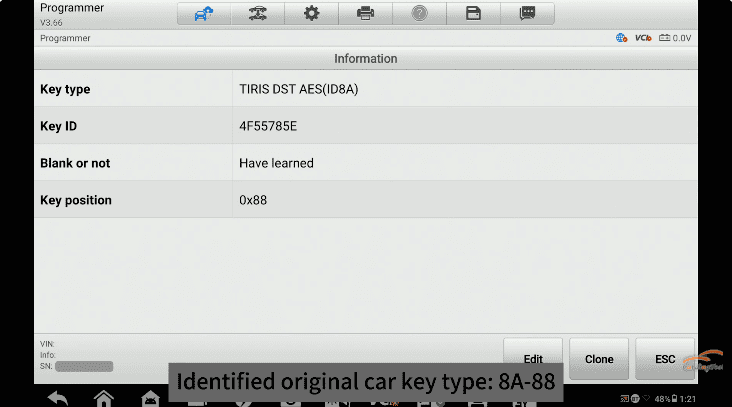
The IM608 II will identify the transponder type.
Detected key type 8A-88
Next, detect the remote frequency.
Navigate to [Remote Control Detection] → [Frequency Detection]
The original key frequency is displayed as 314.50 / 315.10 MHz
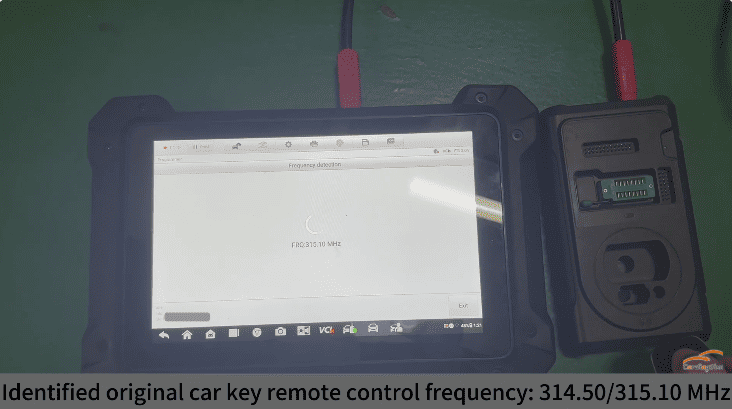
Record this information before continuing.
Step 2: Generate the Autel Universal Key
Now generate a new universal smart key based on the original key specifications.
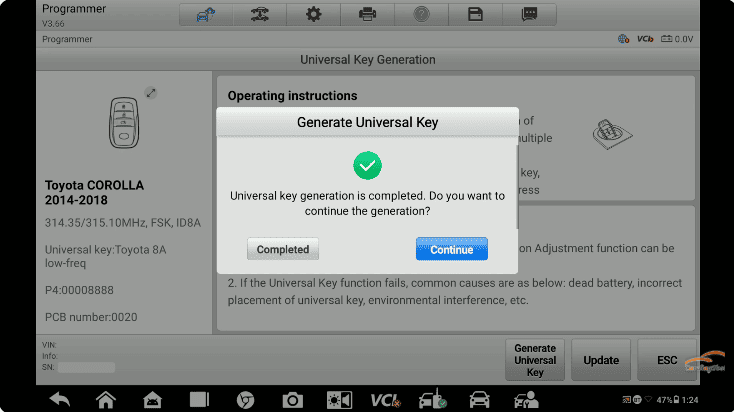
Navigate to [Universal Key] → [Universal Key Generation] → [Asia] → [Toyota] → [Type by Model] → [Corolla] → [2018]
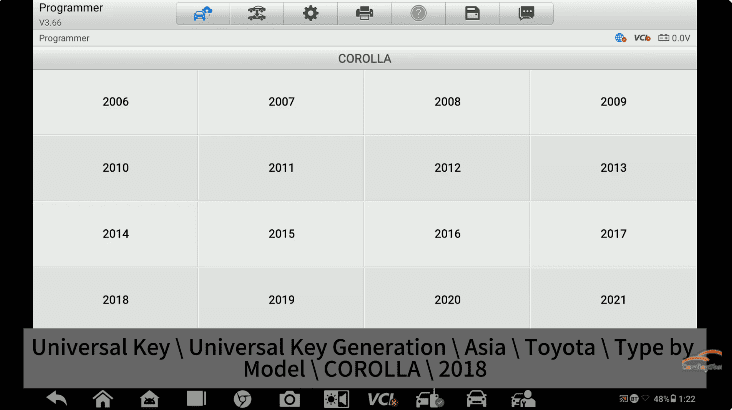
The generated key configuration should match:
- Toyota Corolla 2014–2018
- 314.50 / 315.10 MHz
- FSK
- ID8A
- P4: 00008888
Wait until the generation process is completed successfully.
Step 3: Add the New Smart Key
After generating the remote, enter the immobilizer programming menu.
Navigate to [IMMO] → [Asia] → [Toyota] → [Automatic Selection] → [Control Unit] → [Keyless System (CAN)] → [Add Smart Key]
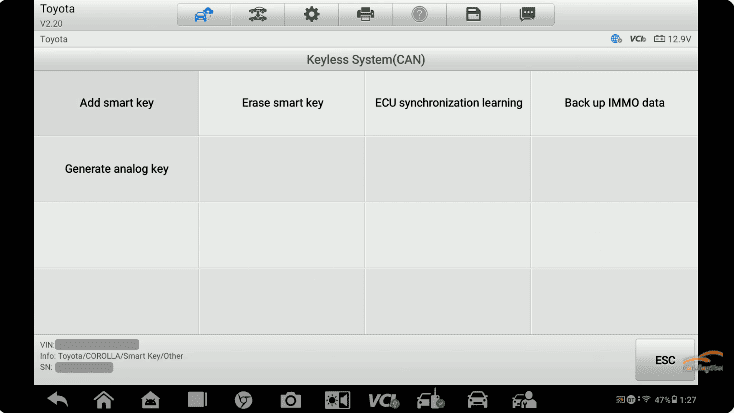
The device will guide you through the learning procedure.
1. Place a registered smart key near the [START] button.
2. Follow the on-screen instructions.
3. Remove the original key when prompted.
4. Place the newly generated Autel smart key near the START button.
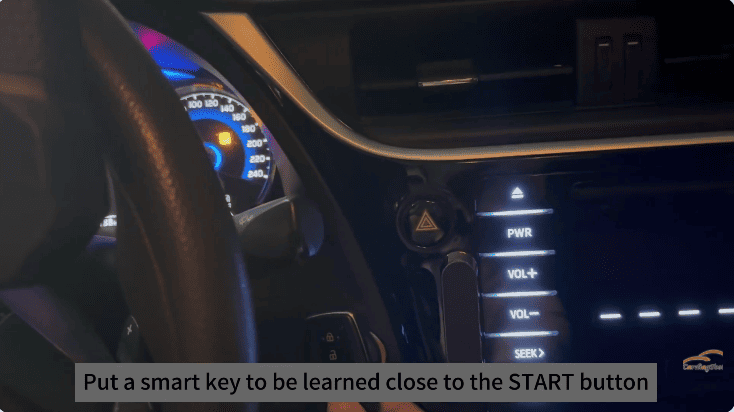
Within a few seconds, IM608 pro2 will complete the learning process.
The screen will display “Learning Succeeded”
The new smart key is now fully programmed and ready for use.
Autel IM608 II diagnostic tool together with an Autel Universal Key first identifying the original key information, generating a matching universal remote, and completing the immobilizer learning procedure, locksmiths can successfully add a new smart key without replacing any vehicle components.