


In this guide, we demonstrate how to perform key programming ob BMW 730Li 2009 using KEYDIY KD-X4 and KD-EPA Adapter.
1. Disconnect the Battery and Remove the Anti Theft Module
First, disconnect the negative terminal of the vehicle battery to help prevent electrical issues during the module removal process.
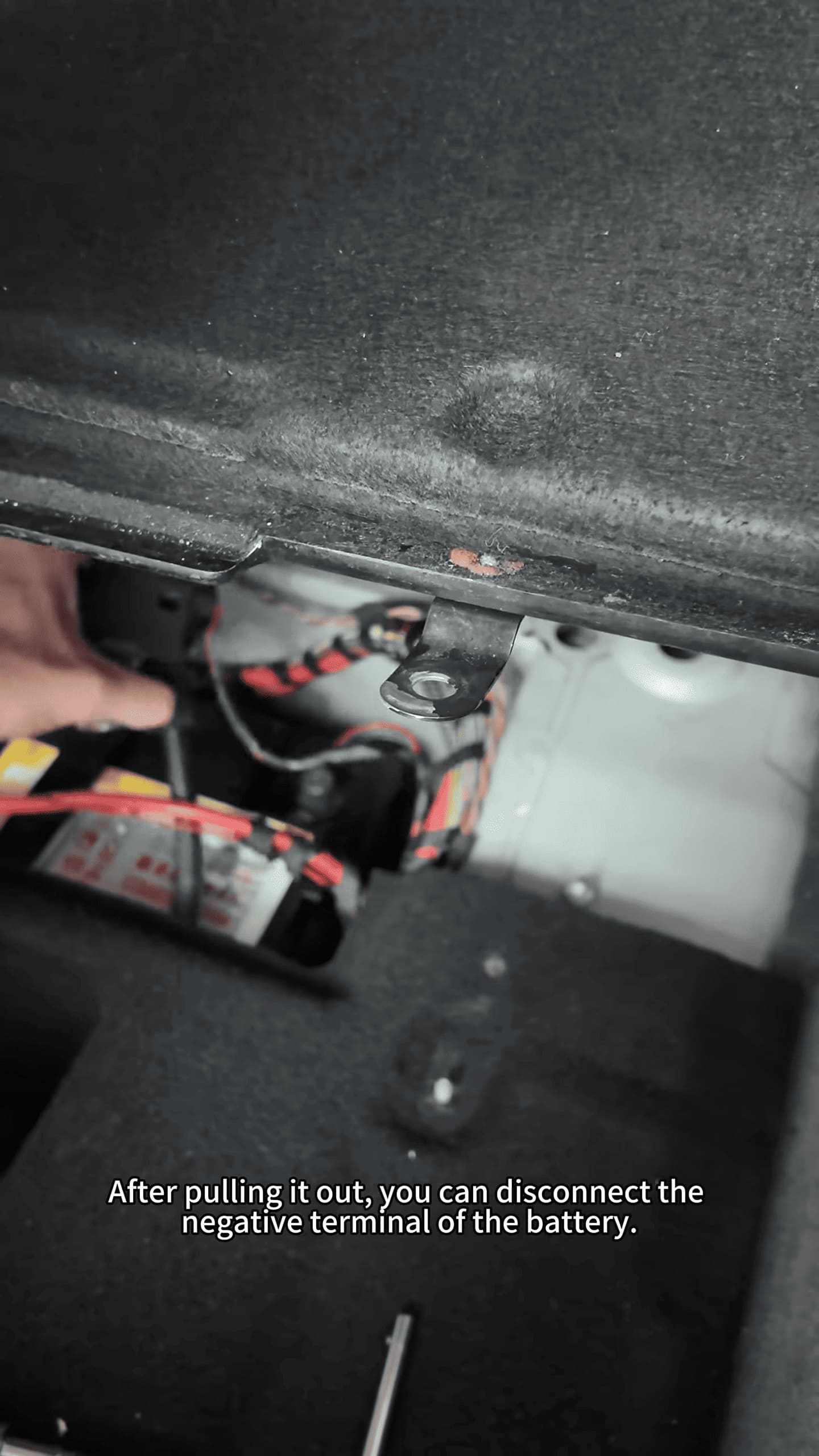
Remove the necessary trim panels to access the anti-theft module. Disconnect its connectors, remove the fixing screws, and carefully take the module out of the vehicle.
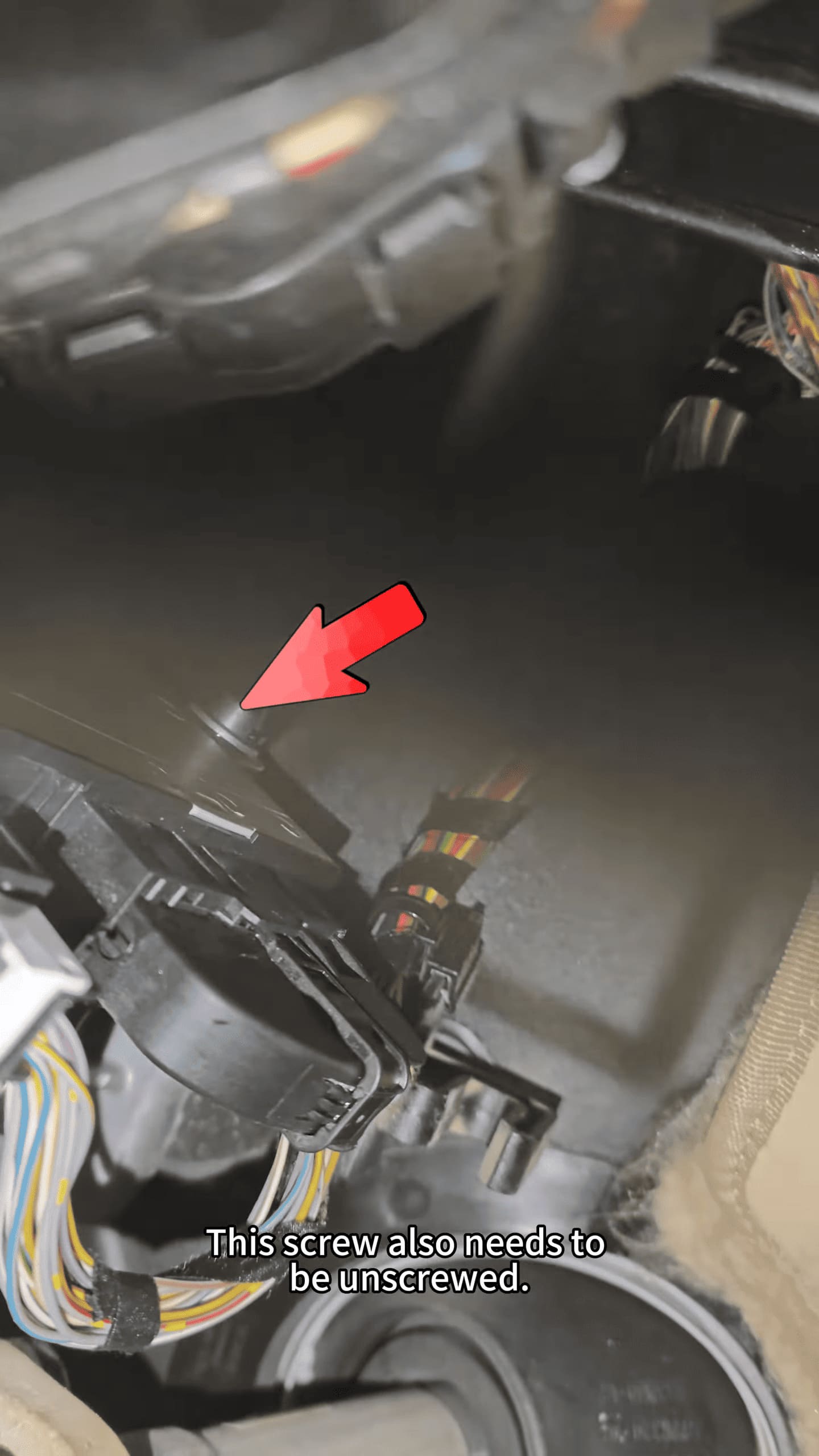
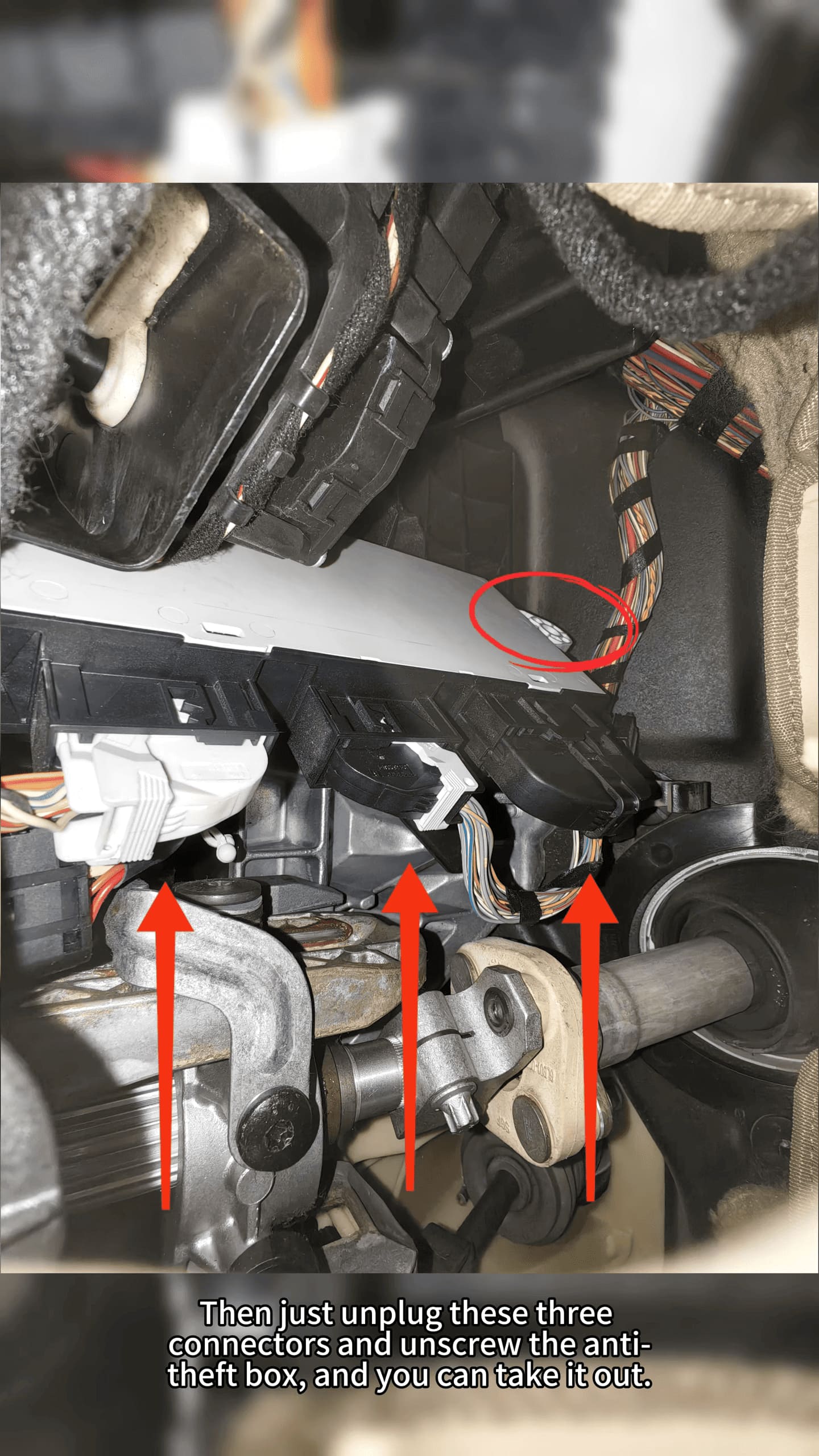
Important: Handle the module carefully and make sure all connectors are disconnected before removing it.
2. Read and Back Up the Module Data
Open KD-X4 IMMO programming function and select the corresponding BMW system and module type.
Follow the wiring diagram provided by the software and connect the programming harness correctly.
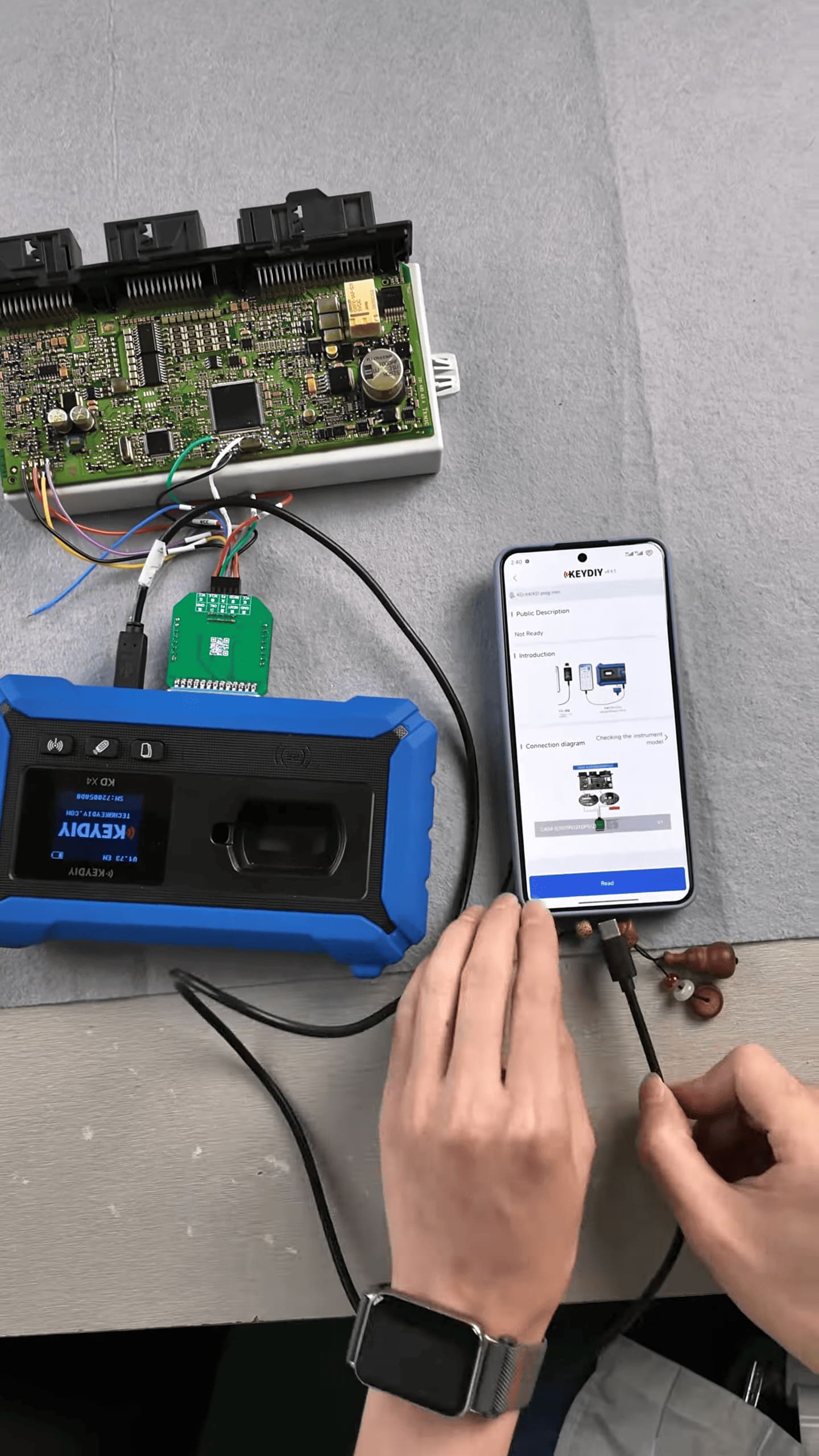
The system provides multiple data areas for backup. Although only the required data may be needed for key programming, backing up all available data is recommended.
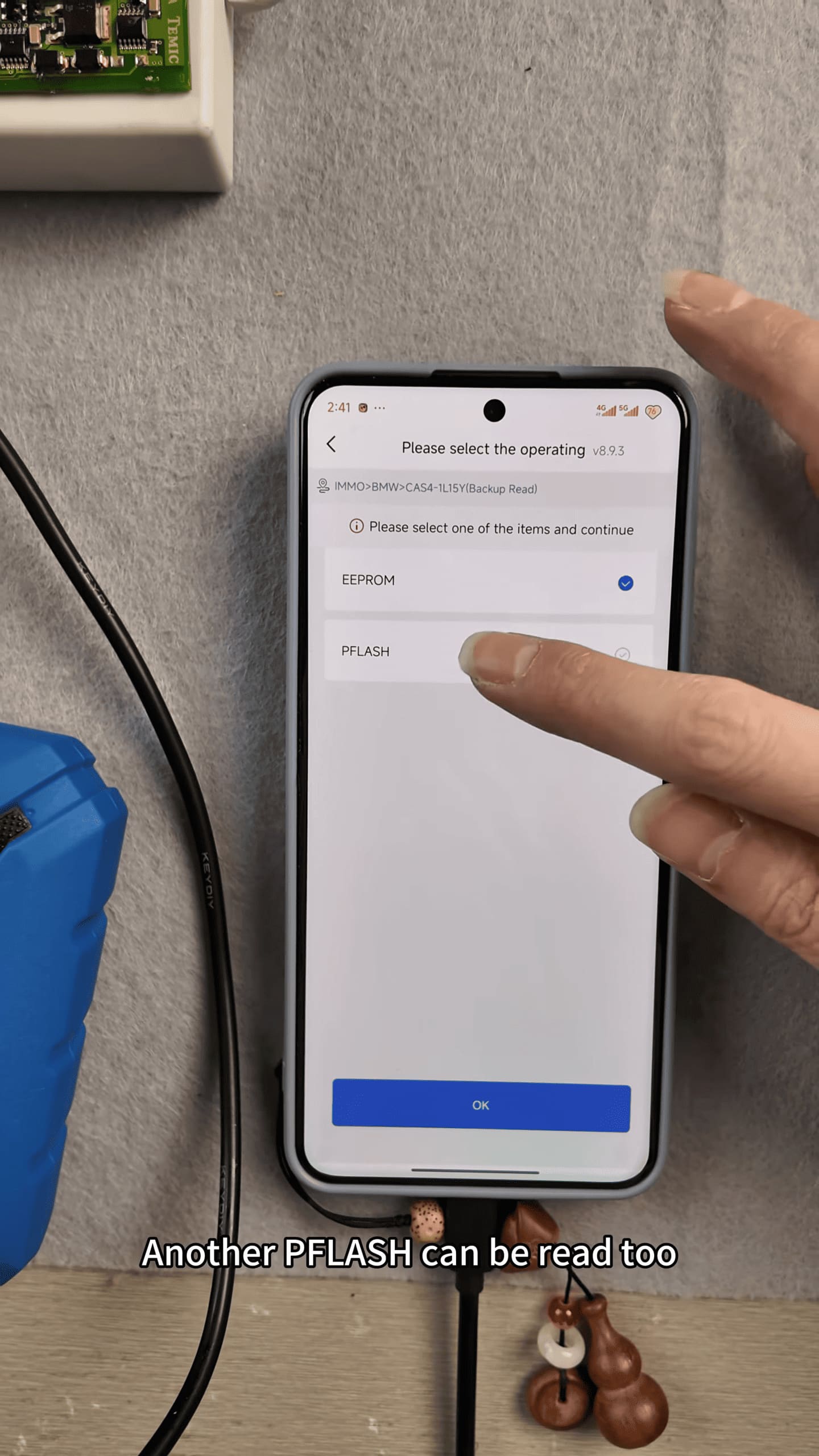
Read and save the EEPROM data. If flash data is available, back it up as well.
3. Locate the Saved Data
After reading is completed, open the File Management section in KD-X4 software.
Find the folder corresponding to the current date and verify that the saved files are present.
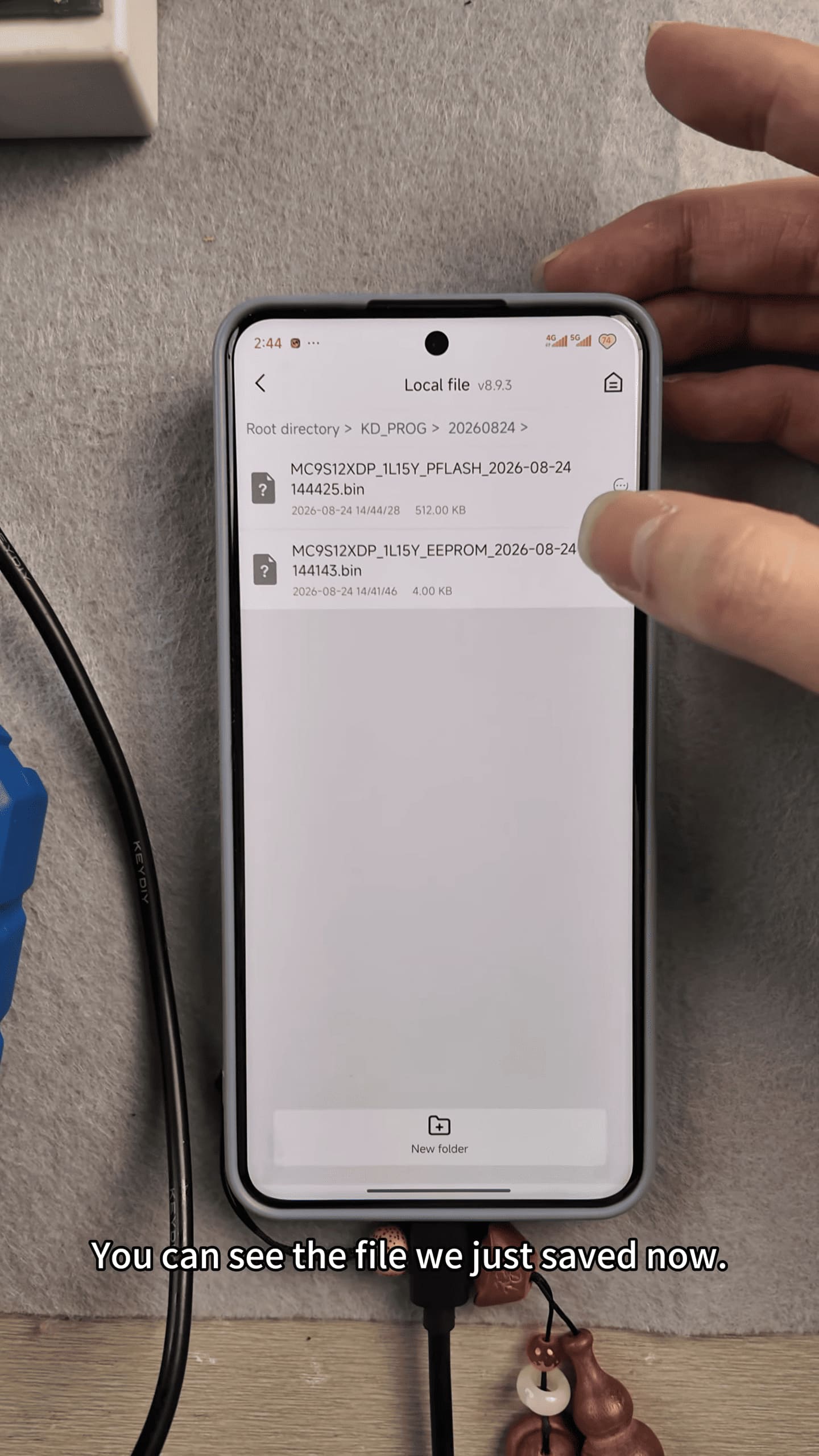
The backup files can be exported for use with other supported equipment or continued with KD-series devices.
4. Reinstall the Anti Theft Module
After completing the data backup, reinstall the anti-theft module in the vehicle.
Reconnect all connectors, secure the module with its screws, reinstall the trim panels, and reconnect the battery negative terminal.
Make sure everything is properly installed before continuing with key programming.
5. Generate the New Key
Connect the KD-X4 to the vehicle and enter the BMW IMMO programming function.
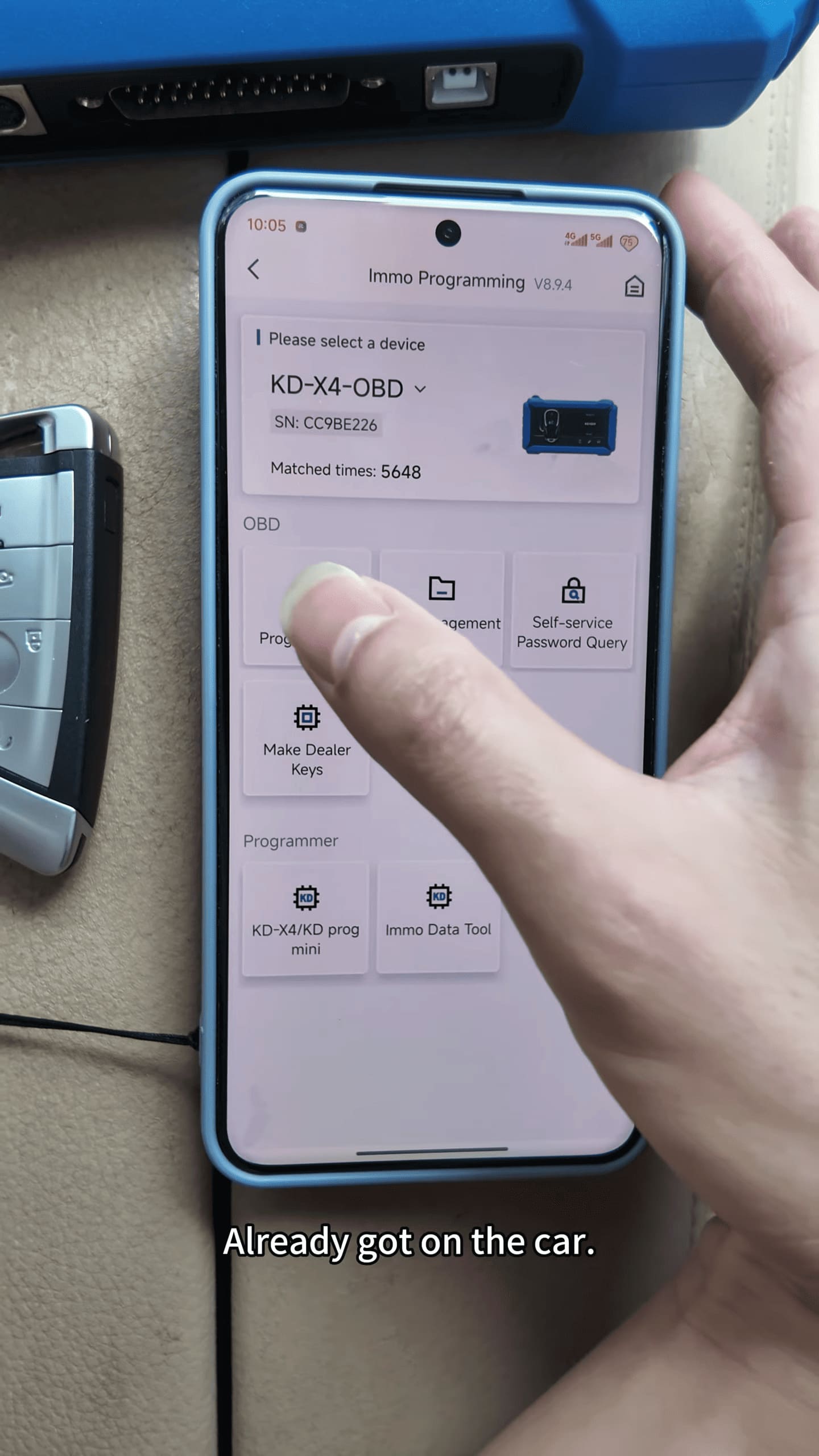
Select the corresponding BMW model and module type, then verify the vehicle information.
Load the previously saved original data and select the required key position.
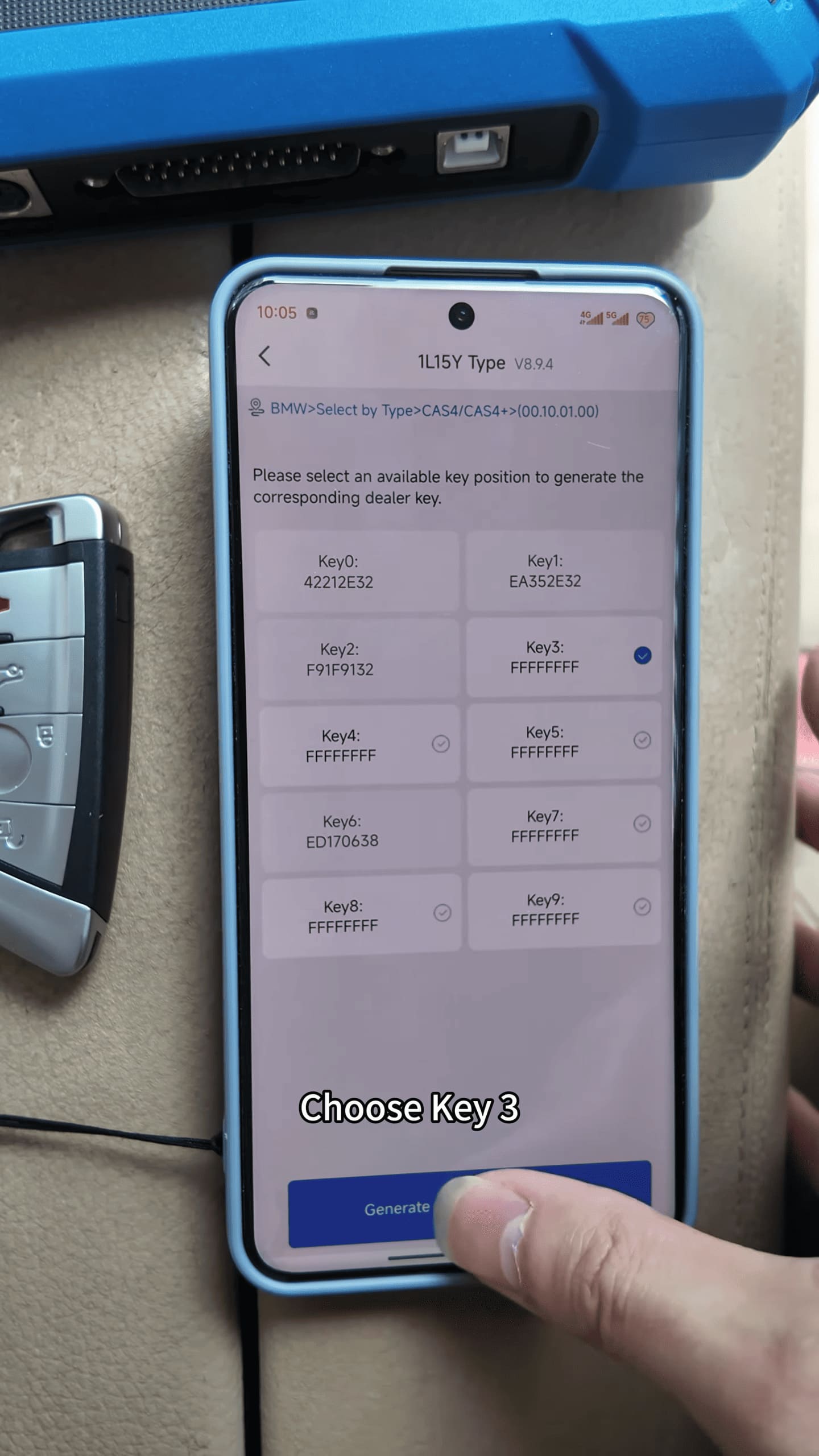
Place the new key on KD-X4 key programmer sensing coil and use the appropriate key generation function.
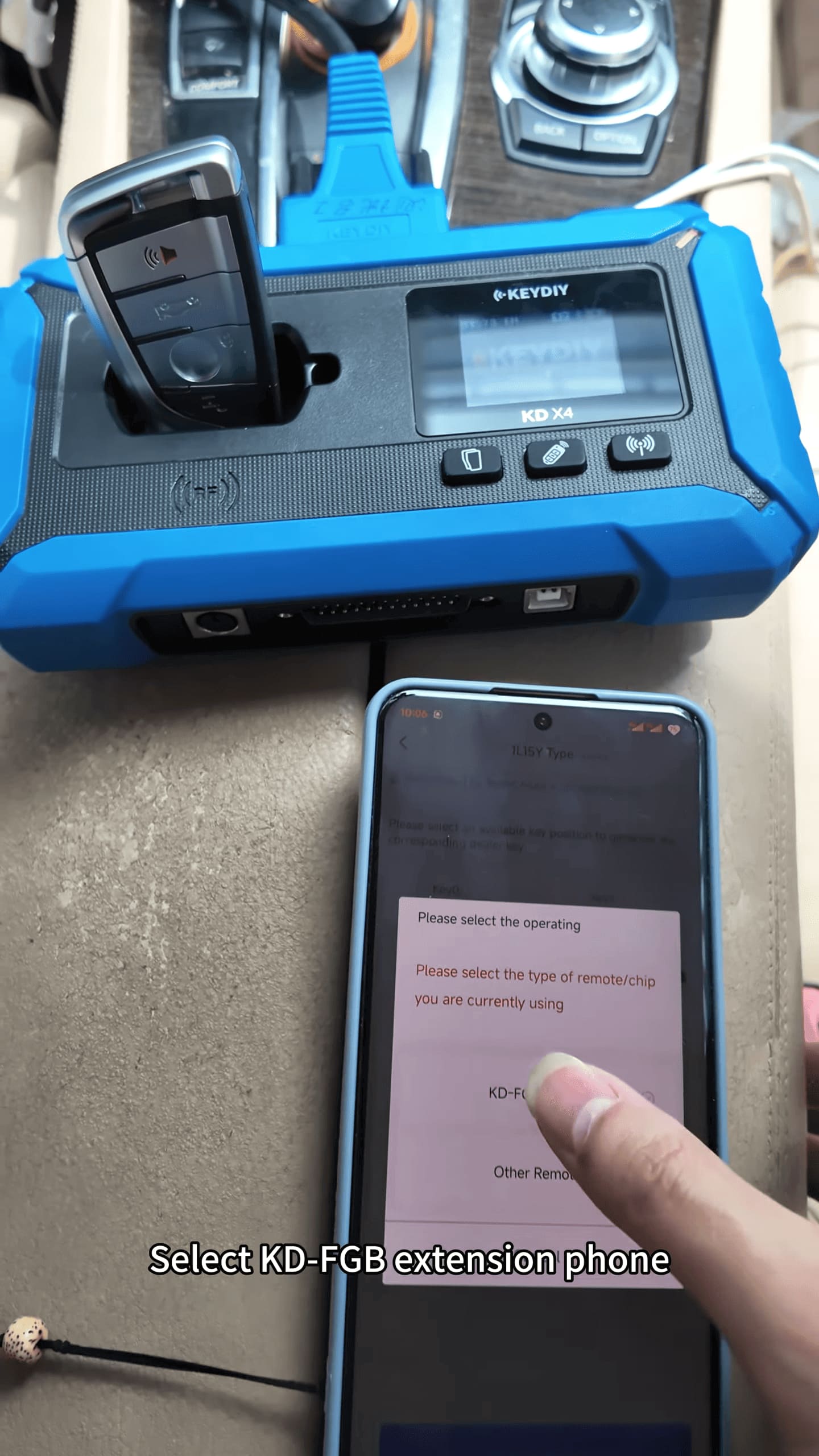
Wait until the software confirms that the key data has been written successfully.
Important Notes
Always make a complete backup of the original module data before making any changes. Correct wiring and stable communication are also important during the reading and programming process.
Video guide
Read also:
How to Program Honda ADV Motorcycle Key (AKL) by KEYDIY KD-X4?