

Problem
My LONSDOR KH100+ consistently fails to complete the update.
Solution
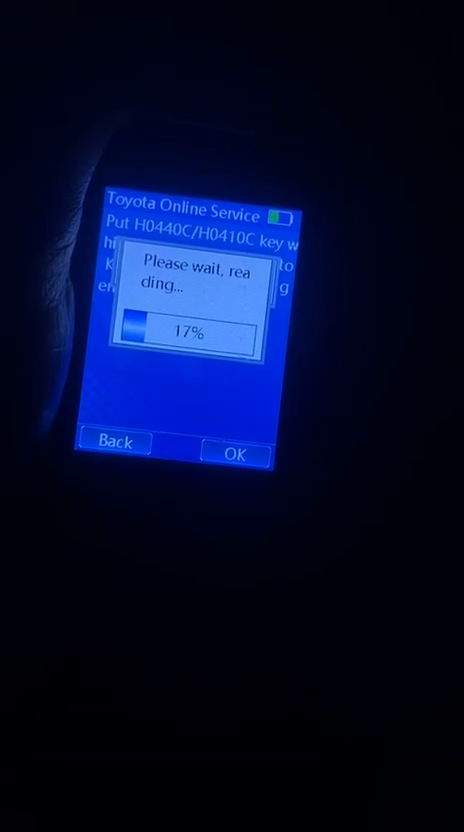
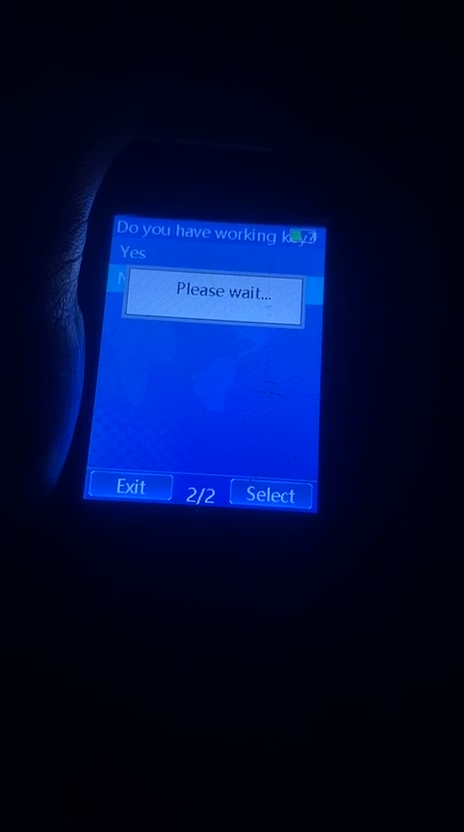
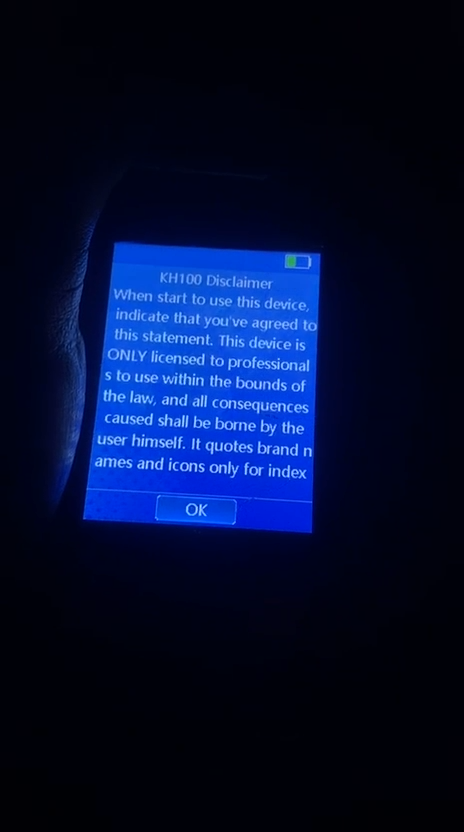
First, fully charge the device. Then, navigate to the menu shown below to update the KH100+ and check if the update proceeds successfully.
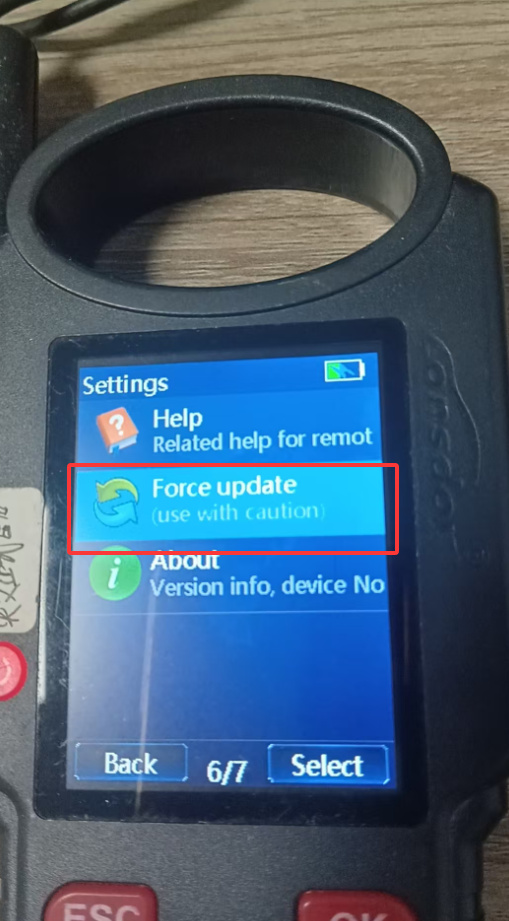
If the update still fails after following these steps, Connect KH100+ key programmer to your computer, then power it off. Simultaneously press and hold the power and down buttons to access the RAM disk. Copy the files to the KH100+ folder, then exit. The update will then be complete.
KH100+ repaired file (V354 EN-repair reboot bug)
Contact us
WhatsApp: +86 150 0270 5698
Phone: +86 150 0270 5698
E-Mail: sales@CardiagTool.co.uk