


In this guide, we’ll walk through how to read an original JLR UWB key and clone its data to an OEM key using EoneBoss ED-01.
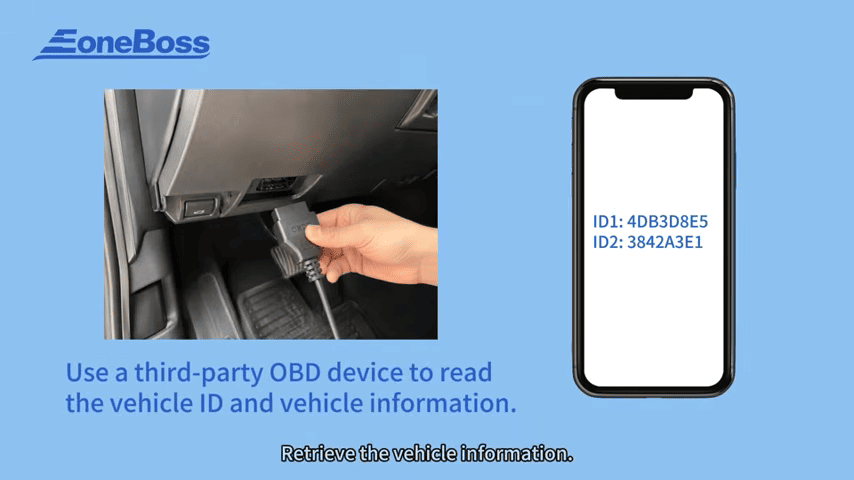
First, use a third-party OBD device to read the vehicle’s key ID and key slot information. Save the retrieved data, as you’ll need the key ID and corresponding slot when preparing the new key.
1. Remove the original key from its housing and prepare it for reading with the EoneBoss adapter. There are two supported chip types in this procedure:
- 29A4: Place the chip directly on the card adapter.
- 29AF: Remove the chip from the key before installing it on the adapter.
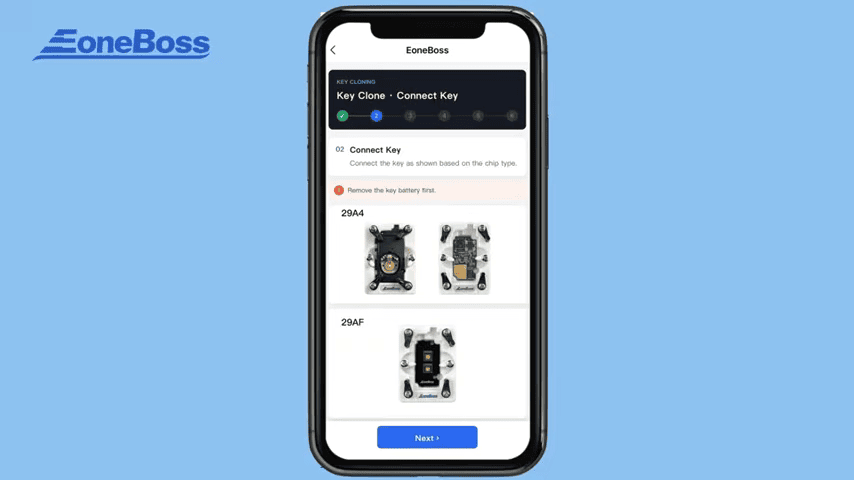
Follow the on-screen instructions to start reading the original key data.
2. Connect the EoneBoss ED-01 to a power supply through its Type-C port, check the indicator lights
- The red indicator turns on when the device is powered. The Bluetooth indicator flashes while waiting for connection.
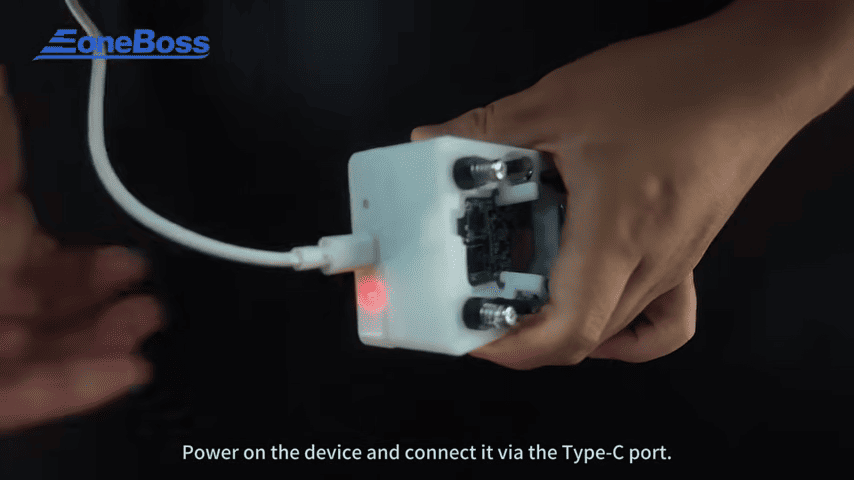
- After Bluetooth is connected, the blue indicator stays on. The red indicator flashes while the device is working.
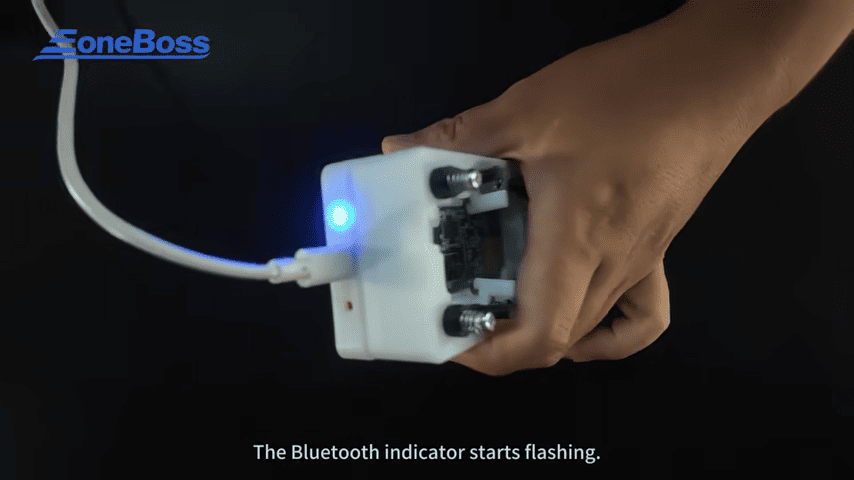
Click Connect in the app and wait for the original key data to be read.
3. After reading the original key data, the app provides two options: EoneBoss keys and Other key types, including third-party and OEM keys
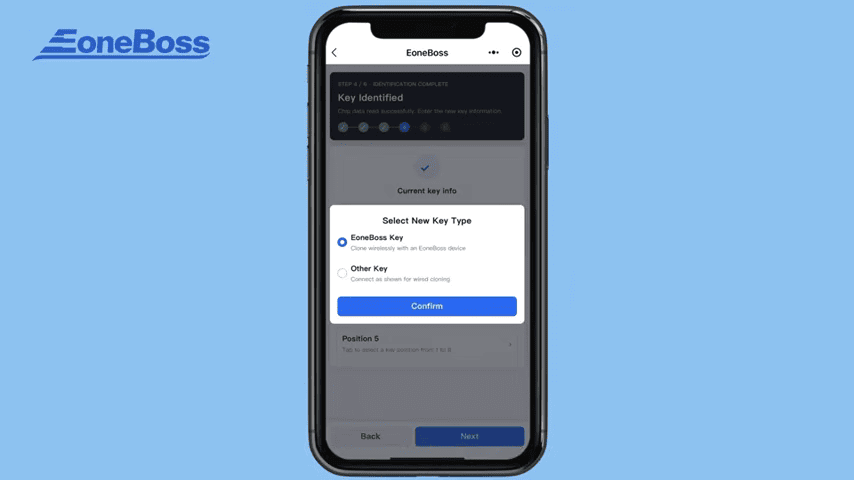
Select the second option to prepare an OEM key. Enter the key ID obtained from the vehicle and select the corresponding key slot.
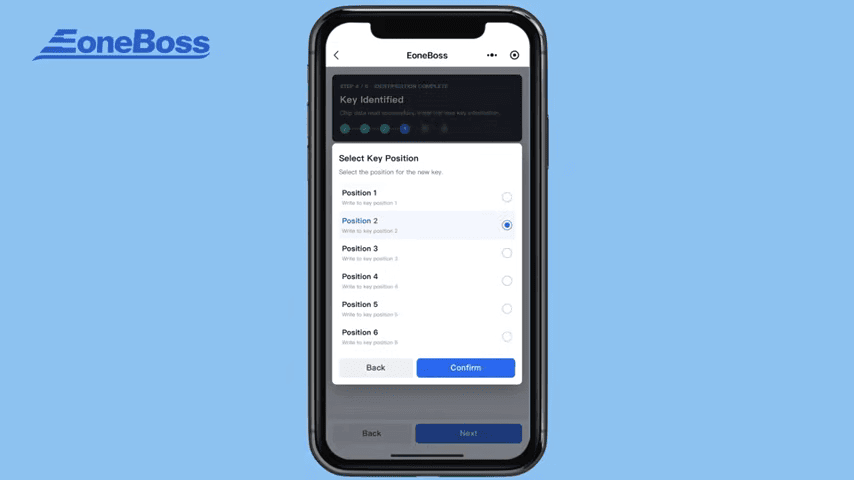
Next, install the target key on the adapter
1. Move the white rotary clamp aside.
2. Insert the key into the slot and align it correctly.
3. Secure the key in place.
4. Start writing the data and wait for the process to finish.
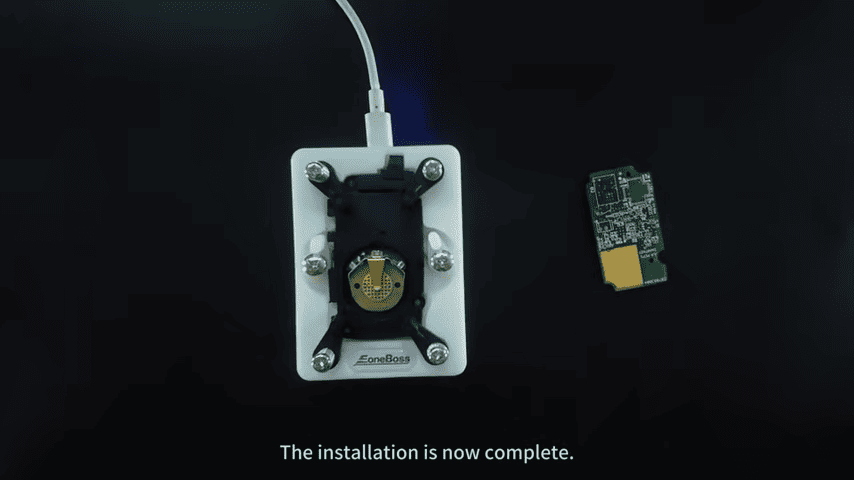
After writing is complete, test the key on the Land Rover vehicle. Make sure the key functions correctly before completing the job.
Modify the Remote Counter (If Needed)
If the remote control functions do not work properly, you may need to modify the remote counter value.
Open the ED-01 function in the app → Select Modify Remote Counter → Connect the ED- → Remove the key from the card holder and place it on the adapter → Click Next and wait for the modification to complete → Test the key on the vehicle again.
Video guide