



Incorrect alignment may cause irreparable damage to the ECU microprocessor. This guide will help you position FLEX Korhex antenna correctly
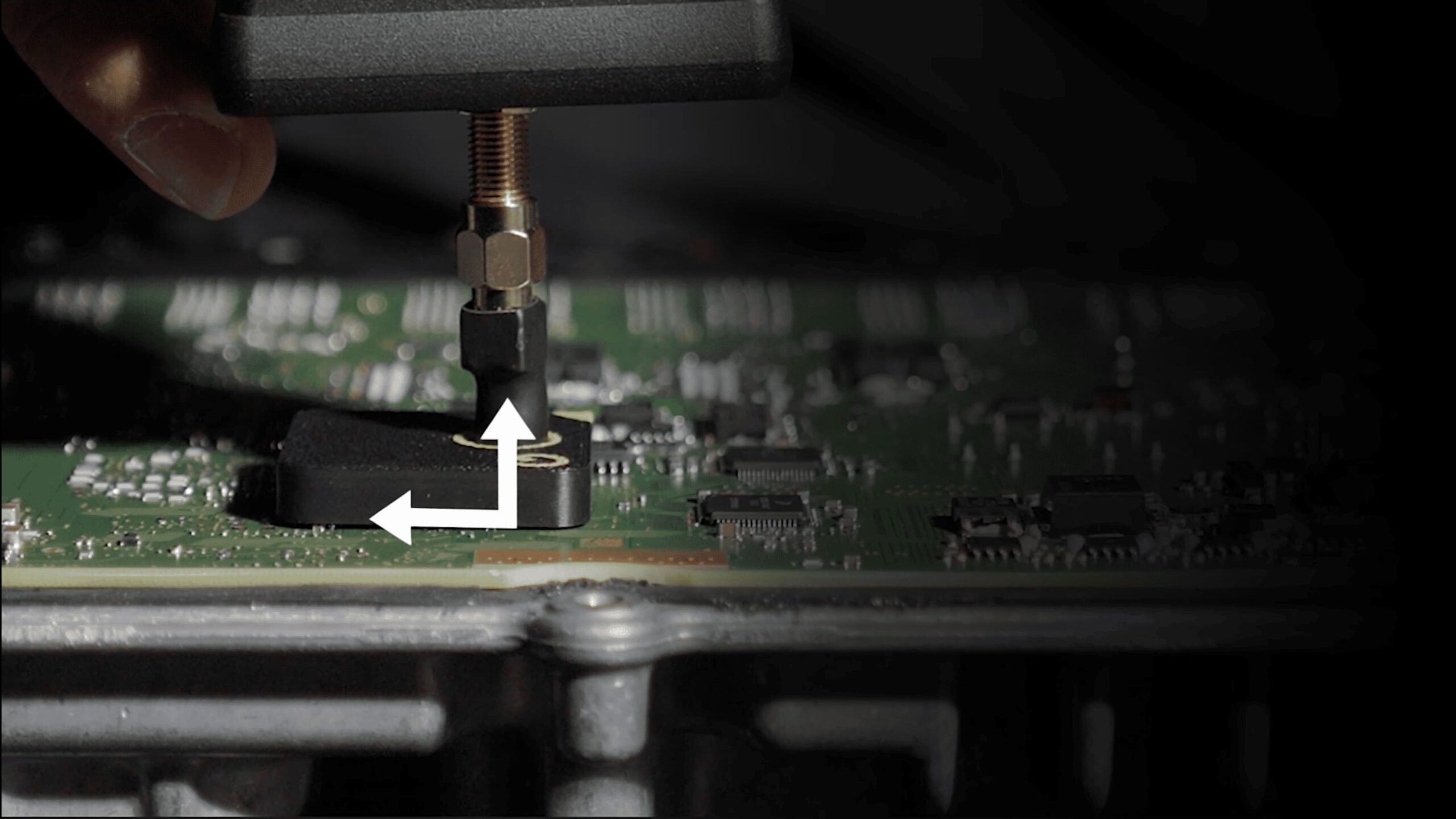
The right angle makes the difference
Correctly positioned
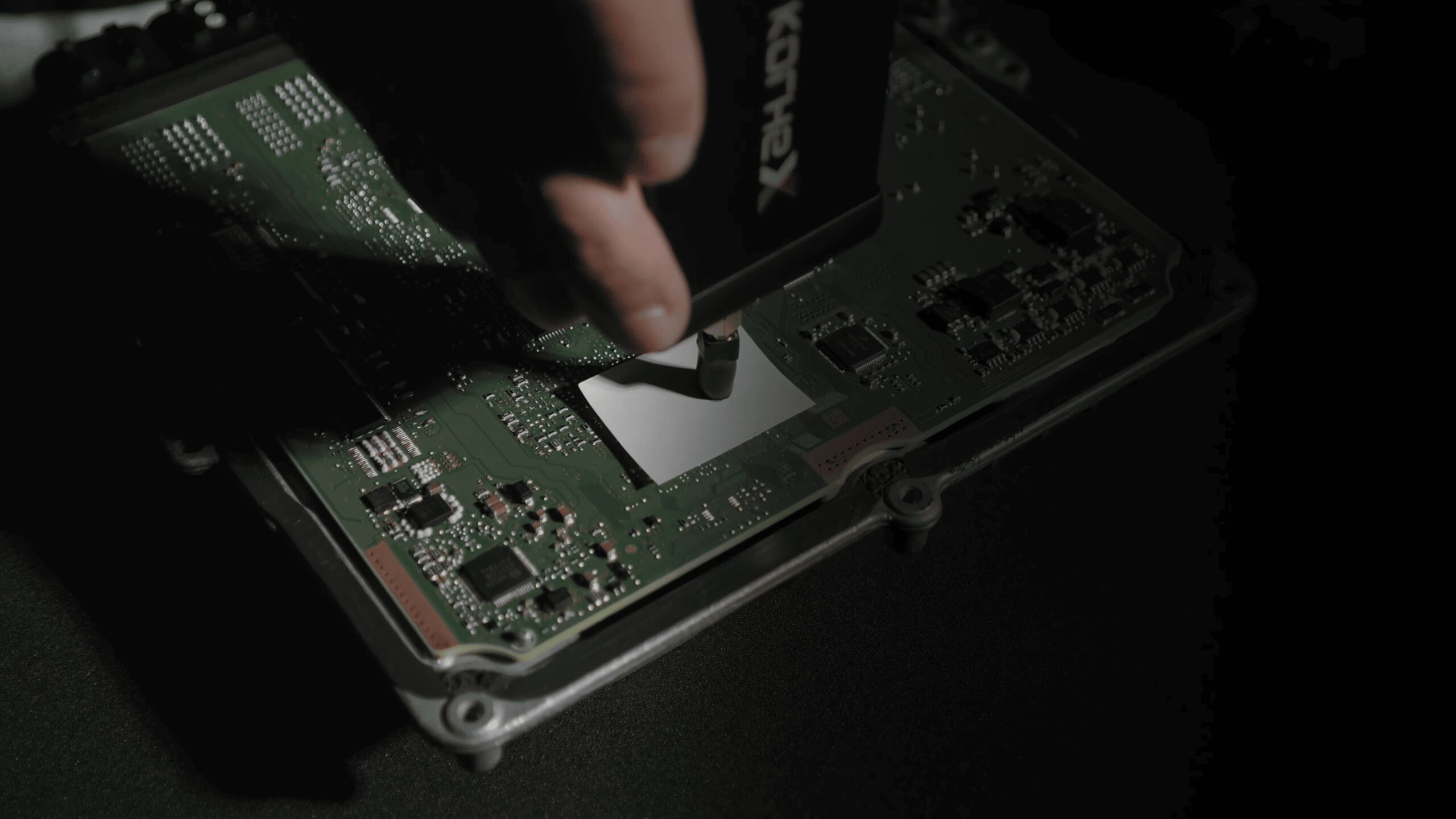
Align the antenna and form a 90° angle with the ECU, not just the angle of the Korhex device
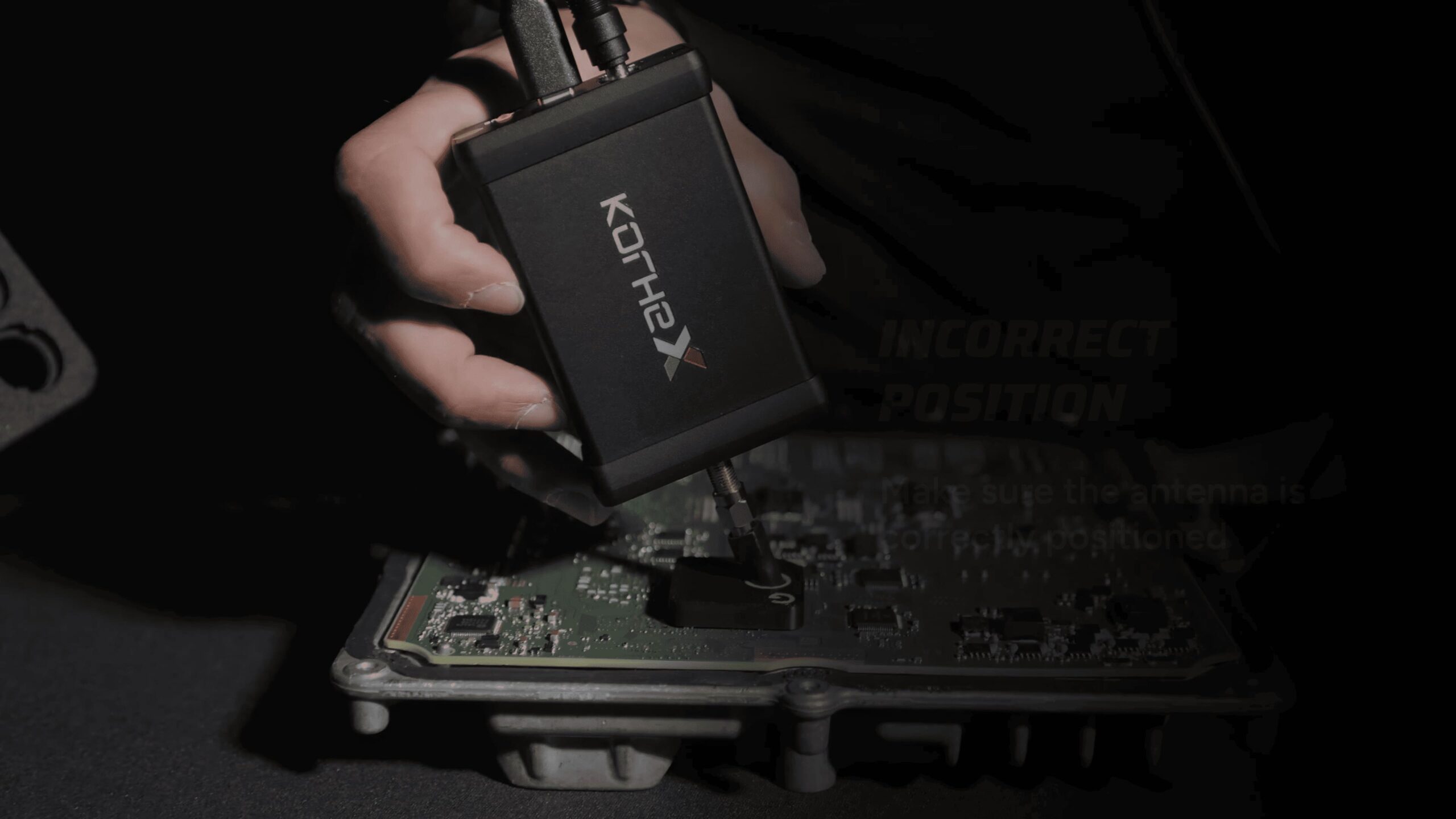
Incorrect position
Make sure the antenna is correctly positioned
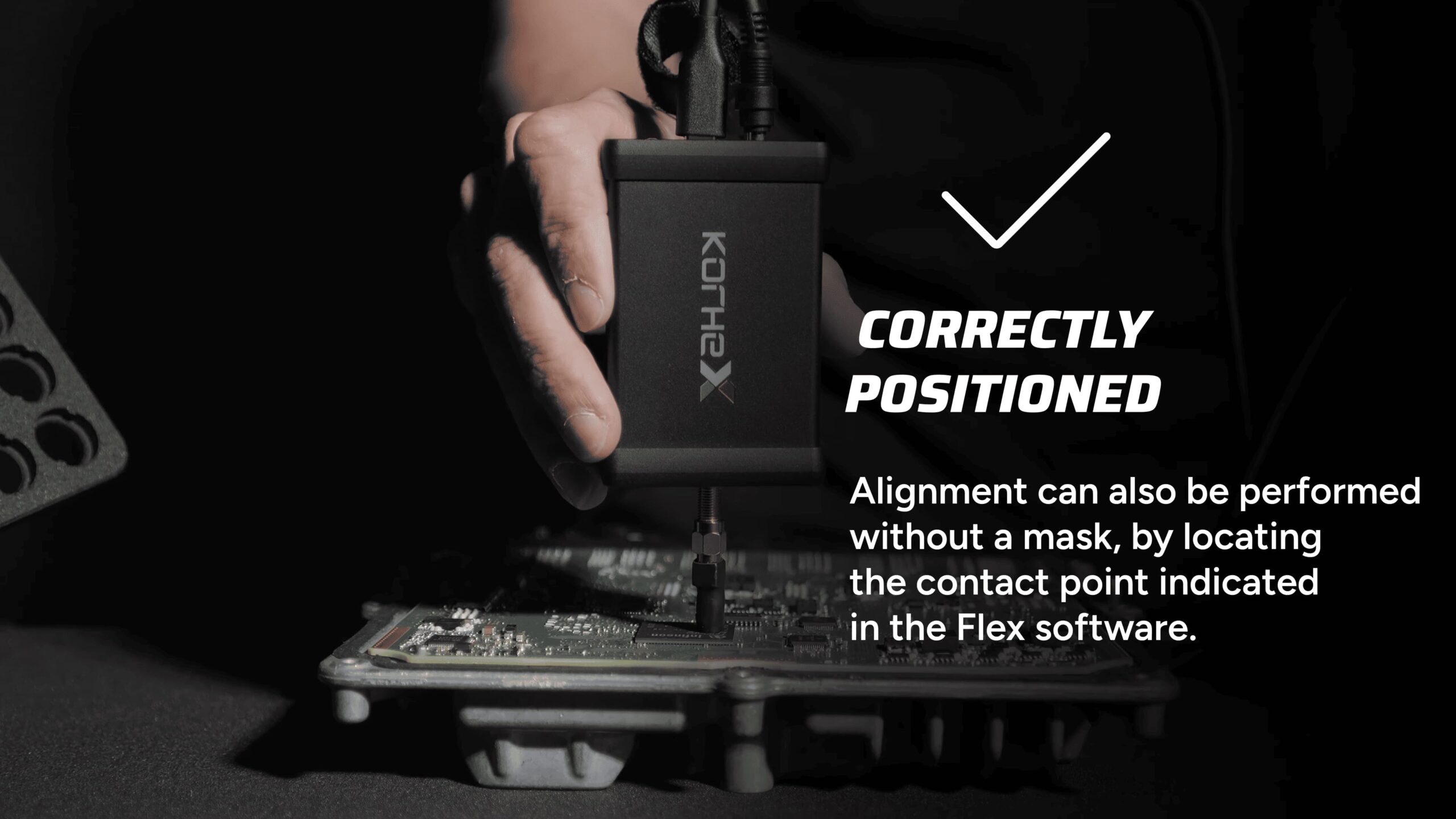
Correctly positioned
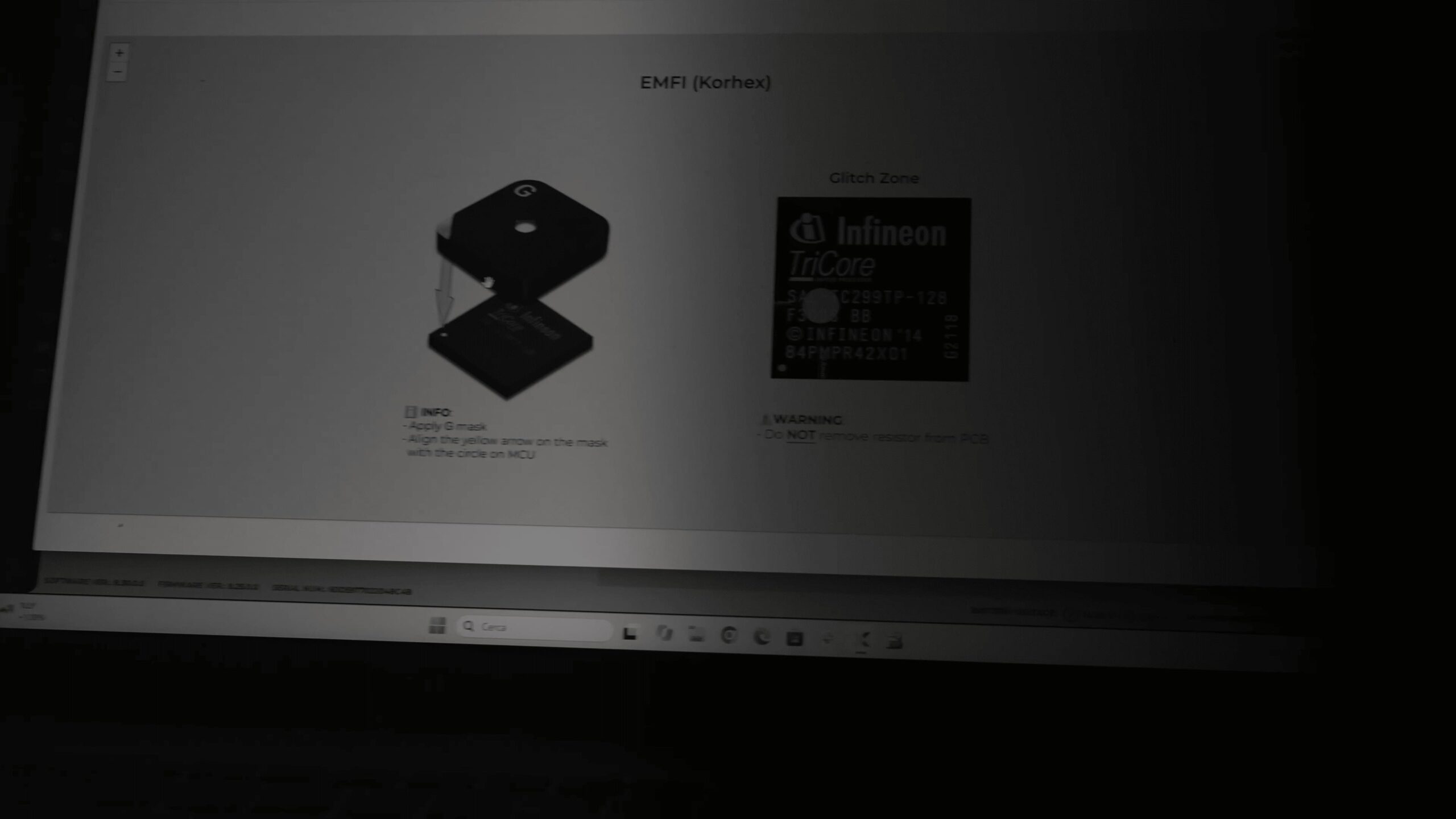
Alignment can also be performed without a mask, by locating the contact point indicated in the Flex software
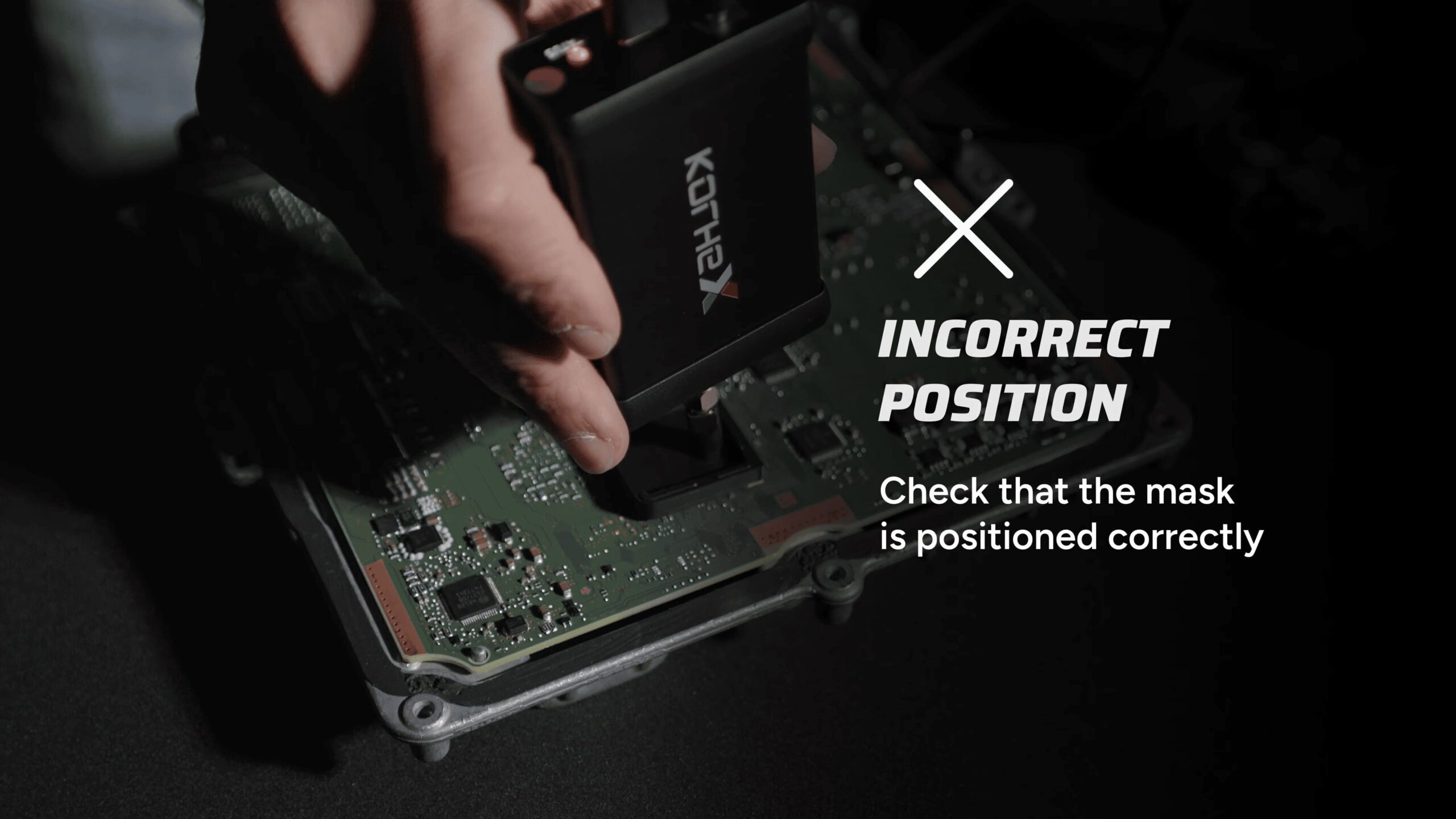
Incorrect position
Check that the mask is positioned correctly
Do not place any objects between the antenna and the MCU
Follow the instructions
Positioning masks can be purchased from cardiagtool.co.uk or 3D-printed by downloading the STL file from the Flex software
Important
Any incorrect positioning can cause irreparable damage to the microprocessor