
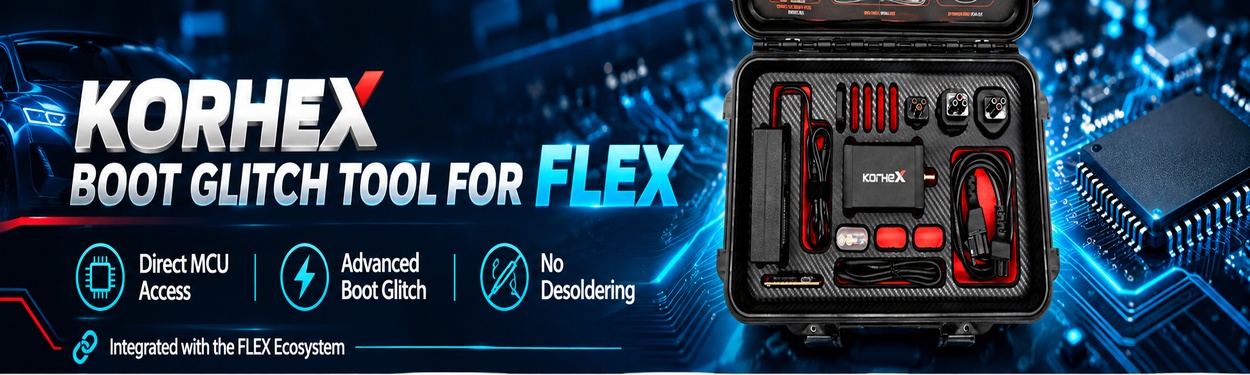
f’l 8.28.0.0 introduces a new exclusive protocol for Hyundai/Kia Kefico SIM2K-510 (TC297) ECU programming via OBD. The update adds OBD and OBD on Bench modes, automatic ECU unlocking, and CAN-FD support with the new FLX4.4 adapter.

What’s New in Flex 8.28.0.0
1. SIM2K-510 OBD Programming
Flex Chiptuning Tool now supports Kefico SIM2K-510 (TC297) ECUs through two working modes
- OBD: Connect the OBD cable, download the Virtual Read, and start modifying the ECU.
- OBD on Bench: If the Virtual Read is unavailable, perform a Real Read in OBD on Bench mode.
The ECU unlocks automatically during the procedure.
2. CAN-FD Support
- Real Read: Follow the connection diagram in the Flex manual.
- Writing: Requires the new CAN-FD FLX4.4 adapter.
3. Supported Functions and Technical Specifications
- Memories: VR / Read / Write / Checksum Maps
- Licenses: FLS0.1M/S · FLS0.5M/S
- Connection Time: Approximately 30 seconds
- Reading Time: Approximately 5 minutes
- Writing Time: Approximately 10 minutes
Supported Models
- Hyundai Kona (I) OS (2017MY): 1.6L CRDi 16v MHEV 134HP
- Hyundai Tucson (IV) NX4 (2020MY): 1.6L CRDi 16V 114HP
- Kia Ceed (III) CD (2018MY): 1.6L CRDi 16v 134HP
- Kia Sportage (V) NQ5 (2021MY): 1.6L CRDi 16v MHEV 134HP
- Kia Stonic (I) YB (2017MY): 1.6L CRDi 16v 114HP
Important Precautions Before Programming
Magicmotorsport Tech Support specifies the following precautions for SIM2K-510 operations.
1. Disconnect non-original CAN bus devices.
- External alarm systems connected to the CAN bus.
- SCR/AdBlue emulators connected to the CAN bus.
- OEM multimedia systems connected to the CAN bus.
- Any other devices connected to the CAN bus that are not original vehicle equipment.
Warning: If any of these devices remains connected, communication will be interrupted and the ECU will be permanently bricked. It cannot be recovered.
2. Maintain a stable power supply.
- Use a stabilized power supply at approximately 13 V.
- The unlock process will not start below 12.5 V.
3. Do not interrupt ECU unlocking.
Flex requests confirmation before starting the unlock. Never interrupt the process once it begins.
4. Keep the internet connection active.
An active internet connection is required throughout the entire operation.
5. Follow the CAN-FD and SGW connection requirements.
- CAN-FD versions require the FLX4.4 adapter for writing.
- If “SGW detected” appears, connect directly to the ECU using OBD on Bench mode.
Promotion: Magicmotorsport Flex is currently included in a special promotion running from November 2 to December 7, 2026. Contact online service for more details.