
In this guide, we demonstrate how to use KEYDIY KD-X4 to clone a 2022 Range Rover smart key.
1. Disassemble the Original Key and Prepare Wiring
First, disassemble the original vehicle key
Remove the battery → Remove the screws inside the key → Carefully separate the key shell → Access the key PCB for wiring.
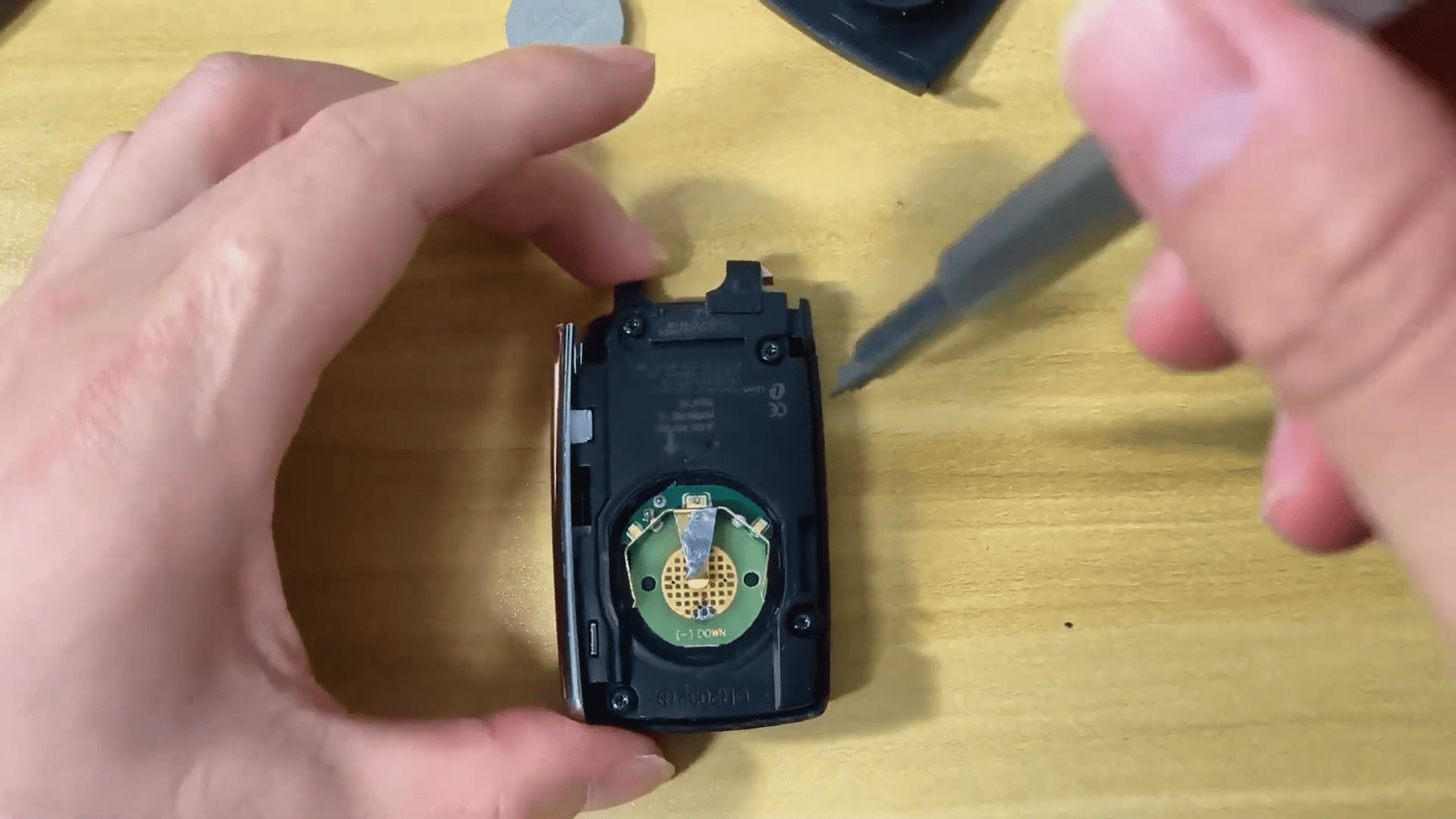
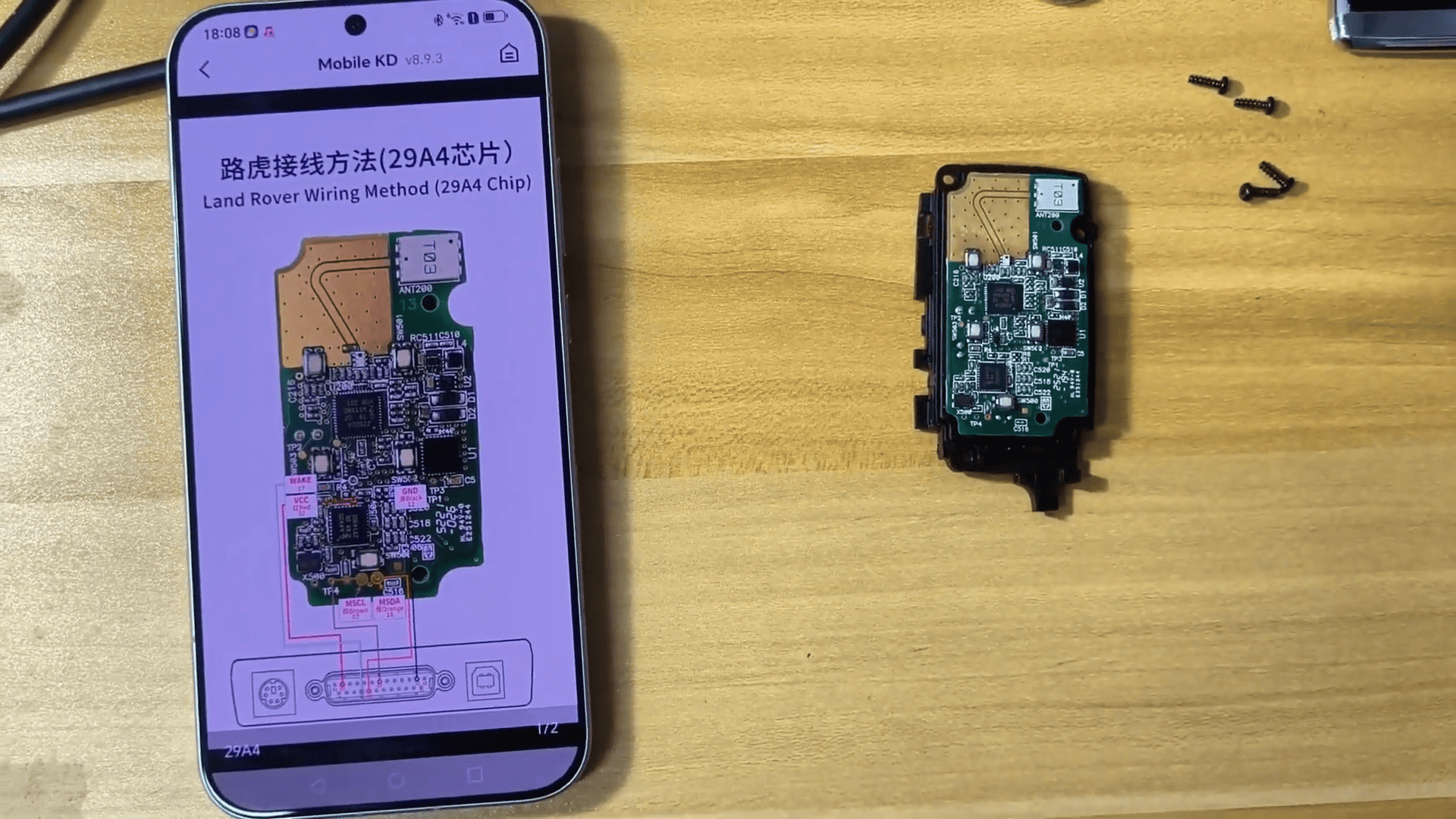
Follow KD-X4 wiring diagram and solder the programming harness wires correctly.
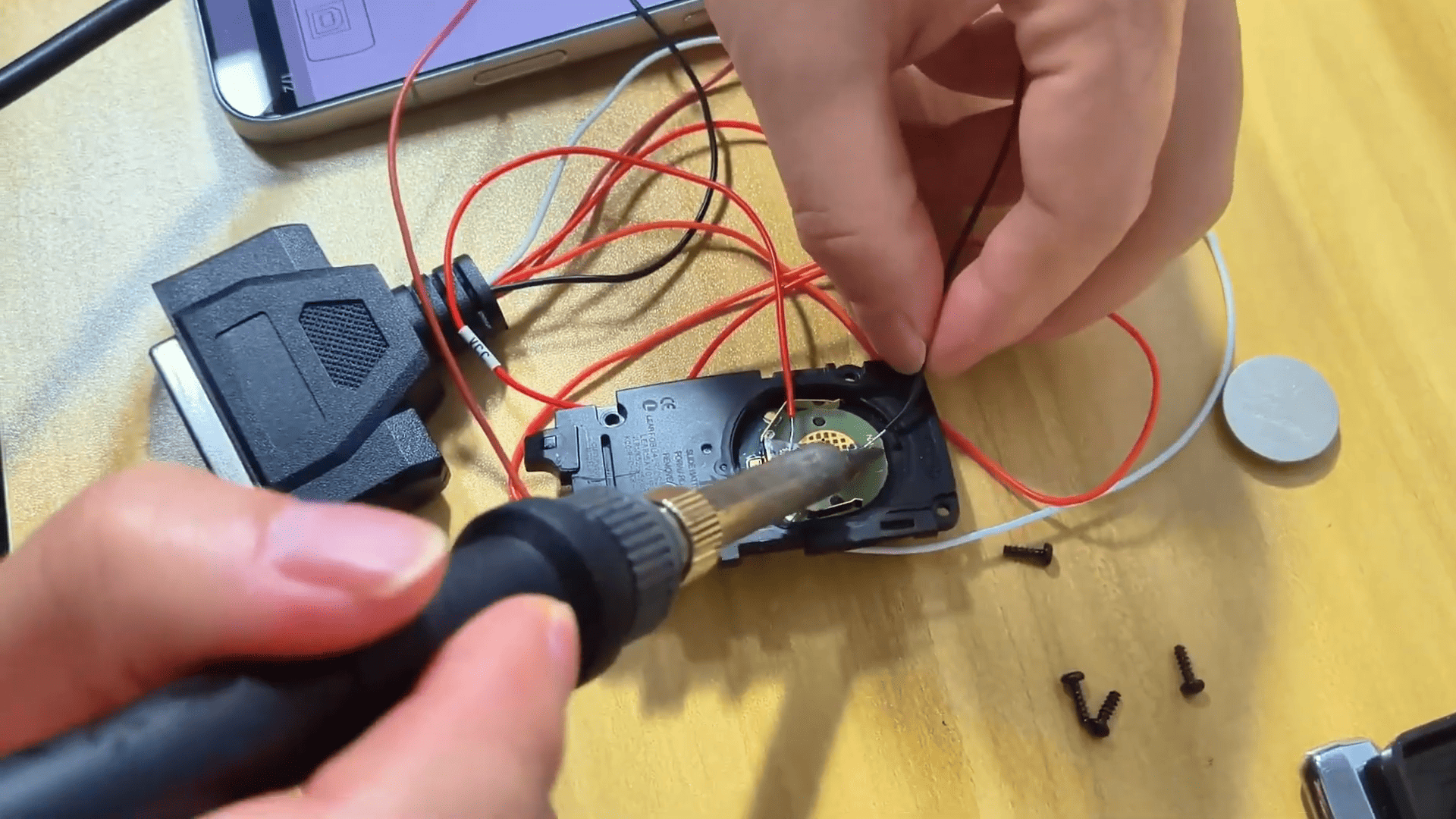
2. Read Original Key Data
Perform emergency vehicle startup
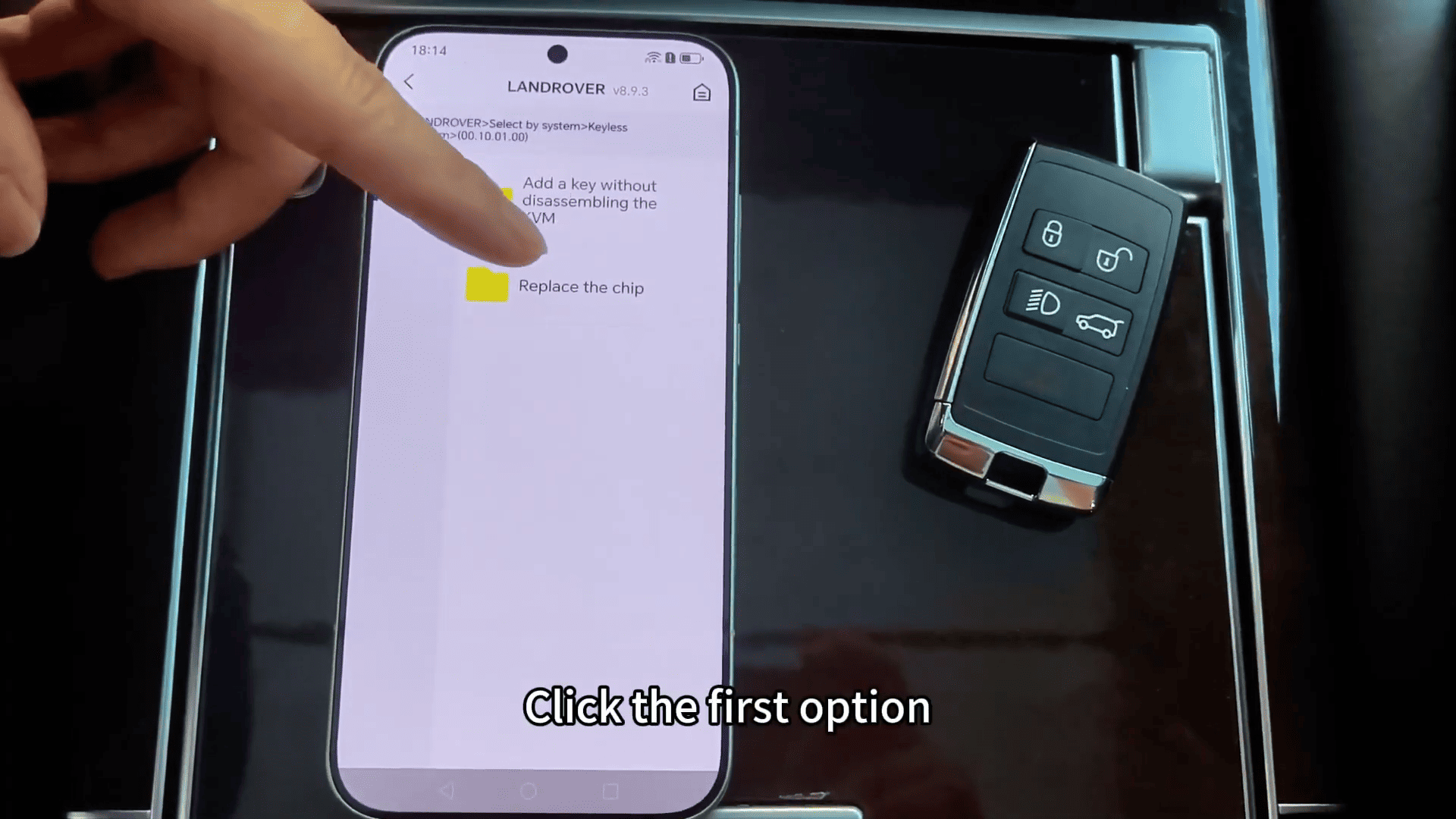
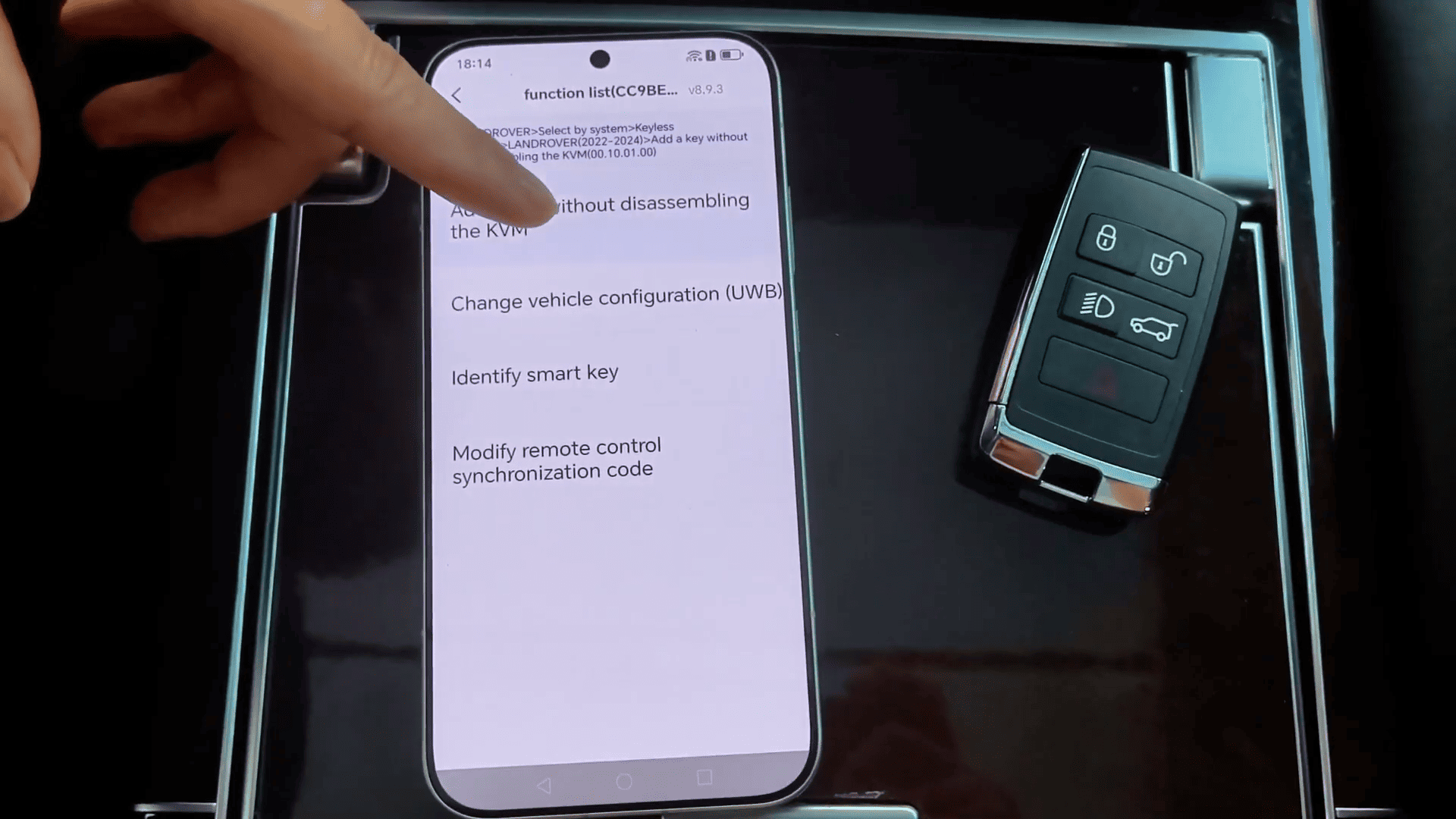
Click IMMO programming → Select Land Rover vehicle model → Select the Land Rover wiring option → Connect the key PCB with the programming harness
After wiring is completed
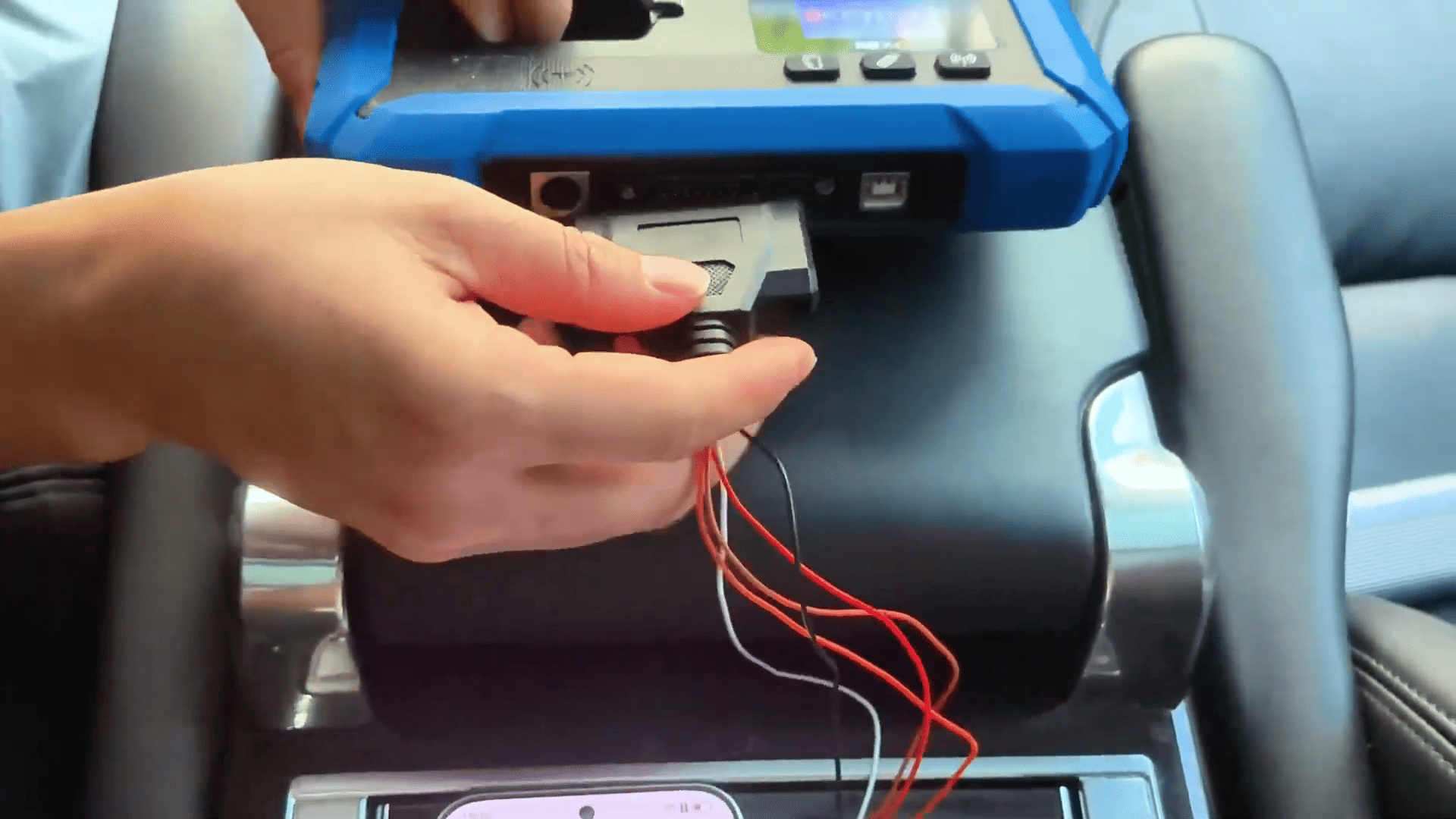
Connect the harness to KD-X4 Locksmith’s Universal Tool
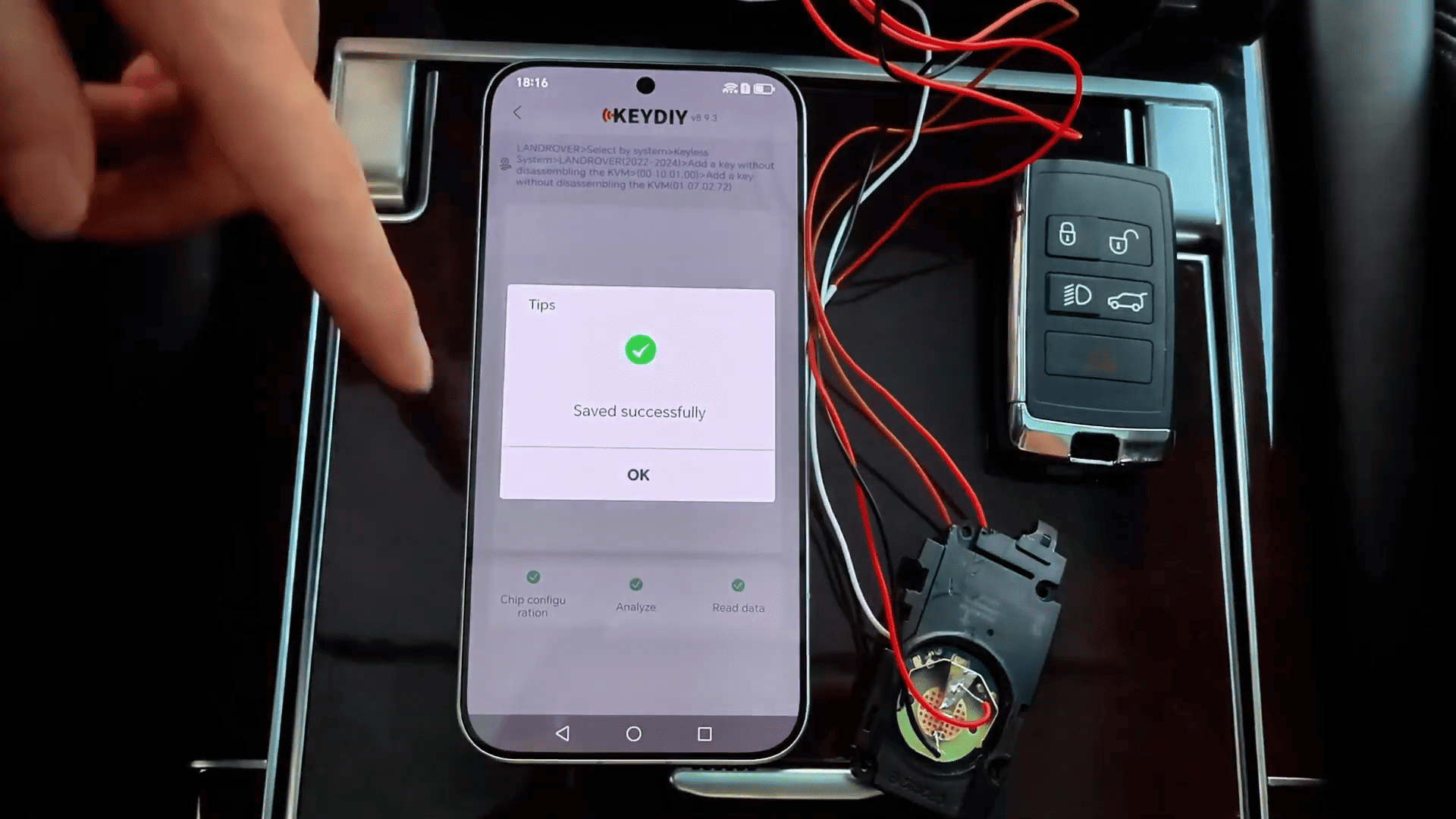
Select Read Chip Data → Save the key information
3. Perform Land Rover IMMO Programming
Connect KDX4 to the vehicle and enter [IMMO Programming] → [Land Rover]
Select the correct vehicle year and follow the instructions.
During the cloning process
- Make sure the device has a stable network connection.
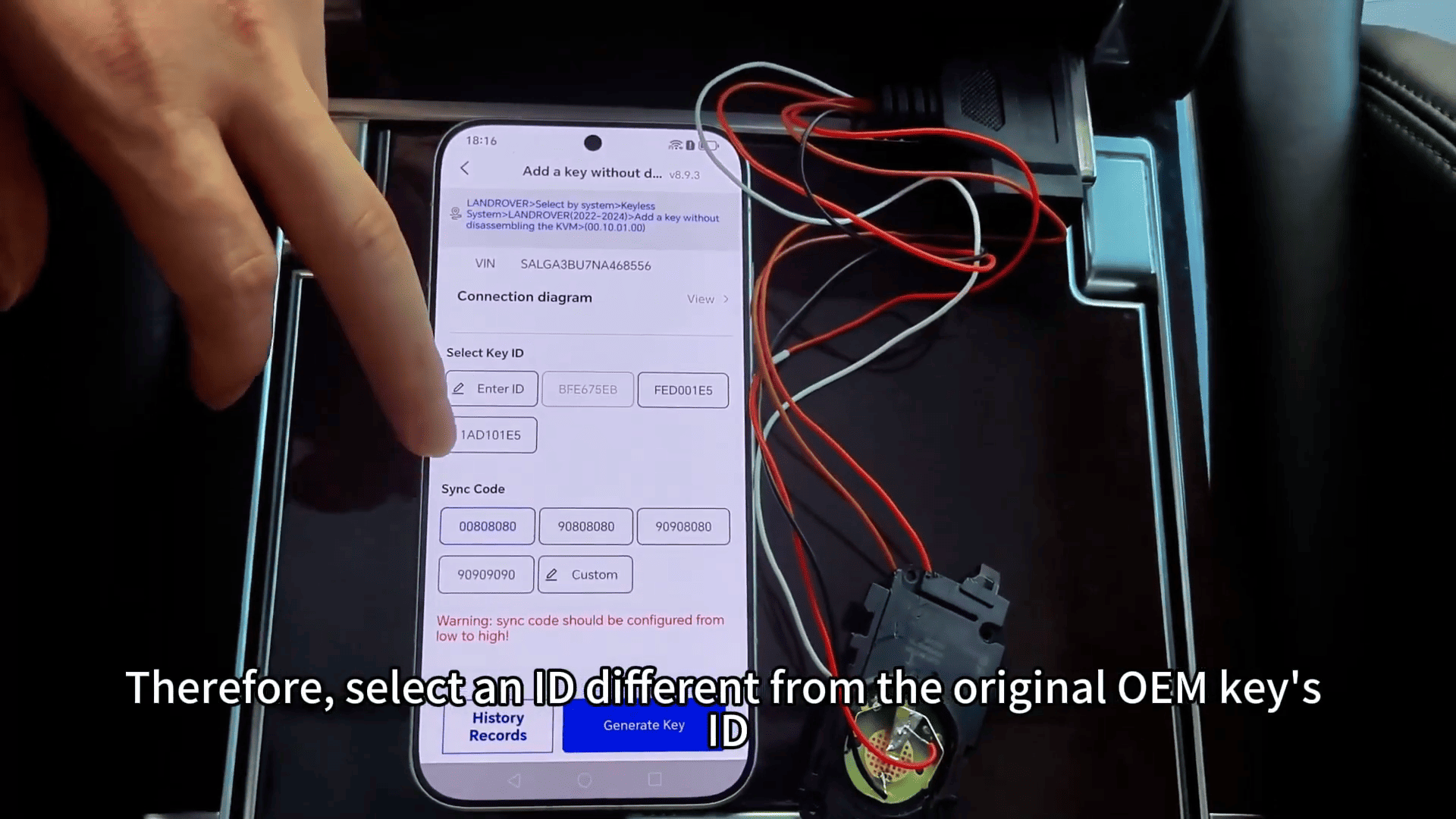
- Do not select an ID identical to an existing valid key ID, otherwise the original key may stop working.
For supported UWB vehicles, the system can disable the UWB function during the procedure.
4. Generate New Smart Key
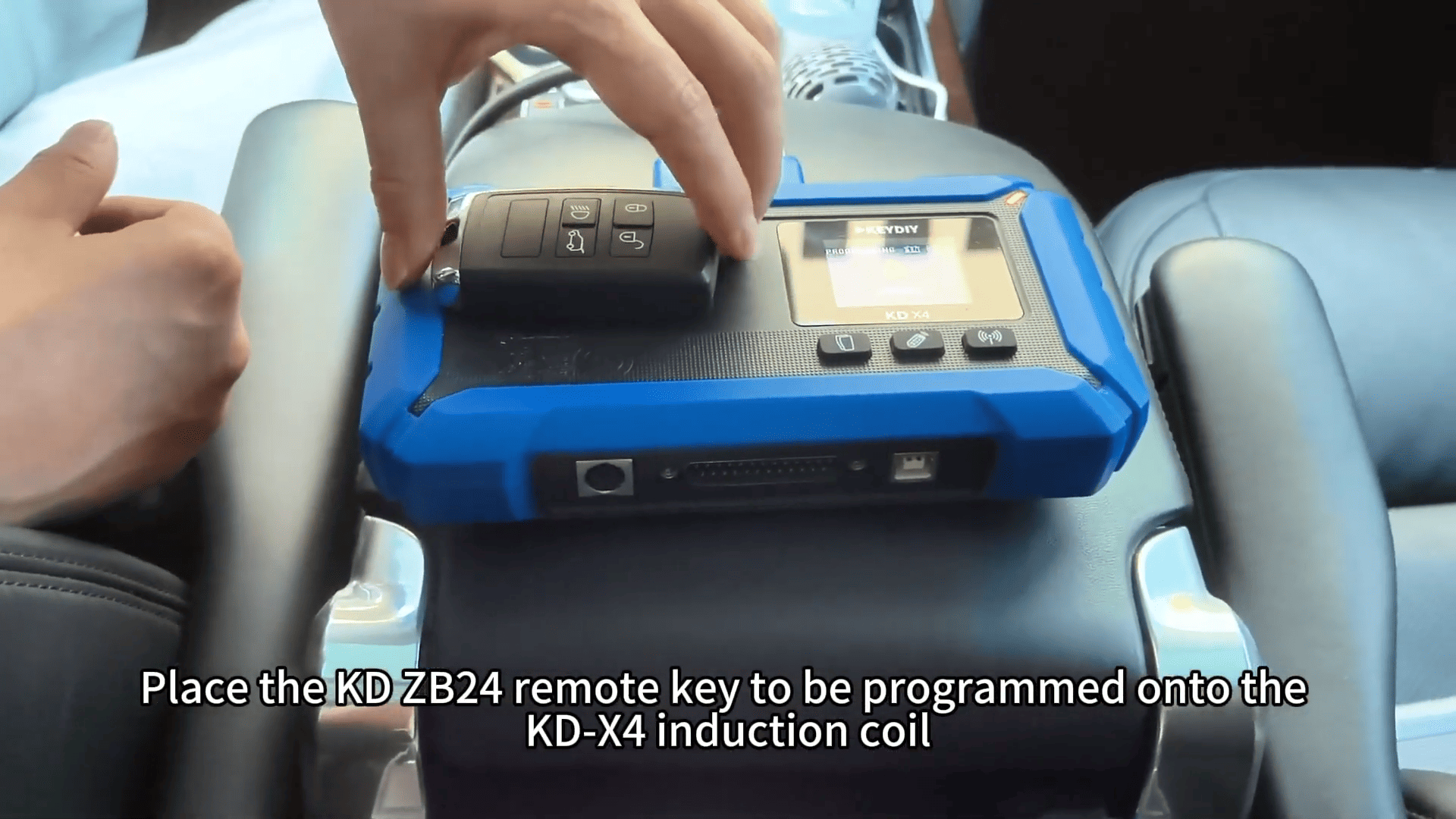
Place the KD smart key on KD-X4 key programmer induction coil.
Select a suitable key ID.
Generate the new KD remote. The key generation process will complete automatically.
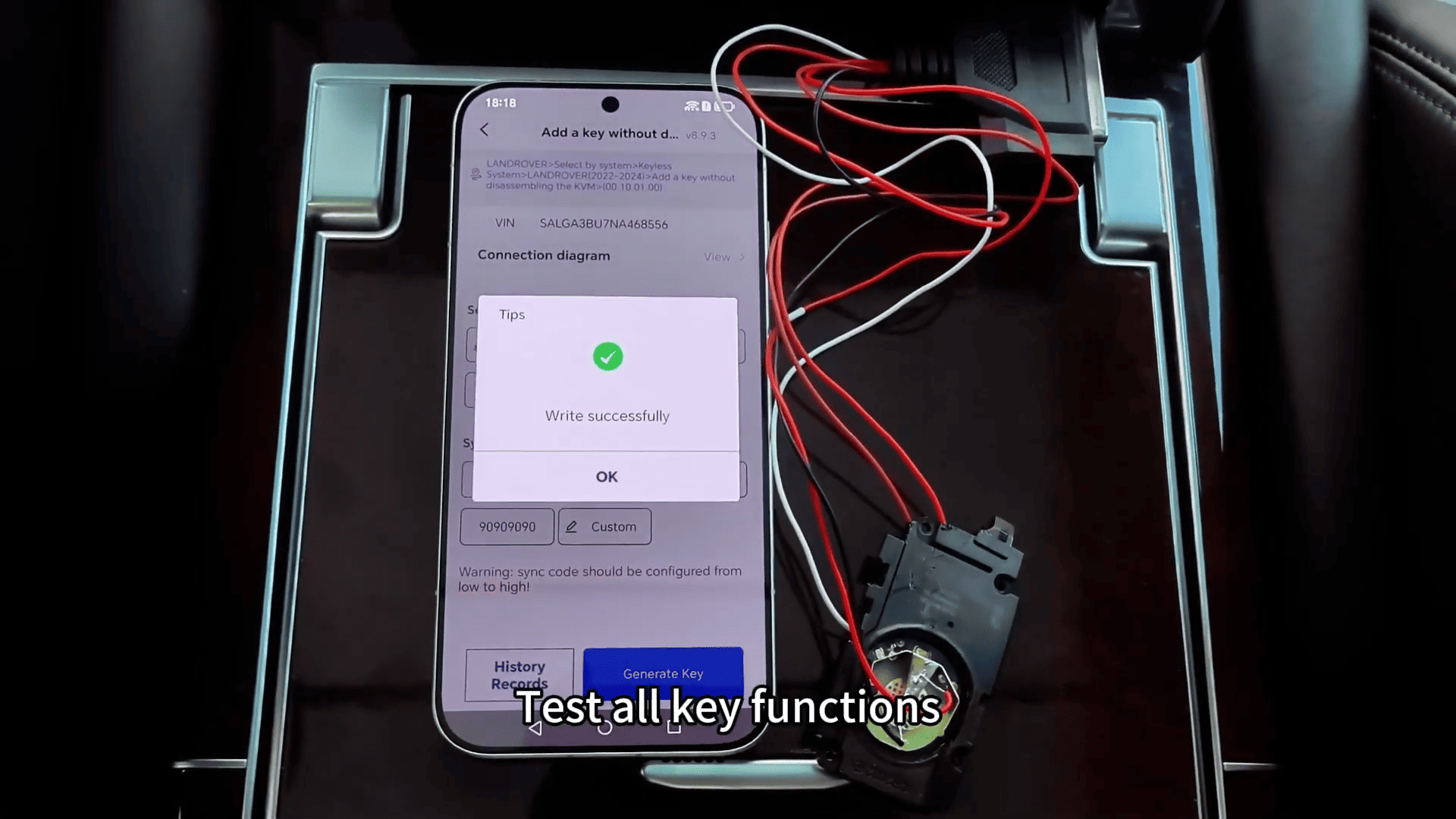
5. Test Key Functions
Test both the newly programmed key and the original key to ensure normal operation.
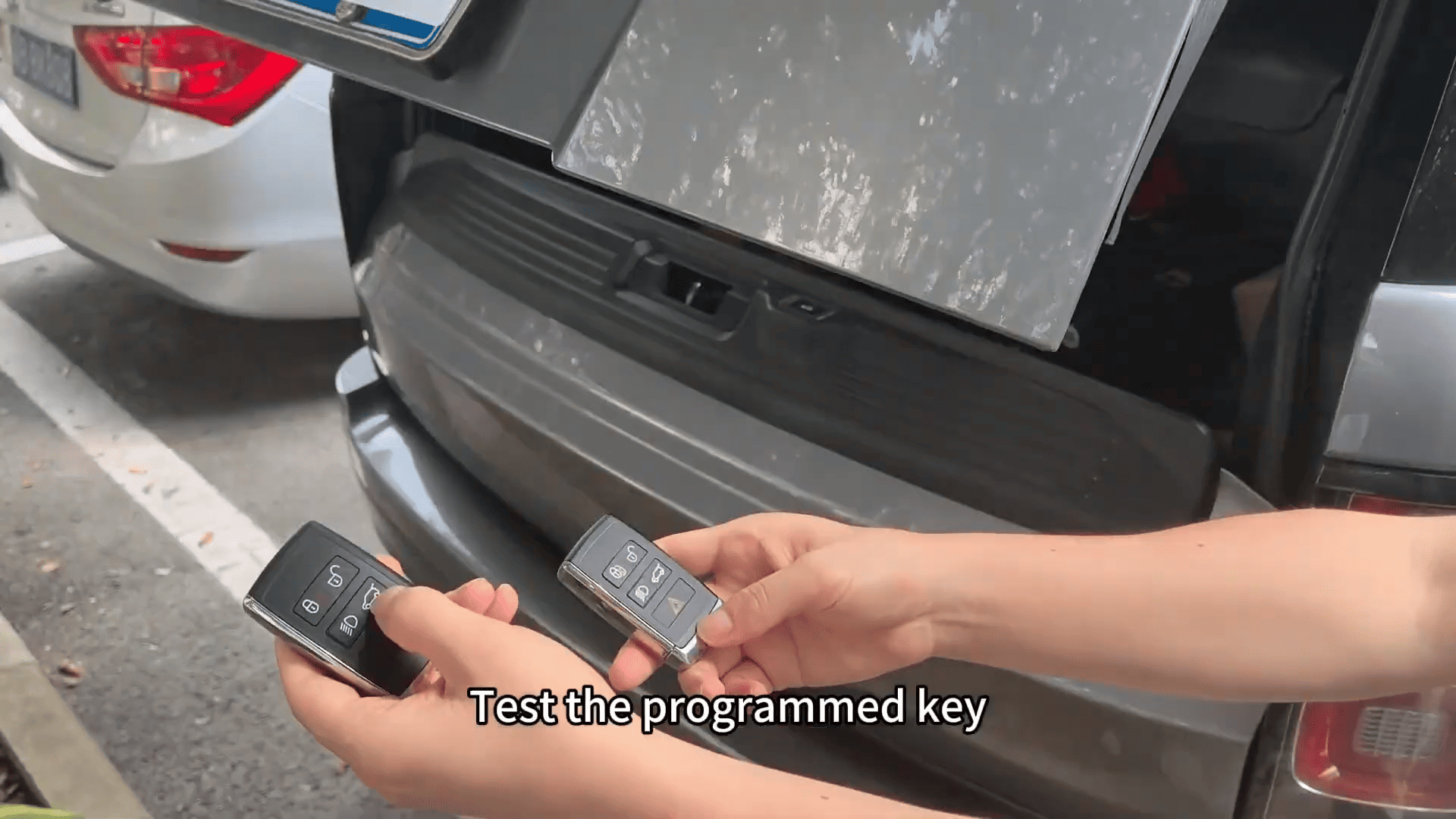
Sync Code Adjustment
If the programmed key remote function does not work correctly, the sync code may need adjustment.
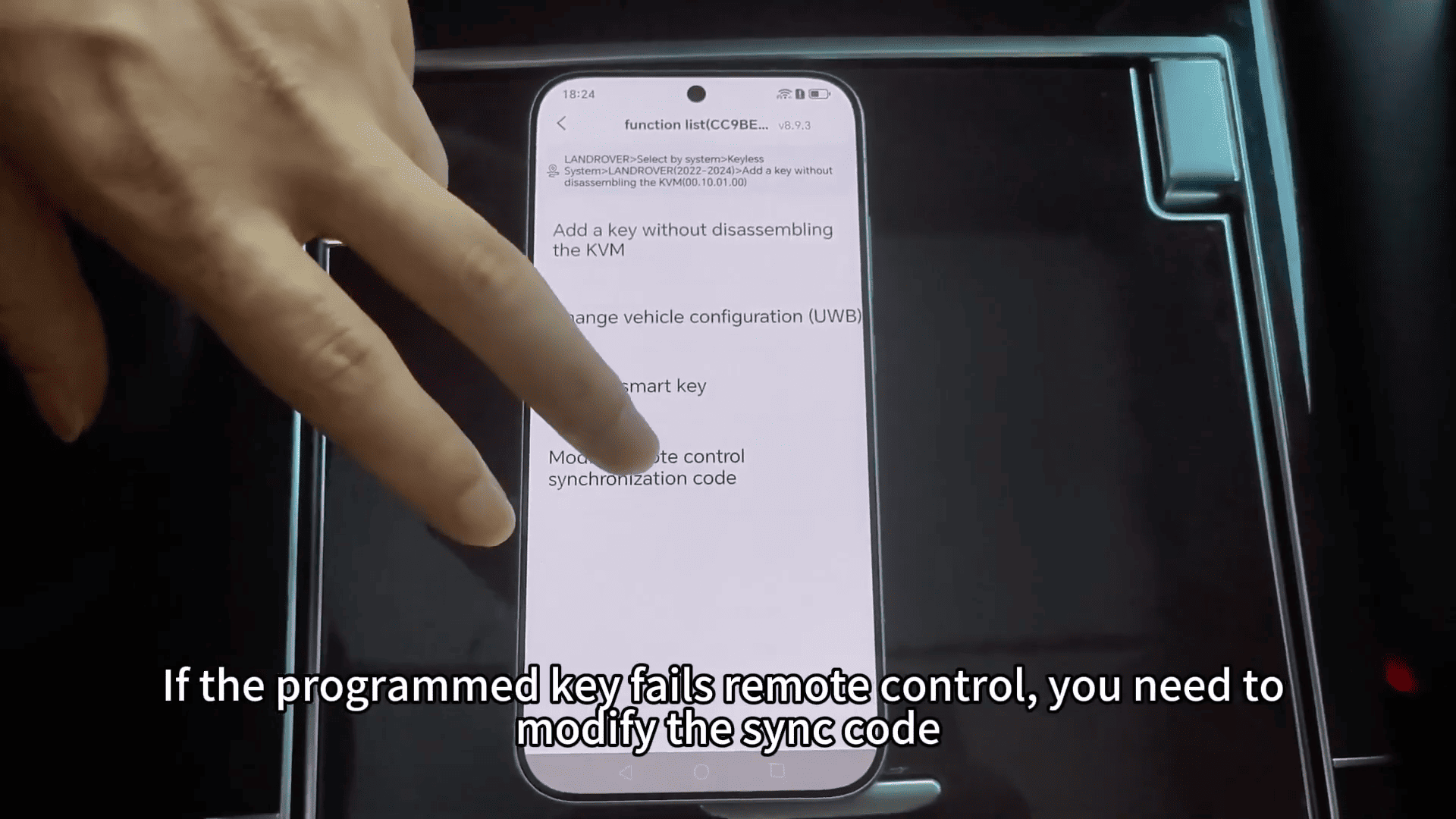
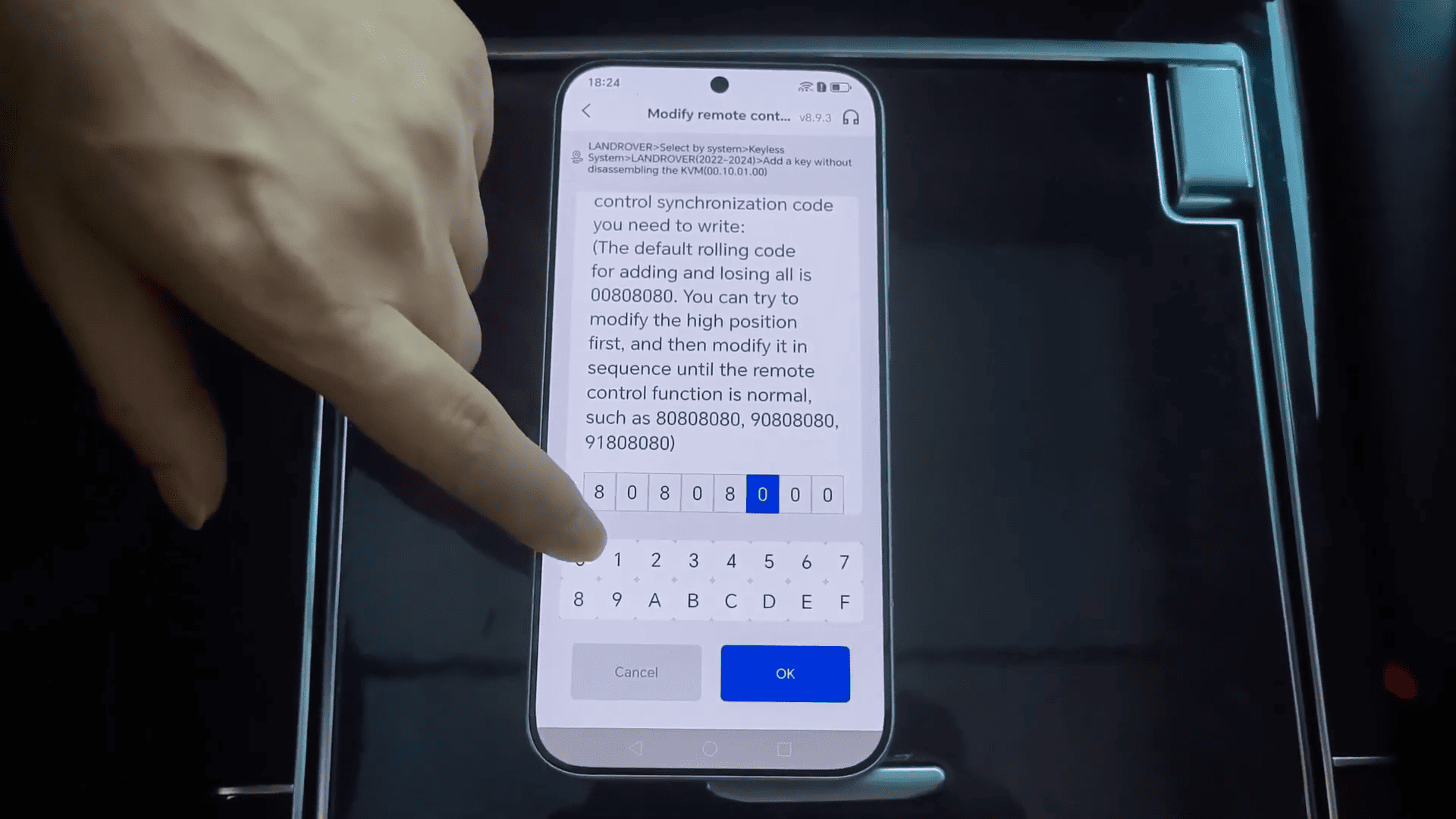
When modifying the sync code
1). Increase the value gradually.
2). Avoid making large changes in one step.
3). Confirm after each adjustment.