


In this guide, we demonstrate how to program smart keys for a 2019 Ford Focus using Lonsdor K518 Pro. This process is especially useful in an all keys lost situation and ensures both key learning and remote functions work properly.
Tools Required
K518 Pro
OBD communication cable
Two smart keys (new or generated)
Step 1: Connect the Device
Start by connecting the OBD communication cable to the vehicle.
Turn on the ignition to establish communication with the system.
Step 2: Generate the Smart Key
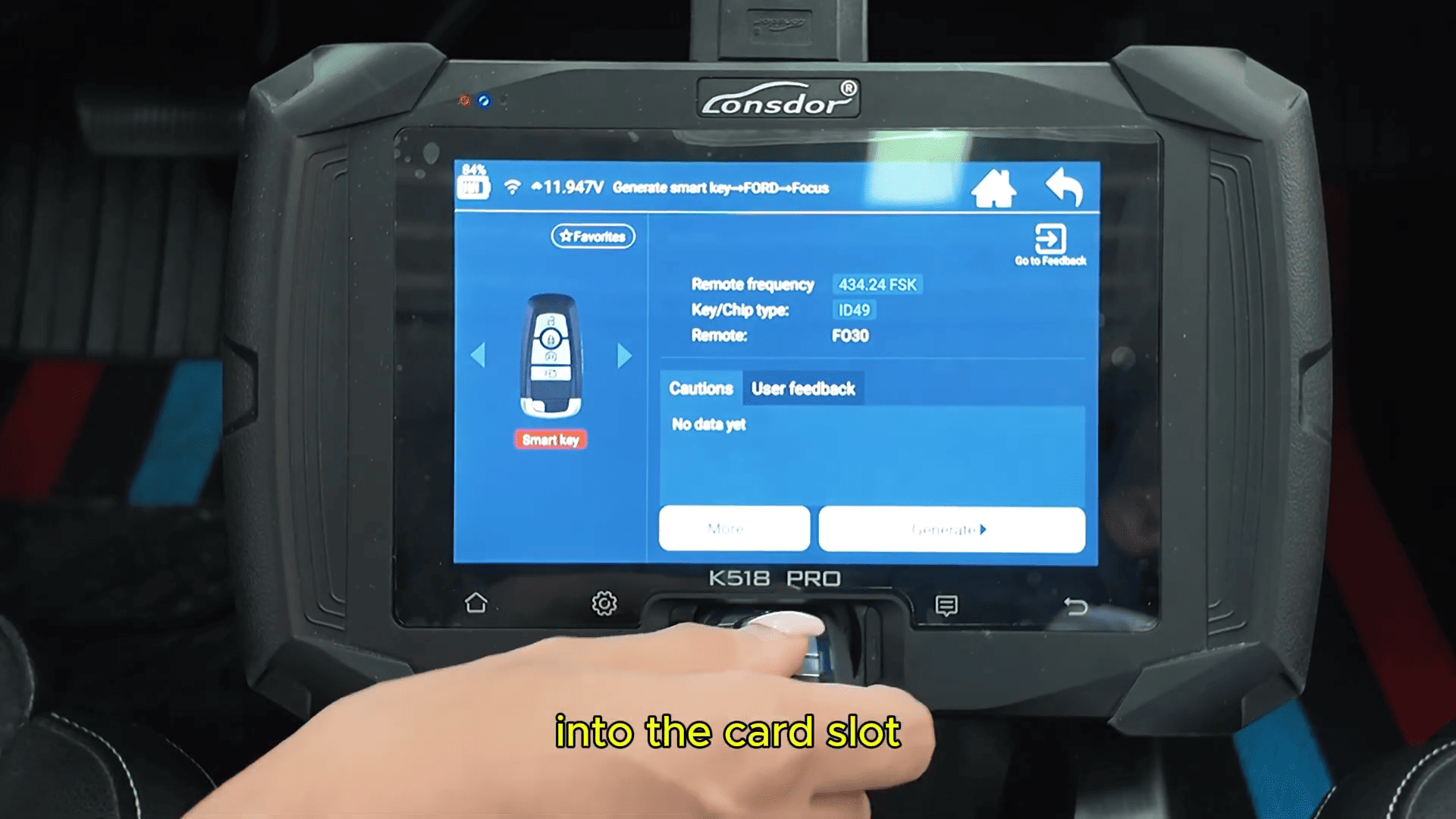
Enter Generate Smart Key
Select Ford → Focus
Choose the latest available option
Place the smart key into the device’s card slot and start generating.
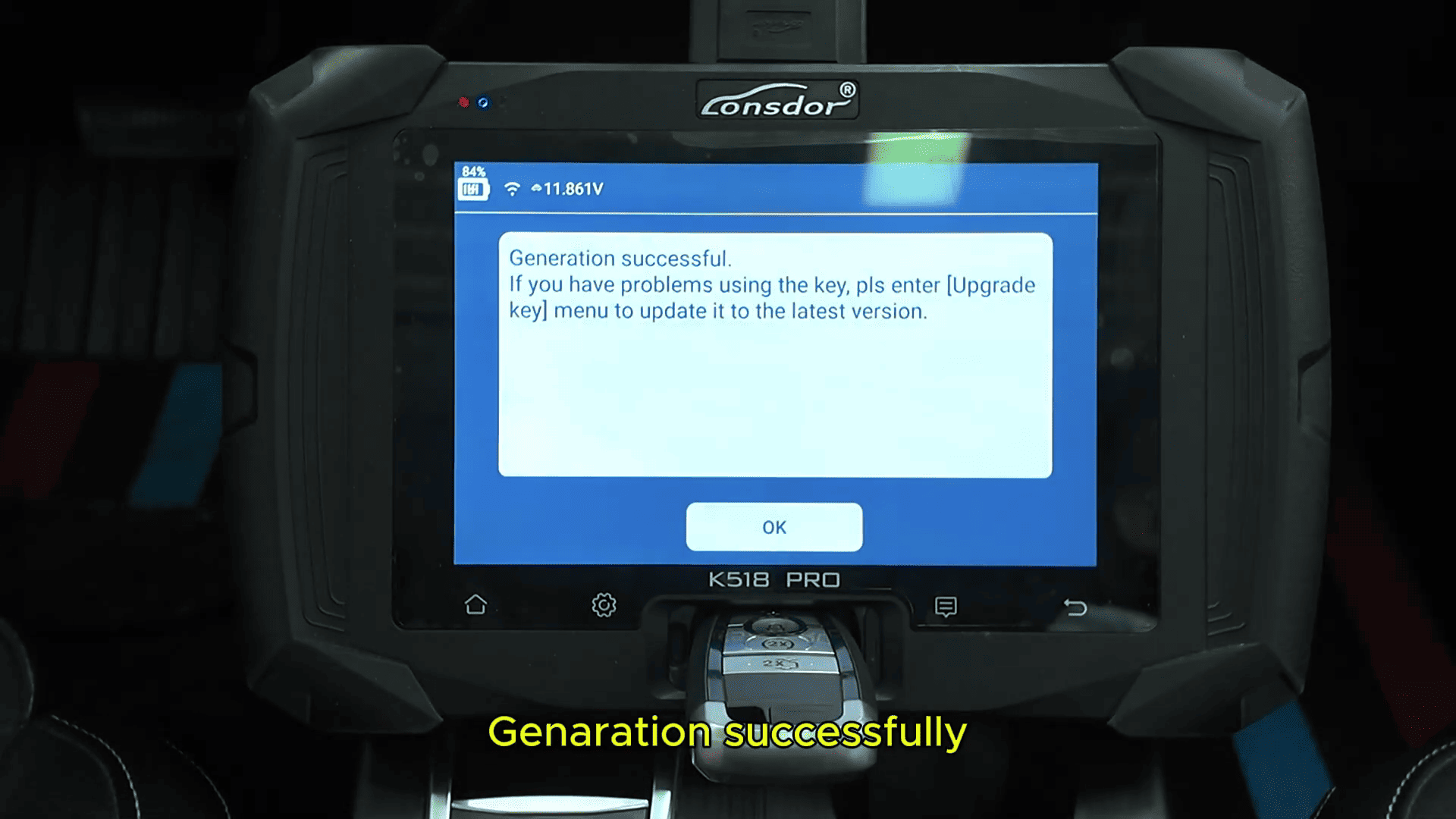
Once completed, the system will display Generation Successful.
Step 3: Enter IMMO Programming
Return to the main menu and proceed to:
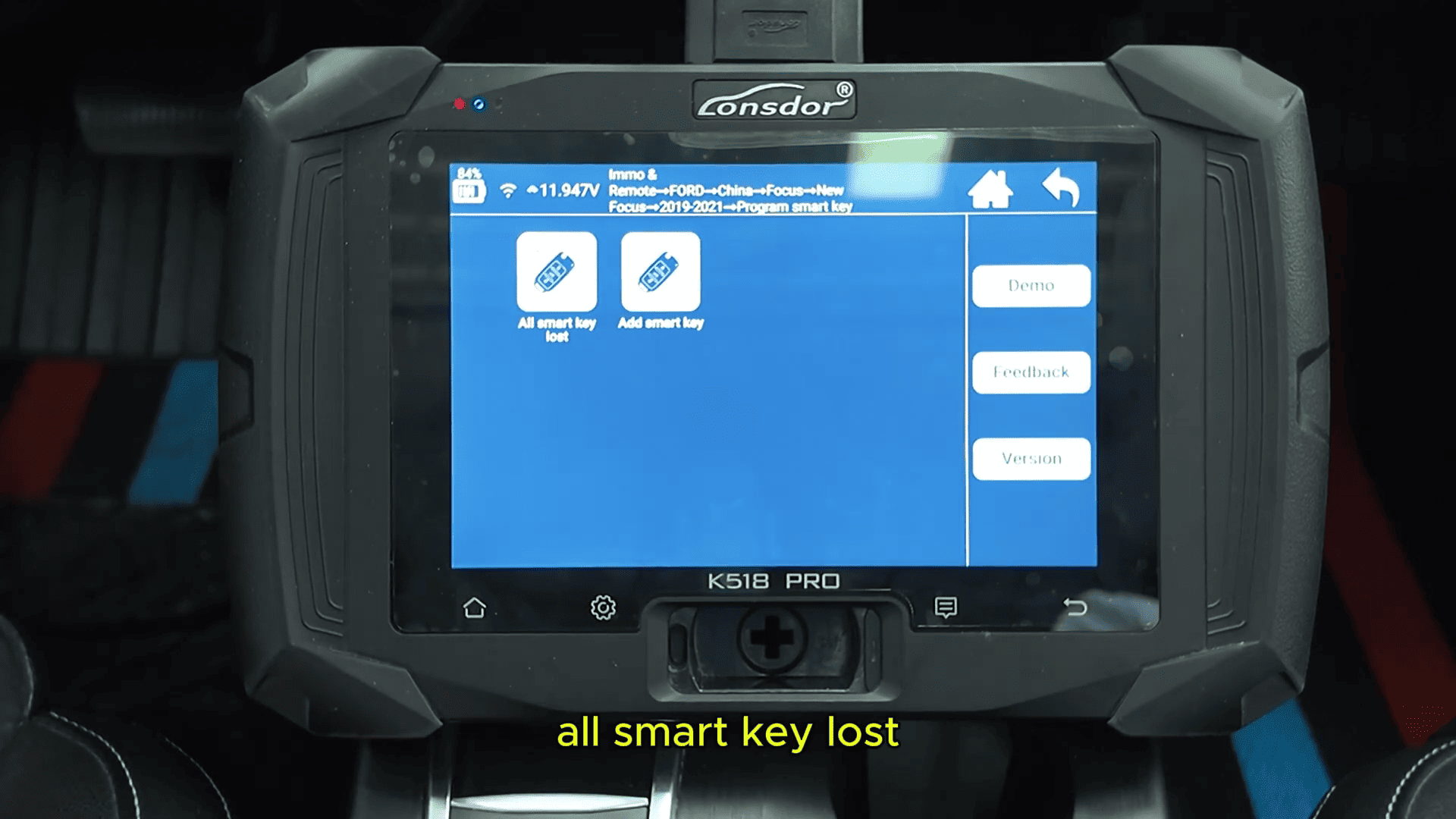
IMMO & Remote
Select Ford (China) → Focus → New Focus (2011–2019)
Choose Program Smart Key (All Keys Lost)
Note: This function requires an active internet connection.
Step 4: Program the Keys
The system will first erase all existing keys
Follow on-screen instructions
Programming sequence:
Place the first smart key in the sensing area → confirm

Place the second smart key → confirm

Once both keys are programmed, the system will display completion.
Step 5: Test the Keys
After programming:
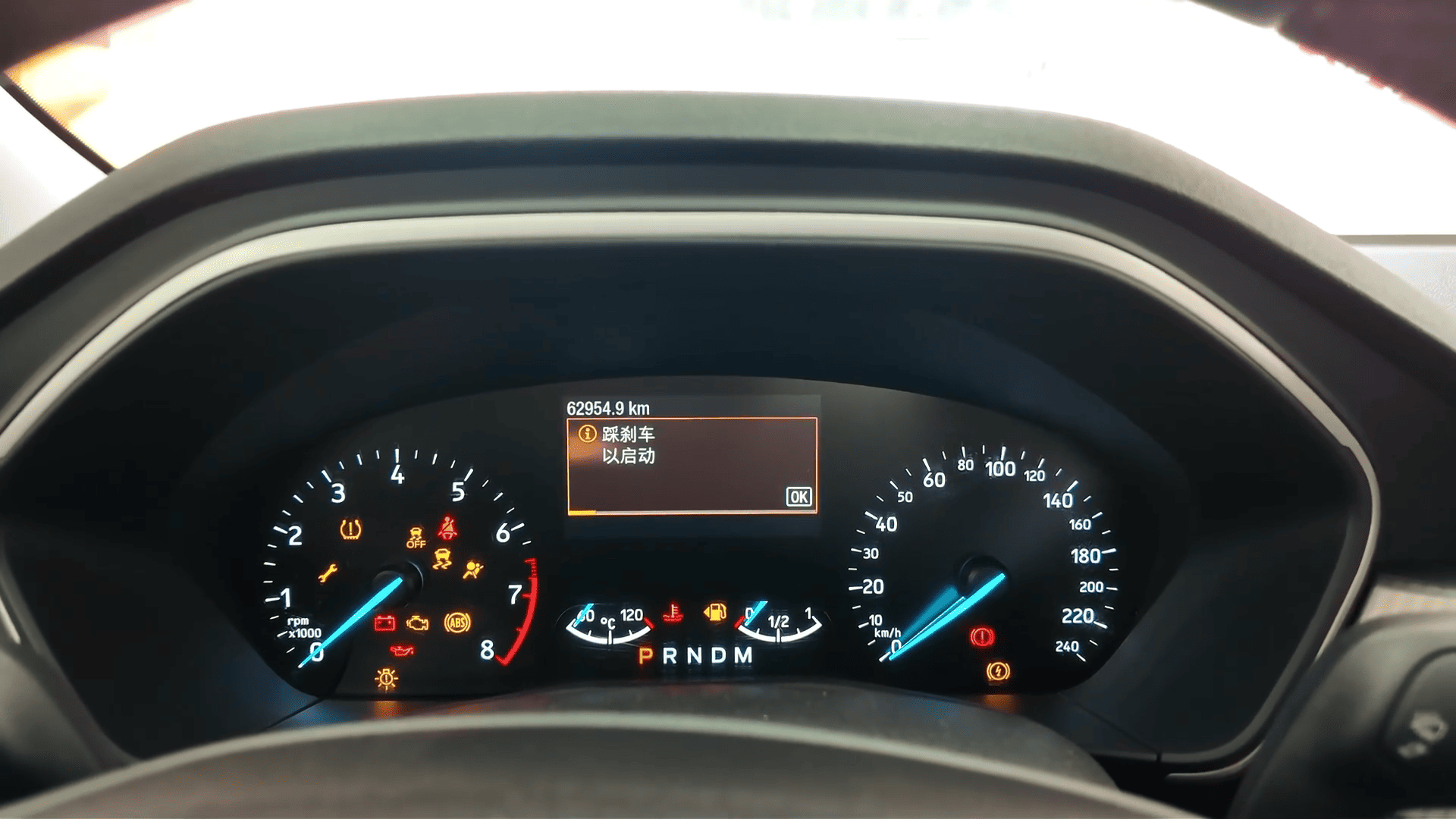
Press the brake and start the vehicle with each key
Verify engine start is successful
Test remote functions (lock/unlock)
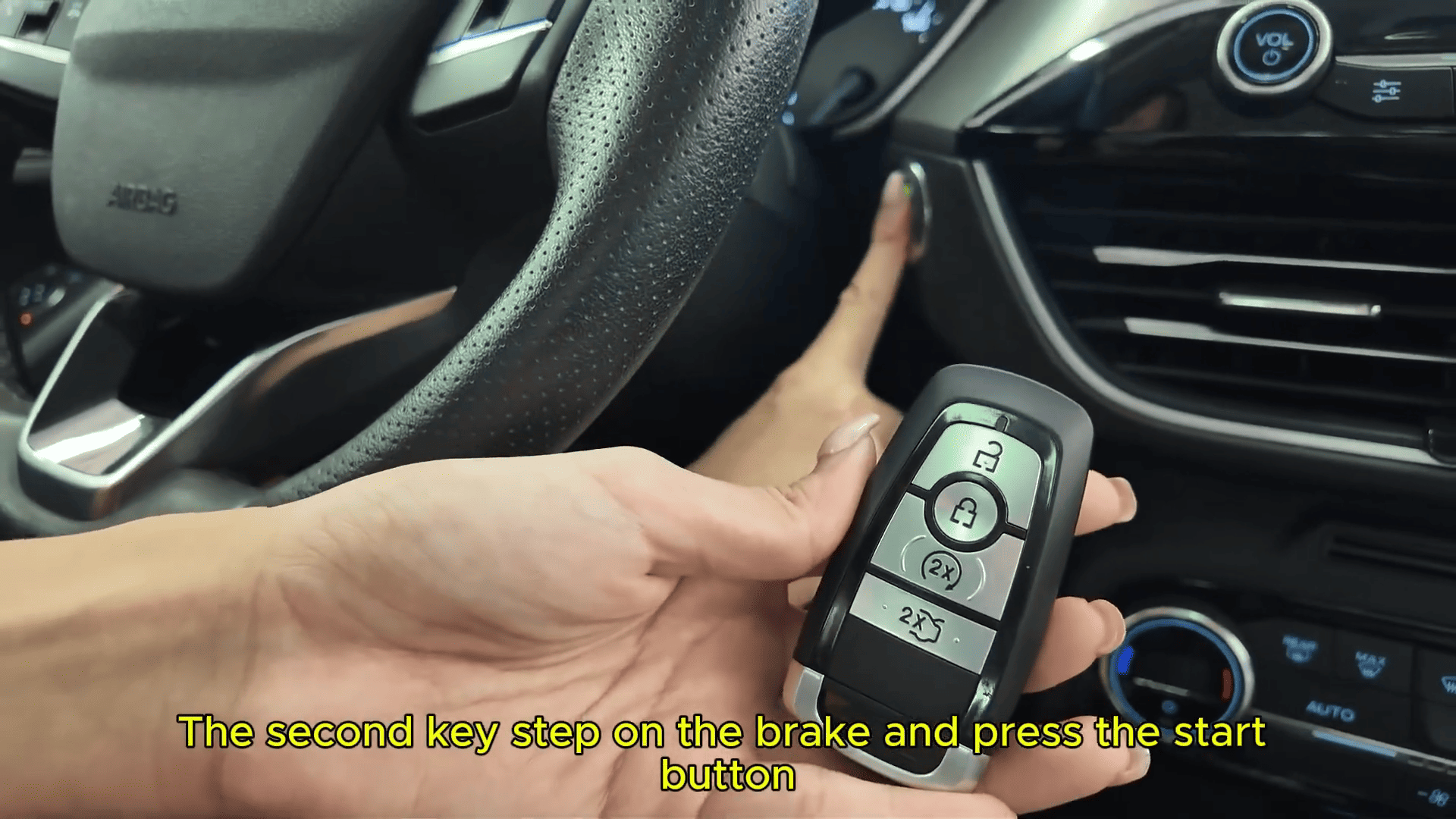
Both keys should function normally for ignition and remote control.
Lonsdor K518 Pro key programmer programes smart keys for the 2019 Ford Focus is a straightforward process—even in all keys lost scenarios. With proper steps and stable network connection, technicians can quickly complete the job and ensure full functionality.