Here, I’m gonna to show you how to use a Launch X431 Diagun IV to test a car.
(sorry for the bad resolution of my photos; but the Launch has a good resolution – 1280 x 720 )
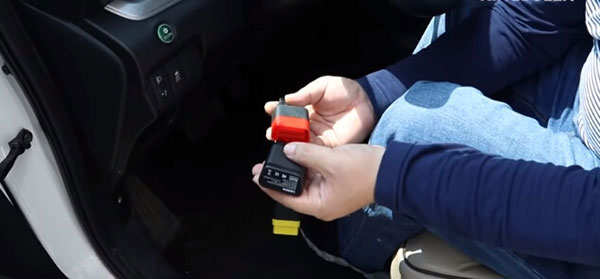
Connect it to your car with a 16-pin cable or via Bluetooth
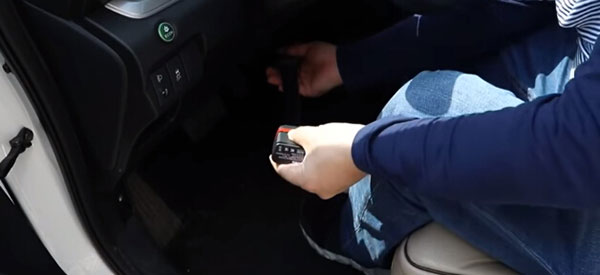
I’m using Honda VCR
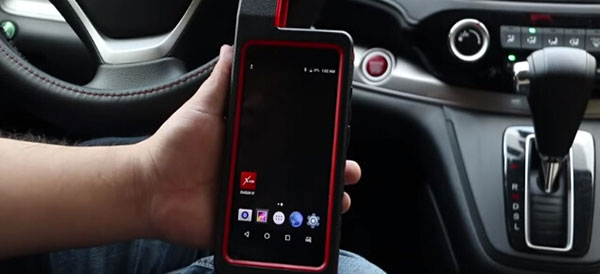
Enter X431 Diagun IV app
Then tap Diagnosis
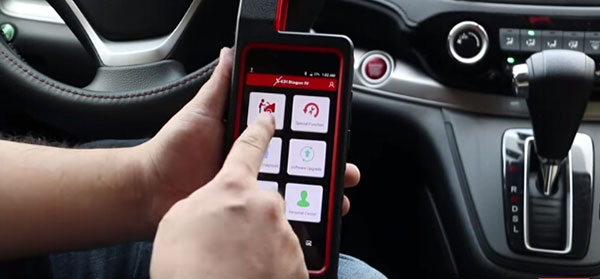
Choose Honda
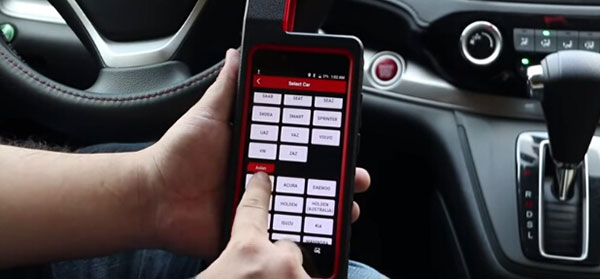
Then check connection to your car with a 16-pin cable or via Bluetooth
Gonna to the diagnostic test
The interface after a successful connection
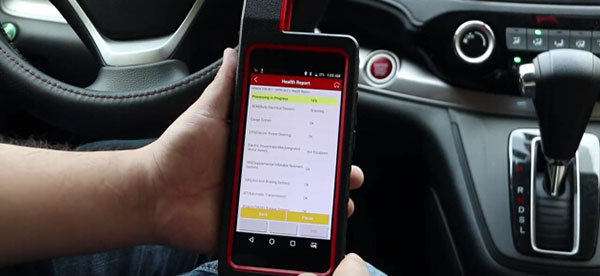
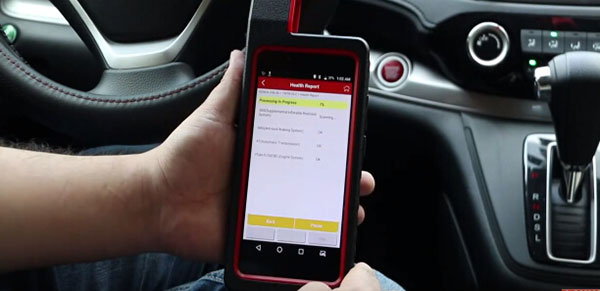
Launch X431 Diagun IV is reading VIN code automatically
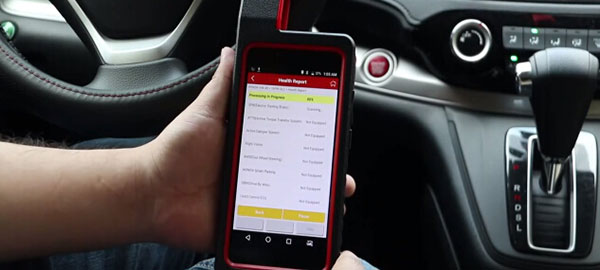
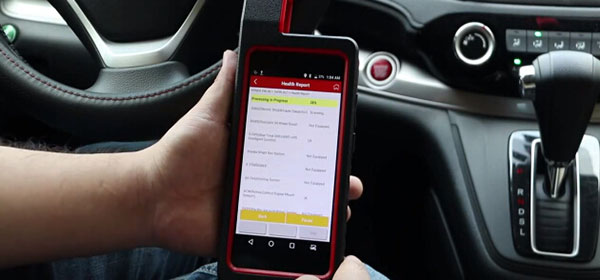
Now, i can see fault codes, read data stream…
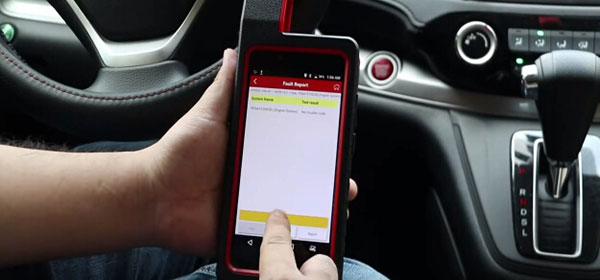
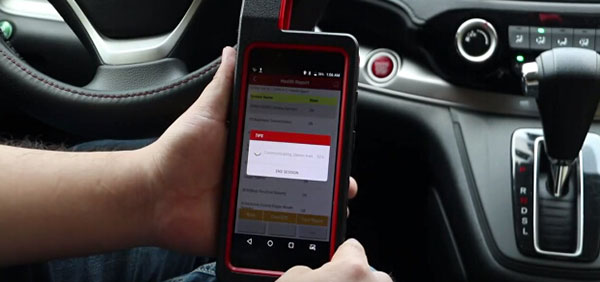
It’s easy to use
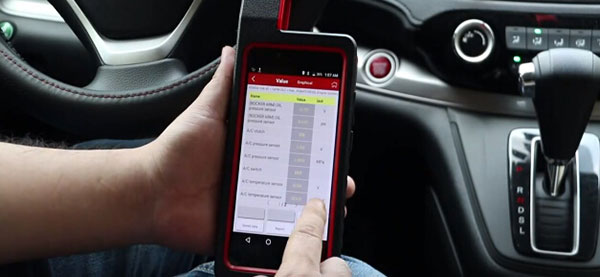
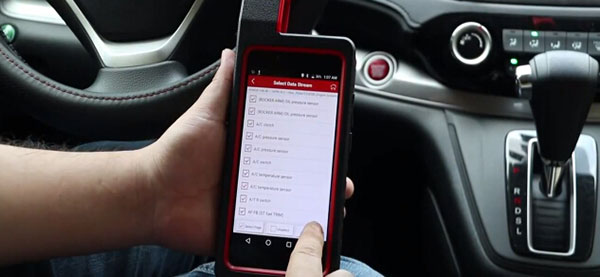
Attach Launch X431 Diagun IV User Manual:
http://www.cardiagtool.co.uk/launch-x431-diagun-iv.html
Satisfied! And it’s user-friendly.