


This post mainly demonstrates how to work with encrypted BDC3 using CGDI K2 key programmer.
Preparation:
Click [More Function]->> [BMW key addition]->> [Added knife style key for the BMW BDC3]
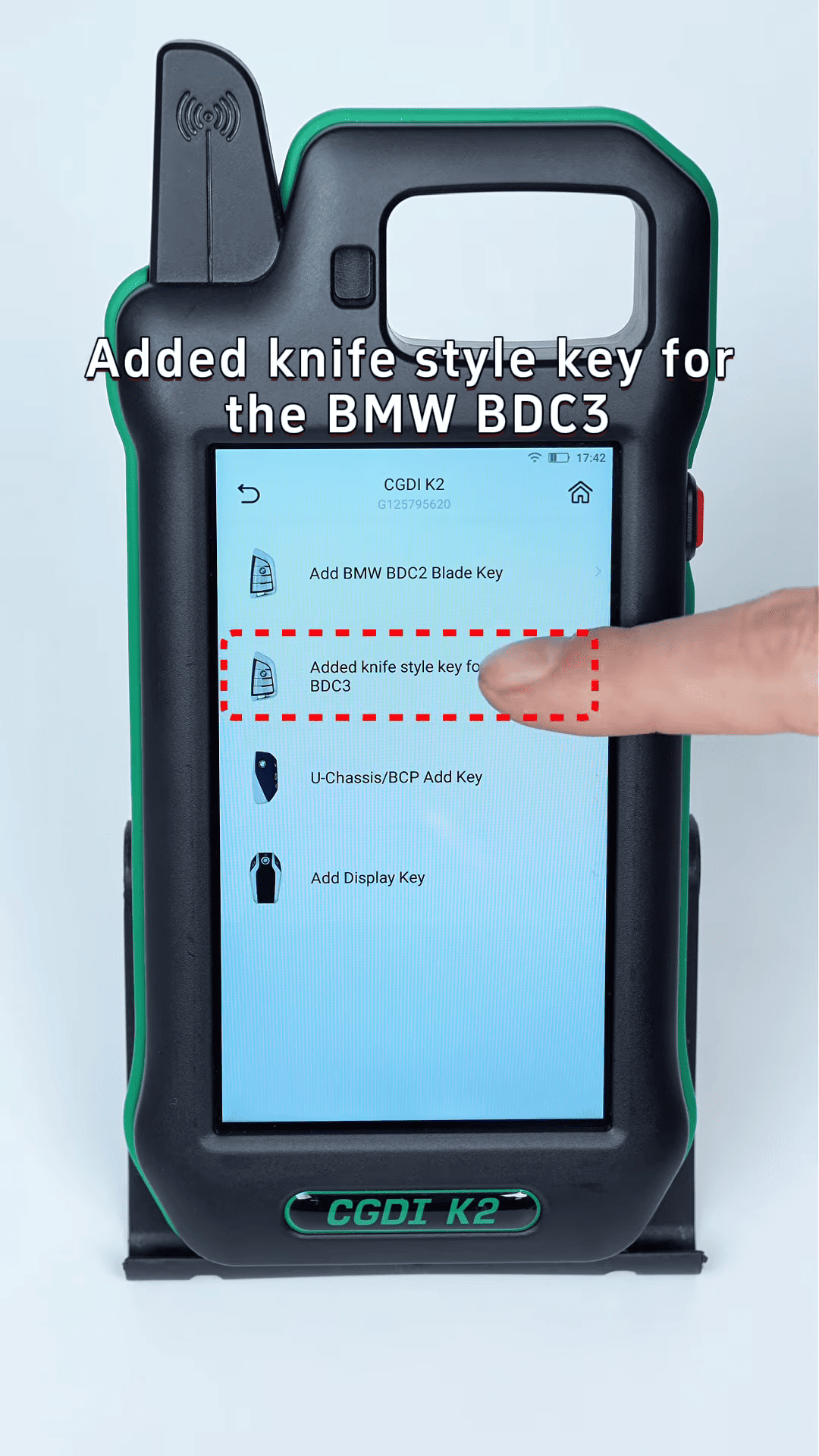
1. Connect the wiring
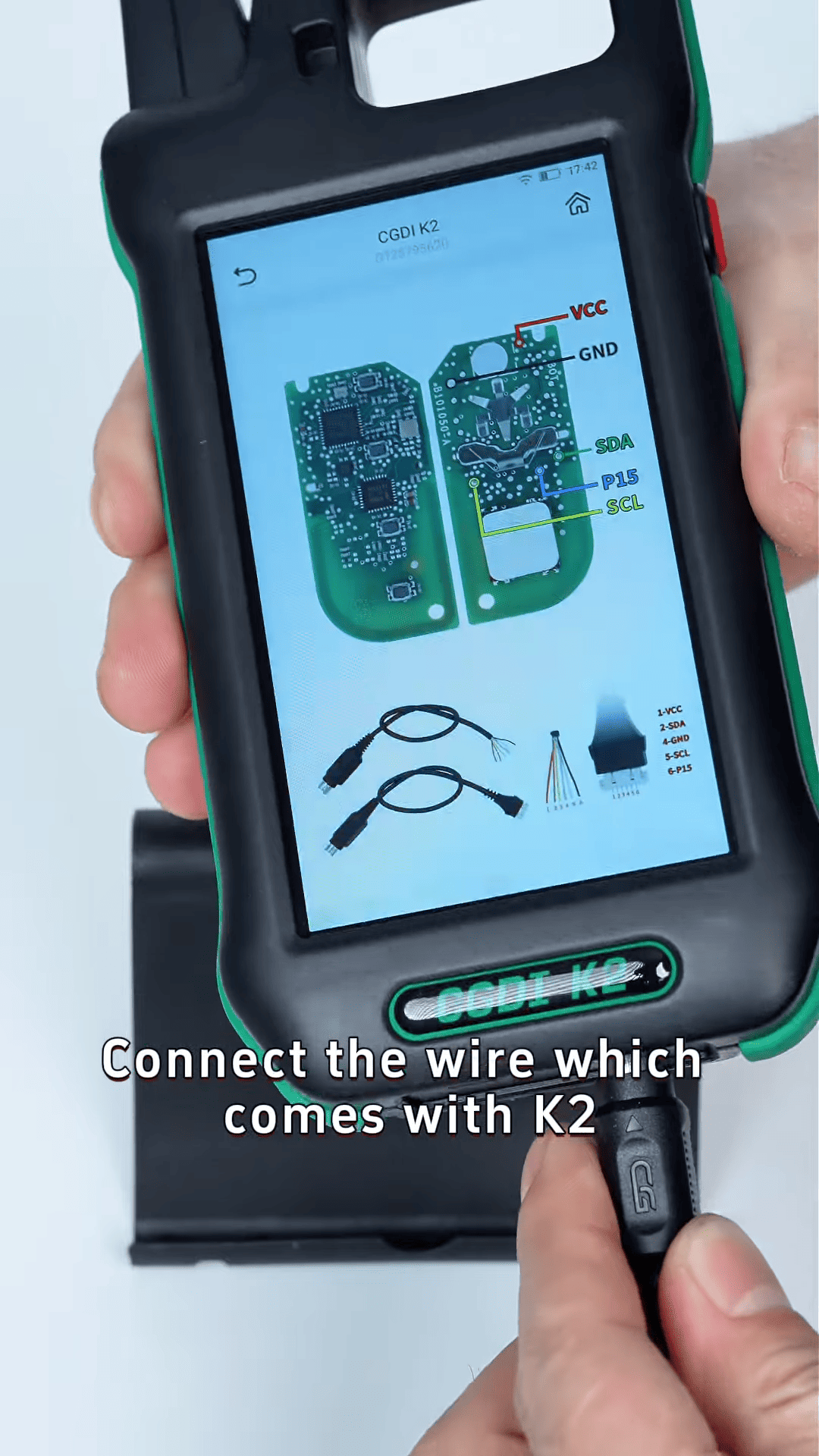
Choose encrypted key and open the wiring diagram to check.
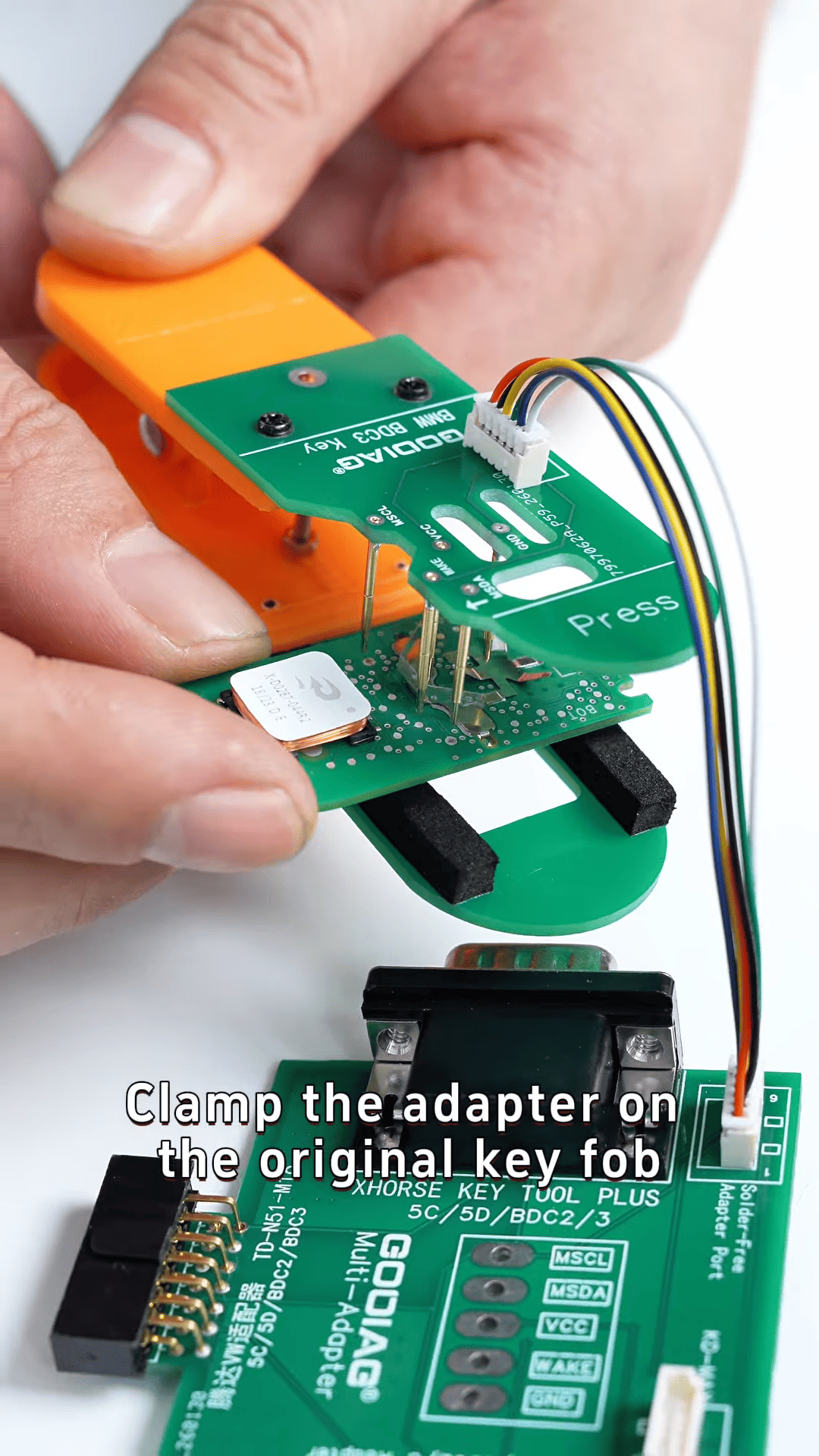
Using CG-K2 generator (which comes with the CGDI K2), connect the wire to the solder-free adapter for encrypted BDC3. Clamp the adapter onto the original key fob, making sure the pins align perfectly with the soldering points.
2. Start the key programming
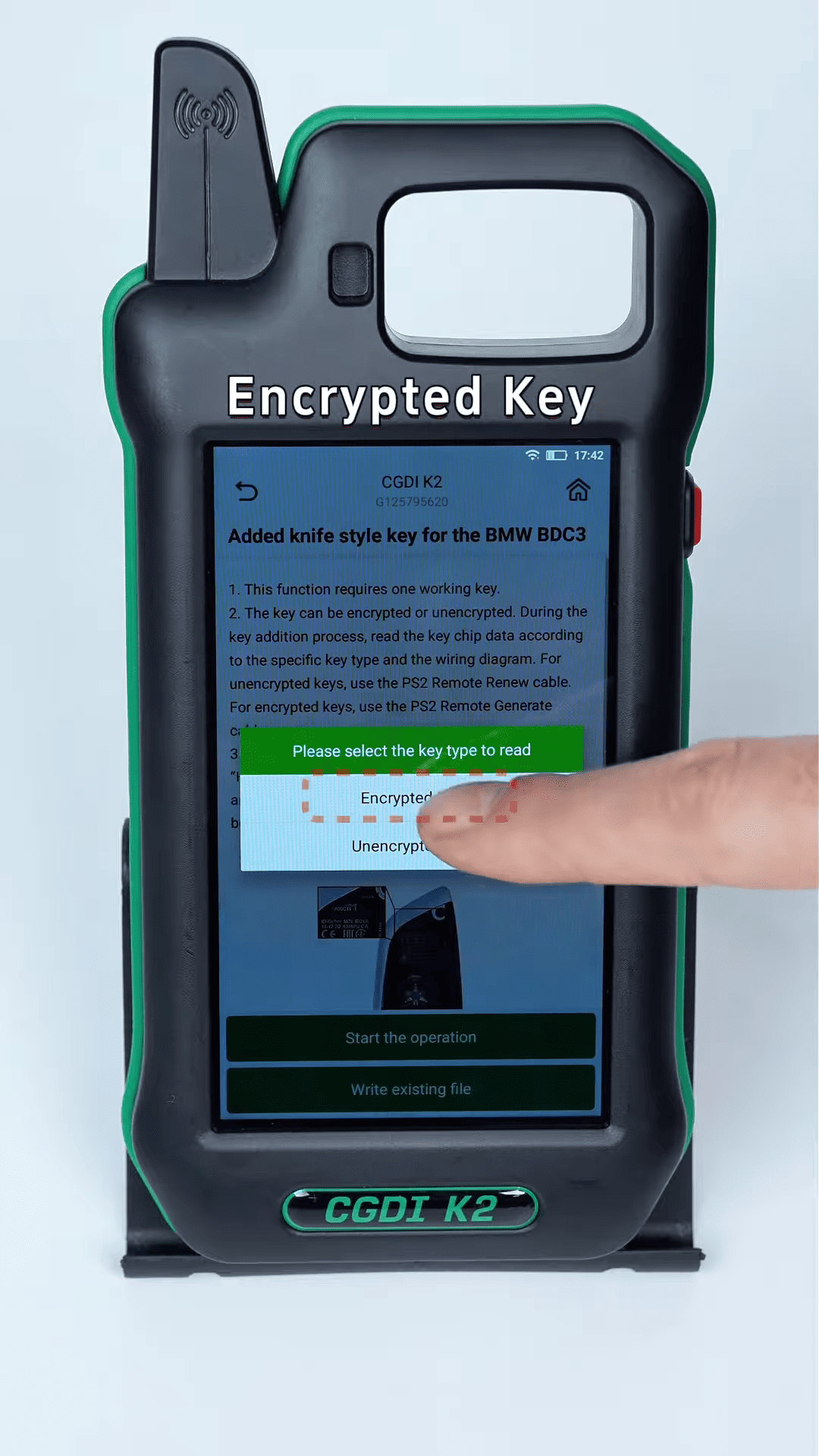
Once everything is connected, start the key programming operation. Select the option for an [Encrypted Key] and continue with the steps as prompted by the device.
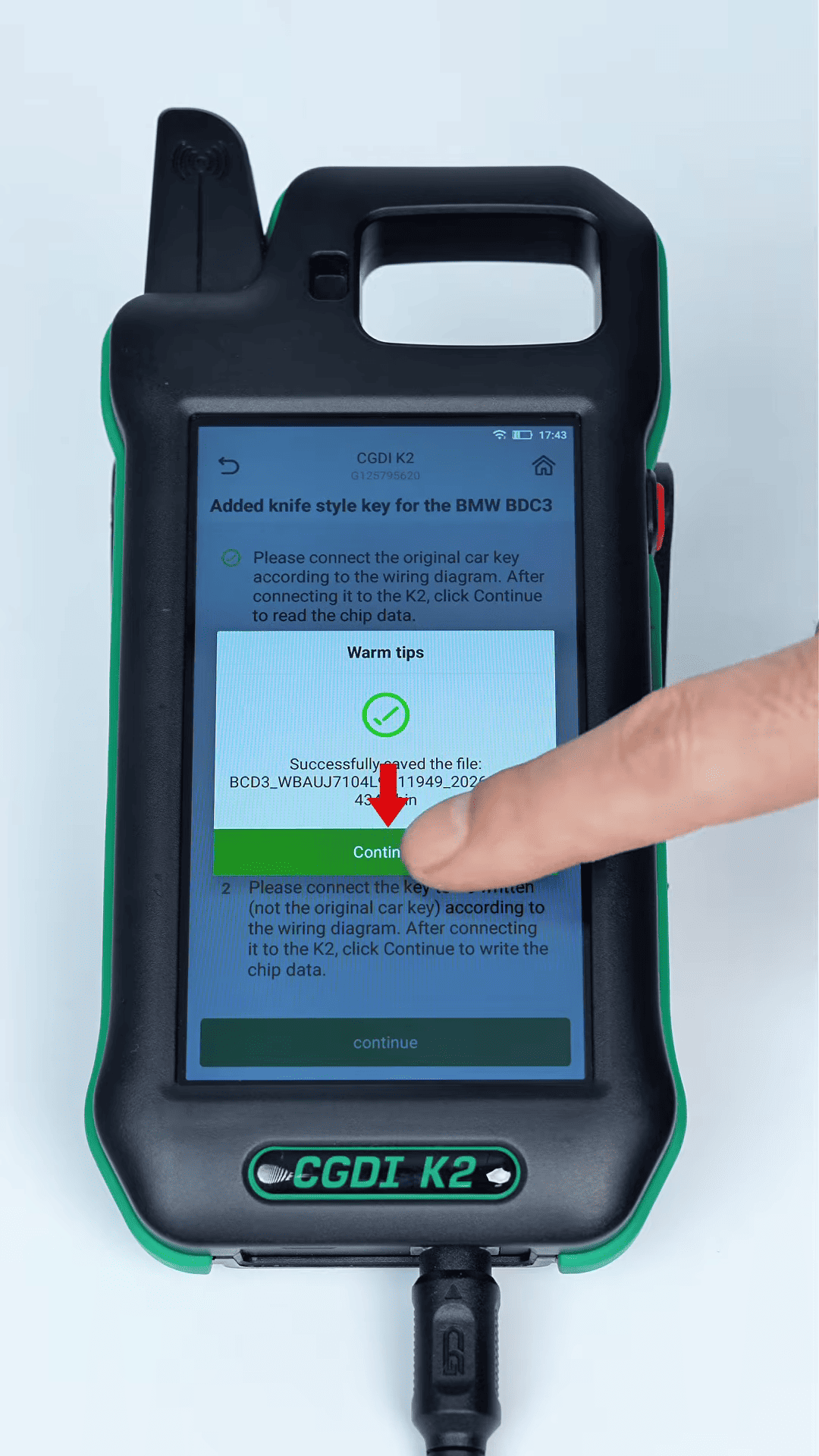
3. Key programming success
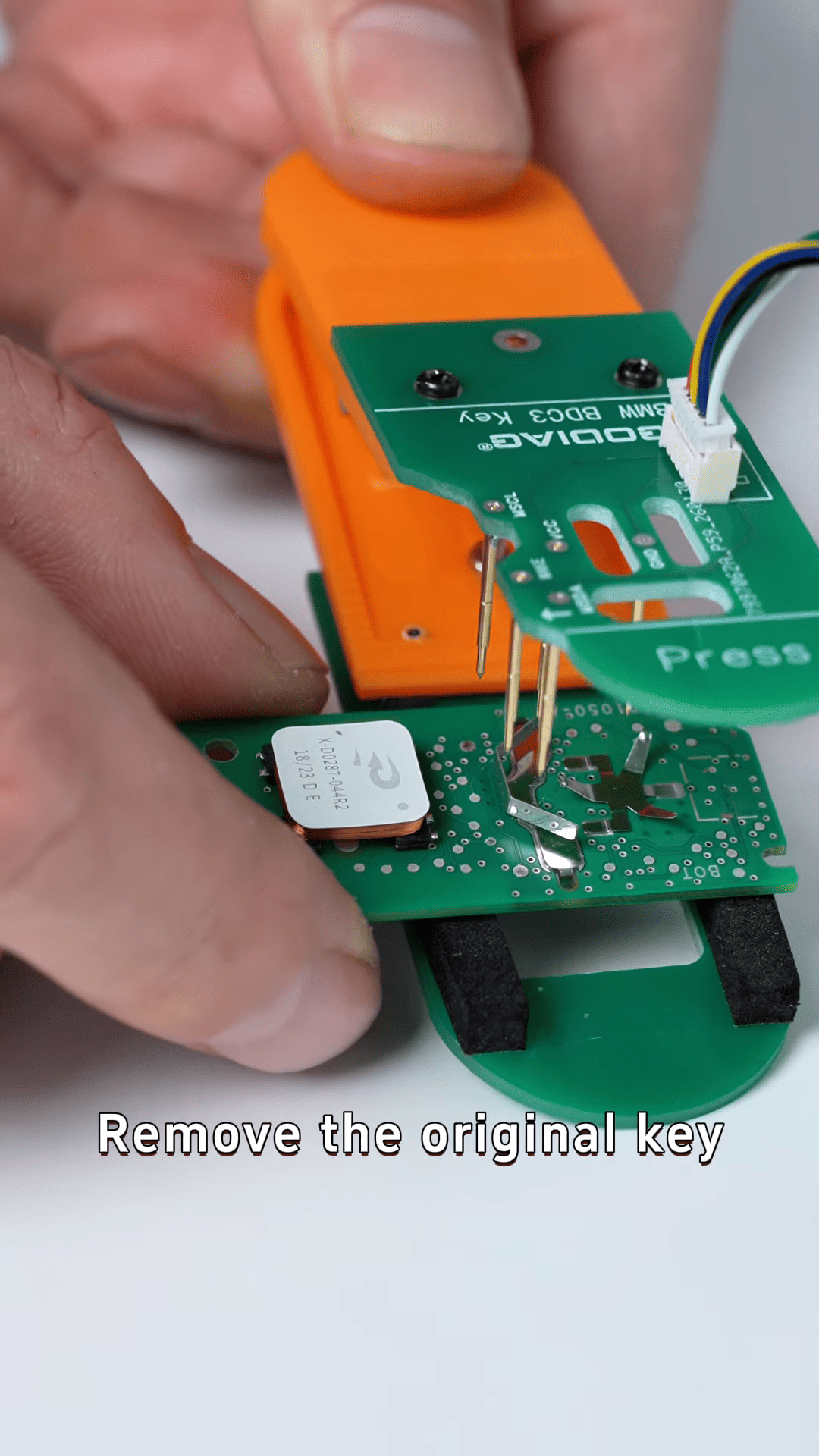
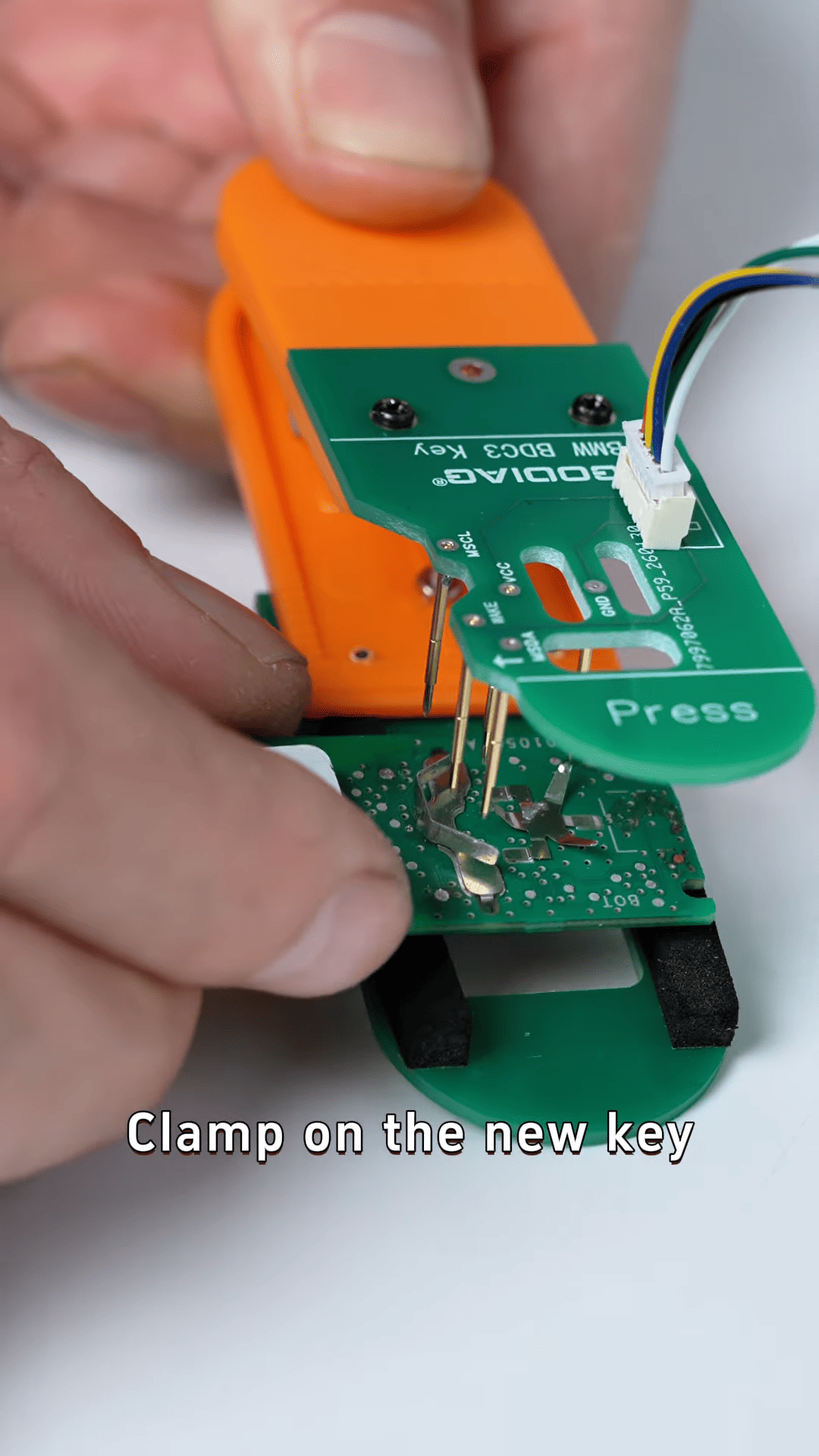
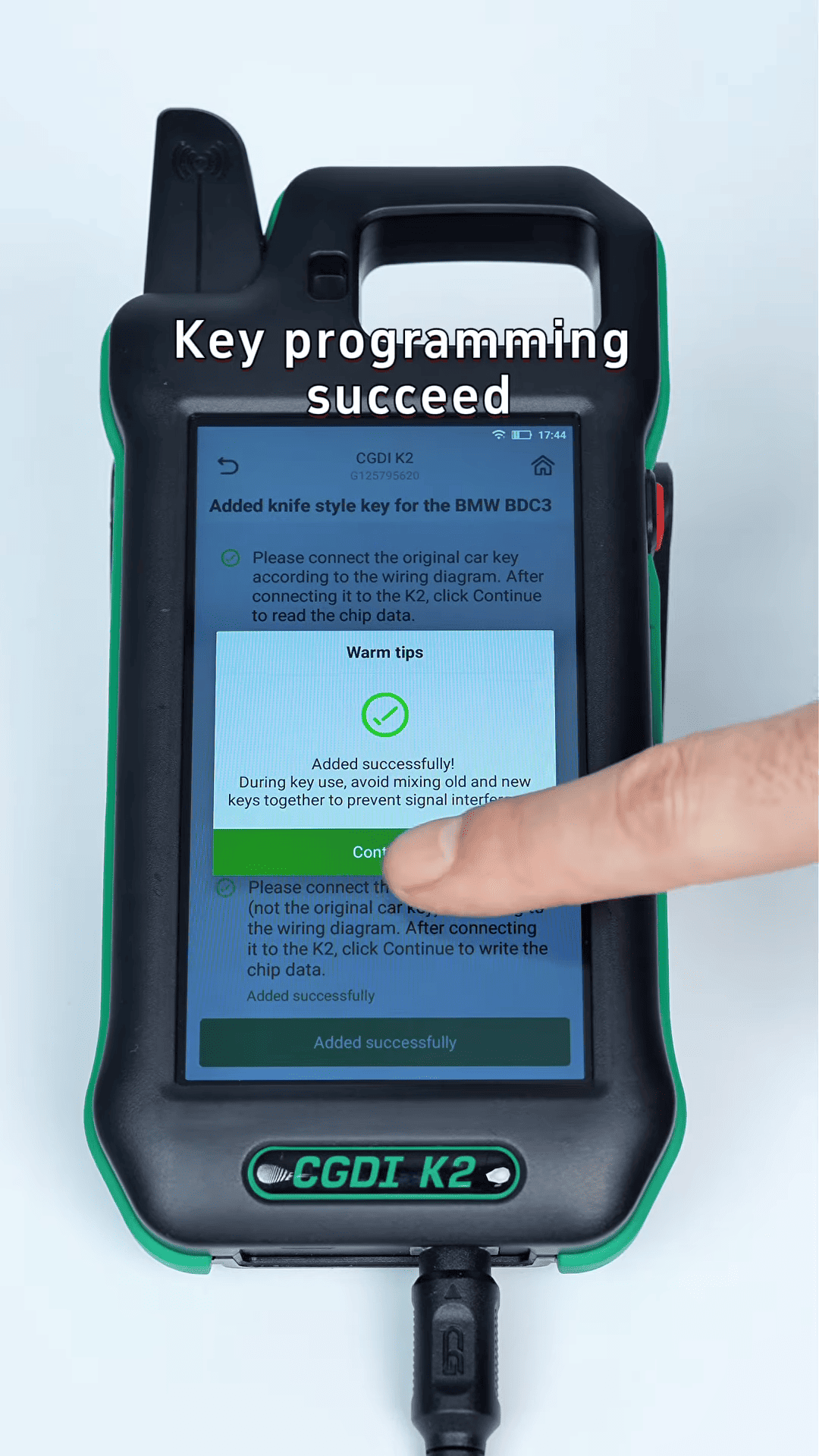
After completing the programming steps, you’ll be asked to remove the original key and clamp the new key onto the adapter. Once finished, your new key should be successfully programmed!
4. Remote control test
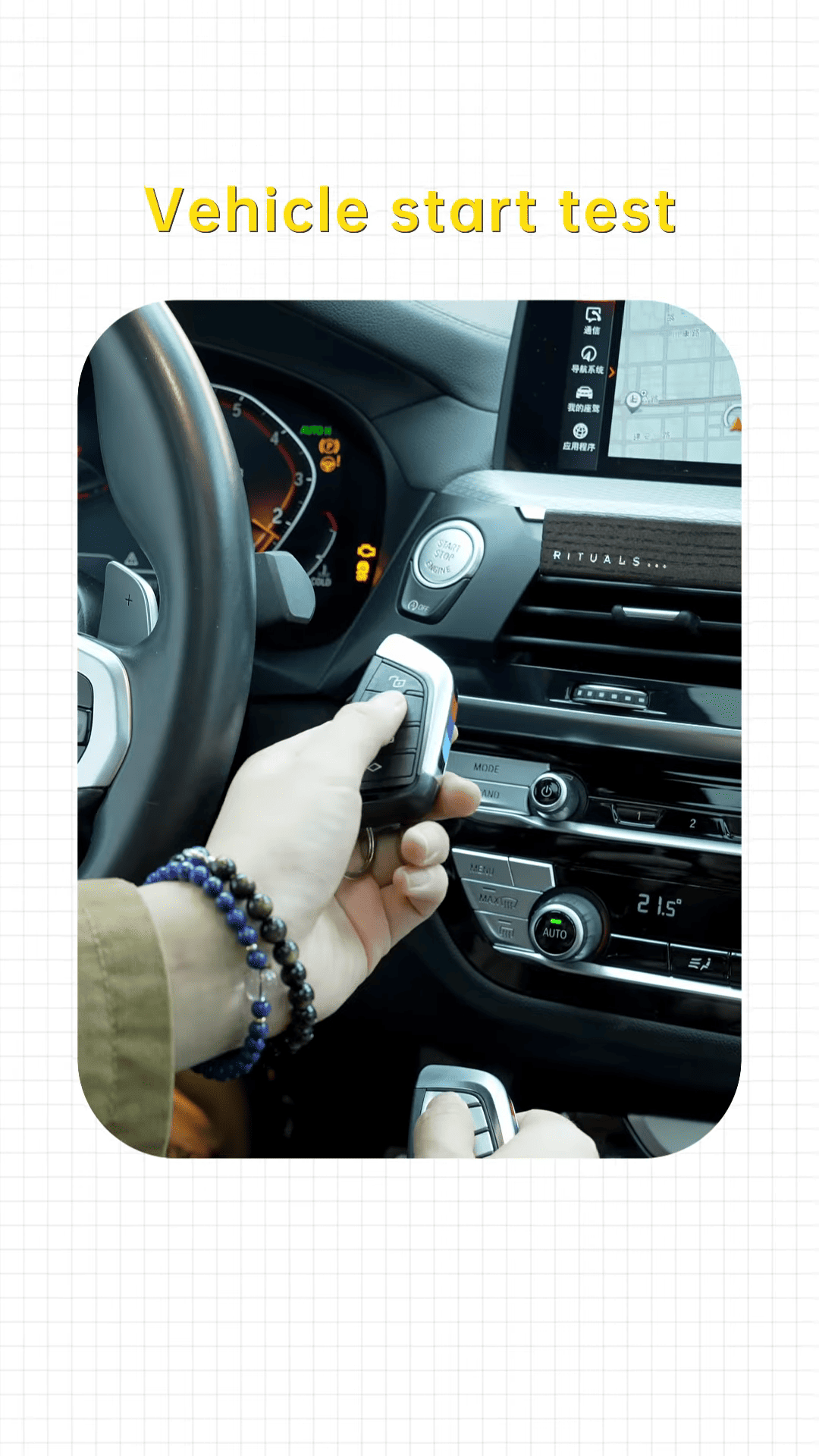
Finally, test the new key’s functionality by performing a remote control test and a vehicle start test. If everything is working as expected, you’ve successfully added a new encrypted BMW BDC3 key using the CGK2!
Contact us:
WhatsApp: +86 150 0270 5698
Skype: cardiag.co.uk
E-Mail: sales@CardiagTool.co.uk