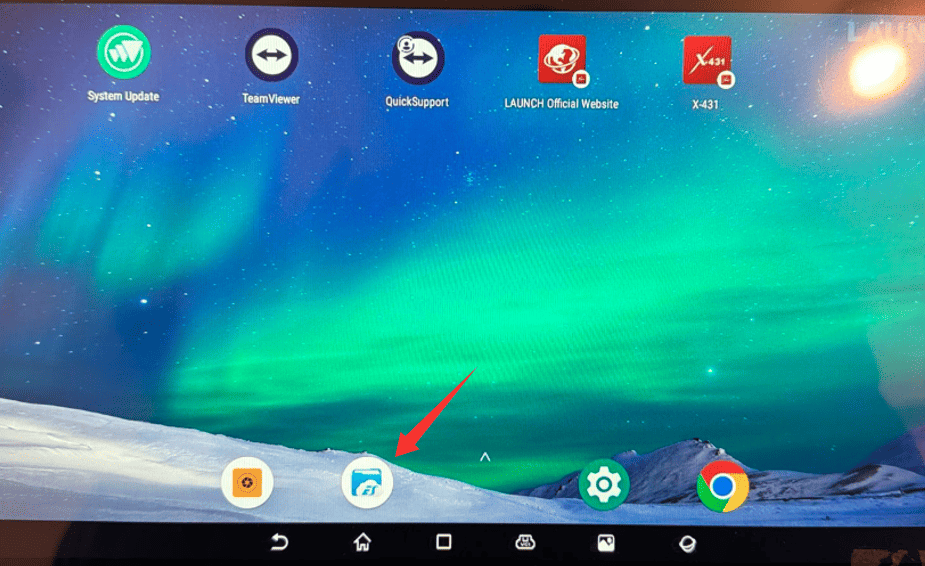


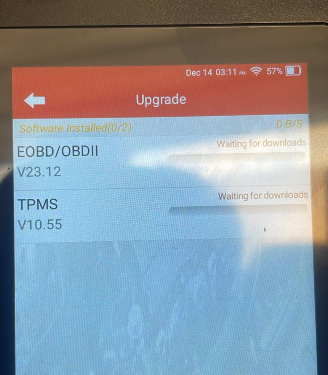
When updating the Launch X-431 PAD 7, some users may find that the software remains stuck at “Waiting for downloads,” even after switching Wi-Fi or mobile networks. Based on user discussions, this situation is usually caused by updating from the wrong menu.
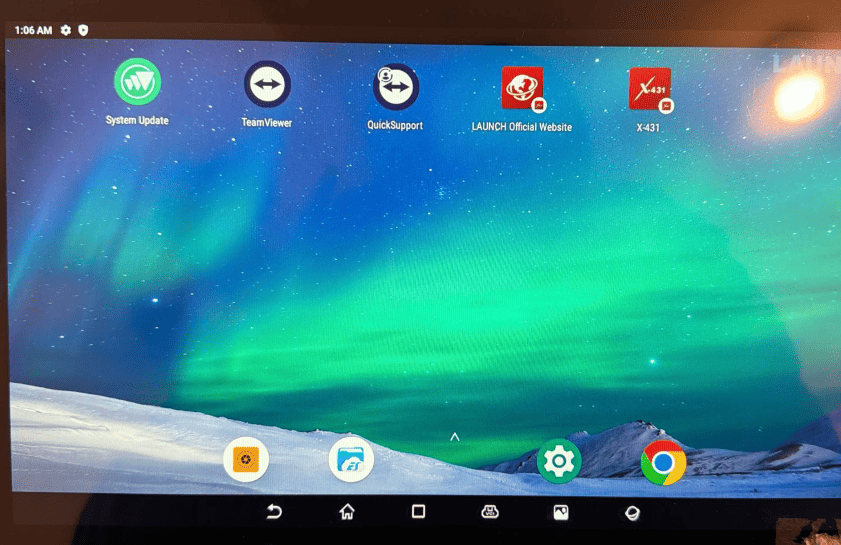
X-431 PAD 7 VII requires system updates to be completed through the Android System Update option on the main desktop screen, rather than inside the diagnostic application. Using the correct update path allows the device to download and install software normally.