


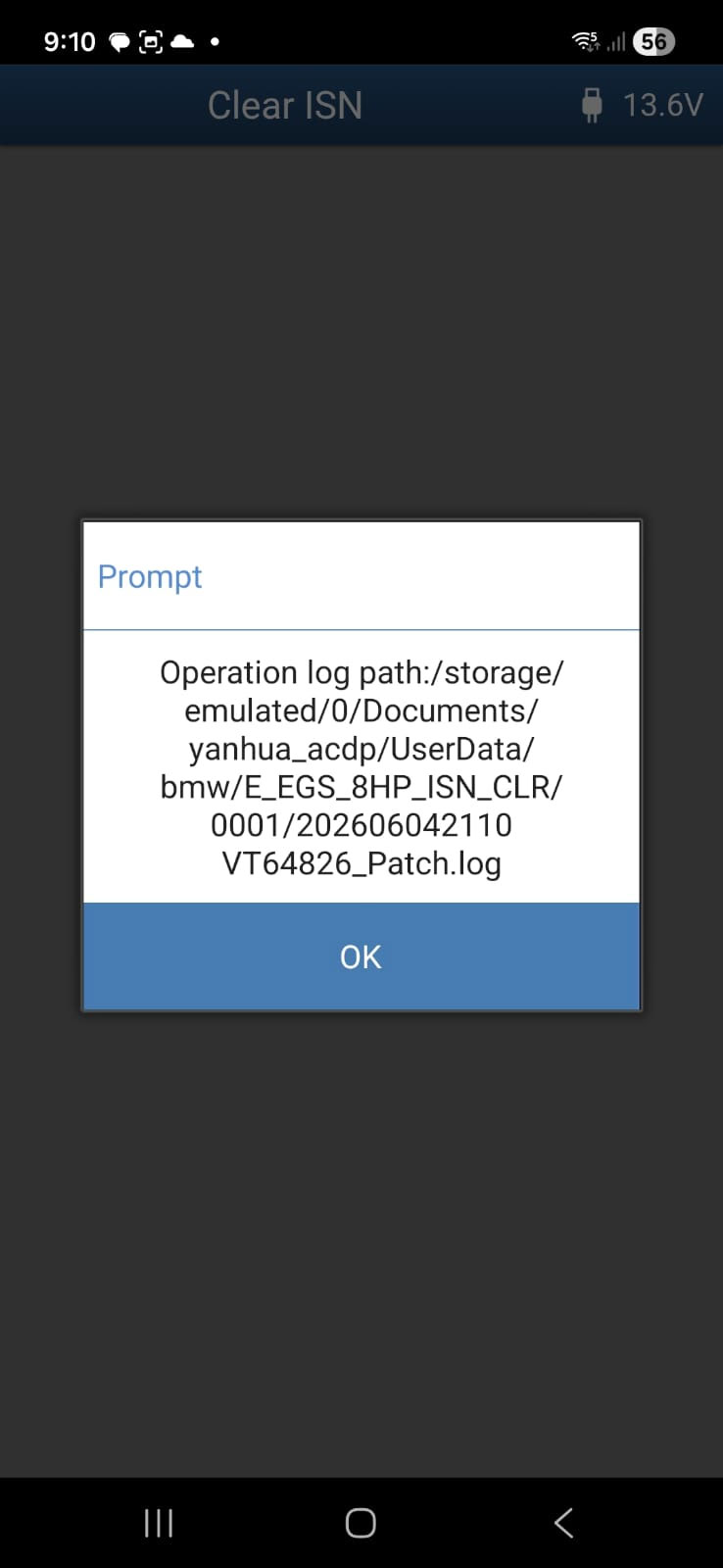
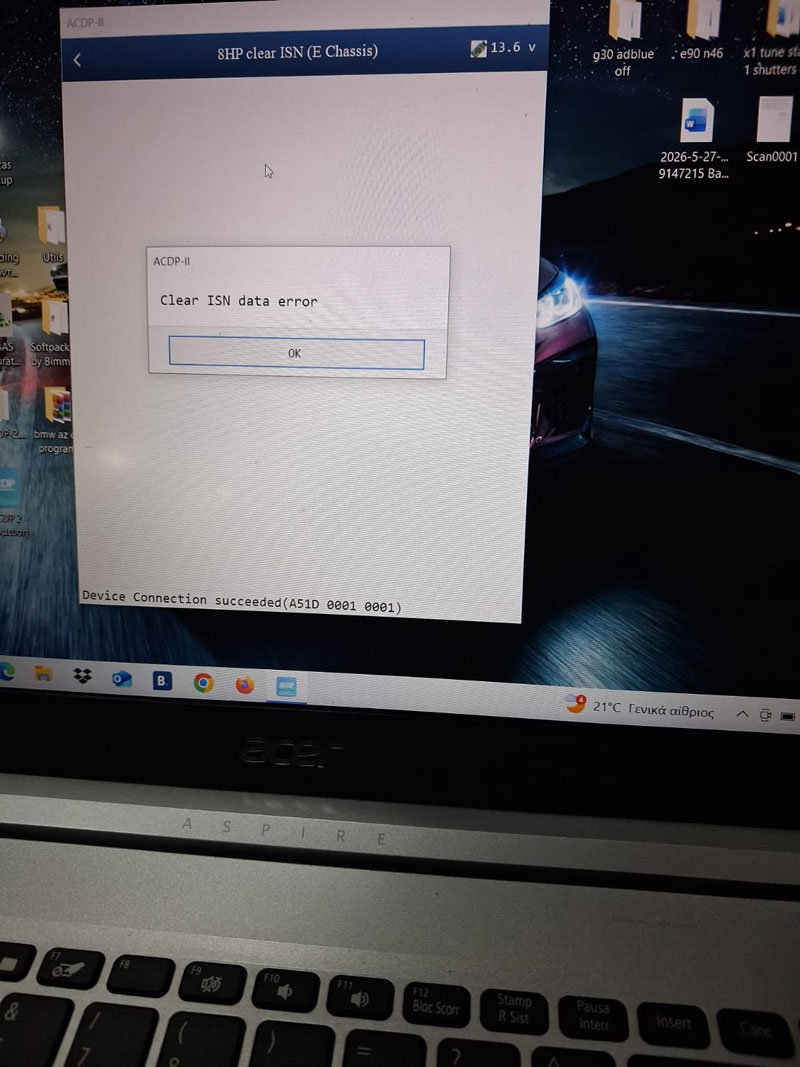
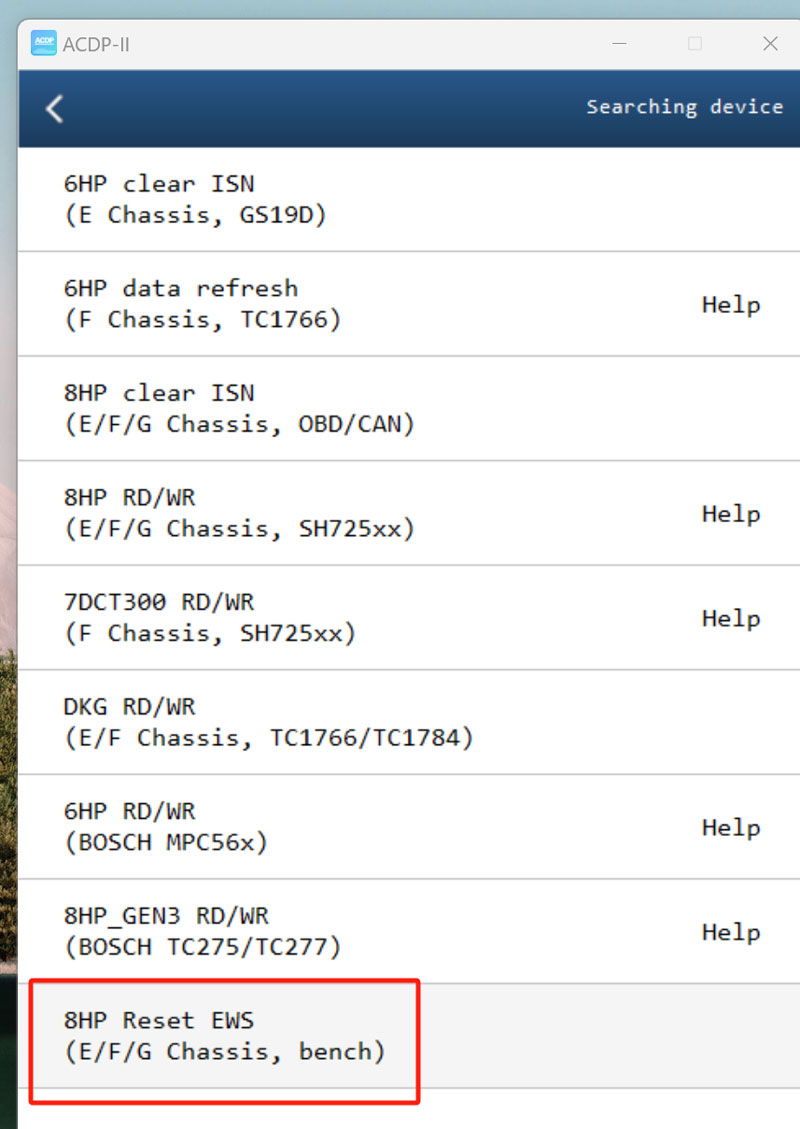
Issue & Fix: When YANHUA Mini ACDP 2 reports a “Clear ISN data error” while clearing BMW 8HP E84 ISN via OBD, resolve the operation by activating YANHUA Module 40 authorization and switching to the “8HP Reset EWS (E/F/G Chassis, bench)” function.
Technical Explanation
The OBD method is insufficient for this specific ISN clearing task, necessitating a direct bench connection to facilitate the reset.
Action Steps
1.Activate the Module 40 Authorization within the ACDP software.
2.Disconnect the OBD setup and prepare for a bench connection, connect directly to the transmission unit.
3.Select the “8HP Reset EWS (E/F/G Chassis, bench)” option to execute the clear.
Final Result
The ISN data clears successfully using the bench mode configuration.