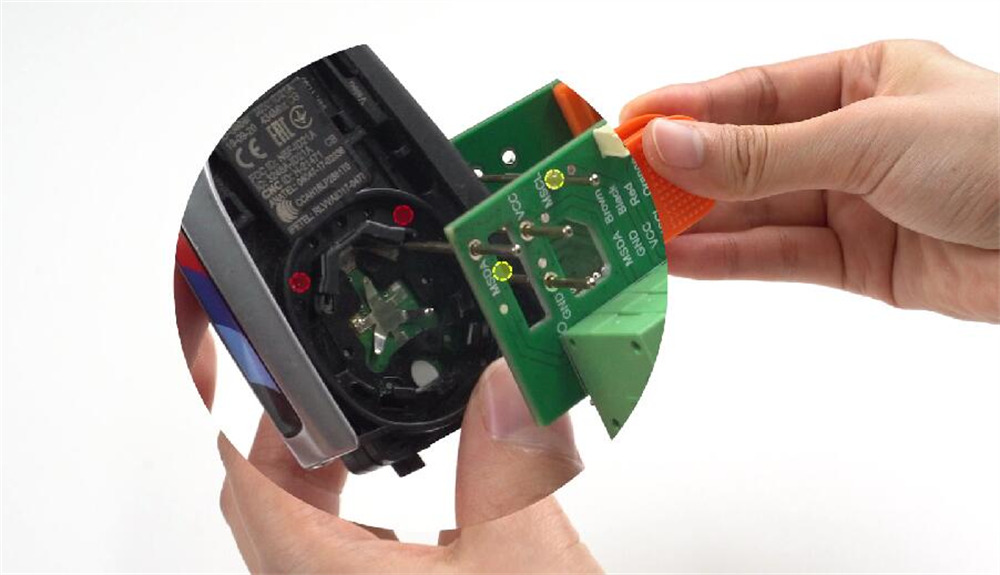

VVDI BMW Dedicated Adapter, when used with Xhorse Key Tool series, Multi-Prog, or VVDI Prog, supports cloning both encrypted and non-encrypted keys for BMW BDC2, BDC3, BCP, and U chassis. Once cloned with these adapters, the keys work in the vehicle right away without any additional programming.
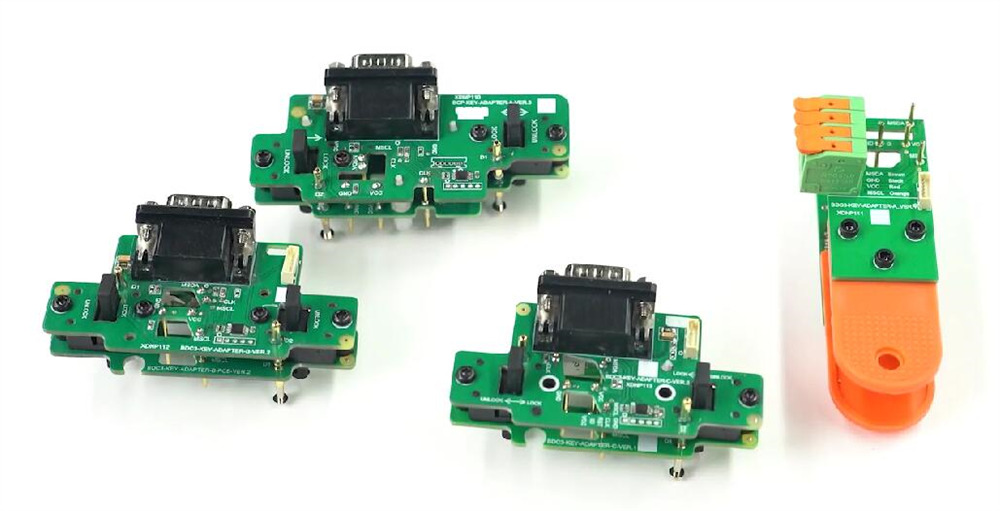
About Xhorse BMW Dedicated Adapters
Three adapters require opening the key shell and clamping directly onto the key PCB for reading.
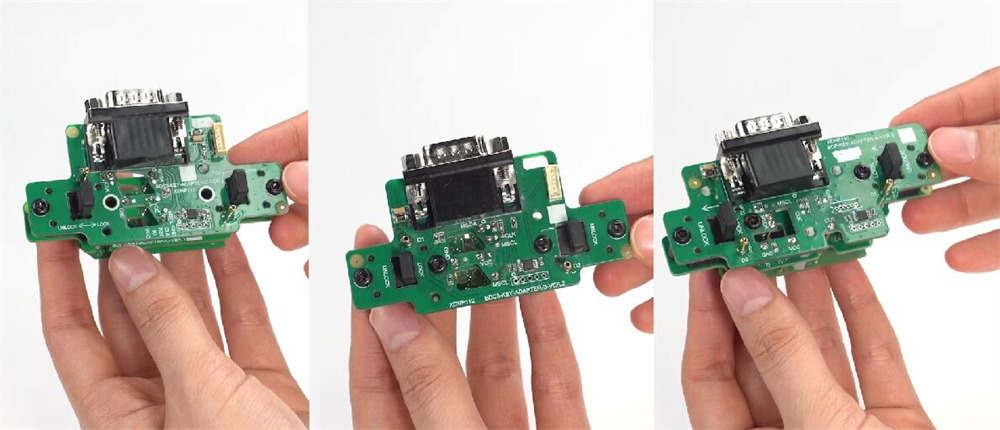
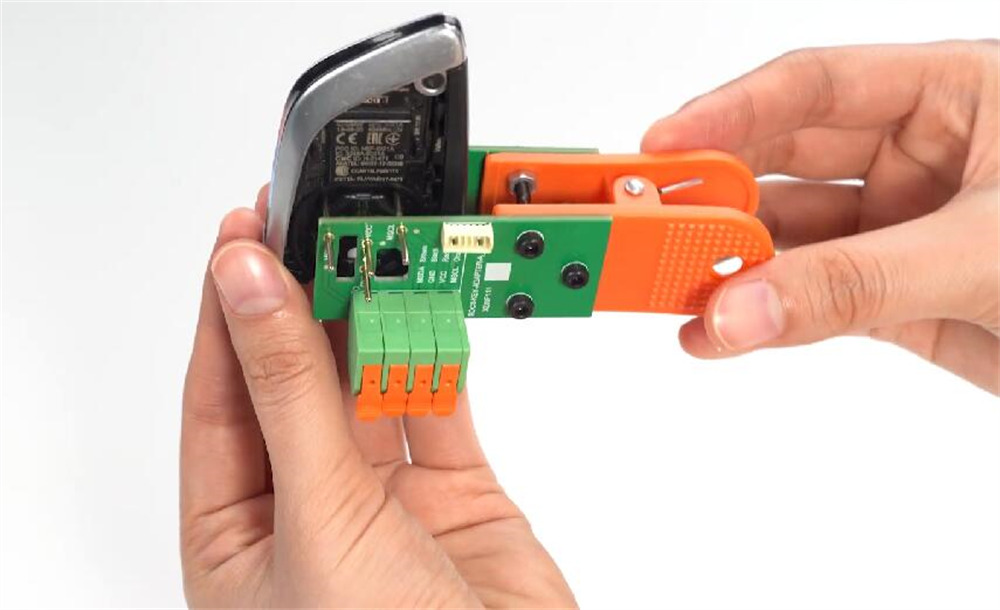
One adapter allows reading by clamping directly onto the key shell without opening it.
Compatible Tools
| Device | Encrypted Keys | Non-Encrypted Keys |
| Key Tool Plus / Multi Prog | ✓ | ✓ |
| Key Tool MIDI / Max Pro / Max / Mini Key Tool / VVDI Prog Programmer | ✗ | ✓ |
Operation Instructions
Using Xhorse VVDI Key Tool Plus Pad as an example
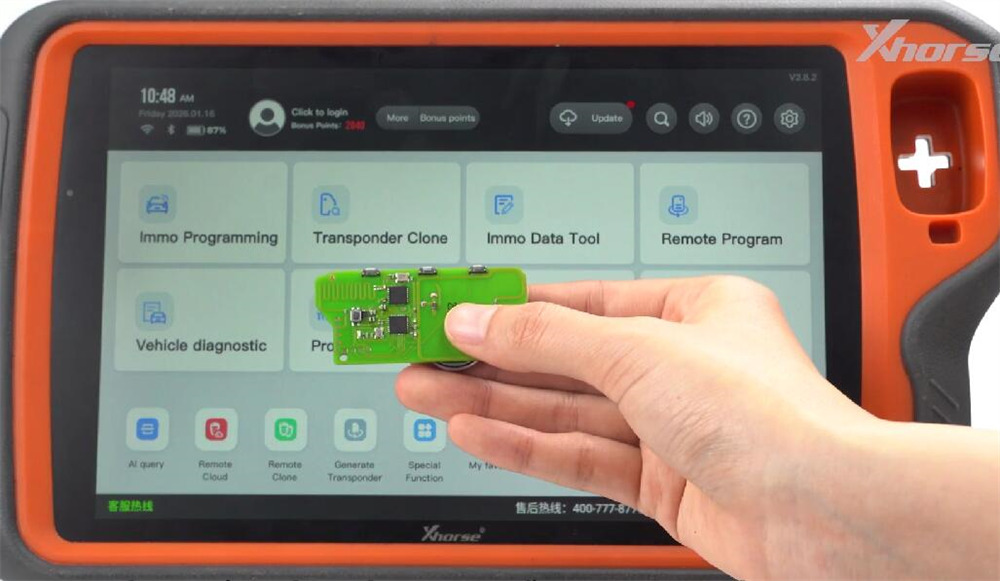
Step 1: Generate Remote
Launch the software and select Remote Program. Pick the relevant option and tap Generate. After completion, go back to the main screen.
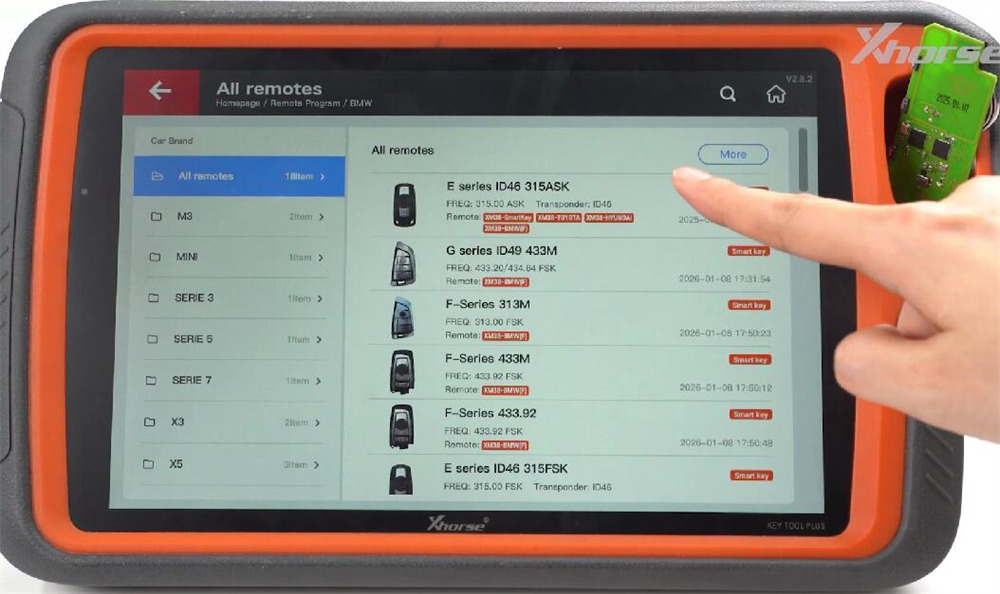
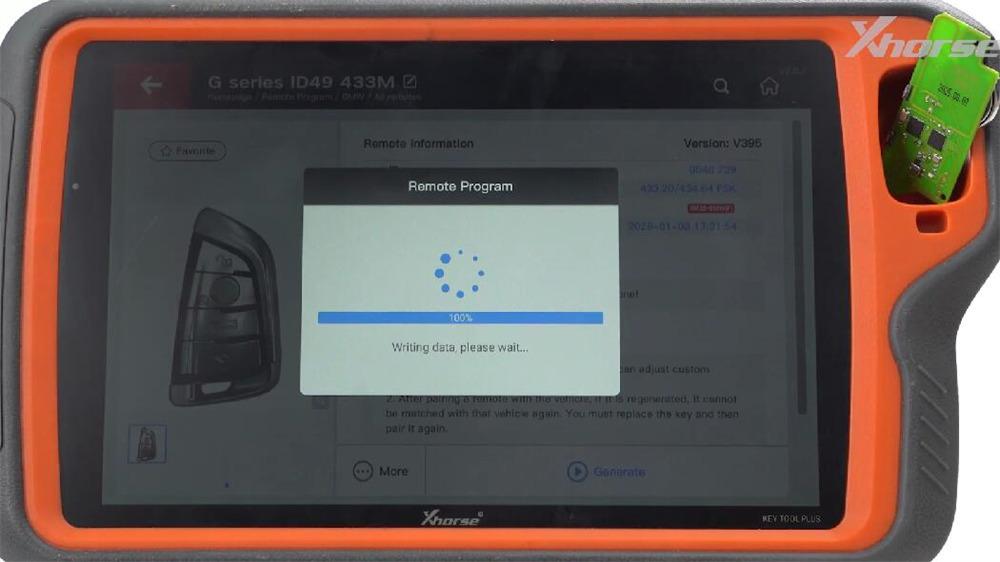
Step 2: Begin Programming
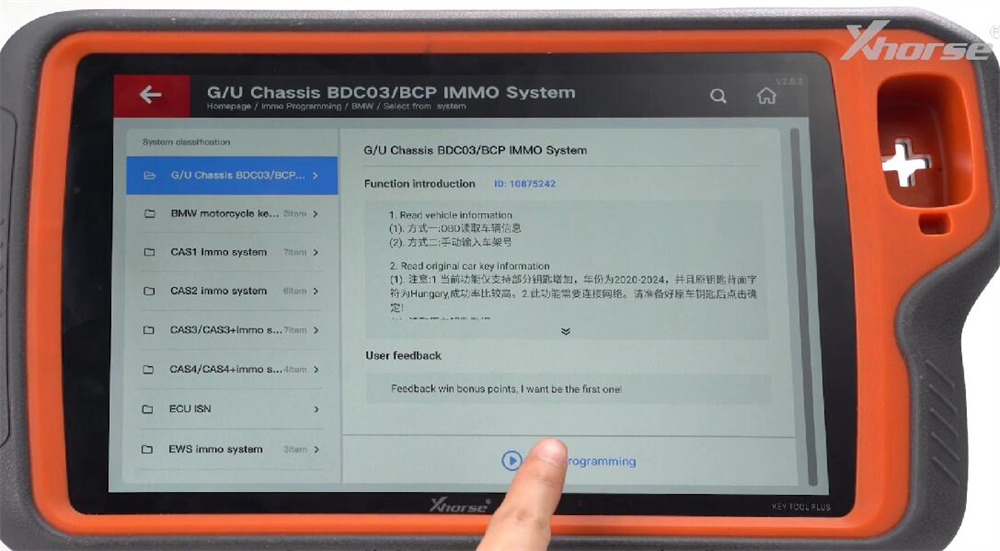
Go to Programming → BMW → Select from System.
Select G/U Chassis BDC3/BCP IMMO System, then tap Start Programming.
Step 3: Connect Adapter & Read Original Key
Use VVDI BMW Adapter intended for the BMW U-type remote PCB.
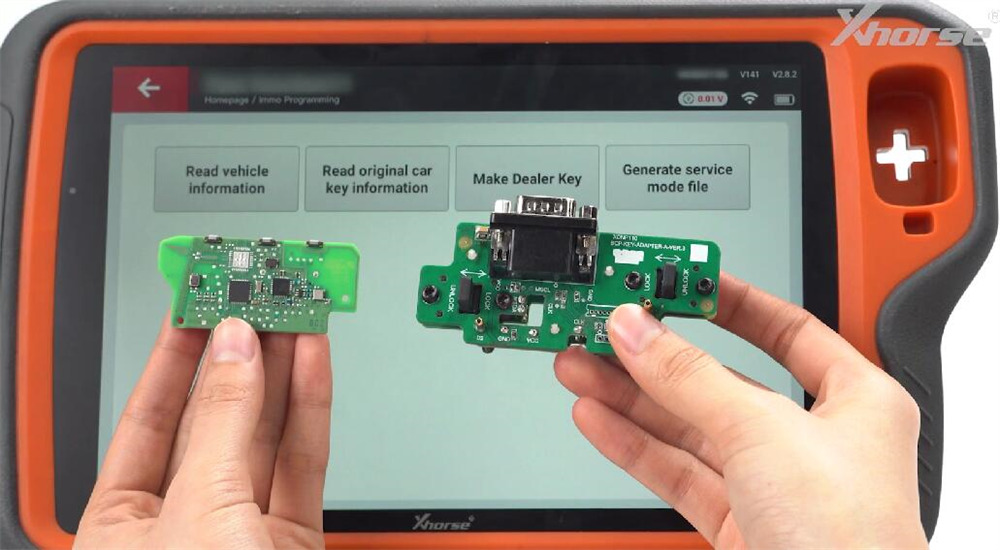
Tap Read Original Car Key Information and follow the instructions displayed.
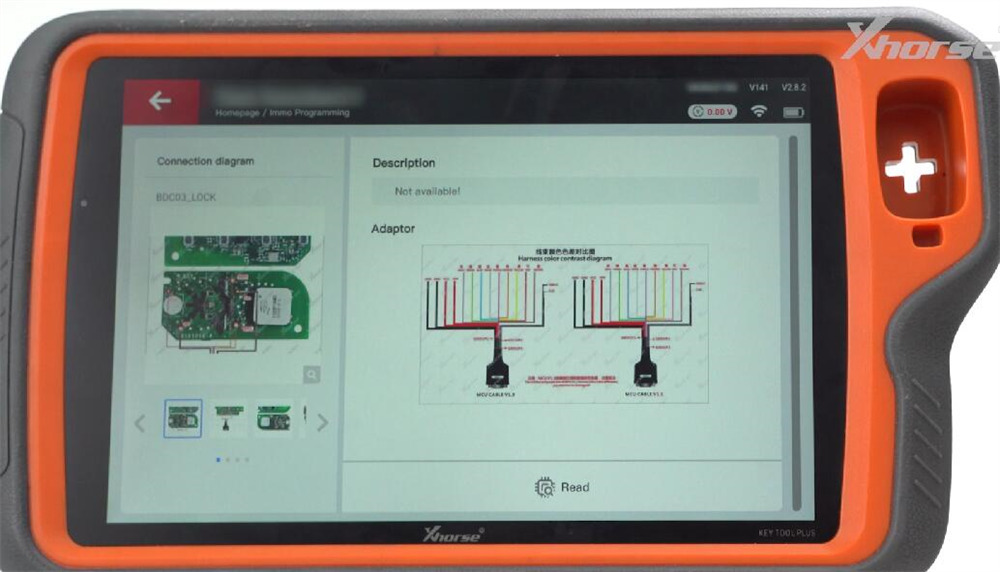
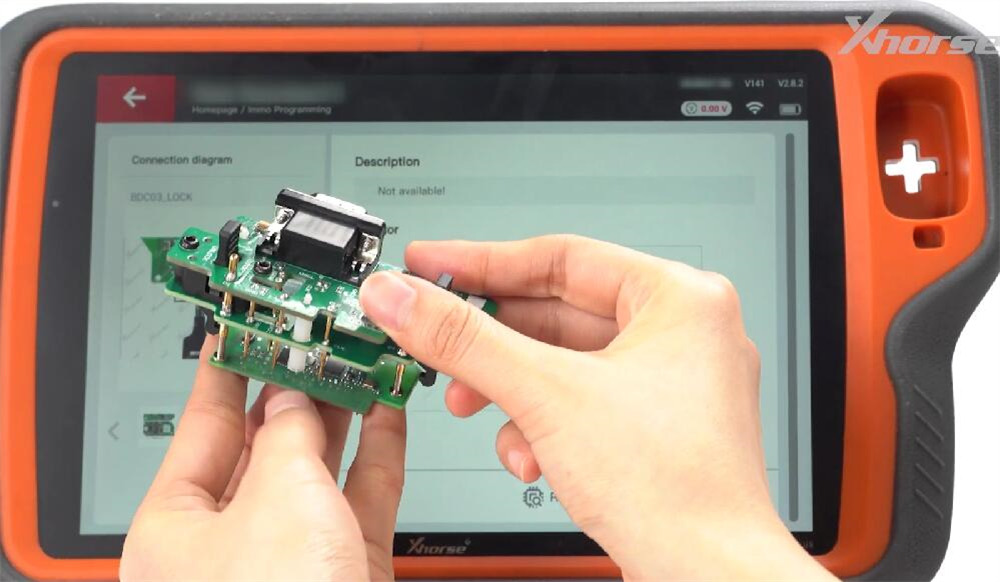
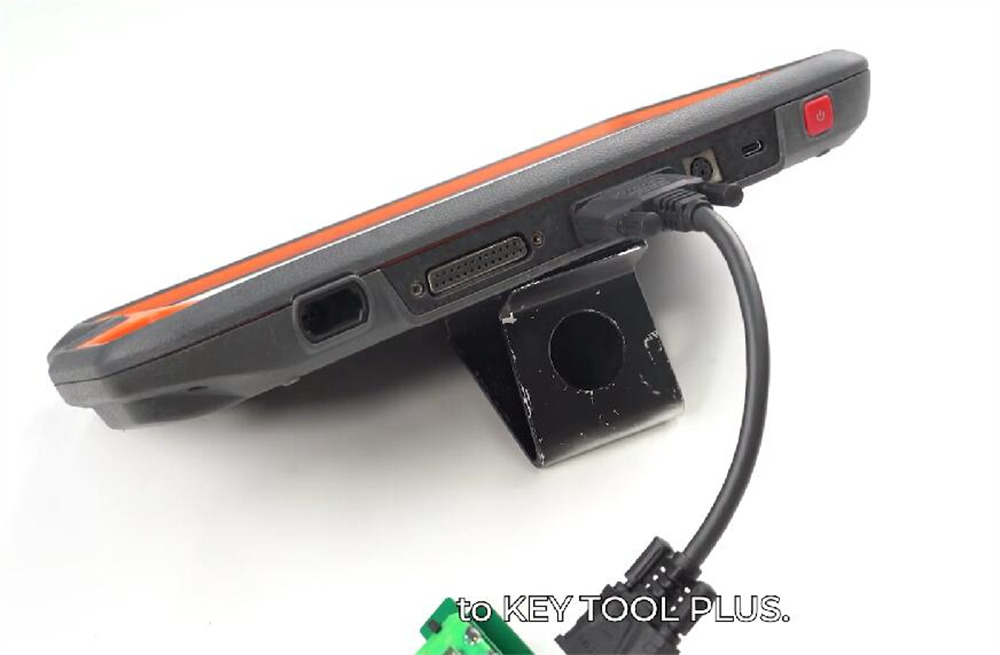
Match the holes on the PCB with the positioning pins on the adapter. Press down to lock it in place, then attach Xhorse BMW BDC3 BCP Dedicated Adapter to VVDI Key Tool Plus using the DB15 cable.
Press Read, then save the file once the process is complete.
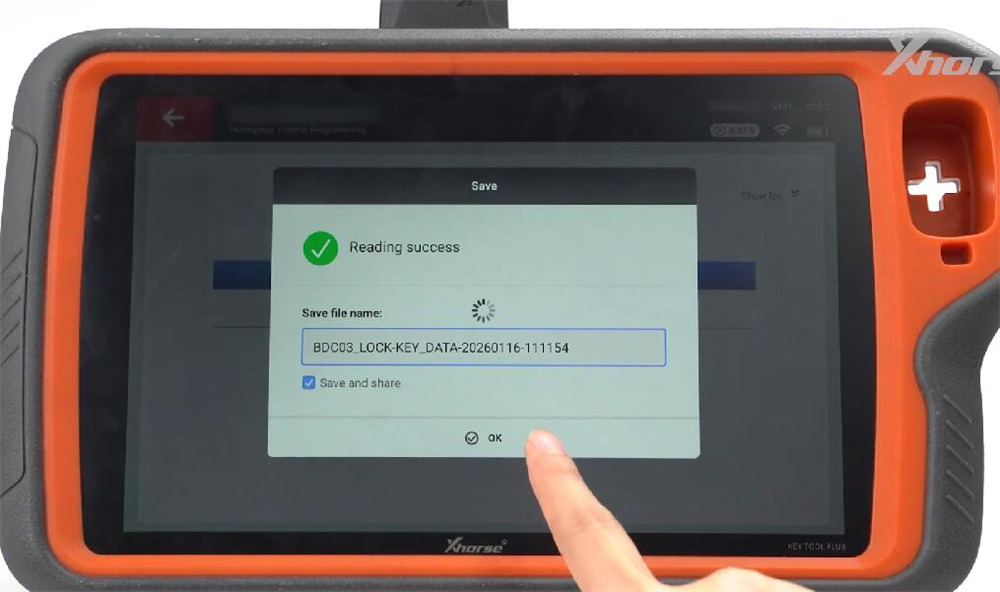
Step 4: Generate Dealer Key
Detach the adapter and select Make Dealer Key. Choose No, then insert a new BMW remote into the coil. Click OK to start generating the key.
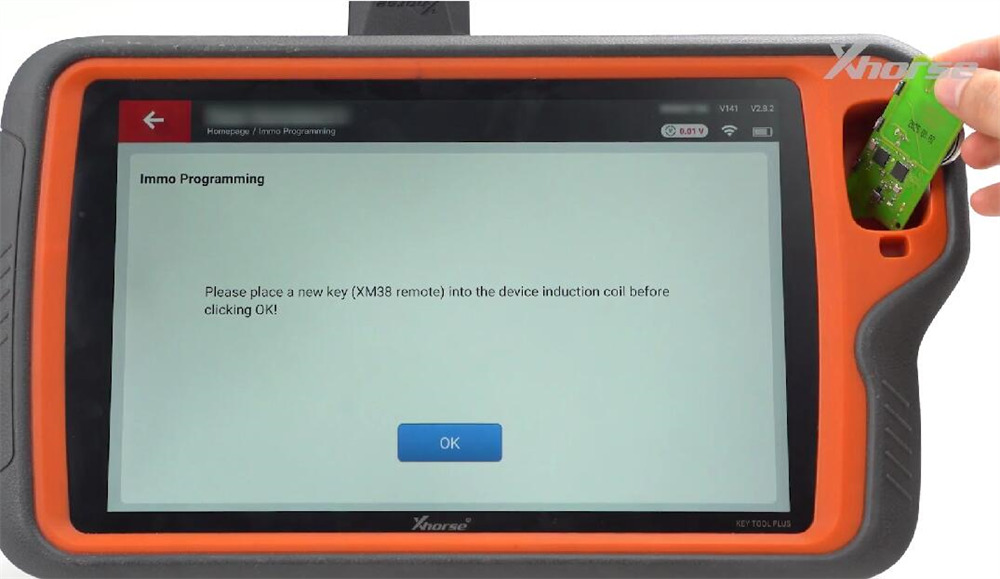
Upon completion, the key is cloned and ready for vehicle use—no further programming needed.
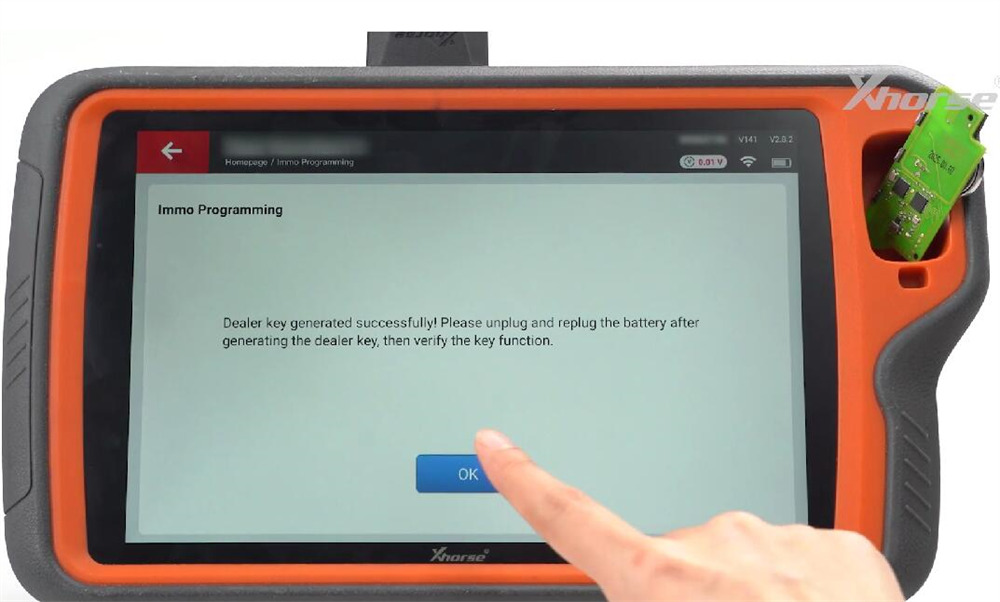
Using Other Adapters
The procedure remains the same for the other three adapters:
- One works with BMW square-type remote PCBs.
- Another is for BMW long-shaped remote PCBs.
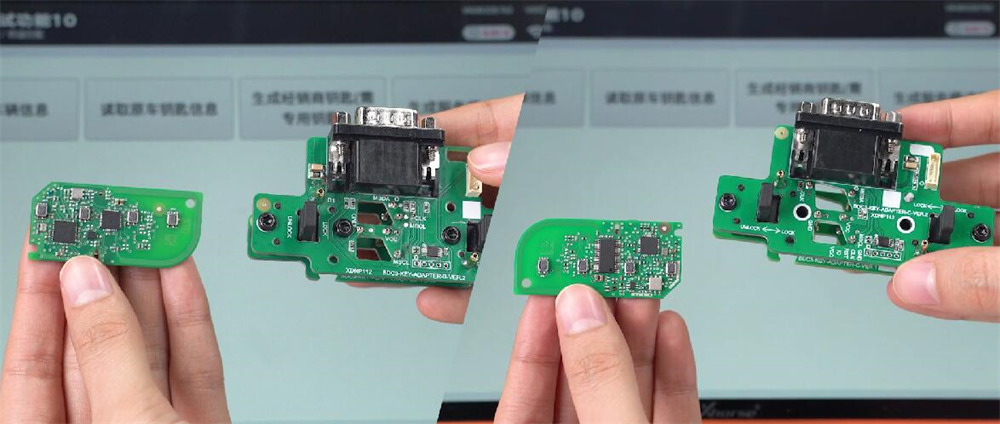
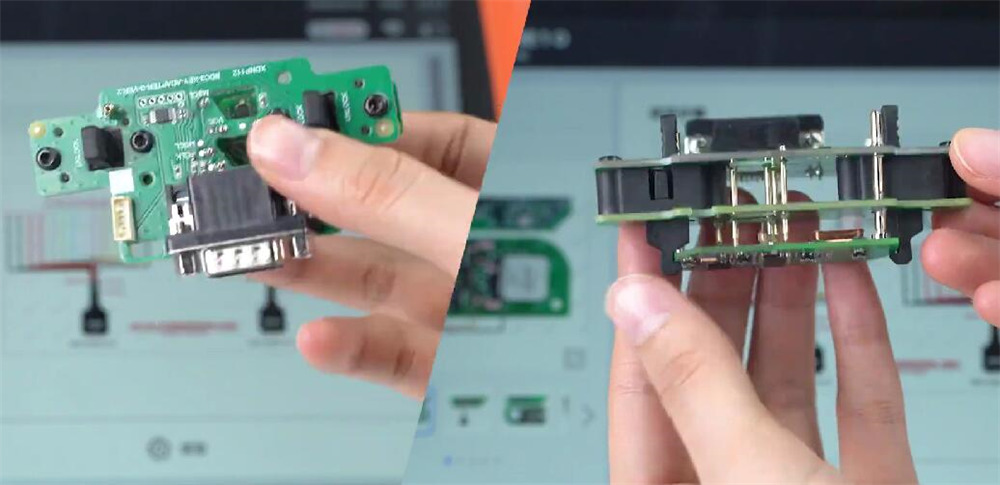
The third adapter clamps directly onto the key shell. Align the MSDA and MSCL pins with the two contact points on the key PCB and secure the clamp.