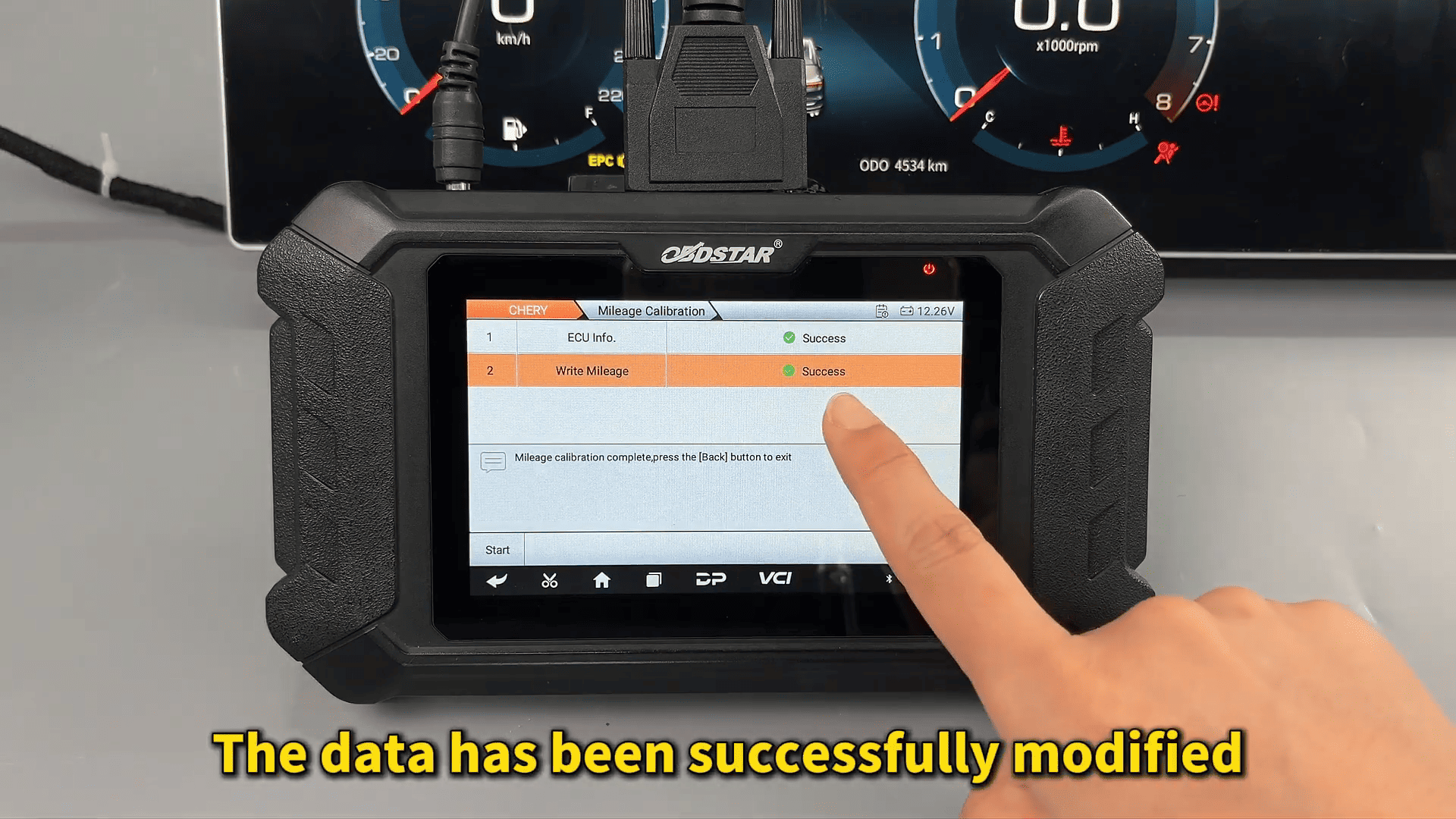

Recently, we tested the instrument cluster repair function on a Chery Jetour X70 PLUS using OBDSTAR ODOMASTER. The operation was completed through bench mode with the P004 adapter and regulated power supply.
Tools Used
OBDSTAR ODOMASTER
P004 Adapter
Main Cable
Jumper Wires
High-Power DC Regulated Power Supply
Jetour X70 PLUS Dashboard Module (F18-7911075HA)
Before starting, the software should be updated to the latest version to ensure model compatibility.
Vehicle Selection and Wiring
Inside ODOMASTER, enter:
ODO Meter → Chery → Manual Select Model → Dashboard
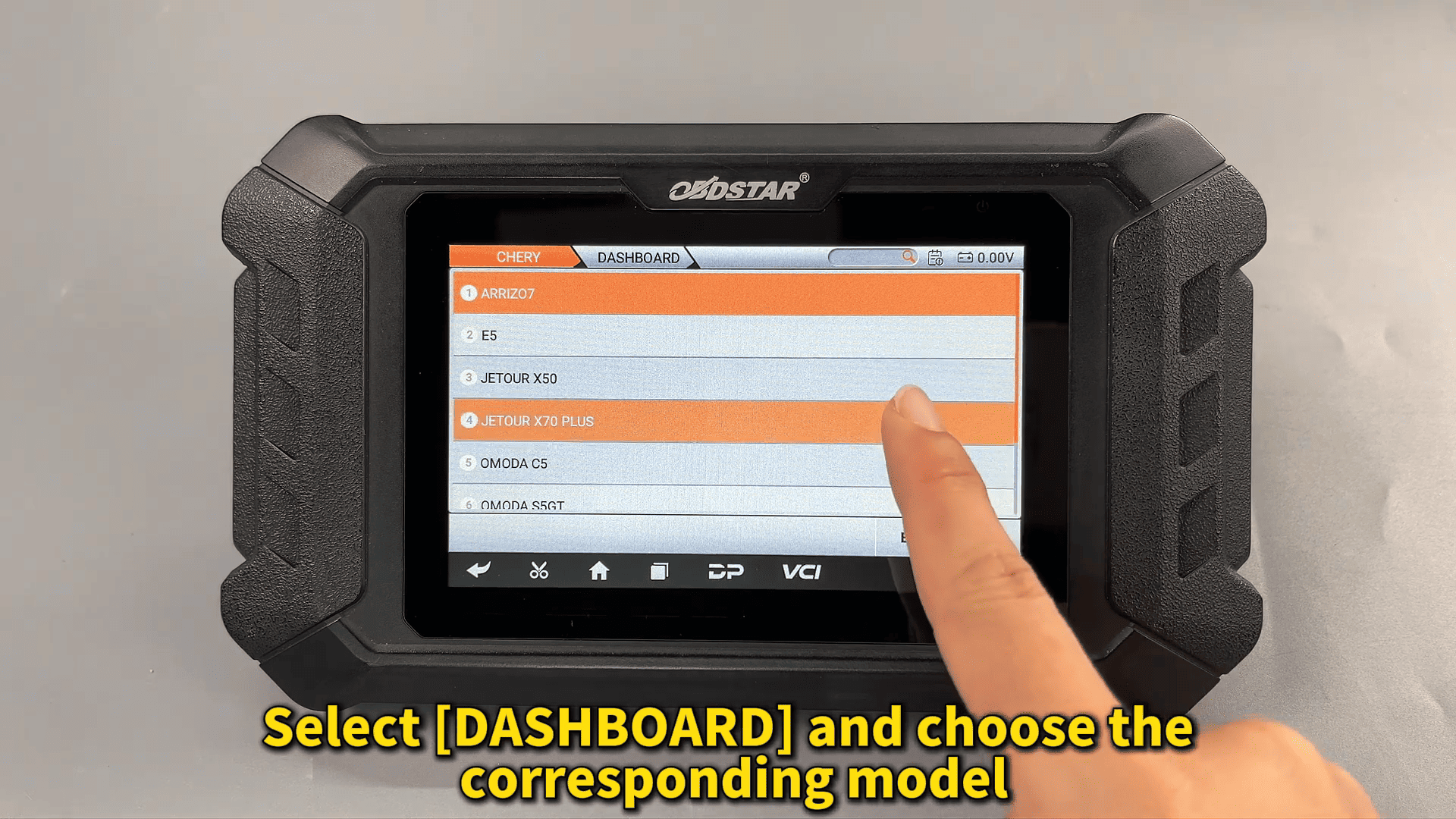
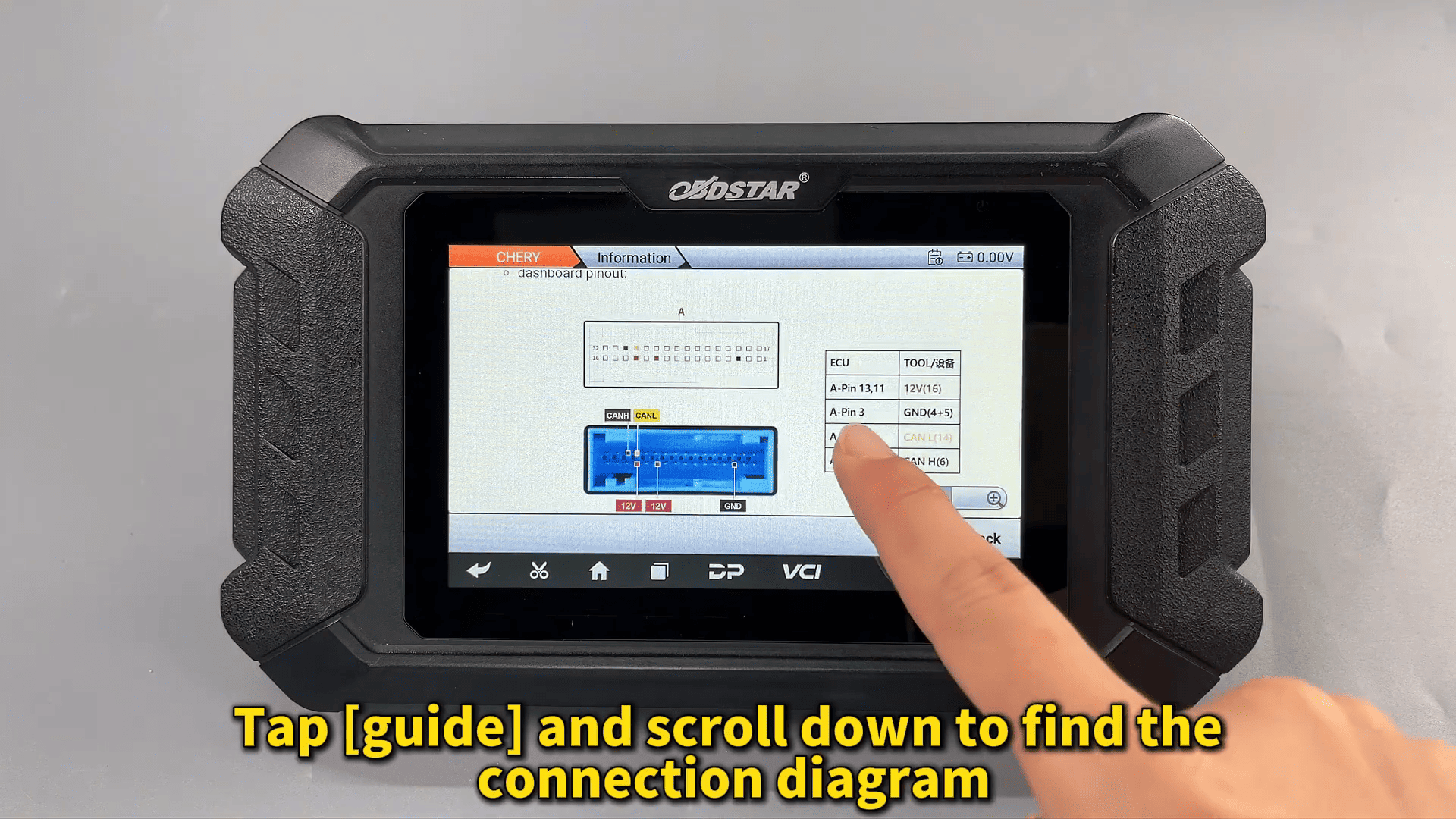
After selecting the corresponding dashboard model, the built-in guide provides the wiring diagram and ECU image reference.
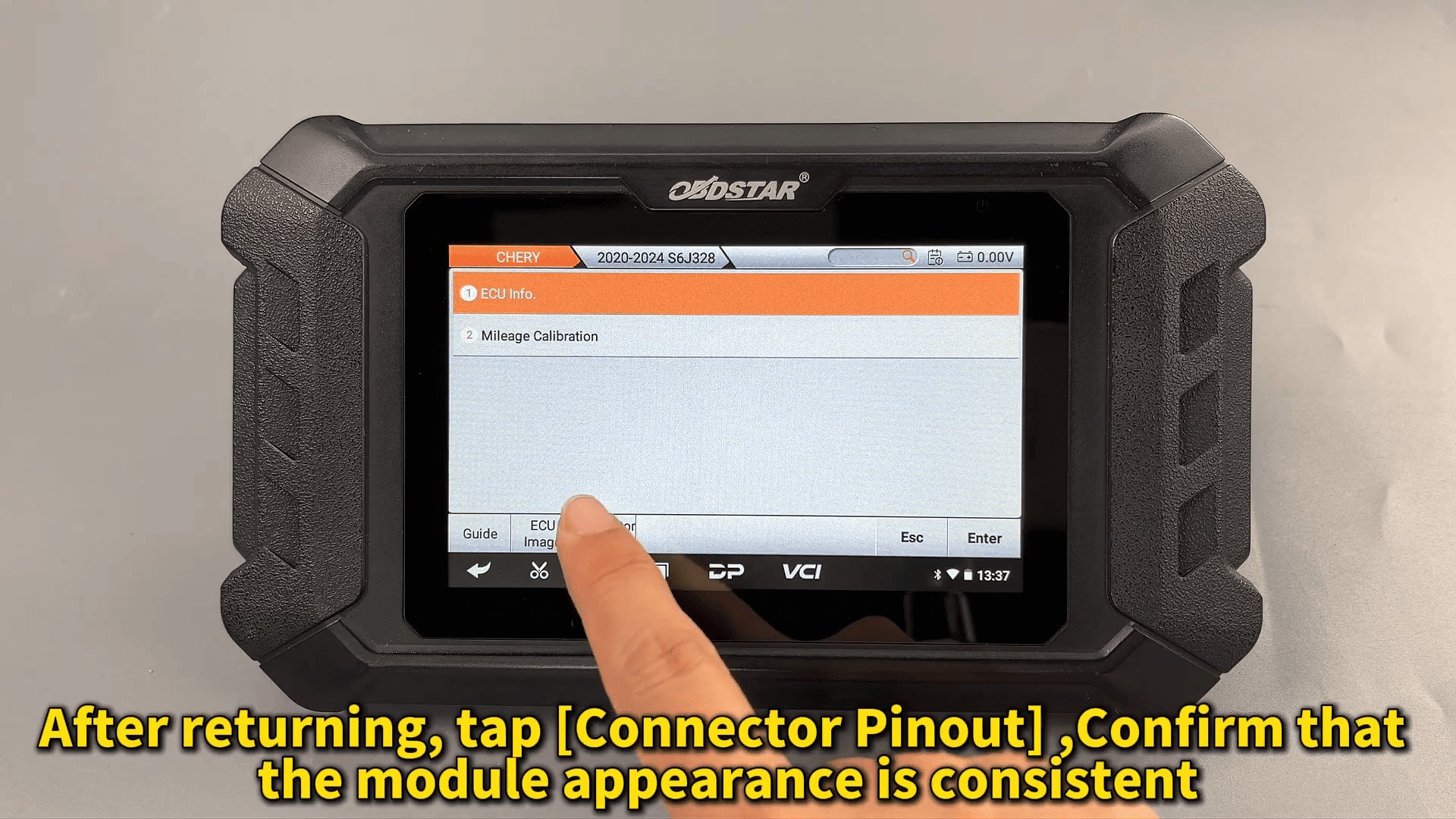
Before connecting, it is important to confirm that the dashboard appearance and connector layout match the selected module information.
The cables are then connected according to the pinout diagram using OBDSTAR P004 adapter.
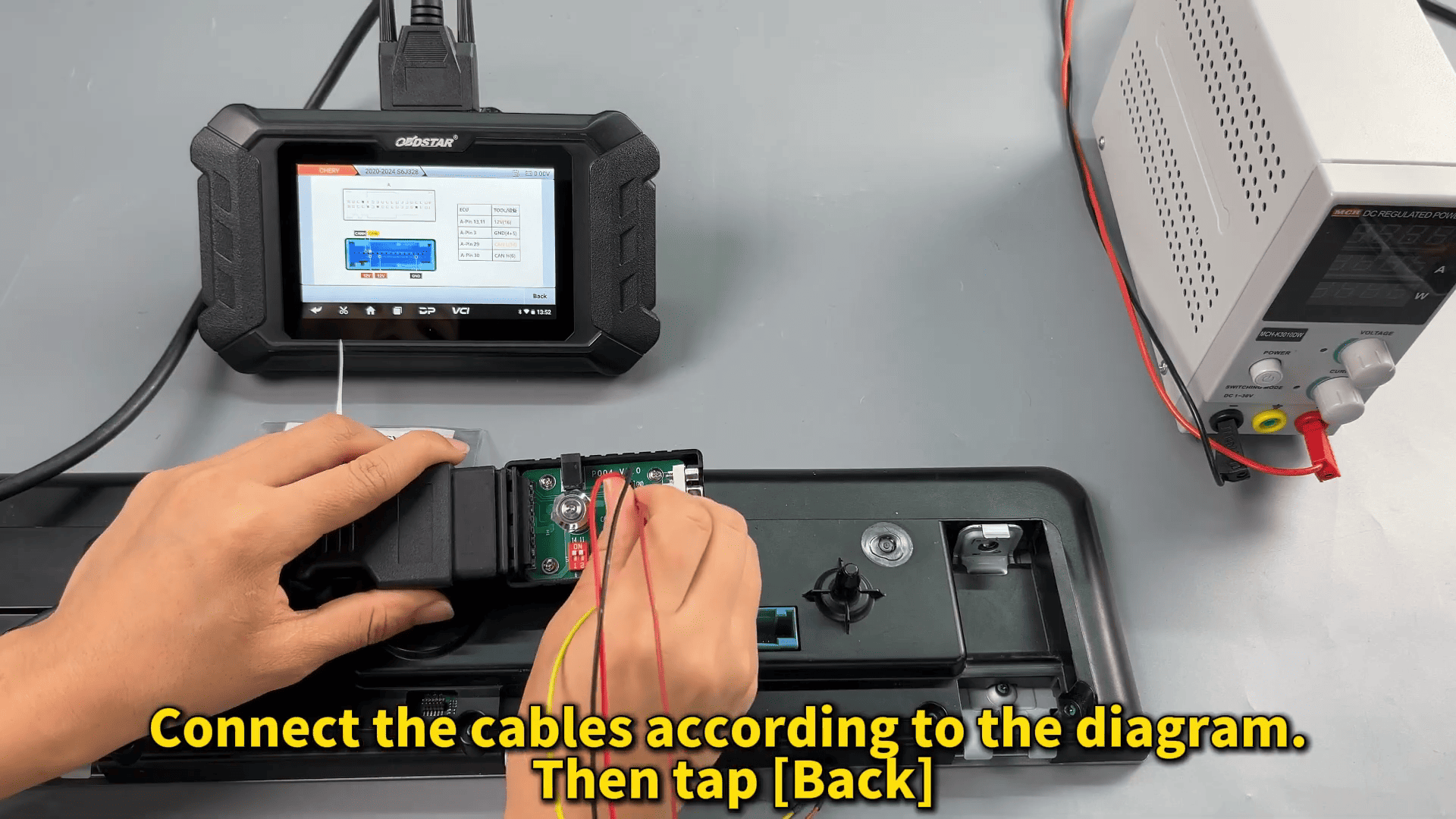
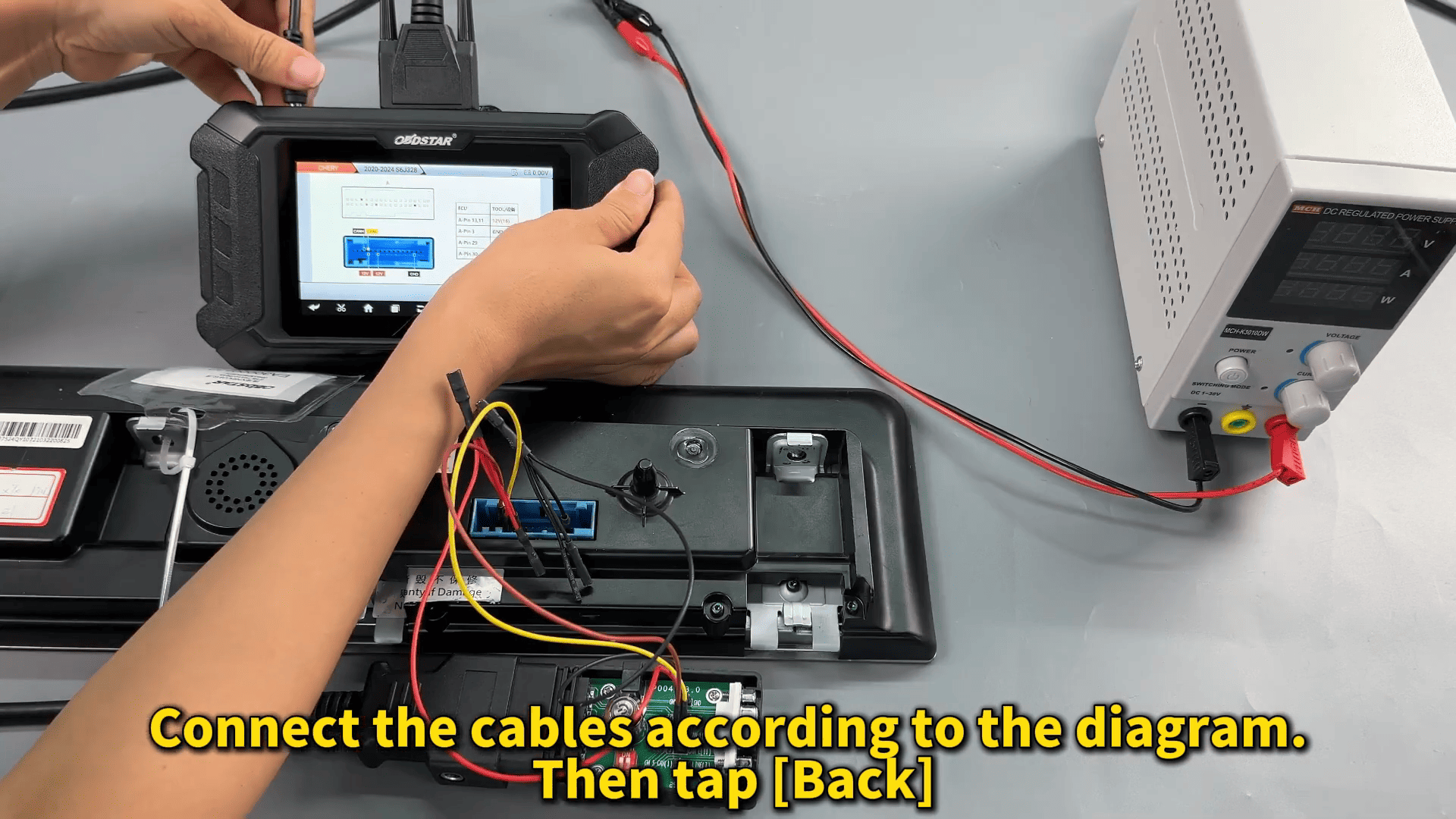
Reading ECU Information
Once the bench connection is stable, the ECU information can be read successfully.
Stable voltage during this stage is important to avoid communication interruption.
Mileage Calibration Process
After entering the Mileage Calibration function, the system may first display a “Repair Failed” prompt.
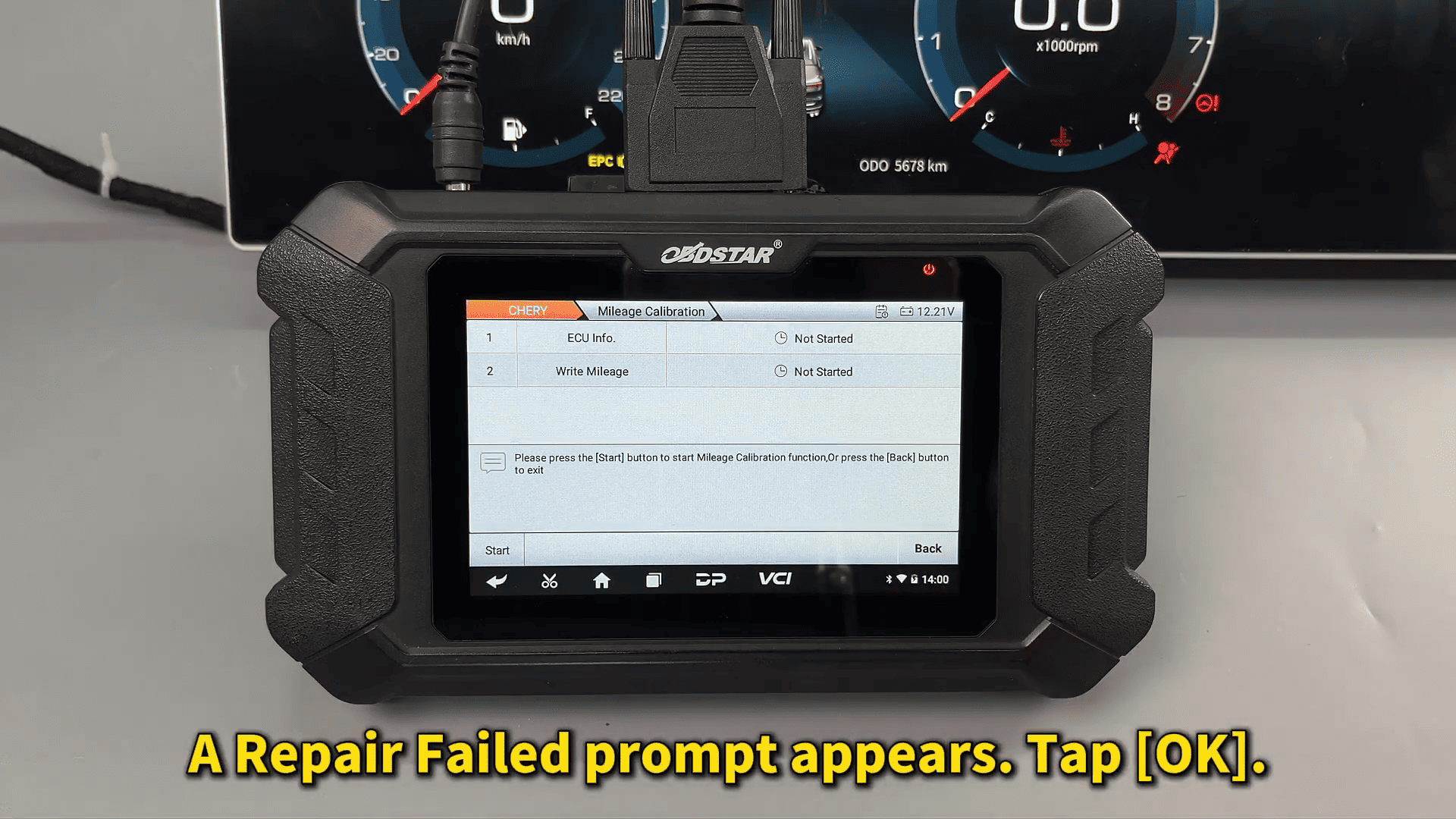
This is normal for some Chery dashboard modules.
After confirming and continuing, the new mileage value can be entered manually.
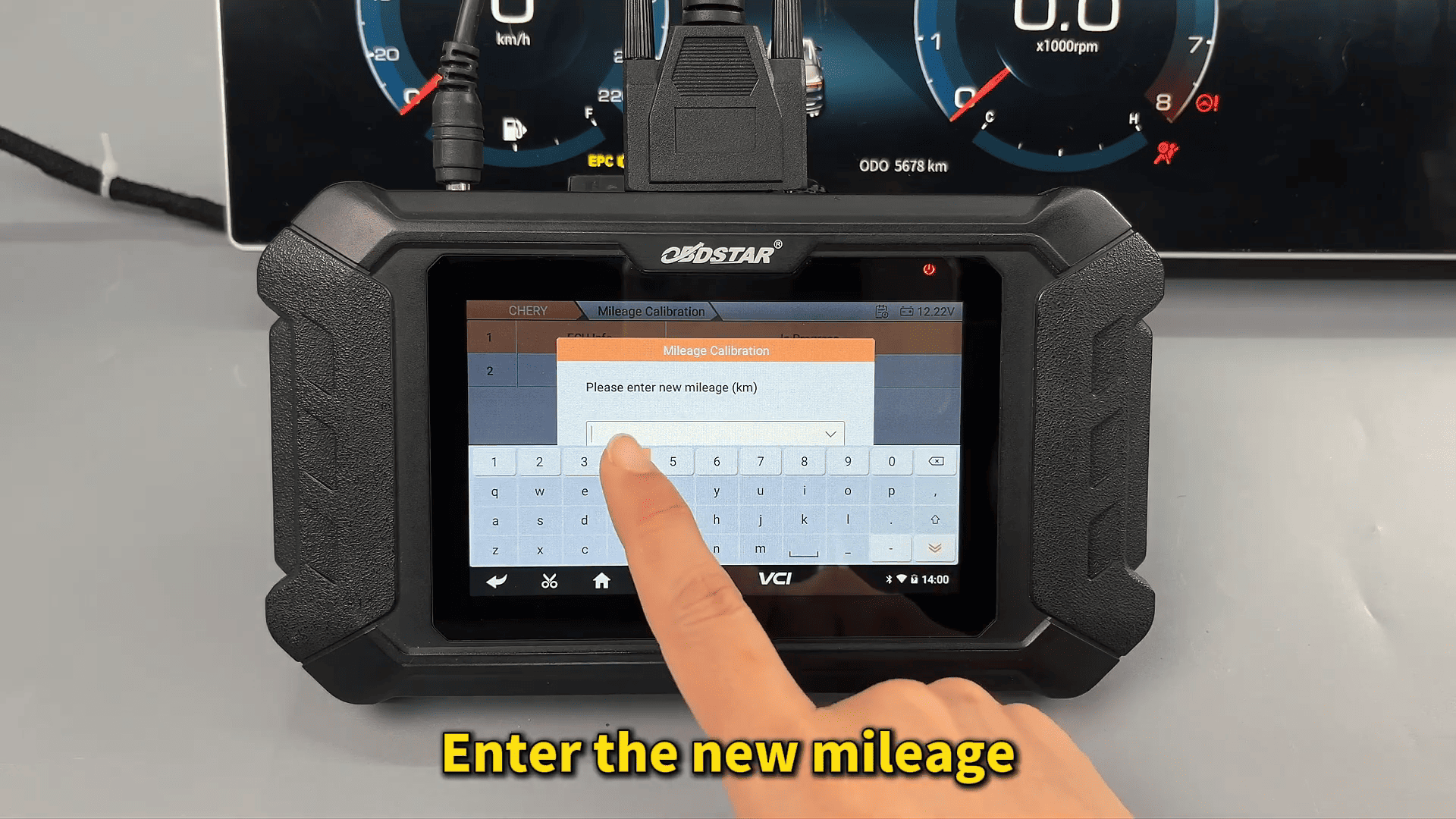
The system then modifies the dashboard data successfully.