
In this guide, we’ll demonstrate how to read fault codes and view live data on a 2026 QingLing Isuzu ELF KV200 using LAUNCH X431 PAD5.
Vehicle Information
2026 QingLing Isuzu ELF KV200
Diagnostic Tool
LAUNCH X431 PAD5
1. Enter Vehicle Diagnosis
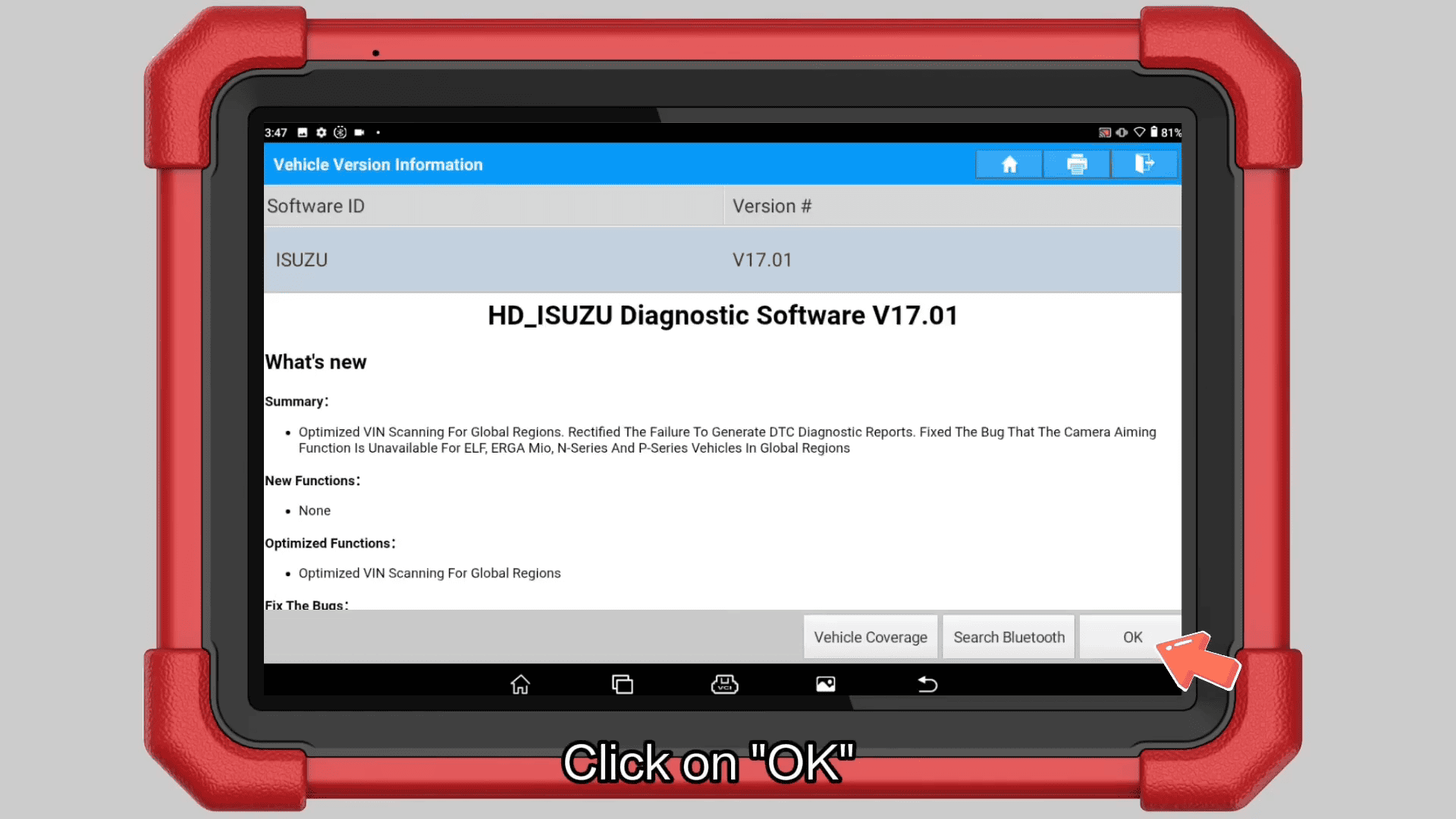
Power on LAUNCH X-431 PAD V ELITE and navigate to [Local Diagnose] → [Isuzu]
Tap OK to continue.
2. Select the Vehicle
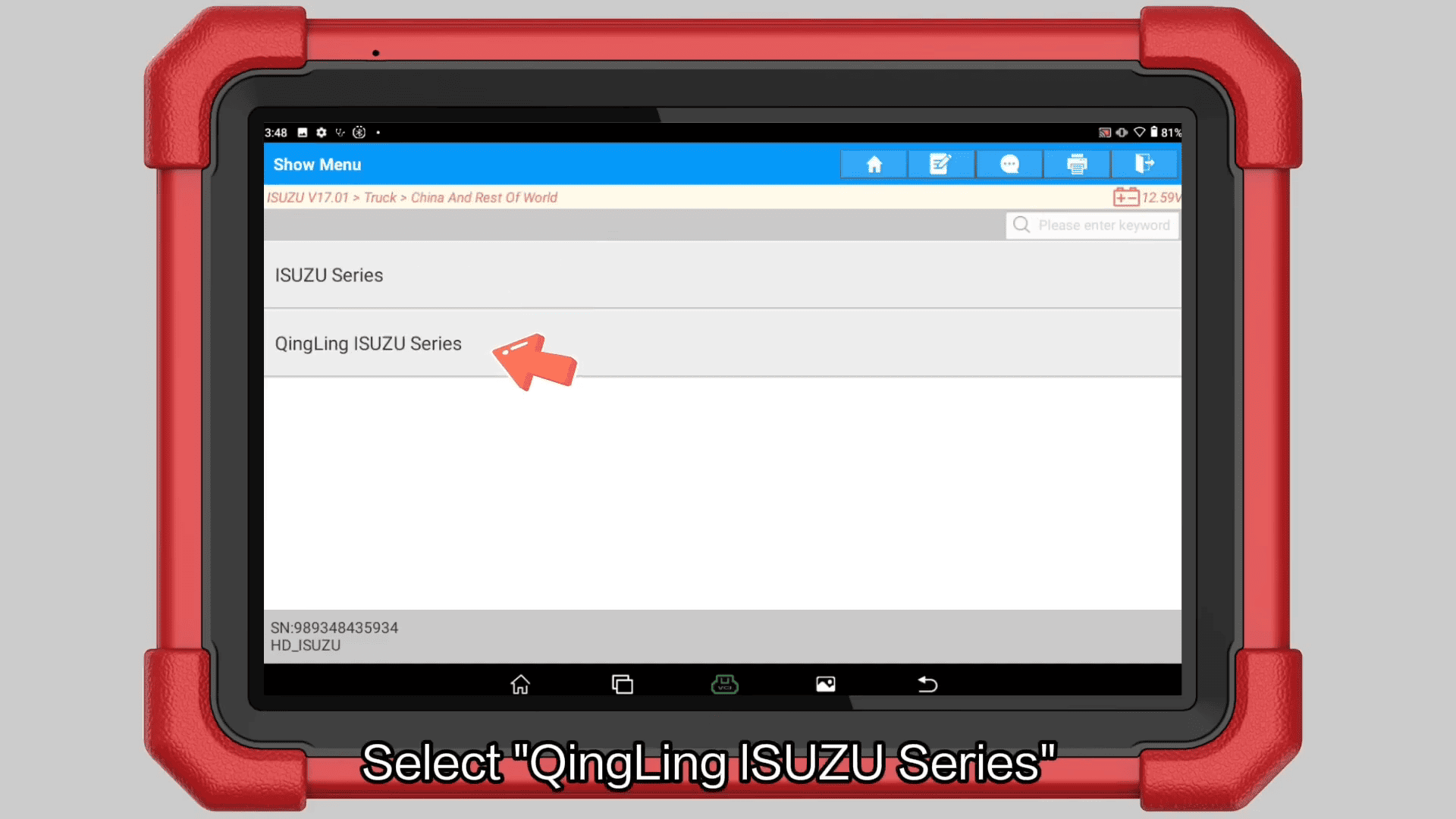
Choose the following menu [Truck] → [China And Rest Of World] → [QingLing ISUZU Series] → [Light Truck (VI)] → [Light Truck China V (4KB1)]
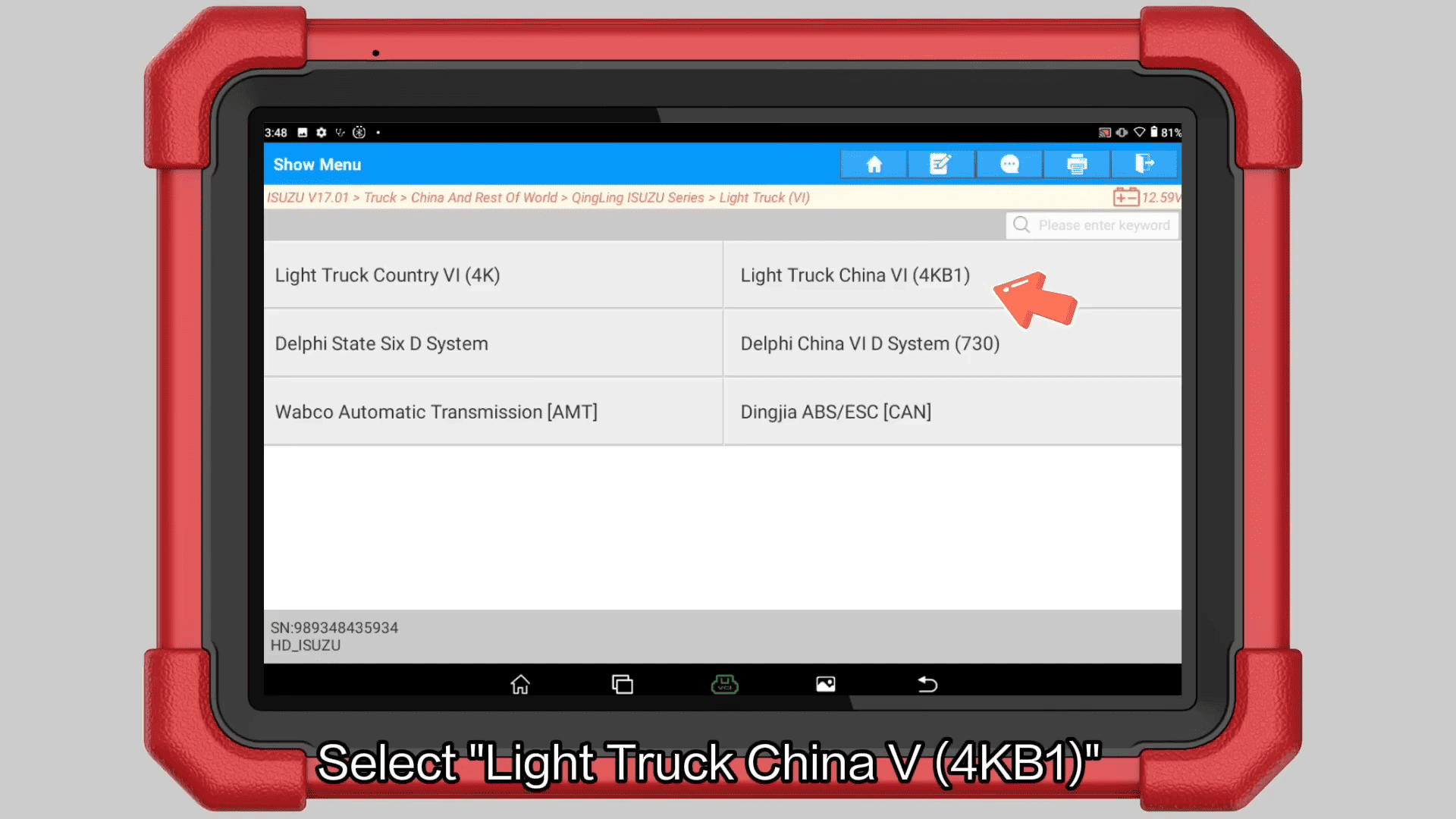
Verify the detected vehicle information before proceeding.
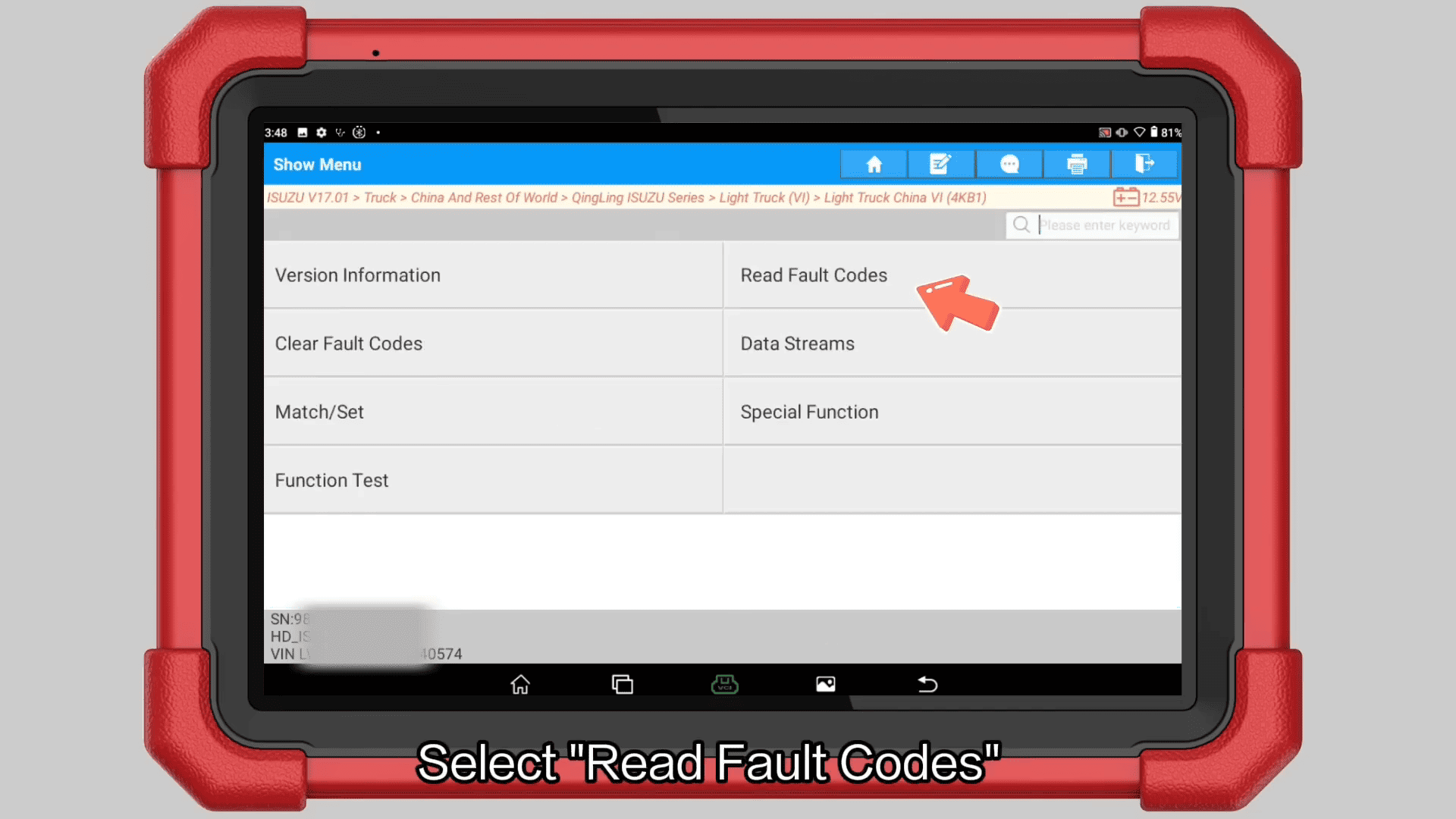
3. Read Fault Codes
Select Read Fault Codes to scan the vehicle’s control systems.
4. View Live Data Stream
Return to the diagnostic menu and select Data Stream.
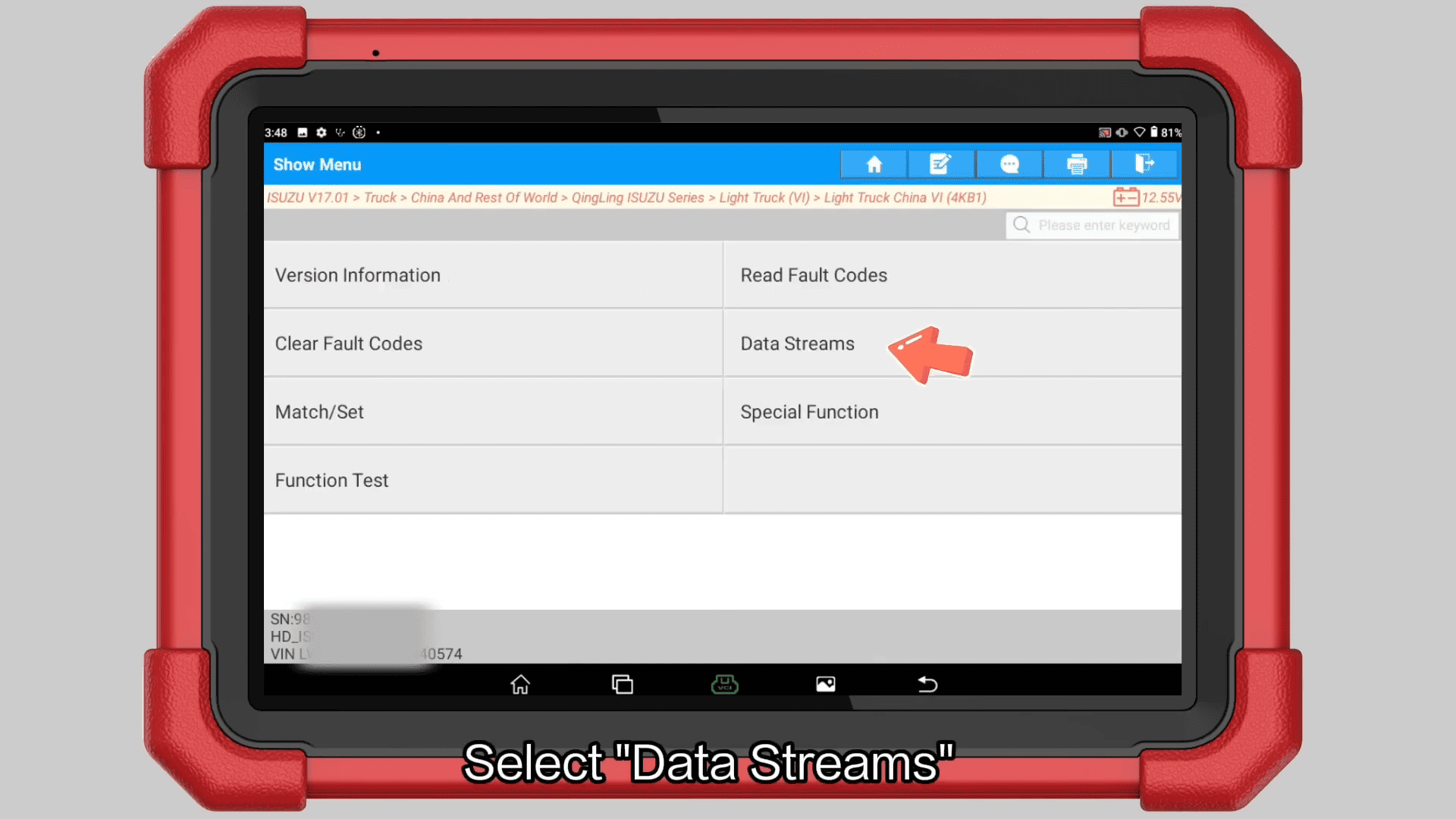
5. Monitor DPF Data
Open the DPF data list.
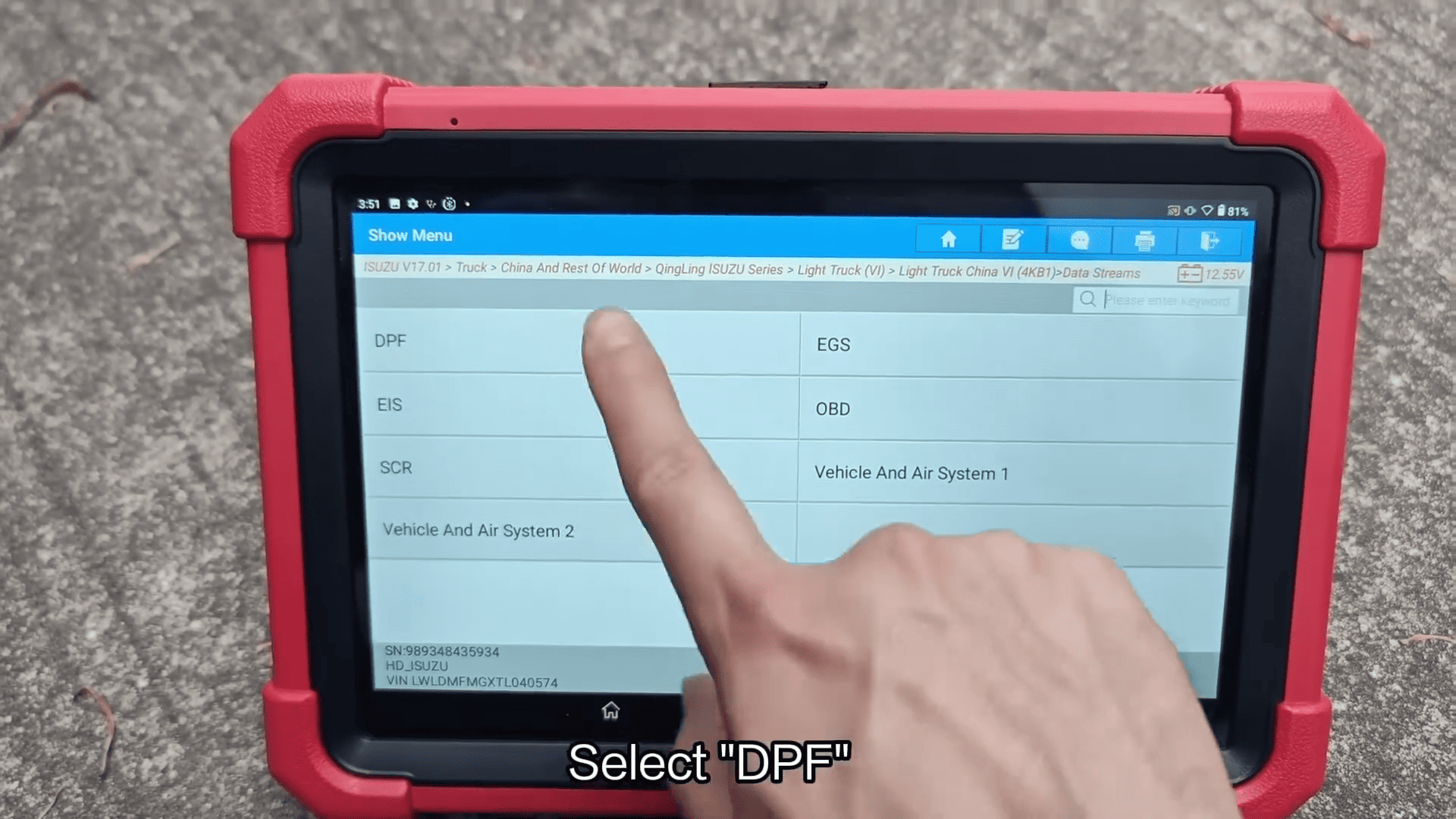
Select the desired parameters and tap OK to display live values.
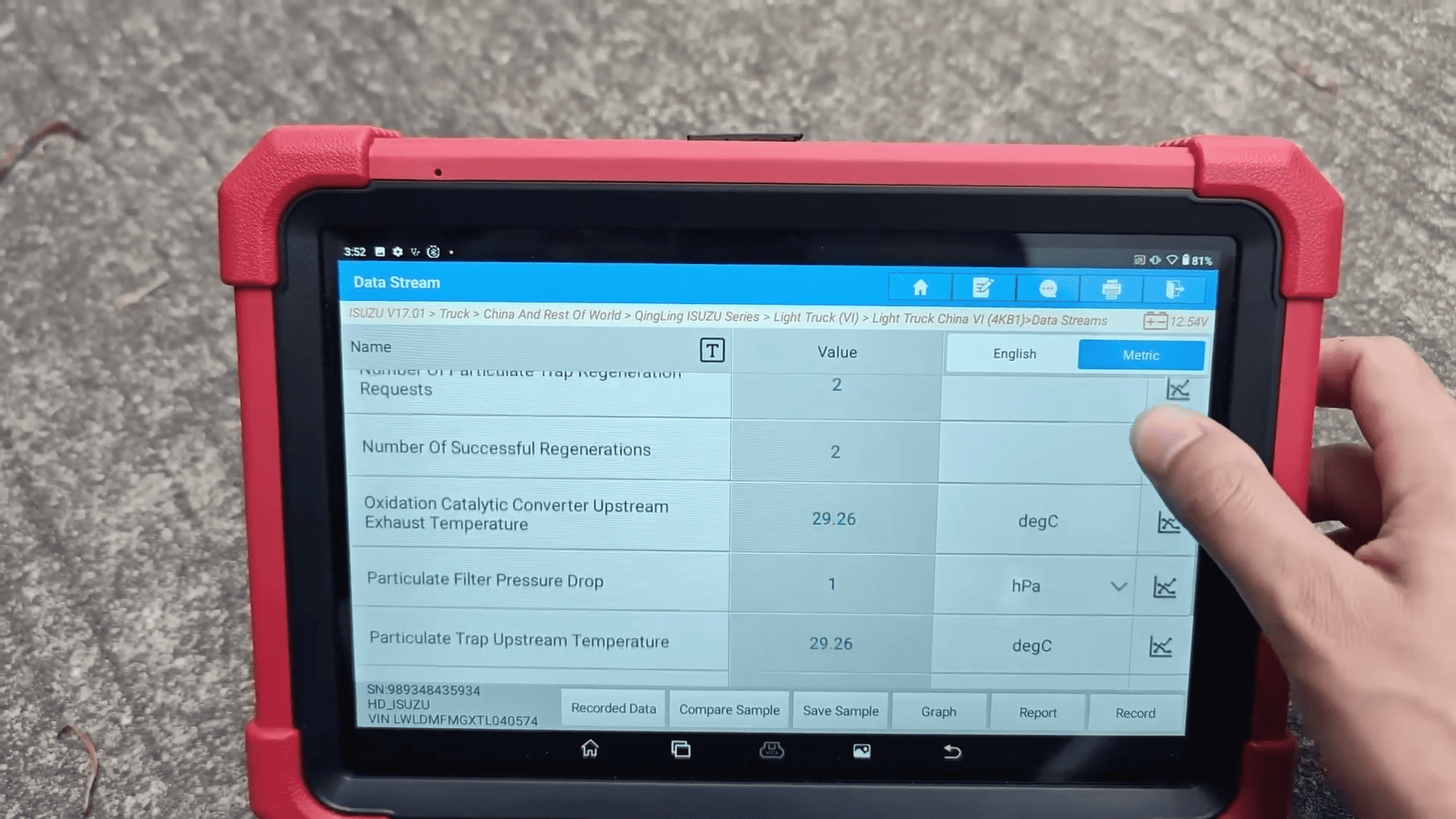
For easier analysis, switch to Graph mode to observe sensor changes and operating trends.
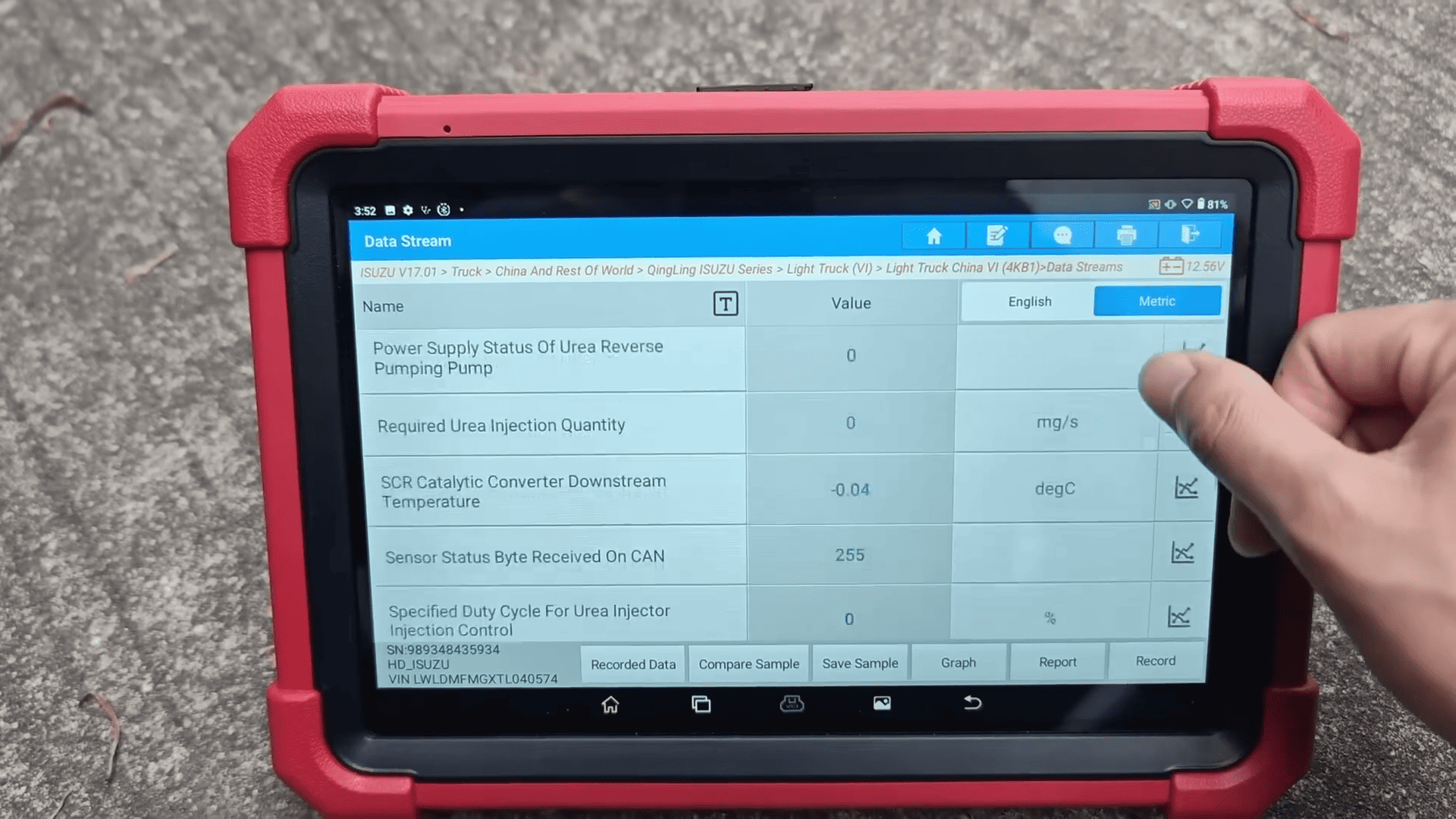
6. Check SCR System Data
Return to the Data Stream menu and select SCR.
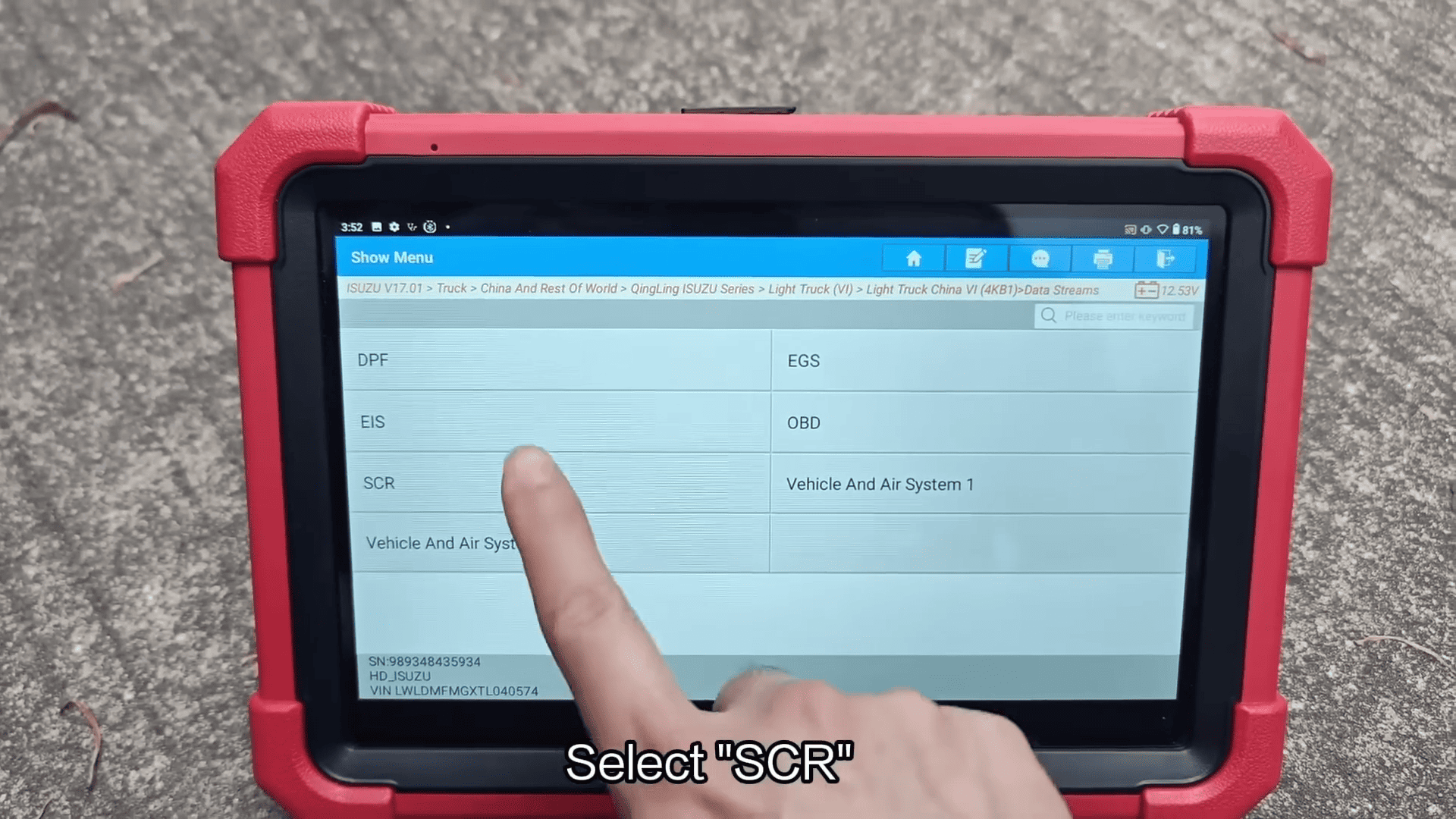
Choose the required parameters and view the live operating data to evaluate the performance of the SCR aftertreatment system.
Diagnosis Complete