


Reading live data is an essential step in diagnosing engine performance and identifying potential issues. In this guide, we will show you how to use LAUNCH X431 PAD5 to read the data stream on a 2020 Sany C8 equipped with a Weichai engine.
Steps
Follow these simple steps to access the data stream:
1. Enter Diagnostic Mode
Select [Local Diagnose]
Tap [Construction]
Choose [Sany]
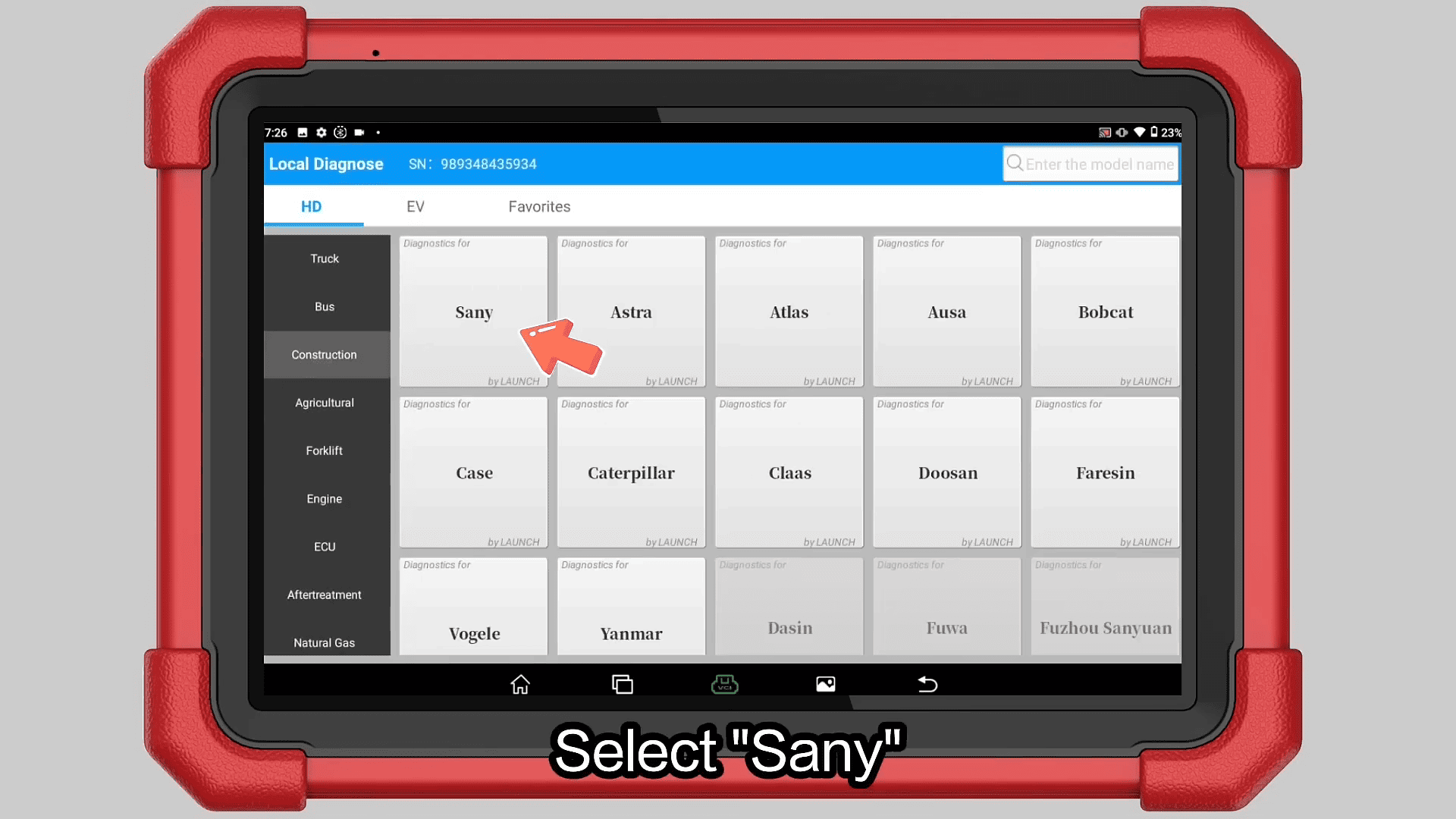
Click [OK]
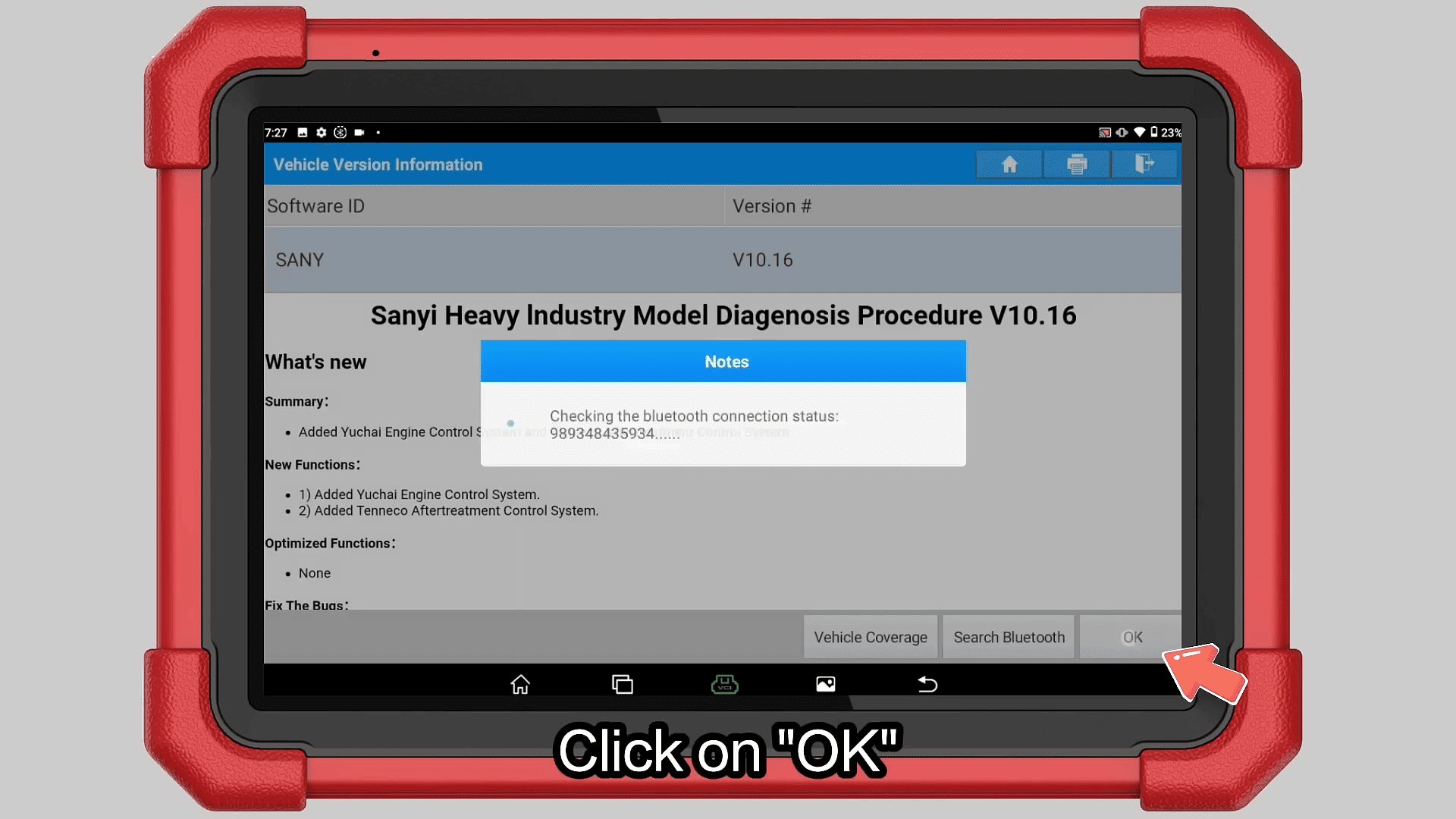
2. Select Engine System
Select [Engine System]
Choose [Weichai Engine]
3. Automatic Identification
Tap [Automatic Recognition]
Select [Weichai Engine Automatic Recognition]
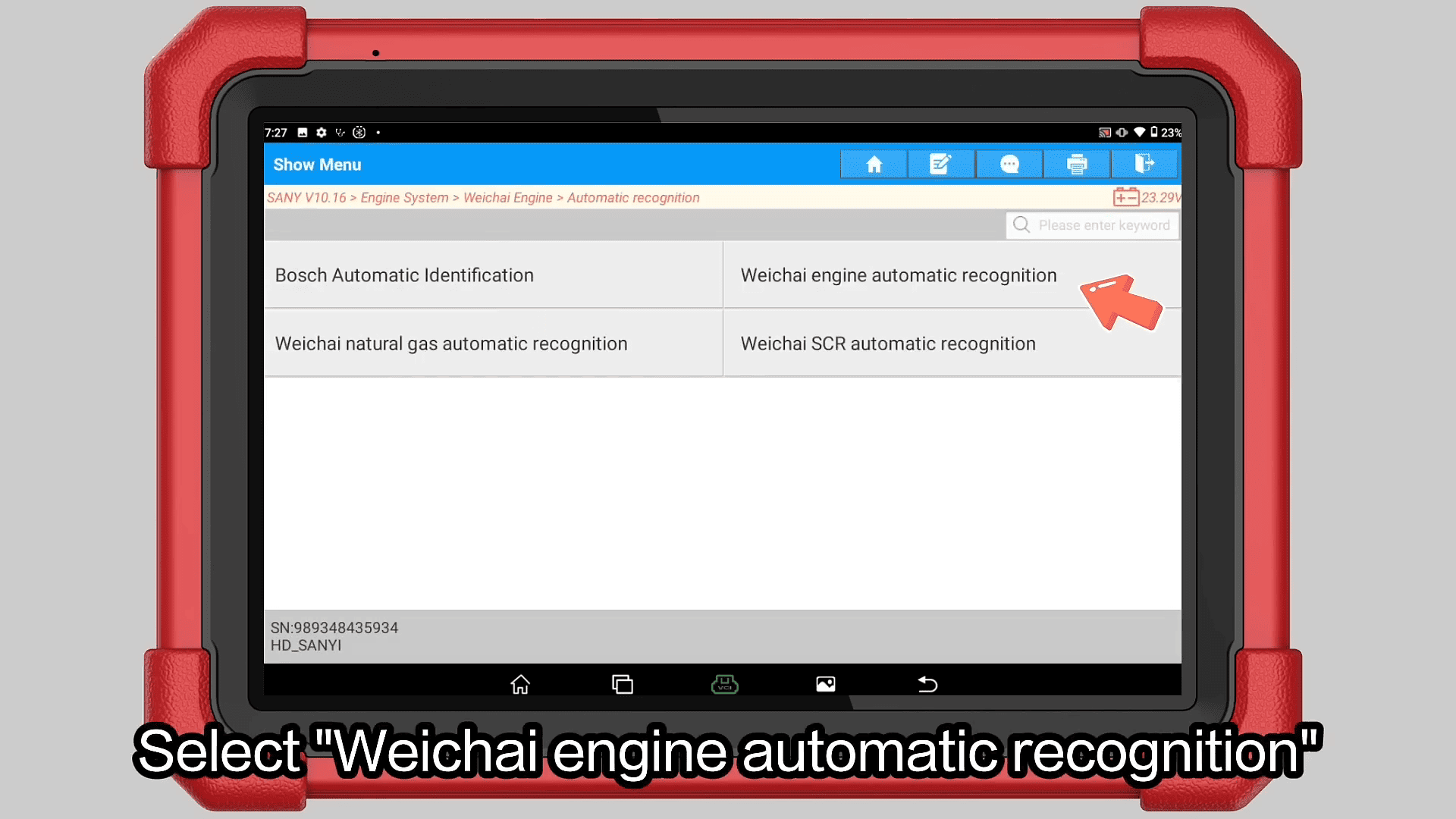
Choose the detected system: WISEC10-P201-V174
Confirm the vehicle information
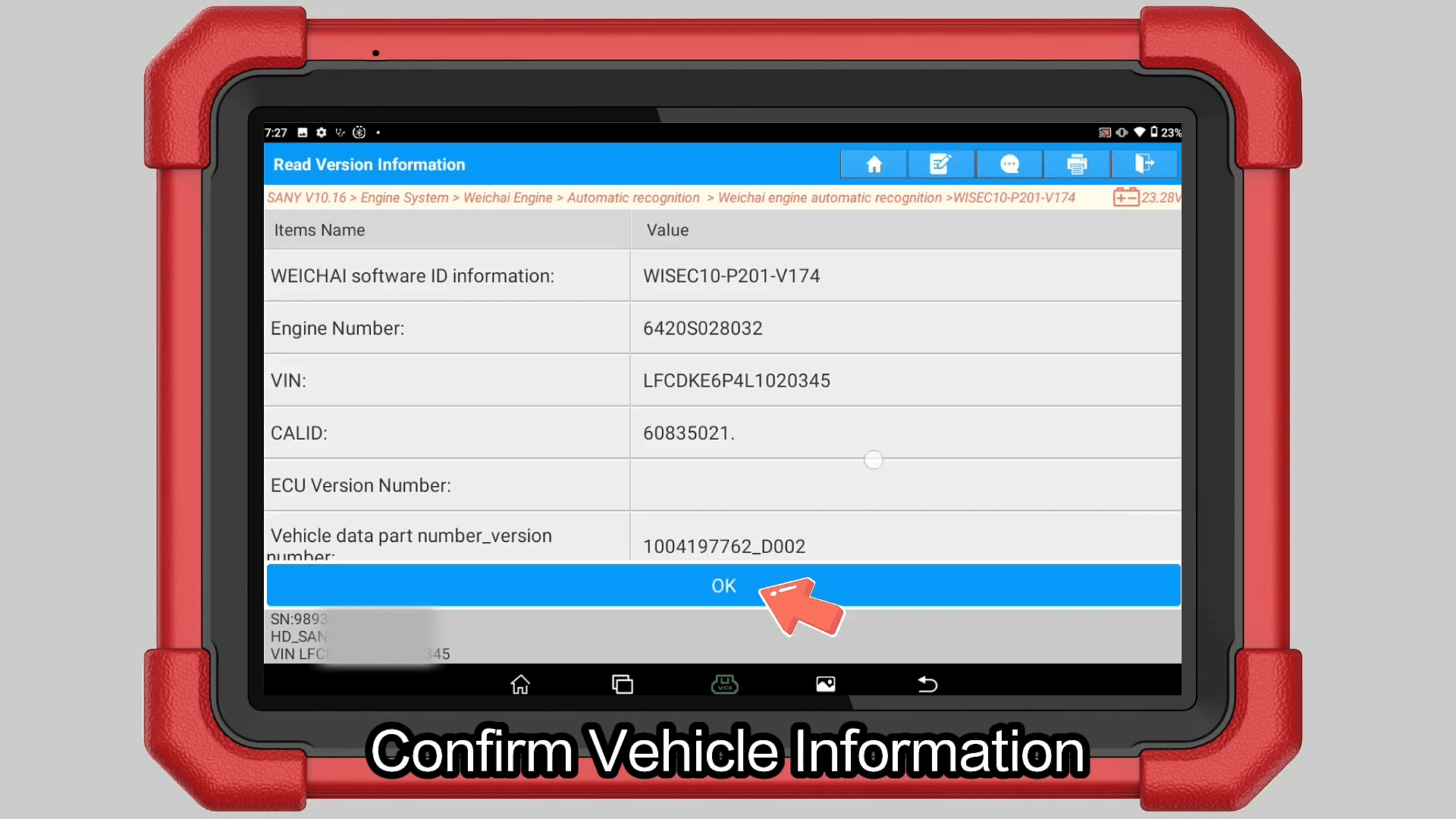
4. Read Data Stream
Select [Read Data Stream]
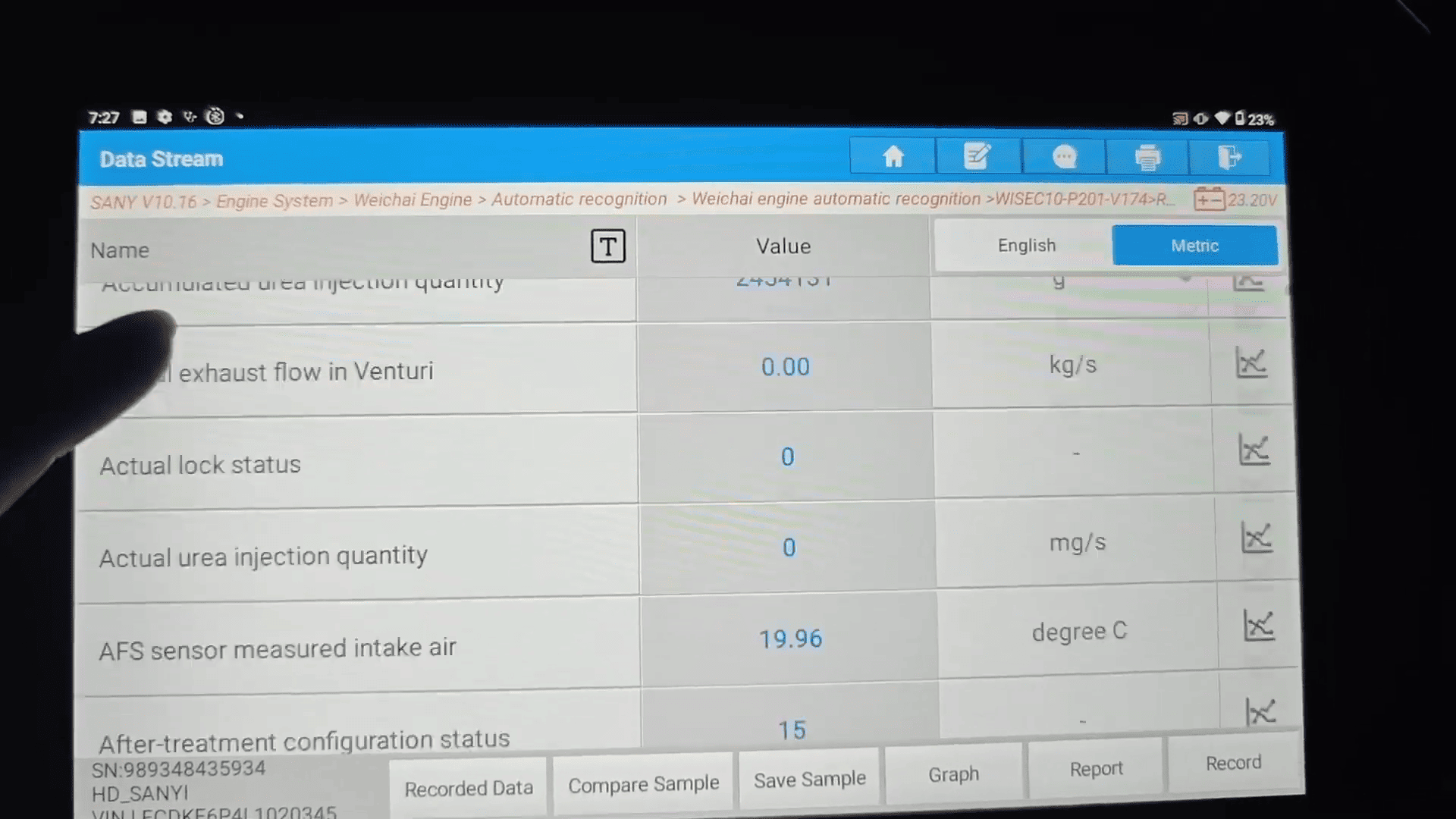
Choose the required data parameters
Click [OK] to start monitoring
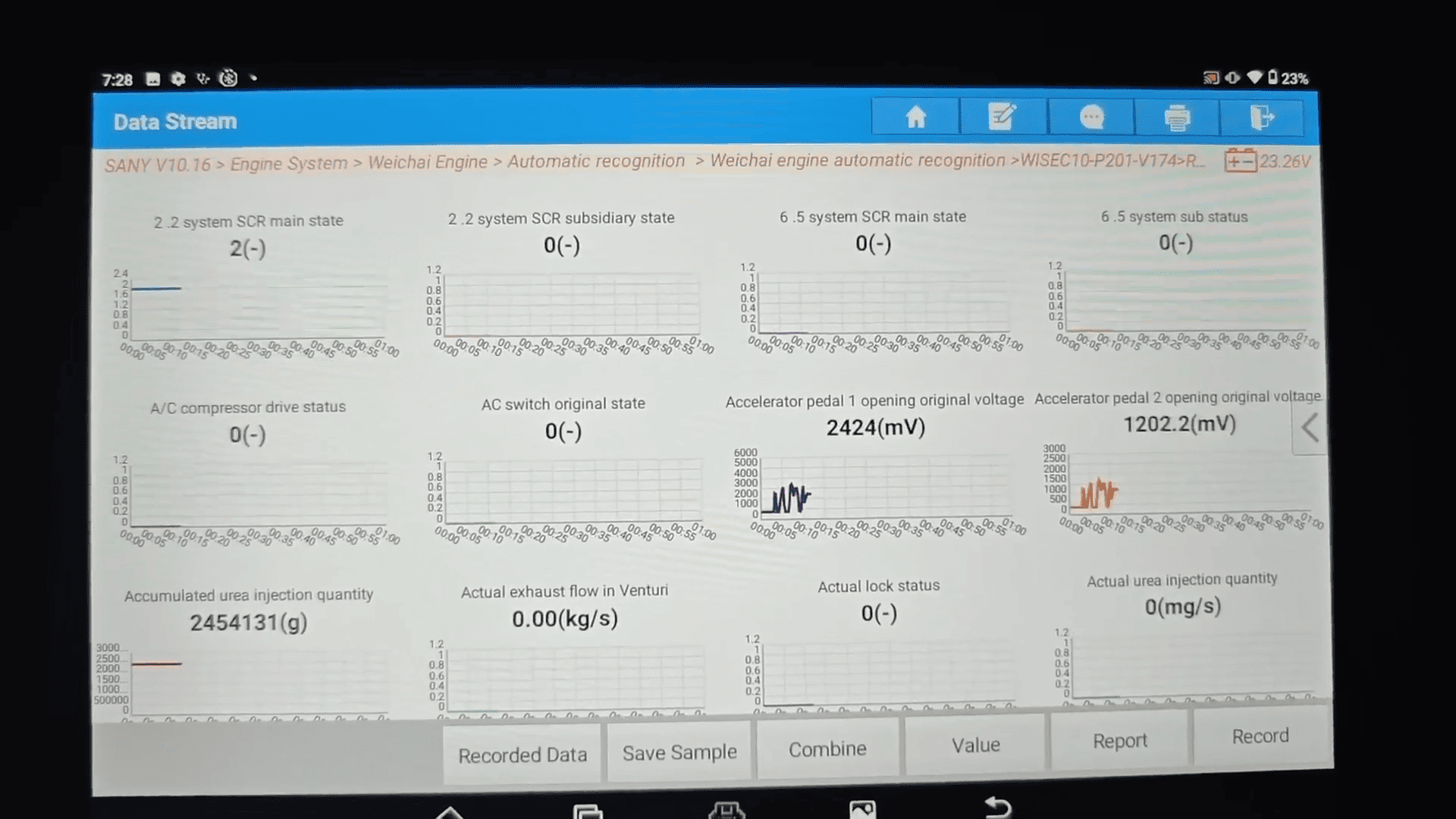
Operation Complete
Once selected, the system will display real-time data from the engine, allowing you to analyze performance and diagnose faults efficiently.
Conclusion
Using LAUNCH X-431 PAD V ELITE, reading data streams on a 2020 Sany C8 is straightforward and efficient. With its user-friendly interface and powerful diagnostic capabilities, it’s an ideal tool for technicians working on construction machinery and heavy-duty vehicles.