In this guide, we’ll demonstrate how to program a new smart key for a 2025 Li Auto L7 using Lonsdor K518 Pro OBD Communication Cable and an original smart key.
Tested Vehicle
2025 Li Auto L7
Required Tools
K518 Pro OBD Communication Cable
Original Li Auto Smart Key
Stable Wi-Fi connection
1. Connect the Device
Connect K518 Pro OBD Communication Cable to the vehicle’s OBD port and start the programming procedure.
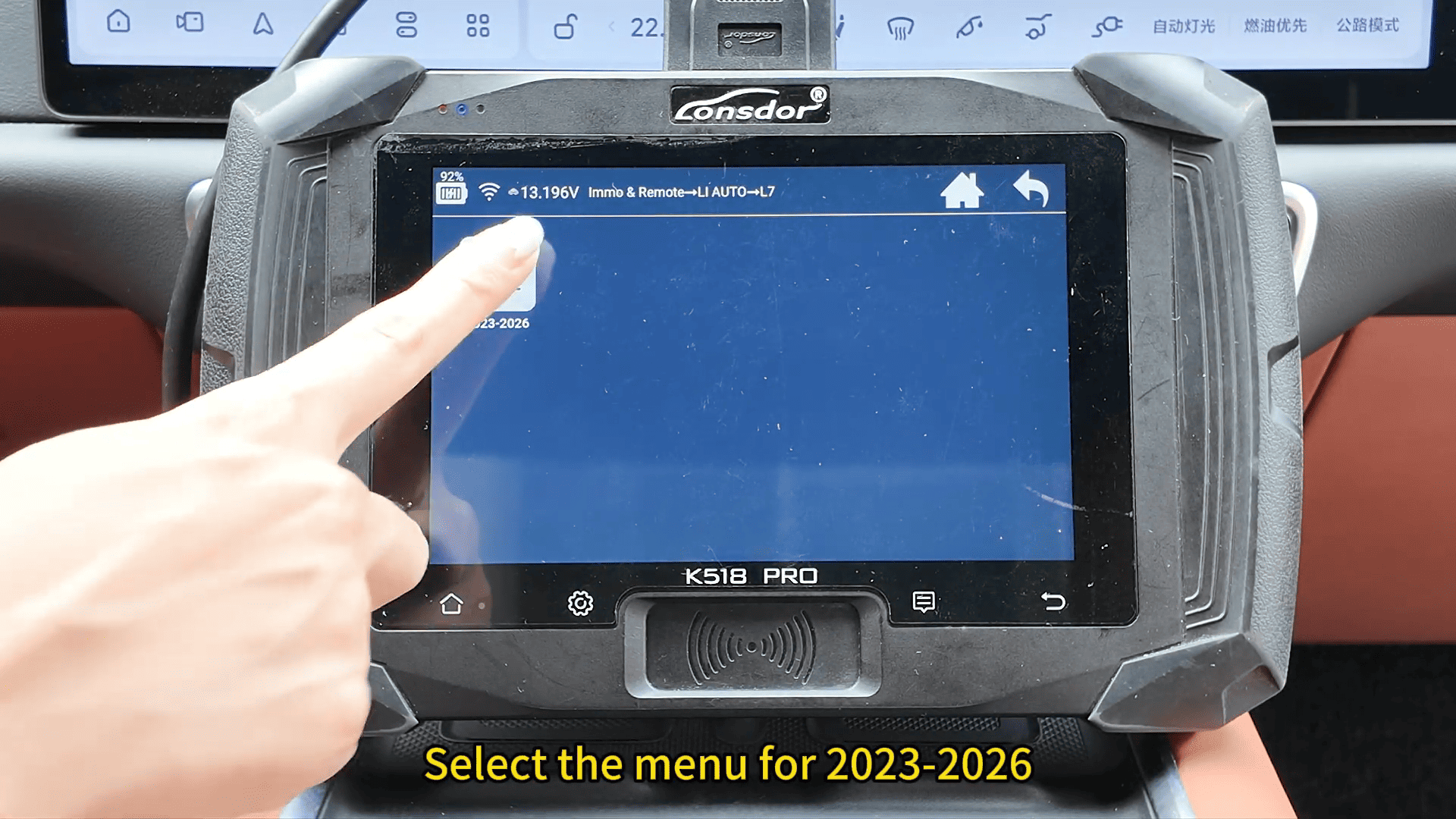
Tap to [Remote] → [Li Auto L7] → [2023–2026]
2. Check the Existing Keys
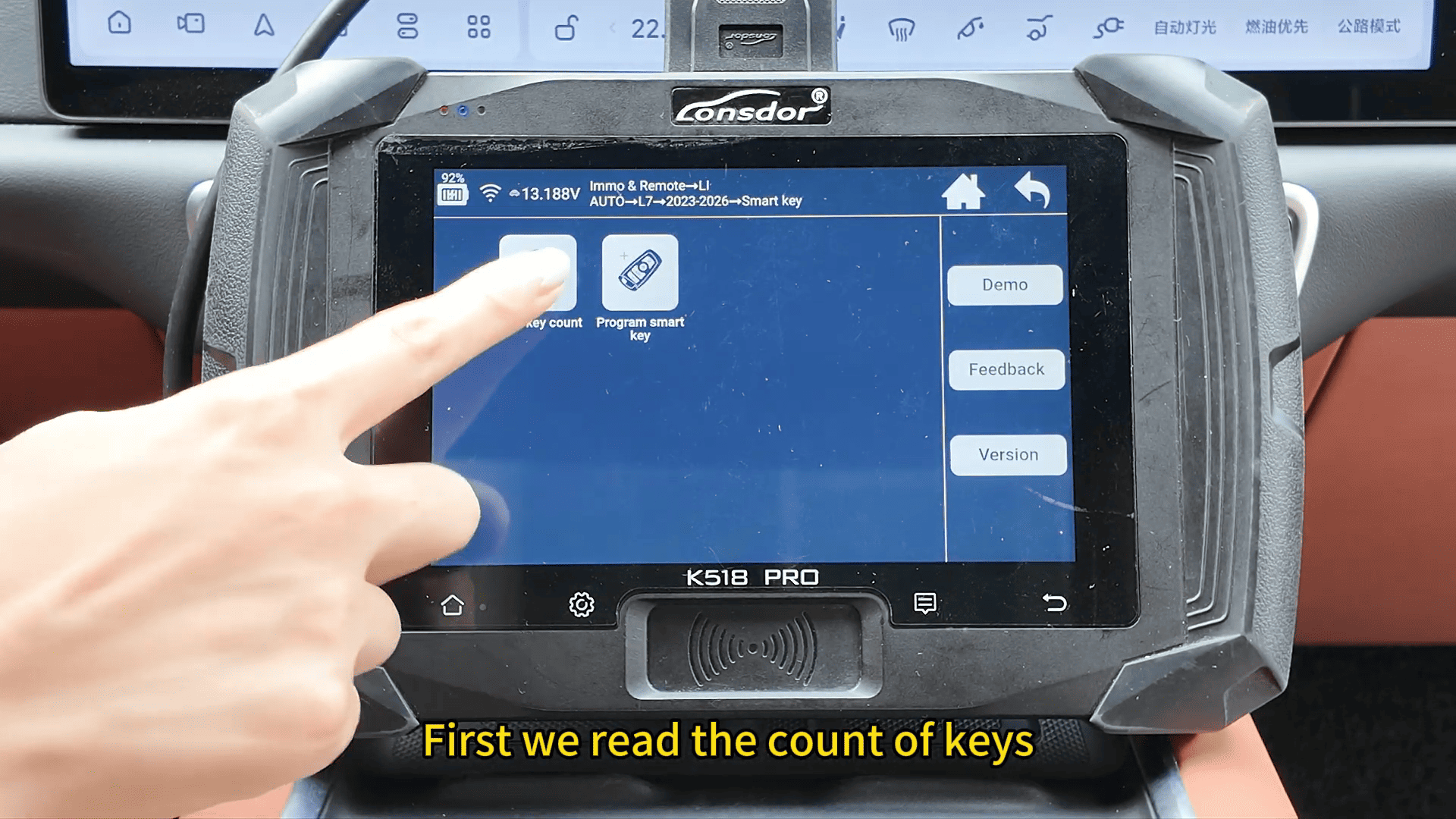
Select Smart Key, then choose Read Key Count.
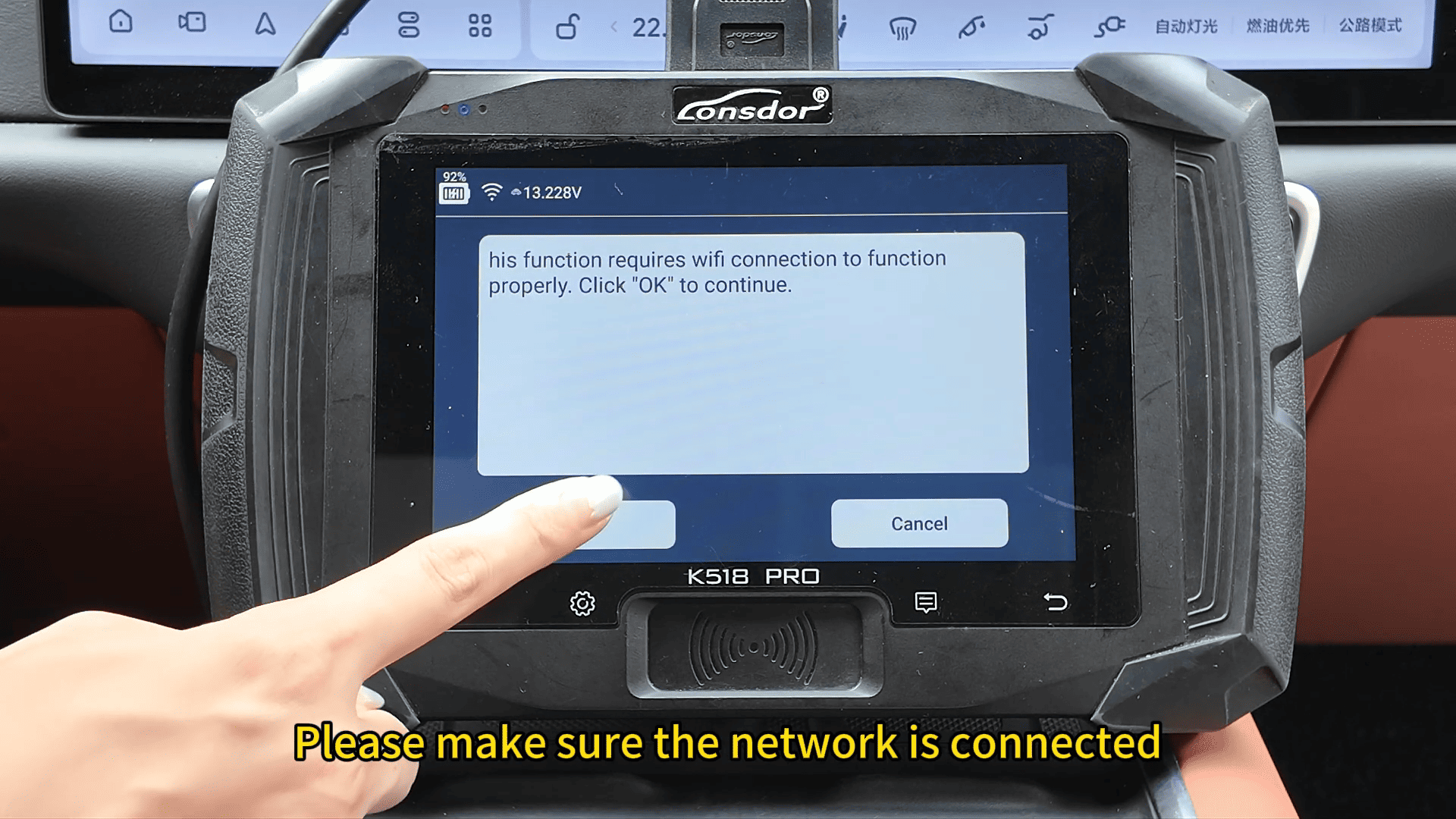
Make sure the programming device is connected to the internet before proceeding, as network access is required for this function.
3. Start Smart Key Programming
Select Program Smart Key.
The system will notify you that:
“This functions can program up to 2 keys, click OK to continue.”
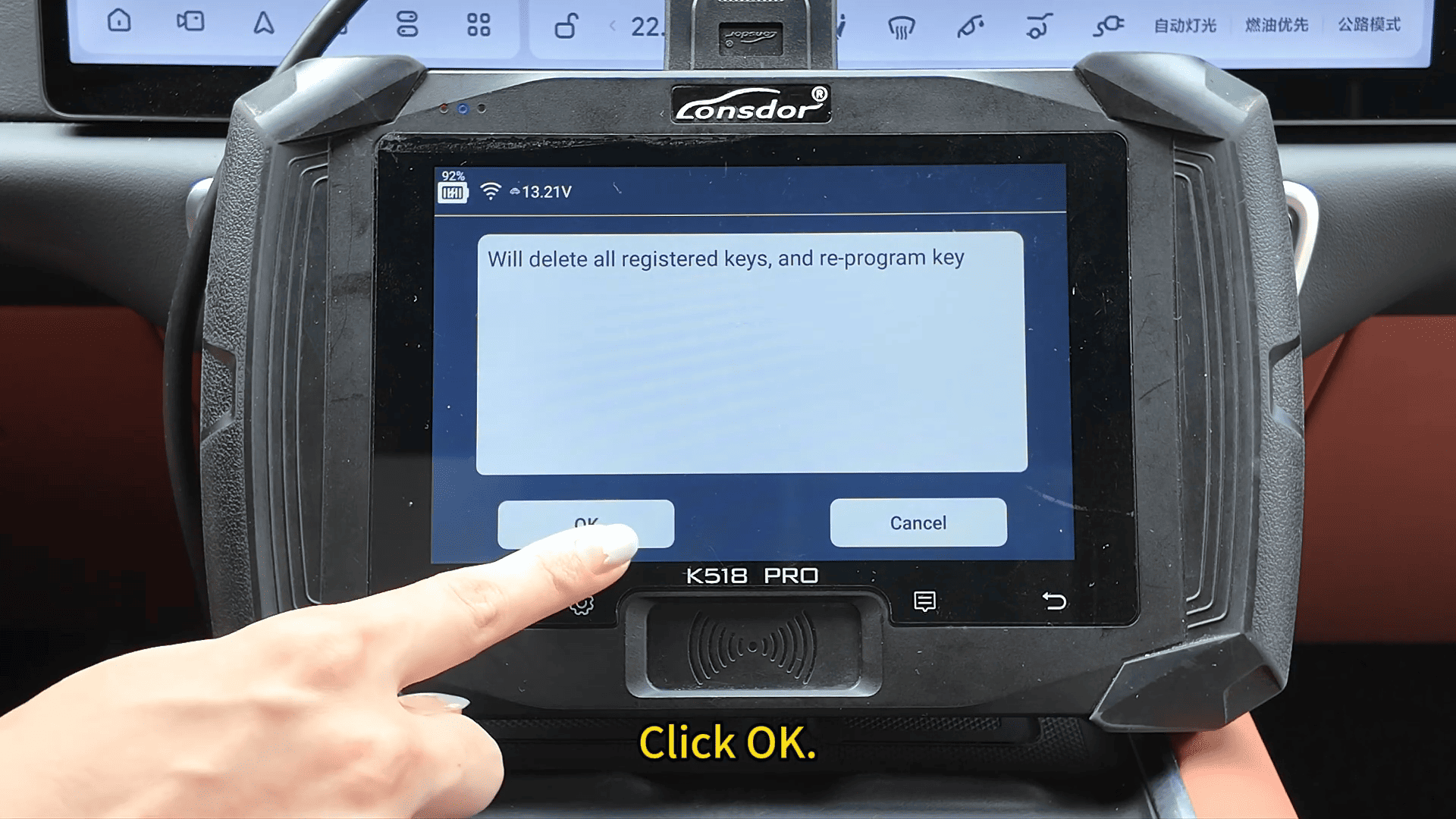
“Will delete all registered, and re-program key.”
Confirm the warning to continue.
4. Program the New Smart Key
Place the new smart key into the sensing area when prompted.
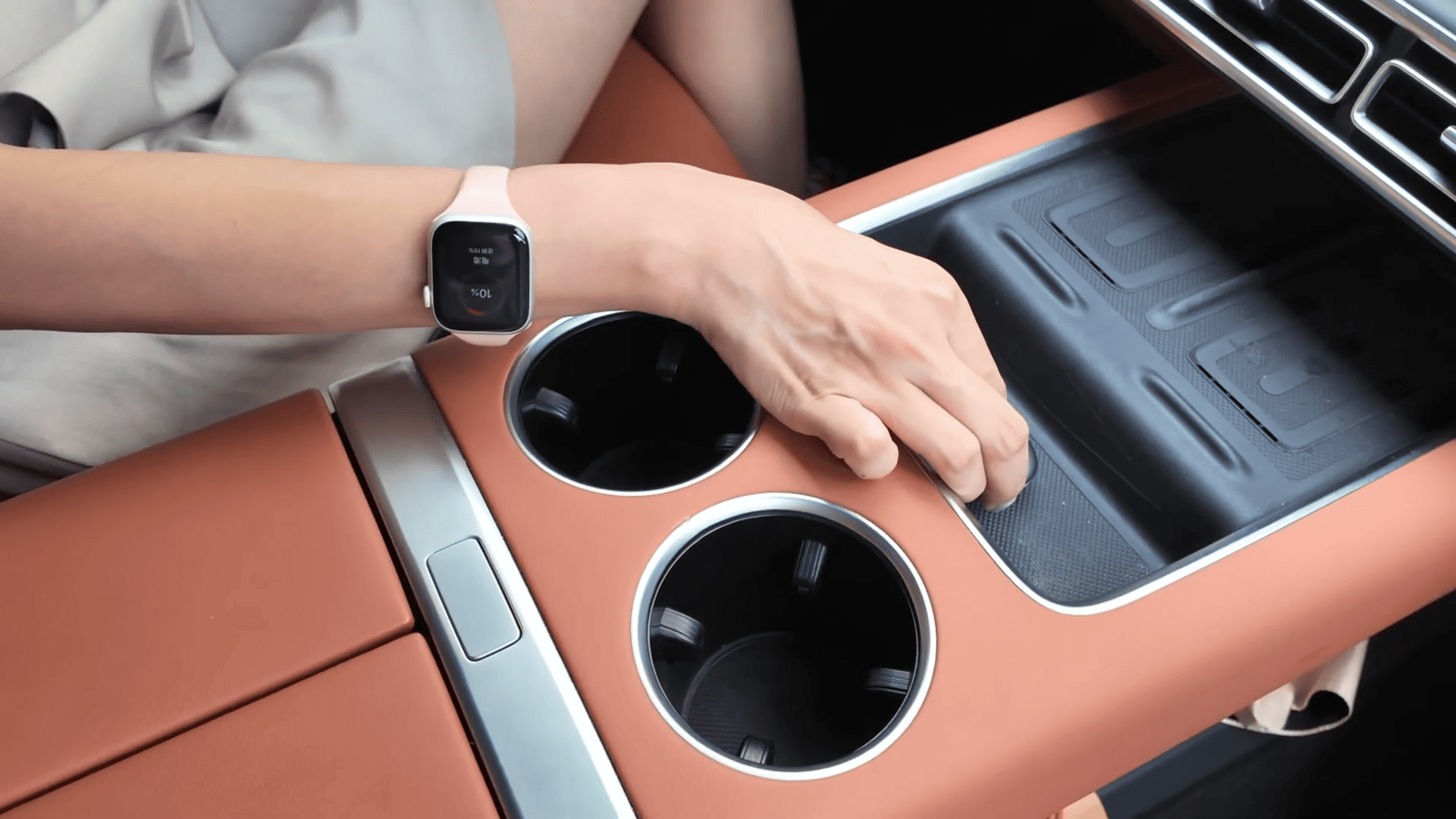
After the key is detected, the device will begin programming automatically.
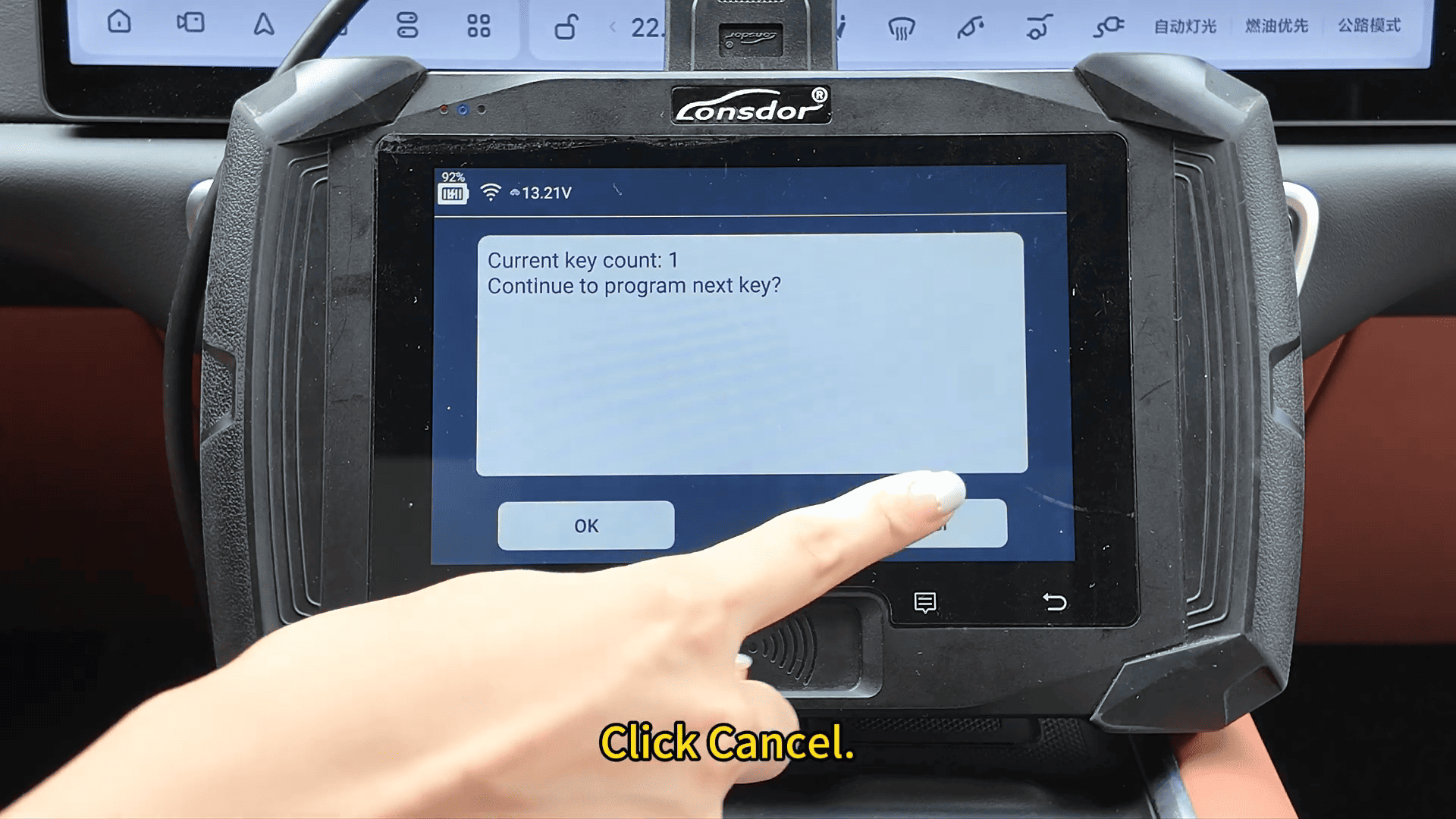
Once completed, the system will display the number of programmed keys.
If no additional keys need to be added, simply exit the programming procedure.
5. Verify the Key Functions
After programming is complete, test the new smart key.
Successful testing confirms that the all keys lost procedure has been completed.