If you’ve grabbed Launch X431 X-PROG5 3-in-1 IMMO programmer, you probably already know it’s a beast at cloning ECUs and gearboxes when hooked up to diagnostic tablets like X431 IMMO Plus, PAD V or PAD VII. But did you know you can unlock its full potential right from your laptop?
As long as you are running Windows 8 or 10 (64-bit is highly recommended), you’re good to go. Let’s walk through how to get the software downloaded, installed, and fully activated.
1. Grab the Software
First, we need to get the official files.
- Pop over to https://en.cnlaunch.com/.
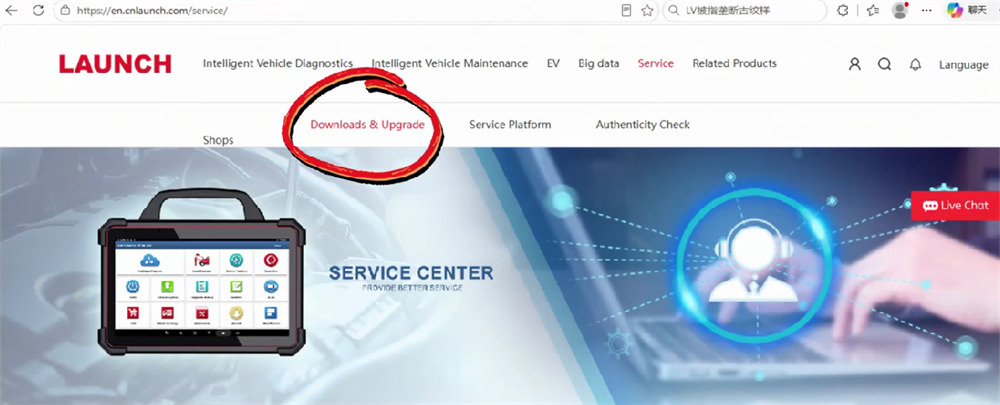
- Click on Service, then head to Download & Upgrade.
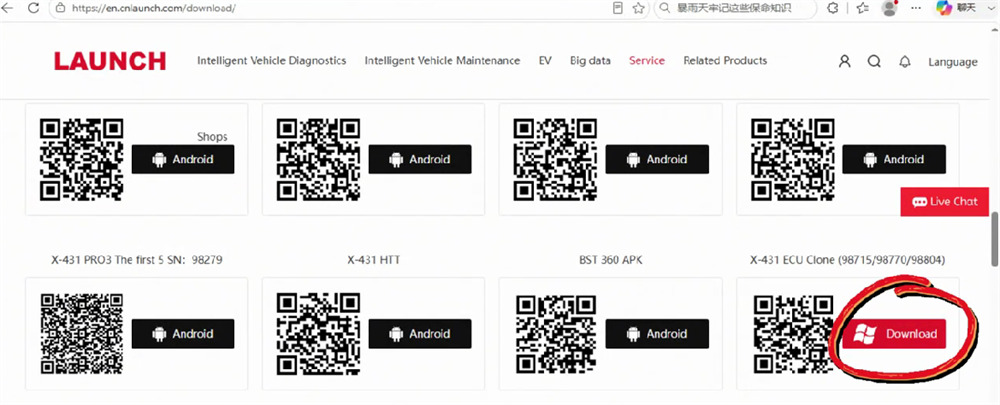
- In the download area, search for X-431 ECU Clone and click Download.
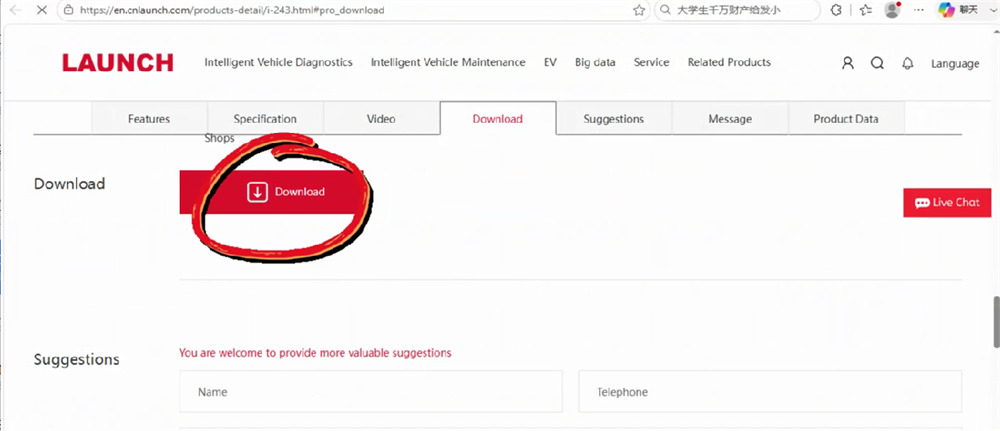
- Click Download once more and grab the language version that works best for you.
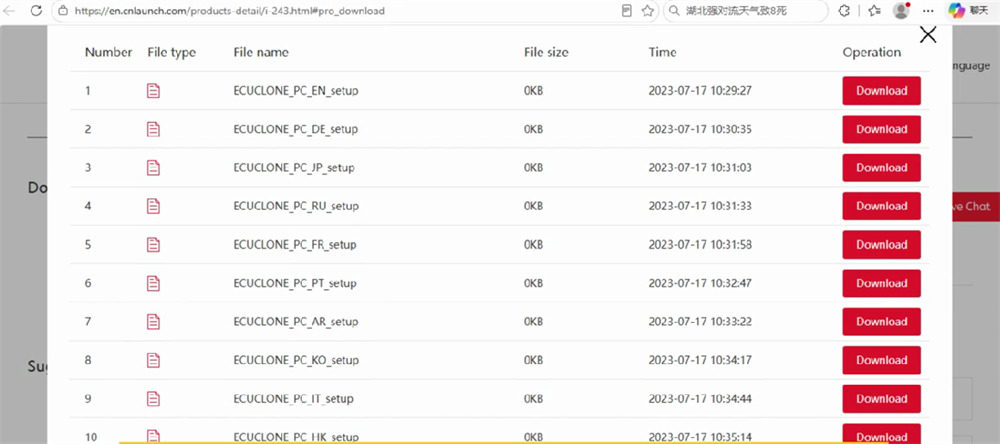
2. Quick Installation
Once the download finishes, open the installer. Just click through the standard on-screen prompts—it’s a very straightforward process.
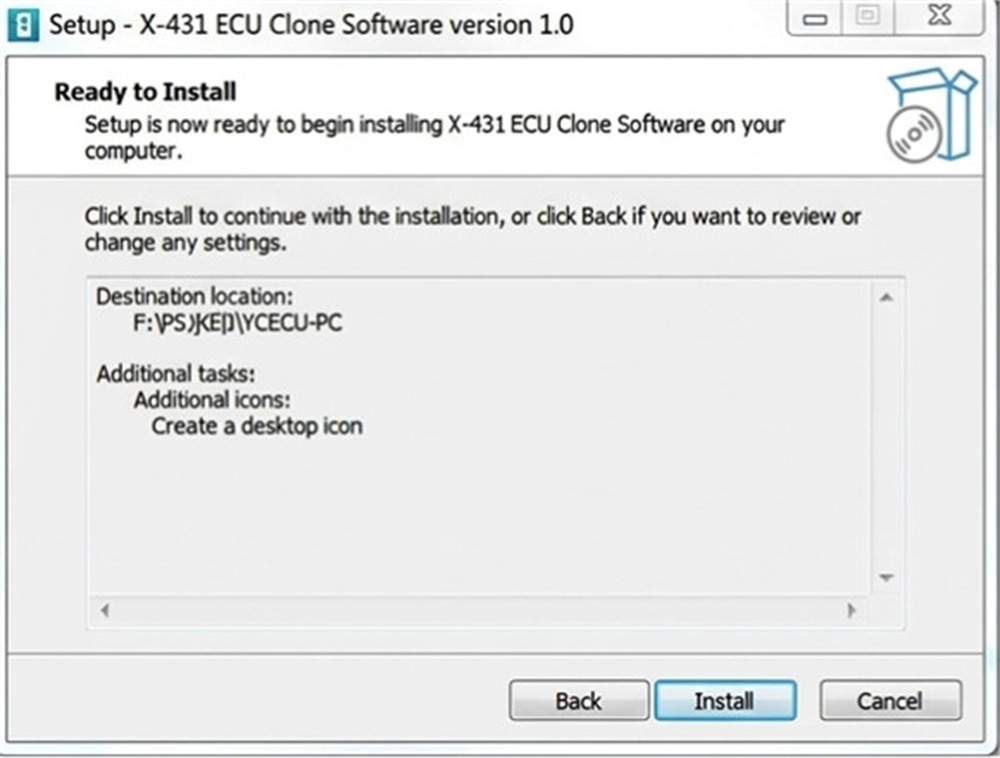
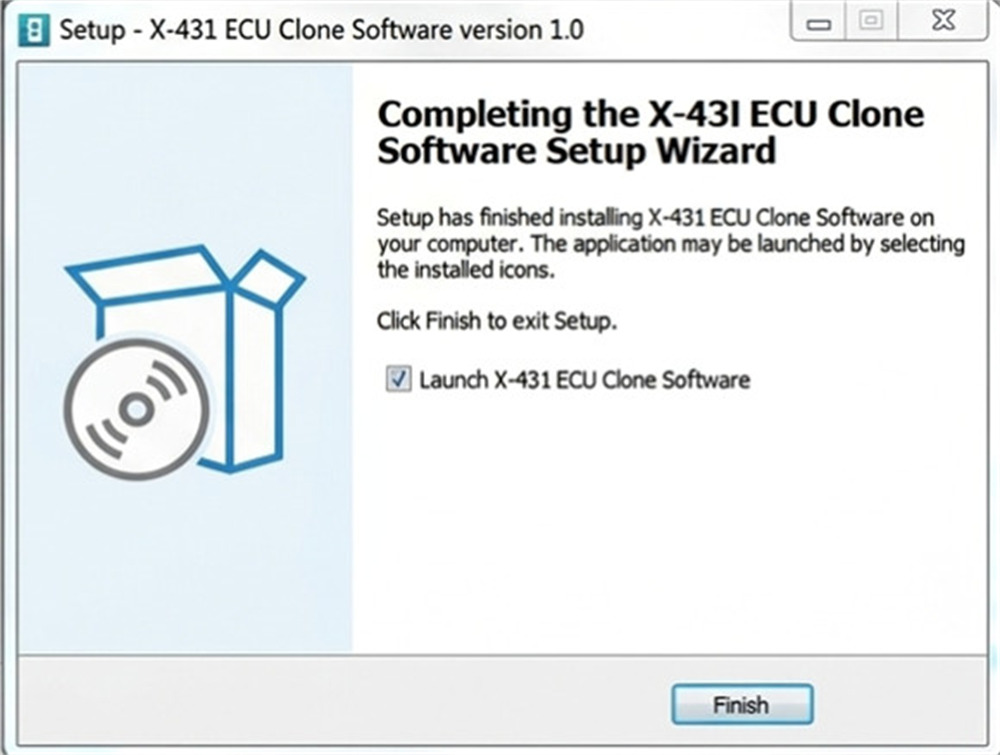
3. Connect Your Hardware
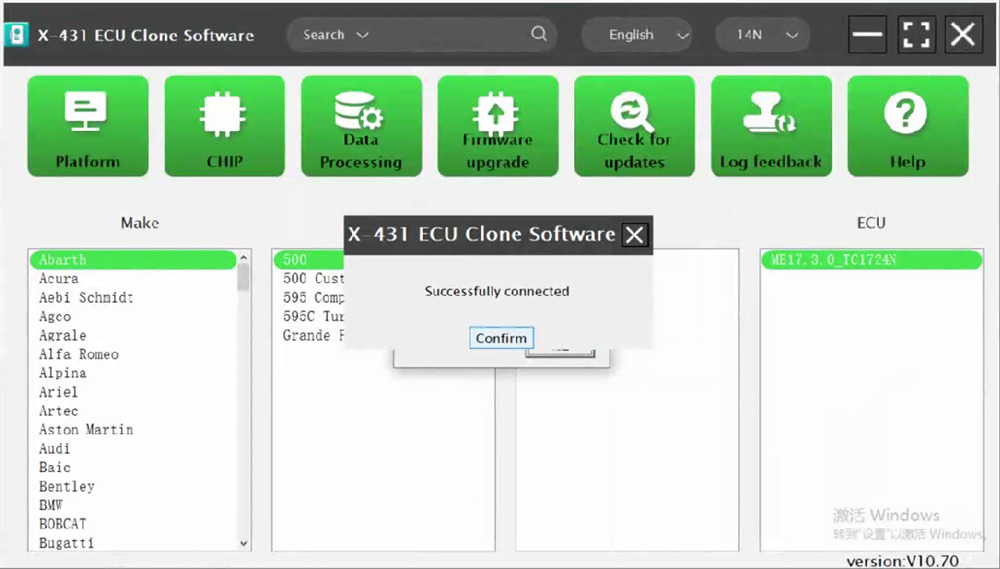
Before launching the app, plug your G5 programmer into your PC’s USB port. Open the software, and look out for a “Successfully connected” status message. If you see it, your hardware is talking to your PC!
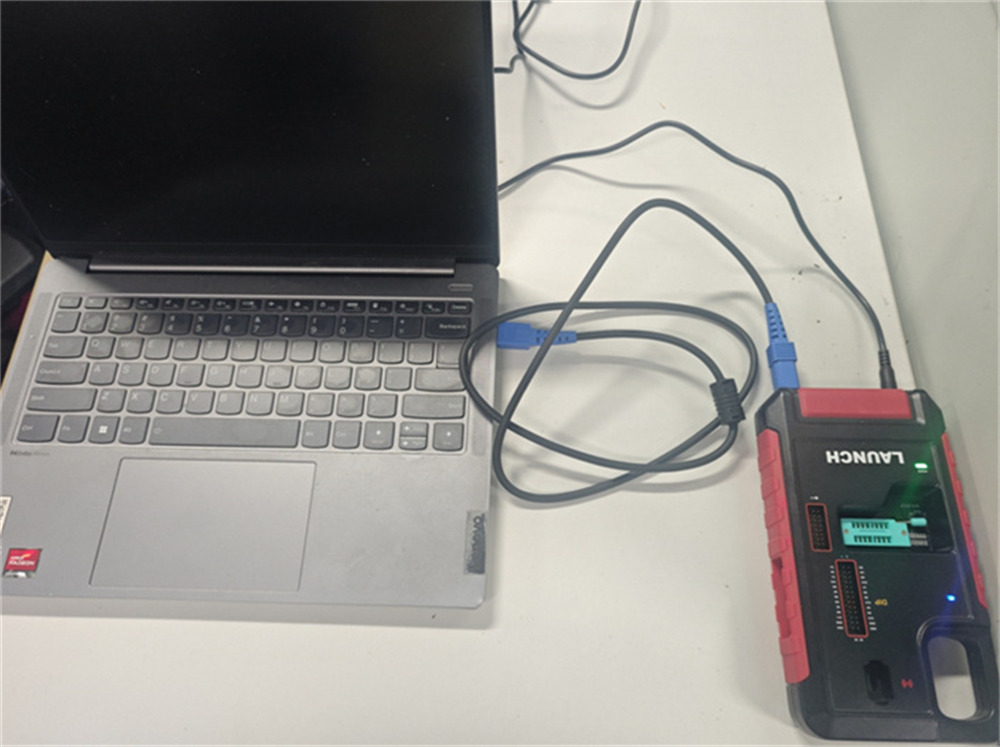
4. Registration & Activation
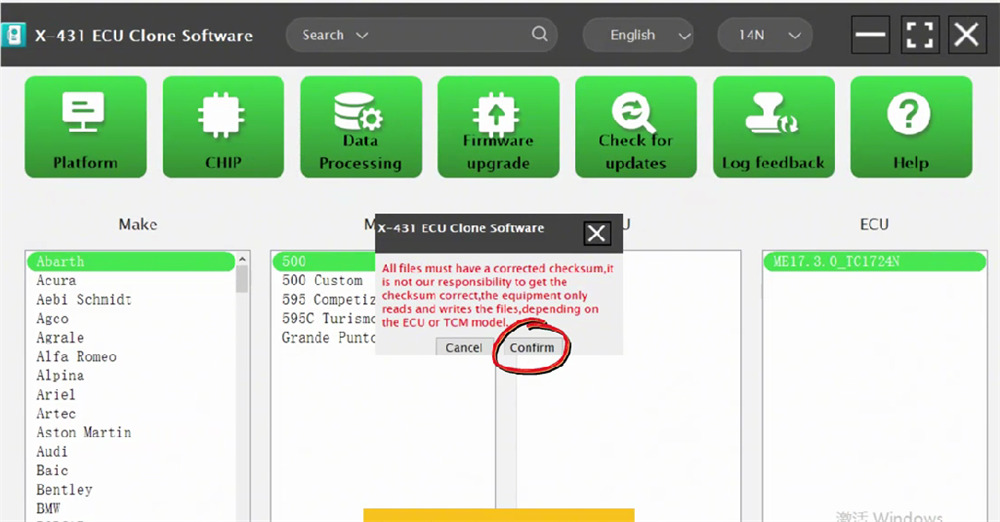
A quick heads-up before we start: Make sure your files have correct checksums. Keep in mind that X431 XPROG5 acts as a reader/writer depending entirely on your specific ECU/TCU model.
- Hit Confirm on the startup warning.
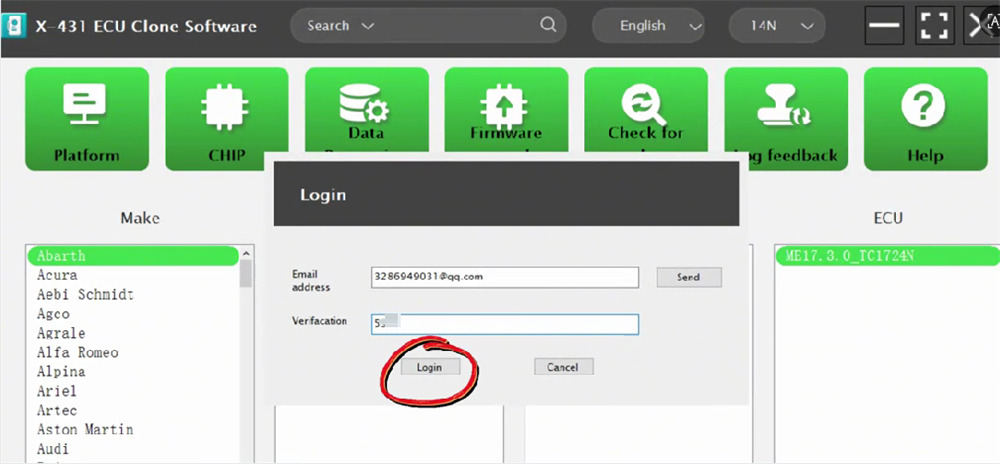
- In the login box, type in your active email address and click Send to get a verification code. Enter that code and click Login.
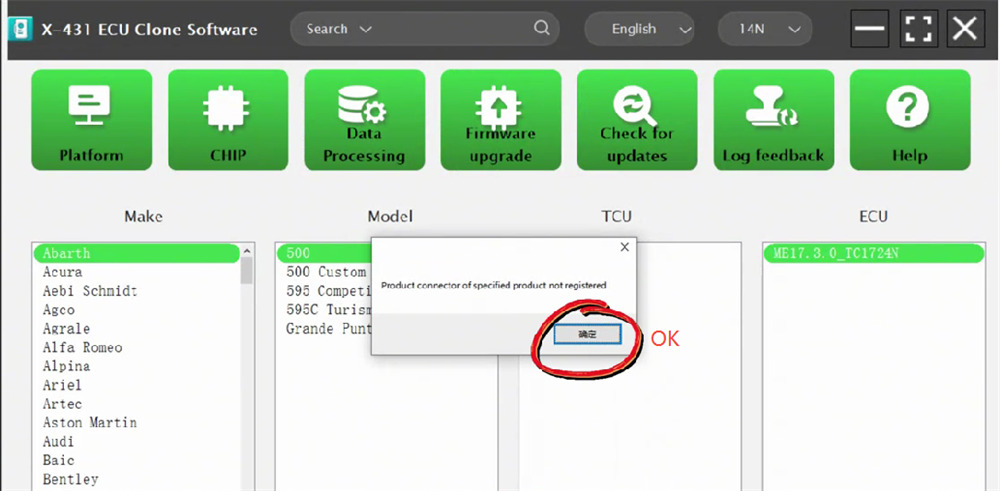
- A pop-up will notify you that the device isn’t registered yet. Don’t worry—just click OK.
- Now you’ll need to link your email account to the PC box. Since this is your first setup, click Activate.
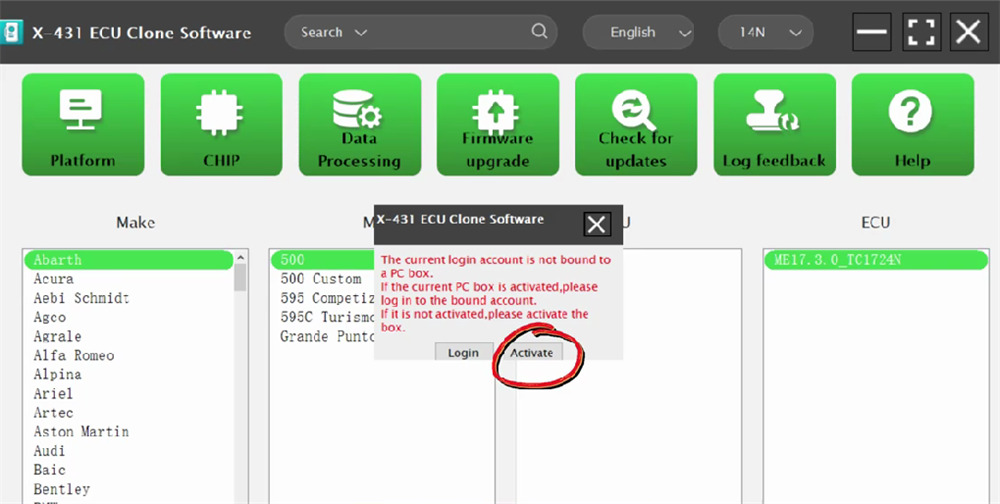
- The software is smart enough to auto-fill your Serial Number. All you need to do is grab the Activation Code from the paper slip inside your retail box, type it in, and click Activate.
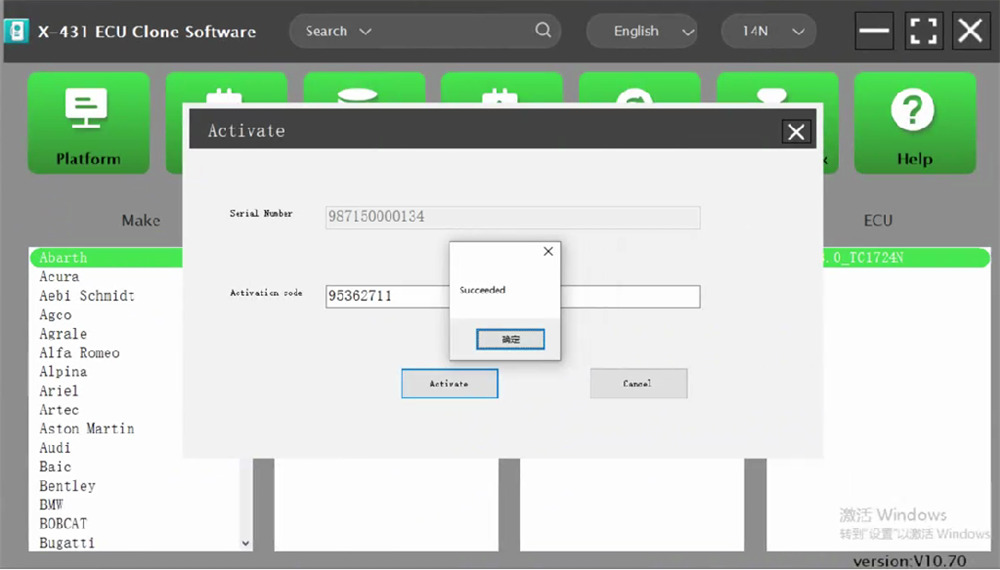
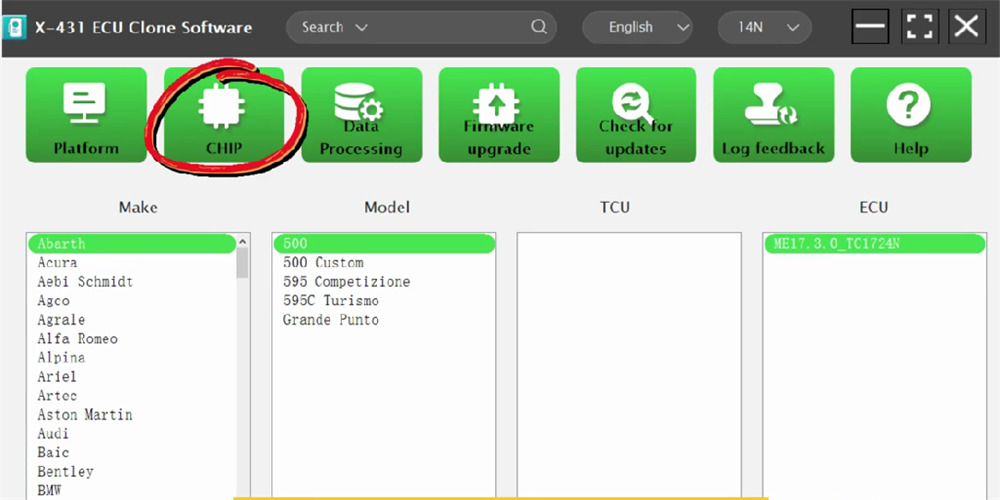
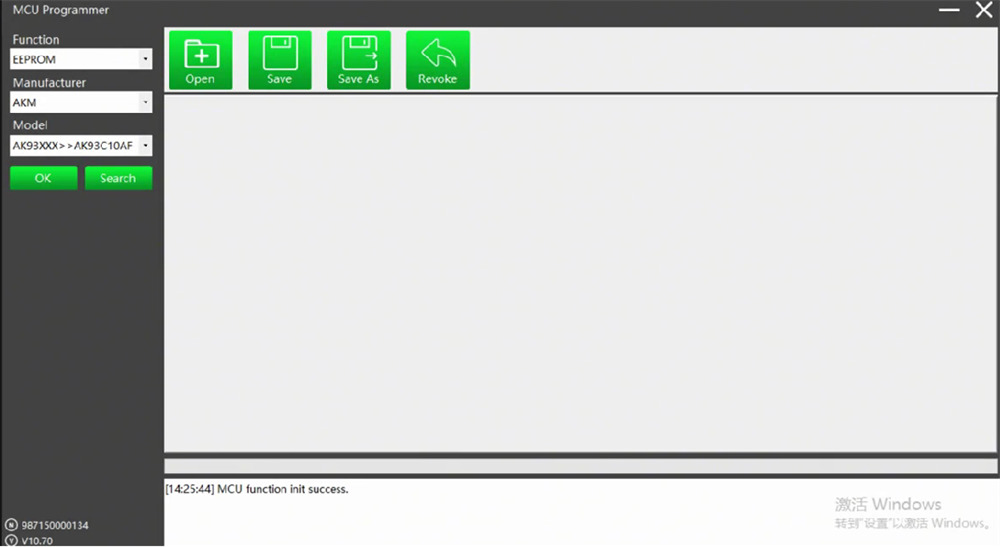
And that’s it! You’re ready to roll. When you open the main menu, you’ll see a CHIP option—click that to start reading and writing chips instantly.