


CGDI BD006 Car Battery Tester uses conductance testing technology to evaluate vehicle starting batteries and identify common starting and charging system issues. This guide explains the basic operation of the BD006, including battery connection, language settings, device information, and software updates.
How to Connect the CGDI BD006 to a Battery
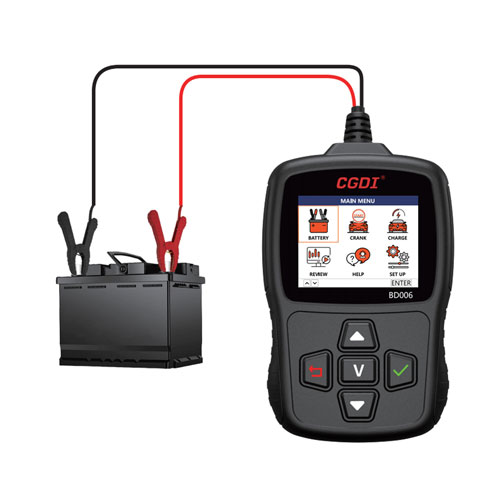
- Connect the red alligator clip directly to the battery positive (+) terminal and the black clip to the negative (-) terminal. The tester will power on automatically.
- If the battery is installed in the vehicle, make sure the ignition is switched OFF. Turn off all electrical accessories and close the vehicle doors before testing.
- Clean both battery terminals and remove any corrosion before connecting the tester.
- Make sure both alligator clips are firmly attached directly to the battery terminals. Do not use extension cables or adapter cables for an indirect connection.
If the clips are not connected securely, the tester will display a warning message.
Note: The BD006 may not operate correctly if the battery voltage is below 7V.
How to Set Up the CGDI BD006
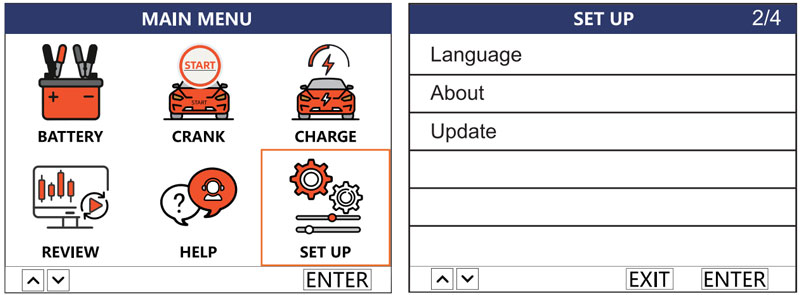
The SET UP menu provides access to the language settings, software update function, and device information.
Change the Display Language
Go to [SET UP] → [Language] → [Select the desired language] → [Enter]
The BD006 supports multiple languages, including English, Spanish, German, French, Italian, Portuguese, and Russian, as well as Japanese and other languages. Additional language options can be customized upon request.
Check Device Information
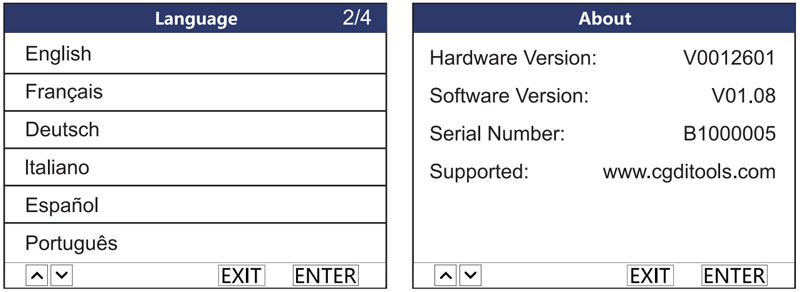
From the SETUP interface, select About and press Enter.
The device information screen shows the hardware version, software version, and serial number.
How to Update the CGDI BD006 Software
The BD006 update function is currently available only on Windows computers.
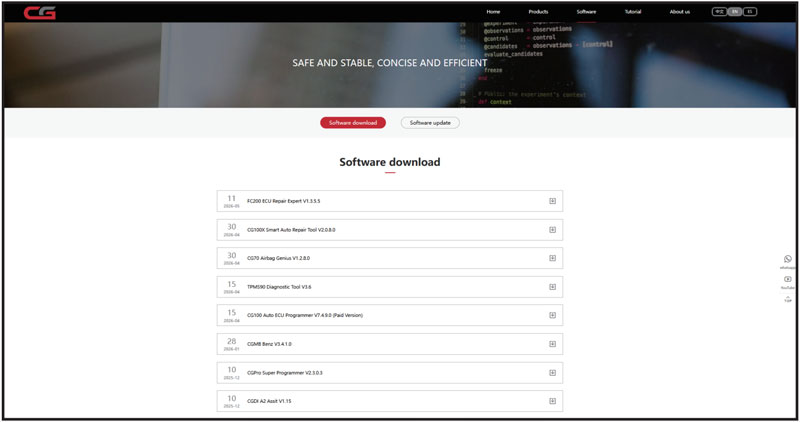
Visit CGDI Tools Official Website and select Software Download.
Download and install the corresponding update tool on your Windows computer.
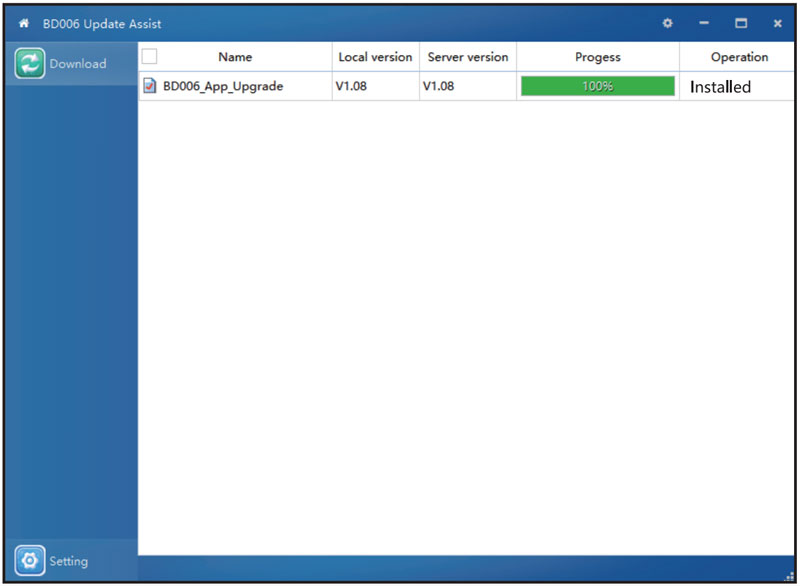
Connect the BD006 to the computer using a USB cable, then launch the update application.
Select Update from the main interface and click Confirm to enter update mode.
Select the appropriate update file and click Download. The software upgrade is complete once the installation finishes.
CGDI BD006 FAQ
What types of batteries does the BD006 support?
The tester supports common starting batteries, including
- Ordinary lead-acid batteries
- EFB batteries
- AGM flat-plate batteries
- AGM spiral batteries
- Gel batteries
Which battery testing standards are supported?
BD006 Car Battery Tester supports the following battery rating standards:
CCA, JIS, GB, SAE, MCA, CA, DIN, IEC, EN, and BCI.
What tests can the BD006 perform?
The tester provides four main functions
- Battery Test
- Cranking Test
- Charging Test
- Data Review
What should I do if the battery voltage is below 7V?
If the battery voltage is lower than 7V, the tester may not work properly. Check the battery voltage and ensure the battery is within the required operating range before testing.
Why does the tester display a warning after connecting the clips?
Check that both alligator clips are securely attached directly to the battery’s positive (+) and negative (-) terminals. Clean the terminals if necessary and make sure there is good electrical contact.
Avoid using extension cables or adapter cables for an indirect connection.
Can I update the BD006 using a Mac?
No. The software update function is currently supported only on Windows.
Where can I find the BD006 serial number?
Go to SETUP → About → Enter
The screen displays the device’s serial number, hardware version, and software version.