Reading Volkswagen 5C key data no longer requires soldering. By pairing KEYDIY KD-X6 with GODIAG VAG 5C solder-free clip adapter kit, you can pull key data cleanly and prepare dealer keys fast.
Required Equipment
- KEYDIY KD-X6 key programmer
- GODIAG BDC3 key adapter and VW 5C clip
- Original VW 5C key PCB
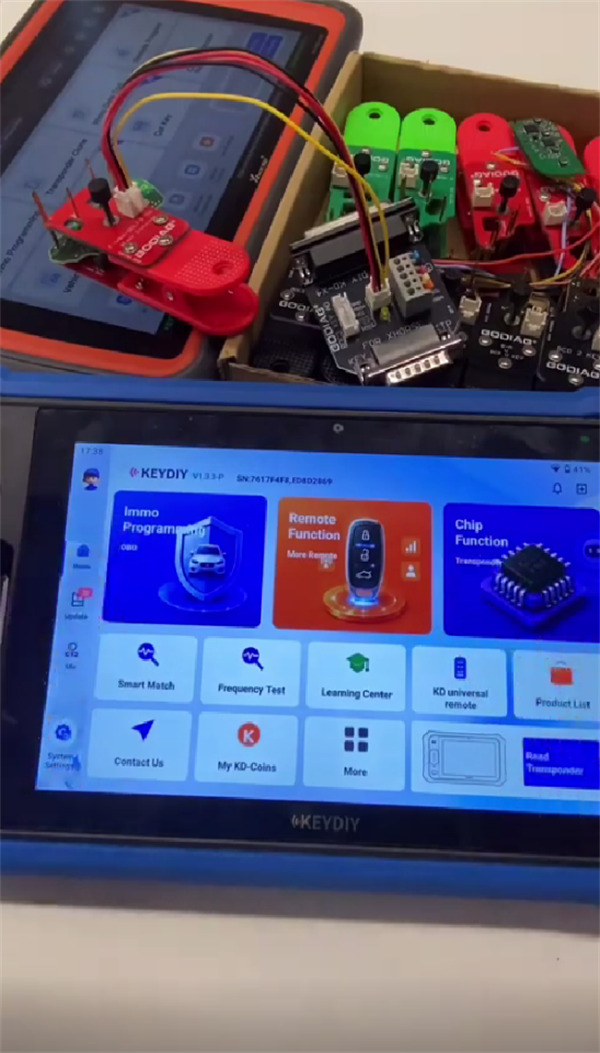
1. Connect Hardware
Plug GODIAG BDC3 adapter directly into the main port of KD-X6 key programmer
2. Navigate Software Menu
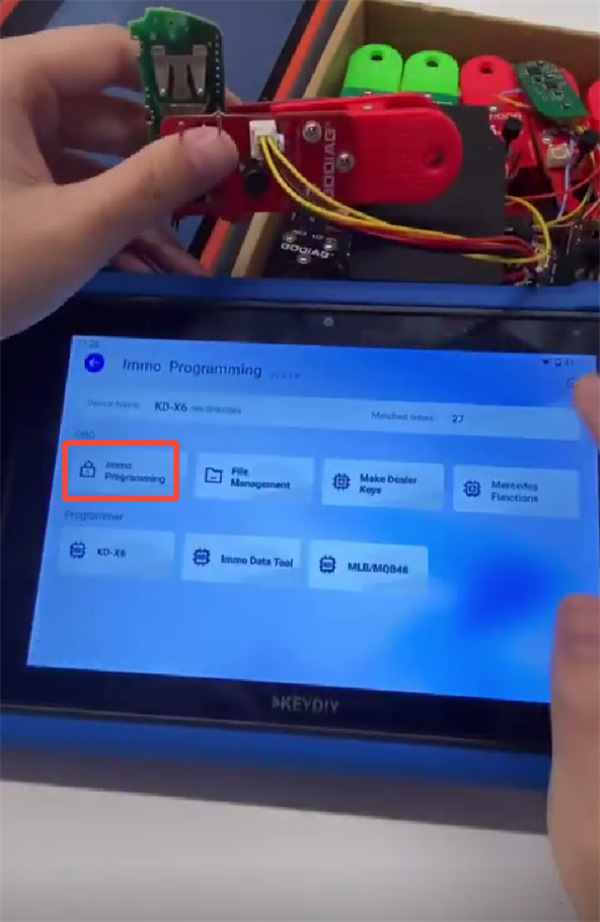
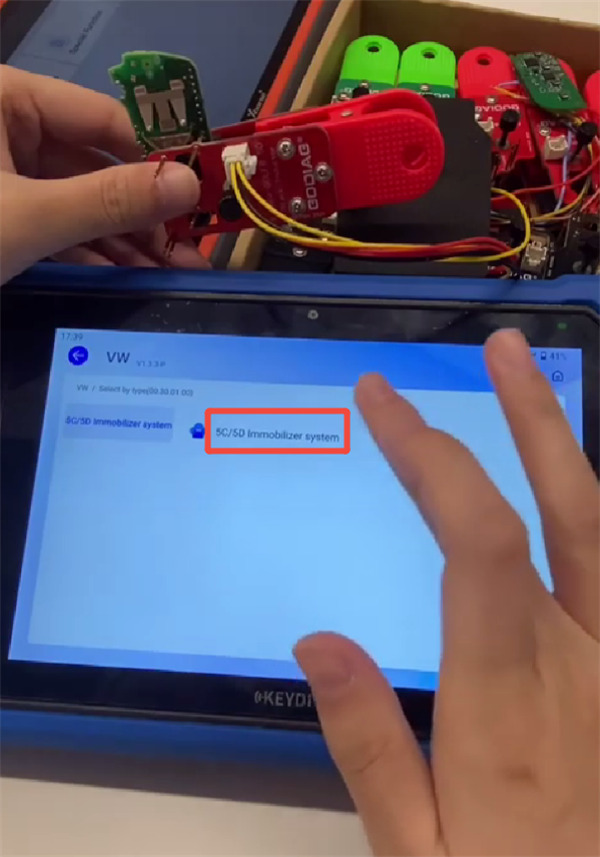
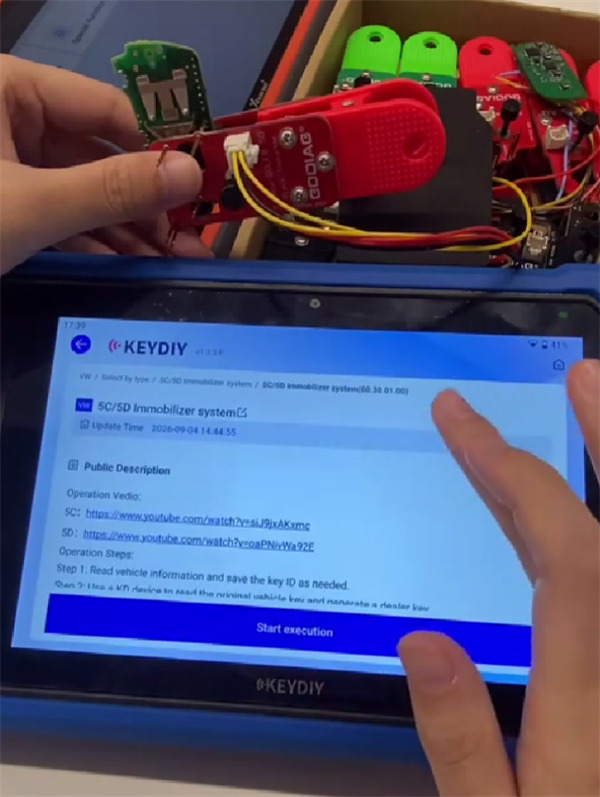
On the KD-X6 tablet, select IMMO programming > VW > 5C/5D Immobilizer system, then tap Start execution.
3. Choose Read Mode:
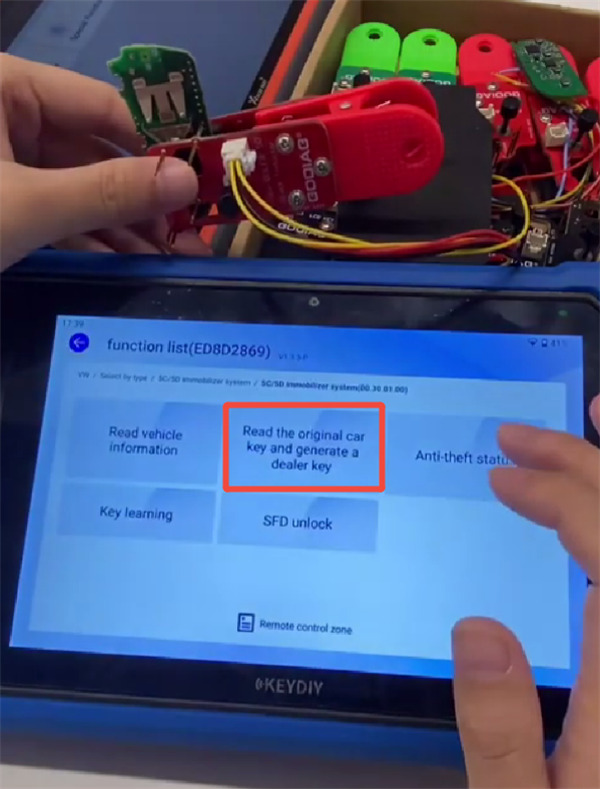
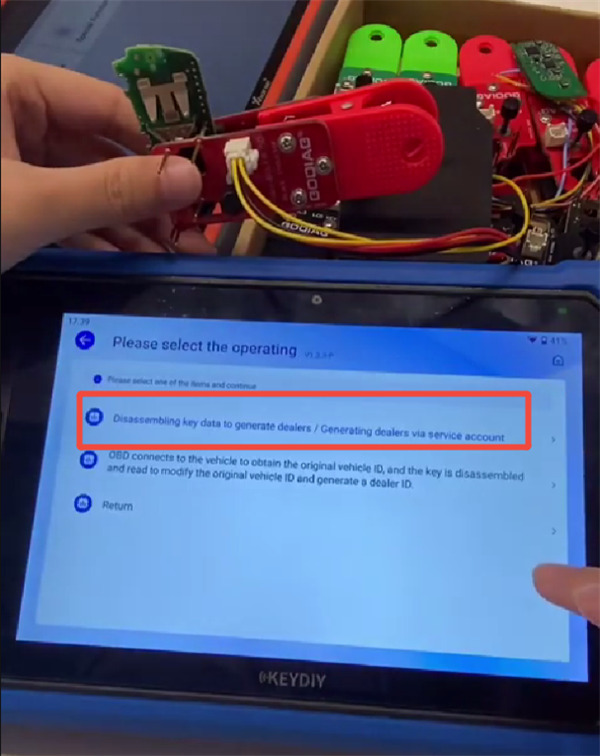
Select [Read the original car key and generate a dealer key], then pick [Disassembling key data to generate dealers/Generating dealers via service account].
4. Attach the Clip
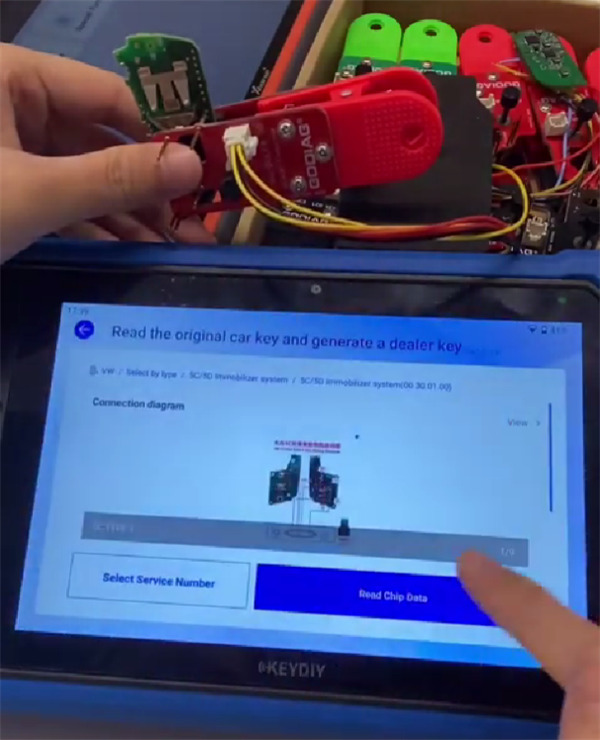
Check the pinout diagram on your screen. Secure GODIAG 5C clip onto the matching contact points on the VW key PCB.
5. Read and Save Data
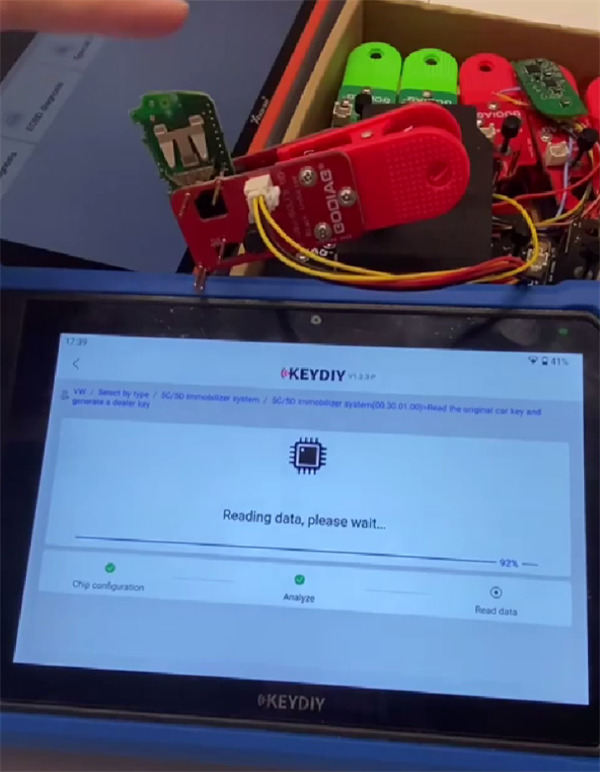
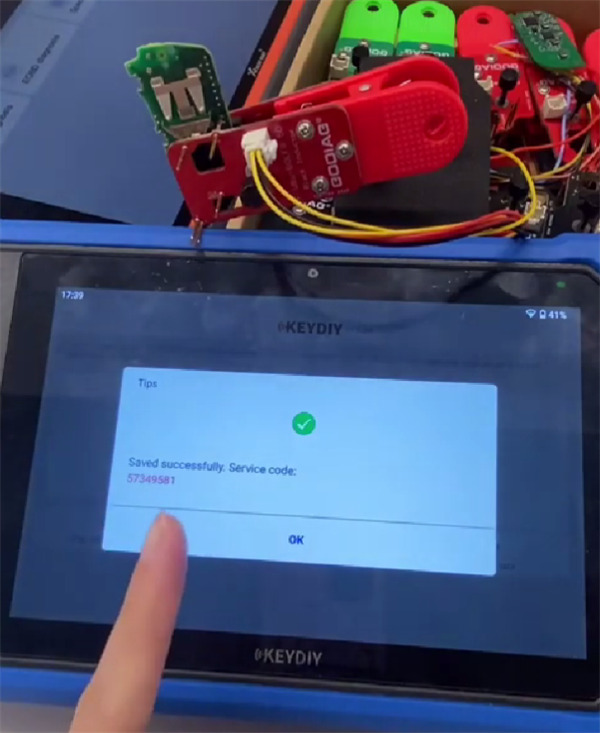
Tap [Read Chip Data]. When the reading finishes, save the service code file to your device.
6. Complete Key Learning
Use the saved service code to generate your dealer key and program it to the vehicle.
Verification: Ensure the saved service code file size is non-zero before generating the dealer key.
SFD Gateway Notice
If the target vehicle has an active SFD gateway, unlock SFD security access first before attempting the key learning routine.
Learn more:
http://blog.cardiagtool.co.uk/keydiy-kd-x4-vs-keydiy-kd-x6/