


In this case, we used the Autel IM608 PRO II to successfully read the PIN code from a Nissan RH850 HFM immobilizer system via dump reading.
What you’ll need:
Autel IM608 PRO II
Autel XP400PRO Key & Chip Programmer
Autel APB131 Adapter
HFM Original Cable Adapter
Operation Process
Step 1: Enter IMMO Function
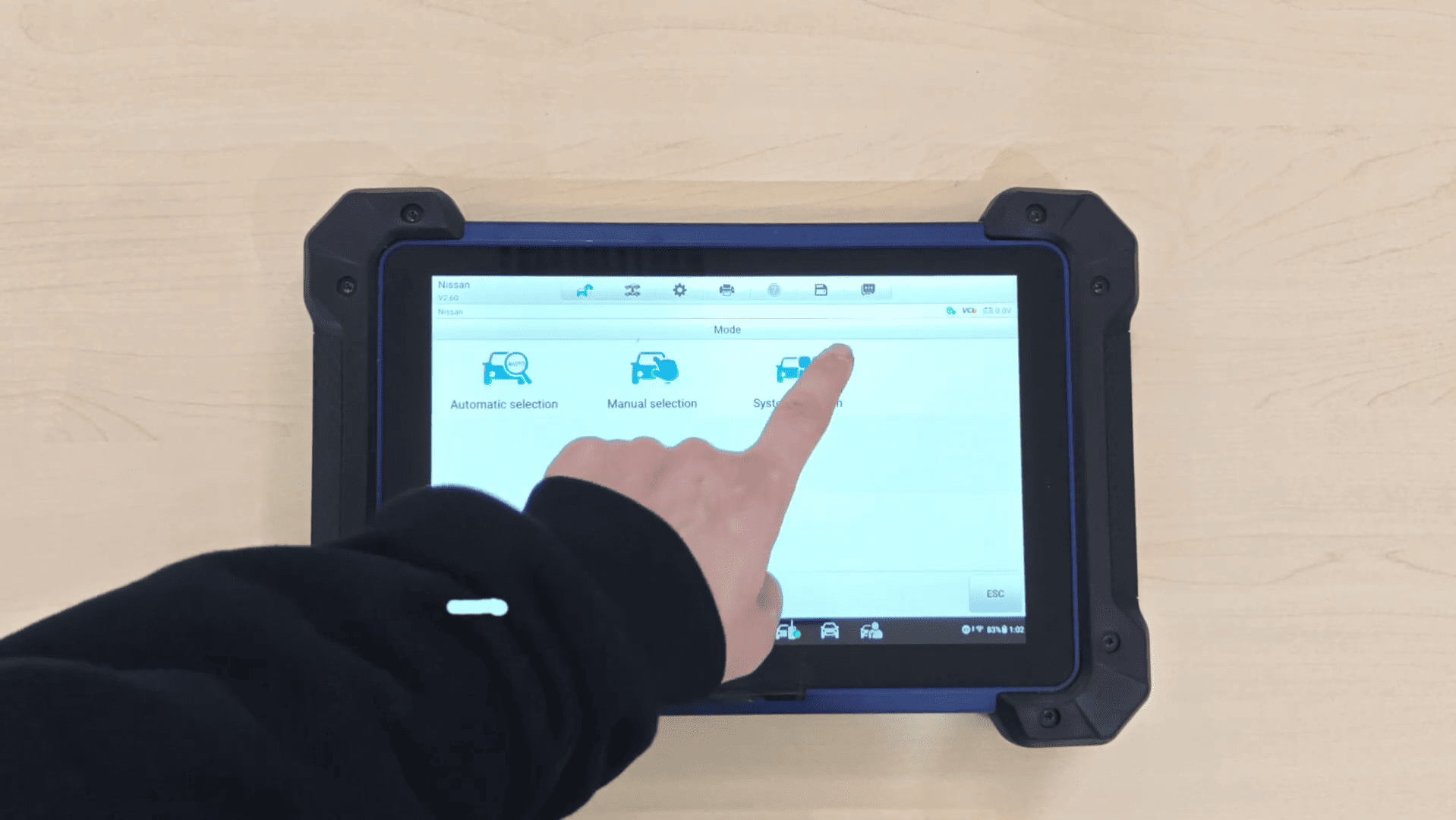
Go to: [IMMO] → [Nissan] → [System Selection] → [HFM Immo Type] → [Read PIN via Dump]
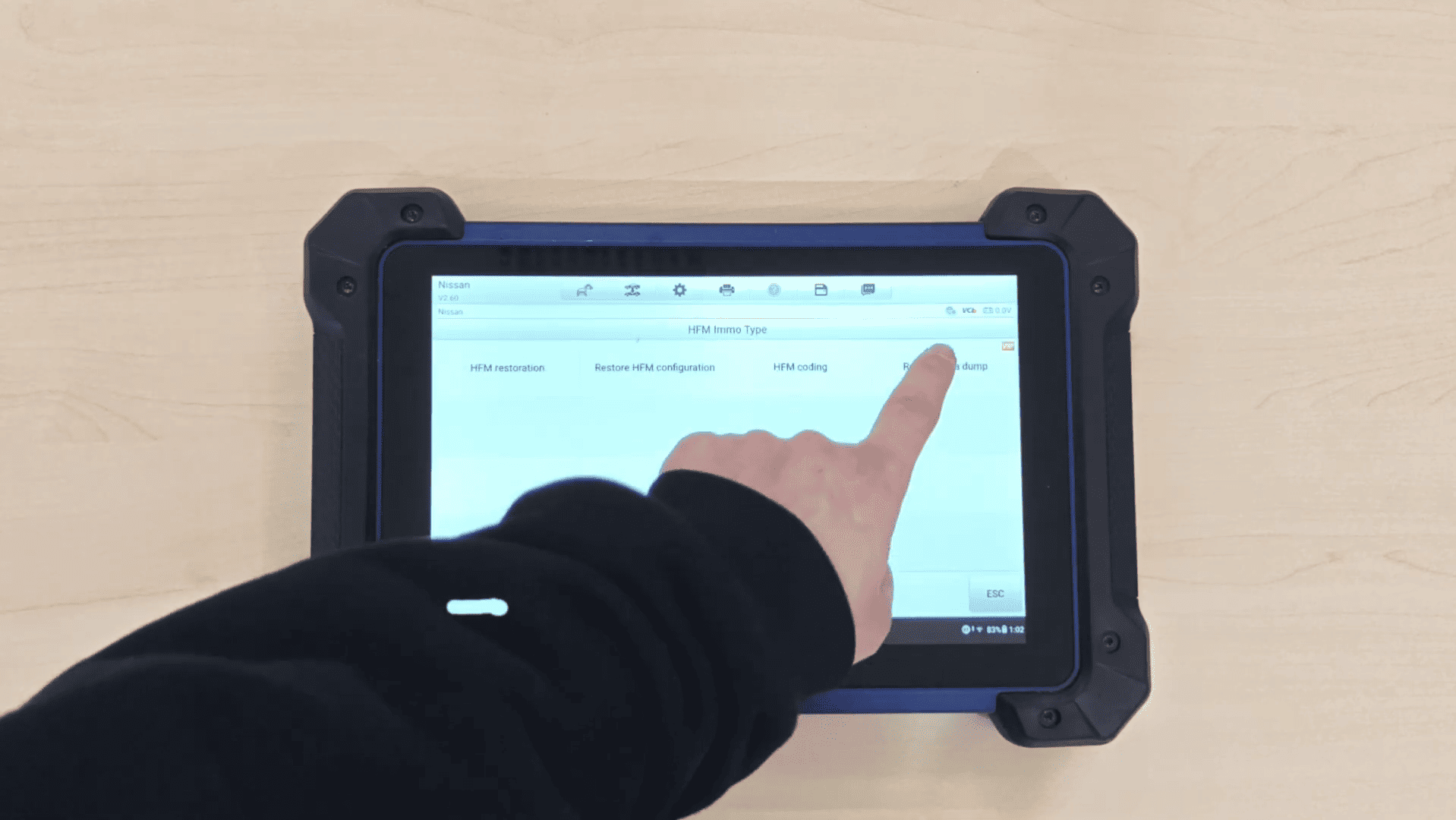
If EEPROM data has already been saved, select Yes to load it directly.
Otherwise, select No and the device will read EEPROM data through dump reading.
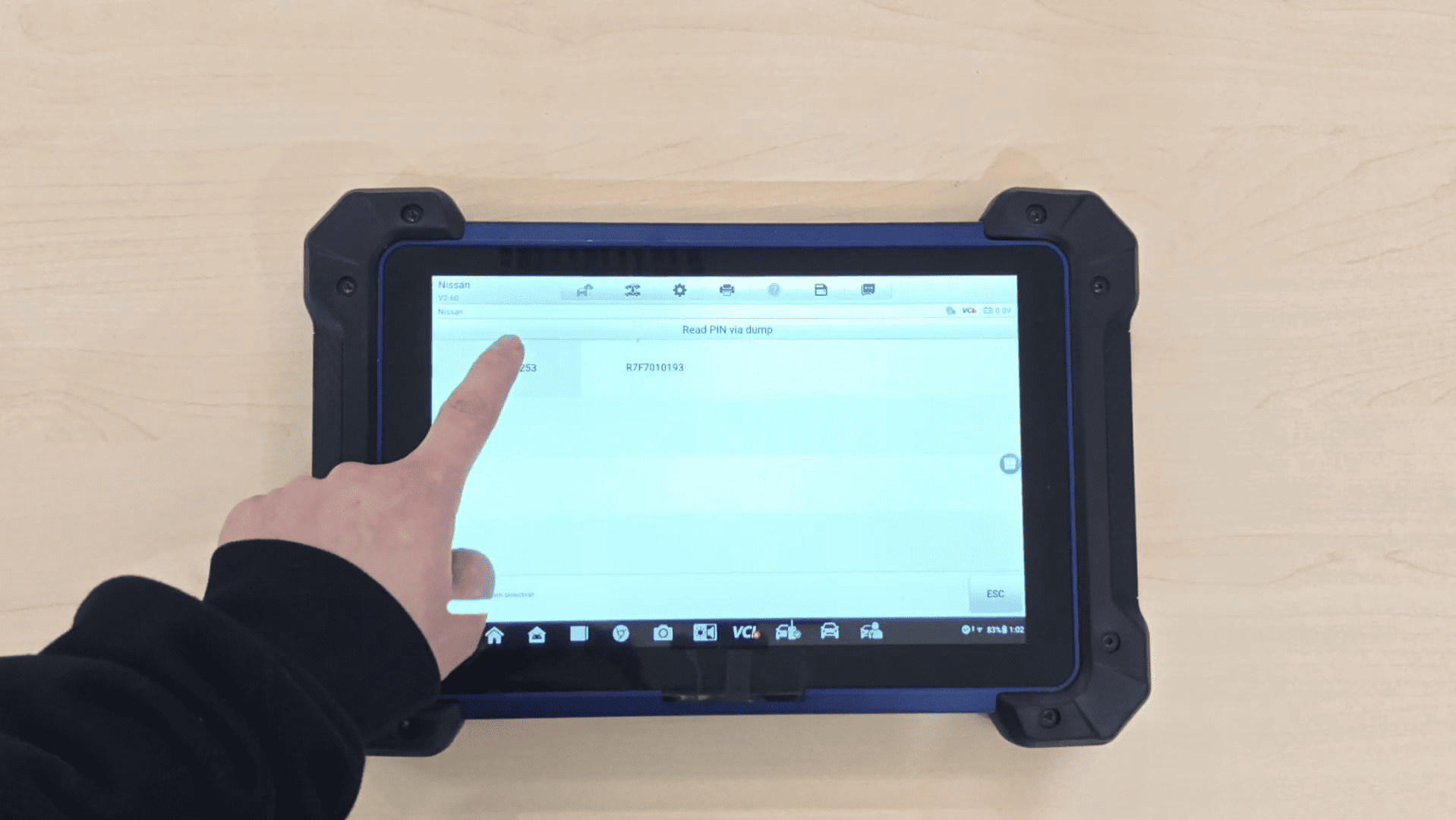
Step 2: Select MCU Type
Choose: R7F7010253
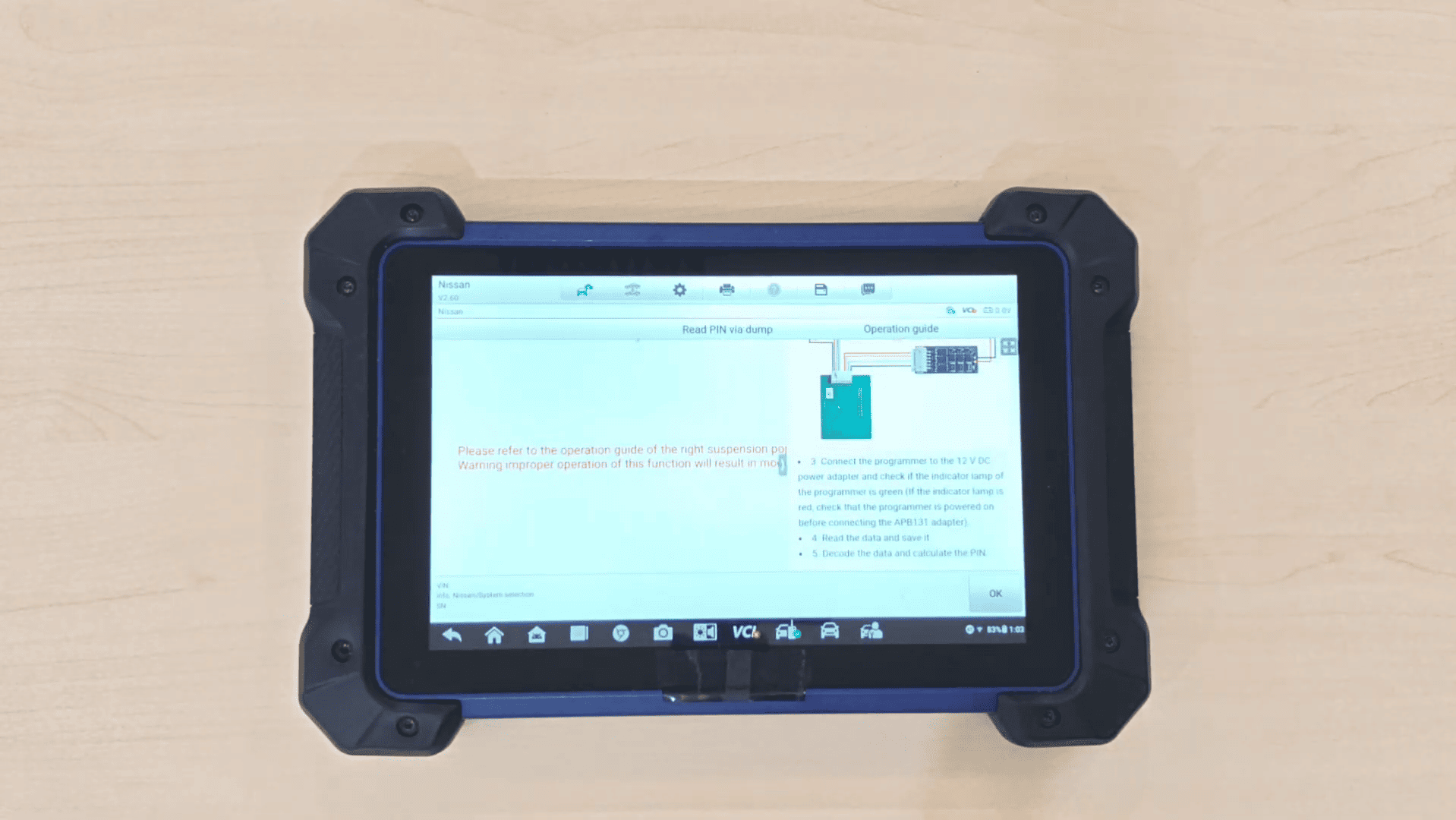
Important:
Carefully follow the operation guide shown on the right-side pop-up window. Incorrect operation may damage the module.
Step 3: Connect Hardware
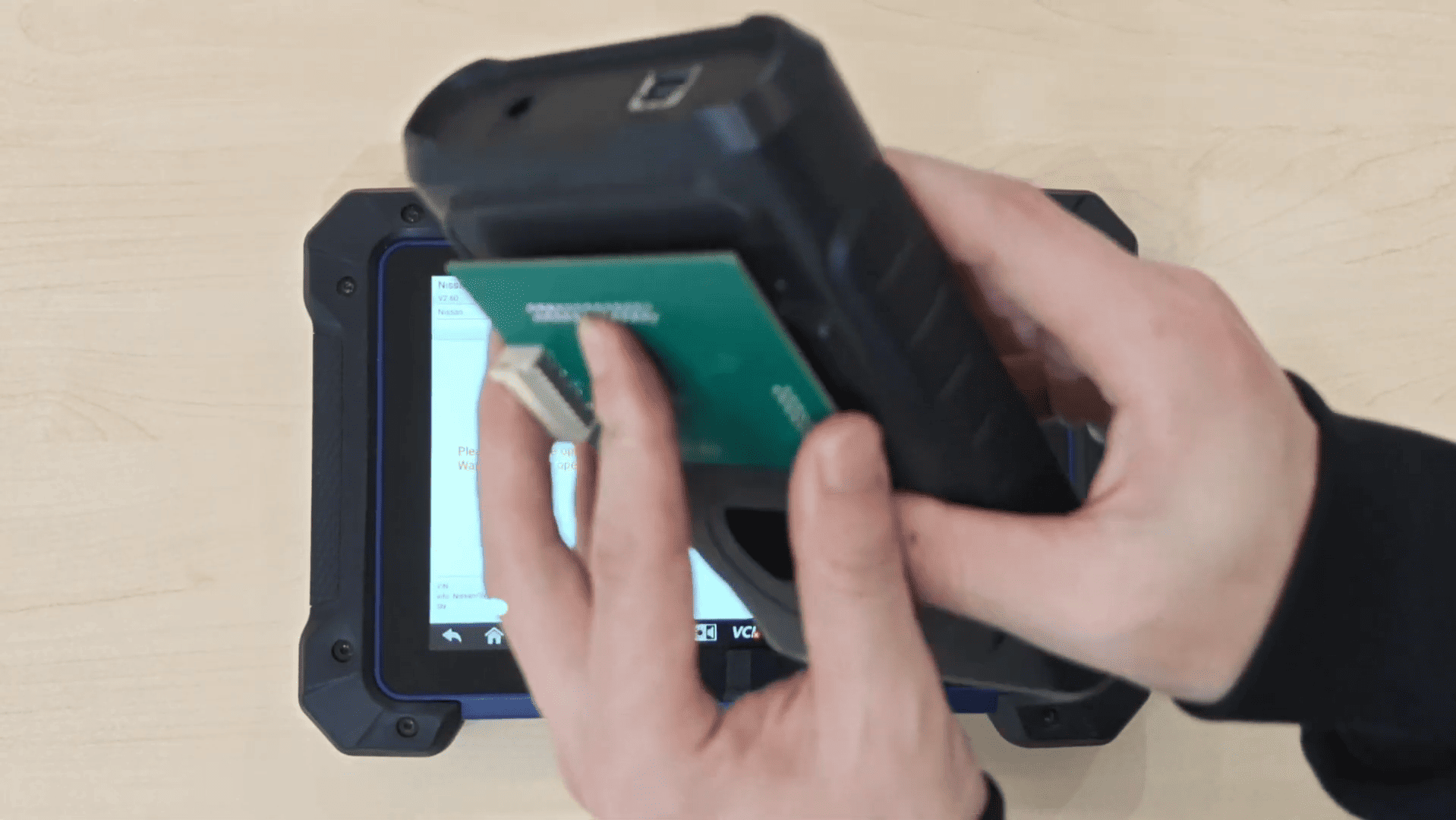
Connect the devices in the following order:
1. APB131 Adapter ↔ XP400PRO
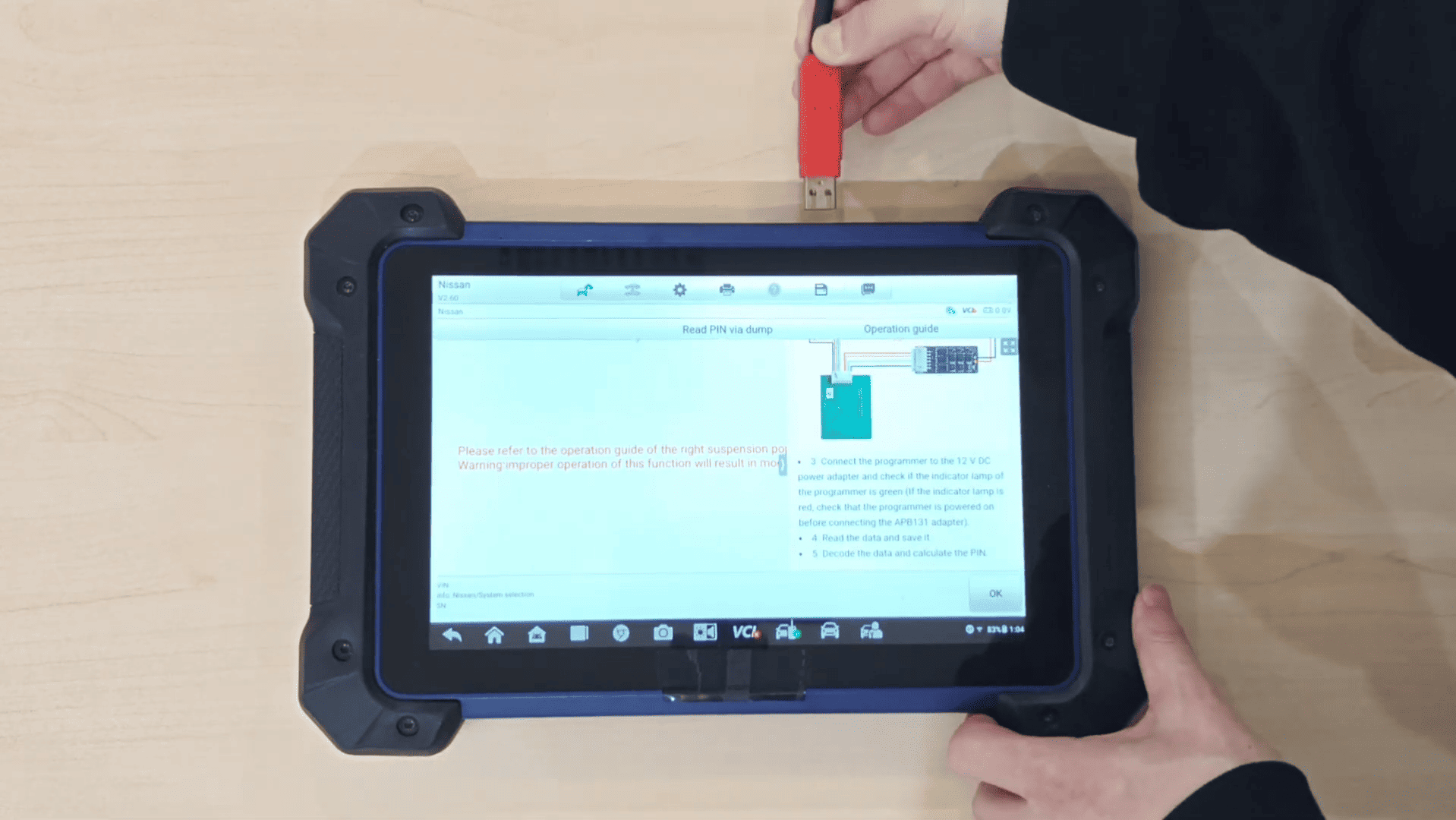
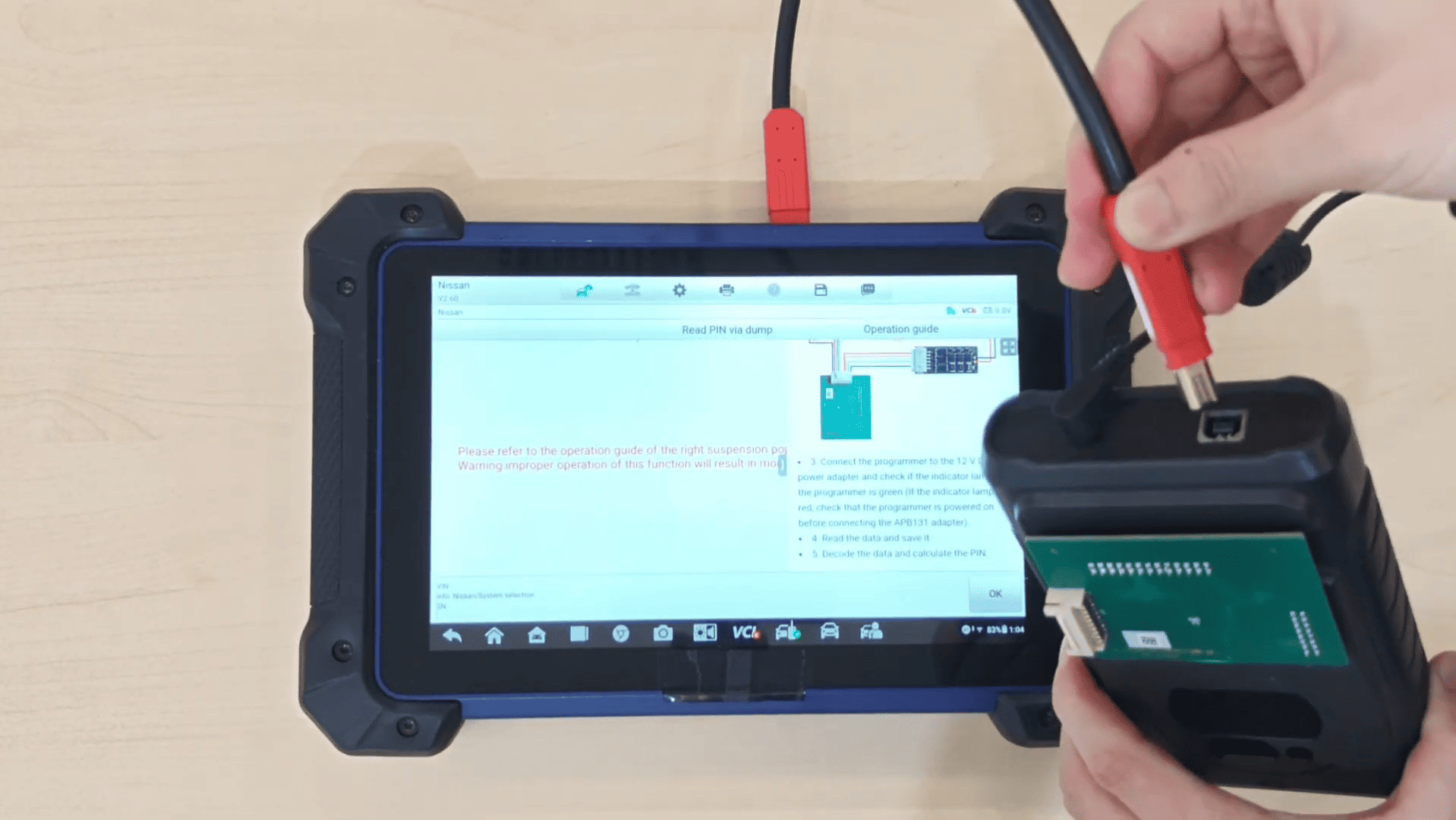
2. XP400PRO ↔ IM608 PRO II
3. Original cable adapter ↔ APB131
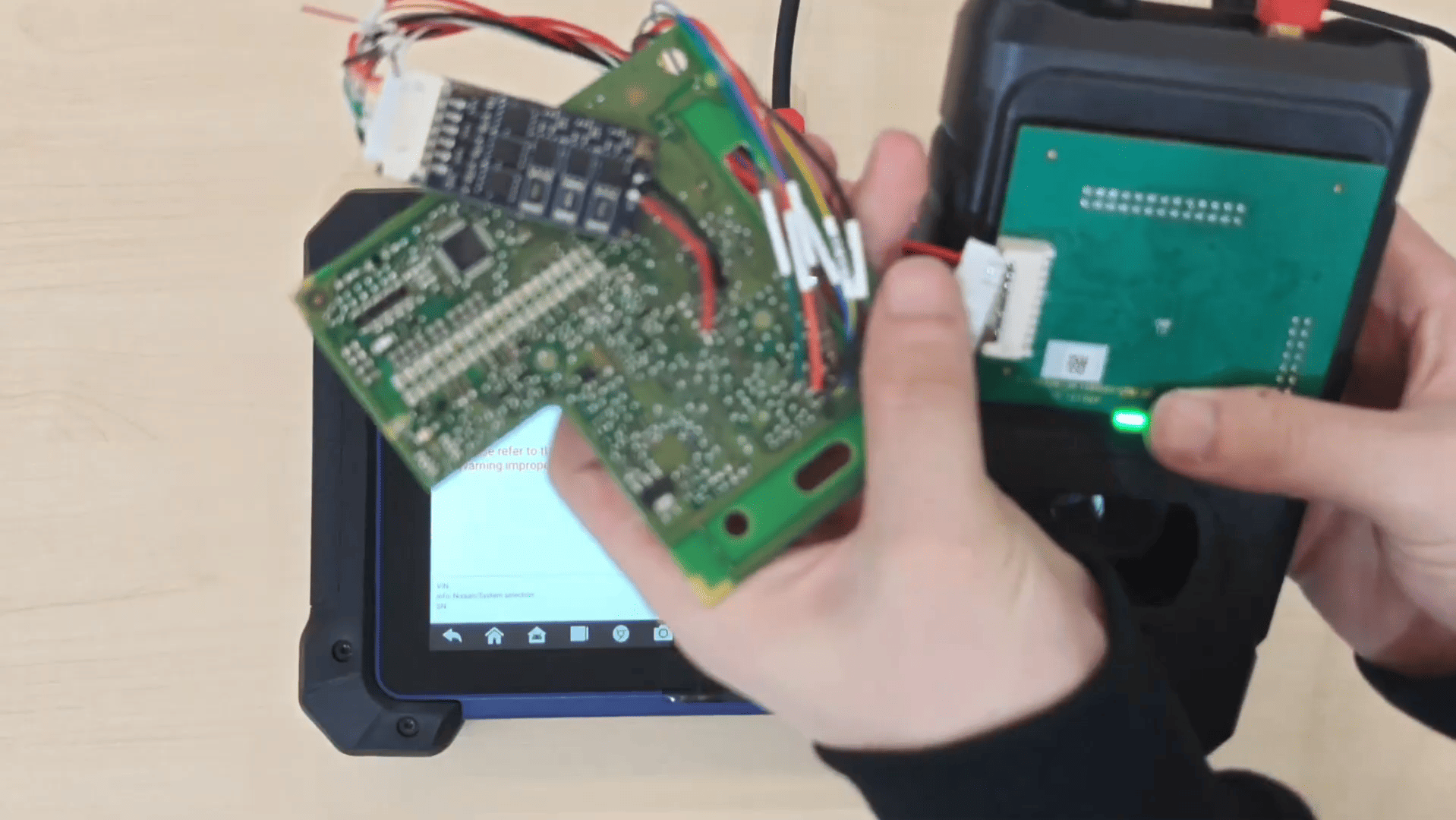
After completing the wiring, click OK.
Step 4: Read & Save Data
The reading process may take some time. Wait patiently while the EEPROM data is being read.
Once completed, save the data file.
PIN code successfully read.
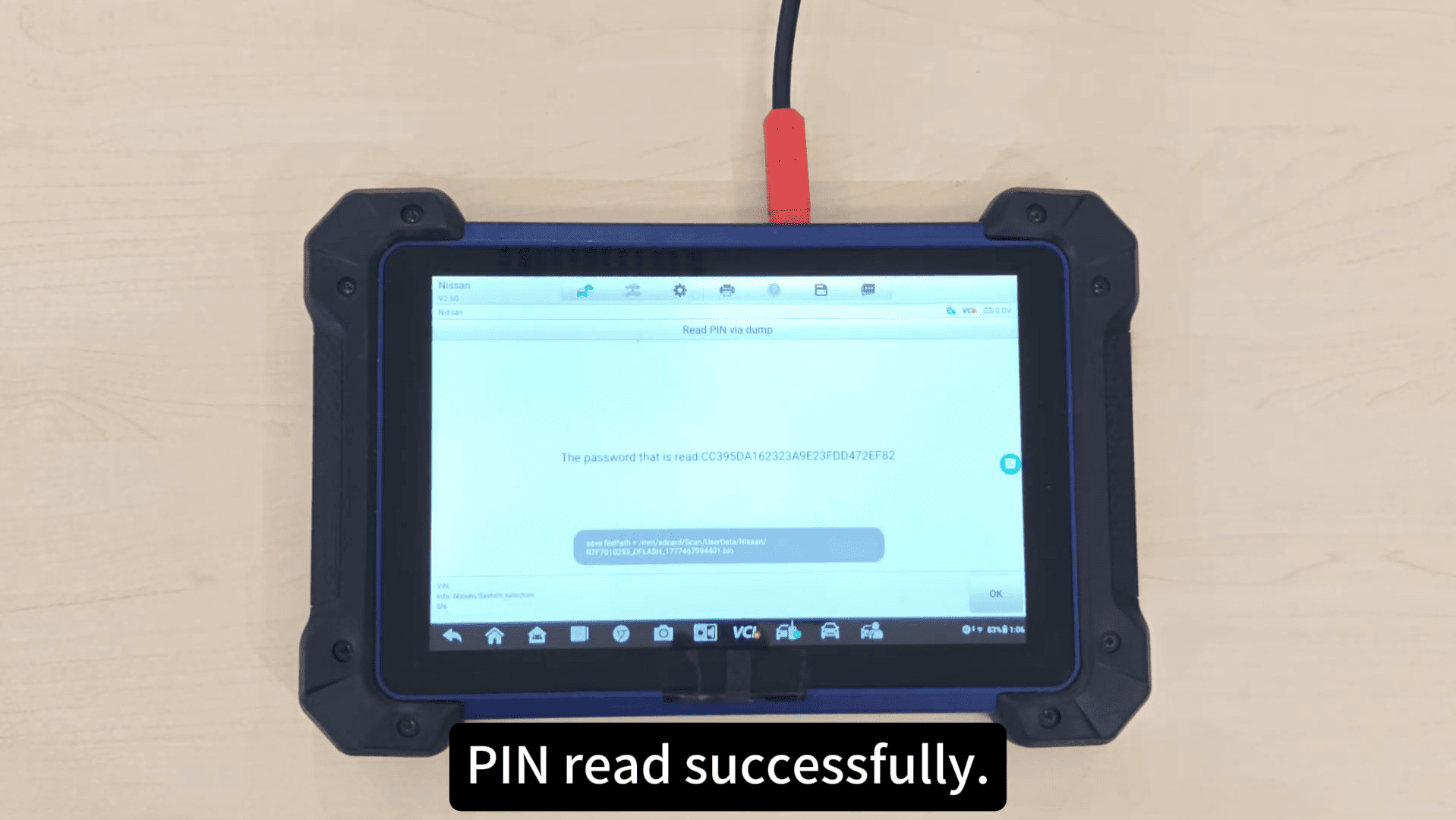
This method provides an effective solution for Nissan RH850 immobilizer PIN reading using Autel equipment.