


Follow this post to learn how to read and write Toyota GEN3 (R7F701216) data using OBDSTAR G3 on bench.
Preparation:
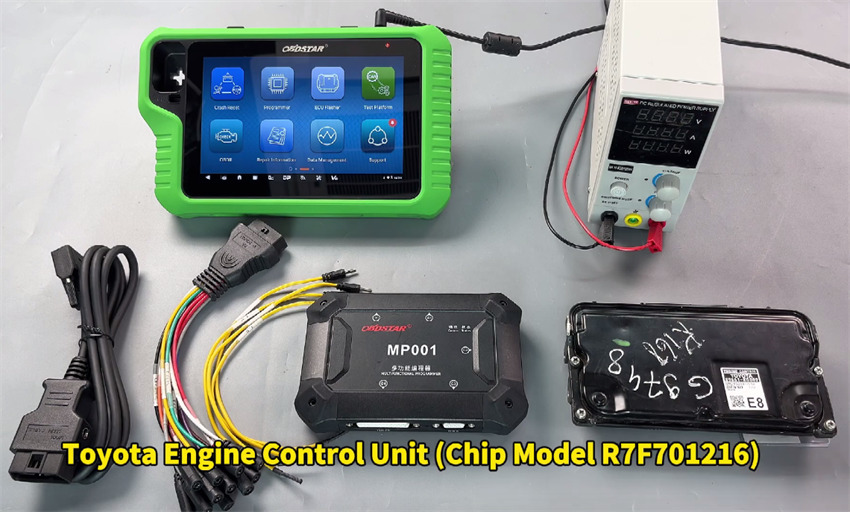
1. Three options are available:
- OBDSTAR X300 Classic G3 Full Version
- OBDSTAR X300 Classic G3 with ECU Flasher License
- OBDSTAR DC706 ECU Tool
2. Others required:
- High-power DC regulated power supply
- Jumper wires
- Main cable
- MP001 Programmer
- Toyota GEN3 (R7F701216)ECU
Step-by-step guide:
Make sure to update the software to the latest version
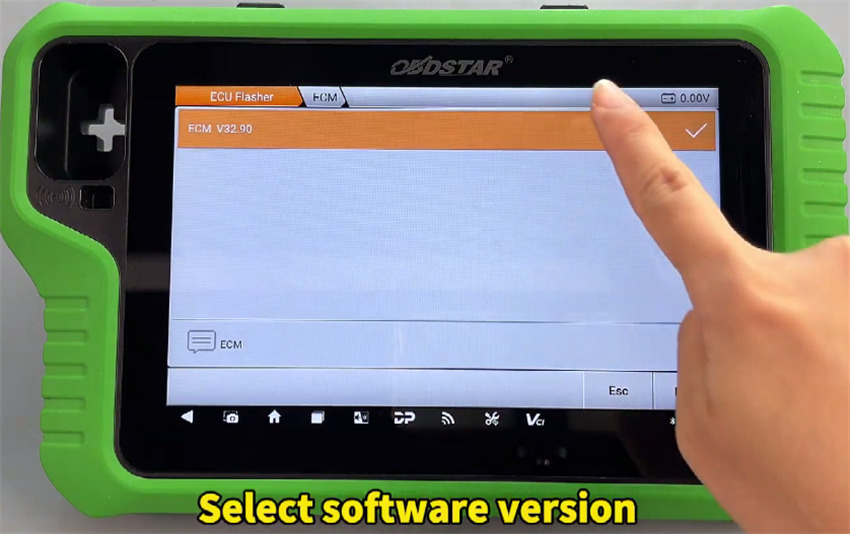
Navigate to ECU Flasher-> ECM-> ECM V32.90
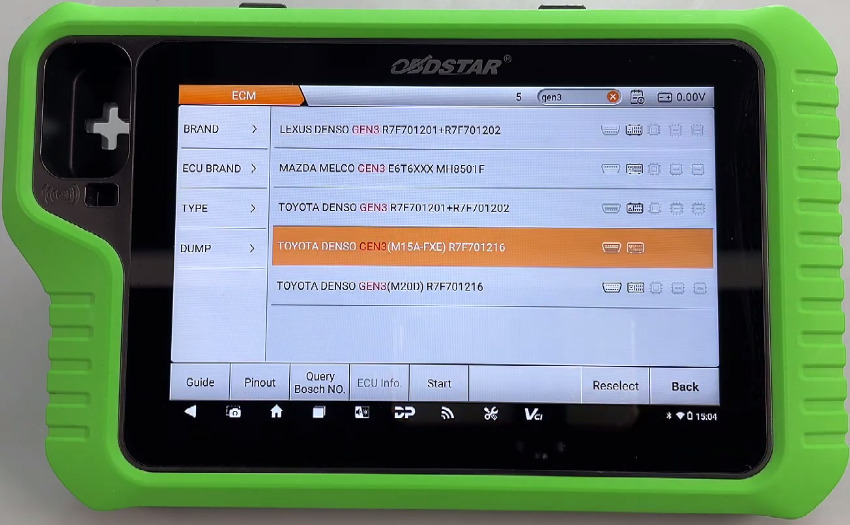
Input “gne3” in the searching box to find Toyota DENSO GEN3 (M15A-EXE) R7F701216
Click “Guide” to check the operation instruction
Click “Pinout”
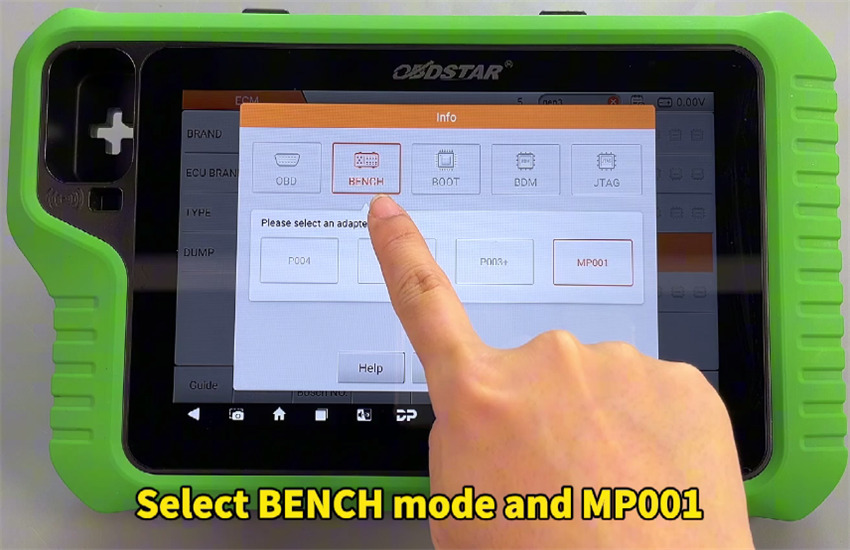
Select “BENCH” and “MP001”
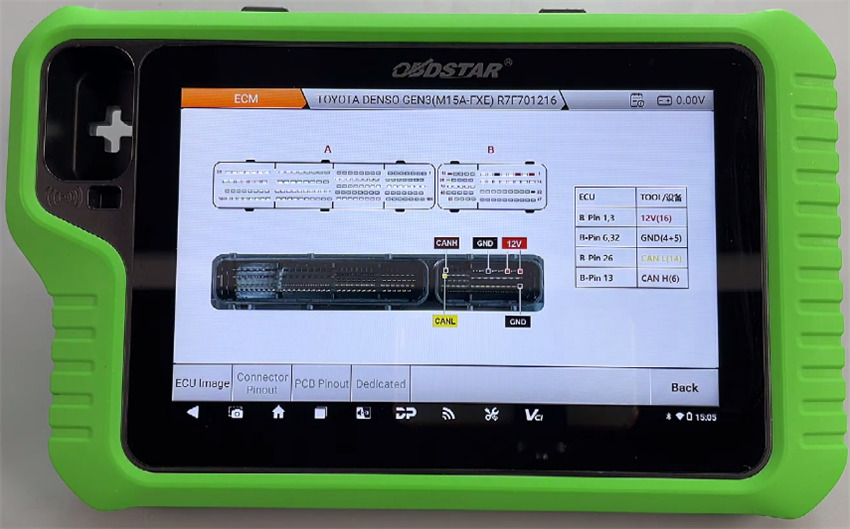
Follow the corresponding wiring diagram to connect X300 Classic G3 and Toyota GEN3 ECU using OBDSTAR MP001 Programmer and the cables
- B-Pin 1, 3= 12V (16)
- B-Pin 6, 32= GND (4+5)
- B-Pin 26= CAN L (14)
- B-Pin 13= CAN H (6)
Connect power supply to OBDSTAR G3 as well
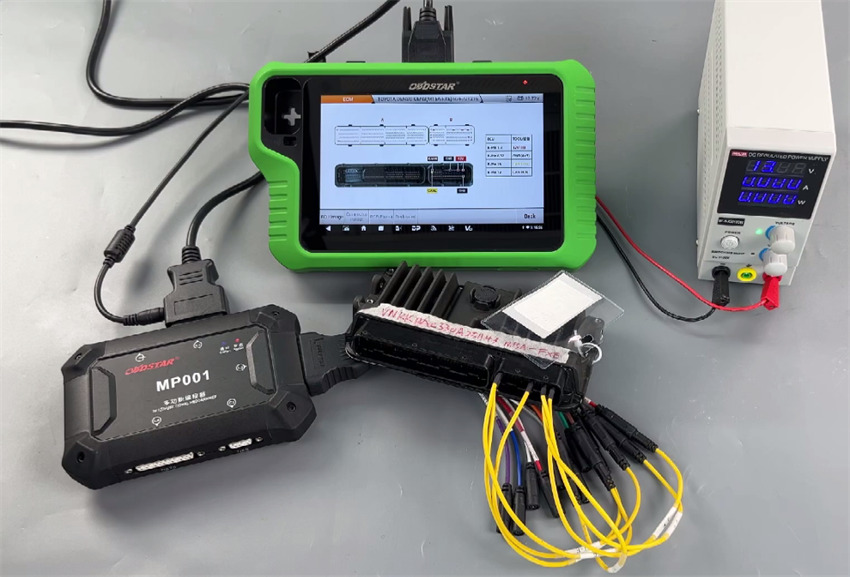
Perform the functions as follows:
Connect ECU
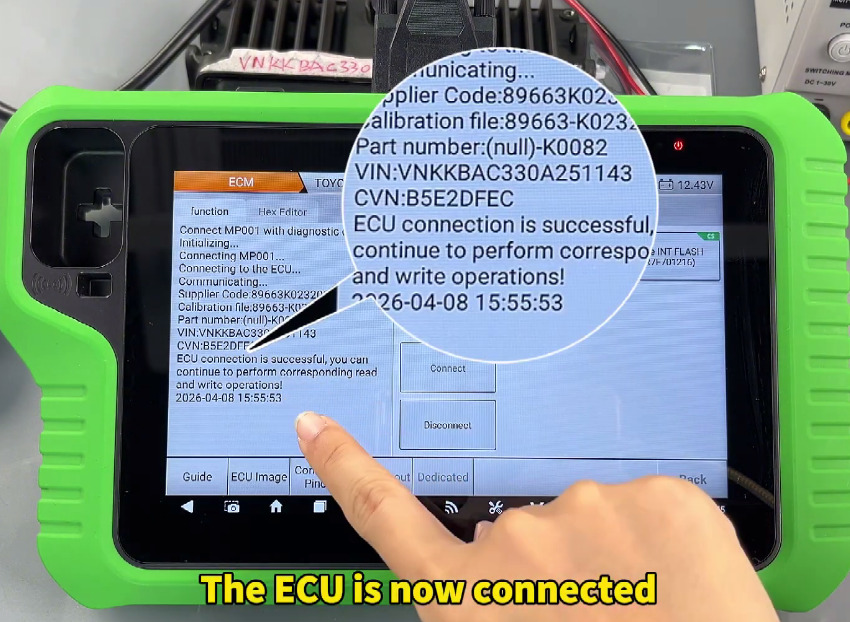
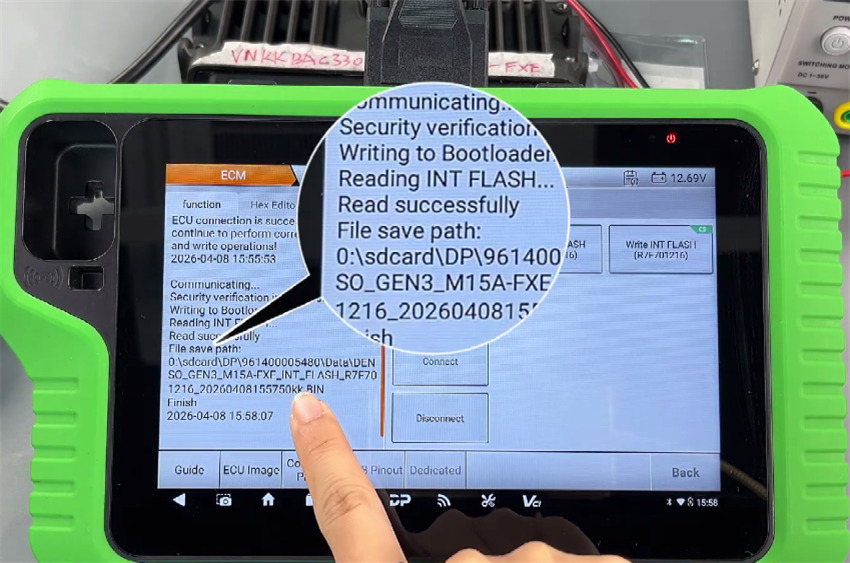
Read and save original ECU INT FLASH (R7F701216)
Connect OBDSTAR G3 key programmer to a new Toyota GEN3 ECU
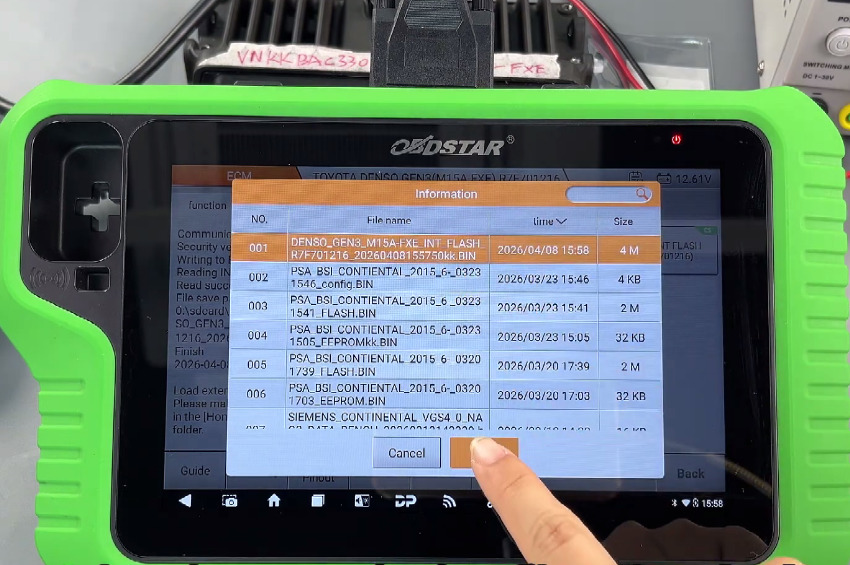
Select the original INT FLASH data just saved to write into the new ECU
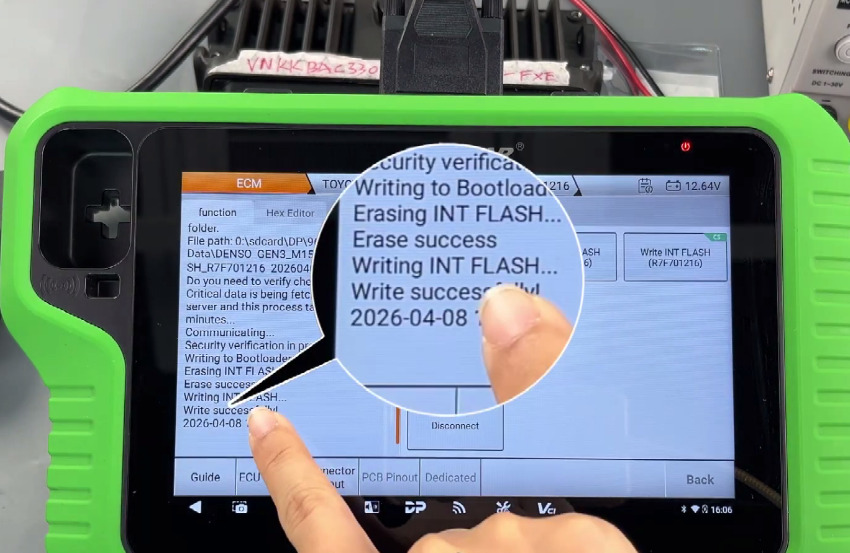
All are successful.