


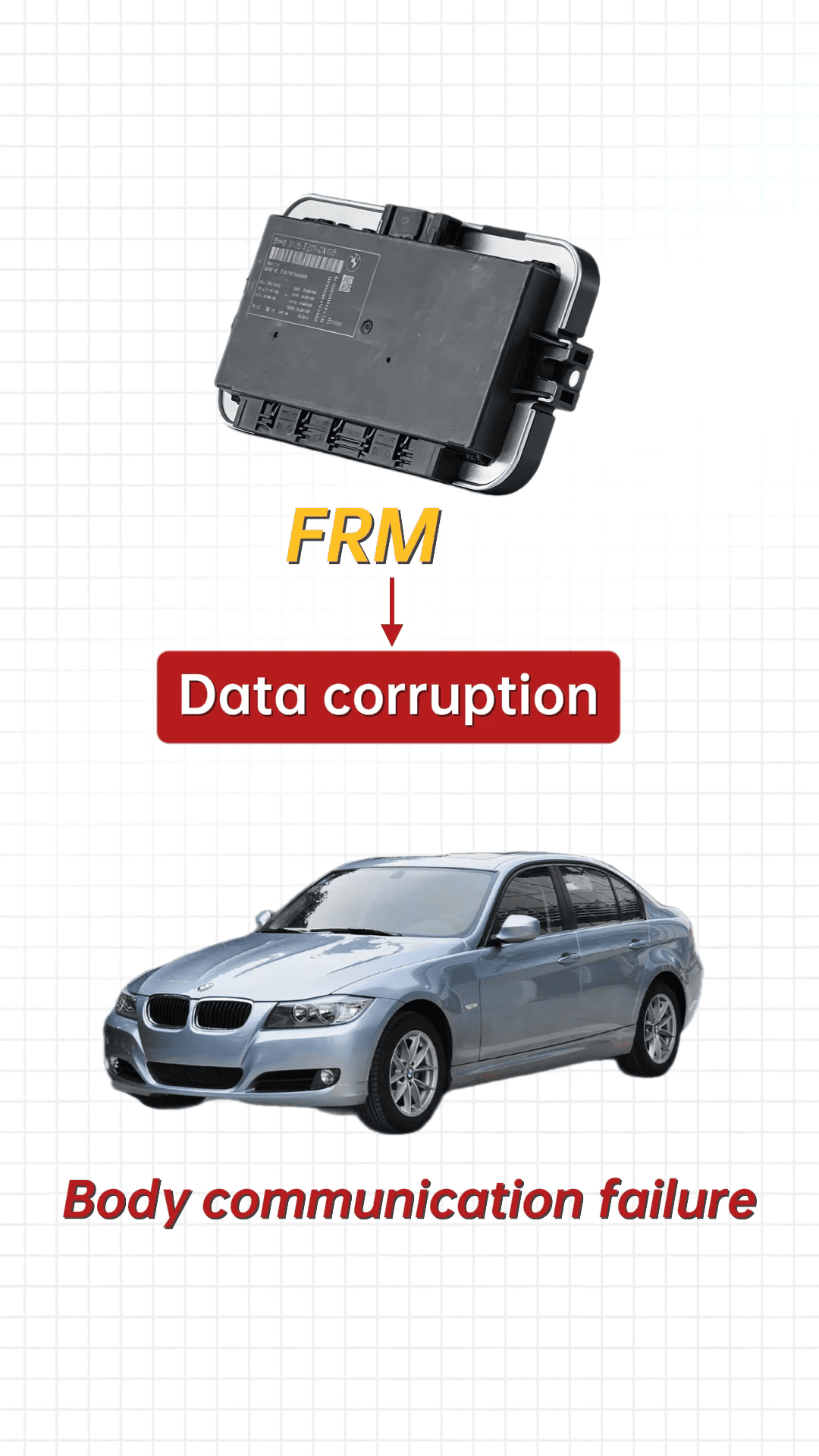
BMW E and F series vehicles are still popular on the roads today, but age, weak batteries, or improper jump-starting can cause the footwell module (FRM) to malfunction. Symptoms like windows not working, turn signals failing, and the remote becoming unresponsive are often due to data loss rather than a hardware failure.
This guide demonstrates how to use CGDI CG100X to recover and repair the FRM module without replacing it. Here’s a step-by-step approach:
1. Diagnose the Problem
Start by reading all fault codes. Errors related to FRM, body communication failures, or multiple system failures usually indicate data corruption.
2. Inspect Wiring and Battery
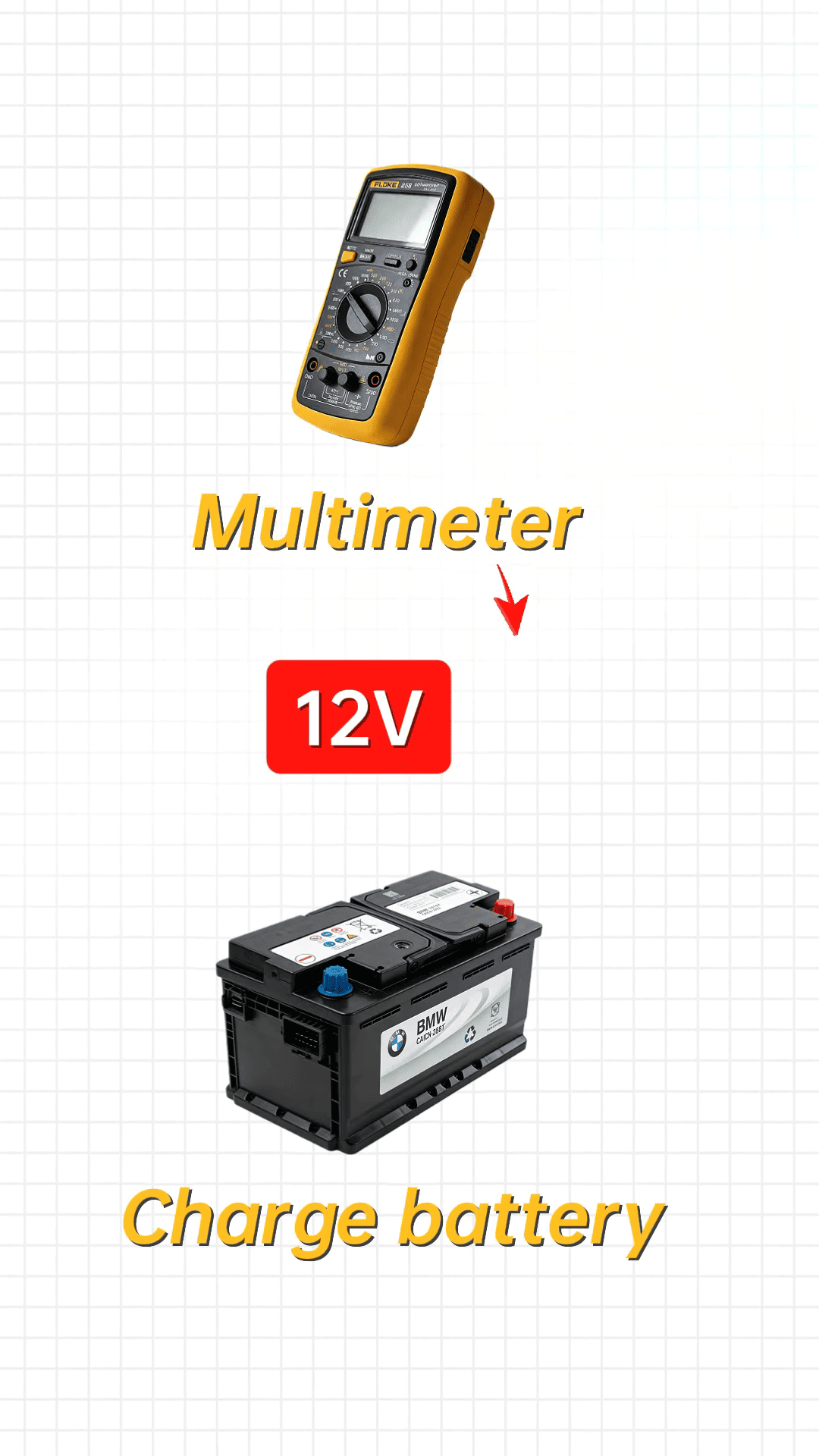
Check the connectors for oxidation or loose pins. Measure battery voltage—if it’s below 12V, charge it before starting. Stable voltage is critical for proper module operation.
3. Connect CG100X and Repair Data
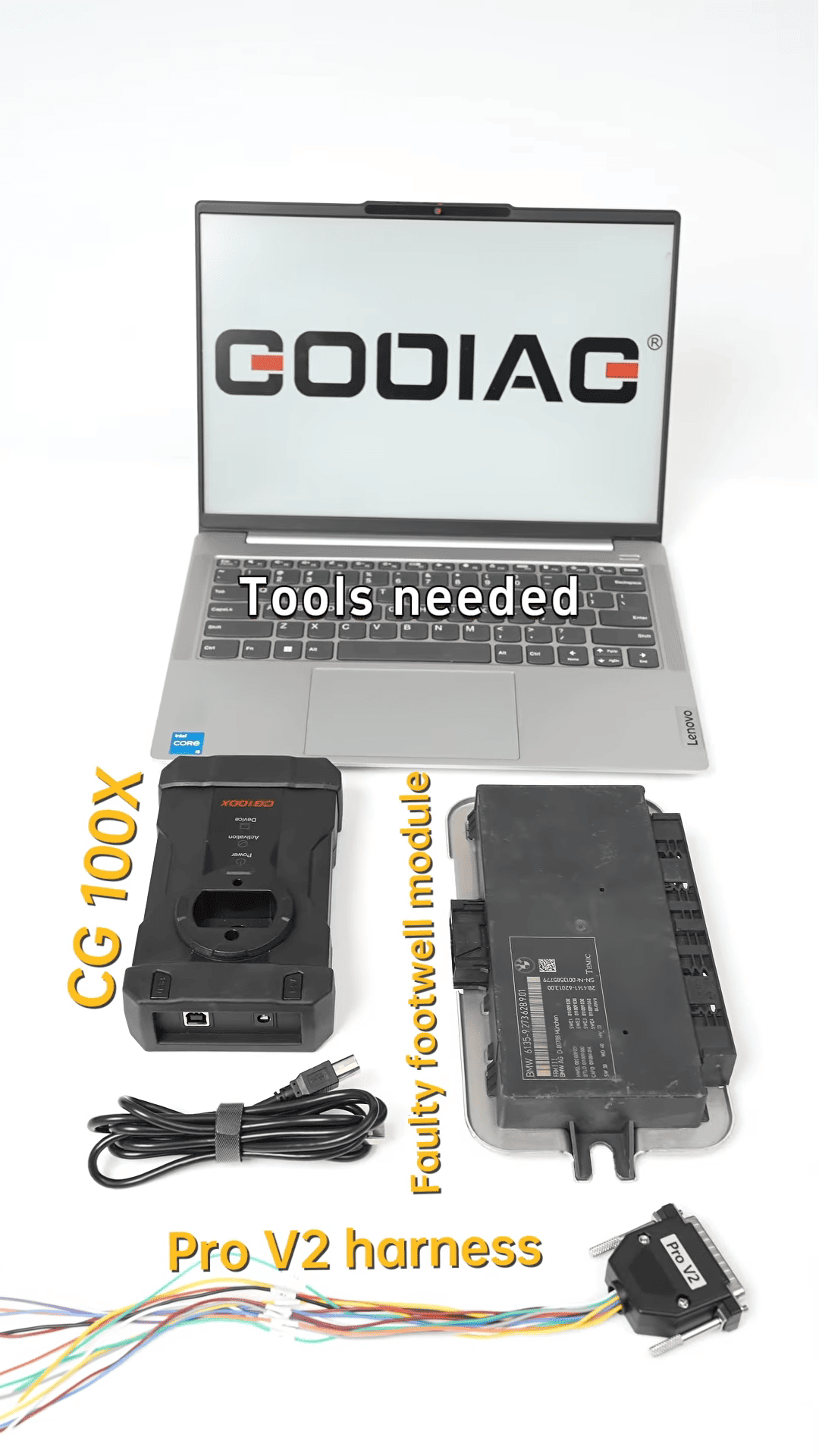
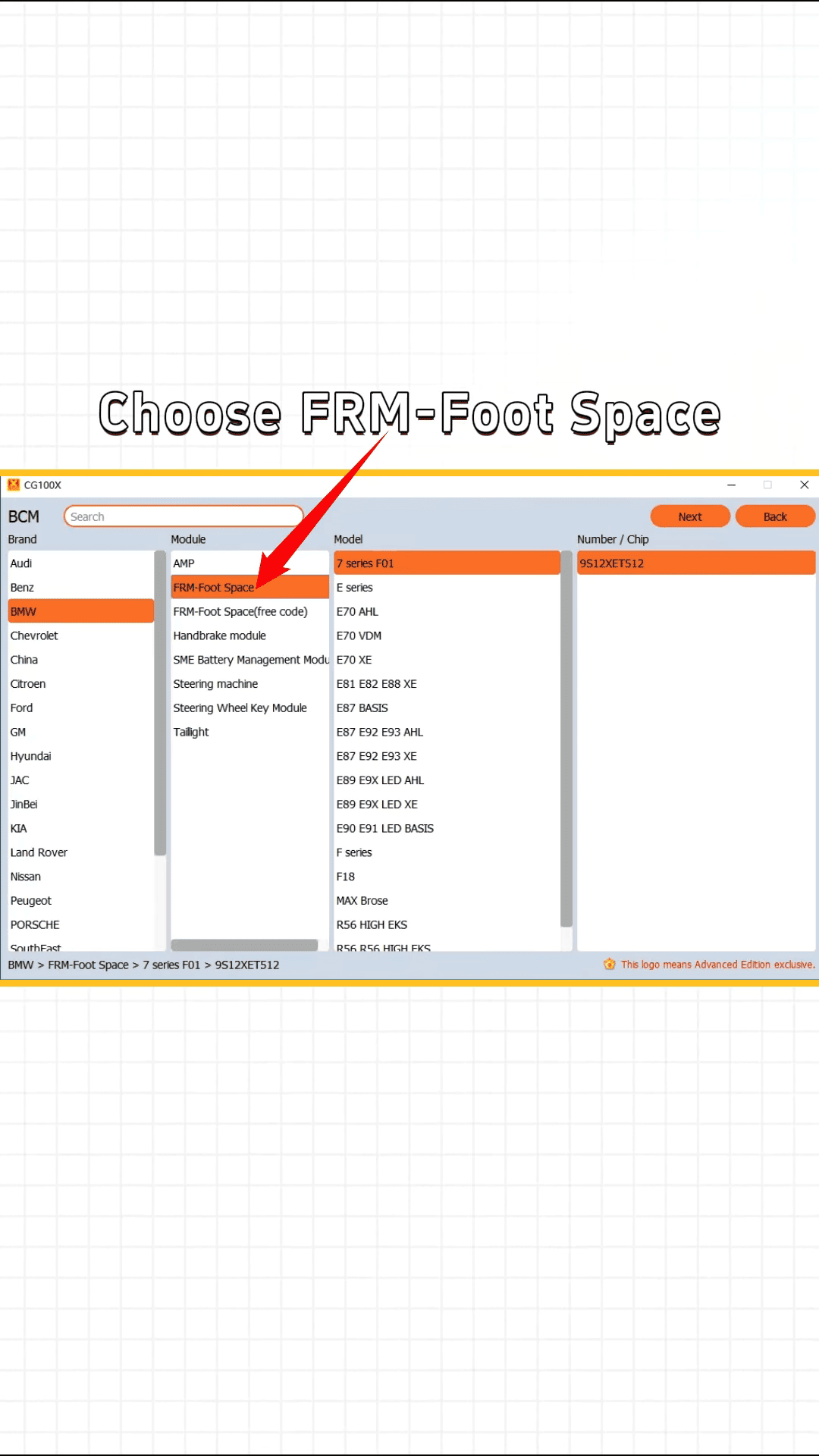
Open the CG100X software and select the BMW FRM module. Identify the correct chip and wiring diagram. Carefully solder the wires to the module pins and connect the Pro V2 cable with a 12V power supply.
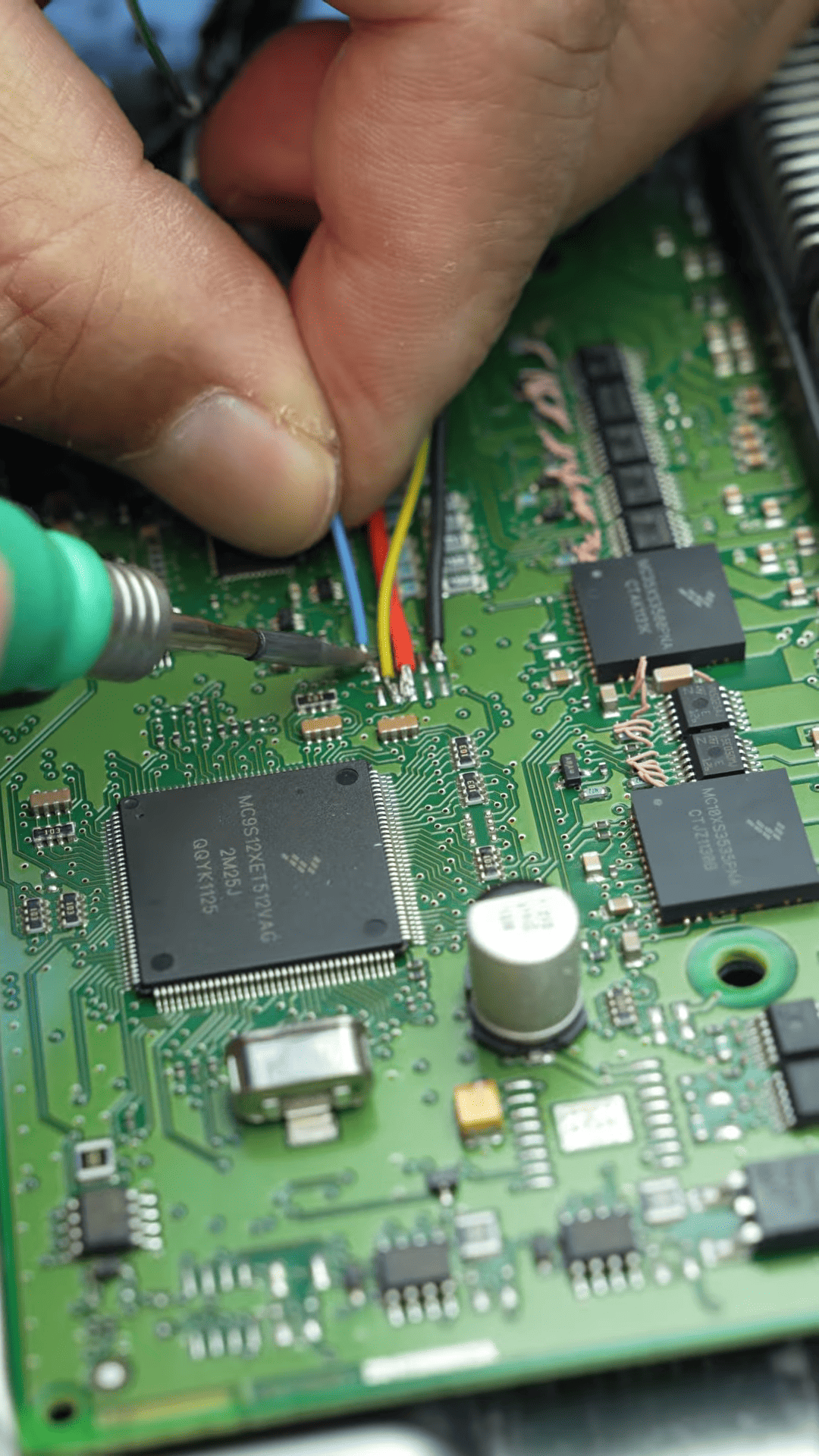
4. Read, Save, and Write Data
Read the module’s chip data and save it. CG100X automatically writes the repaired data back to the chip. Once complete, the FRM module is restored to full functionality.
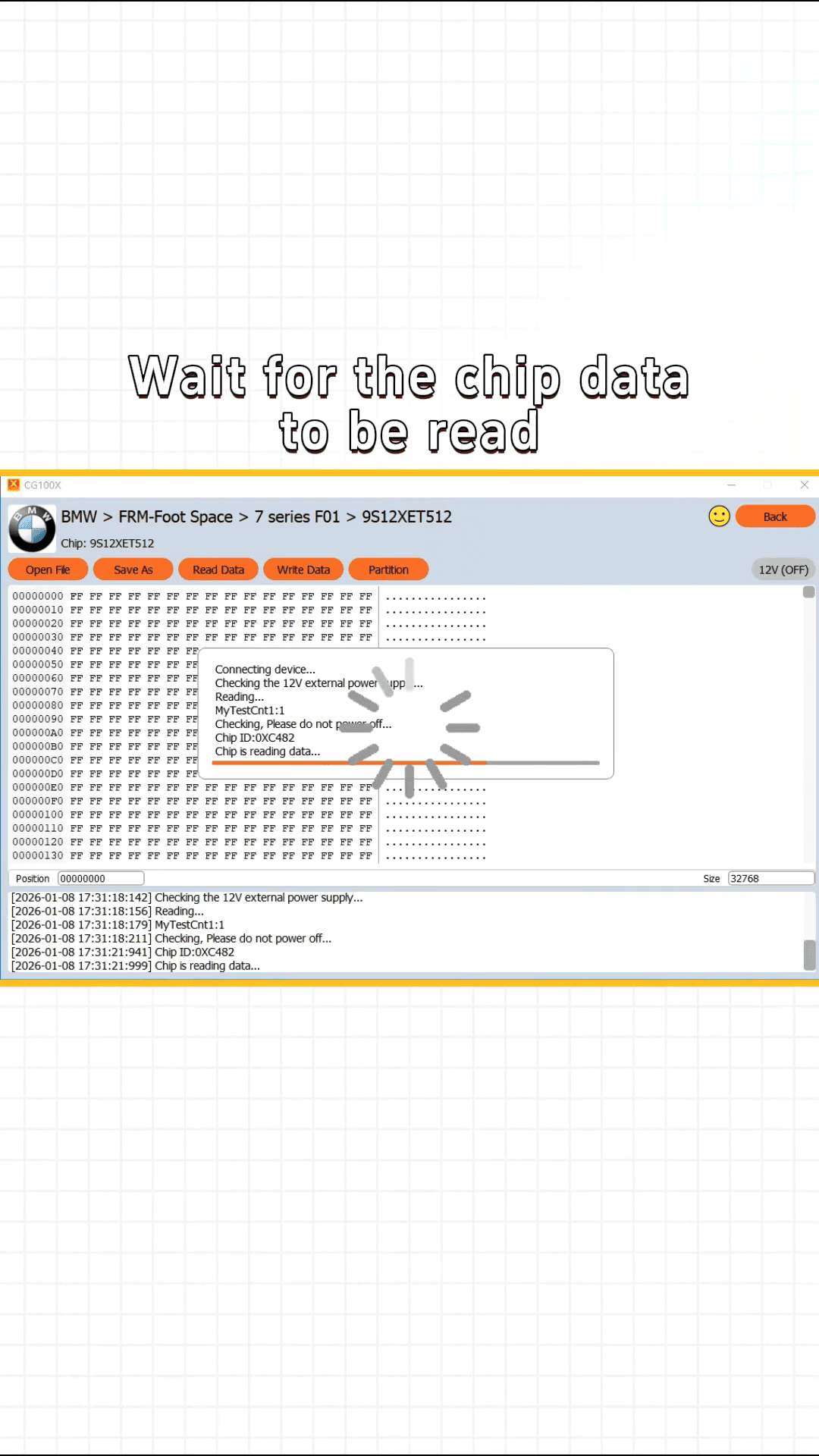
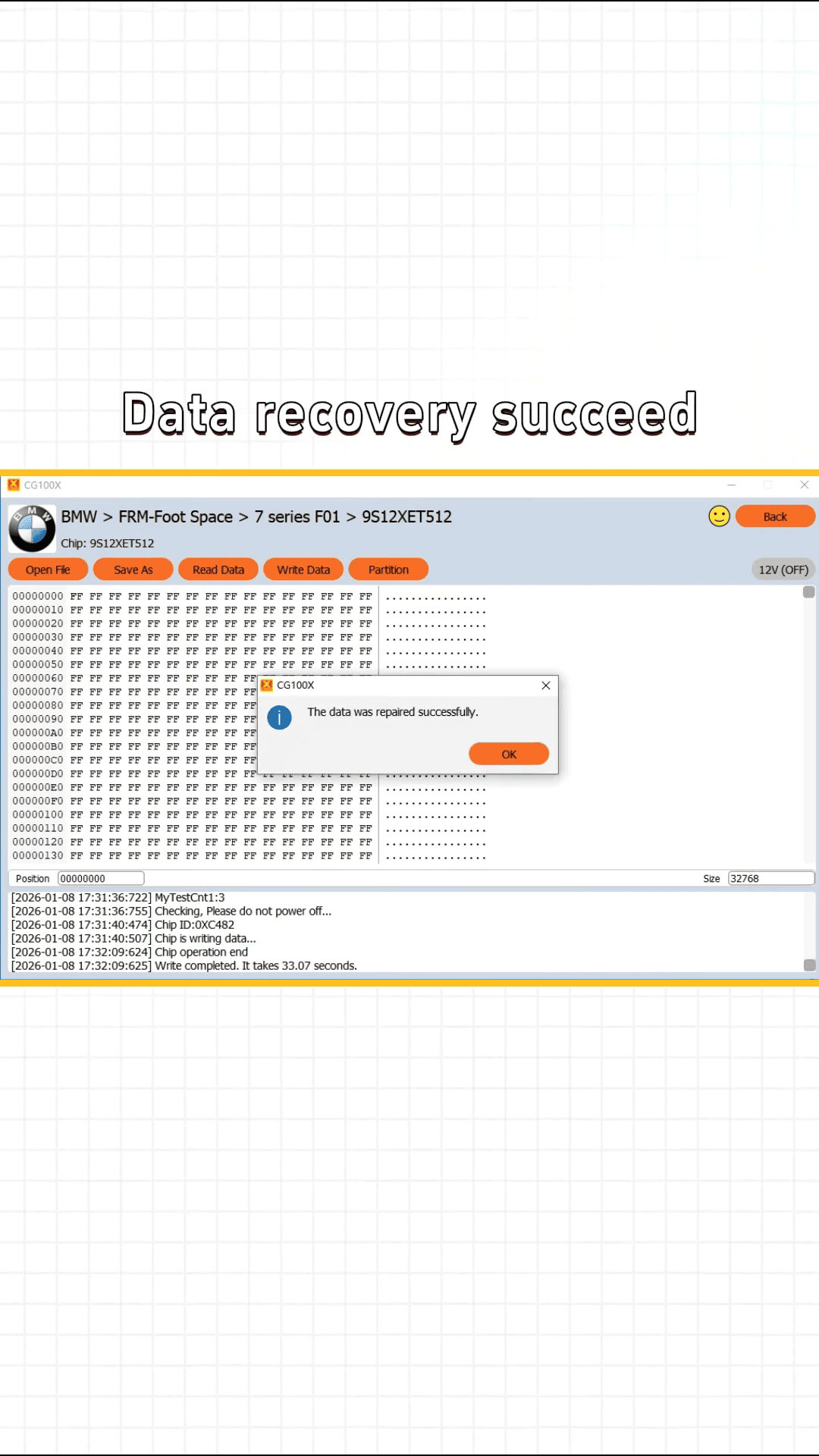
With this method, you can avoid expensive module replacements, reduce costs, and get reliable results. Proper discharge, correct soldering, and accurate data matching are the keys to success.
Old BMW repairs remain in high demand, and mastering CG100X Programmer for FRM recovery is a valuable skill for any technician.