


In this guide, we’ll walk you through how to perform an All Keys Lost operation for the 2024 Toyota Corolla Smart Key using Lonsdor K518 Pro key programmer.
Steps:
Step 1: Remove the Glove Box and Locate the Smart Box
Begin by removing the glove box to access the smart box in the vehicle.
Find the smart box and locate the upper 30-pin plug that needs to be disconnected.
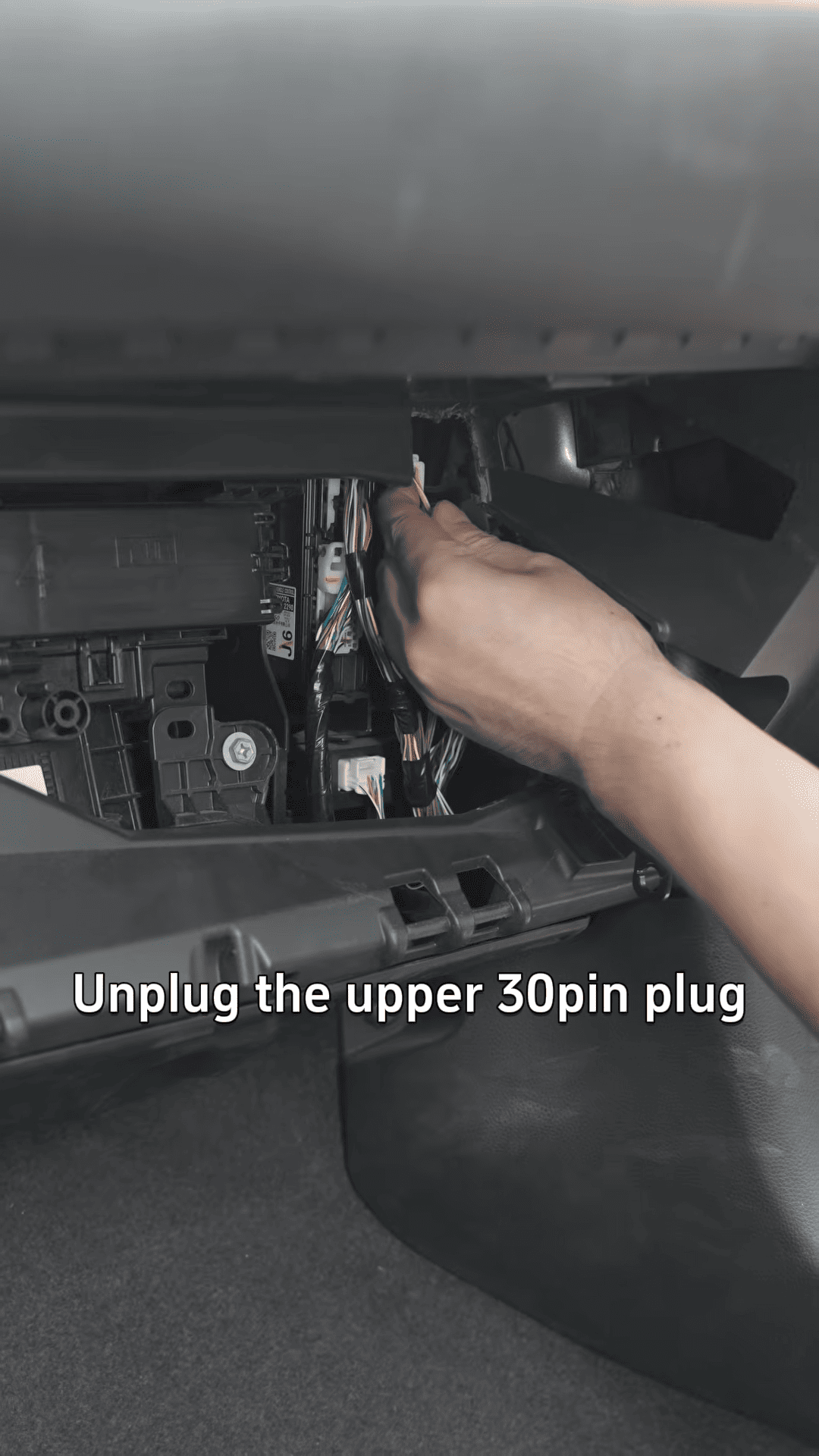
Step 2: Connect the Lonsdor FP30 Cable
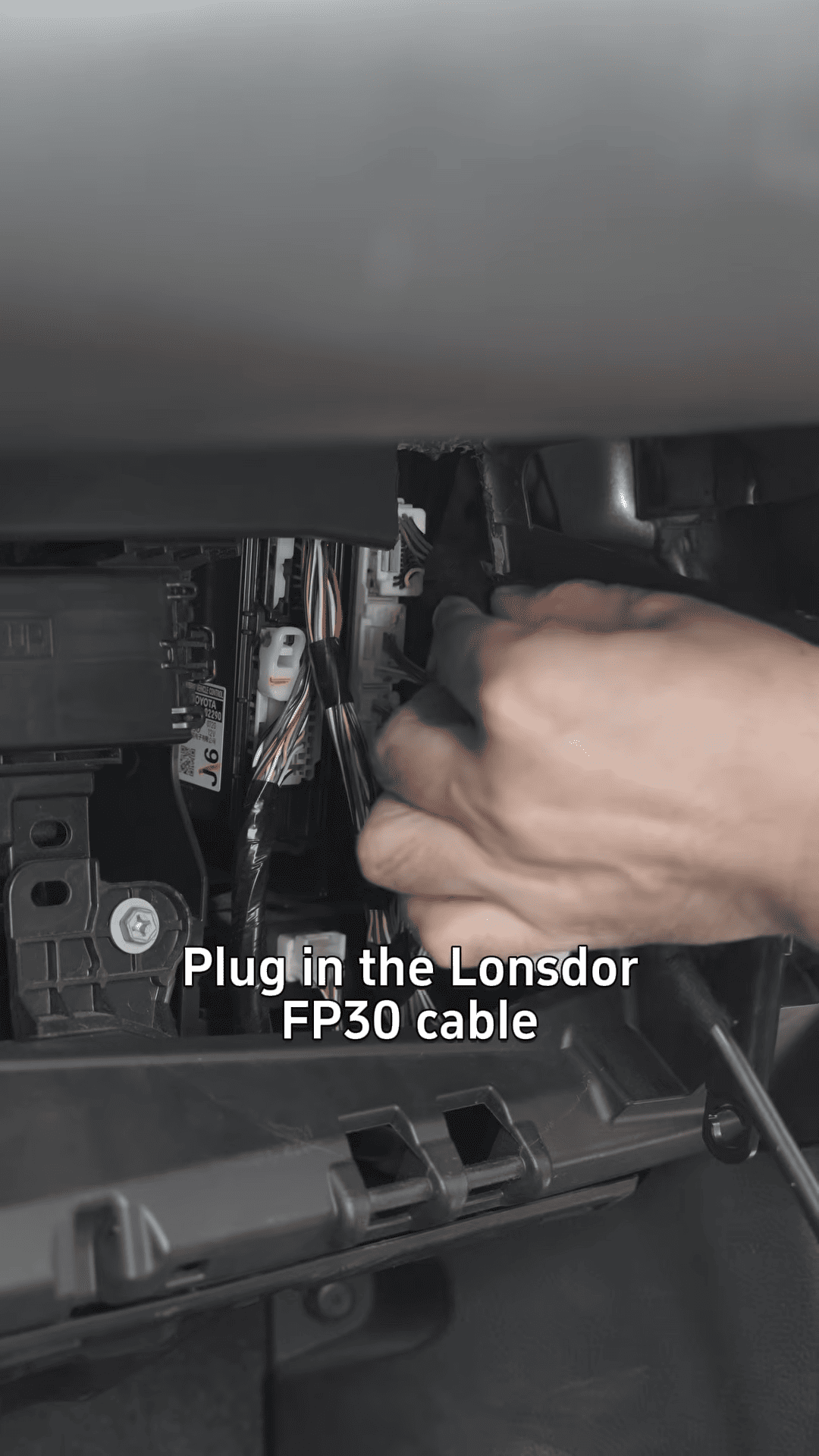
Plug the Lonsdor FP30 cable into the smart box, ensuring the connection is secure.
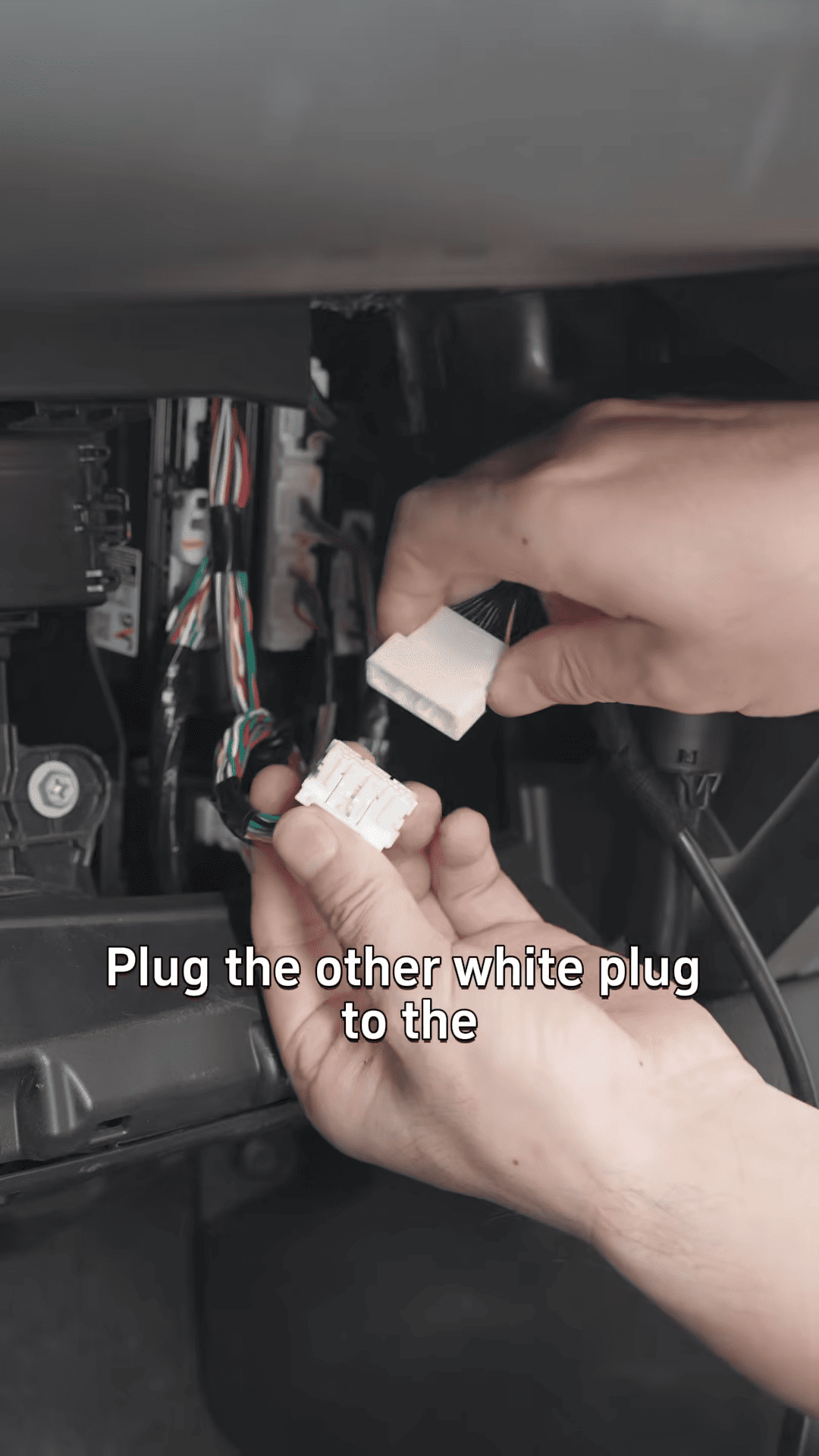
Take the other white plug and connect it to the unplugged original cable from the smart box.
Step 3: Connect to the Lonsdor K518 Pro
Connect the FP30 cable to the Lonsdor K518 Pro using the OBD cable.
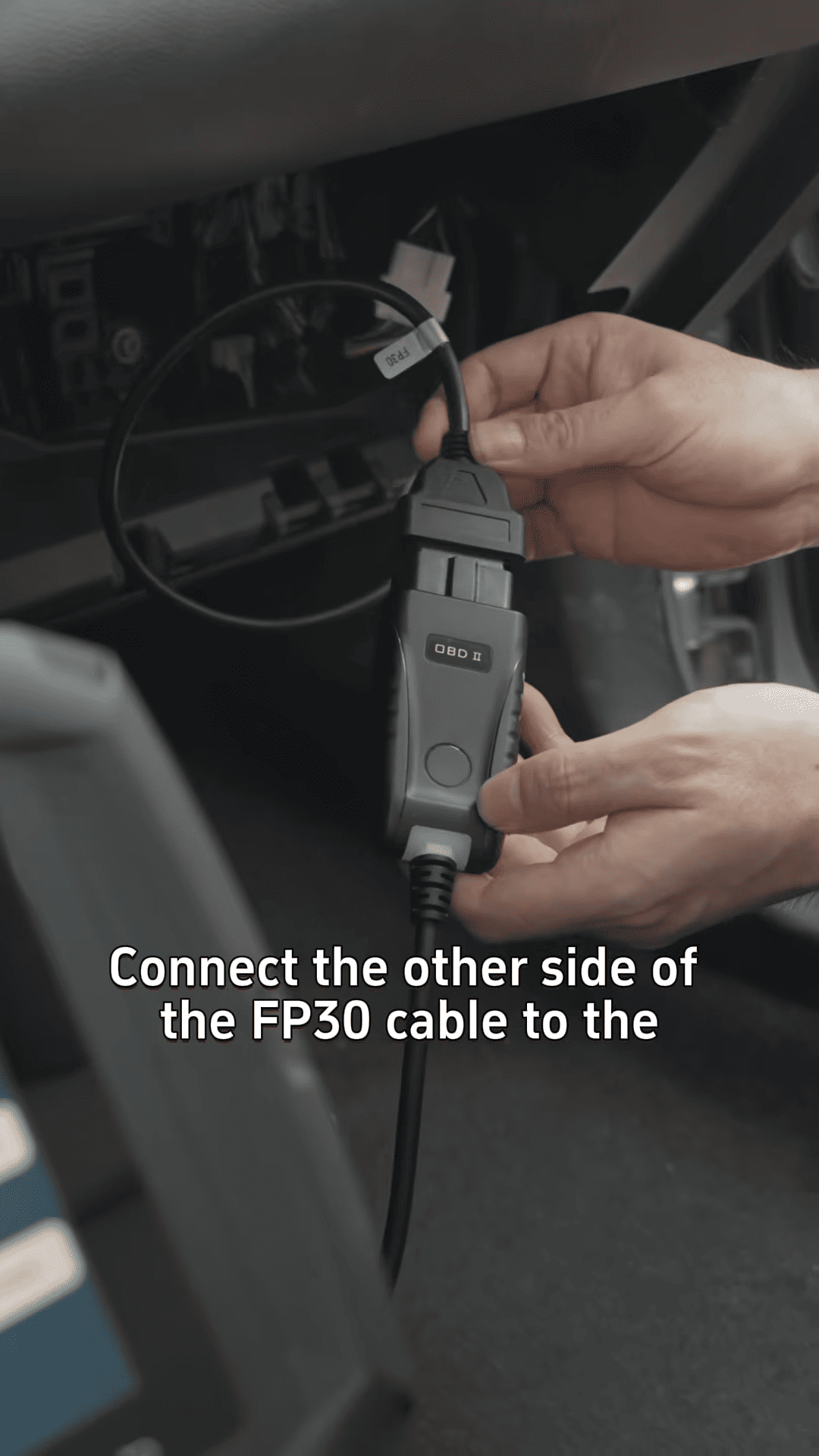
Once connected, you’ll need to backup the IMMO data to ensure the vehicle’s immobilizer data is saved before proceeding.
Step 4: Generate the Smart Key
On K518 Pro, navigate to Special Function > Key Settings > LT30 Smart Key.
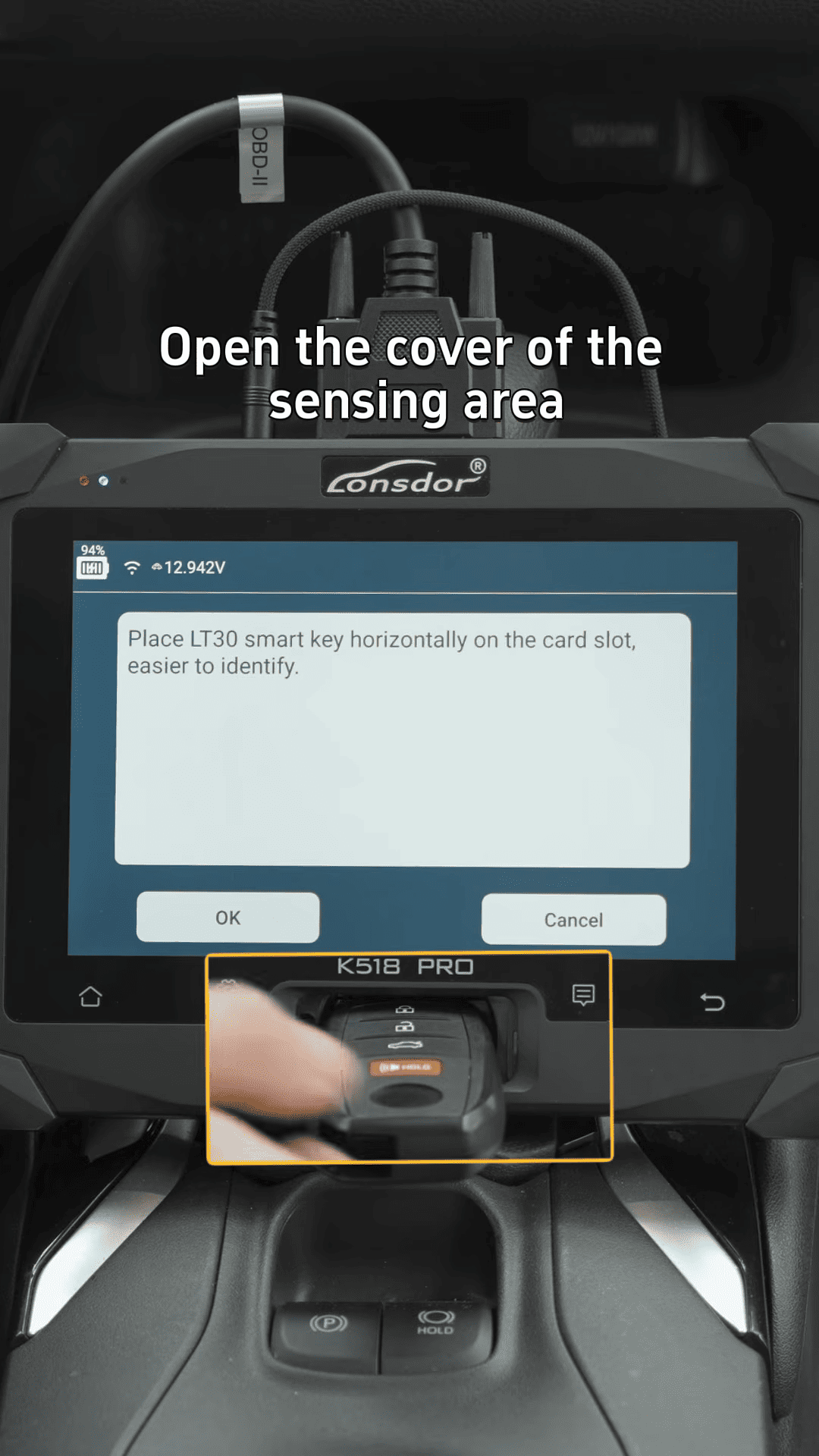
Open the sensing area cover of the smart key module and select the Generate Smart Key option.
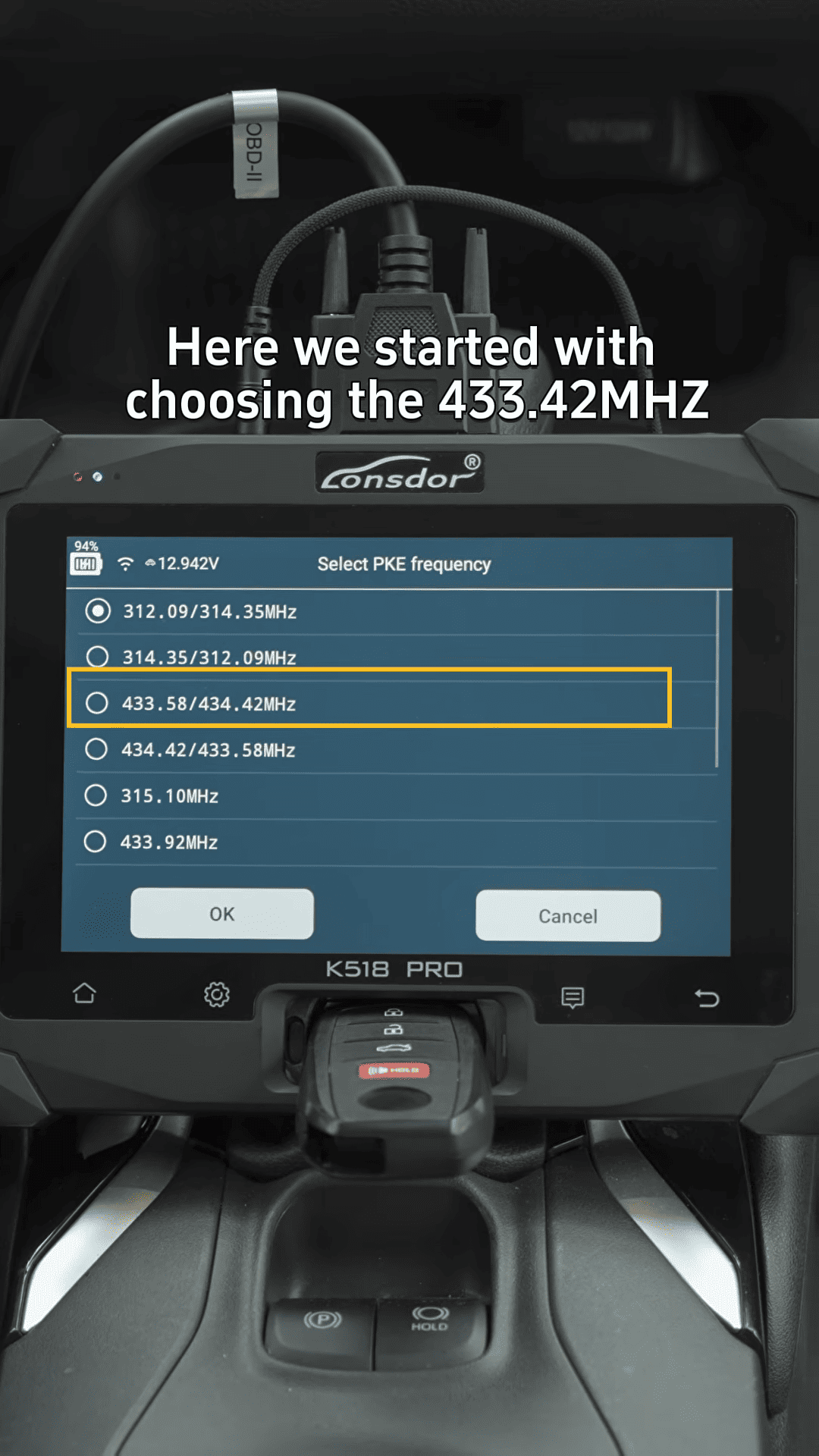
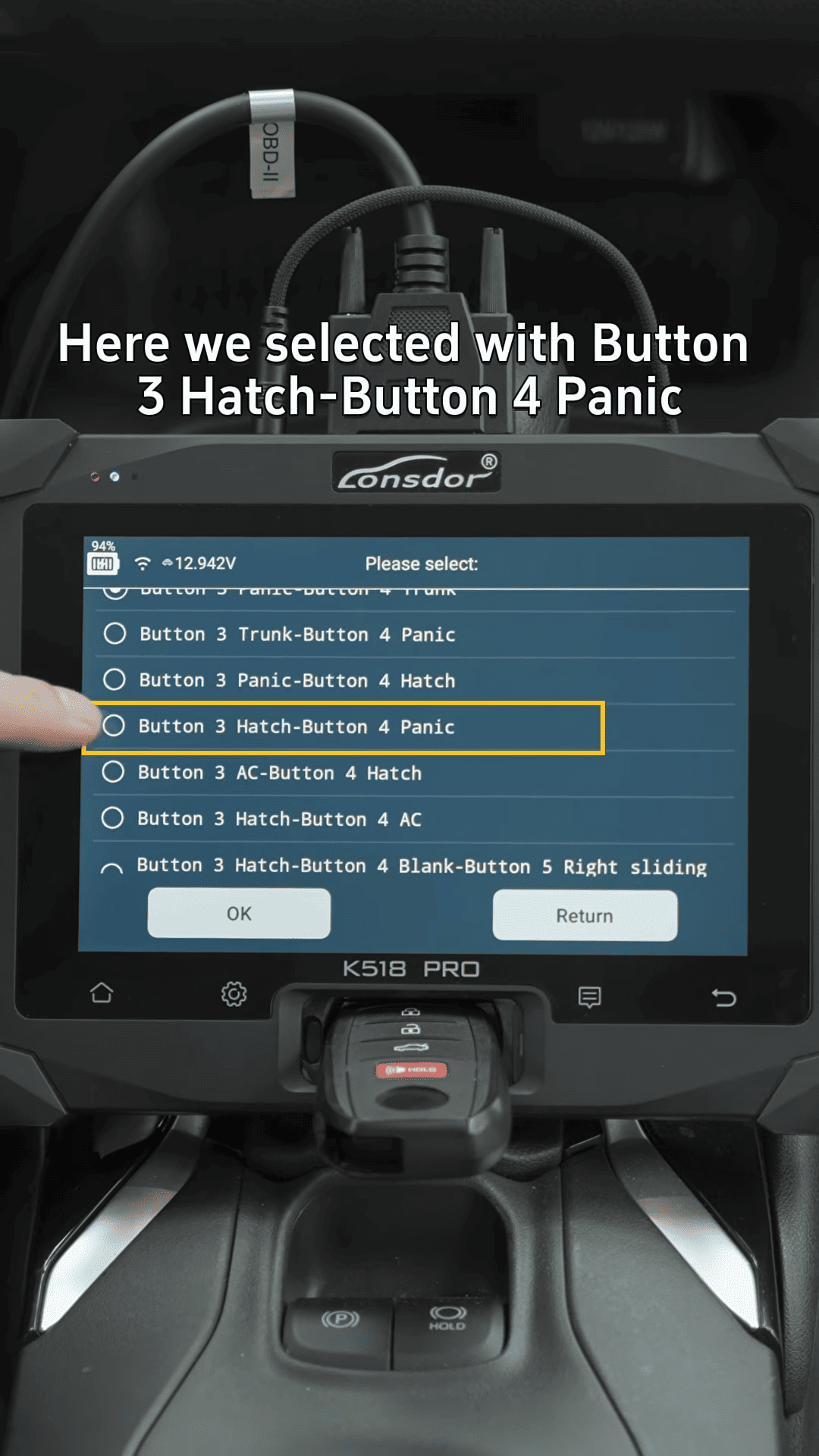
Choose the correct frequency (433.42 MHz) for the key and select the button configuration (e.g., 3 buttons, including the panic button).
Step 5: Select the Vehicle and Backup Data
Go to the EMO and Remote menu and choose Toyota from the vehicle brand list.
Select PPS Type and Type 3 for Toyota vehicles.
Choose 4A for the key type, then backup the IMMO data again to ensure all information is saved.
Step 6: Generate Emergency Key and Input VIN Code
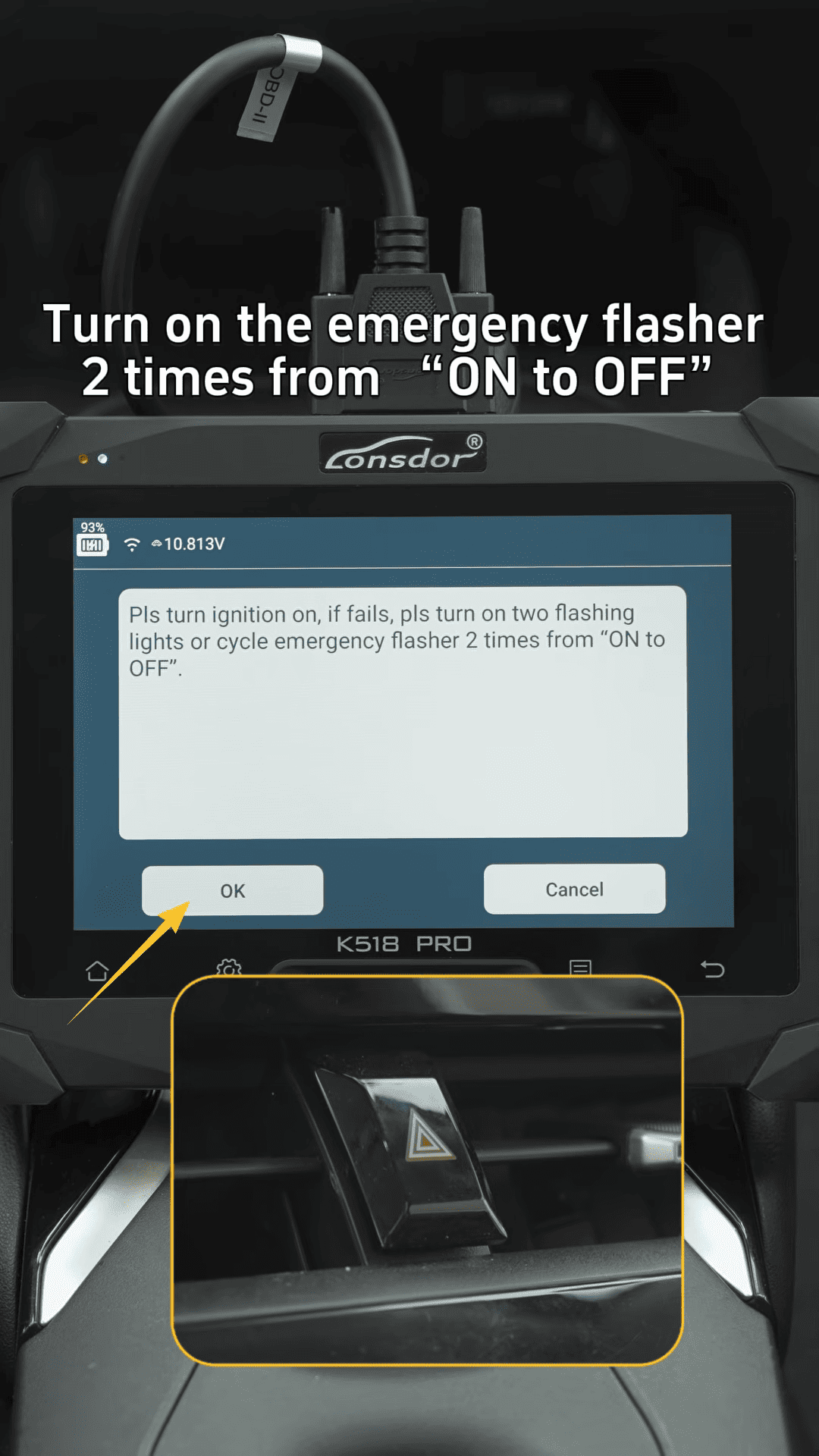
Turn on the emergency flasher two times (on/off) to signal the system to proceed.
Enter the VIN code when prompted to ensure the vehicle information is correctly entered.
After inputting the VIN, click OK and name the file to save it for future use.
Step 7: Generate the Emergency Key and Add the Smart Key
Plug the device into the OBD port and select Generate Emergency Key.
Follow the prompts to step on the brake and use the emergency key to turn on the ignition.
Once the ignition is on, you can add the new smart key.
Step 8: Finalize the Key Programming
Turn on the ignition and press OK to load the previously saved file.
Place the antenna close to the start button and wait for the key to be successfully added.
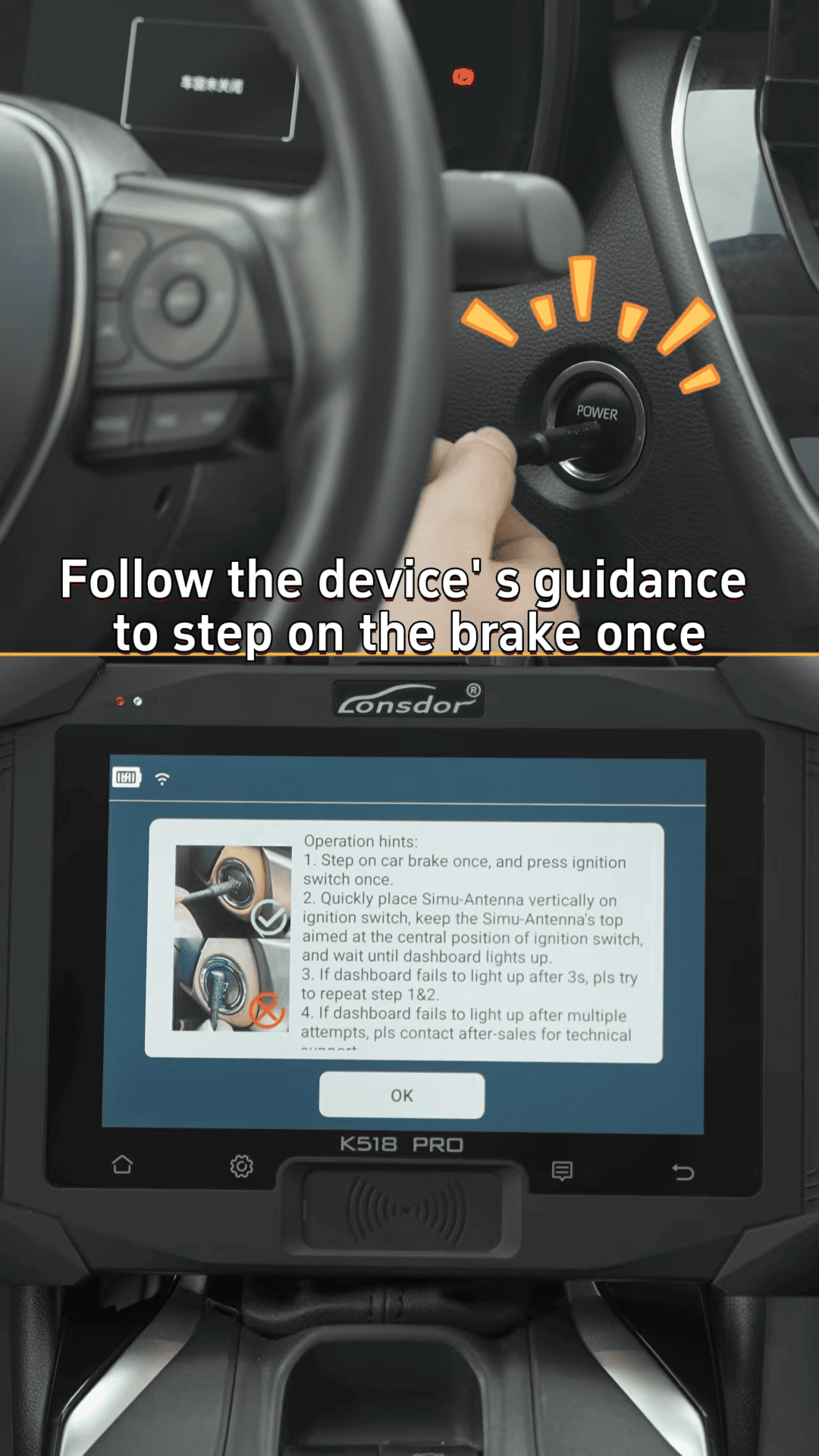
Within 30 seconds, replace the original key with the new smart key, bringing it close to the start button again to complete the process.
Conclusion
The Lonsdor K518 Pro simplifies the All Keys Lost process for the 2024 Toyota Corolla. By following these steps, you can easily recover the vehicle’s smart key system and program new keys with ease. The device makes it straightforward for locksmiths and technicians to handle all key scenarios, including immobilizer data backup, key generation, and synchronization.