
Here is a step-by-step walkthrough to set up your new Launch X431 X-Prog5 (Prog5 / X431 G5)? This comprehensive guide will get you up and running in no time. A major upgrade with the new Prog5 is its standalone capability—it plugs directly into your PC, completely eliminating the need for an extra PC converter!
Quick Specs & Download Overview
Main Function: Bench and Boot modes for reading, writing, and cloning ECUs and gearbox TCUs.
System Requirements: Windows 8 or Windows 10 (64-bit is ideal).
Updates:Comes with a 1-year free software update period (subscription renewal needed afterward).
Languages Available: English, German, Russian, Japanese, French, Portuguese, Korean, Italian, Spanish, and Arabic.
⚠️ CRITICAL STEP BEFORE YOU START: You cannot change the language after installing Launch G5 software. Make sure you select and download the exact language package you want before running the installation.
4 Easy Steps to Install Launch G5 PC Software
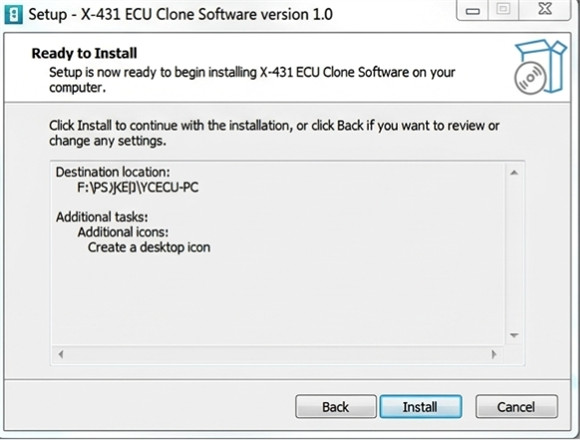
Step 1: Download & Run Setup– Get the official package and open ECU_Clone PC.setup. (Click here for the free Launch Prog5 PC software download).
Step 2: Follow the Prompts– Click through the on-screen instructions until the installation bar finishes.
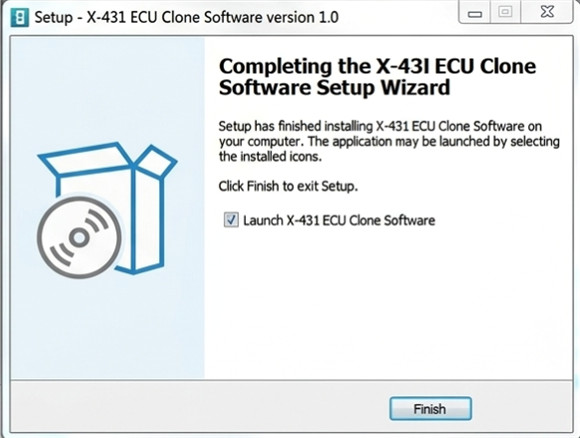
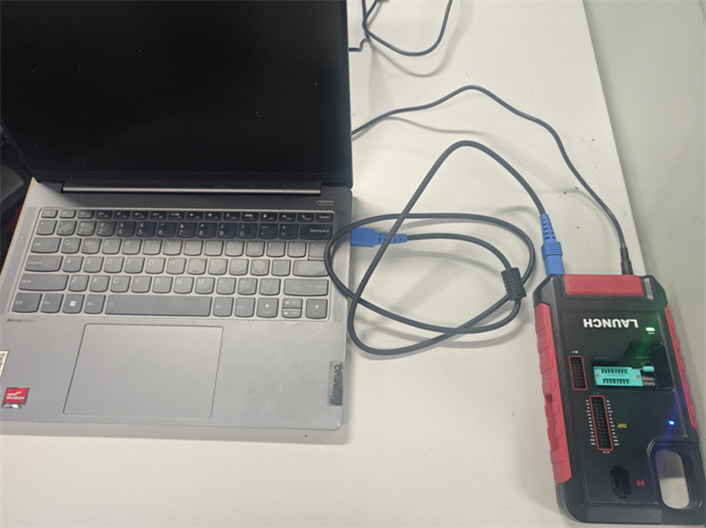
Step 3: Plug in the Tool– Link your Launch G5 hardware programmer to your PC using the USB cable.
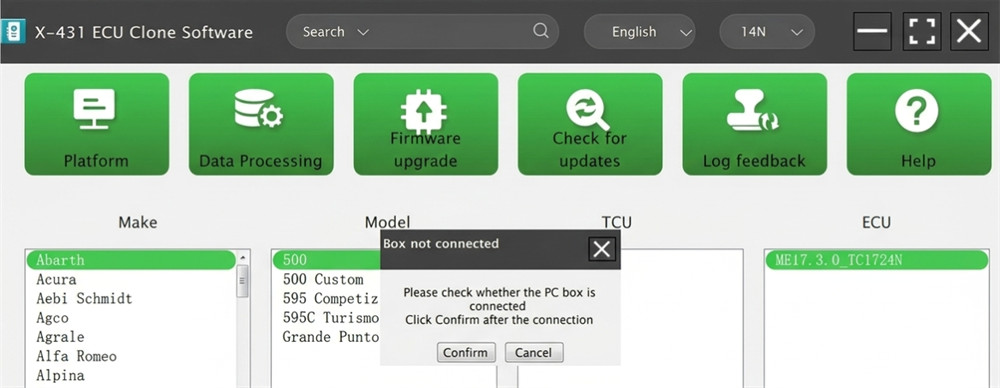
Step 4: Update Everything– Open the software and immediately look for software and firmware updates to ensure everything runs smoothly.
Why You Should Upgrade: X-Prog5 vs. X-Prog3 PC Software
X-Prog5 PC software offers vastly superior ECU and TCU cloning coverage when stacked up against the older X431 X-Prog3:
Next-Level Cloning: Now supports VAG Simos 18 series, Mercedes-Benz DSM FBS4, and VGS4 NAG2 / VGS3 BAG3 FBS4 cloning.
More BMW Coverage: Adds support for a wider variety of BMW ISN reading types.
Built-in Safety: Features built-in ECU checksum corrections to keep your programming safe from errors.
Learn more:
http://blog.cardiagtool.co.uk/new-launch-x431-prog5-faq-license-subscription-compatibility/